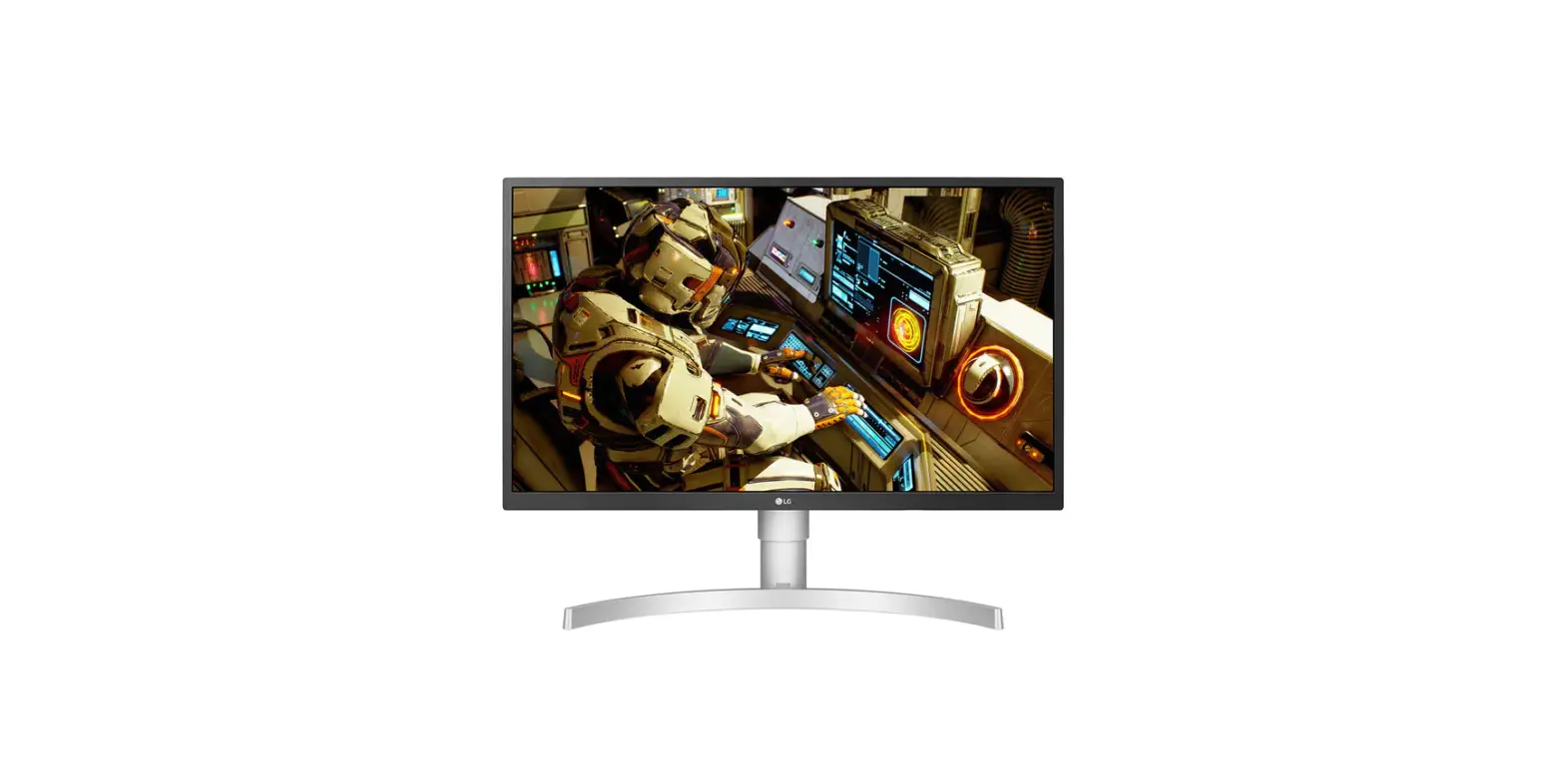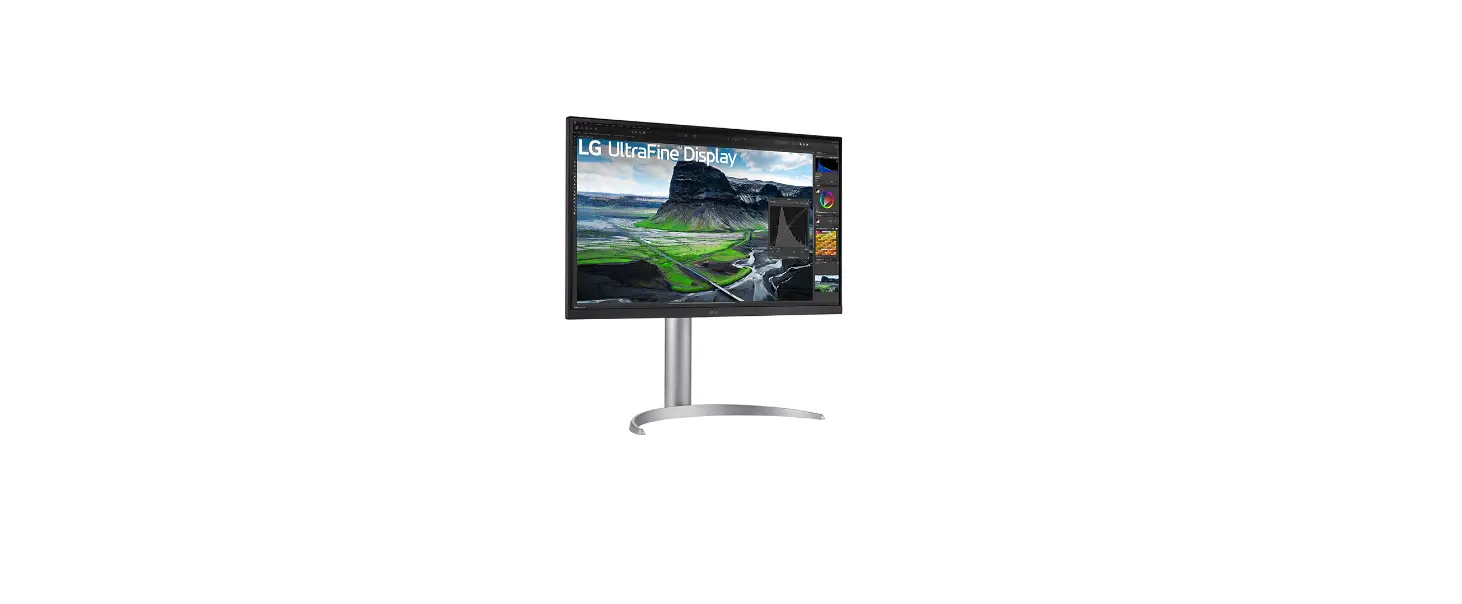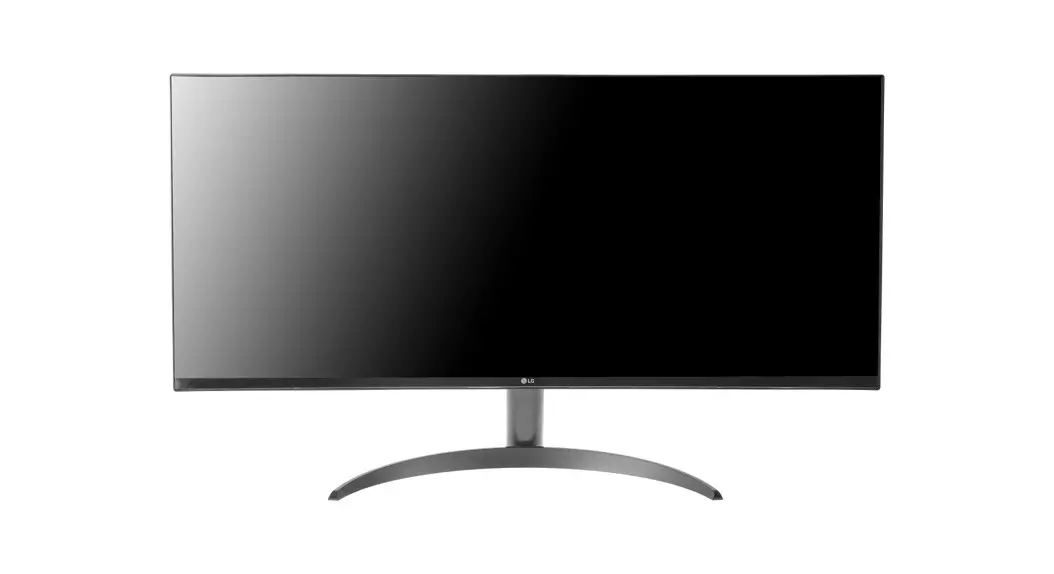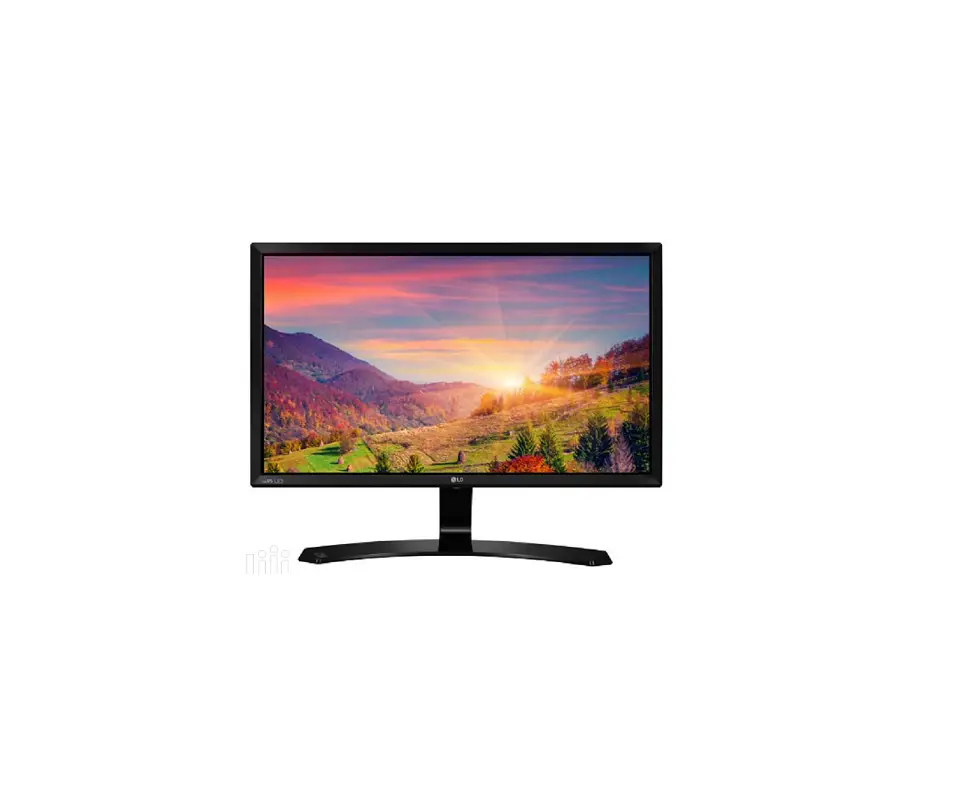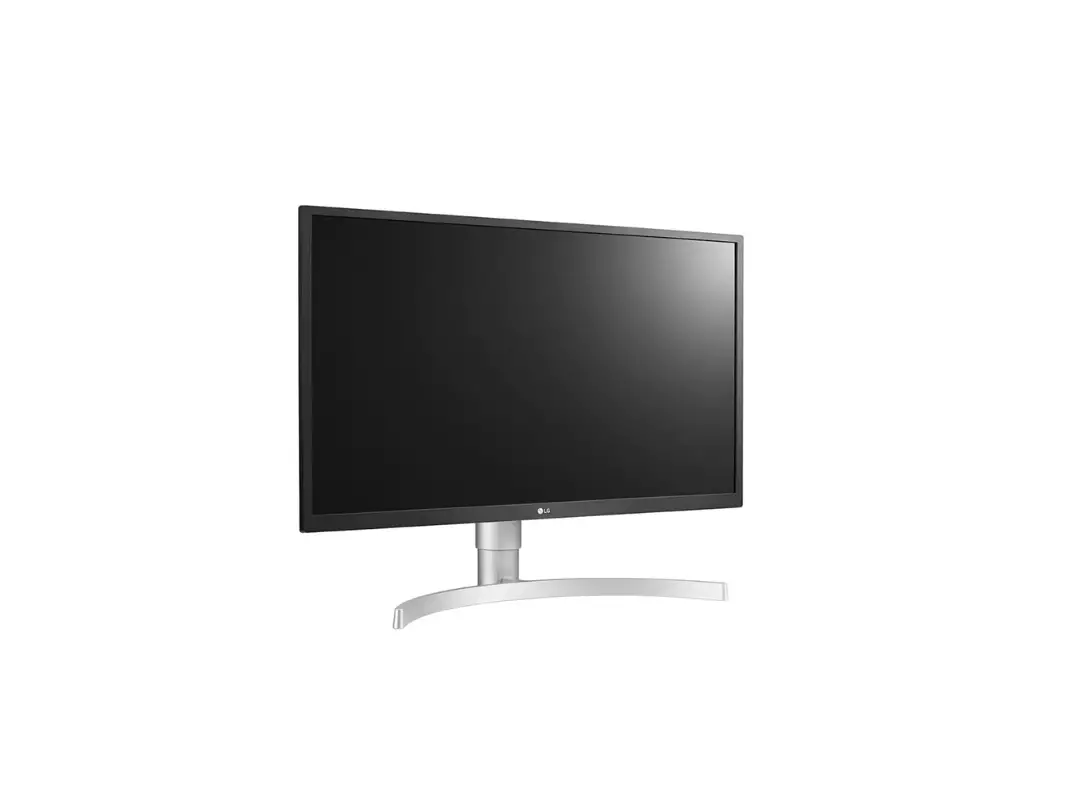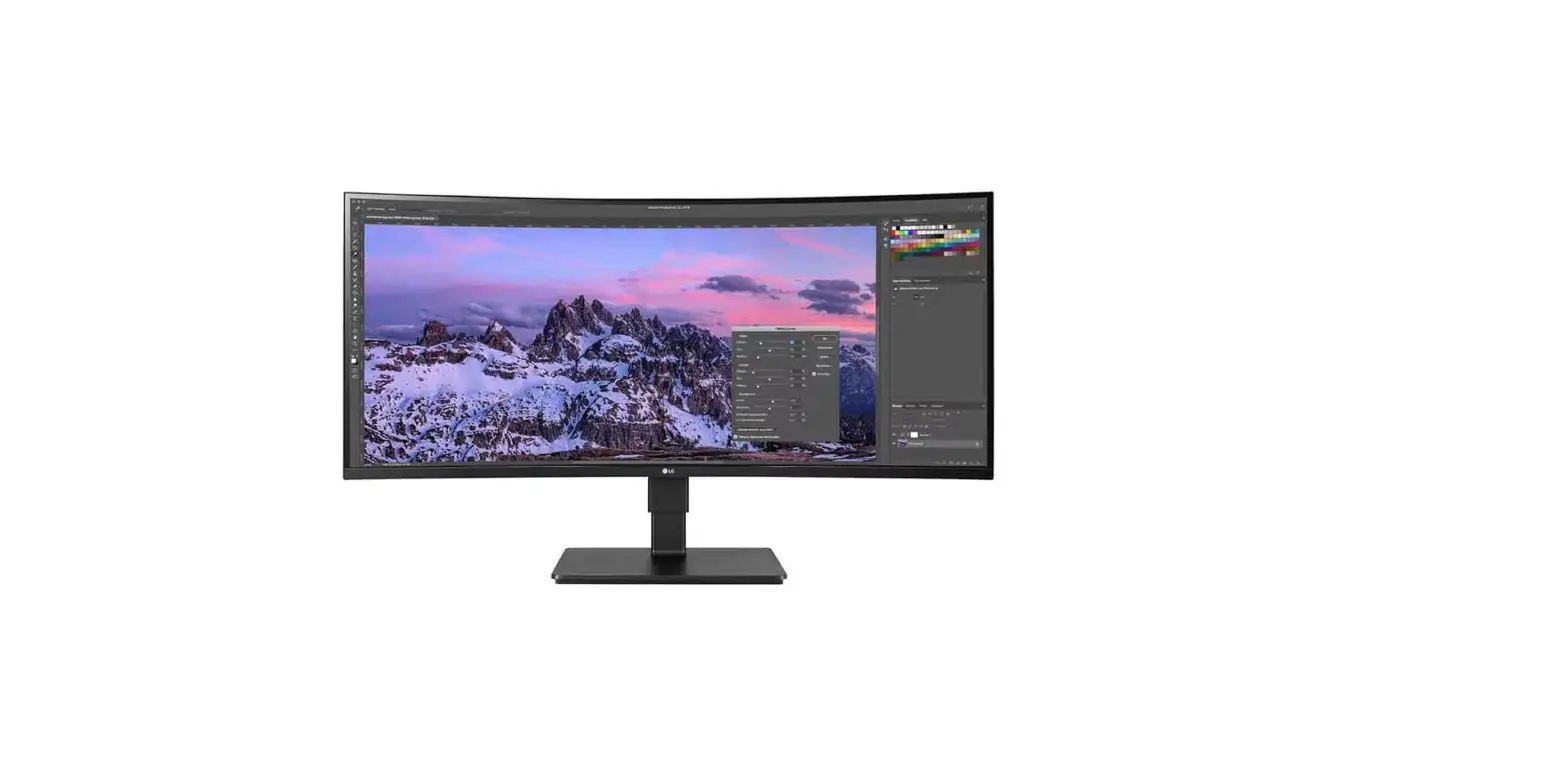

LED LCD Monitor (LED Monitor) /
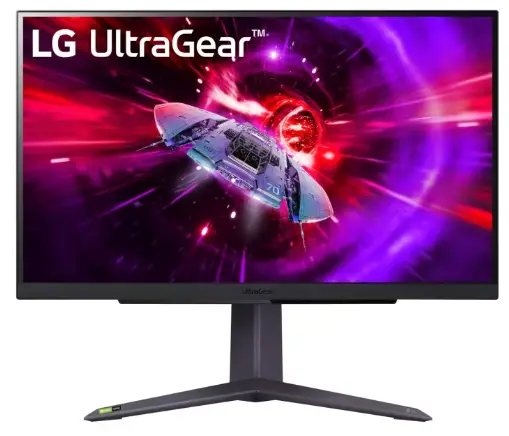
27BQ75QC 27BQ75QB
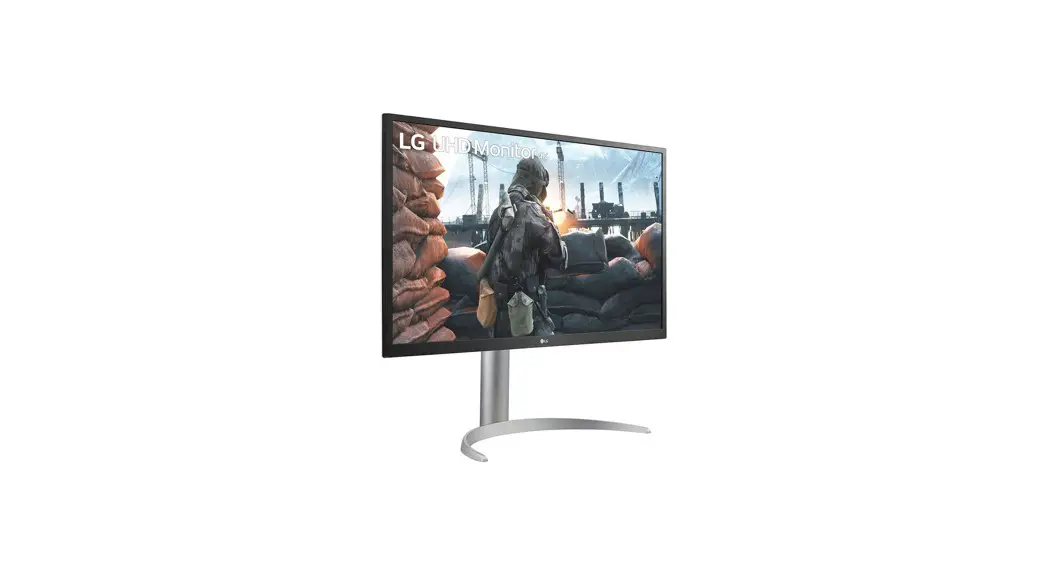
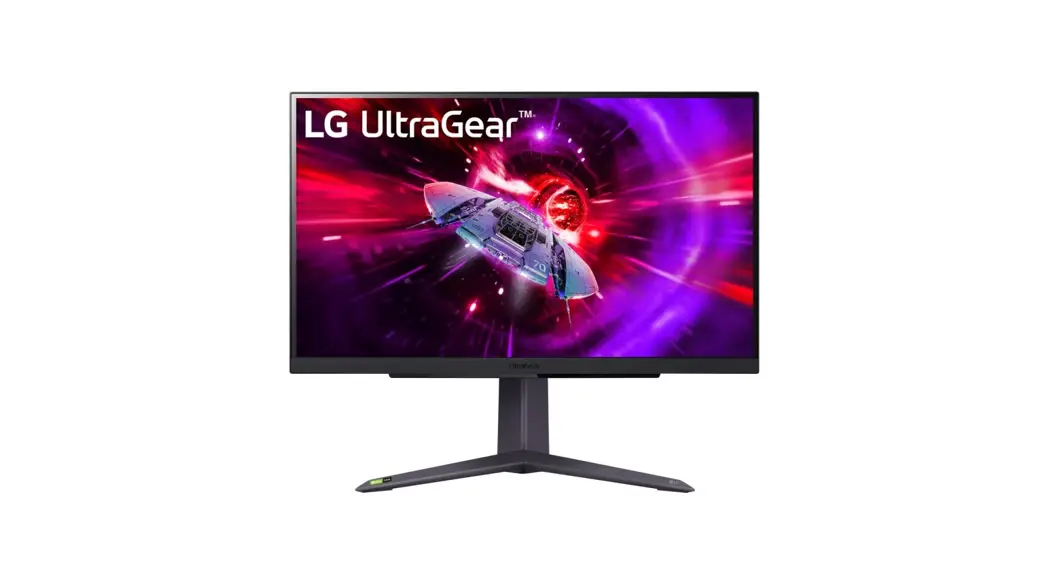
27BQ75QC LED LCD Monitor
 Quick Setup Guide
Please read this manual carefully before operating your set and retain it for future reference.
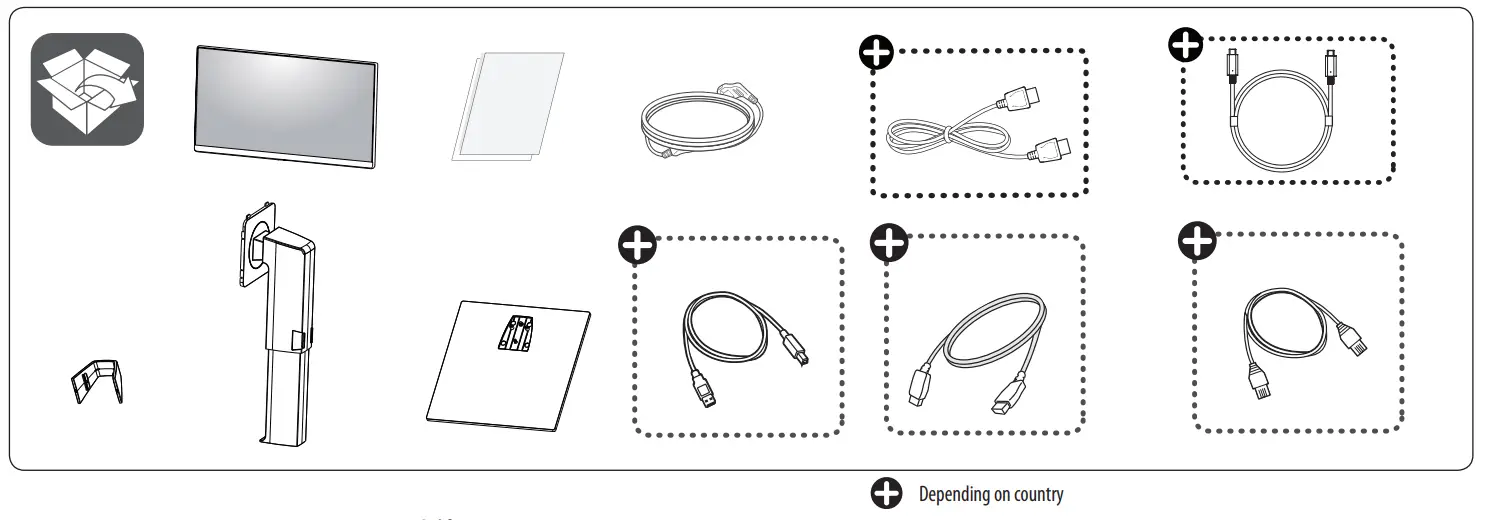
 It is recommended that use the supplied components.
You can download manuals from the LGE website. For EPEAT (EPEAT applied model) Spare parts are available for 5 years after the end of production. Spare parts include base assembly, adapter and cables. It may differ by model, you can get the more information by visiting to this website: haps://lgparts.com/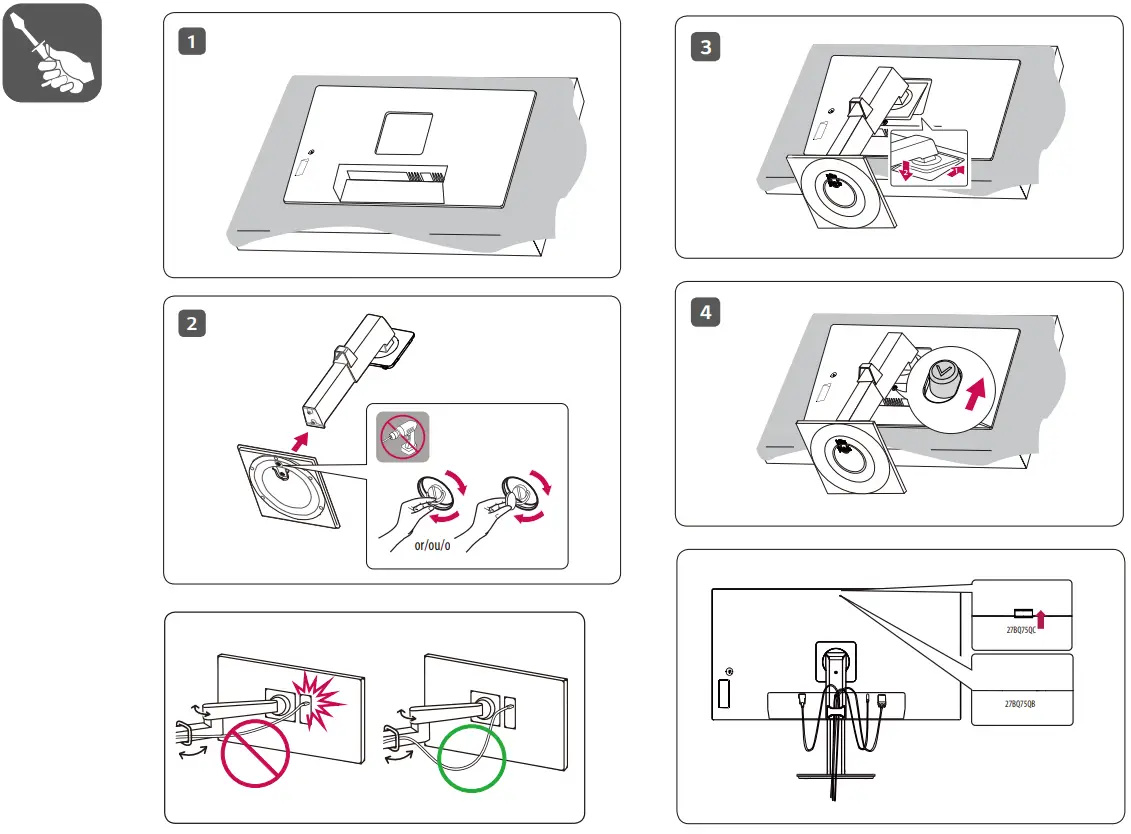
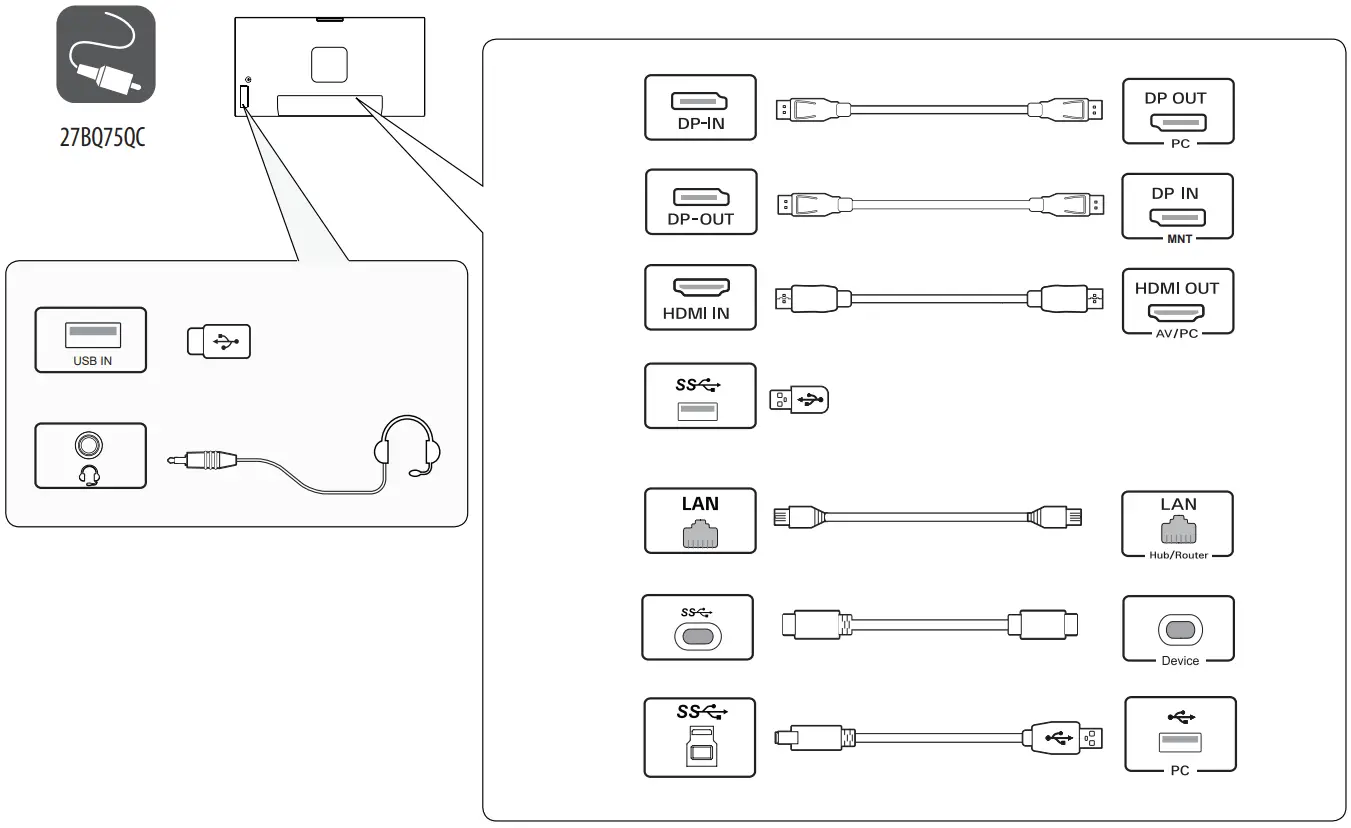
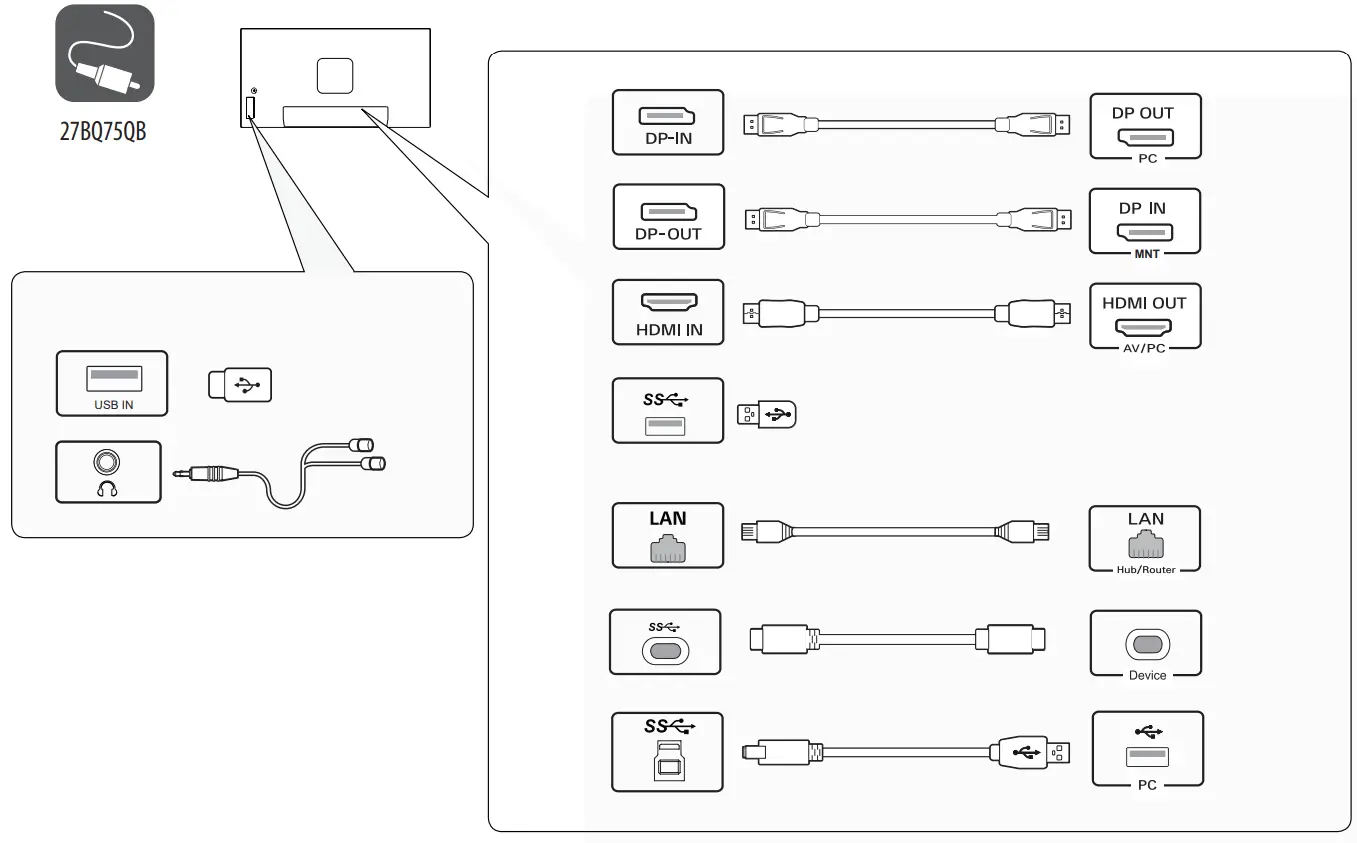
- Using a DVI to HDMI / DP (DisplayPort) to HDMI cable may cause compatibility issues.
- The USB port on the product functions as a USB hub.
- Make sure to use the supplied cable. Otherwise, this may cause the device to malfunction.
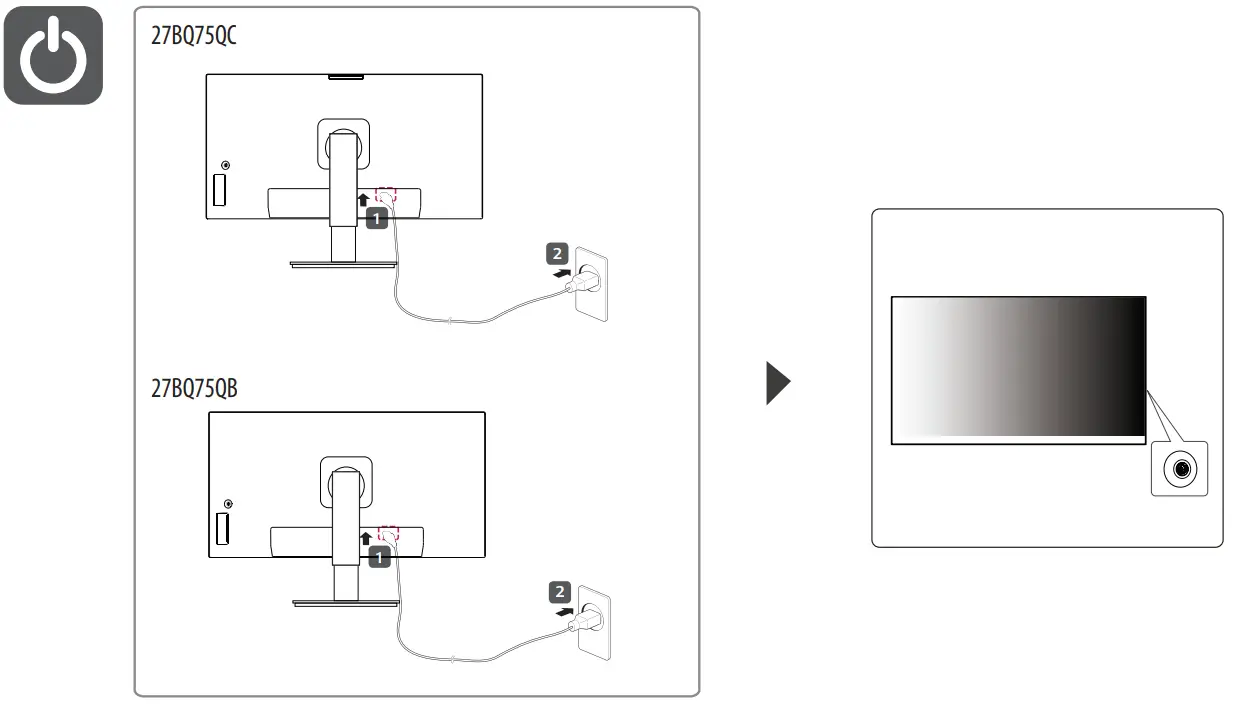

| Dimensions (Width x Height x Depth) | Weight | Recommended Resolution | Vertical Frequency | ||
| With Stand 613.5 x 527.6 x 239.6 (mm) 24.1 x 20.7 x 9.4 (inches) | Without Stand 613.5 x 363.5 x 63.0 (mm) 24.1 x 14.3 x 2.4 (inches) | With Stand 8.2 (kg) 18.0 (lbs) | Without Stand 6.1 (kg) 13.4 (lbs) | 2560 x 1440 | 60 Hz |
 LG Electronics & Home Appliances | Shop Now | LG USA
 LG Parts & Accessories