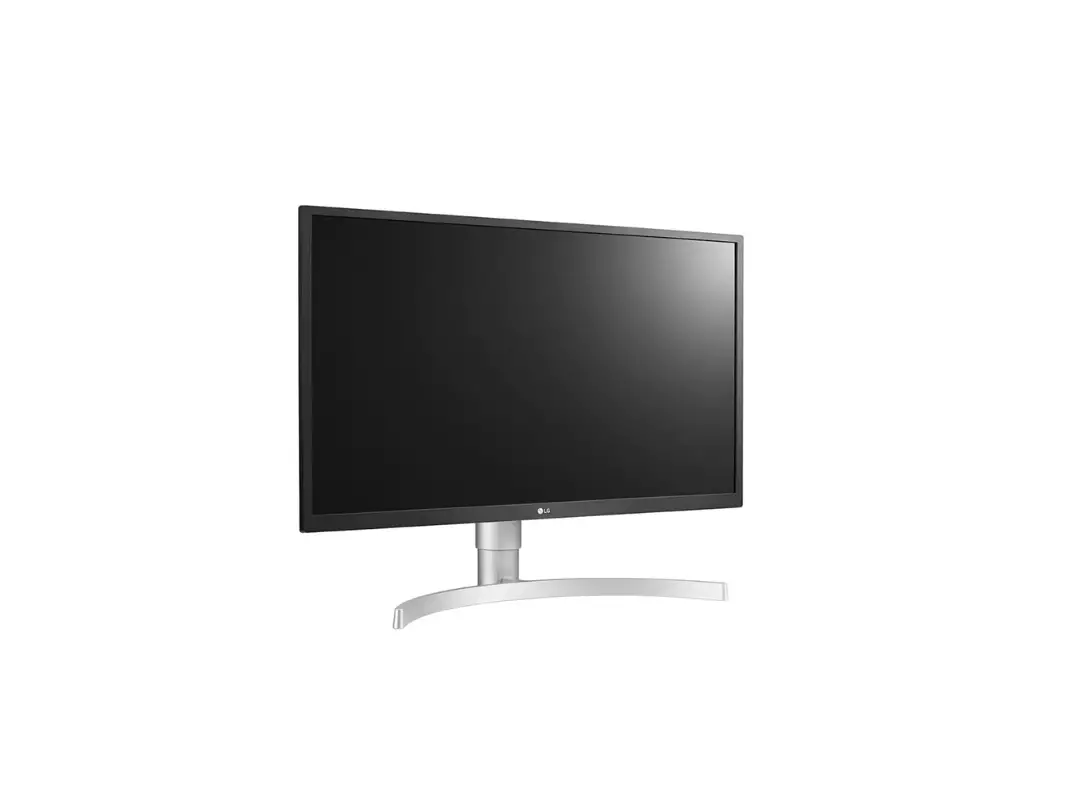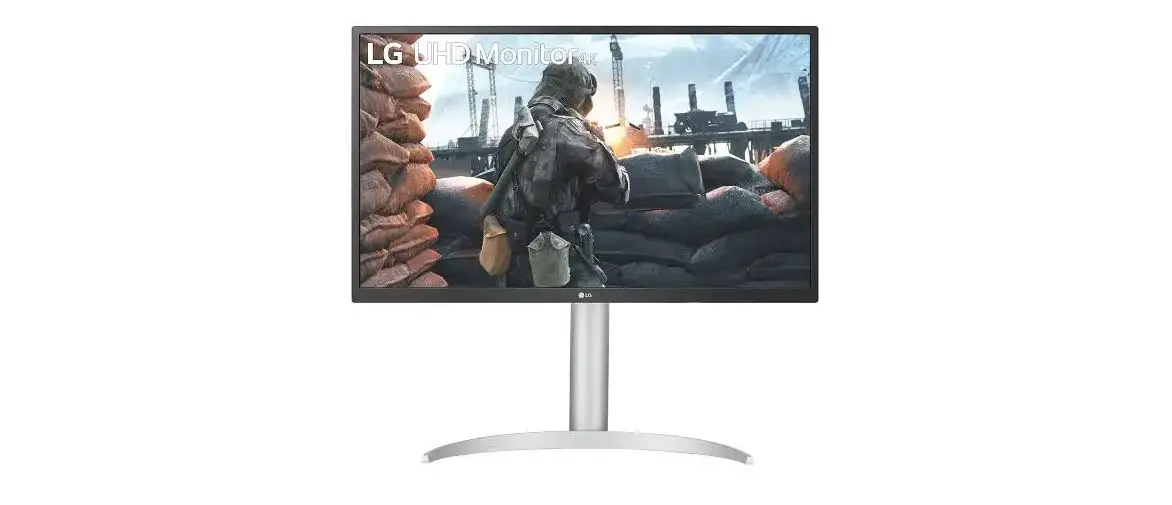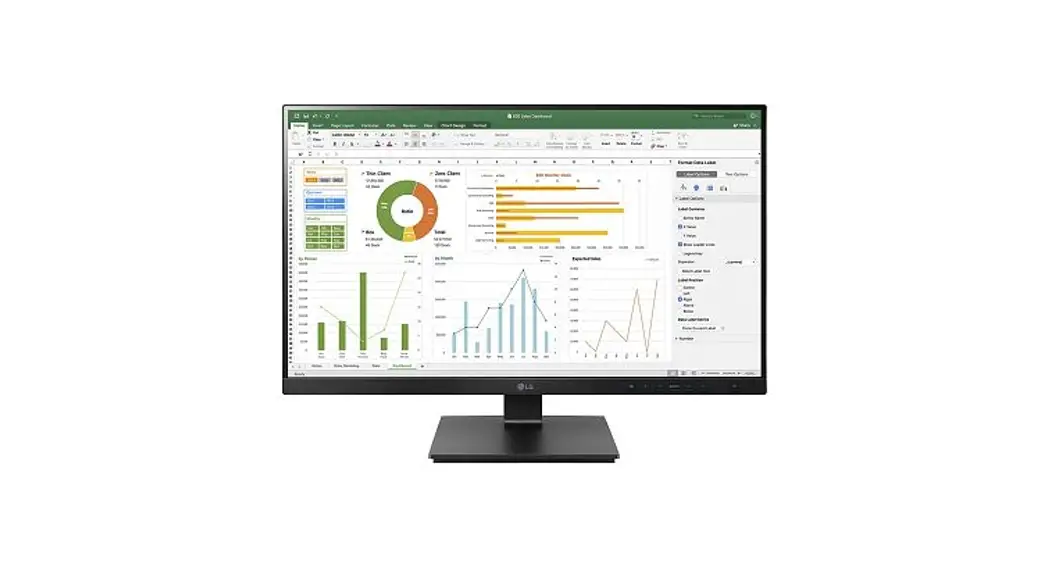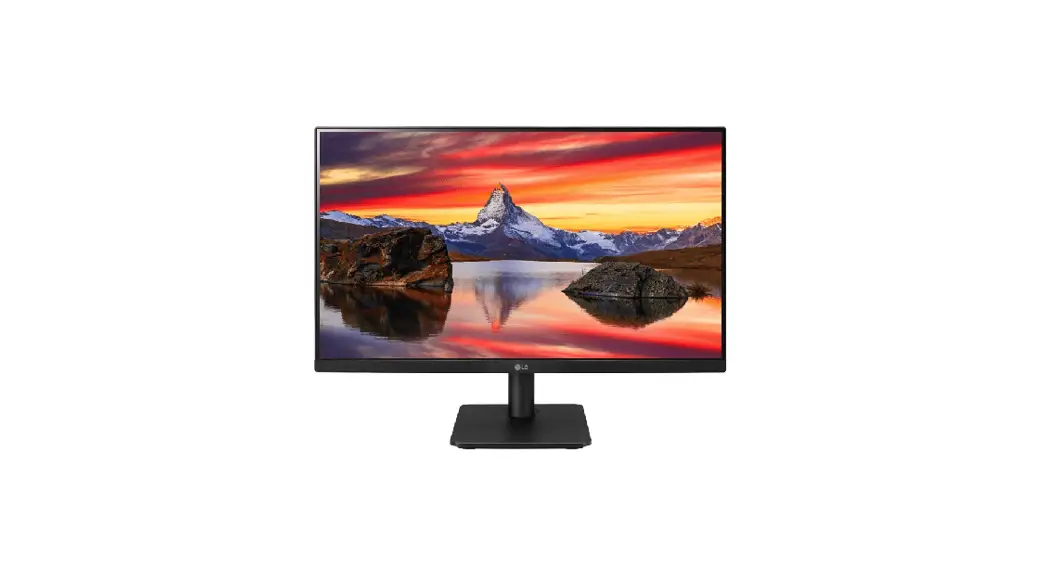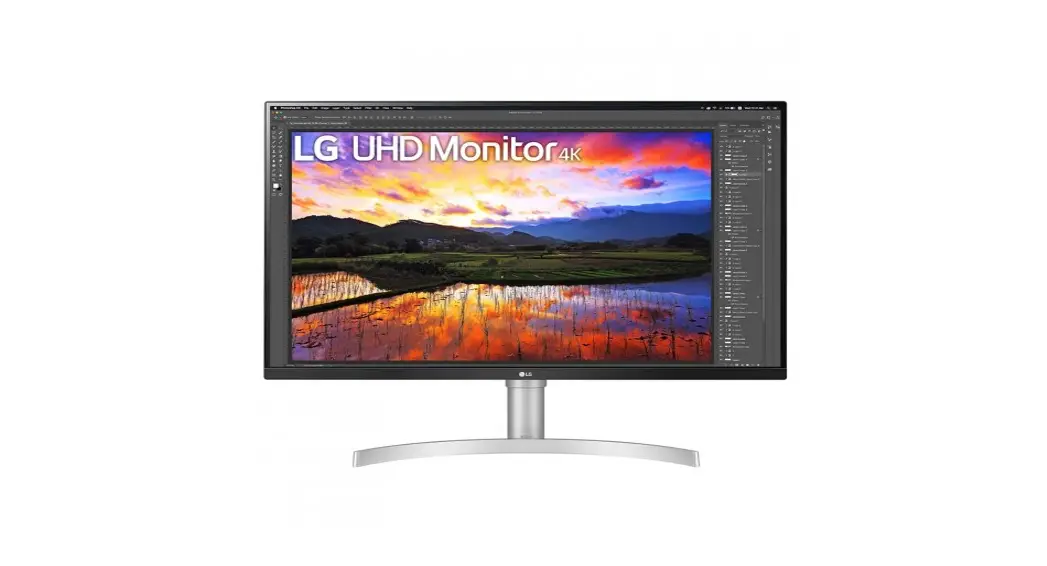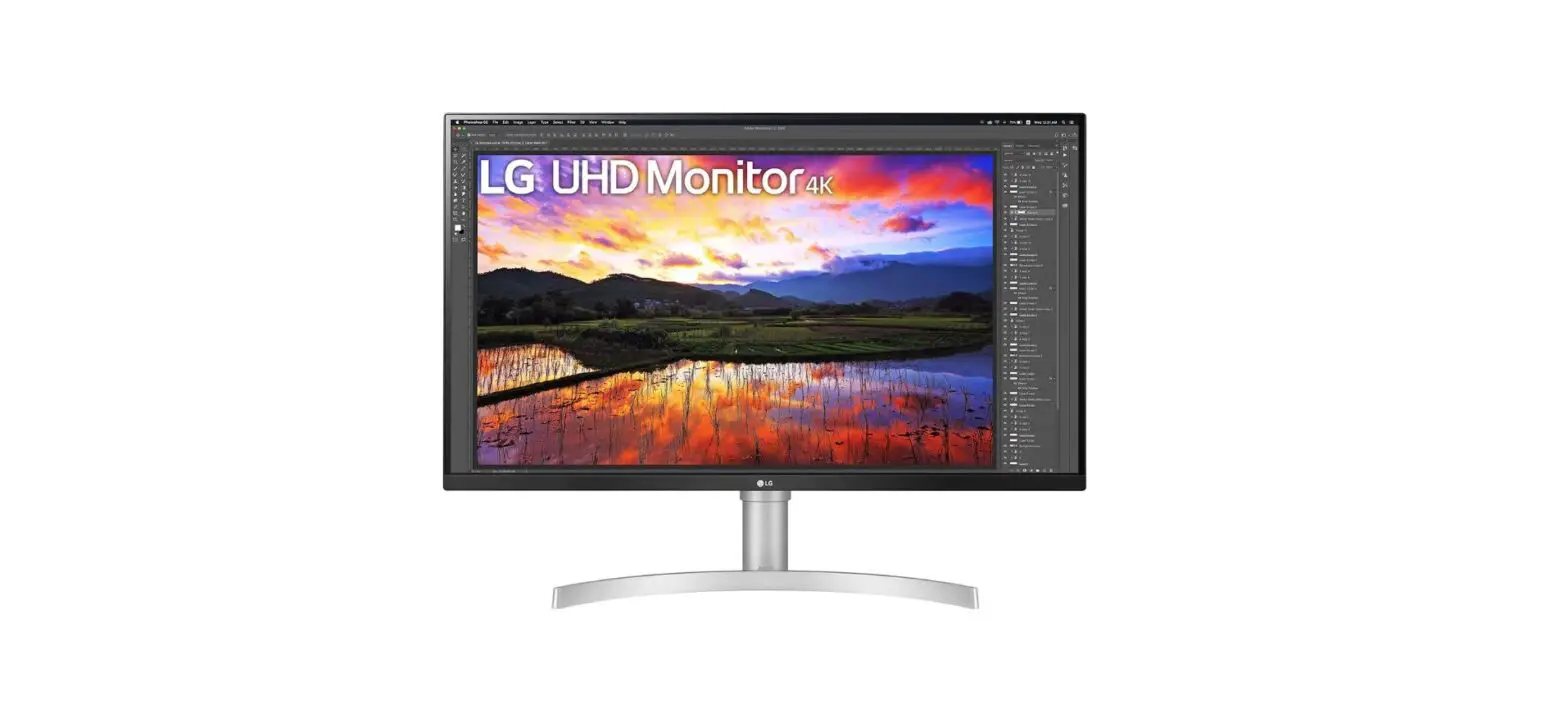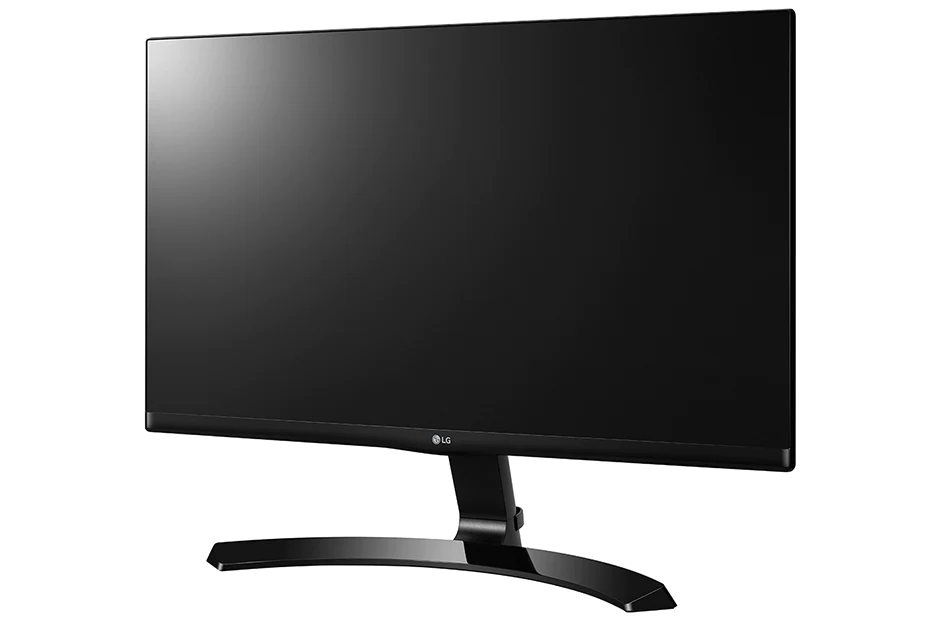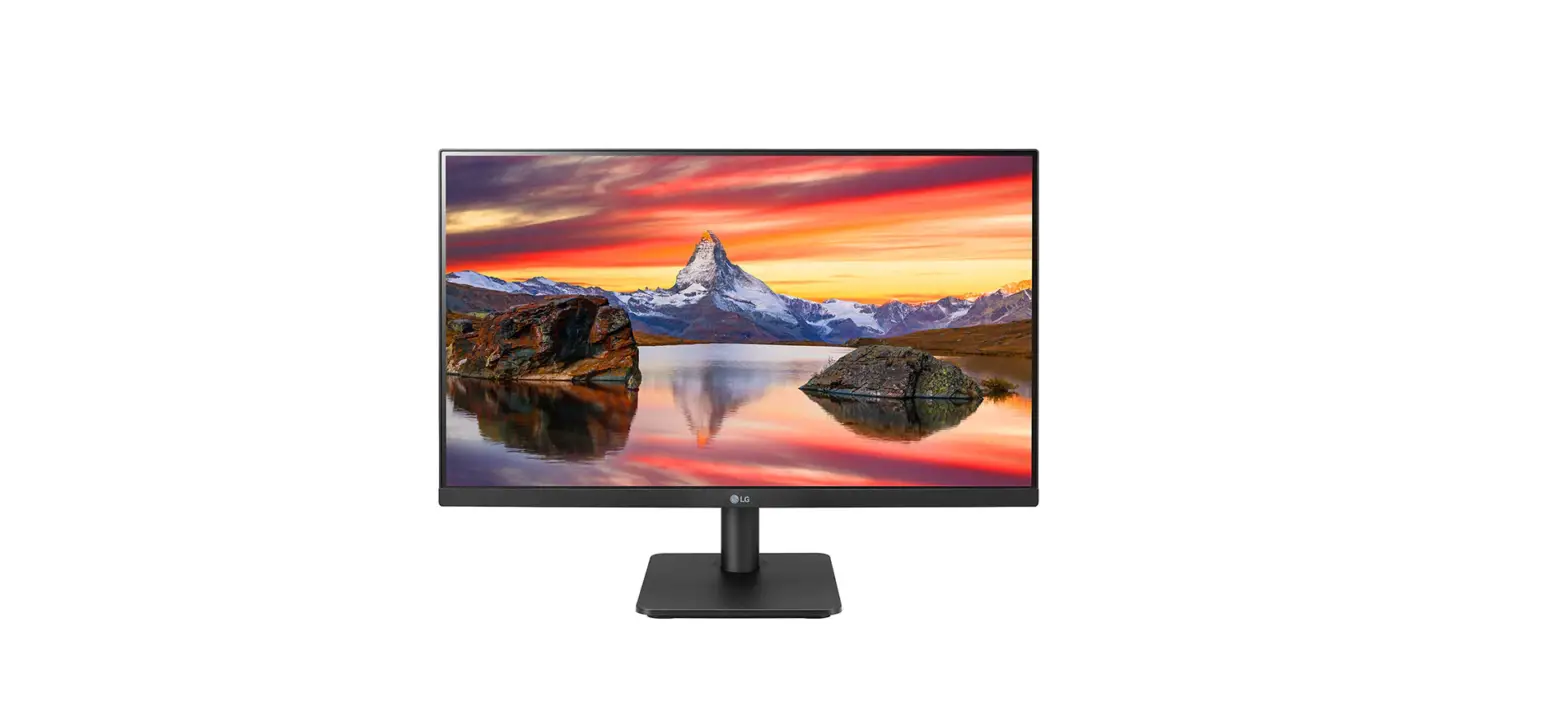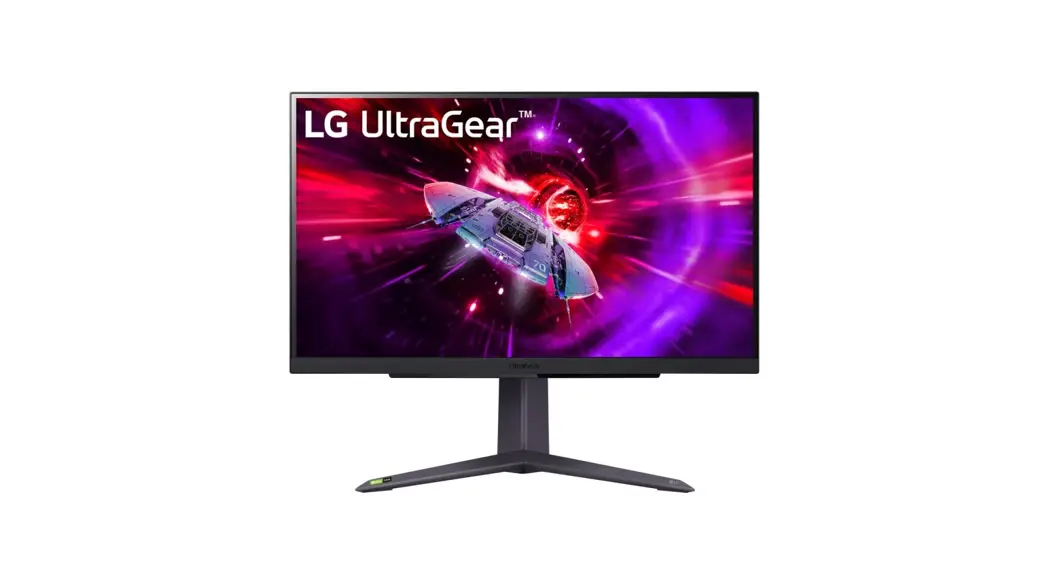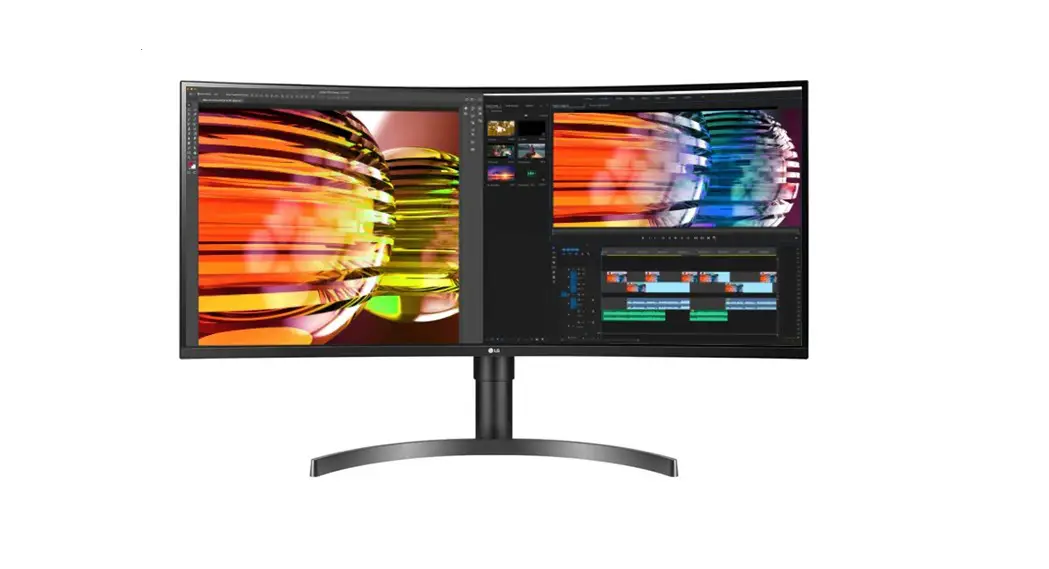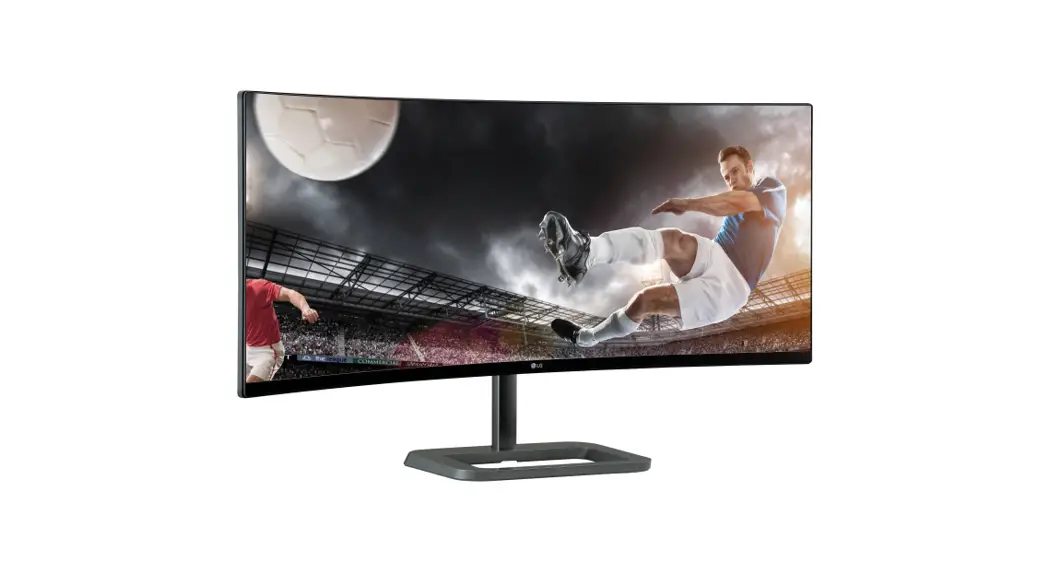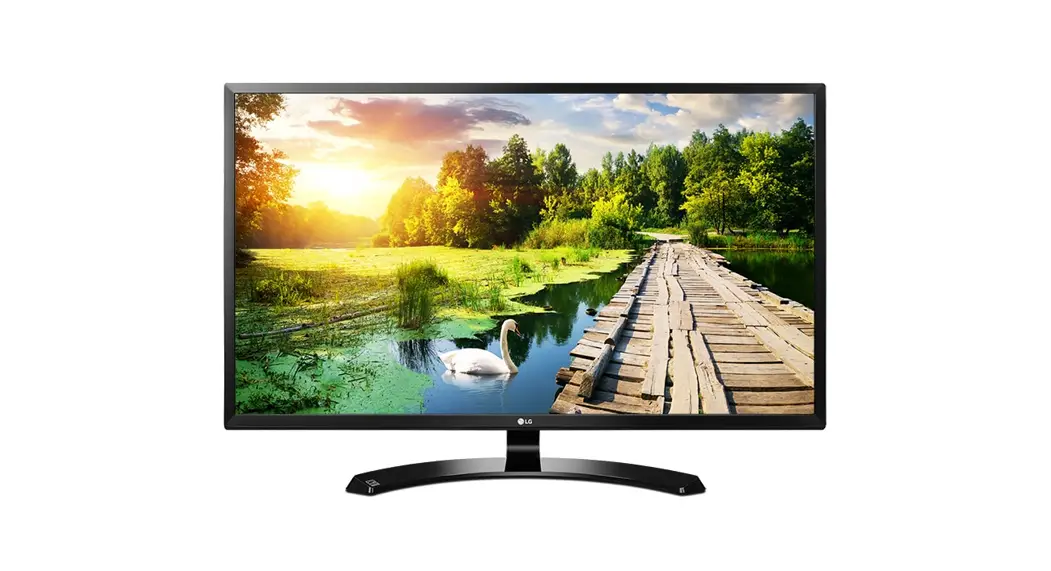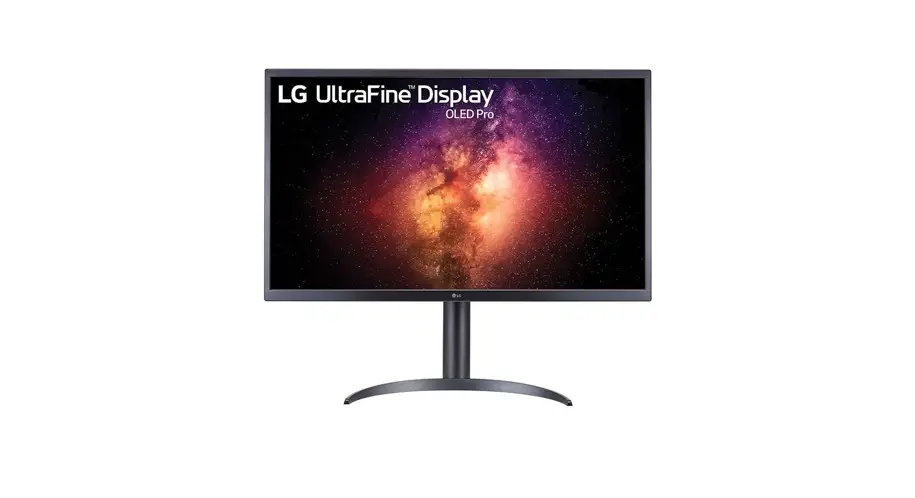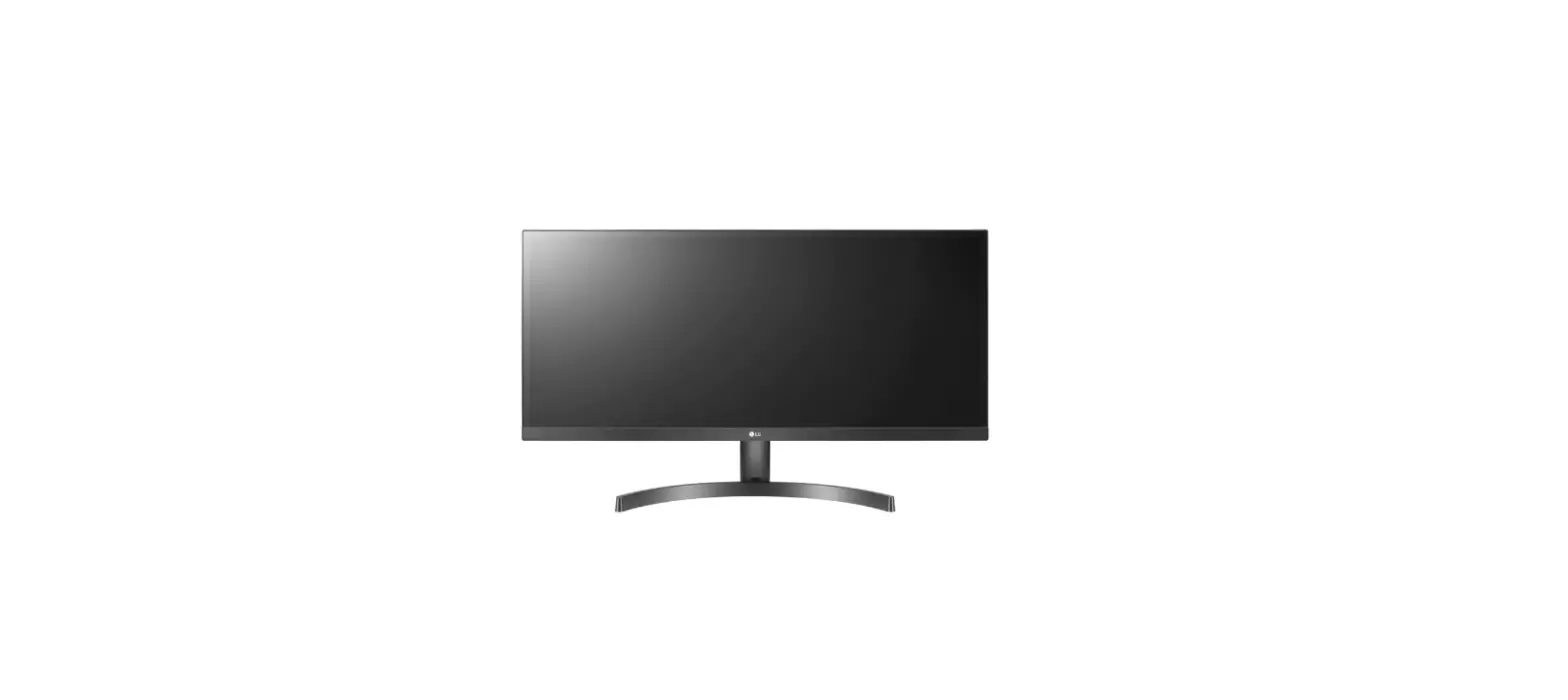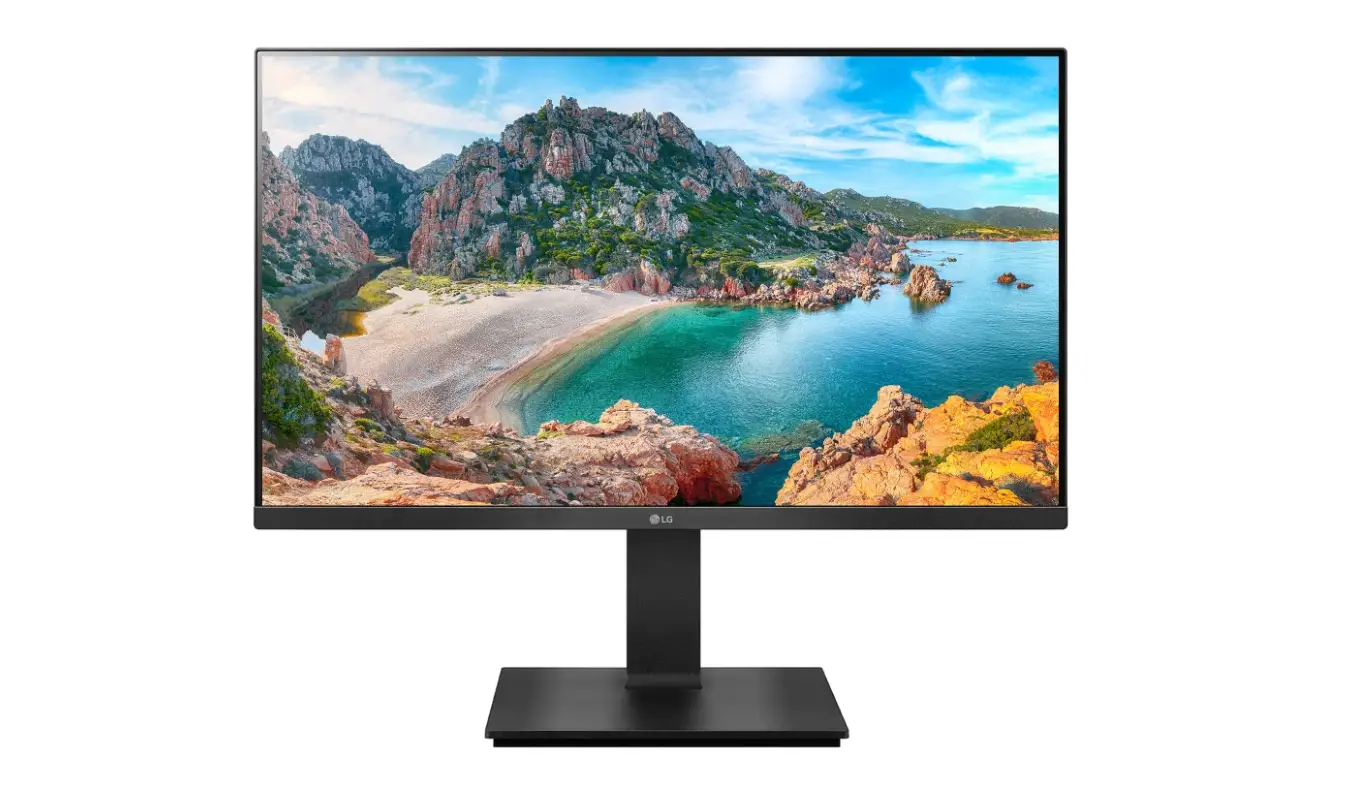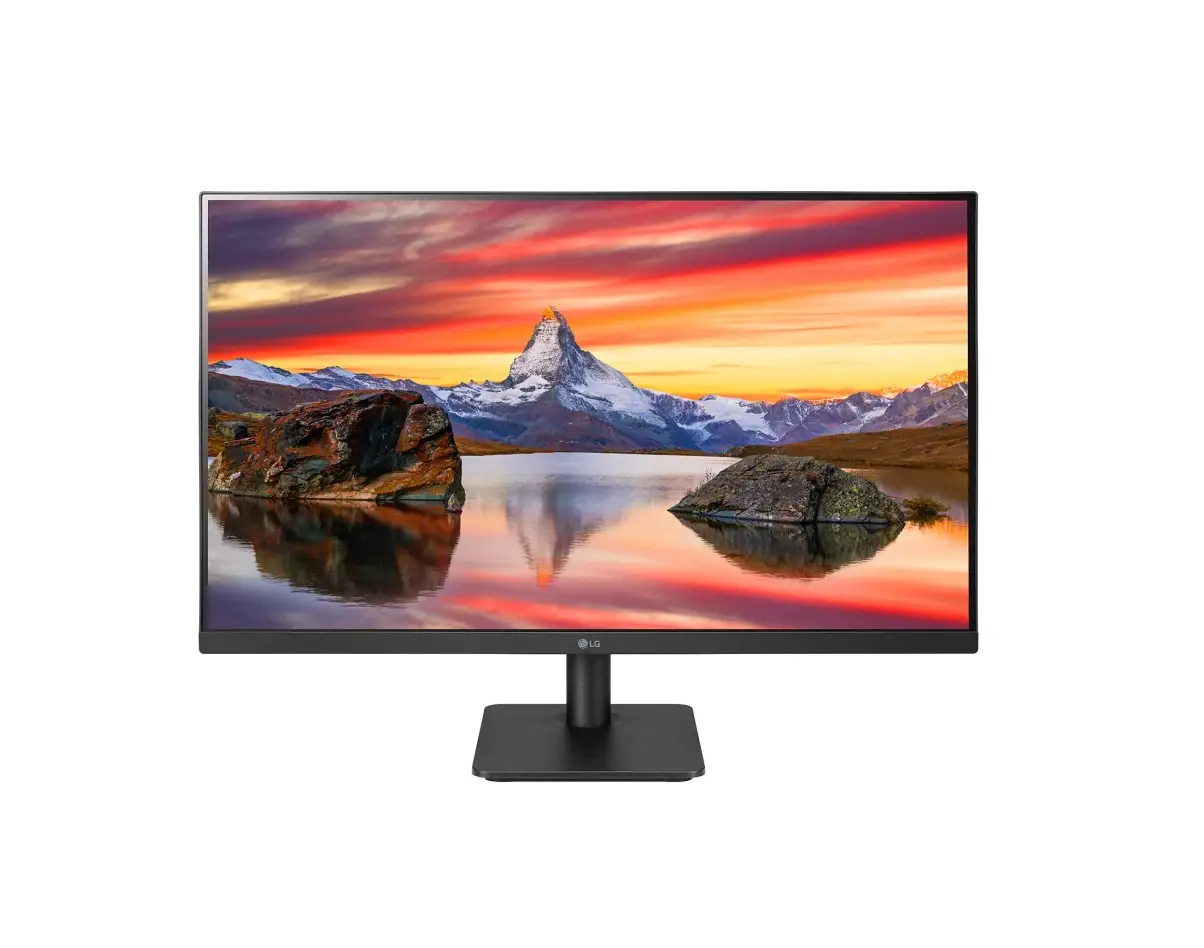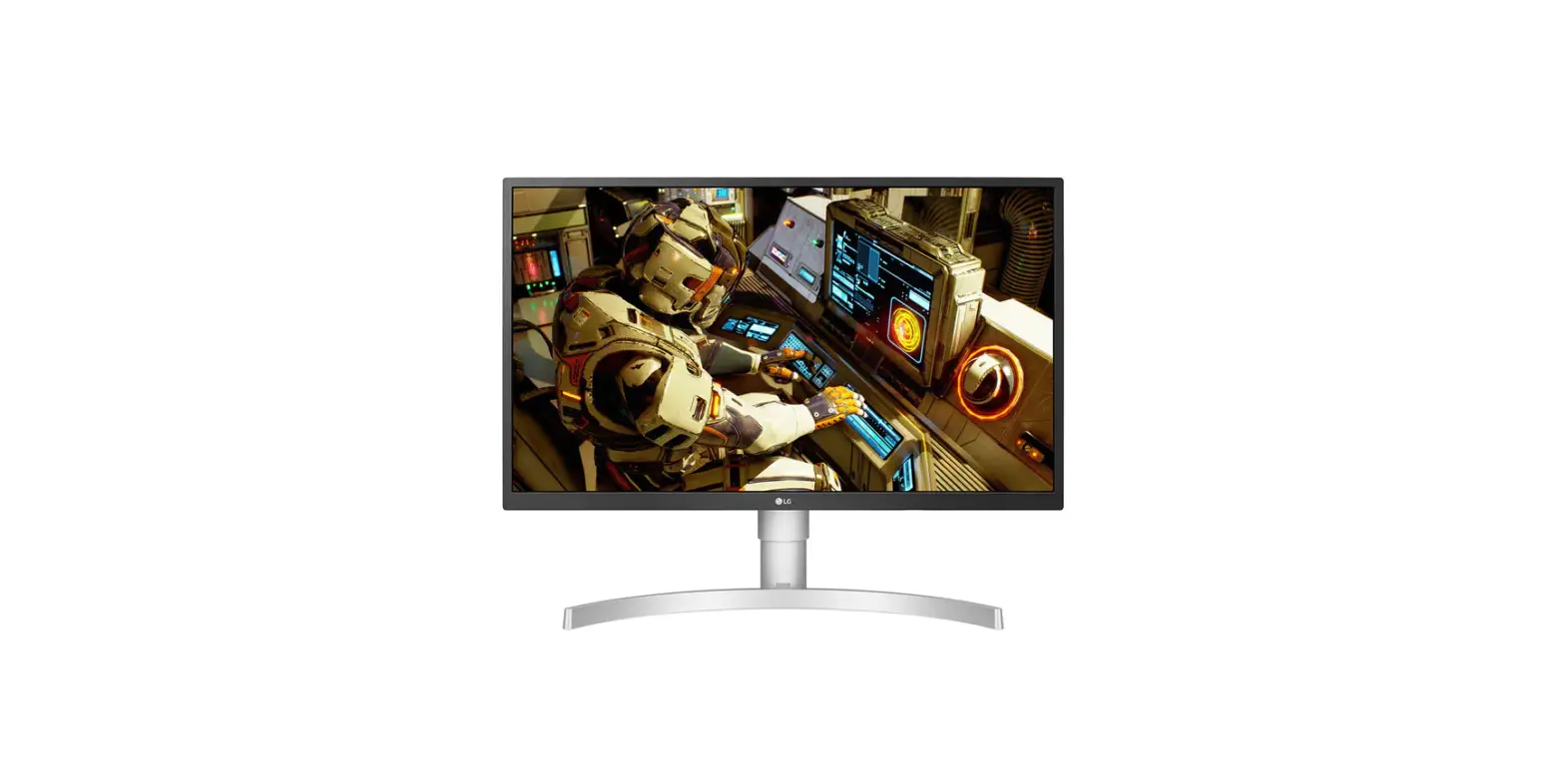

LG 27UL550 LED LCD Computer Monitor
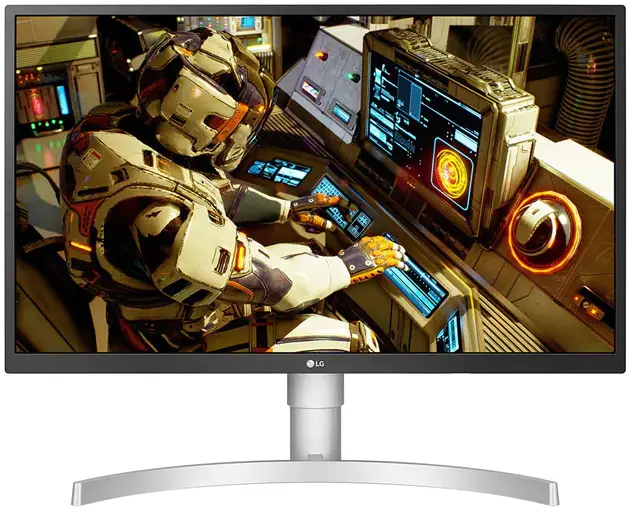
WHAT’S IN THE BOX
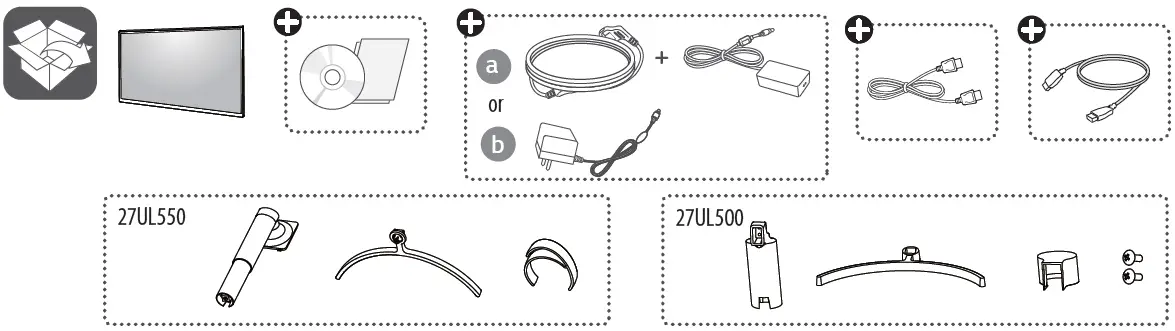
It is recommended that use the supplied components. www.lg.com.
You can download manuals from the LGE website
OWNER’S MANUAL AND REGULATORY INFO. are available at https://www.lg.com/au/support/manuals. PLEASE READ THE SAFETY INFORMATION BEFORE INSTALLATION AND USE. SCAN THE QR CODE TO ACCESS.
INSTALLATION
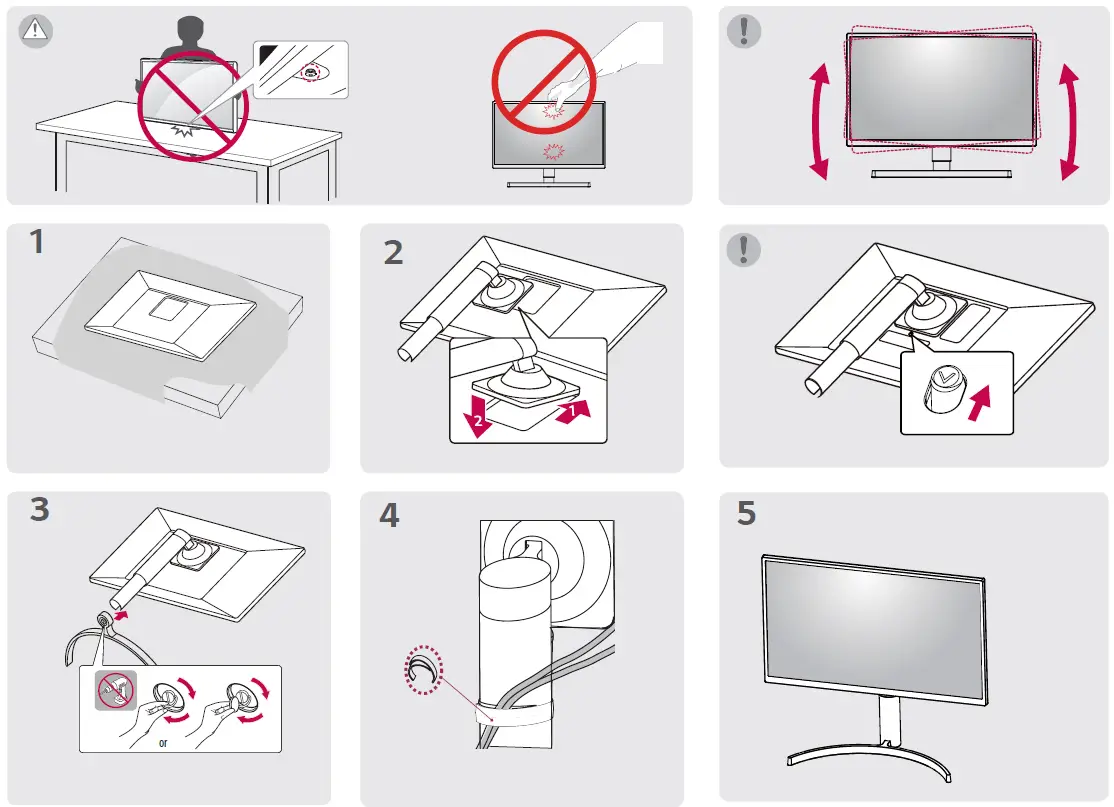
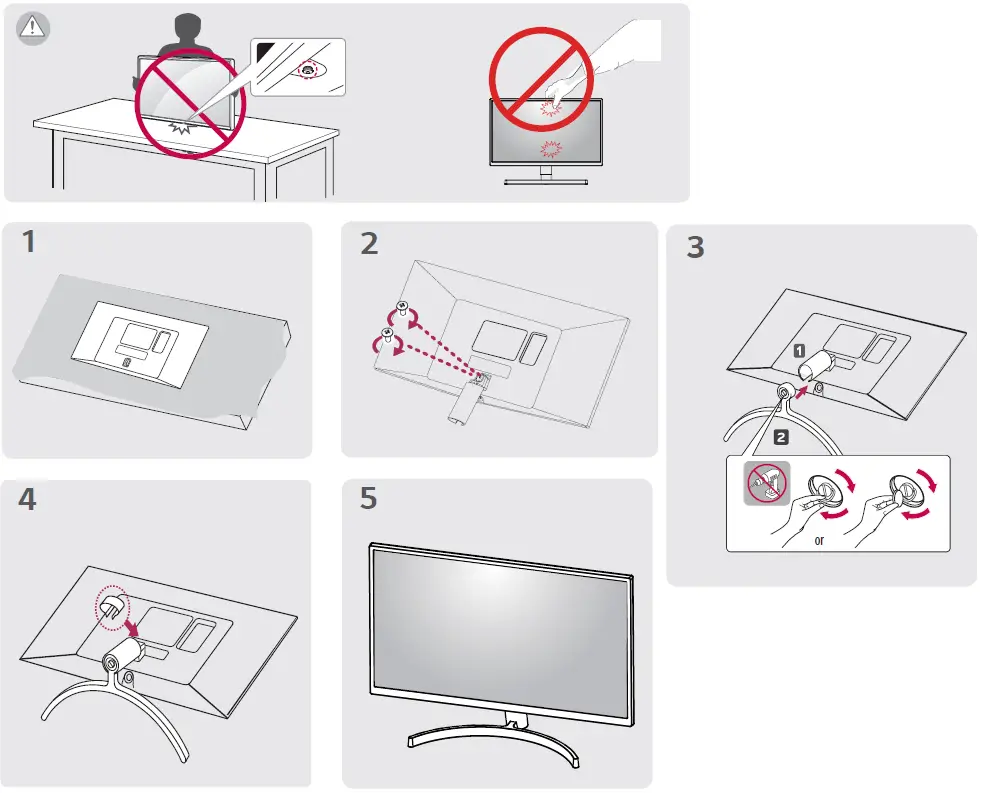
CONNECTION
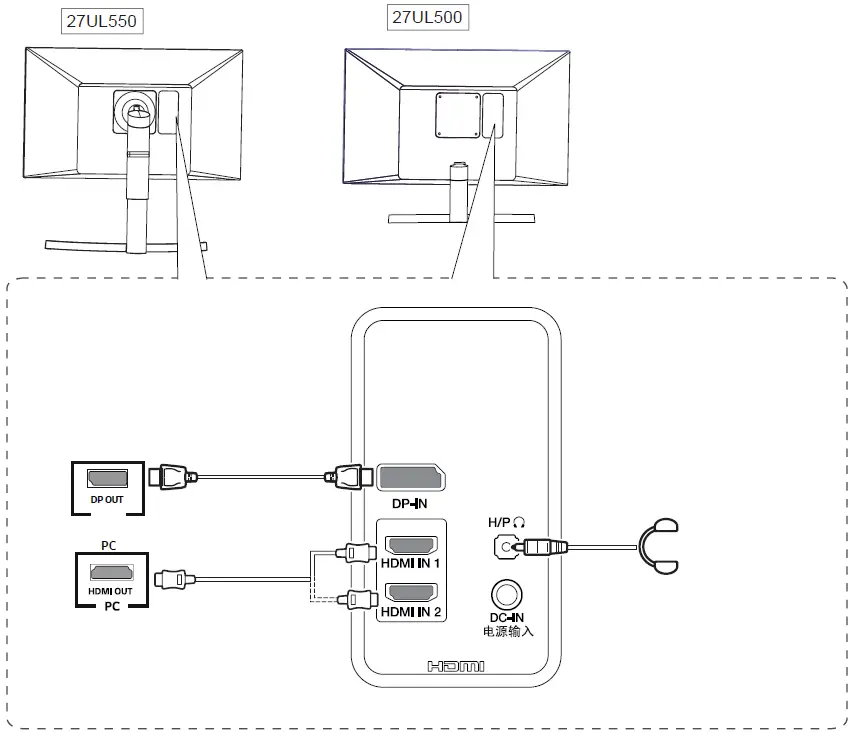
- Using a DVI to HDMI / DP (DisplayPort) to HDMI cable may cause compatibility issues.
- Make sure to use the supplied cable. Otherwise, this may cause the device to malfunction.
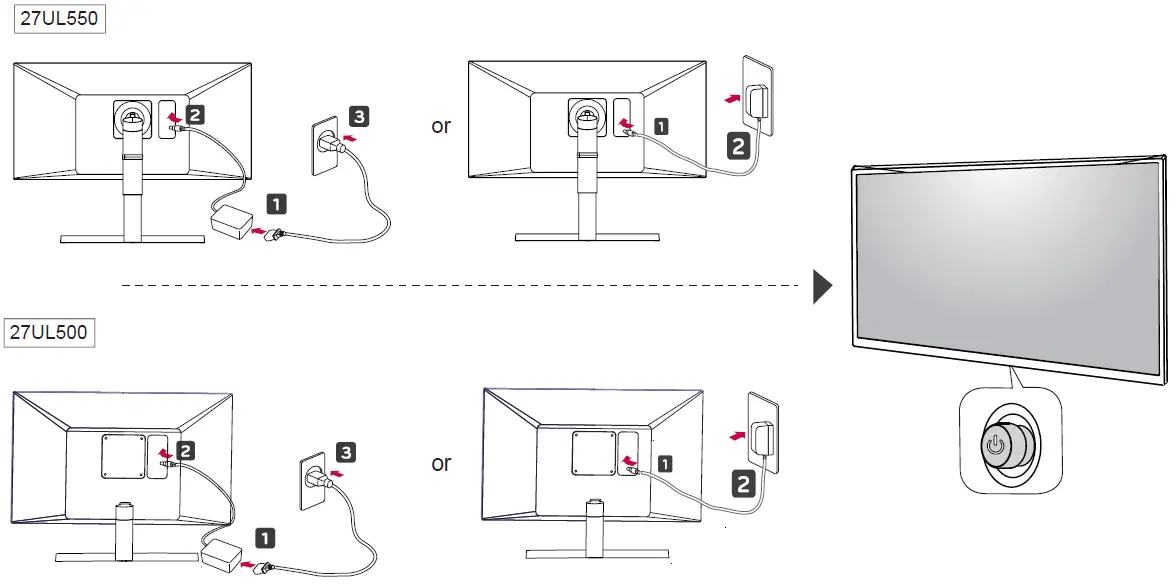
POWER SUPPLY
https://www.lg.com/au/support/manuals.
 LG Electronics & Home Appliances | Shop Now | LG USA