
OpenRoaming Setup Guide – macOS
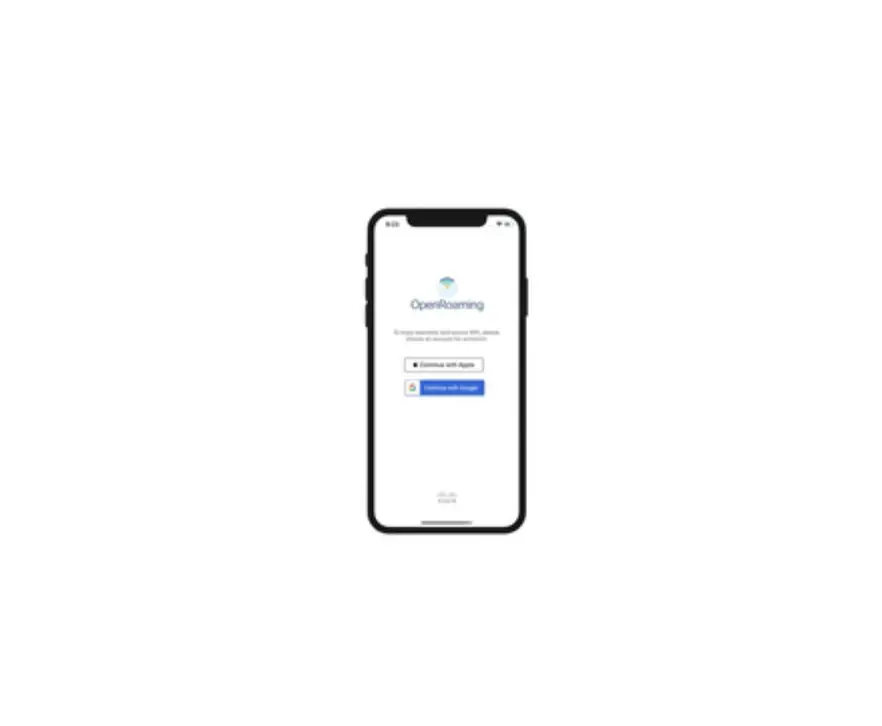
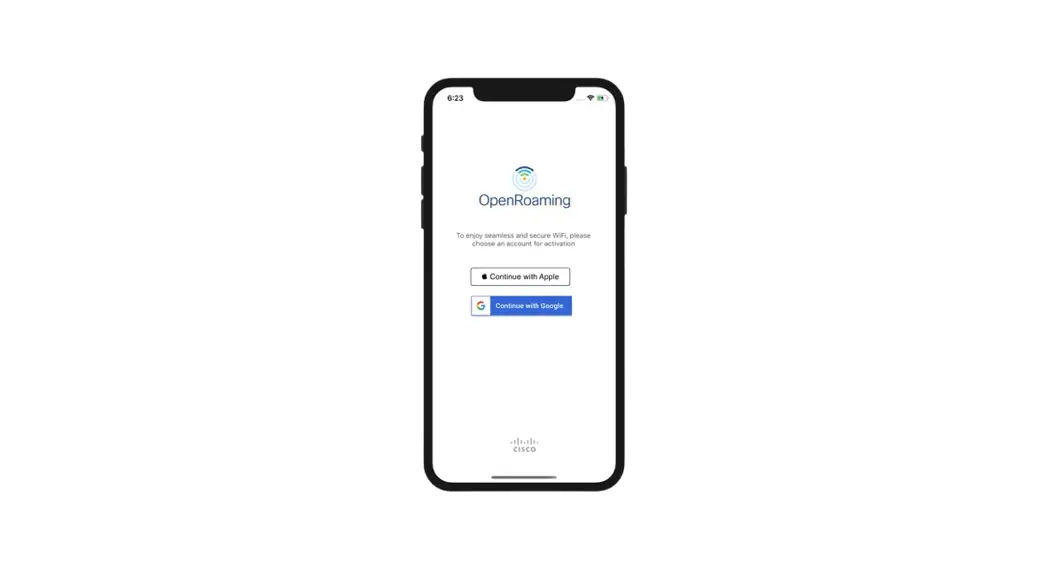
OpenRoaming App
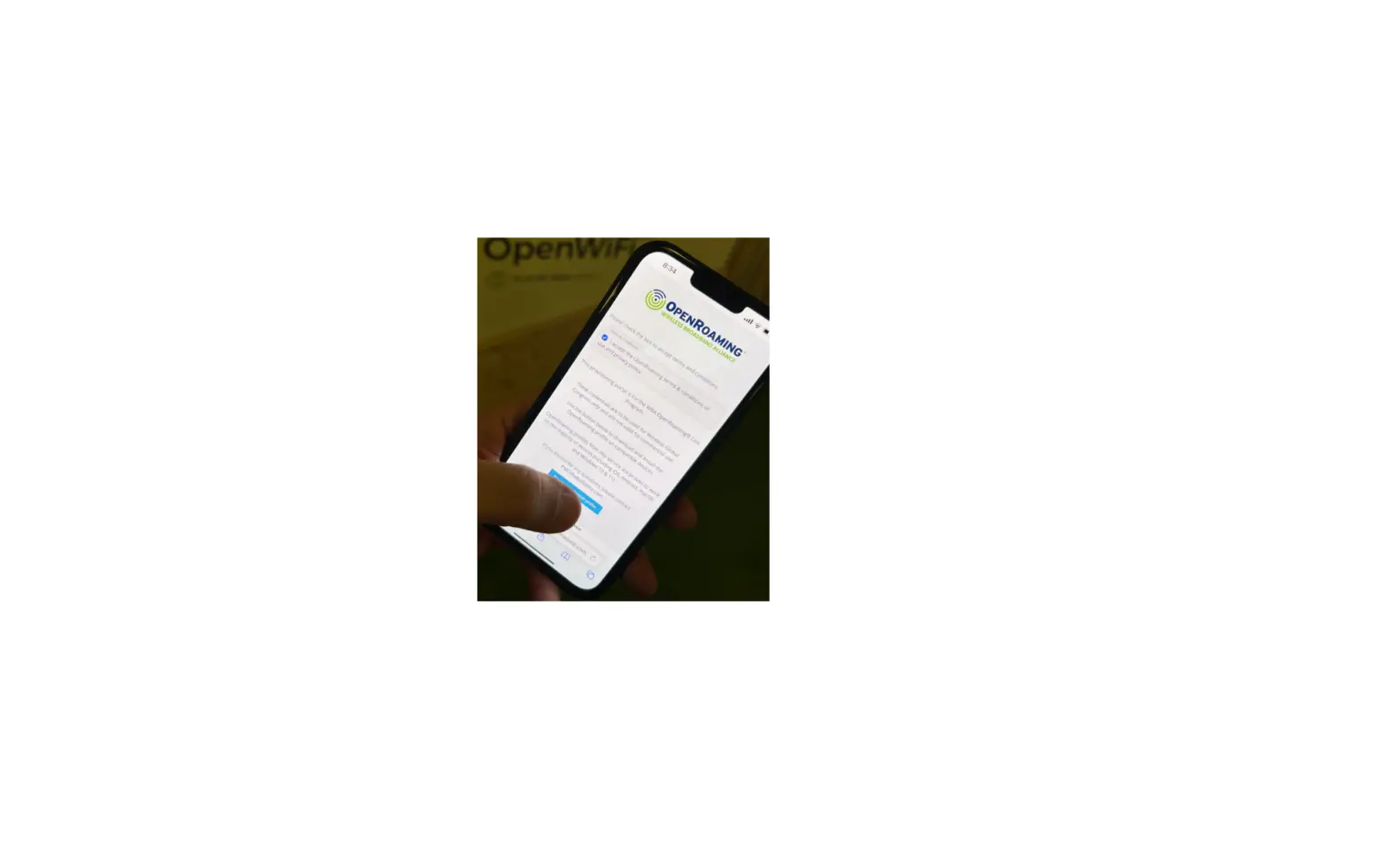
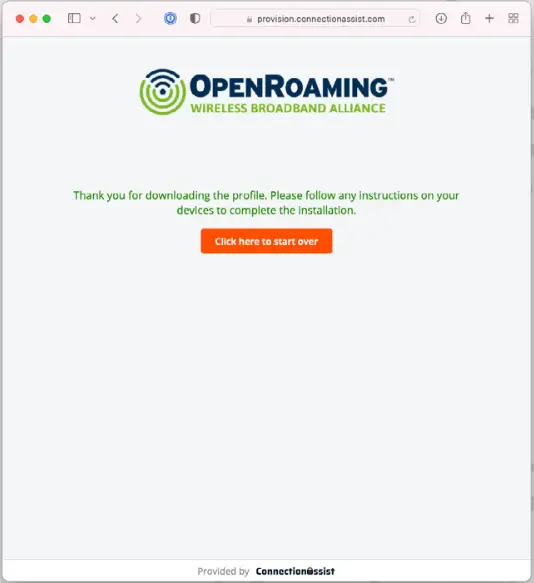
- Access The Provision Page

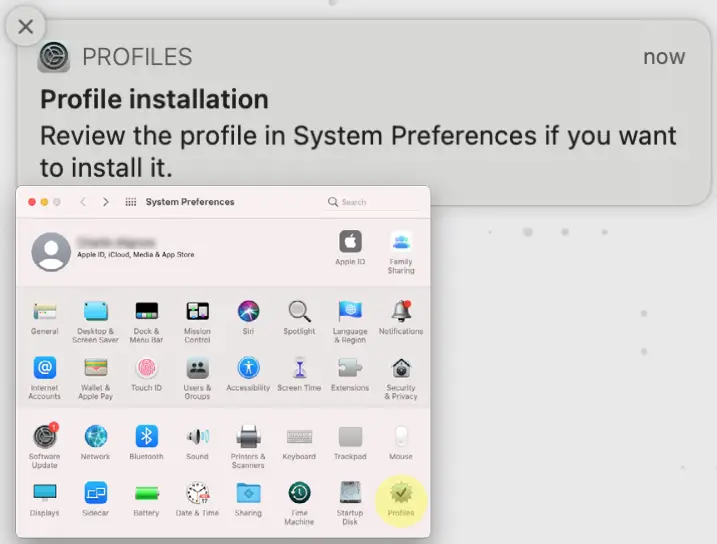
- Completed the Download Check your mobile SETTINGS

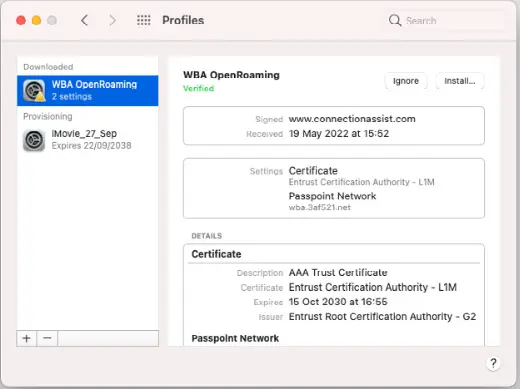
- Open settings and the `Profiles’ app

- Install and enter password

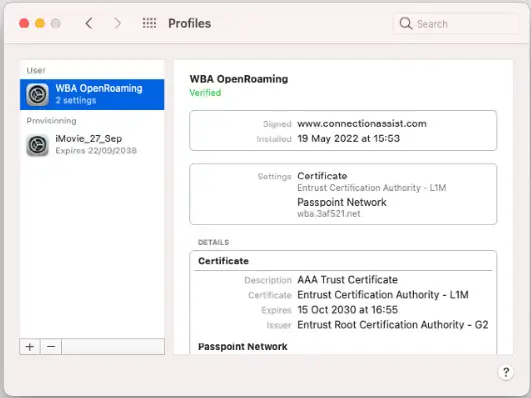
- Done You are ready for OpenRoaming

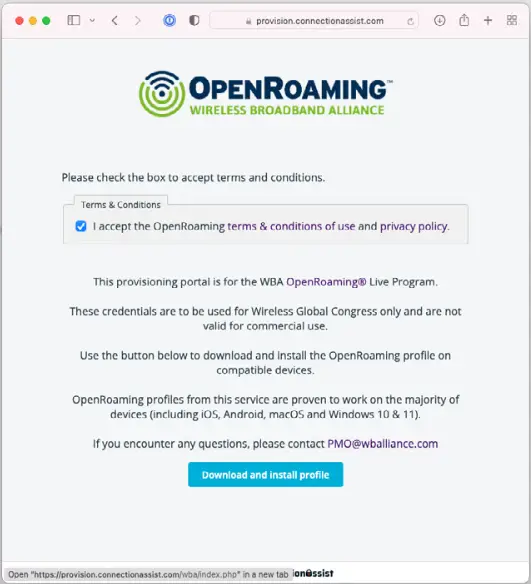
Note: macOS requires Safari to install profiles (same as iOS).