Apps Wiliot App User Guide

Download the Wiliot App from the Google Play Store:

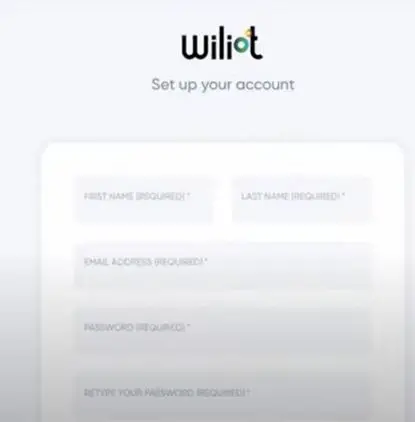
Once downloaded, sign in to the app using your Wiliot login credentials: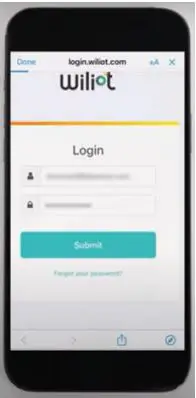 If you don’t already have an account, you can make one by going to management.wiliot.com/onboarding/user
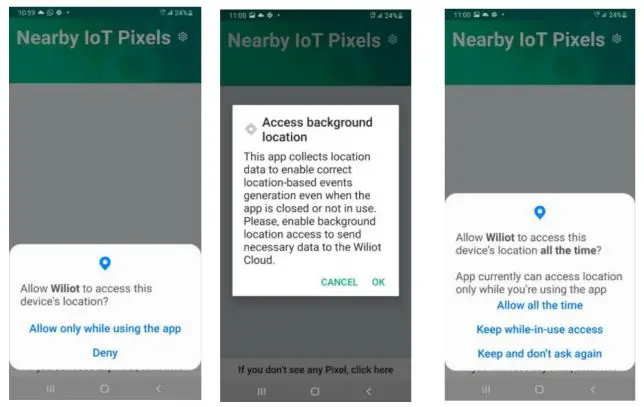
Next, use the prompts to enable Location services for Pixel’s location:
Next, stick the wiliot pixels on any cardboard/plastic item:

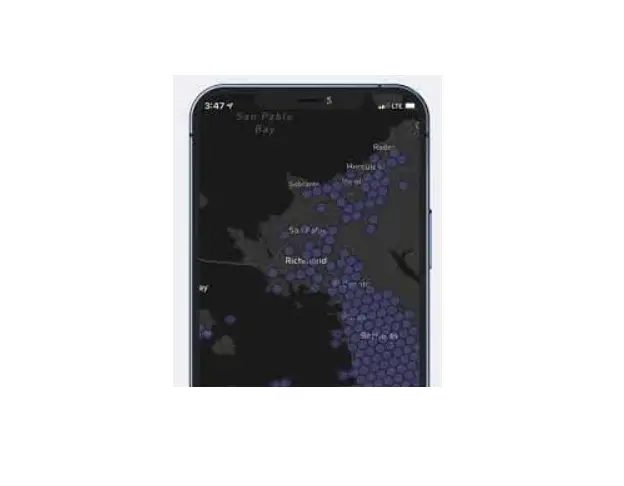
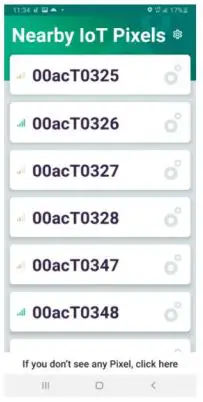
Open the Wiliot App, after approximately 30 seconds, the pixels will start appearing in your app:
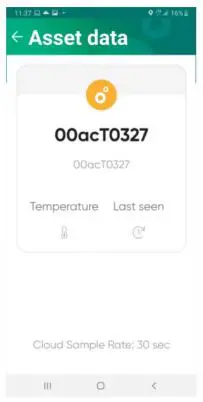
Tapping on the pixel, you will see its data:
Now, you can start experimenting with your Wiliot IoT pixels.
 U.S FCC ID: 2AXVQ-WILIOT2SB
Canada IC: 26623-WILIOT2SB Wiliot pixel complies with part 15 of the FCC Rules and Industry Canada license exempt RSS standard(s). Operation is subject to the following two conditions:
- This device may not cause harmful interference,
- This device must accept any interference received, including interference that may cause undesired operation. Changes or modifications not expressly approved by the manufacturer could void the user’s authority to operate the equipment
 Europe / RED Hereby, Wiliot declares that the radio equipment type Wiliot Dual-Band IoT Pixel is in compliance with Directive 2014/53/EU. output power: -20 dBm frequency band: 2403 MHz / 2426 MHz / 2480 MHz
Please reach out to [email protected] with any questions.
 Wiliot Management