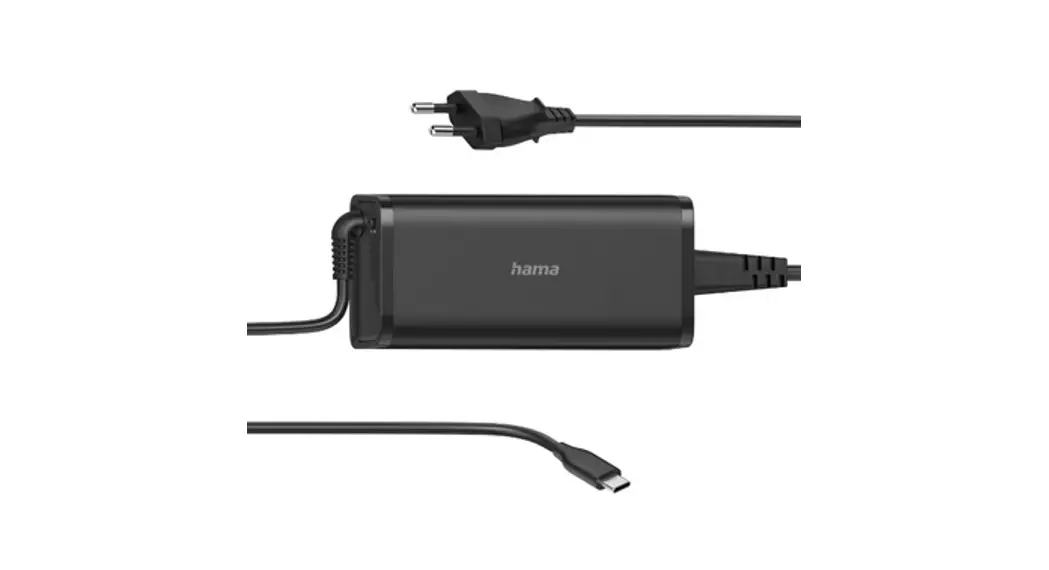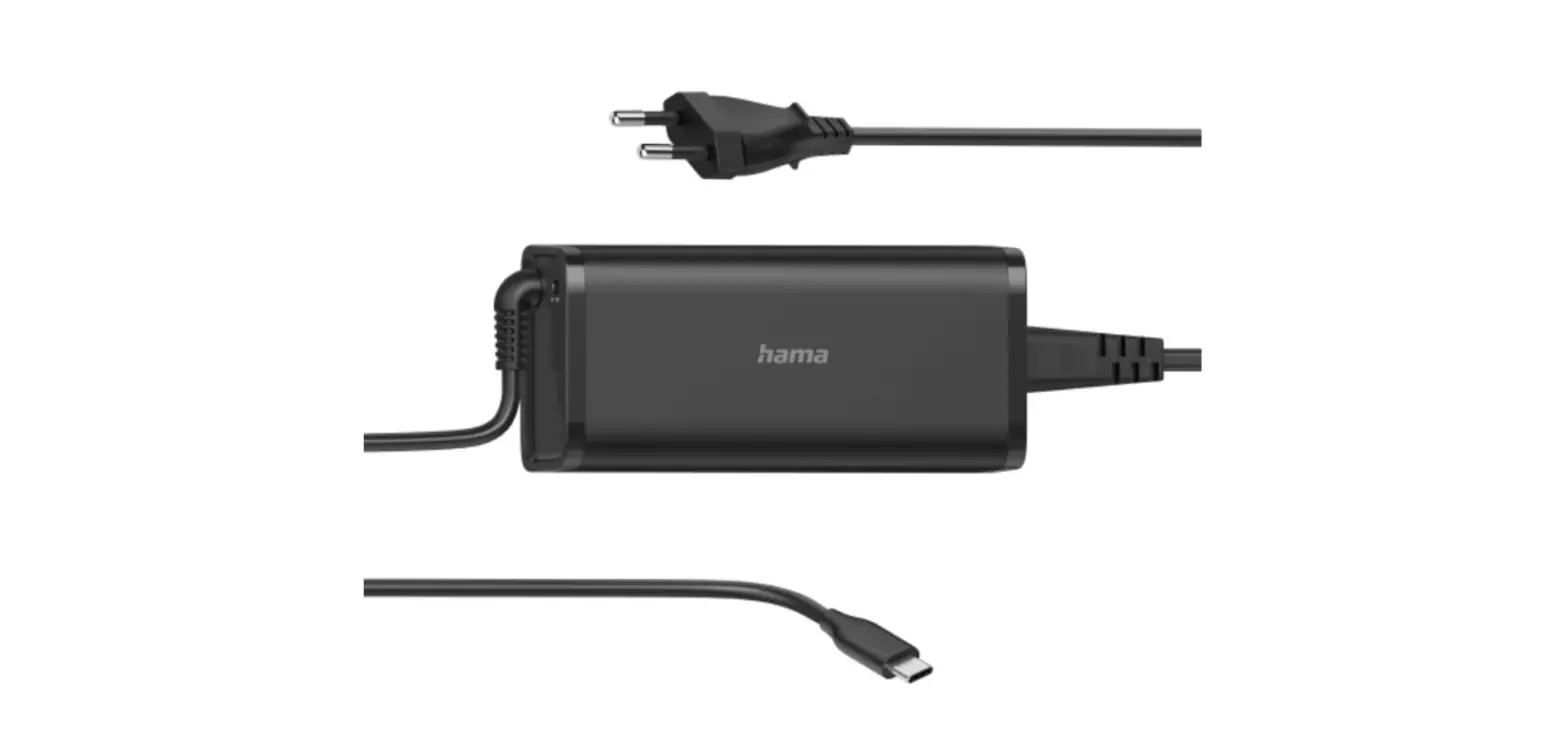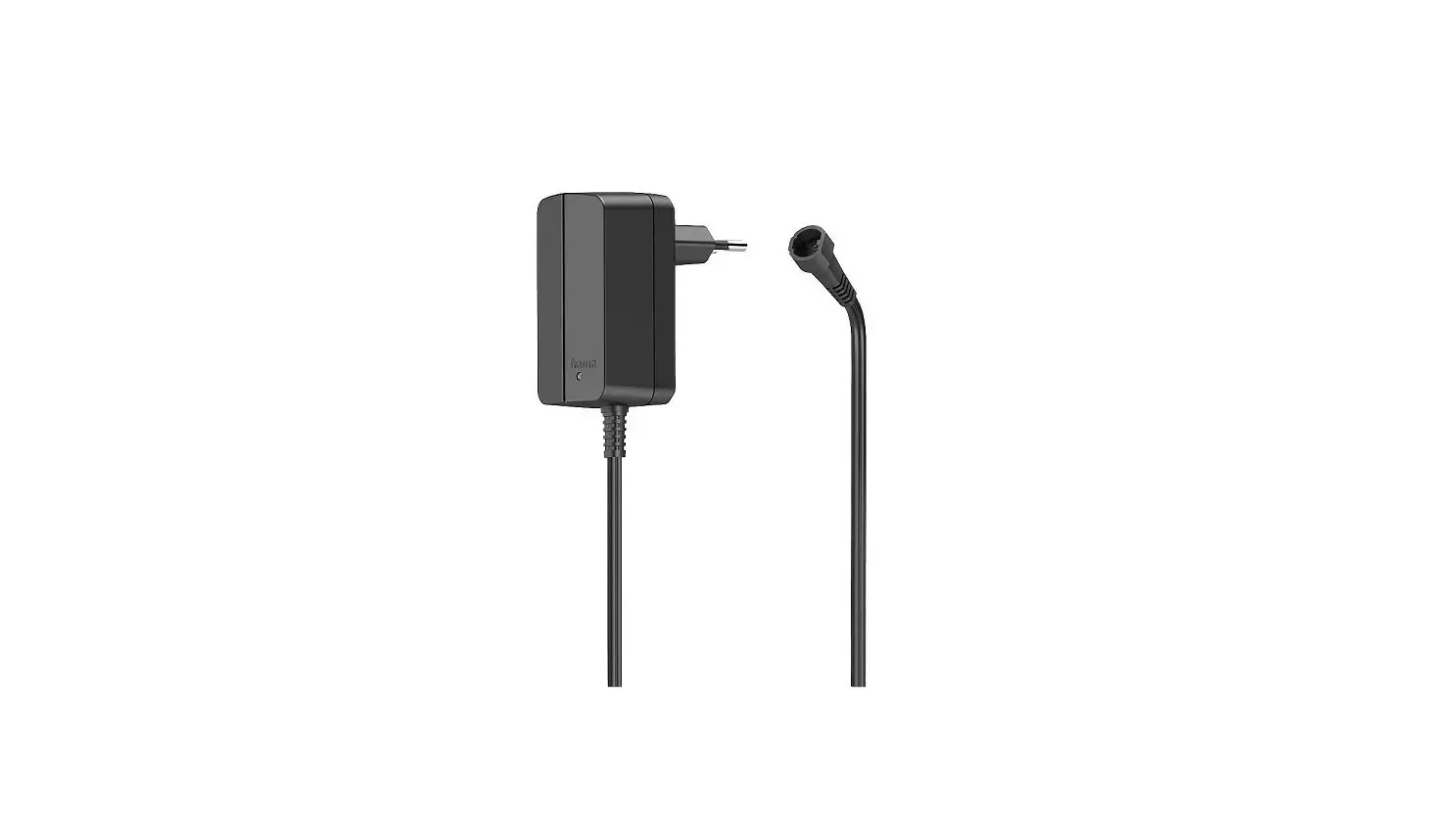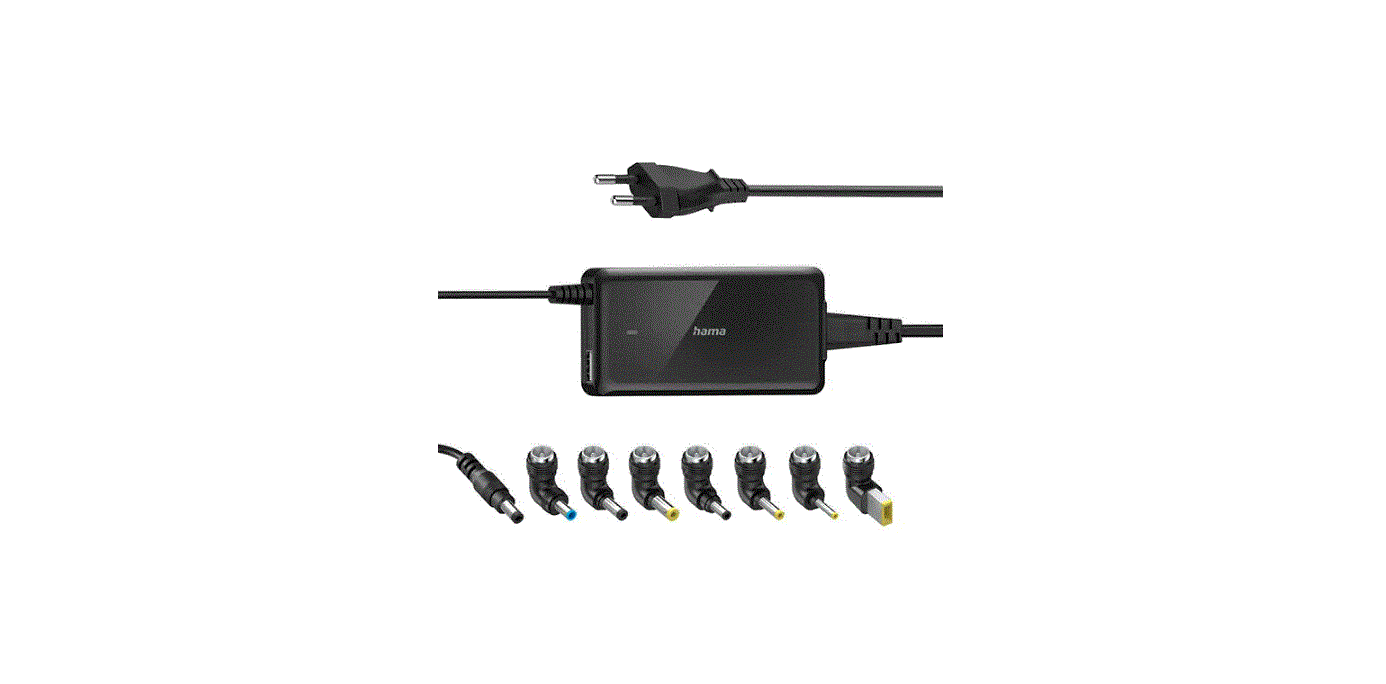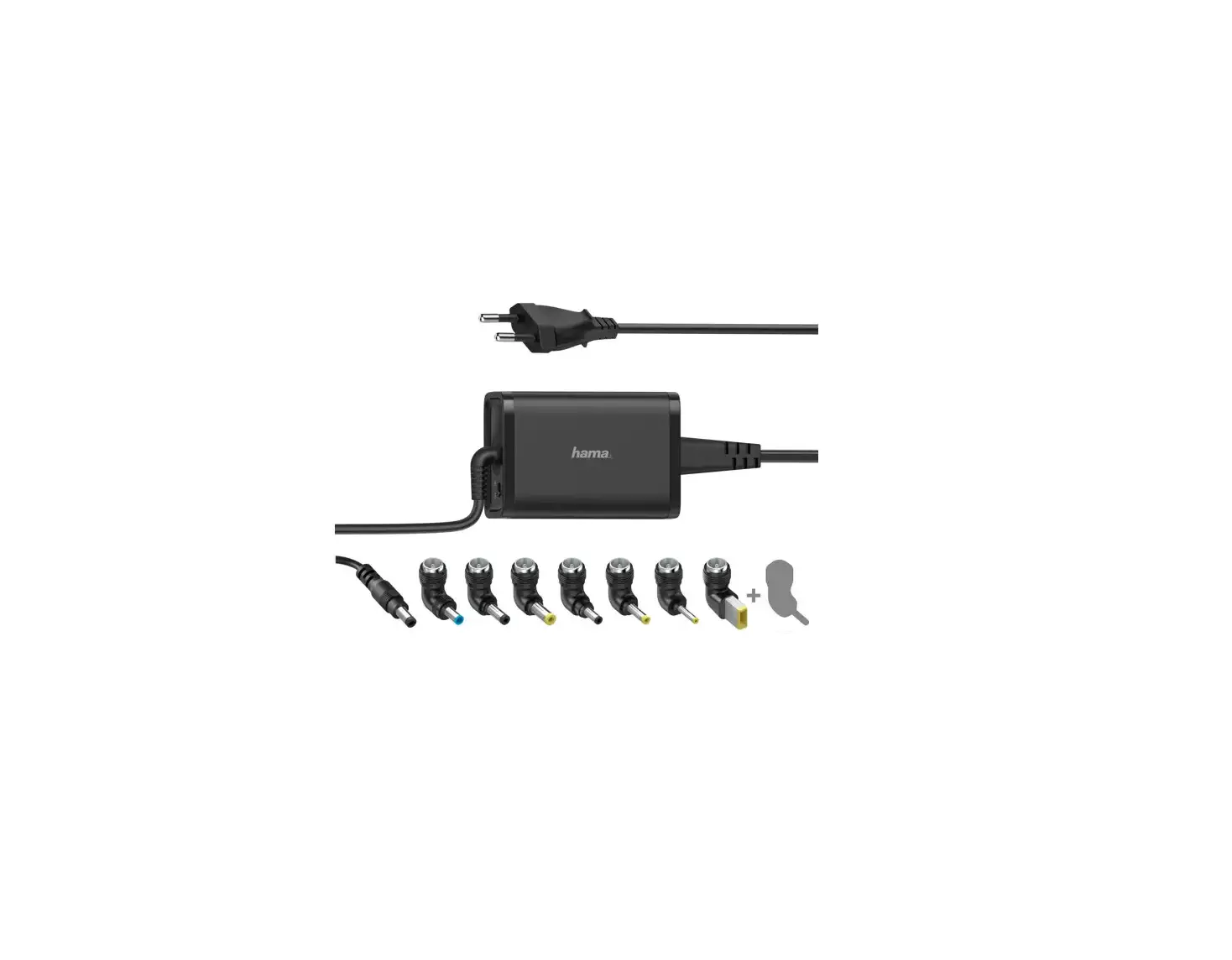

hama 00223612 Power Supply Unit 7.2W
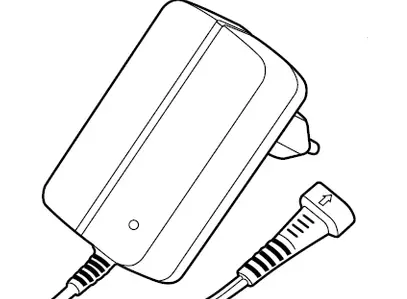
Thank you for choosing this Hama product! Take your time and read the following instructions and information completely. Please keep these instructions in a safe place for future reference.
Explanation of warning symbols and notes
Risk of electric shock
This symbol indicates a risk of electric shock from touching uninsulated product parts that may carry hazardous voltage.
Warning: This symbol is used to indicate safety instructions or to draw your attention to specific hazards and risks.
Note: This symbol is used to indicate additional information or important notes.
Package contents
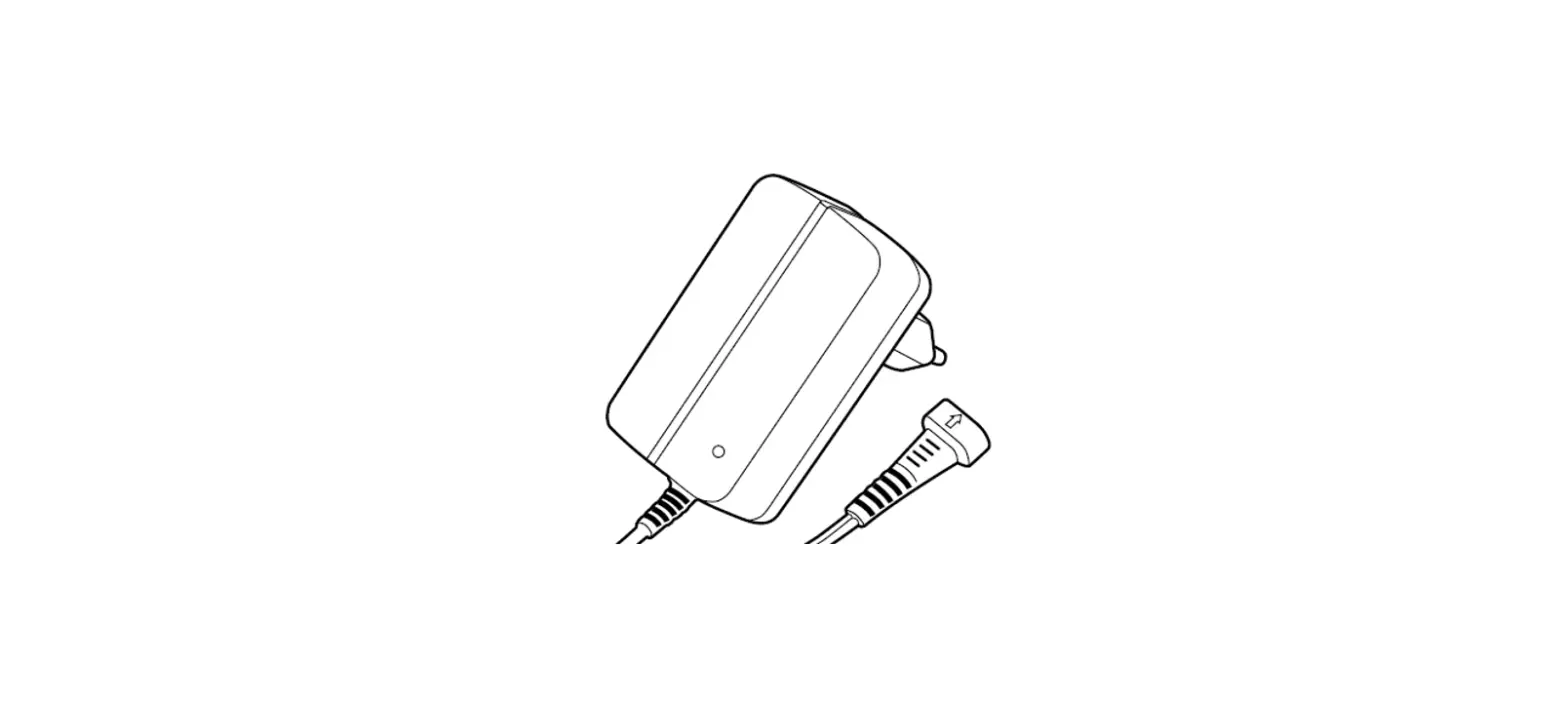
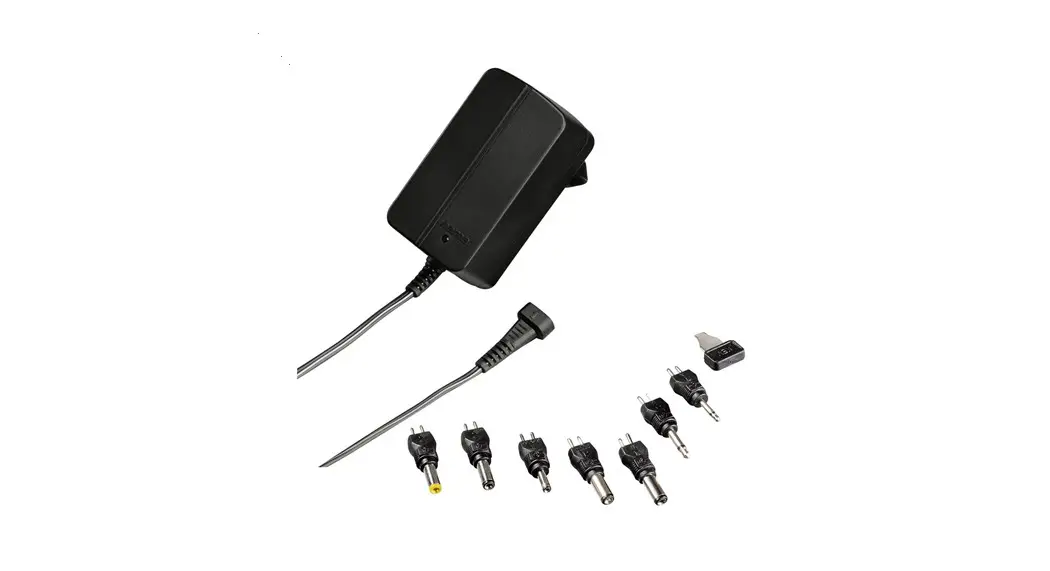
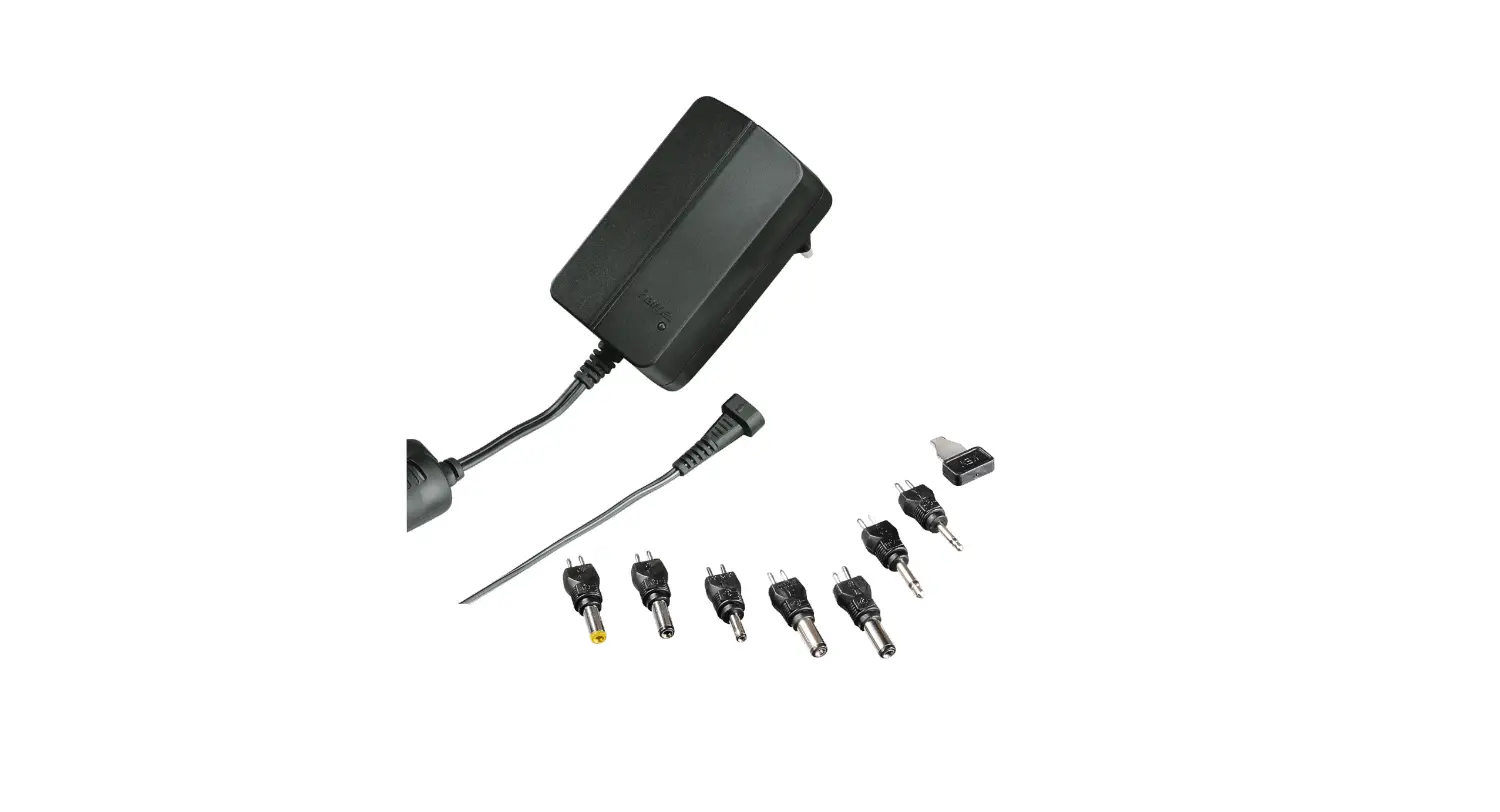
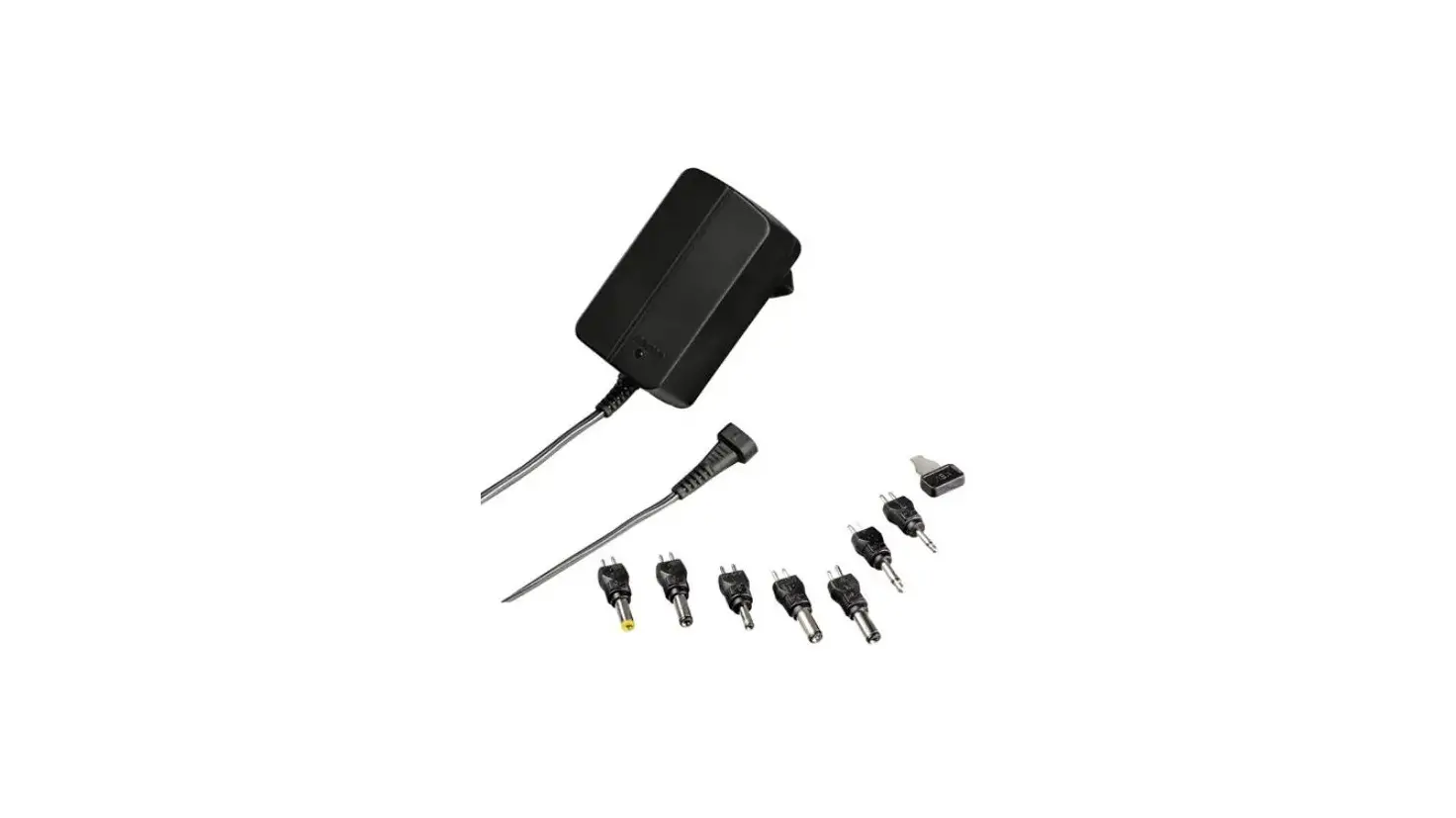
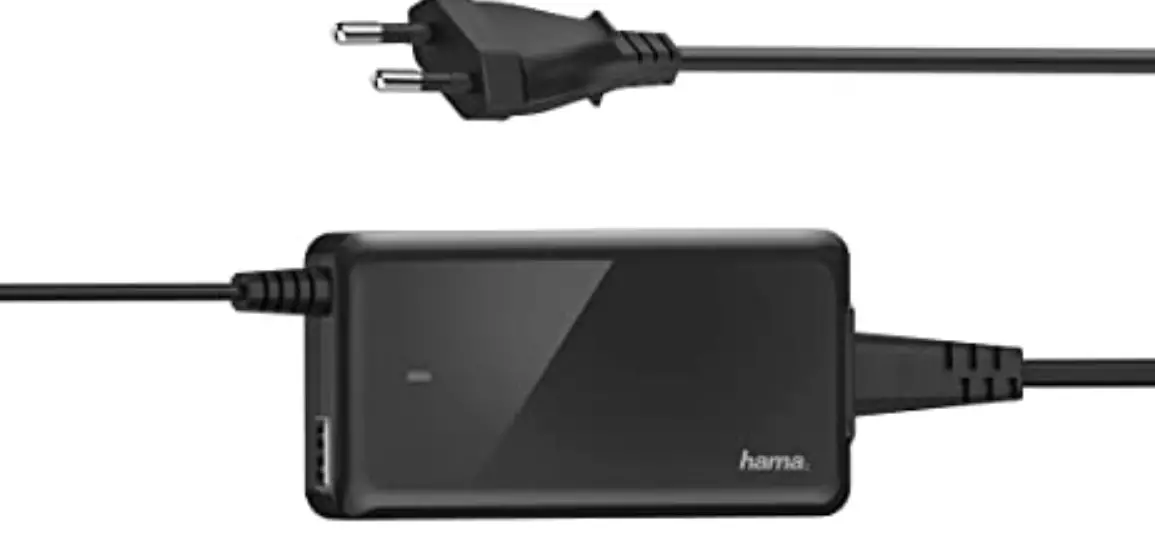
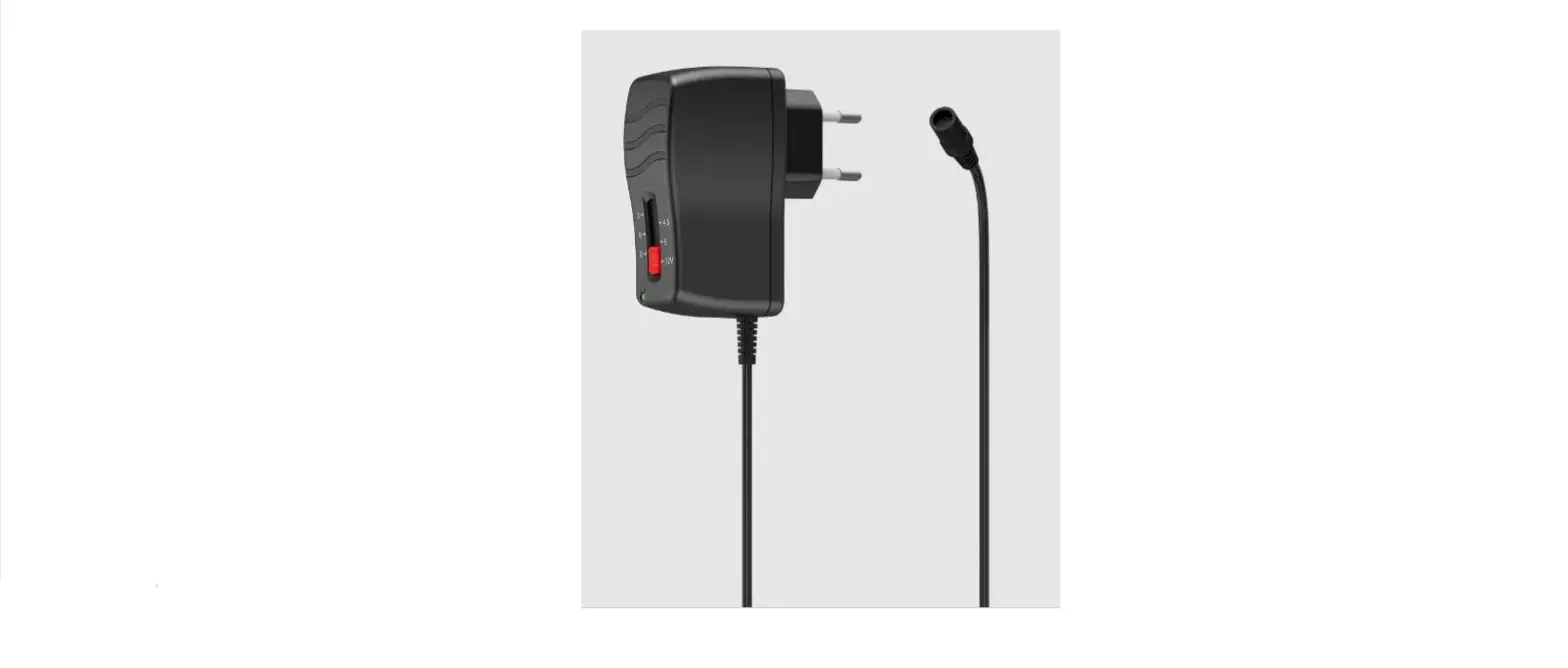
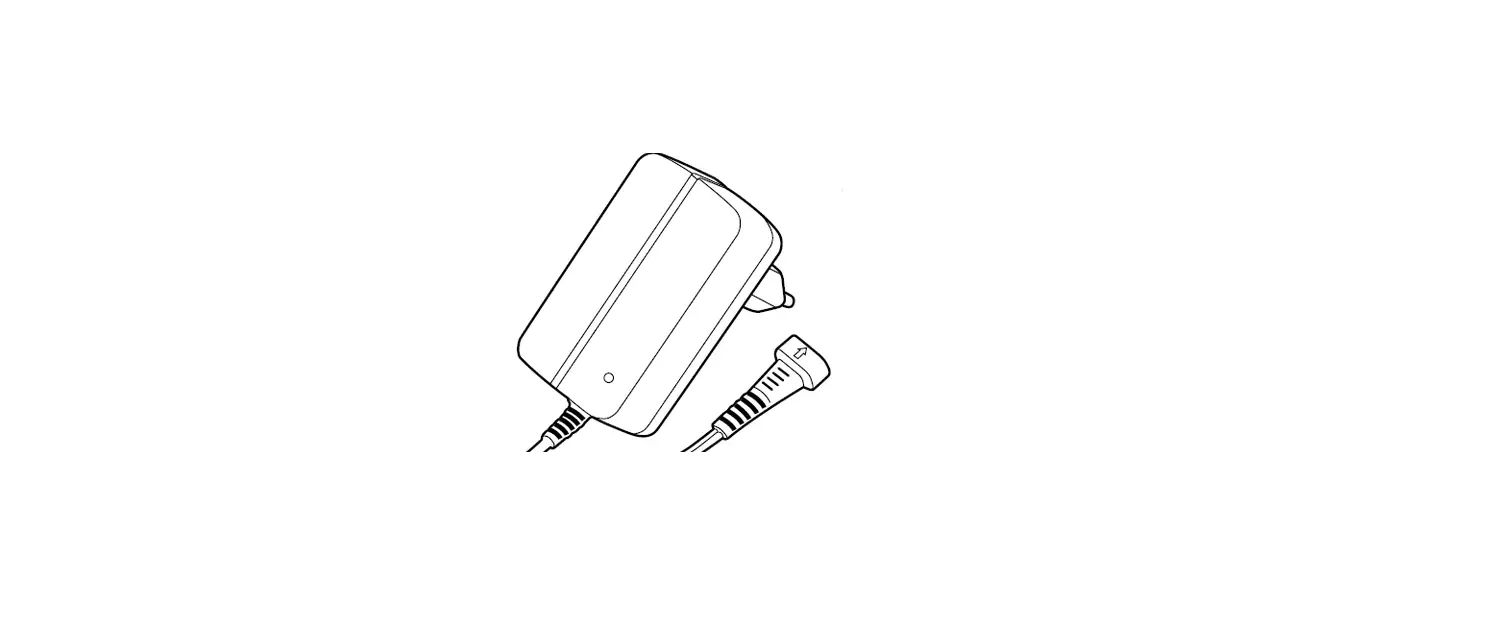
- Universal switching power supply unit
- 2 jack plugs: 3.5 / 2.5 mm
- 5 DC plugs: 1.35×3.5 / 1.7×4.0 / 1.5×5.5 / 2.1×5.0 / 2.5×5.5
- Adjusting key
- These operating instructions
Safety instructions
- Protect the product from dirt, moisture and overheating and use it in dry rooms only.
- Do not drop the product and do not expose it to any major shocks.
- Do not operate the product outside the power limits given in the specifications.
- Do not modify the device in any way. Doing so voids the warranty.
- Do not continue to operate the product if it is visibly damaged.
- Use the product only for the intended purpose.
- As with all electrical products, this device should be kept out of the reach of children.
- Do not use the product in the immediate vicinity of heaters, other heat sources or in direct sunlight.
- Route all cables so there is no r of tripping.
- Do not bend or crush the cable. Always pull directly on the plug when disconnecting the cable, never on the cable itself.
- If the contact pins of the plug components are damaged, the power supply plug must be discarded.
- Dispose of packaging material immediately in accordance with the locally applicable regulations.
- The product is intended only for use inside buildings.
- Only use the article under moderate climatic conditions.
- Do not use the product in areas in which electronic products are not permitted.
- Do not use the product in a damp environment and avoid splashing water.
Risk of electric shock
- Do not open the device or continue to operate it if it becomes damaged.
- Do not use the product if the AC adapter, the adapter cable or the mains cable are damaged.
- Do not attempt to service or repair the product yourself. Leave any and all service work to qualified experts.
Operation
Note: mains voltage 100 – 240V
- The charger is suitable for mains voltages of 100 – 240 V and therefore can be used worldwide.
- Please note that a country-specific adapter may be necessary.
Warning: connecting devices
- Before connecting a device, check whether it can be adequately supplied with the charger’s current capacity.
- Check whether the device intended for mains operation is compatible with the pin assignment of the universal power supply unit.
- If necessary, ask the dealer who supplied your terminal device or contact your terminal device manufacturer’s support service.
- Note the instructions in your device’s operating manual.
Warning
- Only operate the product from a socket that has been approved for the device. The socket must be installed close to the product and must be easily accessible.
- Disconnect the product from the power supply using the On/Off switch – if this is not available, unplug the power cord from the socket.
- If using a multi-socket power strip, make sure that the total power consumption of all connected devices does not exceed the power strip’s maximum throughput rating.
- If you will not be using the product for a prolonged period, disconnect it from mains power.
Unless different instructions have been expressly given in the operating instructions for the devices you are charging, proceed as follows:
- Without connecting it to the socket, determine the mechanical compatibility between the universal power supply unit’s adapter and the connection socket on the device.
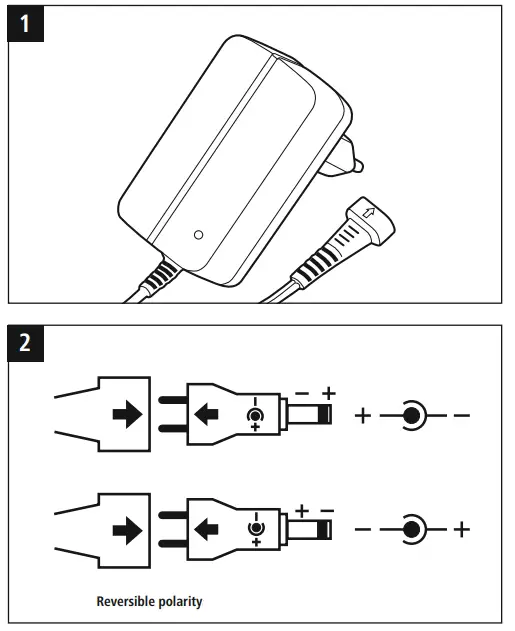
- Observe the polarity of the connection socket on the device and plus the adapter in accordingly (see Fig. 2).
- Set the voltage selector switch to the voltage required by your device using the adjusting key supplied
- Plug the universal power supply unit into the socket provided for it.
- The terminal device can now be used and switched on.
Care and maintenance
- Only use soft, dry towels to clean the product.
Note: Disconnect the device from the mains before cleaning and during prolonged periods of non-use.
Technical data
| Information according to Directive (EU) 2019/1782 | |
| Brand name, commercial register number, address | Hama, HRA12159, Dresdner Str. 9, 86653 Monheim |
| Model identifier | 00223612 |
| Input voltage | 100 V – 240 V |
| Input AC frequency | 50/60 Hz |
|
Output voltage / output current / output power total | 3.0 V DC/ 0.6 A / 1.8 W 4.5 V DC/ 0.6 A / 2.7 W 5.0 V DC/ 0.6 A / 3.0 W 6.0 V DC/ 0.6 A / 3.6 W 7.5 V DC/ 0.6 A / 4.5 W 9.0 V DC/ 0.6 A / 5.4 W 12.0 V DC/ 0.6 A / 7.2 W |
| Average efficiency during operation | 65.6 % |
| Efficiency at low load (10%) | 59.1 % |
| Power consumption at zero load | 0.1 W |
Warranty disclaimer
Hama GmbH & Co KG assumes no liability and provides no warranty for damage resulting from improper installation/mounting, improper use of the product or from failure to observe the operating instructions and/or safety notes.
Hama GmbH & Co KG 86652 Monheim/Germany
Service & Support
- www.hama.com
- TEL: +49 9091 502-0
All listed brands are trademarks of the corresponding companies. Errors and omissions excepted, and subject to technical changes. Our general terms of delivery and payment are applied.
 hama.com