Home App
Product Information:
The product mentioned in the user manual is the Pentair Home
app. This app is designed to help users remotely monitor and manage
their pool. It allows users to create an account, set up
notifications, and grant access to pool professionals for remote
monitoring.
Product Usage Instructions:
- To get started, download the Pentair Home app by either
scanning the QR code provided or visiting
pentair.com/appdownload. - Once the app is downloaded, follow the steps below for initial
setup:- Create a Pentair Home app account.
- You will receive a verification email to confirm your contact
information. Once confirmed, you can log into the app. - Create a profile.
- Enter your pool information.
- To set up notifications, follow these steps:
- Select the three horizontal lines in the top left corner of the
screen. - Select “Notifications”.
- Toggle the type of notifications you would like to
receive.
- Select the three horizontal lines in the top left corner of the
- If you wish to grant your pool professional remote monitoring
access, make sure they have a Pentair Pro app account and Pentair
Partner credentials. Follow these steps:- Go to the dashboard for the device with remote monitoring
capabilities. - Select the settings gear icon in the top right.
- Select “Remote Monitoring”.
- Search by Pro Name (Business Name) or Search Radius.
- Once you find the pool company, select “Send Request” to grant
them access.
- Go to the dashboard for the device with remote monitoring
HOW TO CREATE A PENTAIR HOME APP ACCOUNT
To download the app, scan the QR code or go to pentair.com/appdownload.
APP SETUP
Create a Pentair Home app account.
SET UP NOTIFICATIONS
You will receive a verification email to confirm your contact information. Once confirmed, you can log into the app.
Create a profile.
Enter pool information.
Select the three horizontal lines in the top left corner of the screen.
Select Notifications.
Toggle the type of notifications you would like to receive.
REMOTE MONITORING
You can grant your pool professional remote monitoring access ONLY if your Pool Pro has a Pentair Pro app account and Pentair Partner credentials.
Remote monitoring is available only for these products:
· ChemCheck® Water Quality Monitoring System
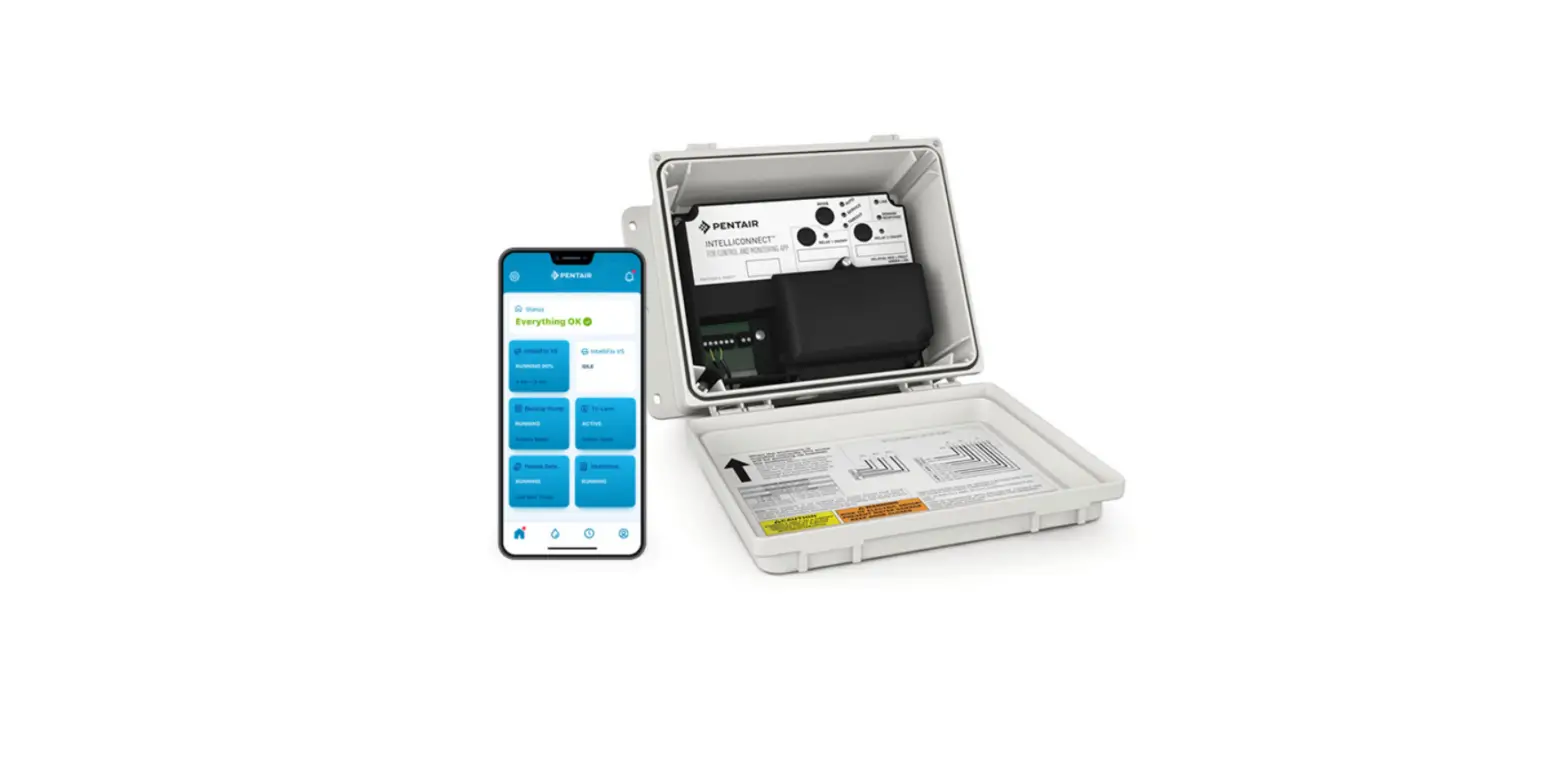
· IntelliConnect® Pool Control and Monitoring System
· IntelliFlo3TM Variable Speed and Flow Pool Pump
· IntelliSync® Pool Pump Control and Monitoring System
You can allow your pool professional to manage your pool by following these five easy steps:
1 Go to the dashboard for the device with remote monitoring capabilities. 2 Select the settings gear icon in the top right. 3 Select Remote Monitoring. 4 Search by Pro Name (Business Name) or Search Radius. 5 Once the pool company is selected, the pool owner can select Send Request.
1
2
3
4
5
©2022 Pentair. All Rights Reserved. pentair.com
 Pentair