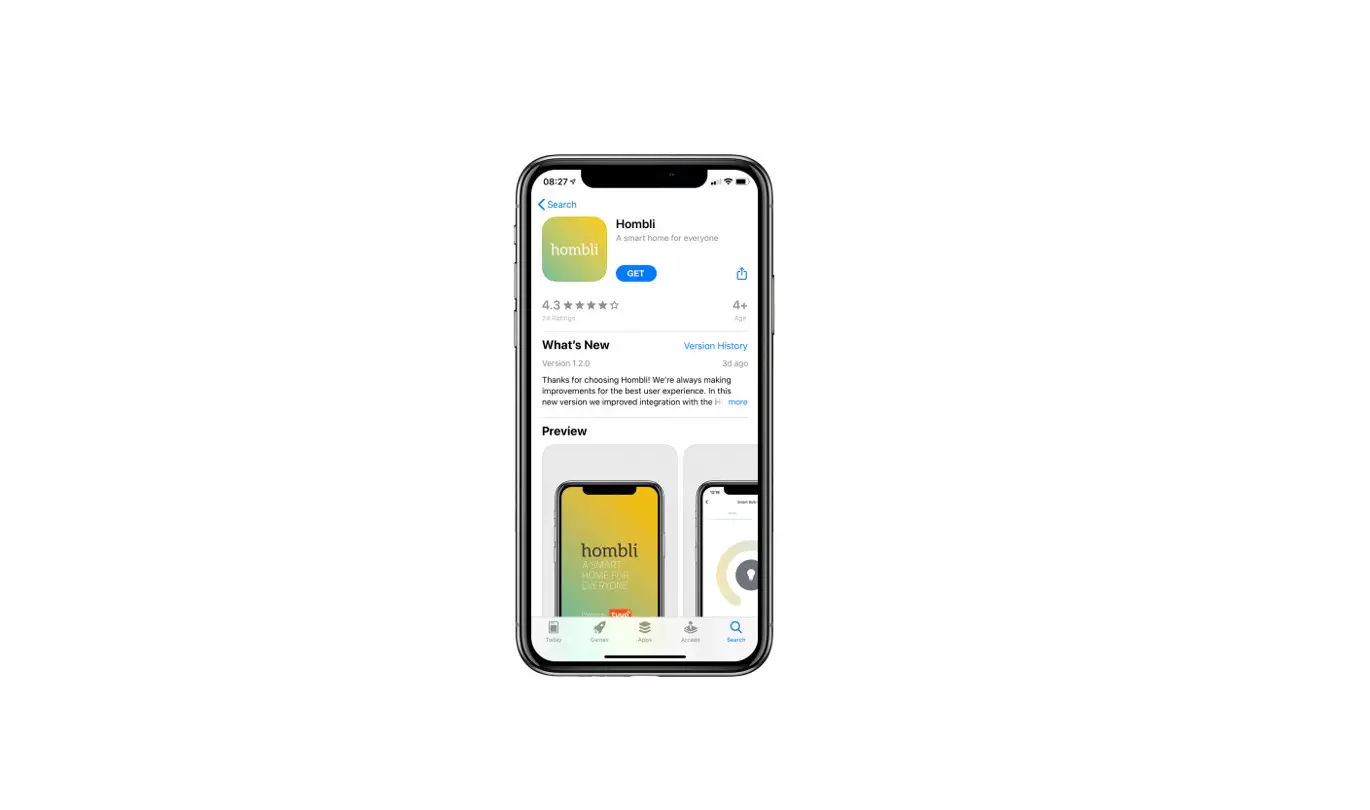
 App User Guide
Thanks for choosing Hombli!
Install your product with this quickstart guide or watch our instruction videos. www.hombli.com/support
Note: Make sure you have installed the Hombli app and Bluetooth Bridge before installing this sensor. Please refer to the manual of the Bluetooth Bridge for instructions.
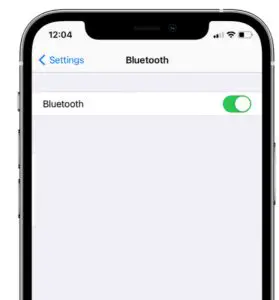
- Turn on the Bluetooth on your phone

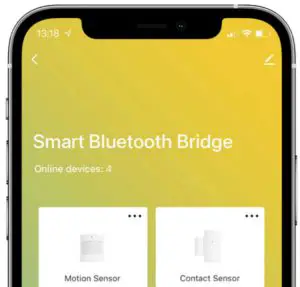
- Open the Hombli app and select the Bluetooth Bridge

- Remove the battery blocker and press the button for 5 seconds to reset. An LED indicator will flash blue

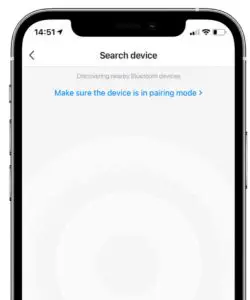
- Tap “Search new device” to add the sensor
- Follow instructions in the app

- Place the sensors on a door/window and frame with the 3M tape. Both parts should be as close to each other as possible with a maximum of 15 mm.


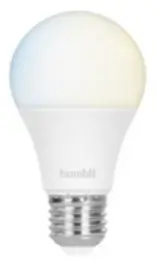
Inspiration: Automatically turn on Hombli smart lights when opening the door
Inspiration: Get notified about open windows when it’s raining
Register and get the best support! www.hombli.com/register
Need help? Please visit our website

 @hombli
 @homblismart
Hombli © 2021 is a brand of Avanca International B.V.
Maanweg 174 2516AB The Hague The Netherlands
+ 31 702 210 077 [email protected]
Meet the Hombli product family
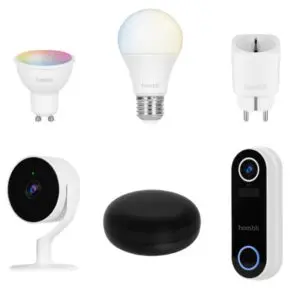
View all products at www.hombli.com/products