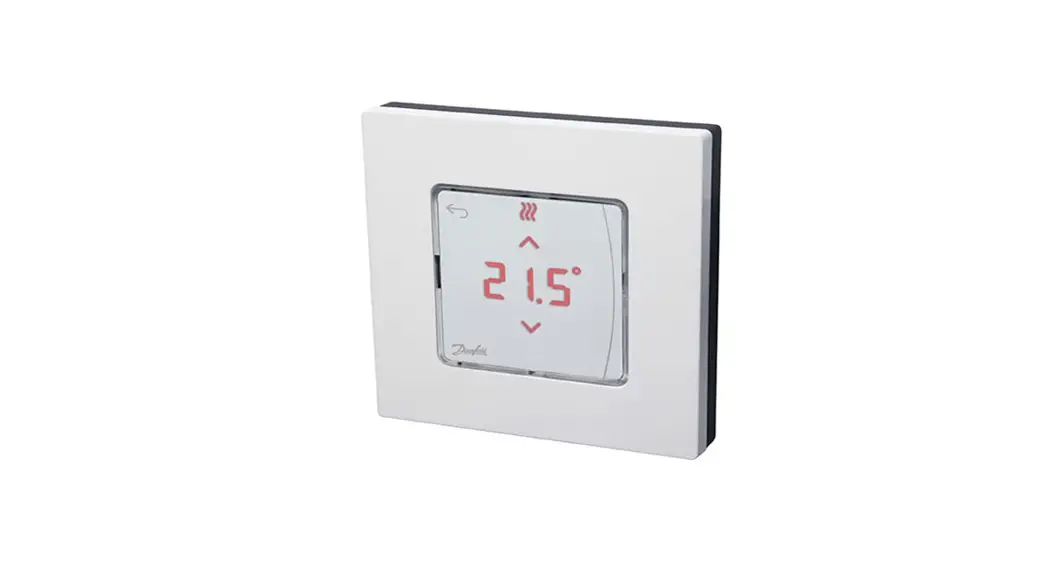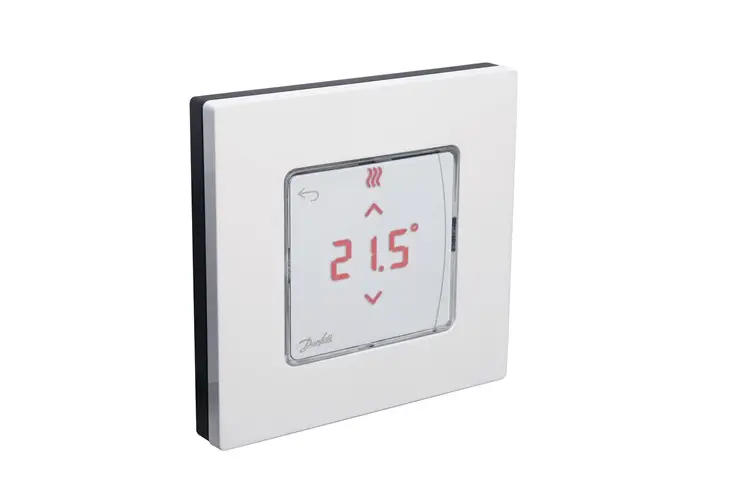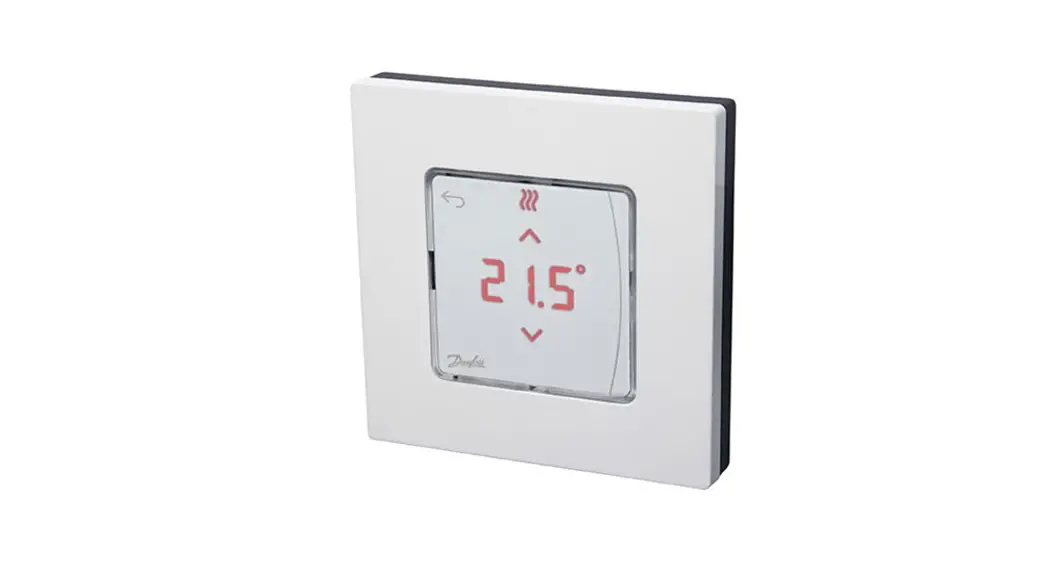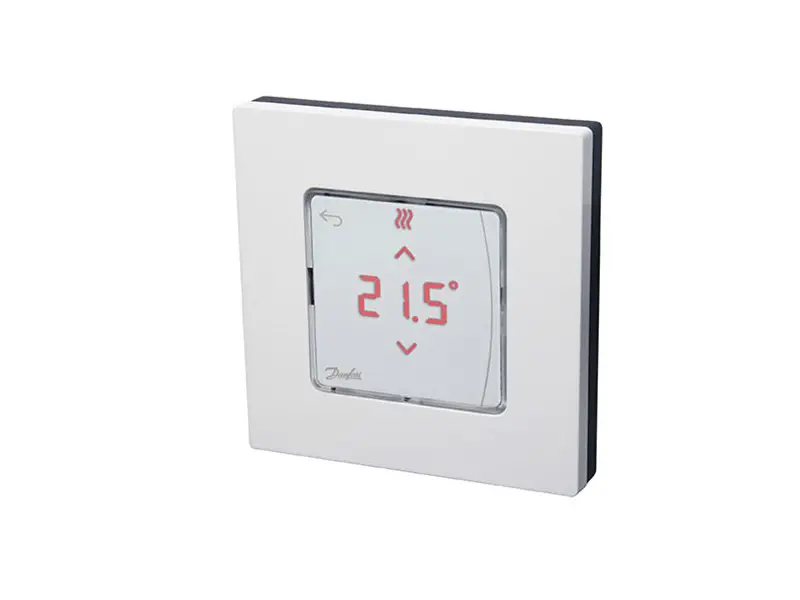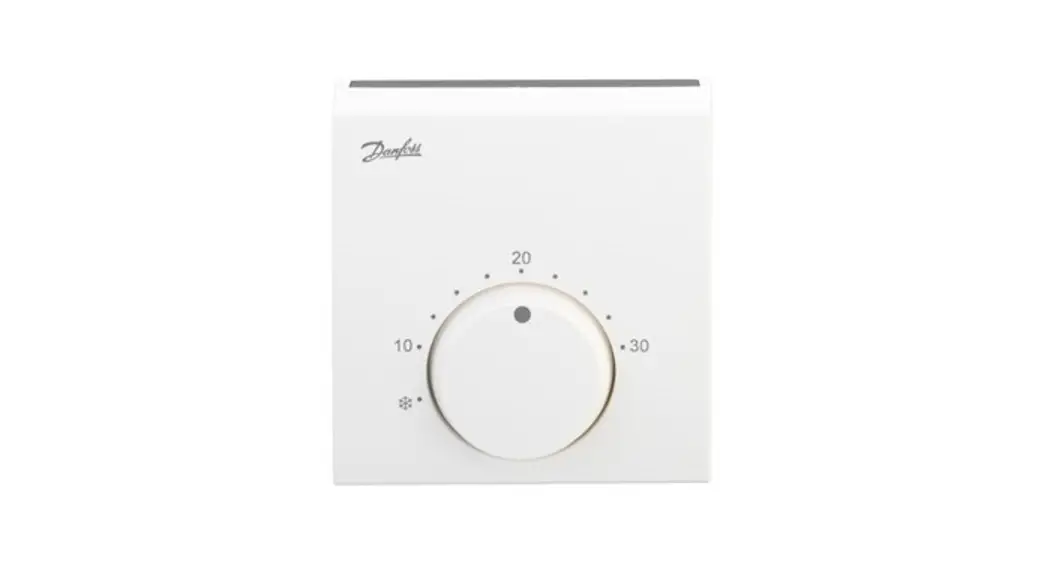
Danfoss Icon 2/ 24V RT Room Thermostat User Guide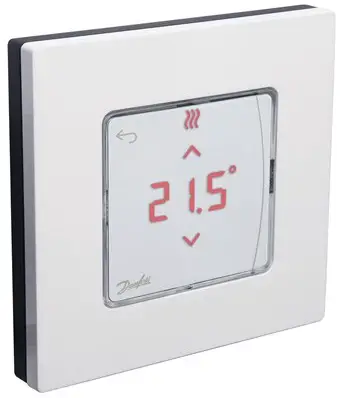
Wake up the thermostat
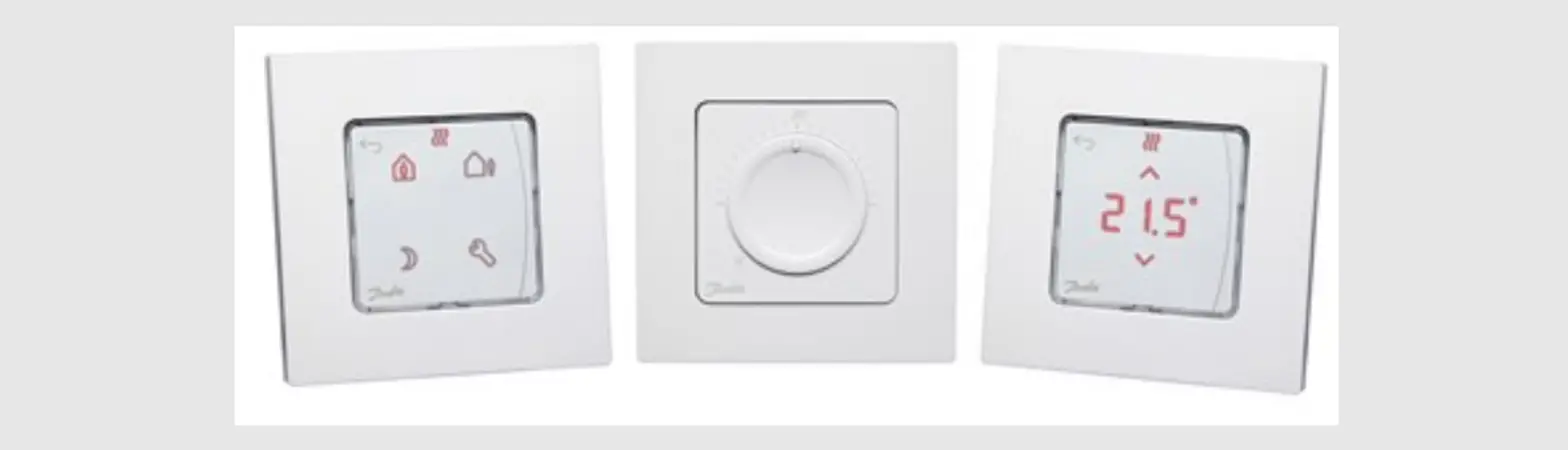
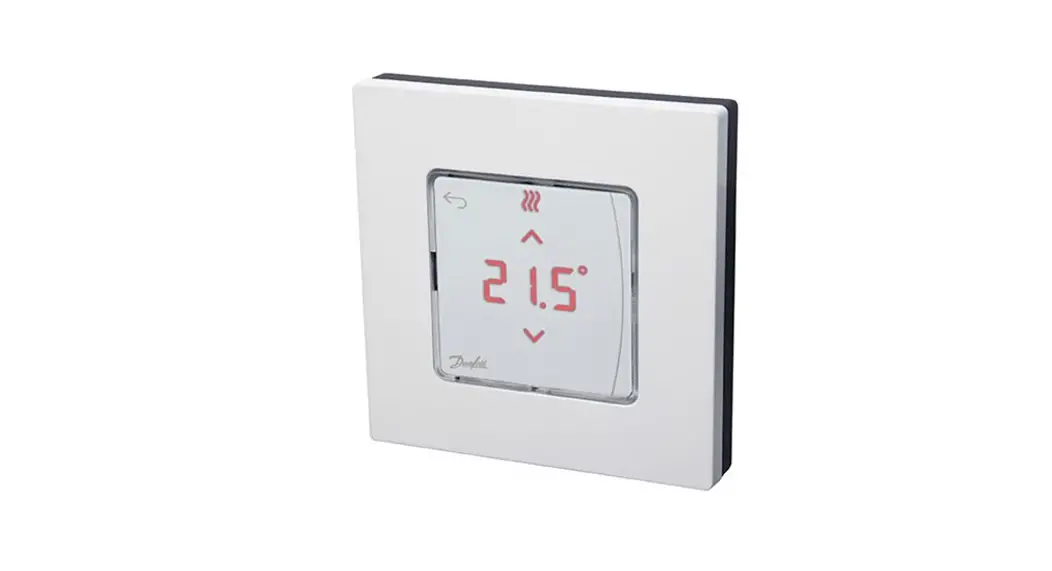
Touch the screen – the actual room temperature is displayed (fig. A). The Heating icon  is displayed if the heat is on, and the Cooling icon
  is displayed if the cooling is on. The screen turns of after 10 seconds.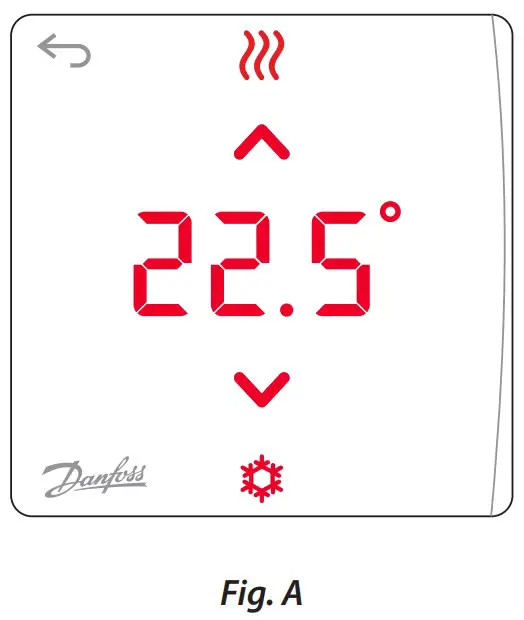
Set the temperature
Wake up the thermostat. Touch  or
or  to set the temperature (temperature flashes to indicate setting in progress). Touch
  to conrm the new setting.
Wake up the thermostat. Touch and hold  to open the menu (fig. B). Toggle the menu with or , conrm with . Touch to go backwards in the menu.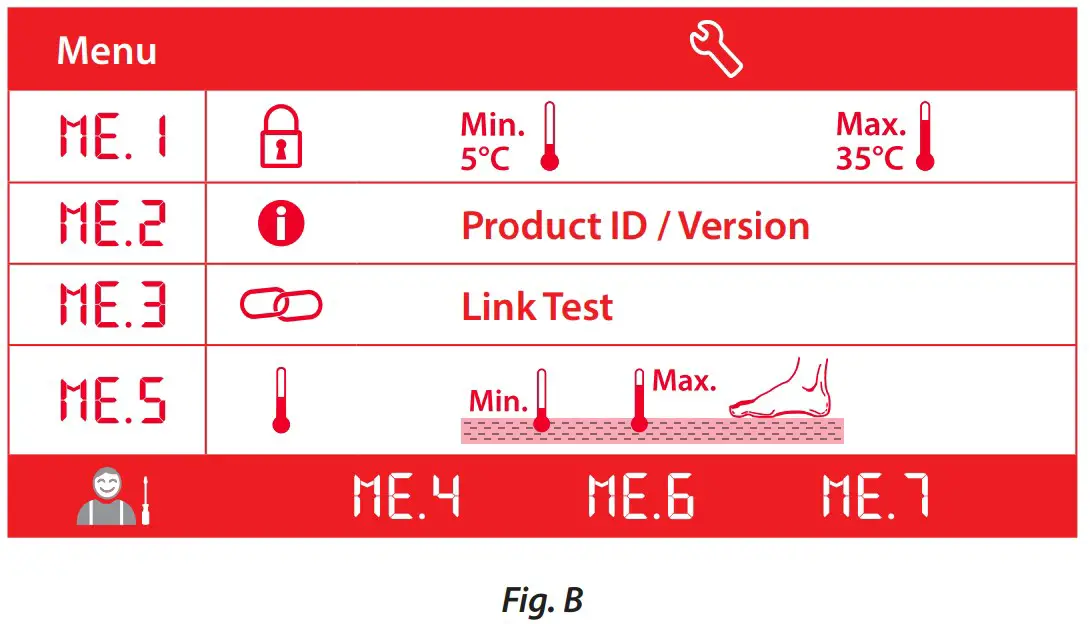
 : Temperature limitation, i.e. allowed setting range for room temperature.
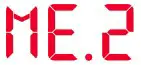 : Product ID – your product can be identified with this code.
 : Perform Link Test, if the thermostat has been moved. Check the signal, a result of 80 % or more equals ”strong connection”.
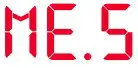 : Set min. and max. temperature of the floor surface (the menu is only displayed, if your thermostat has a floor sensor).
Note! Menus 4, 6 and 7 are only available to the installer.
 Danfoss Icon | Danfoss