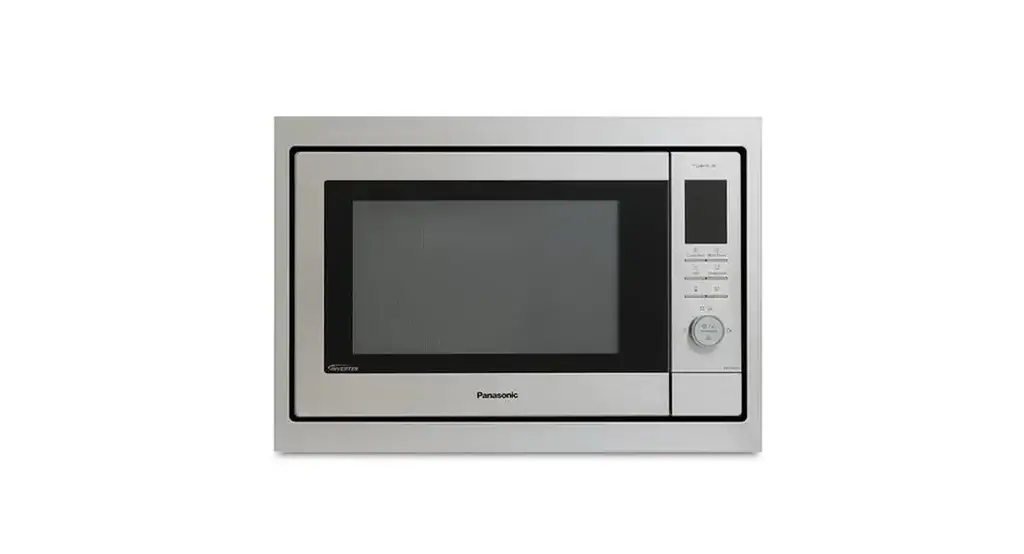
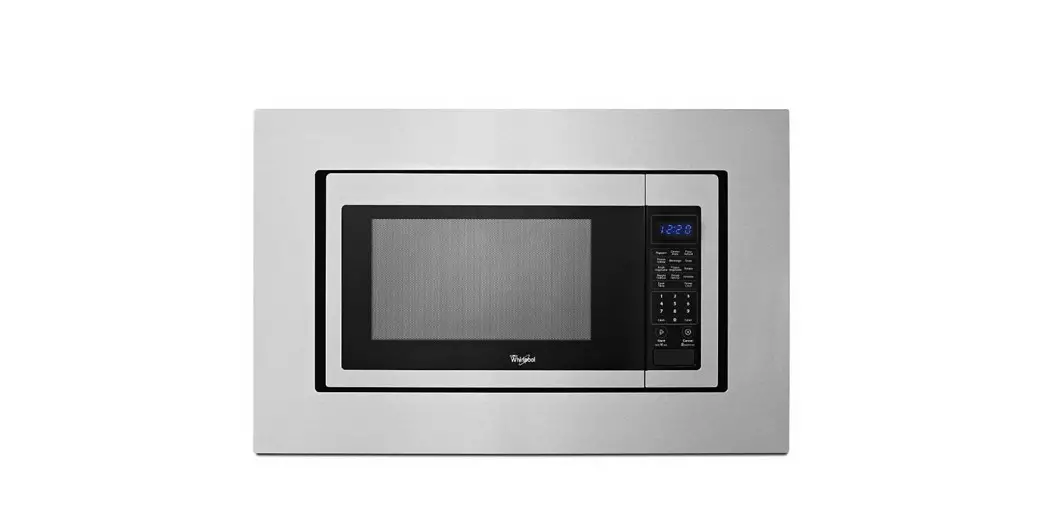
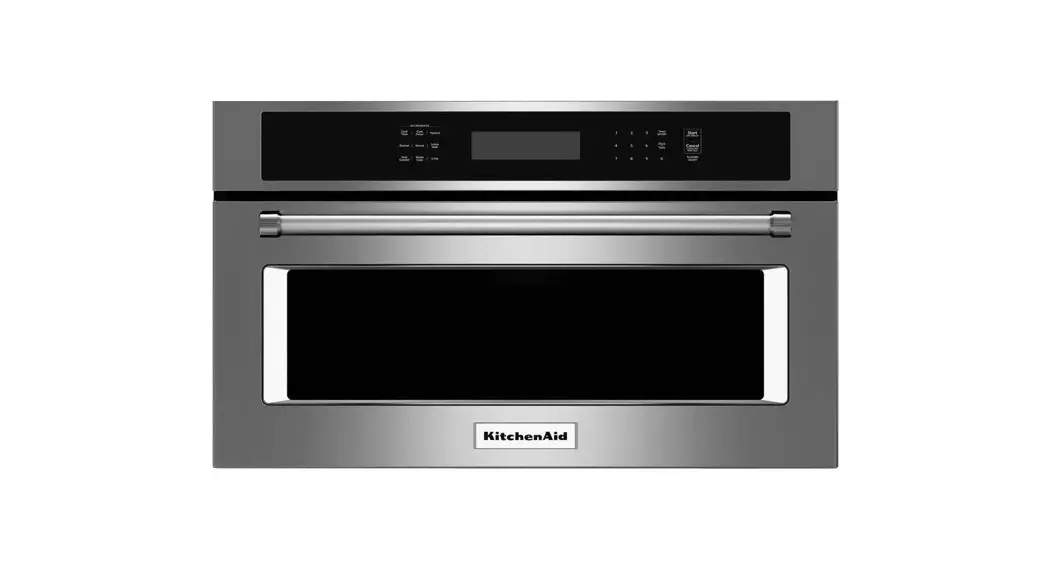
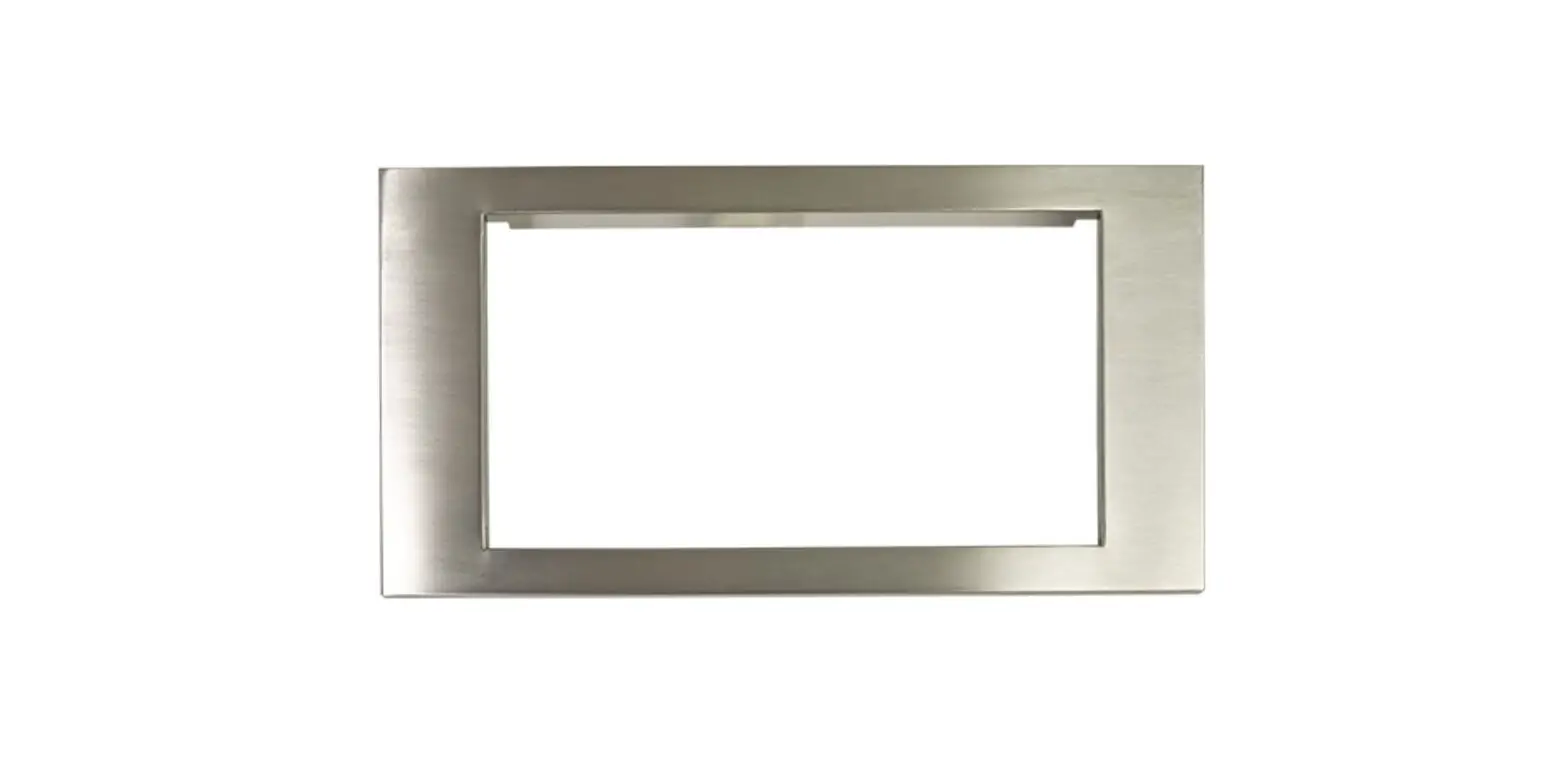
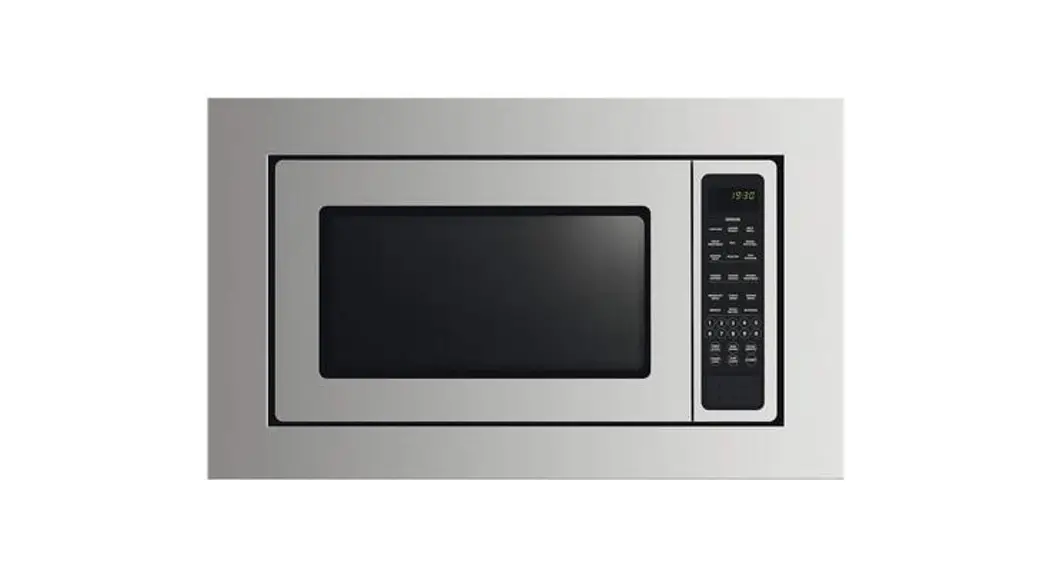
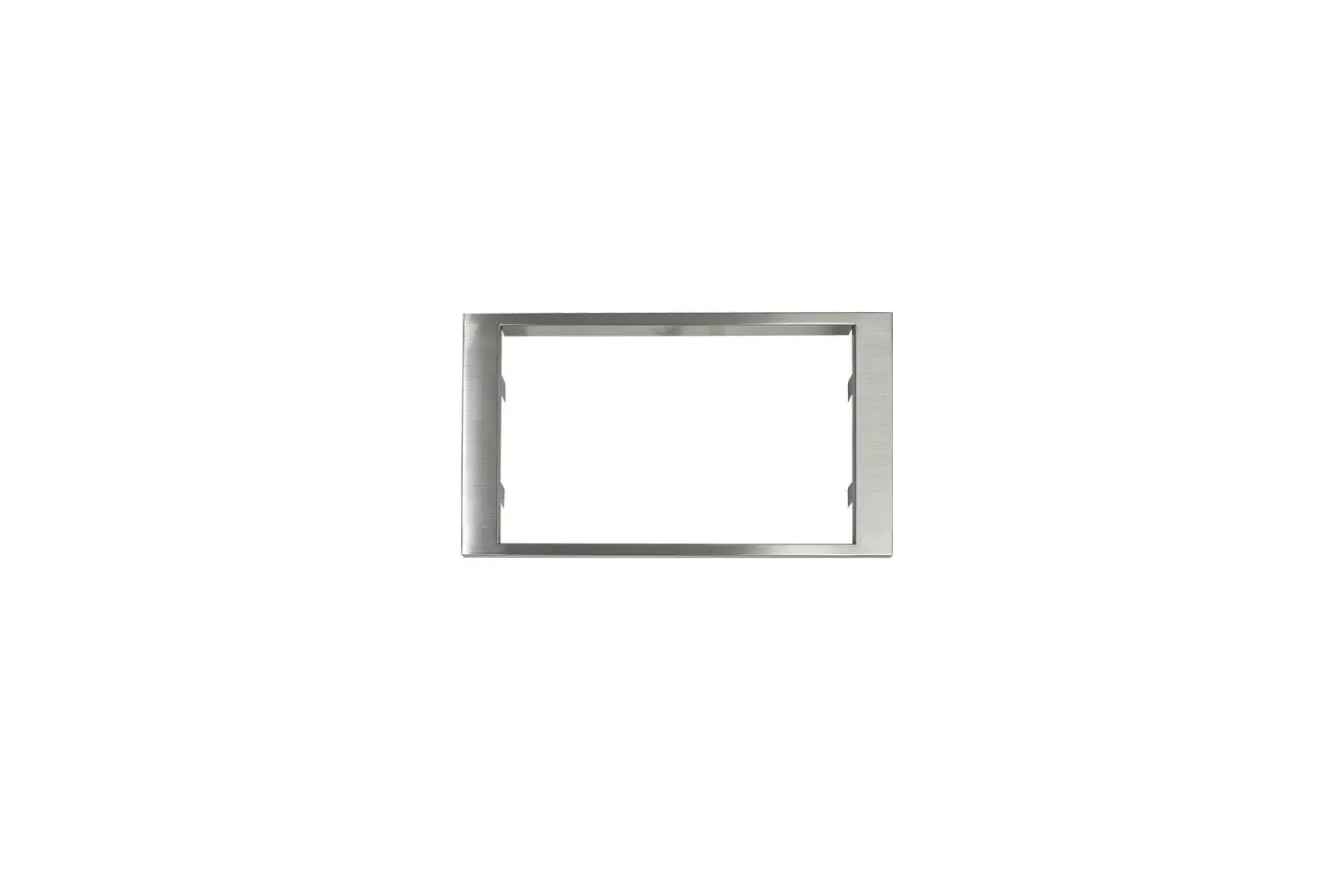
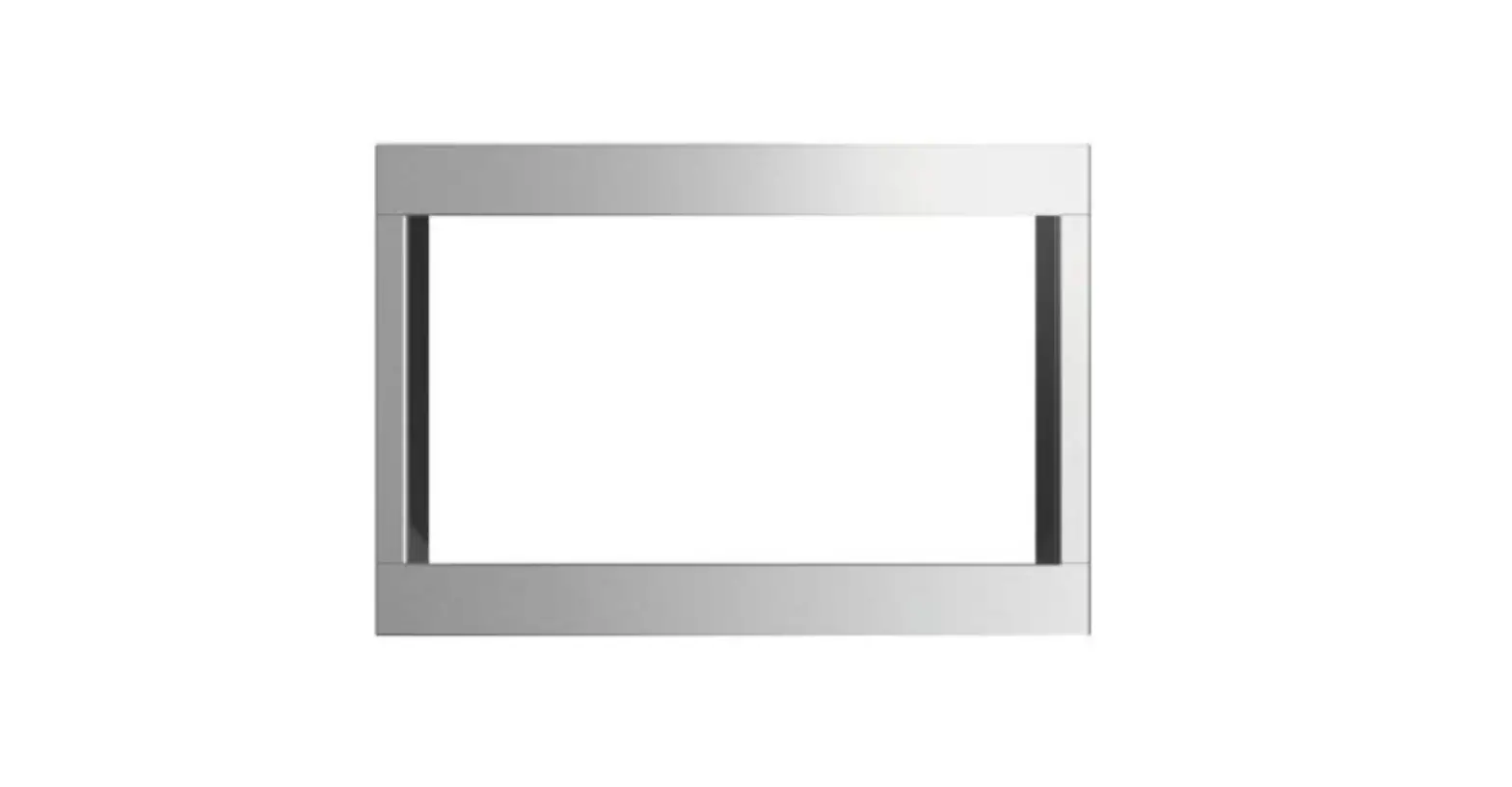
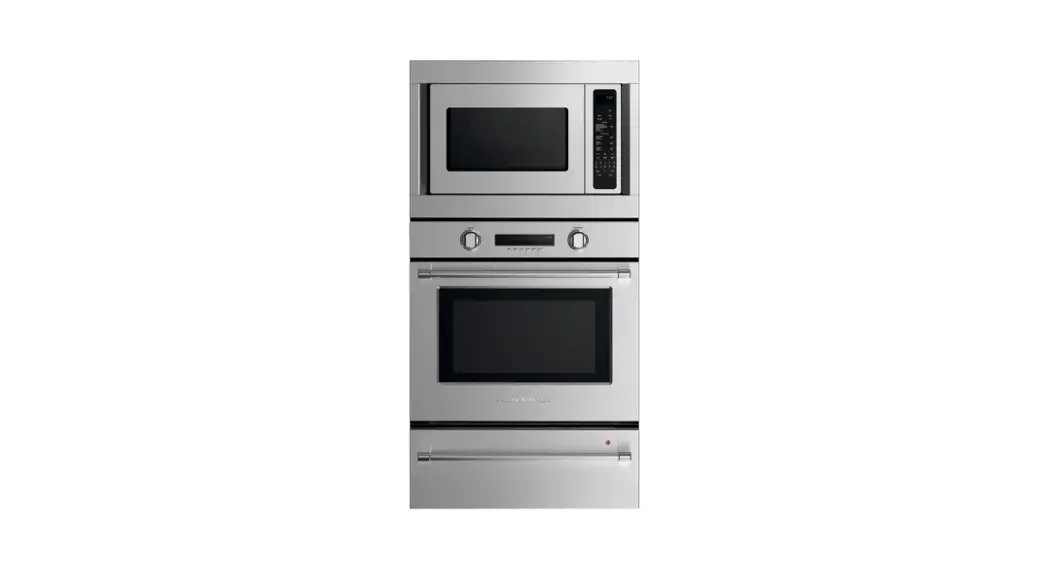
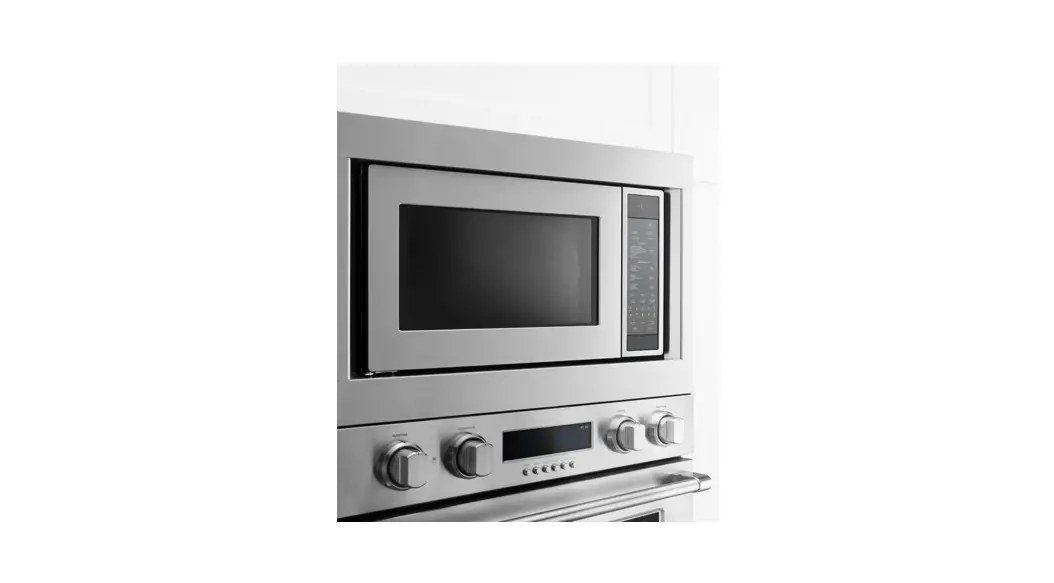
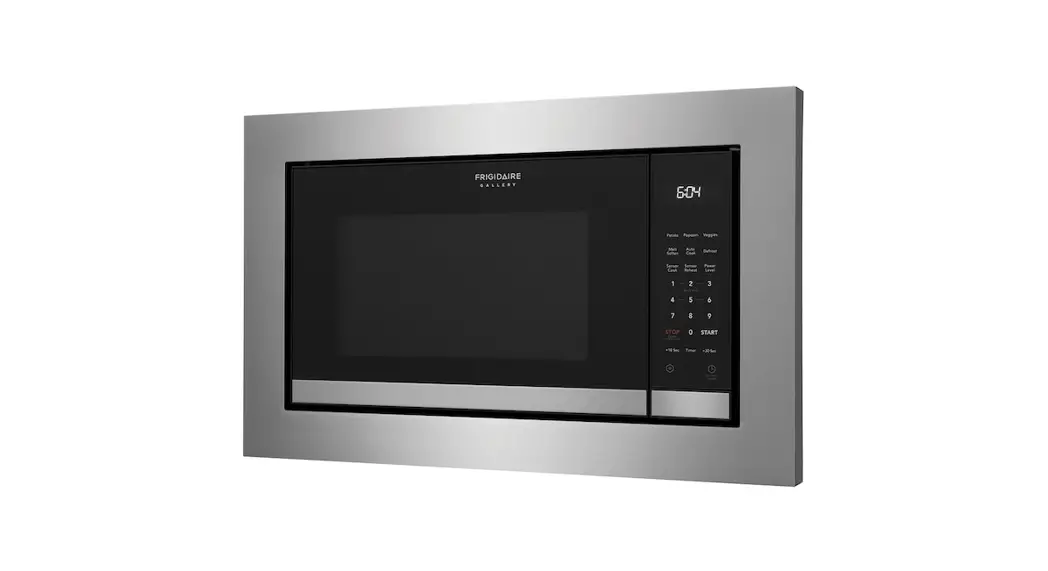
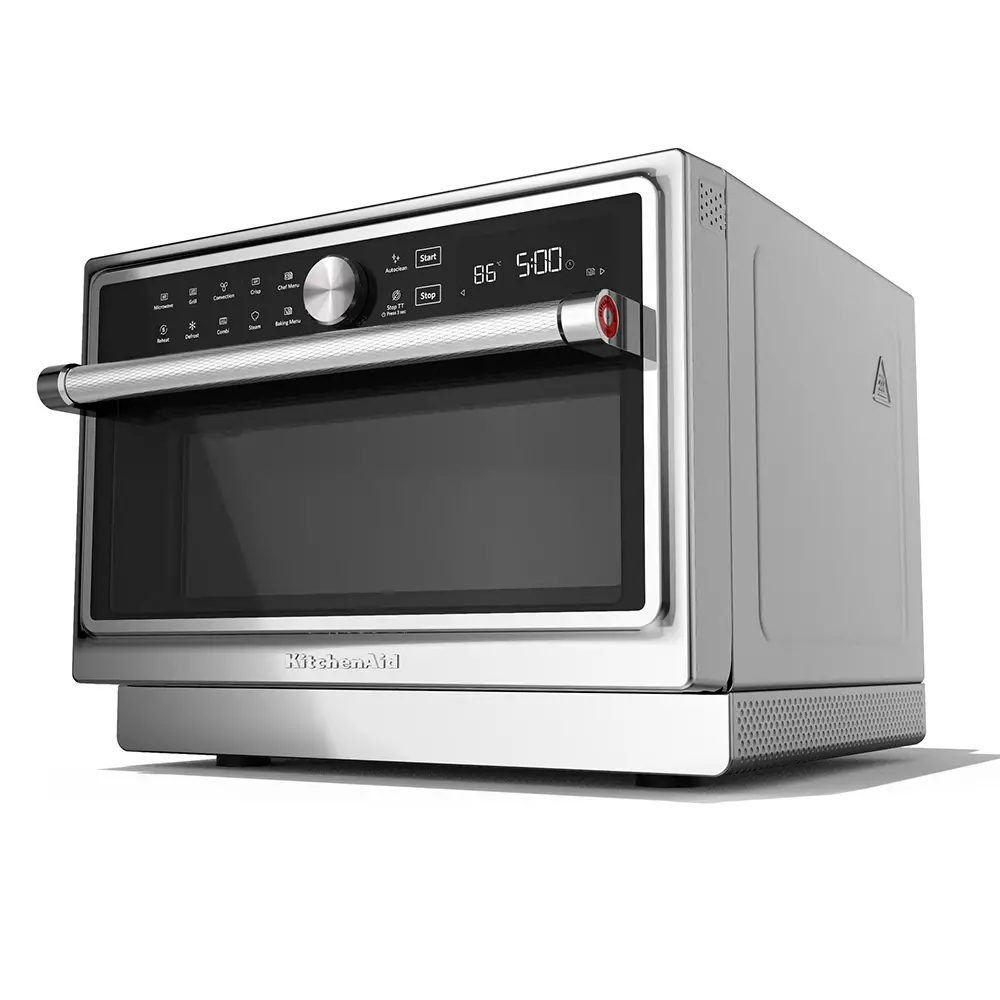
MICROWAVE OVEN BUILT-IN TRIM KIT
INSTALLATION INSTRUCTIONS
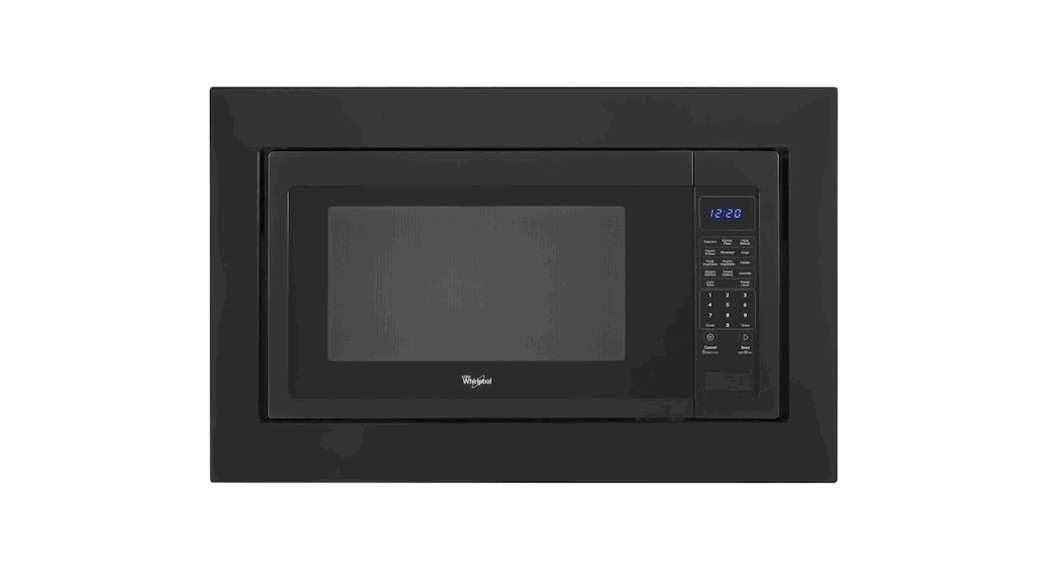
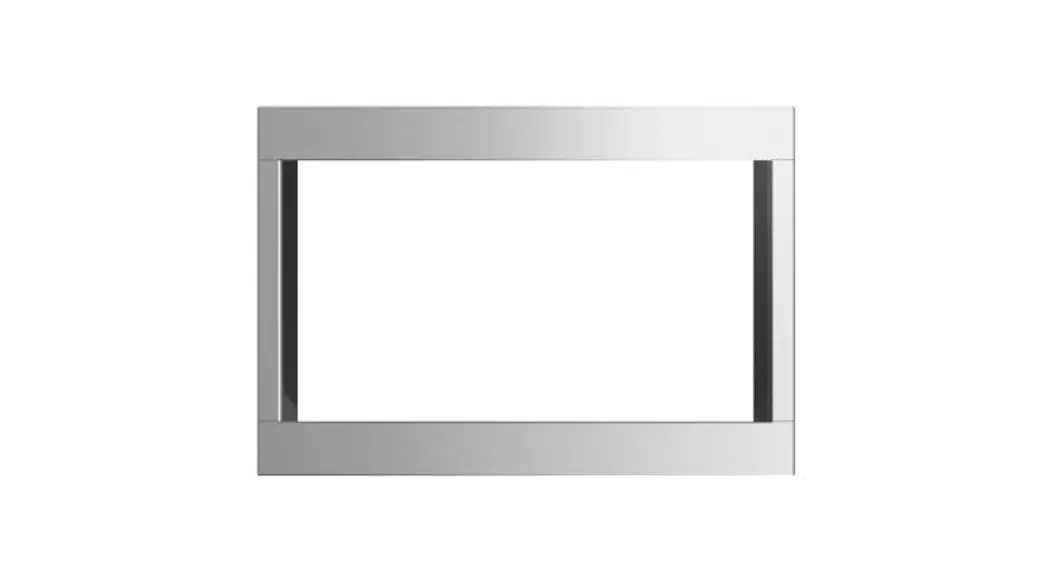
Built-In Trim Kit Models MKC2157, MKC2150
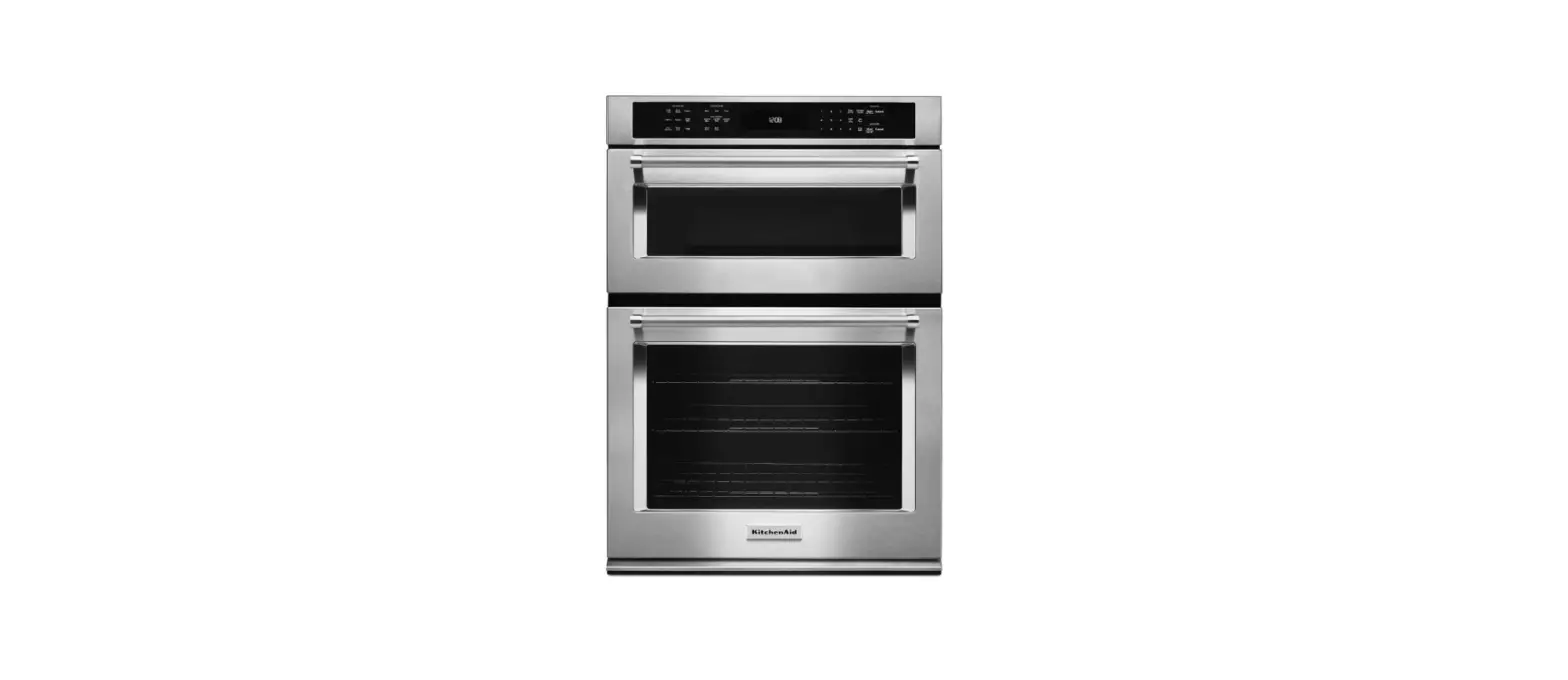
UL listed for use over any electric or gas built-in oven, up to 30″ (76.2 cm) wide
MICROWAVE OVEN SAFETY
Your safety and the safety of others are very important.
We have provided many important safety messages in this manual and on your appliance. Always read and obey all safety messages.
 This is the safety alert symbol.
This symbol alerts you to potential hazards that can kill or hurt you and others.
All safety messages will follow the safety alert symbol and either the word “DANGER” or “WARNING.”
These words mean:
 You can be killed or seriously injured if you don’t immediately follow instructions.
 You can be killed or seriously injured if you don’t follow instructions.
All safety messages will tell you what the potential hazard is, tell you how to reduce the chance of injury, and tell you what can happen if the instructions are not followed.
W11376854B
INSTALLATION INSTRUCTIONS
Tools and Parts
Tools Needed
Gather the required tools and parts before starting installation.
Read and follow the instructions provided with any tools listed here.
- Measuring tape
- Pencil
- Phillips screwdriver
- Drill
- 7/64″ drill bit
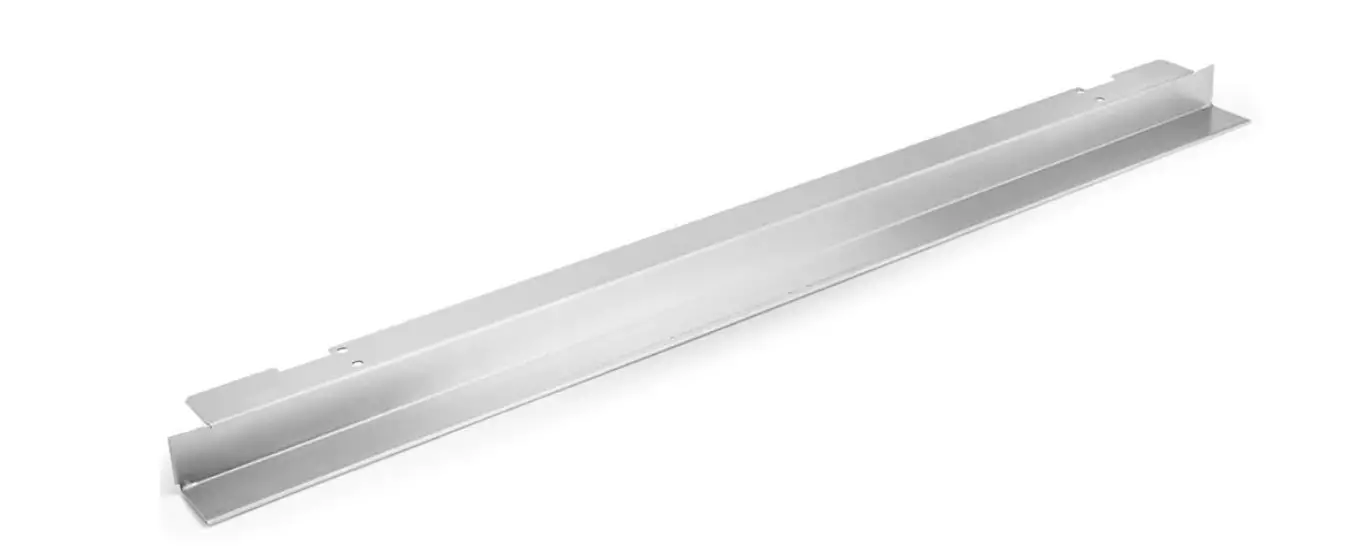
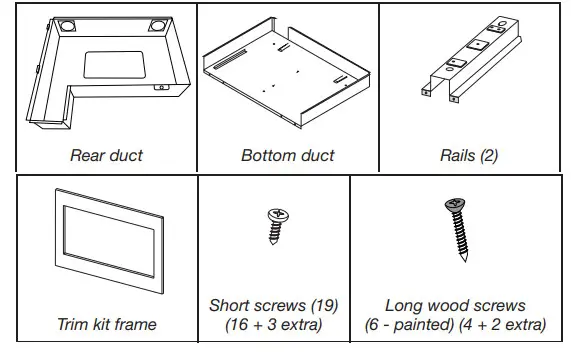
Parts Supplied (not shown to scale
Location Requirements
The microwave oven may be installed over a built-in oven. If installing over a built-in oven, make sure there is a minimum of 3″ (7.6 cm) between the top of the lower oven cutout and the microwave oven cutout floor.
The microwave oven may also be installed in a cabinet by itself (without a built-in oven below). The minimum distance from the floor to the cutout floor is 36″ (91.4 cm).
Make sure the surrounding cabinetry has clearance to open and close freely. Allow a clearance of at least 1⁹⁄₁₆” (4.0 cm) below the cutout floor (3″ [7.6 cm] for installation above a built-in oven), and a clearance of at least 2″ (5.1 cm) above the cutout opening.
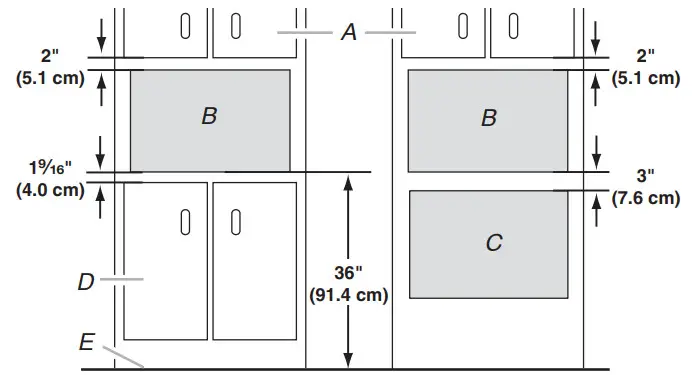
A. Upper cabinet
B. Microwave oven cutout
C. Lower oven cutout
D. Lower cabinets
E. Floor
Required Cutout Dimensions
For minimum depth requirements, see chart.
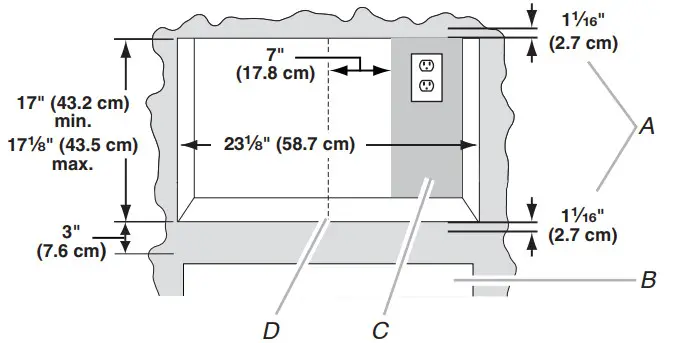
A. Trim kit frame overhang
B. Cutout for the lower oven
C. Recommended region for the receptacle location (no less than 7″ [17.8 cm] to the right of cutout centerline)
D. Cutout centerline
| Receptacle Location | Minimum Depth |
| Within recommended region | 20″ (50.8 cm) with flush receptacle; 22″ (55.9 cm) with a non-flush receptacle |
| Outside recommended region | 22″ (55.9 cm) with flush receptacle; 24″ (61.0 cm) with non-flush receptacle |
NOTES:
- Depth requirements depend upon the receptacle and its location within or outside of the recommended region. See illustration and chart above.
- Height dimension is critical: 17″ (43.2 cm) minimum, 17¹⁄₈” (43.5 cm) maximum.
- Width measurement has ±1/16″ (2 mm) tolerance.
- 3″ (7.6 cm) minimum dimension is from lower oven cutout ceiling to microwave oven cutout floor.
- The Trim kit frame extends 1¹⁄₁₆” (2.7 cm) above and below the cutout opening.
Trim Kit Frame Dimensions
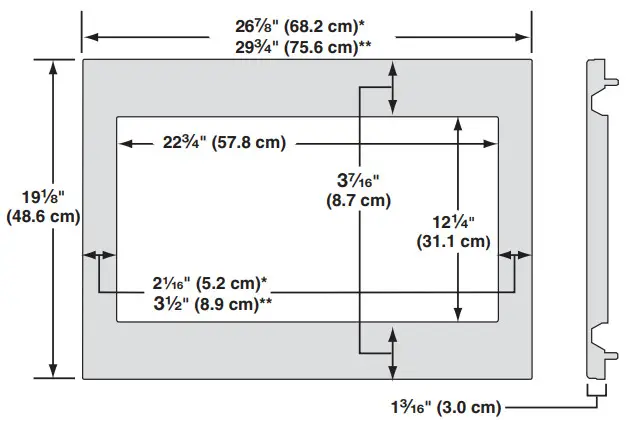
*27″ (68.6 cm) trim kit
**30″ (76.2 cm) trim kit
Electrical Requirements
|
 |
| Electrical Shock Hazard Plug into a grounded 3 prong outlet. Do not remove the ground prong. Do not use an adapter. Do not use an extension cord. Failure to follow these instructions can result in death, fire, or electrical shock. |
Observe all governing codes and ordinances.
Required:
- A 120 V, 60 Hz, AC only, 15 A or 20 A electrical supply with a fuse or circuit breaker.
Recommended:
- A time-delay fuse or time-delay circuit breaker.
- A separate circuit serving only this microwave oven.
GROUNDING INSTRUCTIONS
- For all cord-connected appliances:
The microwave oven must be grounded. In the event of an electrical short circuit, grounding reduces the risk of electric shock by providing an escape wire for the electric
current. The microwave oven is equipped with a cord having a grounding wire with a grounding plug. The plug must be plugged into an outlet that is properly installed
and grounded.
WARNING: Improper use of the grounding plug can result in a risk of electric shock. Consult a qualified electrician or serviceman if the grounding instructions are not completely understood, or if doubt exists as to whether the microwave oven is properly grounded.
Do not use an extension cord. If the power supply cord is too short, have a qualified electrician or serviceman install an outlet near the microwave oven.
SAVE THESE INSTRUCTIONS
Prepare Microwave Oven
Attach Rails
- Unplug the microwave oven before proceeding with the installation.
- Remove any loose items inside the microwave oven.
- Gently turn the microwave oven onto its top, with the door facing forward (toward installer).
- Align the two rails on the microwave oven bottom, as shown, making sure the flanges are forward and pointing up.
 A. Rails (2)
B. Microwave oven bottom
C. Short screws (4)
D. Flanges
E. Door - Secure the rails to the microwave oven bottom using four short screws.
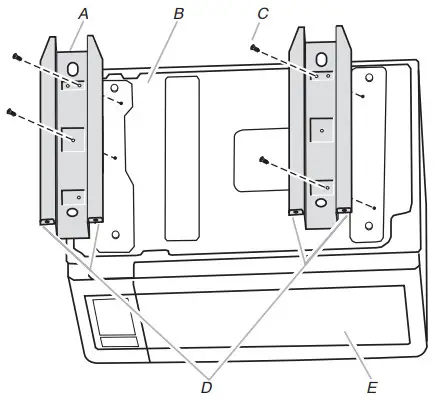 A. Rails (2)
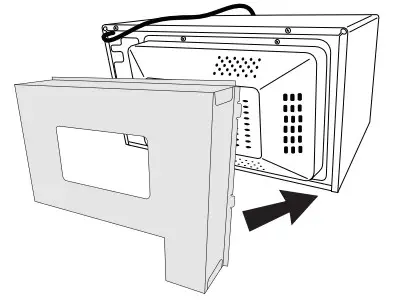
Attach Rear Duct
- Gently return the microwave oven to its upright position.
- Align the rear duct with the back of the microwave oven, as shown.

- Slide two tabs into the slots on the right side of the back of the microwave oven.

- Use two short screws to secure the top of the rear duct to the back of the microwave oven, as shown.

- Use three short screws to secure the back of the rear duct to the back of the microwave oven, as shown.

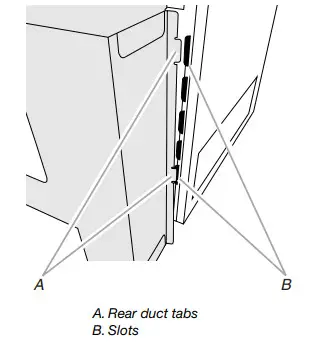
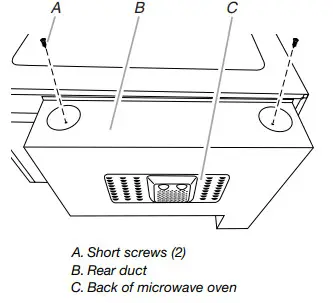
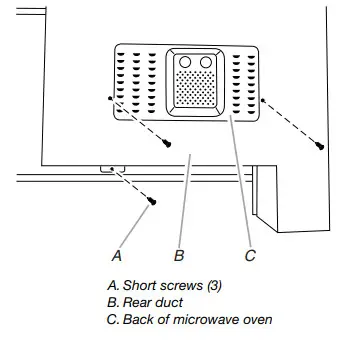
Prepare Cutout/Cabinet Opening
- On the cutout floor, find and mark the centerline.
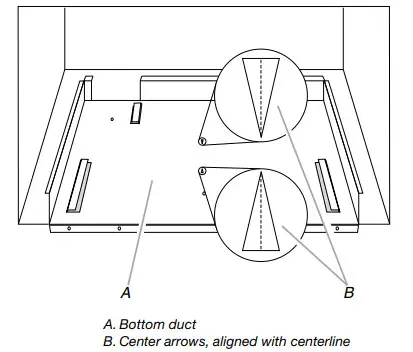
- Place the bottom duct in the opening, with the flange resting against the bottom front-facing of the opening.

- Align the center arrows on the bottom duct with the centerline drawn in Step 1 above.

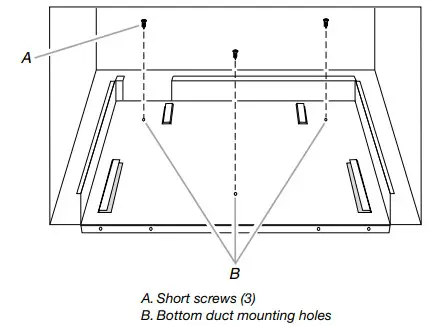
- Mark the three mounting holes through the bottom duct onto the cutout floor.

- Using 7/64″ drill, drill pilot holes into the three holes marked in Step 4.
- Realign and install the bottom duct with three short screws.
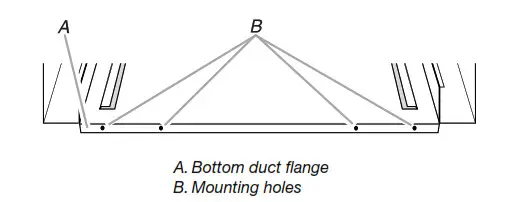
- Using 7/64″ drill, drill pilot holes through the four mounting holes of the bottom duct flange into the bottom front-facing of the cutout/cabinet opening.

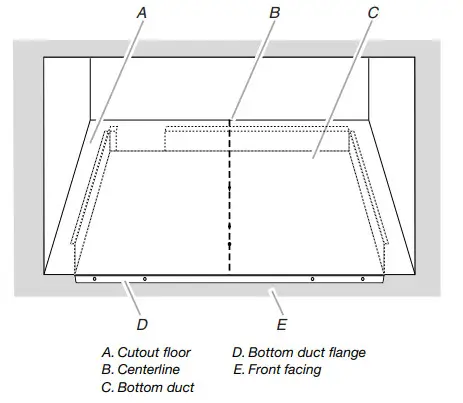
Install the Microwave Oven
- Position microwave oven near cutout opening.


Electrical Shock Hazard
Plug into a grounded 3 prong outlet.
Do not remove the ground prong.
Do not use an adapter.
Do not use an extension cord.
Failure to follow these instructions can result in death, fire, or electrical shock. - Plugin a microwave oven.
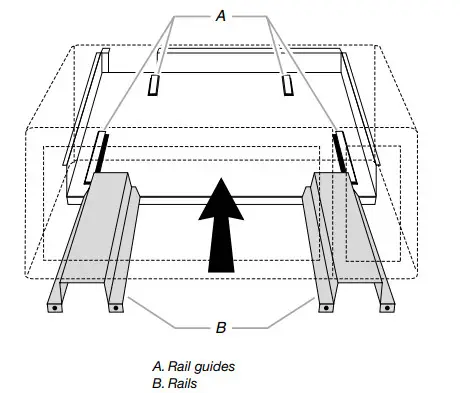
- Align the rails with the rail guides on the bottom duct.

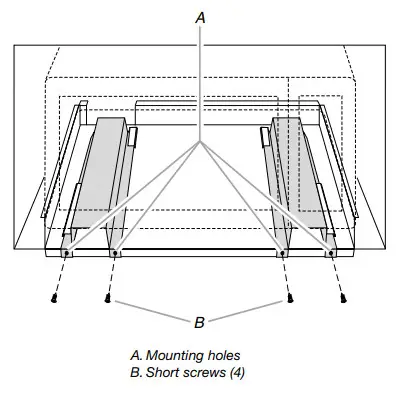
- Slide the microwave oven back and into place. The mounting holes of the rail flanges and bottom duct flange will align against the bottom front-facing of the cutout/cabinet opening.
- Secure the microwave oven to the cutout/cabinet by installing four short screws into the mounting holes.

Install Trim Kit Frame
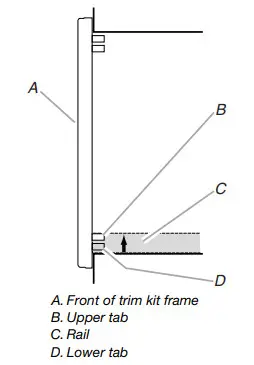
- Position trim kit frame over the opening so that the upper tabs fit inside the rails, as shown.

- To vertically center the trim kit frame, slide it upward, against the opening, until the upper tabs catch against the top of the rails.
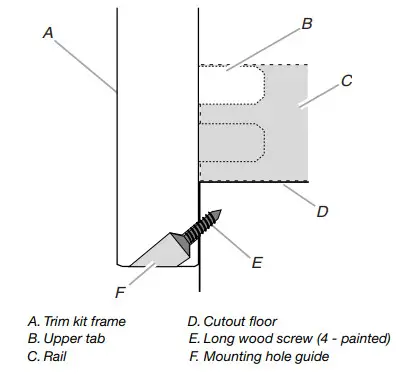
- Holding the trim kit frame firmly in place, use a 7/64″ drill to drill four pilot holes into the front-facing of the cutout/cabinet through the mounting hole guides in the upper and lower corners of the trim kit frame.
NOTES:
■ To ensure vertical centering, drill the lower holes first.
■ The holes will be drilled upward from the bottom, and downward from the top at an angle of about 45°.
- Secure trim kit frame to cutout/cabinet by installing four long wood screws (painted) into the pilot holes drilled in Step 3 above.
NOTES:
■ To ensure vertical centering, install the lower screws first.
■ To avoid damage to the trim kit frame, do not overtighten screws. Installation is now complete. Replace any loose items that have been removed from the microwave oven cavity.
Save these Installation Instructions for future reference.
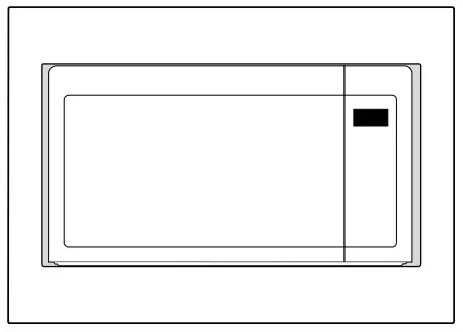 Installation is now complete. Replace any loose items that have been removed from the microwave oven cavity.
W11376854B
SP PN W11407591A
©2019 All rights reserved. Used under license in Canada.
261800308581
11/19
Printed in China