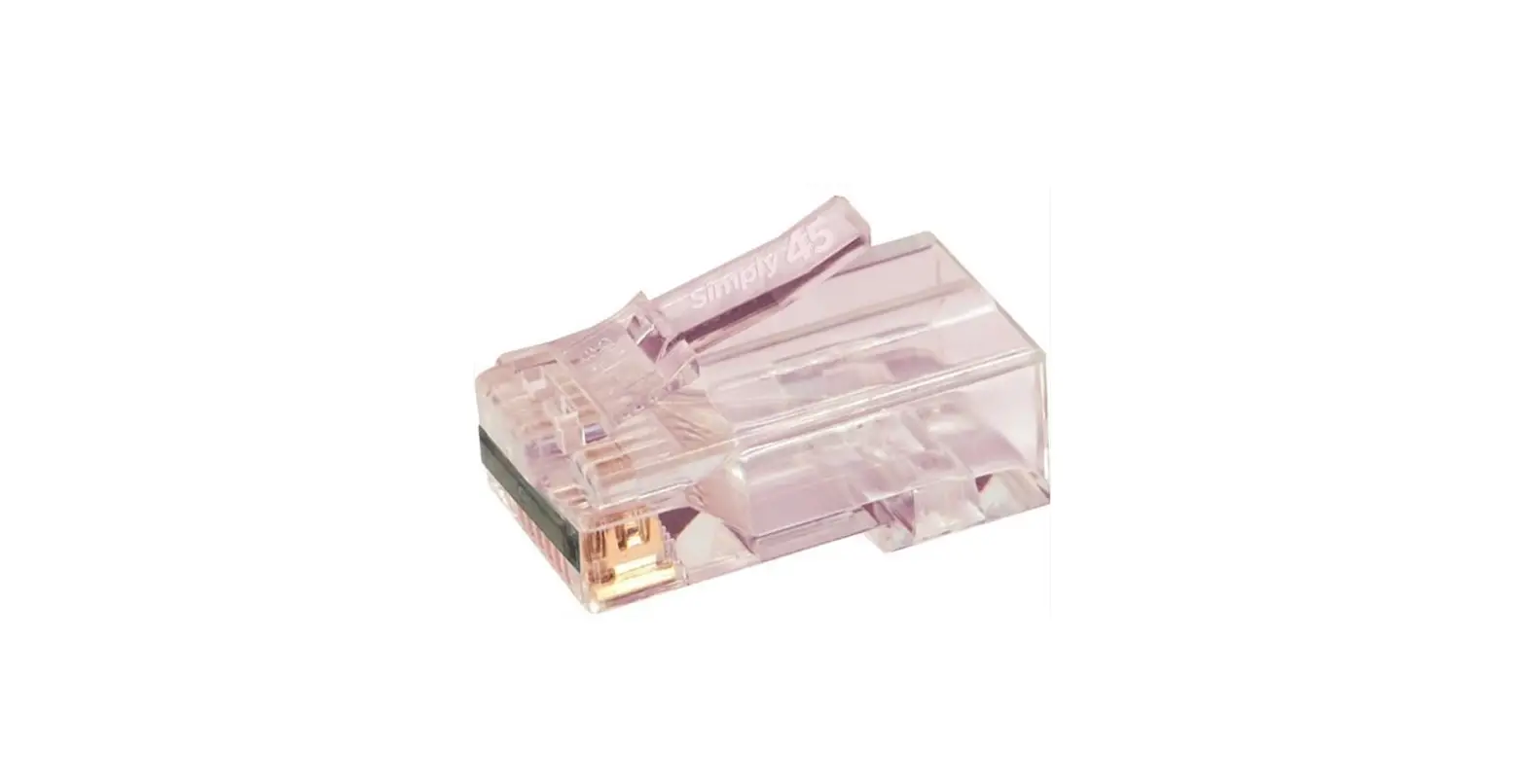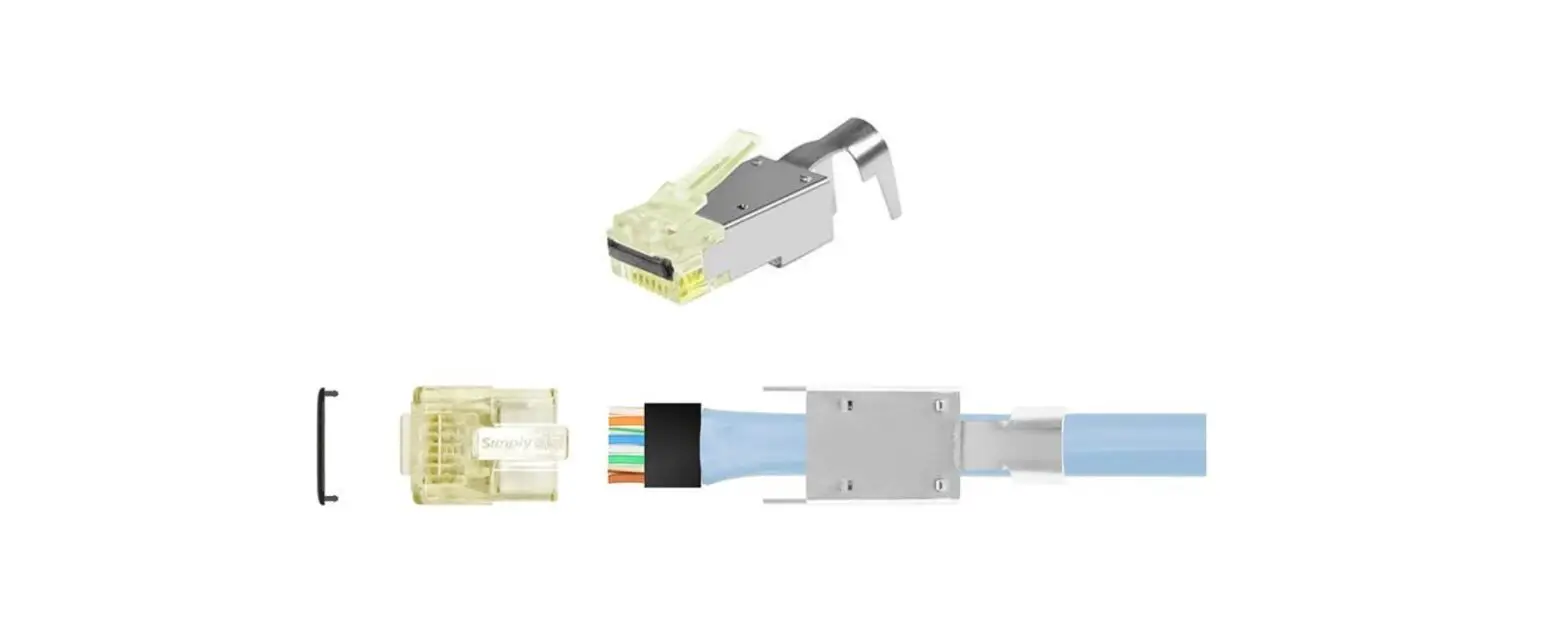

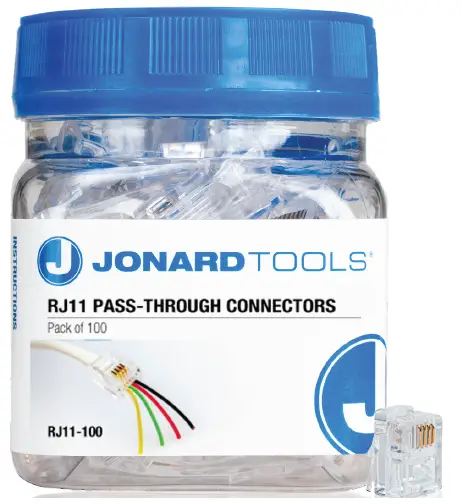
JONARD TOOLS RJ11 Pass Through Connectors
INSTRUCTION
- Cut the telephone cable where you want to terminate the cable.
- Strip the telephone cable’s jacket about 1” long, exposing the internal wires.
- Separate the wires inside and order them black, red, green, then yellow, while the RJ11 connector’s tab is on the bottom.
- Insert the wires through the connector so they are sticking out the other end & the wedge of the connector is contacting the jacket of the cable.
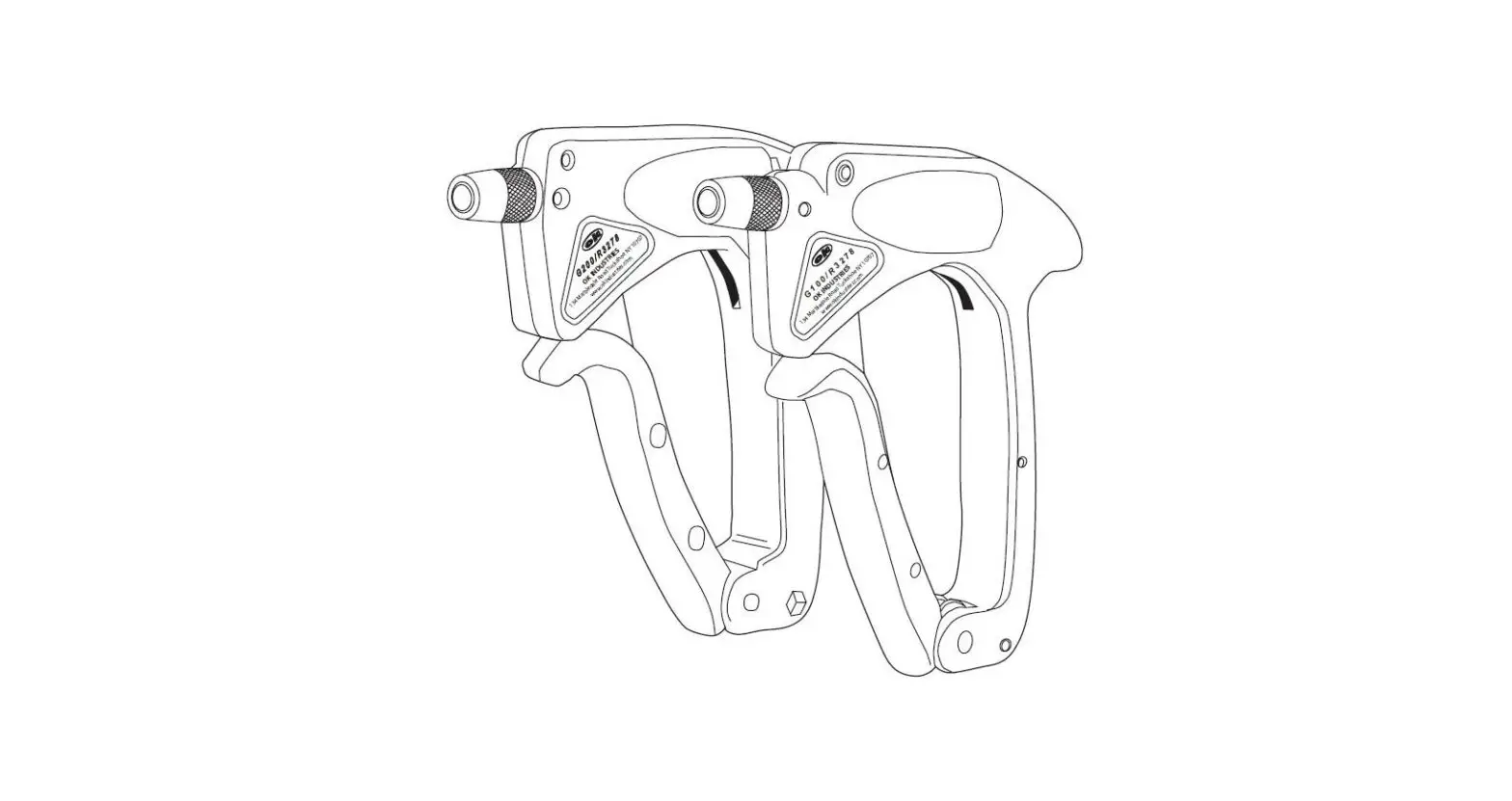
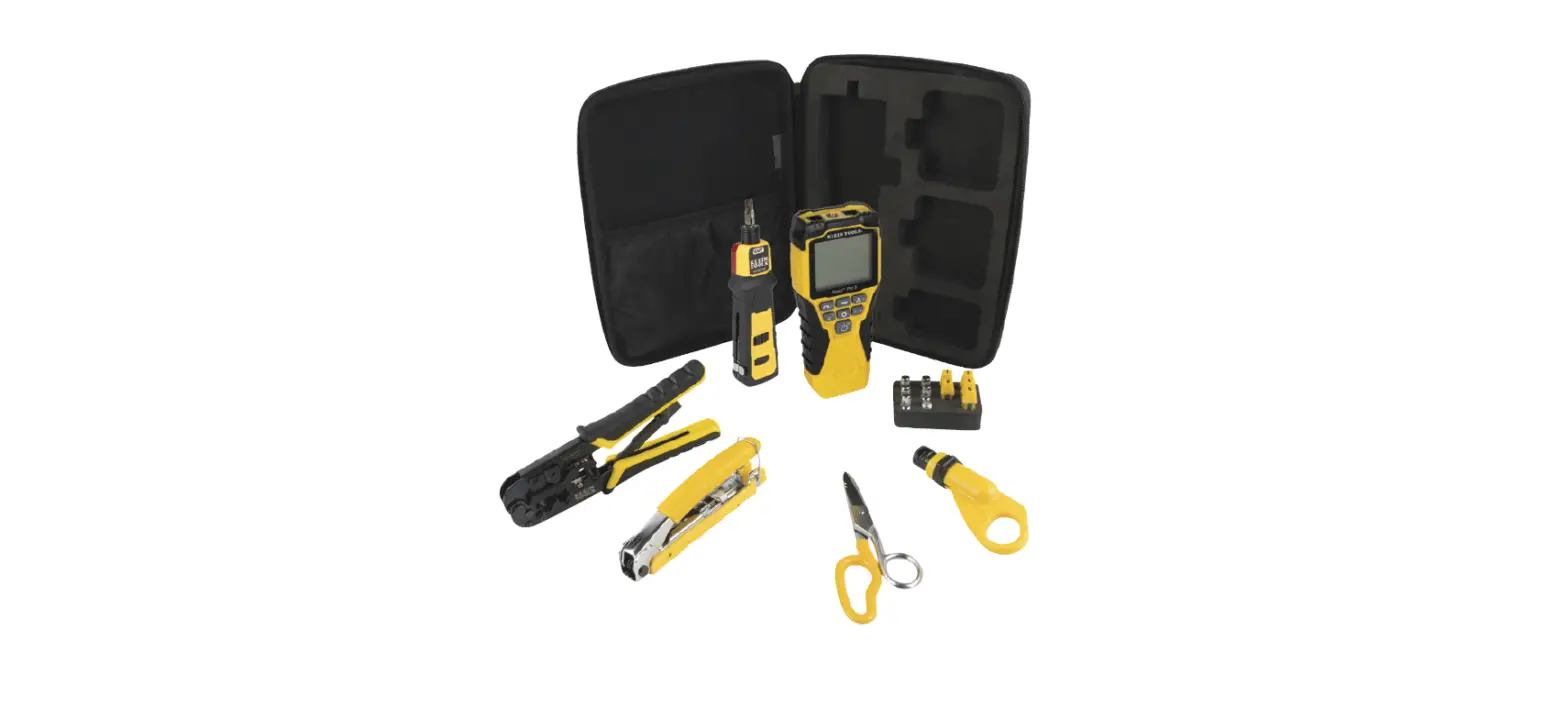
- Insert the wired connector fully into the pass-through RJ11 slot of a crimping tool so that the wires at the end of the connector are sticking out.
- Squeeze the handles of the tool to crimp the connector and flush cut the ends of the wires.
Tel 914.793.0700
Fax 914.793.4527
jonard.com
 Homepage Jonard | Jonard