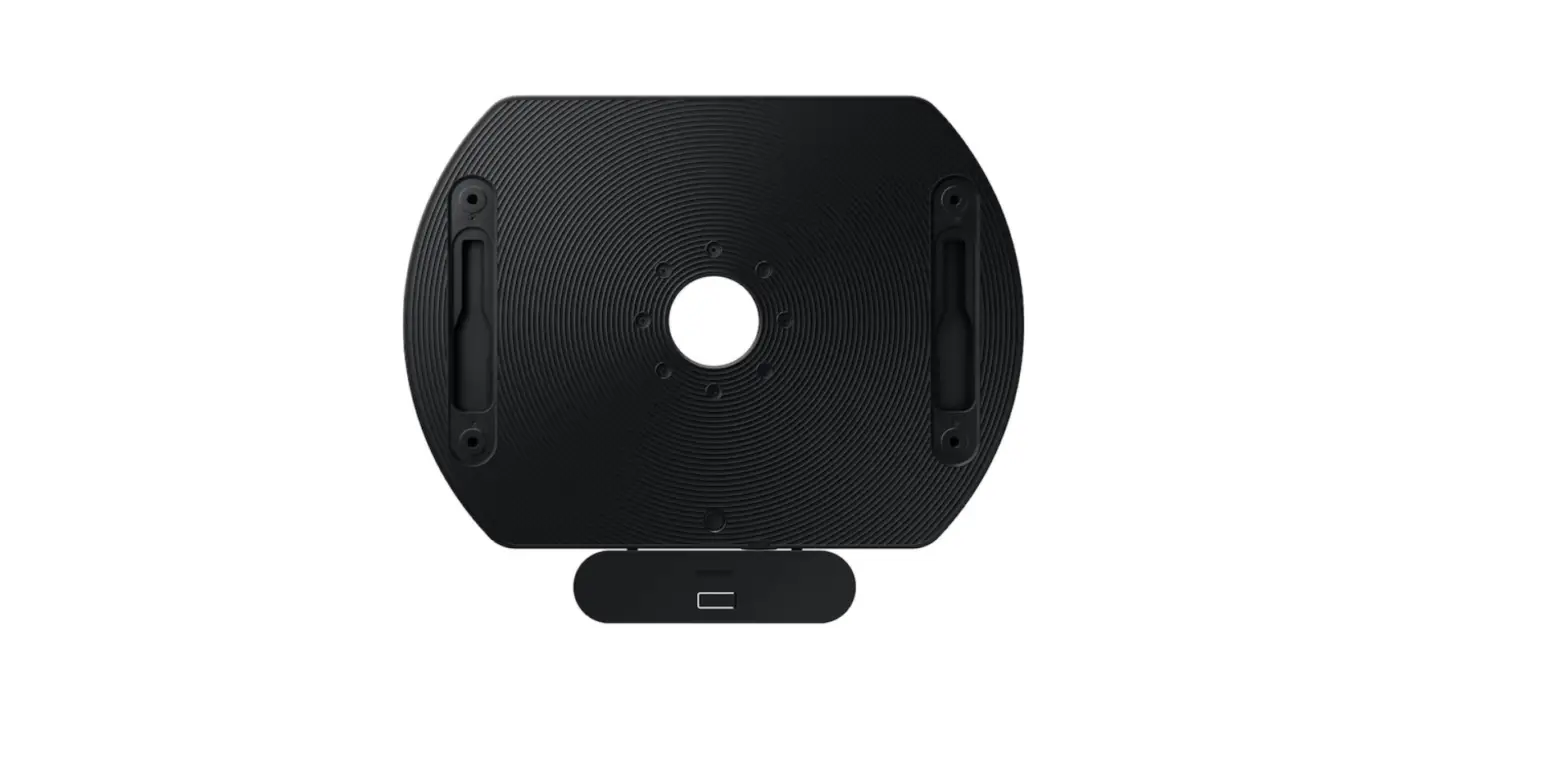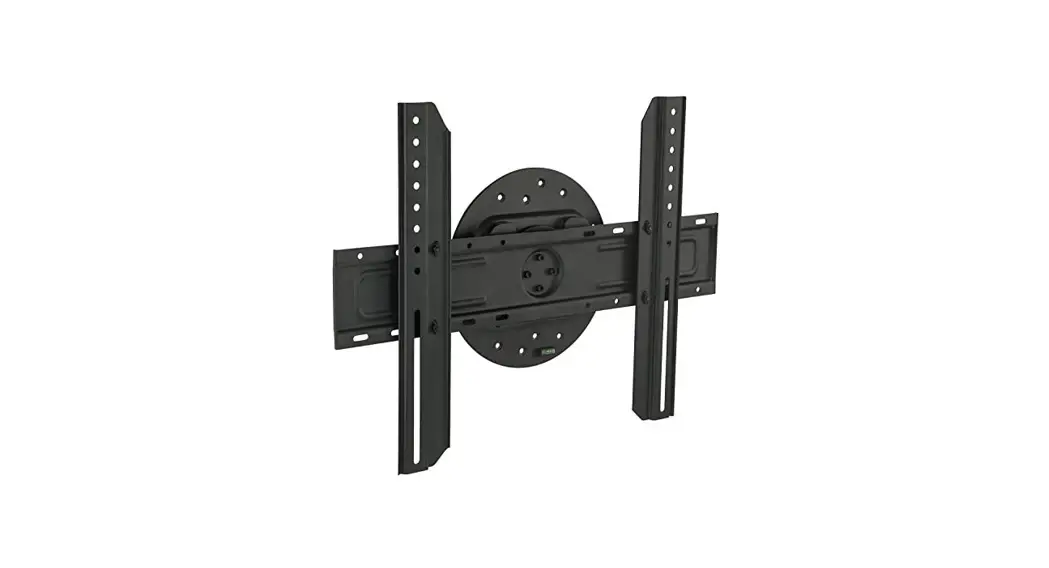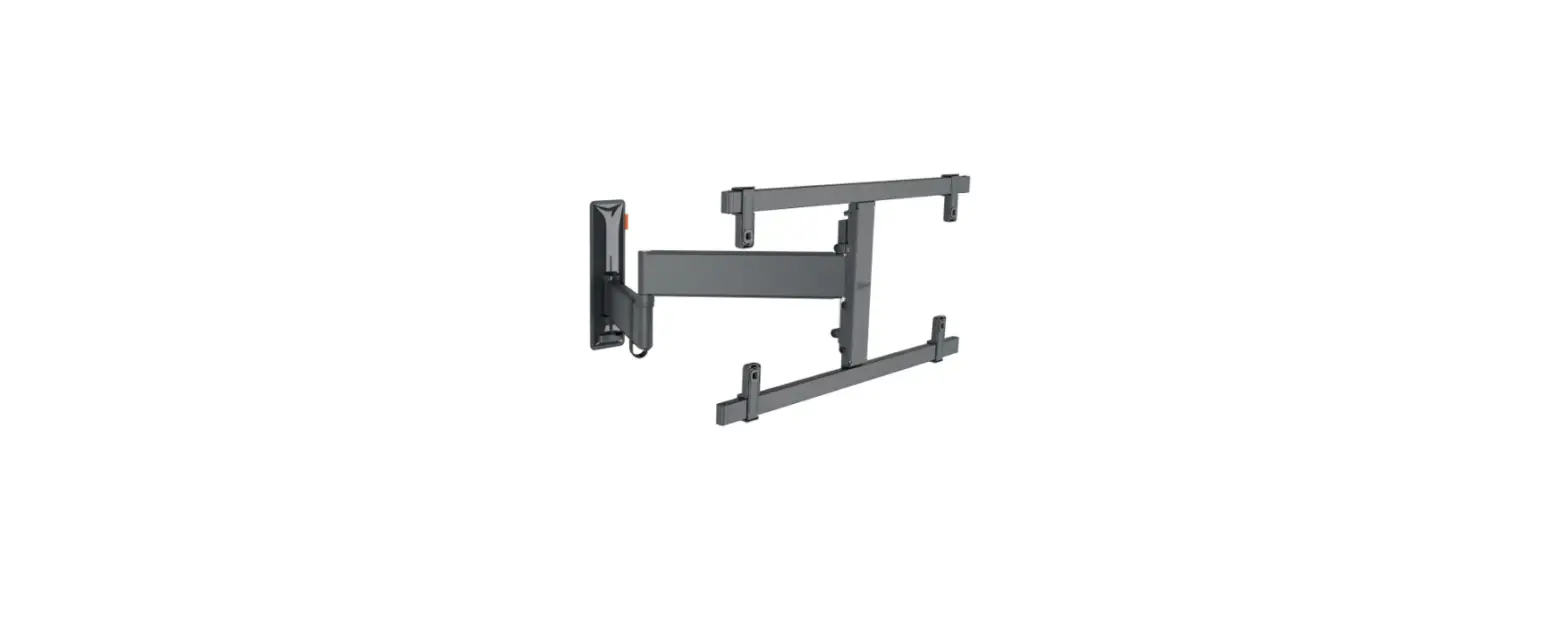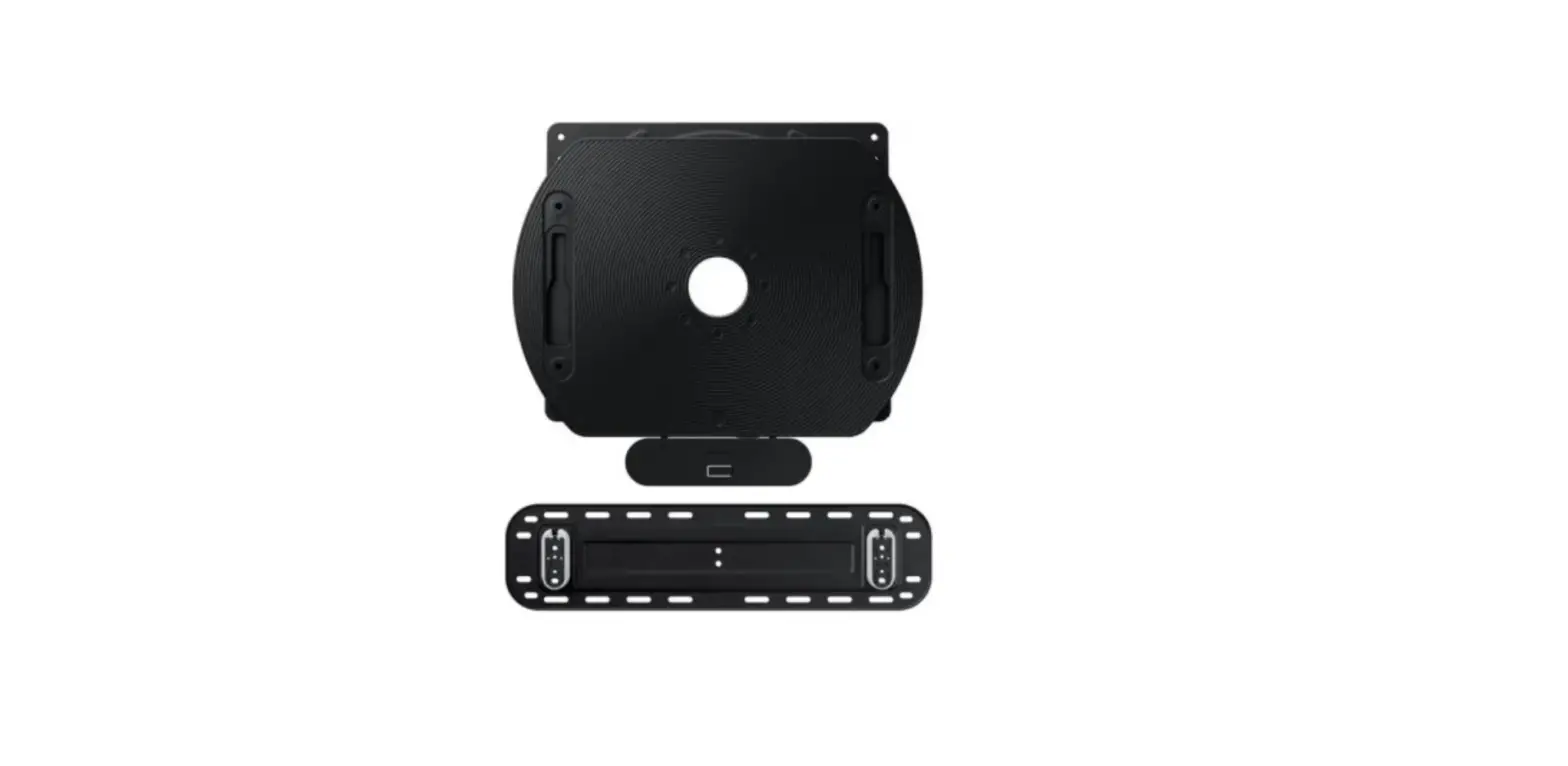

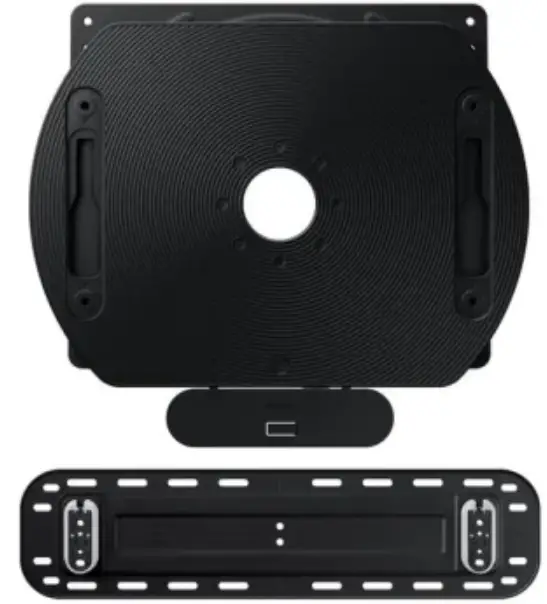
Samsung VG-ARAB43WMTXC Auto-Rotation Wall Mount
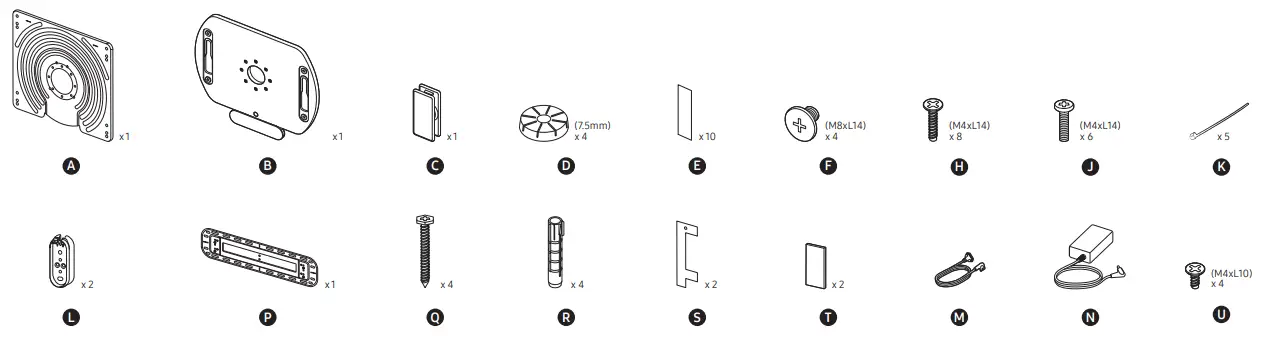
TOOLS
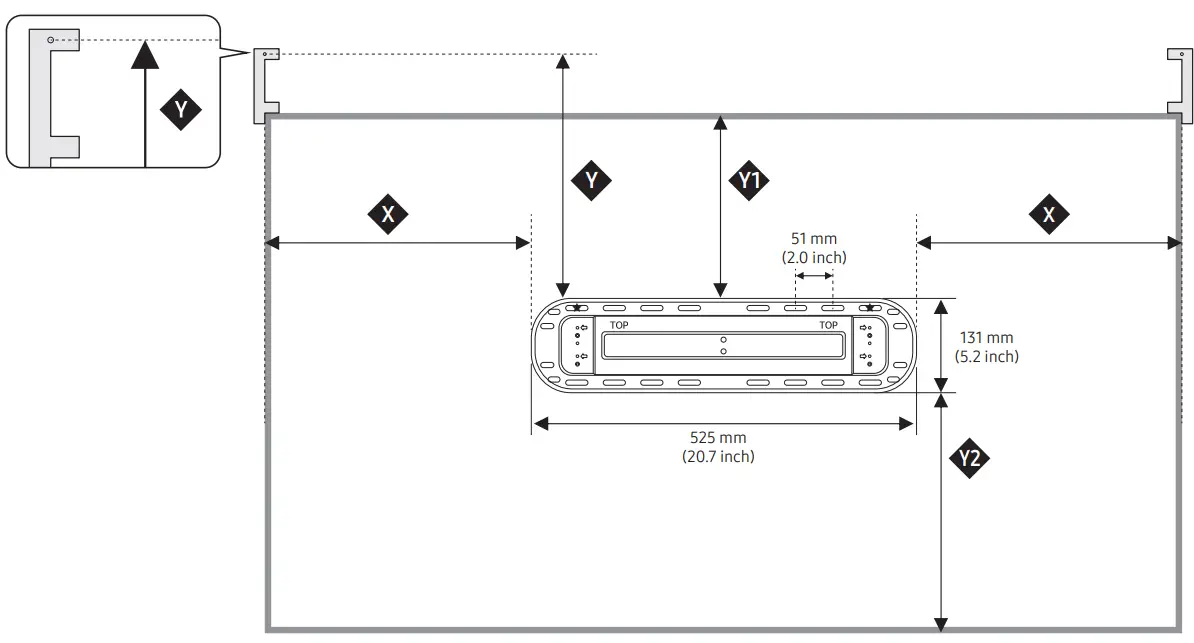
Dimension
INSTALLATION INSTRUCTION
| mm(inches) | ||||||
| Model | cm (inches) | X | A TYPE | B TYPE | Y1 | Y2 |
| Y | Y | |||||
| QN900B QN800B | 138 (55) | 349.6 (13.7) | 324.6 (12.8) | 335.6 (13.2) | 243±20 (9.6±1) | 327±20 (12.9±1) |
| QN700B QN95B | 163 (65) | 453.7 (17.8) | 383.1 (15.1) | 394.1 (15.5) | 301±20 (11.9±1) | 384±20 (15.2±1) |
| LS03B | 163 (65) | 465.5 (18.3) | 392.7 (15.5) | 403.7 (15.9) | 311±20 (12.3±1) | 391±20 (15.4±1) |
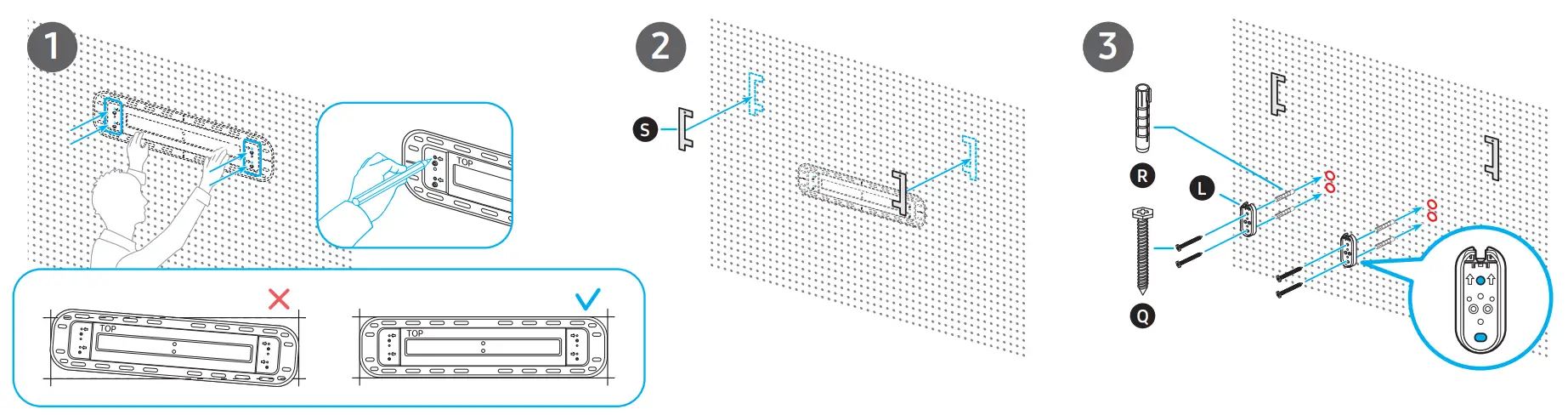
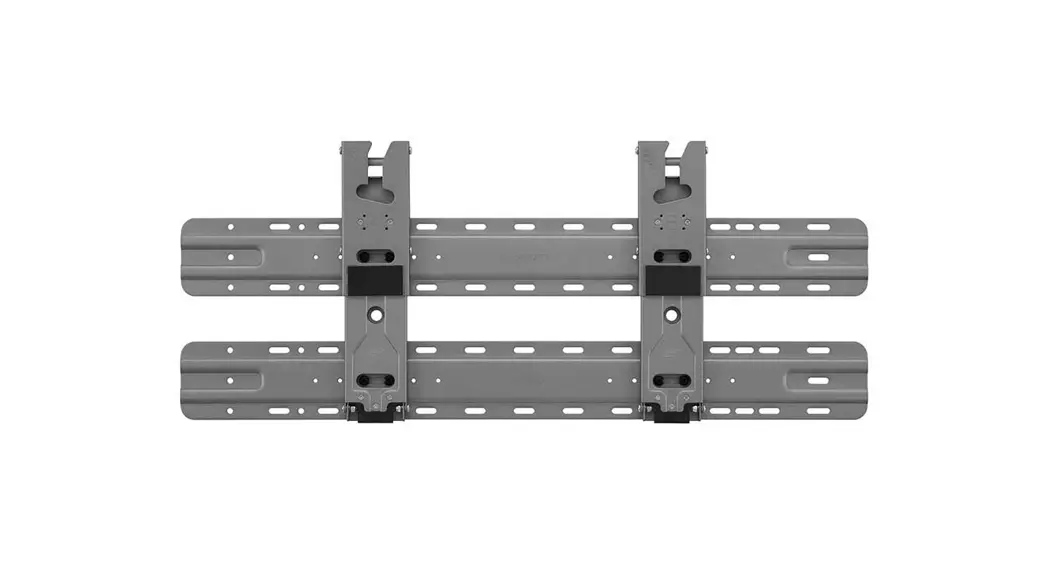
- Install by using Type A. Note that it can also be installed by using Type B if the wall is made of strong material (e.g., concrete or bricks).
- If it is installed by using Type A, the minimum distance from the wall increases by 5 mm.
- If you are not sure about your wall surface, please ask an expert for assistance.
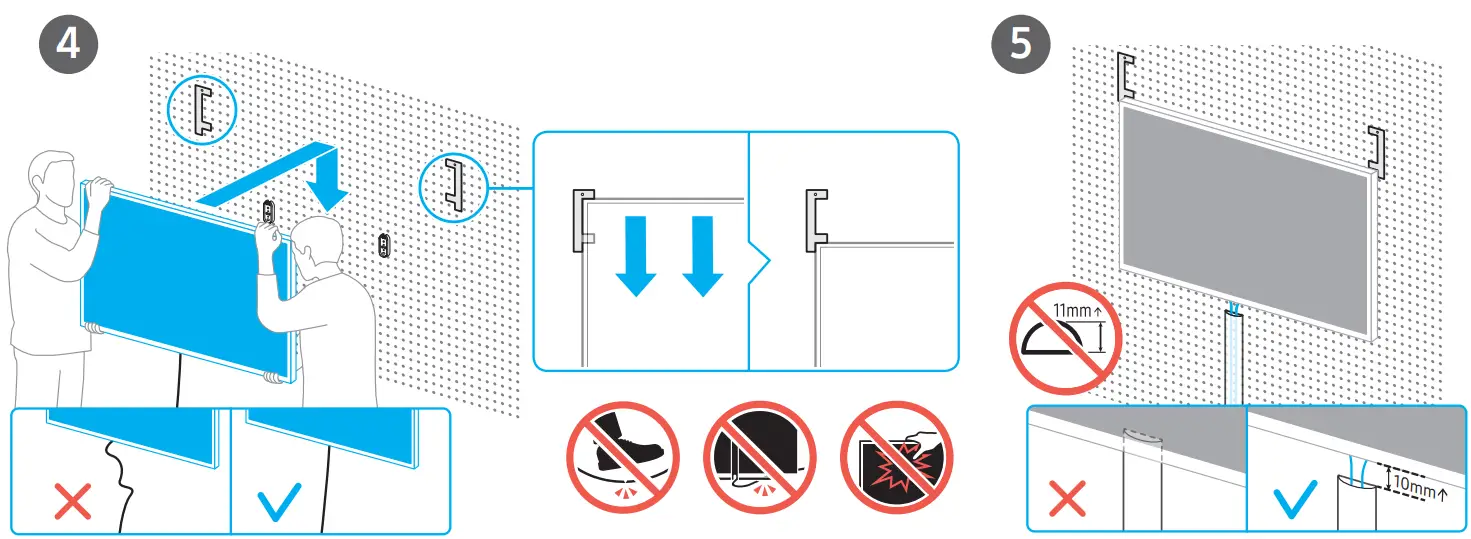
- To detach the TV from the wall mount, disconnect the cable first. Place the TV horizontally, and make sure that at least two people lift the TV at the same time.
- Install by referring to the ‘Standard Installation Requirements by Wall Type’ (provided in a separately inserted paper)
- A: TYPE

- A wall reinforcement bracket is used
- (The wall thickness increases by 5 mm)
- Examples: gypsum board, drywall
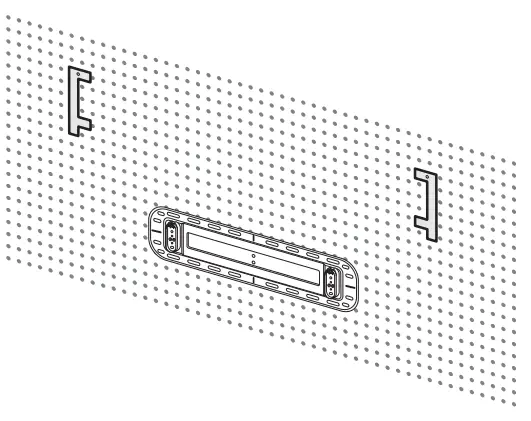
INSTALLATION INSTRUCTION
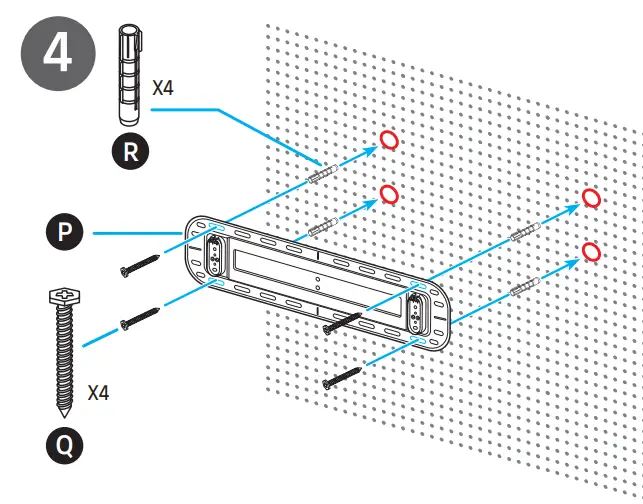
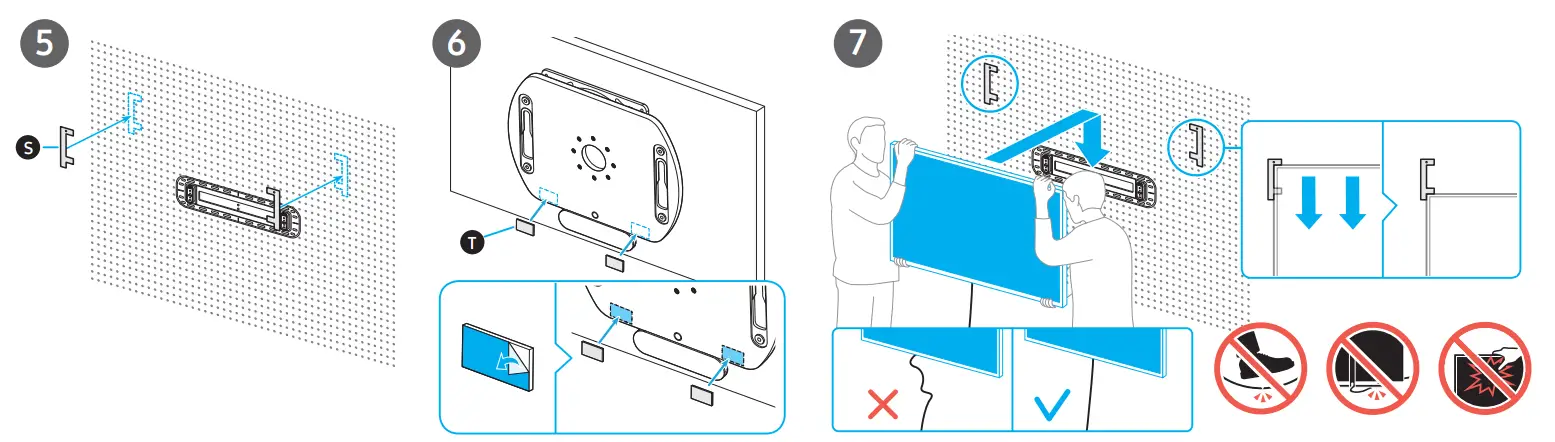
- Make sure to fix the two holes marked with
- Fix the other holes too, if necessary, depending on the installation environment.
- Before use, organize the cables to prevent them from interfering with the TV during rotation.
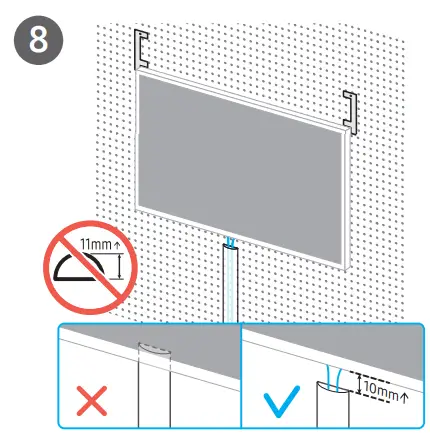
- After installing the TV, when you fix the cables onto the wall by using a cable molding or other material, ensure that the material thickness does not exceed 11 mm.
- To install moldings, put the screen in landscape mode and install the moldings at an interval of at least 10 mm. (The moldings may interfere with the TV when it is rotating.)
DRYWALL
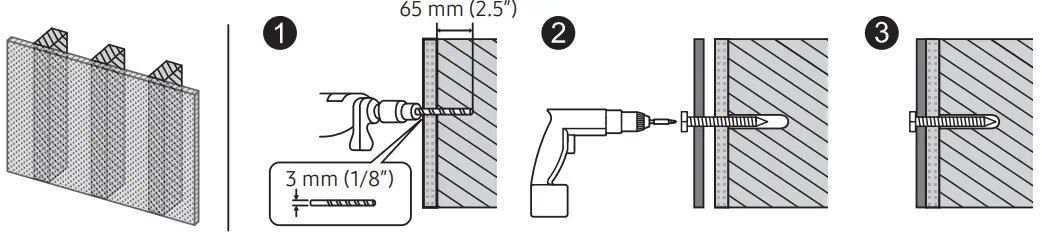
Concrete, Brick
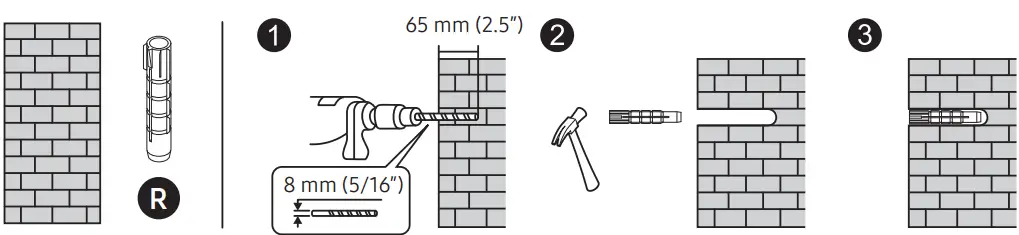
B: TYPE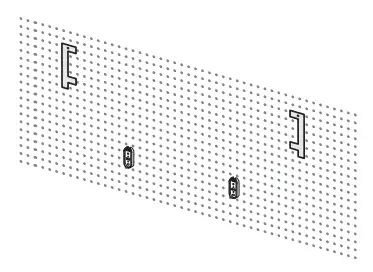
- A wall reinforcement bracket is not used (The wall thickness does not increase)
- Make sure to install the TV on a stable wall made of strong material (e.g., concrete or bricks).
- Before use, organize the cables to prevent them from interfering with the TV during rotation.
- After installing the TV, when you fix the cables onto the wall by using a cable molding or other material, ensure that the material thickness does not exceed 11 mm.
- To install moldings, put the screen in landscape mode and install the moldings at an interval of at least 10 mm. (The moldings may interfere with the TV when it is rotating.)


- DRYWALL
- Concrete, Brick