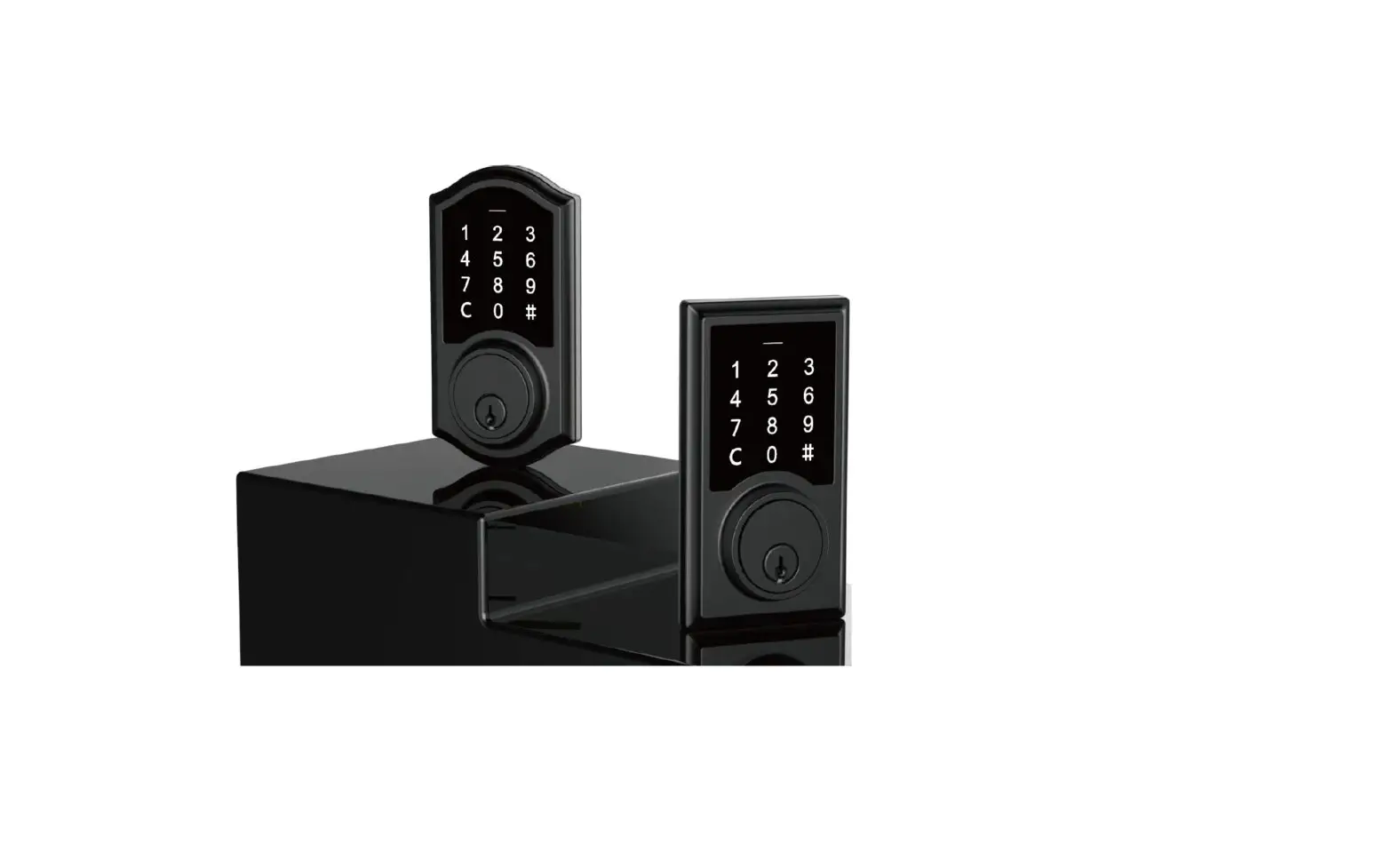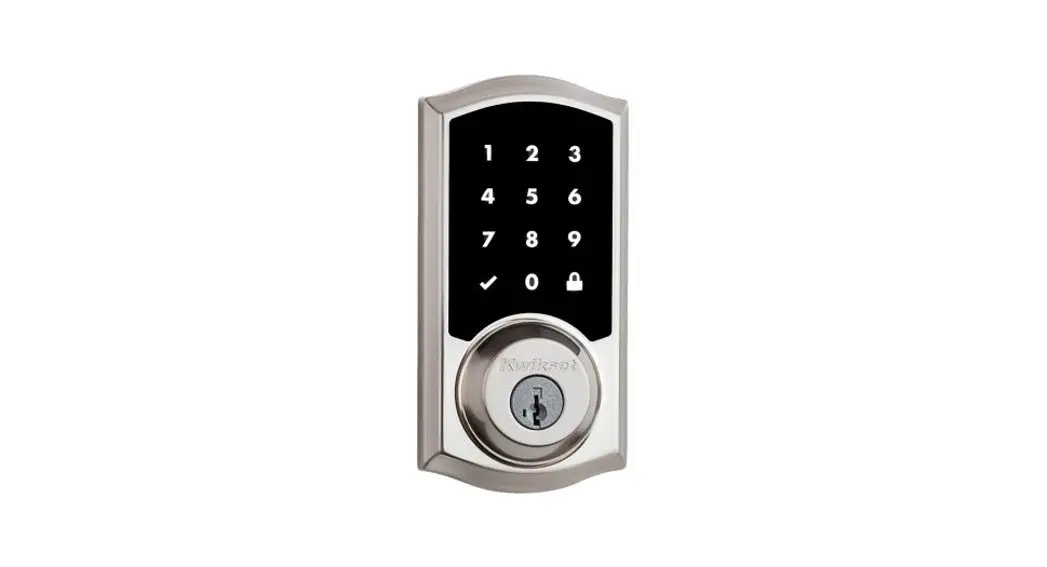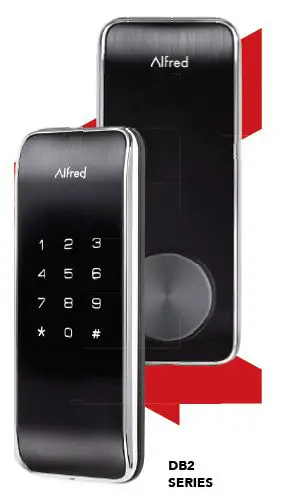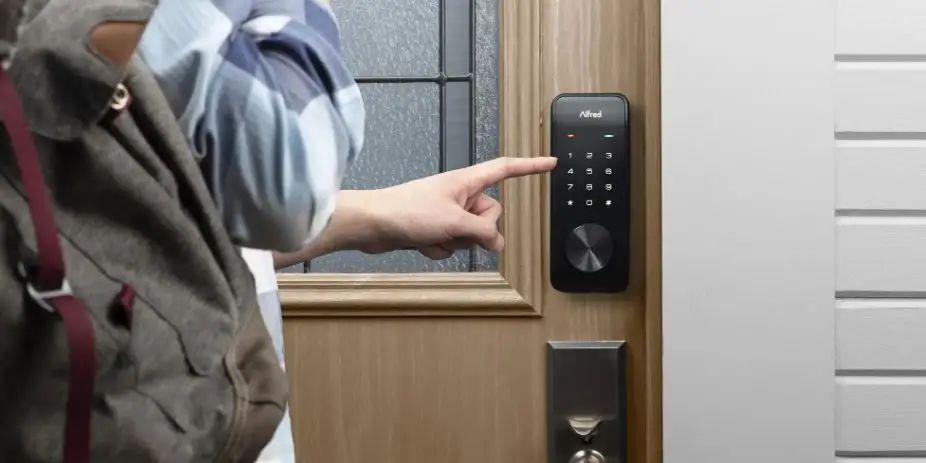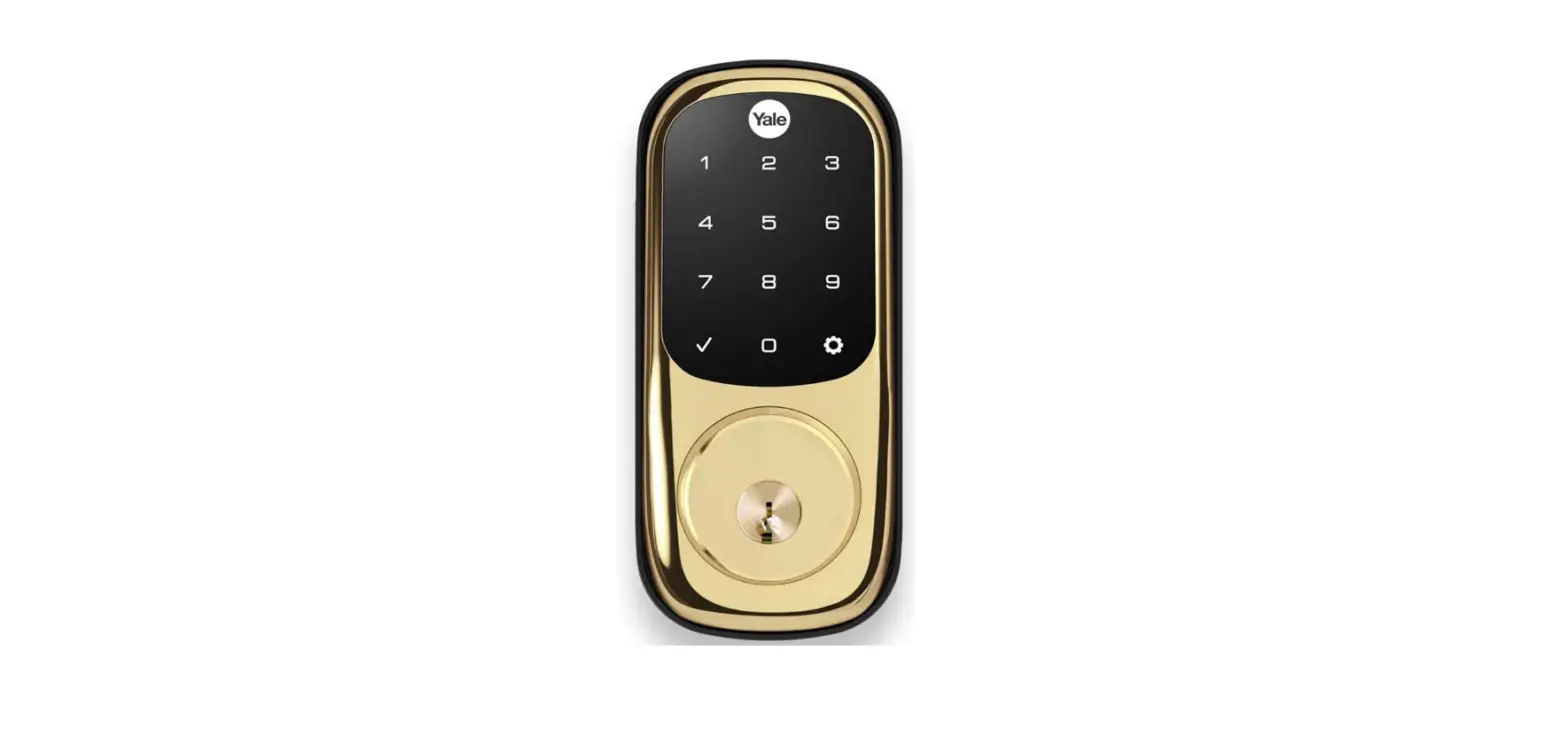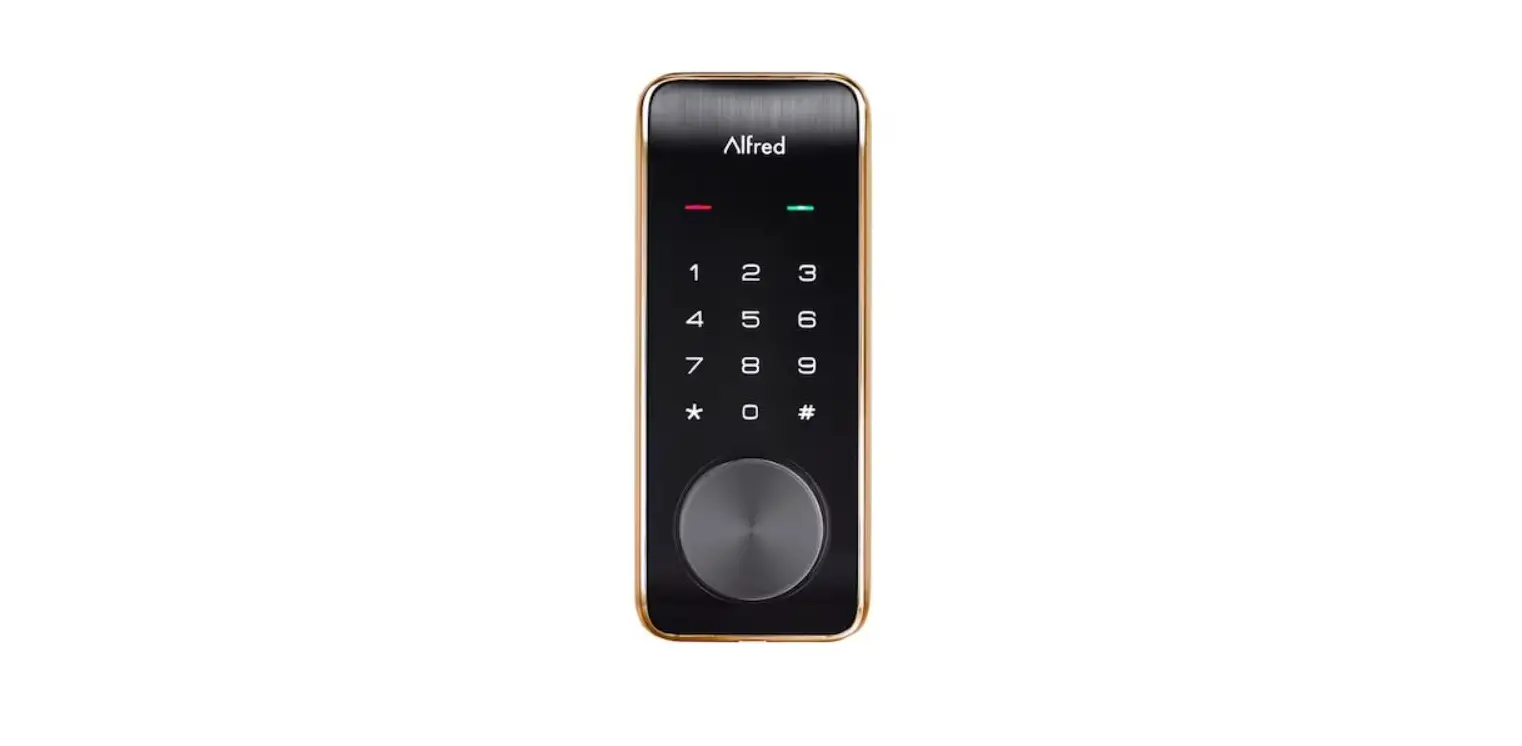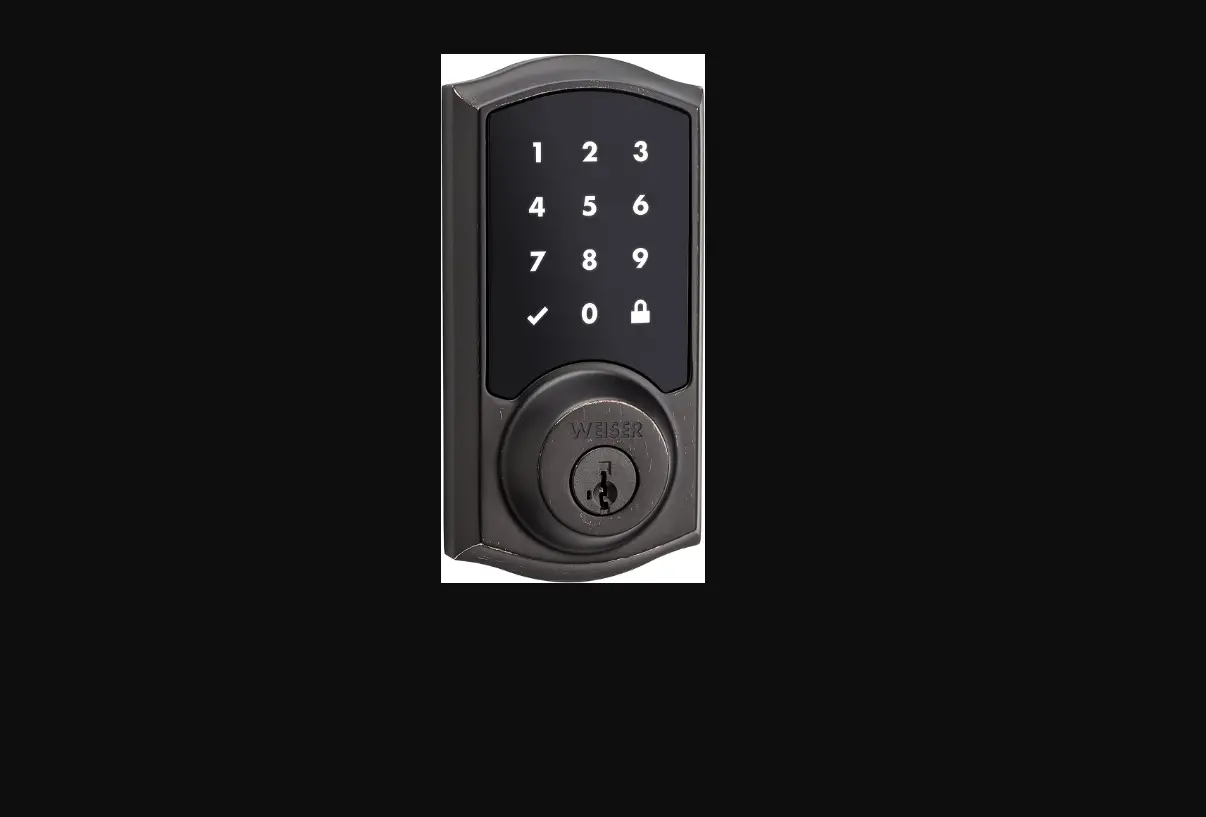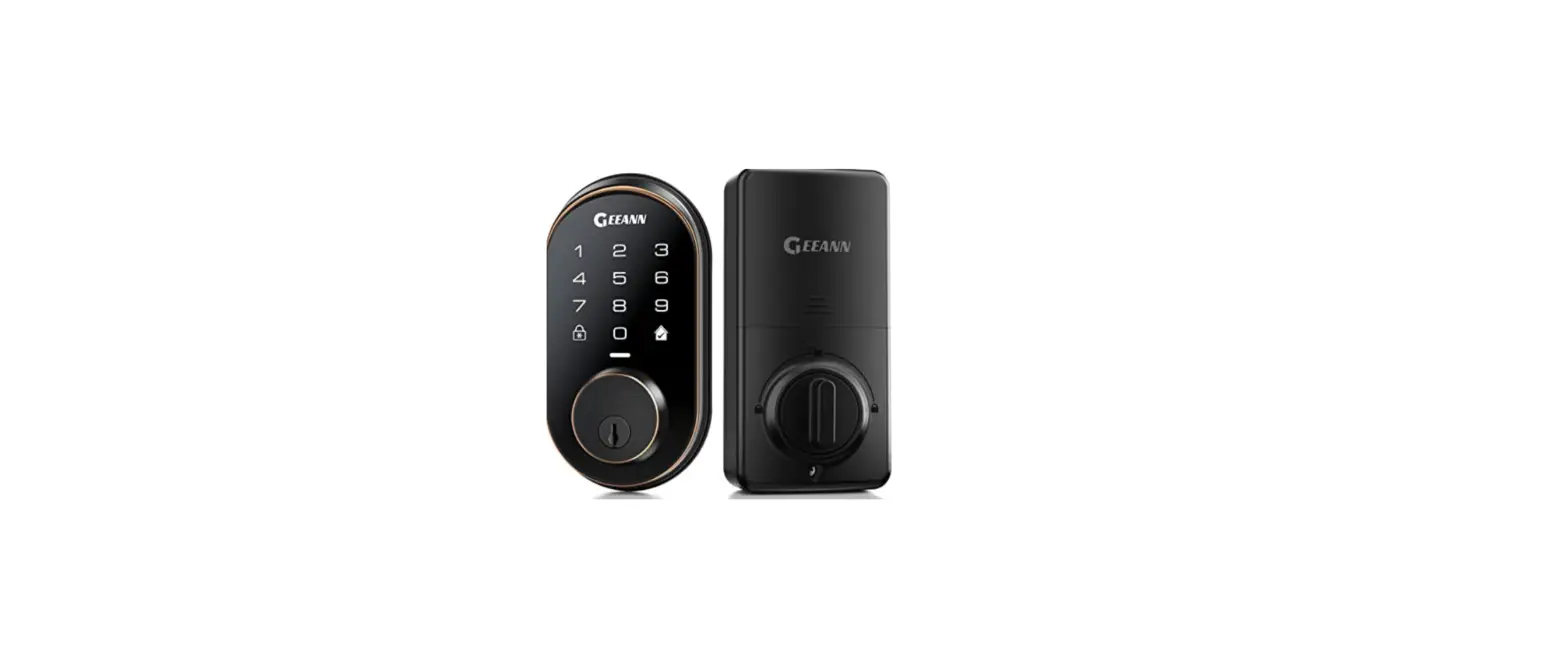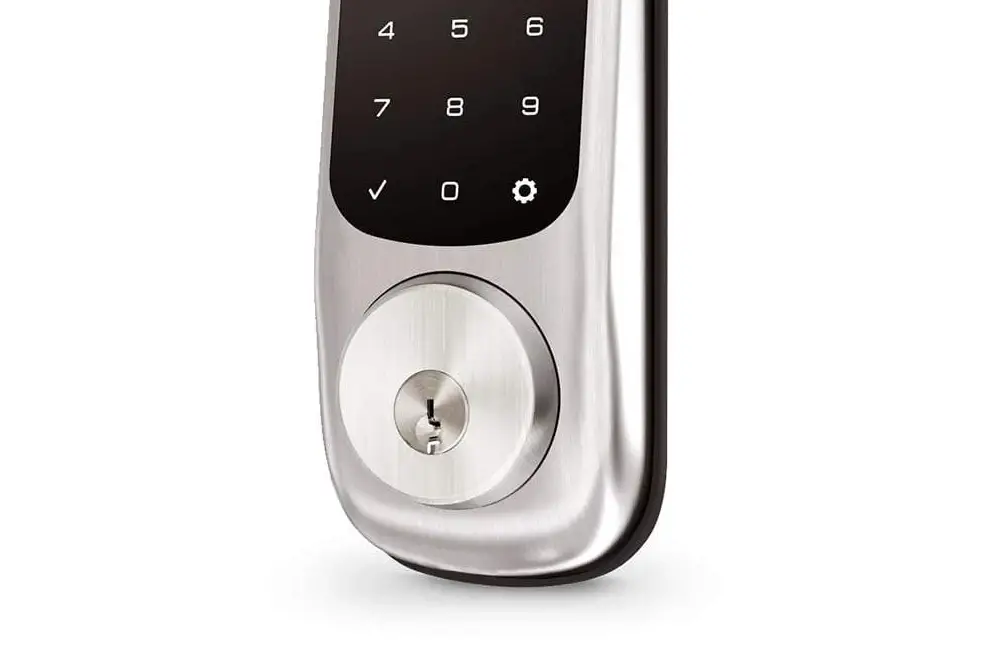

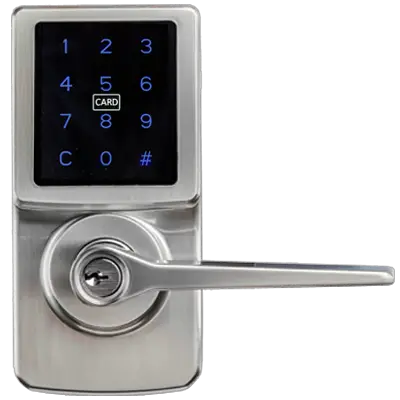
Taiwan Fu Hsing Industrial A46WG0400Z Touchscreen Electronic Deadbolt with RFID
OVERVIEW OF THE LOCKSET
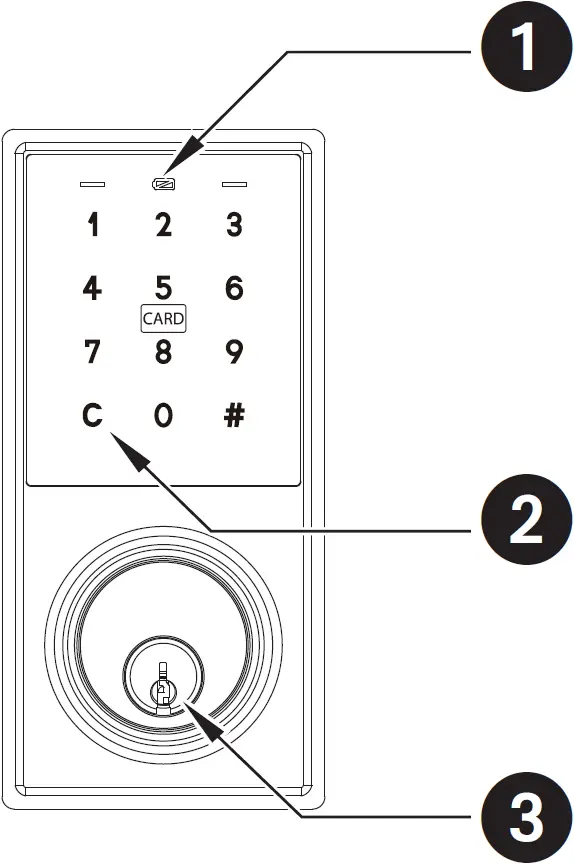
- INDICATORS
- Red light: Represents an incorrect entry or the unit is in programming mode.
- Yellow light: Flashes when the batteries are low in power.
- Green light: Represents a correct entry.
- CLEAR BUTTON
- Please always press C button to cancel any typo or exit programming mode.
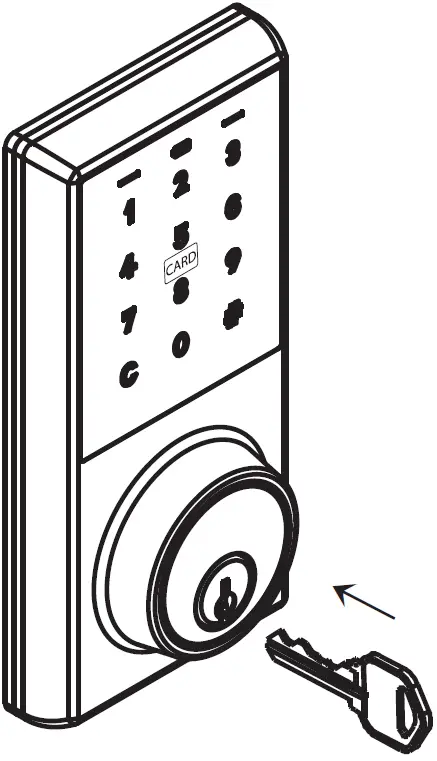
- MECHANICAL KEYWAY OVERRIDE
- To unlock the lockset by a valid key.
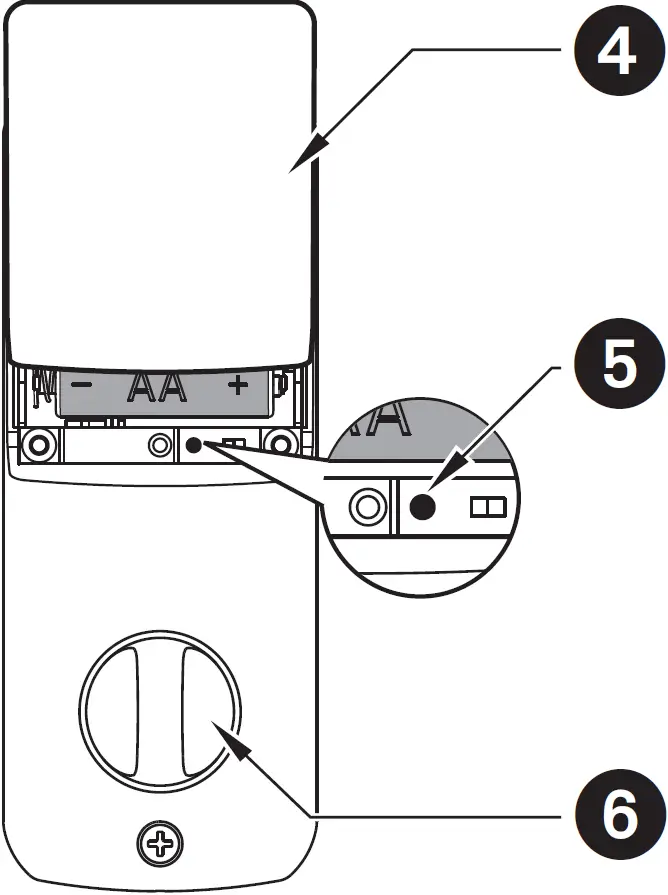
- BATTERY COVER
- Protects the batteries from unexpected damage.
- [SET] BUTTON
- Press set button for 1 second to enter programming mode.
- Please refer to 2 – 2 for more information about programming mode.
- INTERIOR THUMBTURN
- Locks or unlocks the lockset manually.
HOW TO LOCK / UNLOCK / PROGRAM THE LOCKSET
HOW TO LOCK / UNLOCK THE LOCKSET

To Lock
- Touch the screen to lock.

- Use a mechanical key to lock.

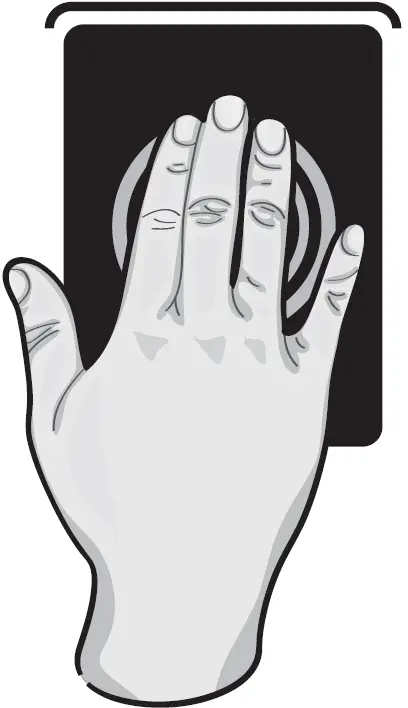

To Unlock
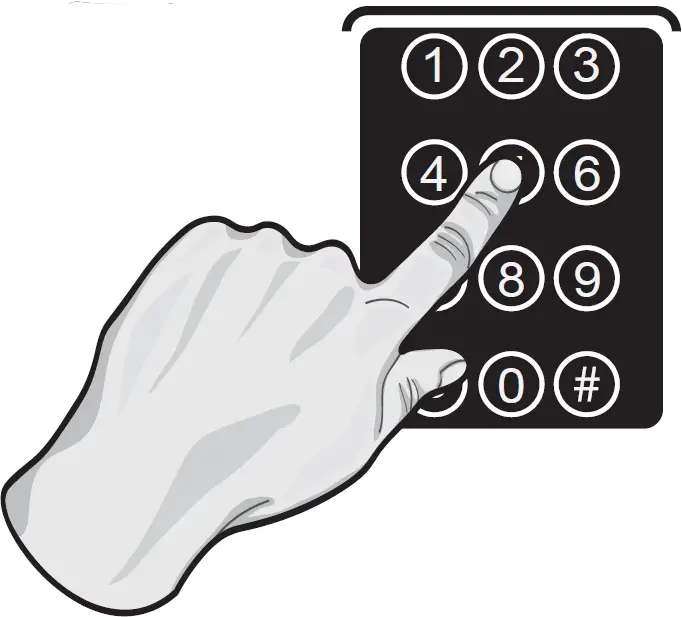
- To unlock, enter valid User Code or Programming Code.
After the screen is activated, enter Guiding Code first if it is on.
- Use a mechanical key to lock.
- Use a valid RFID Card to unlock


HOW TO PROGRAM THE LOCKSET
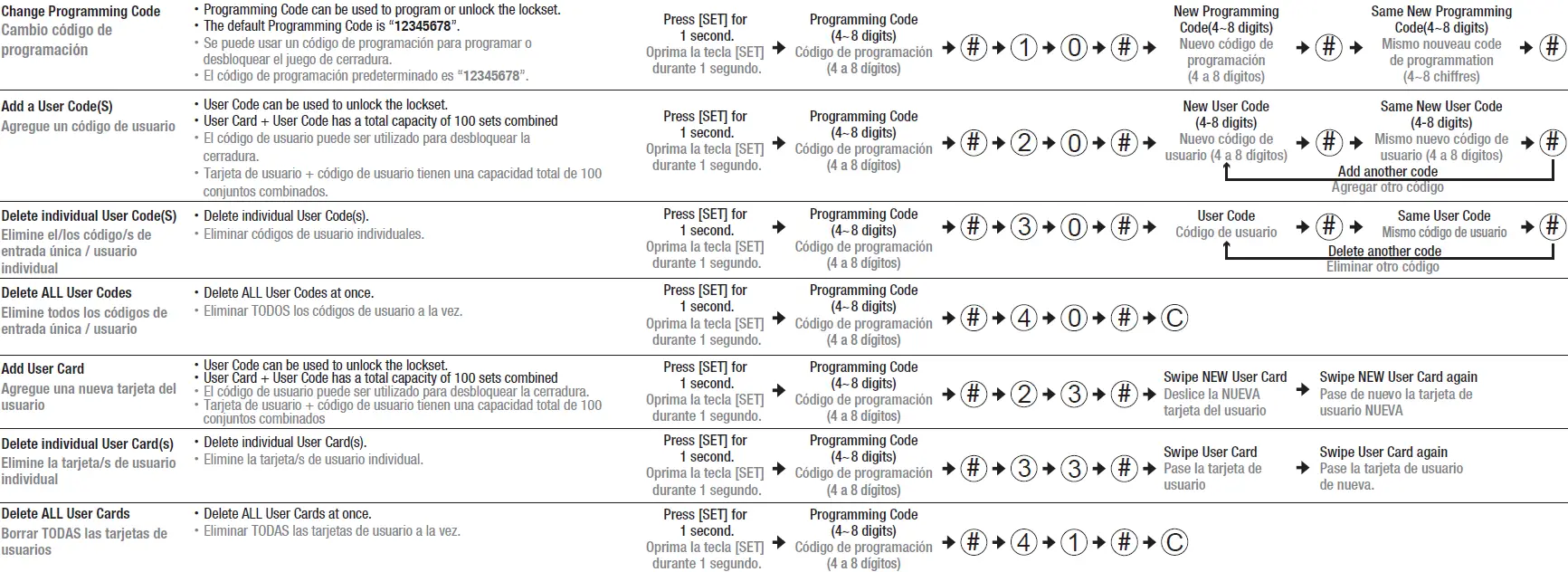
BASIC SETTINGS
ADVANCED SETTINGS
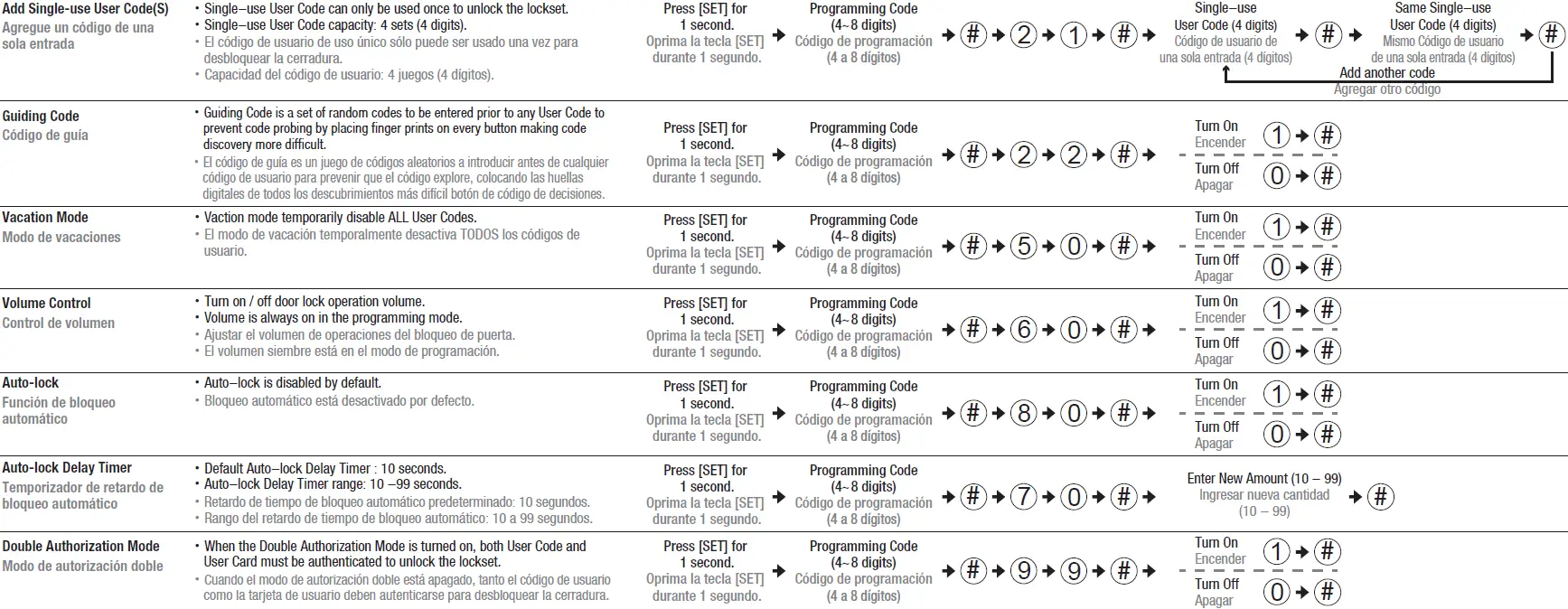
- The lockset will exit the programming mode and resume to the stand-by status if no input is made in 10 seconds.
- 3 Beeps means something was entered incorrectly. Please redo the step again.
RESTORE TO FACTORY SETTINGS
Remove one battery
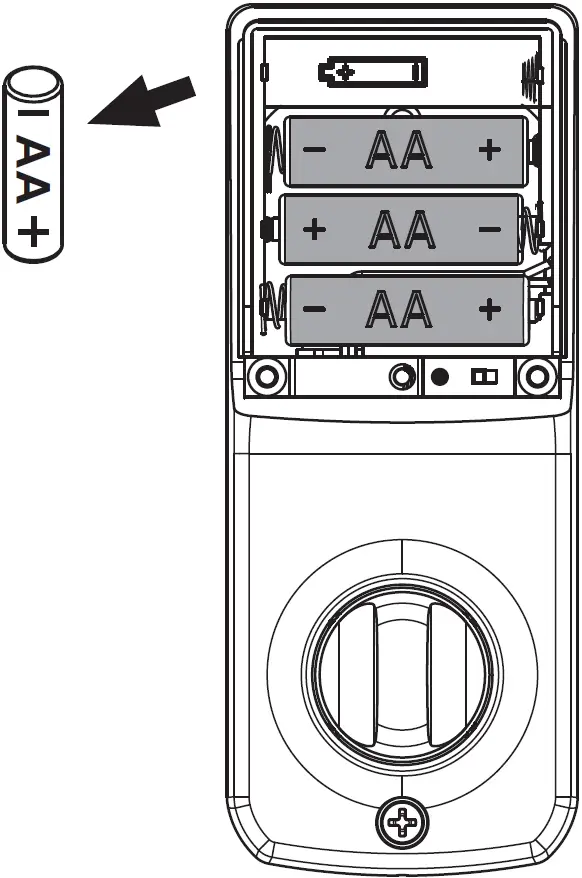
Press and hold SET button while inserting the battery back. Hold the set button until long beep has finished.
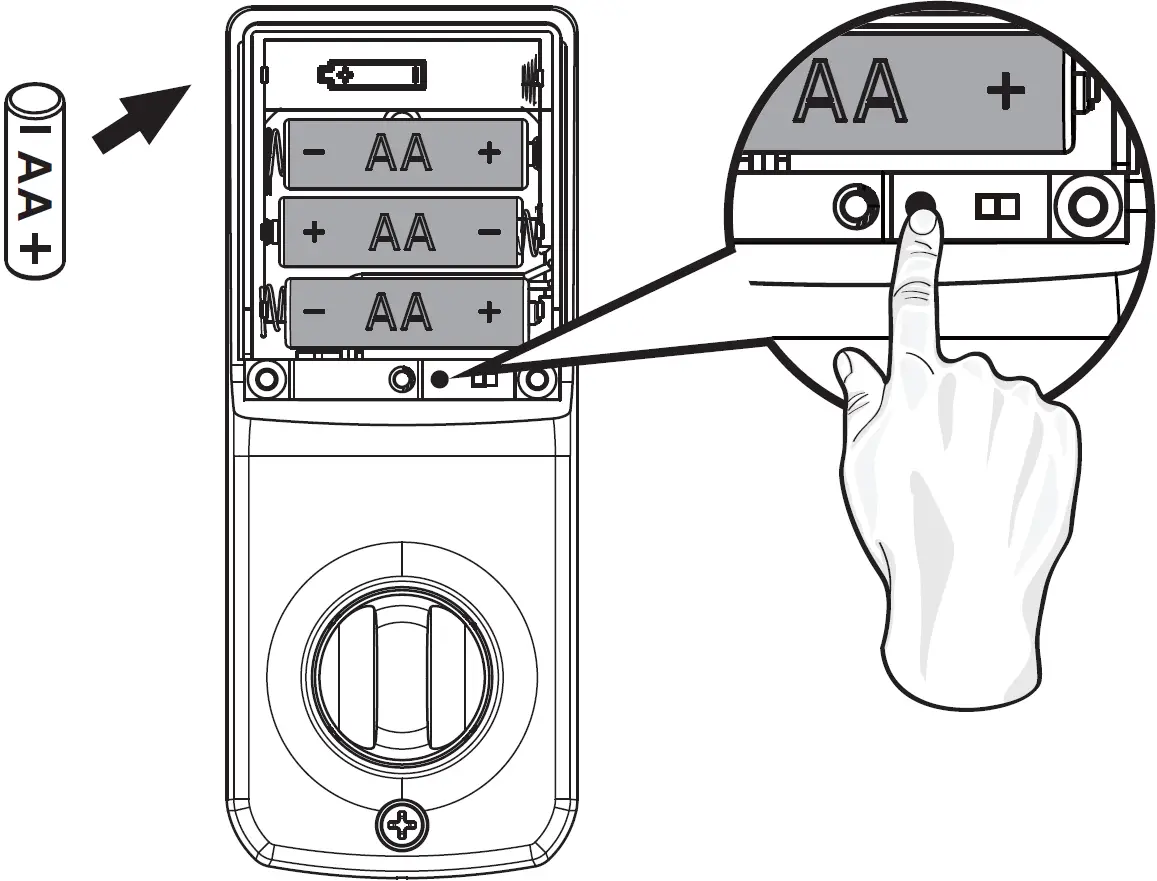
- This will erase all stored information, including bolt direction
- Please re-enter the default Programming Code (12345678) to set up the lock after restoring to factory settings.
TROUBLESHOOTING
INSTALLATION
QUESTIONS | ANSWERS |
| A. The latch does not operate correctly after installation. |
|
| B. Feel a bump while turning the thumbturn or the key? |
|
OPERATION
QUESTIONS | ANSWERS |
| A. Battery indicator keeps flashing. |
|
| B. Touch screen not responding. |
|
| C. Programming Code cannot be changed. |
|
| D. What should I do if wrong code was entered? |
|
| E. Cannot delete all User Codes/Cards/ |
|
| F. Cannot add a new User Code/Cards. |
|
| G. “Auto lock” does not function. |
|
| H. Lockset is not able to unlock by touch screen. |
|
| I. Lockset is unable to reset. |
|
| J. How to operate the lockset in darkness? |
|
| K. The red indicator is still on after setting is completed. |
|
| L. The lockset locks when I enter my code and unlocks when I touch the screen. |
|
| M. I cannot remove my key unless it is in the locked position. |
|
If the lock appears to be damaged or does not operate properly, please contact customer service for further assistance. | |
DECLARATIONS AND SAFETY STATEMENTS FEDERAL COMMUNICATIONS COMMISSION STATEMENT
This device complies with Part 15 of the FCC Rules. Operation is subject to the following two conditions:
- This device may not cause harmful interference, and
- This device must accept any interference received, including interference that may cause undesired operation.
Changes or modifications not expressly approved by the party responsible for compliance could void the user’s authority to operate the equipment.
NOTE: This equipment has been tested and found to comply with the limits for a Class B digital device, pursuant to part 15 of the FCC Rules. These limits are designed to provide reasonable protection against harmful interference in a residential installation. This equipment generates, uses and can radiate radio frequency energy and, if not installed and used in accordance with the instructions, may cause harmful interference to radio communications. However, there is no guarantee that interference will not occur in a particular installation. If this equipment does cause harmful interference to radio or television reception, which can be determined by turning the equipment off and on, the user is encouraged to try to correct the interference by one or more of the following measures:
- Reorient or relocate the receiving antenna.
- Increase the separation between the equipment and receiver.
- Connect the equipment into an outlet on a circuit different from that to which the receiver is connected.
- Consult the dealer or an experienced radio/TV technician for help.
IC REGULATIONS
This device complies with Industry Canada license-exempt RSS-210 standard. Operation is subject to the following two conditions:
- This device may not cause harmful interference, and
- This device must accept any interference received, including interference that may cause undesired operation of the device.