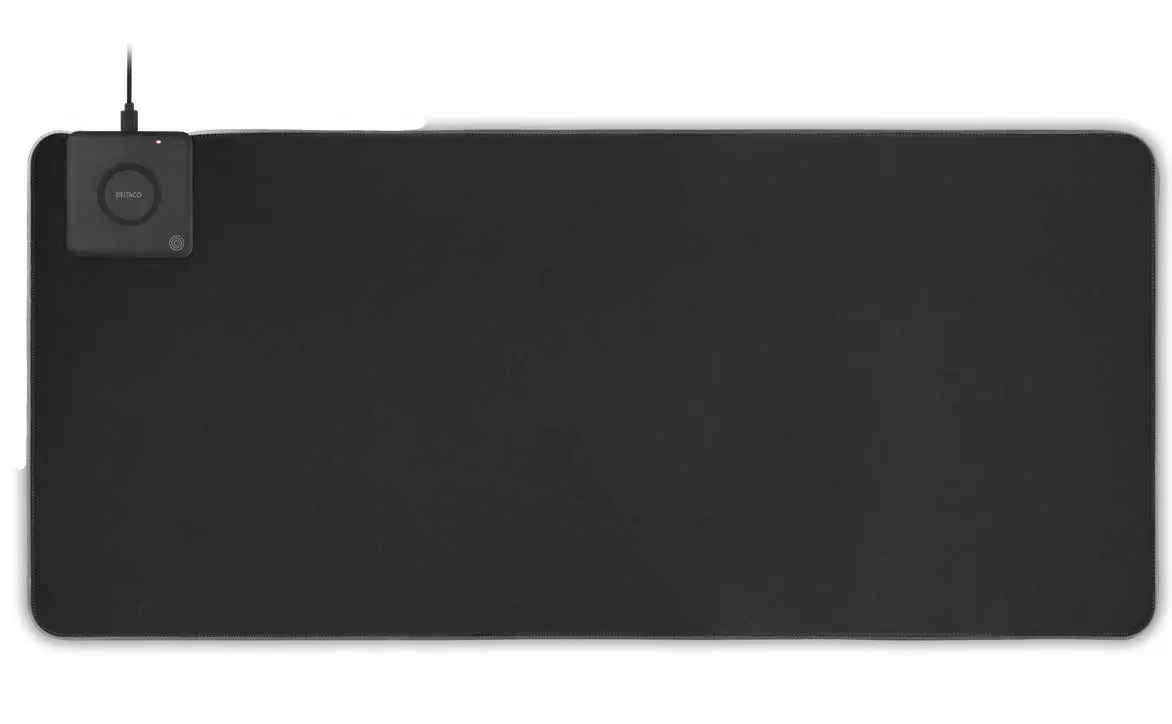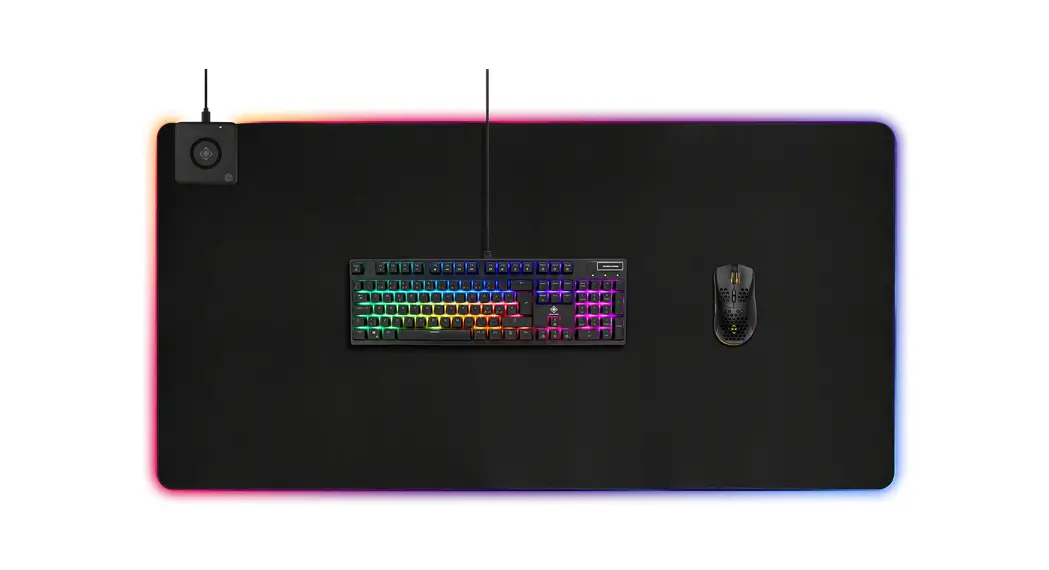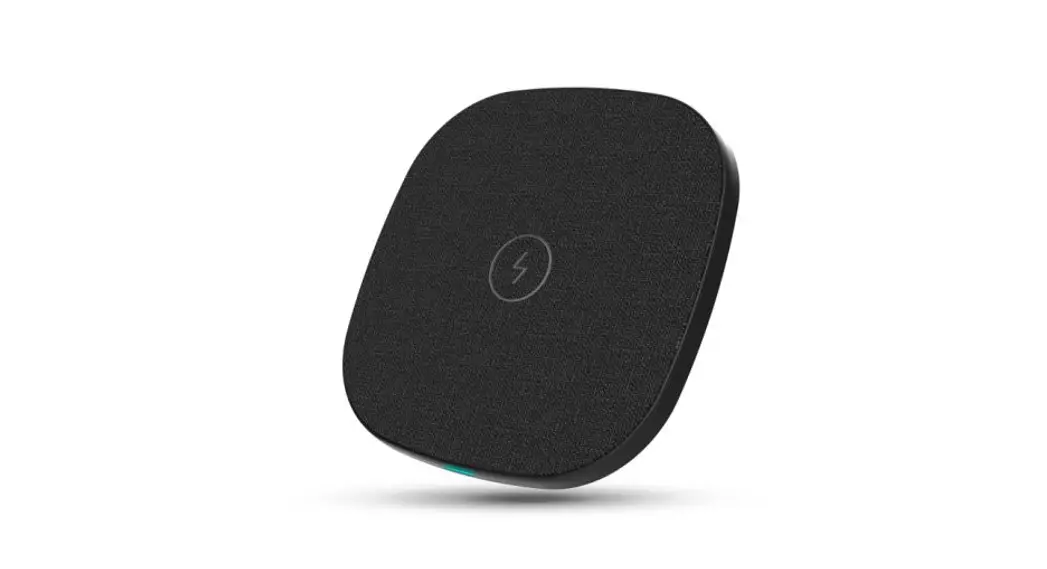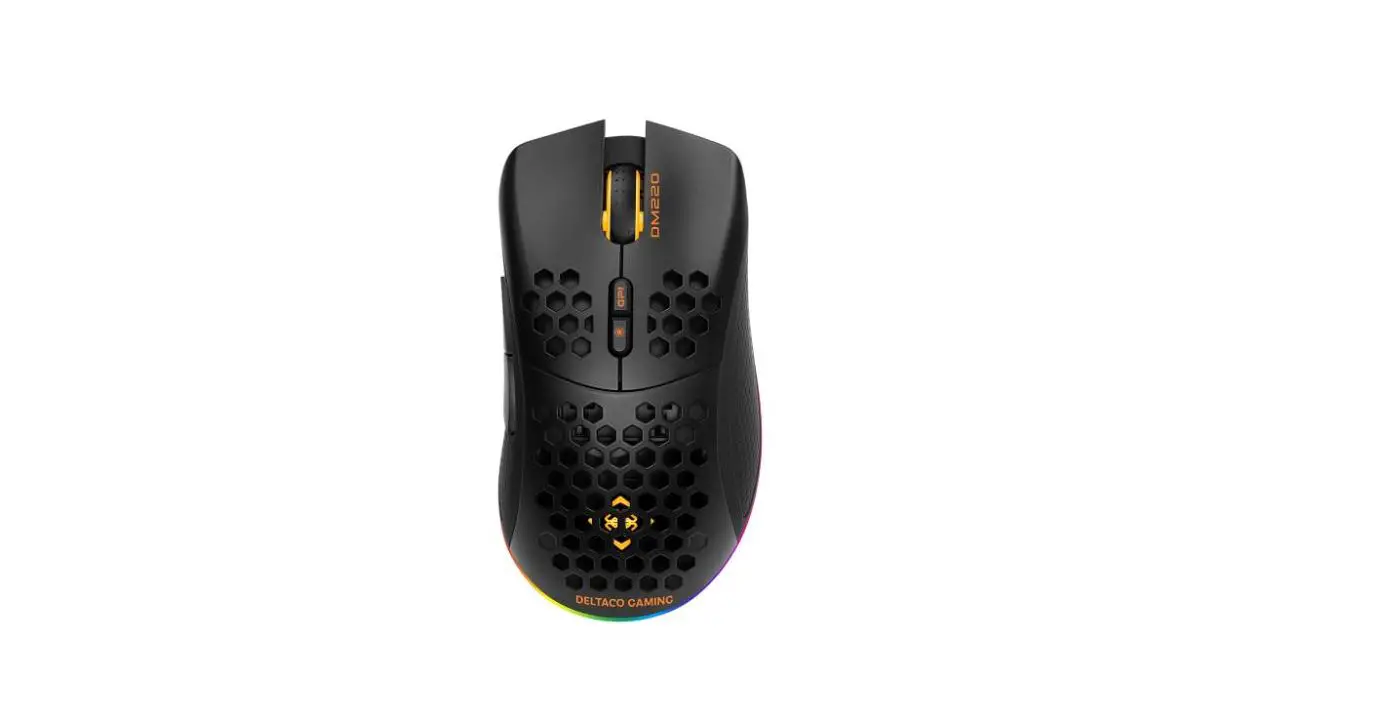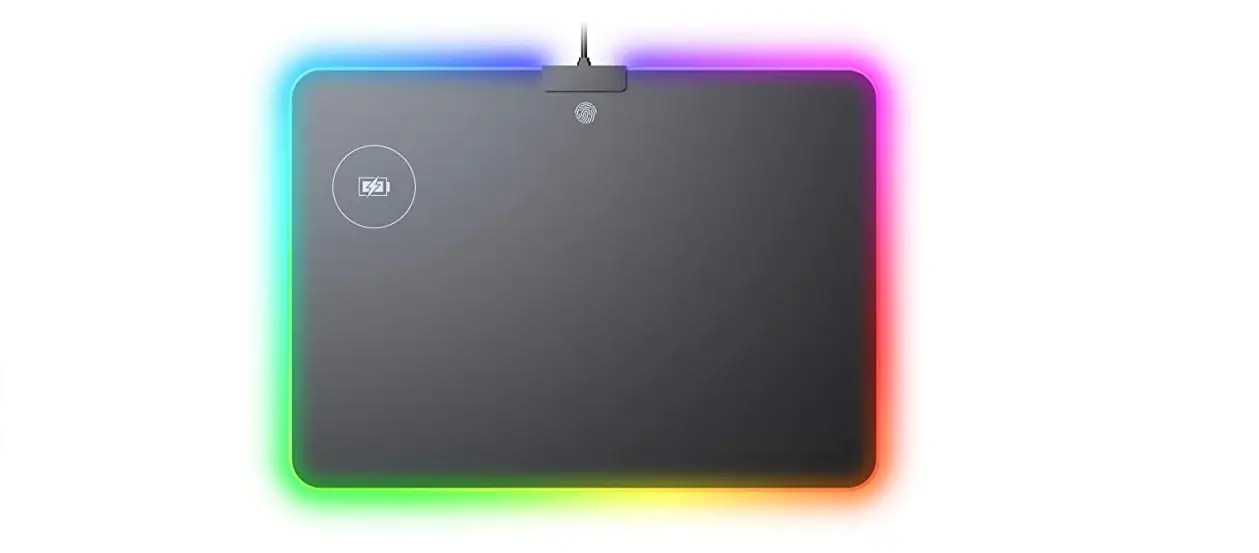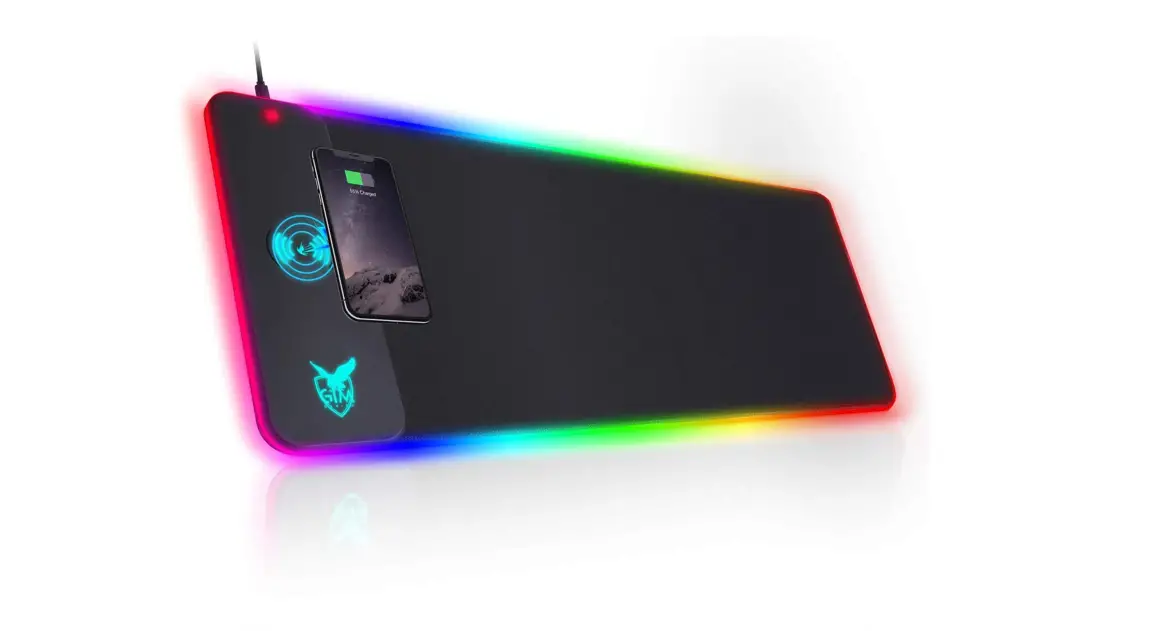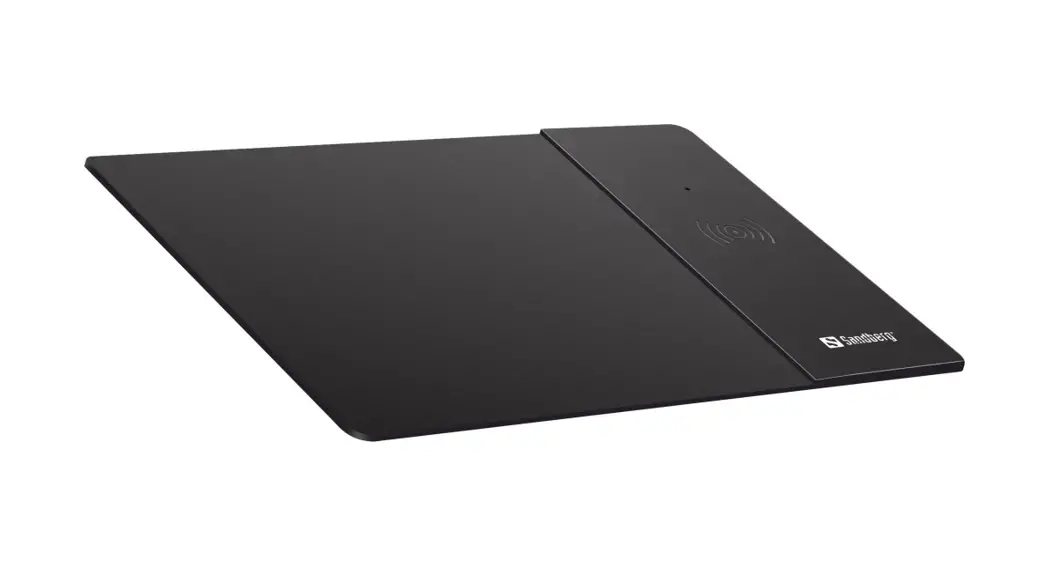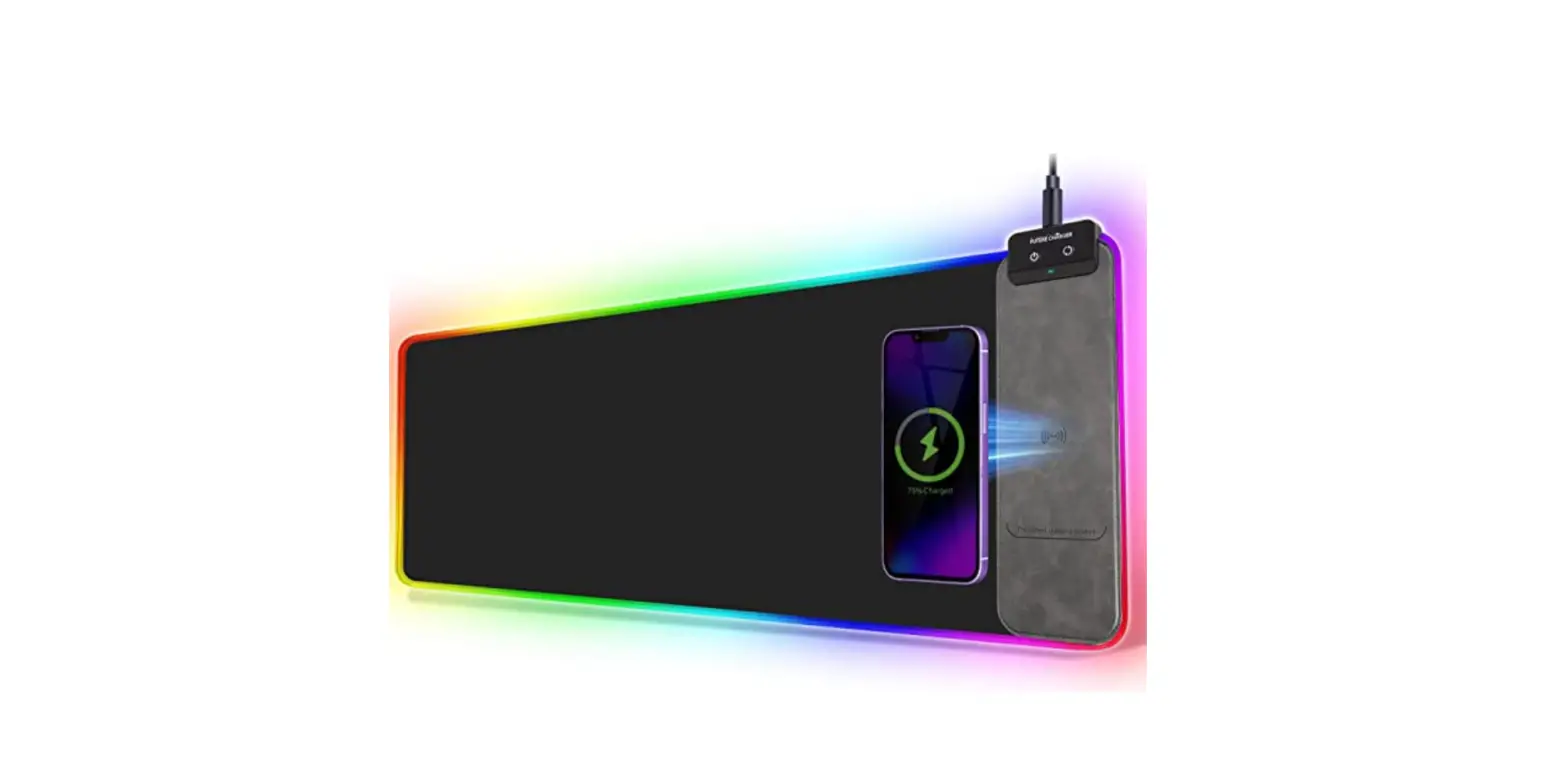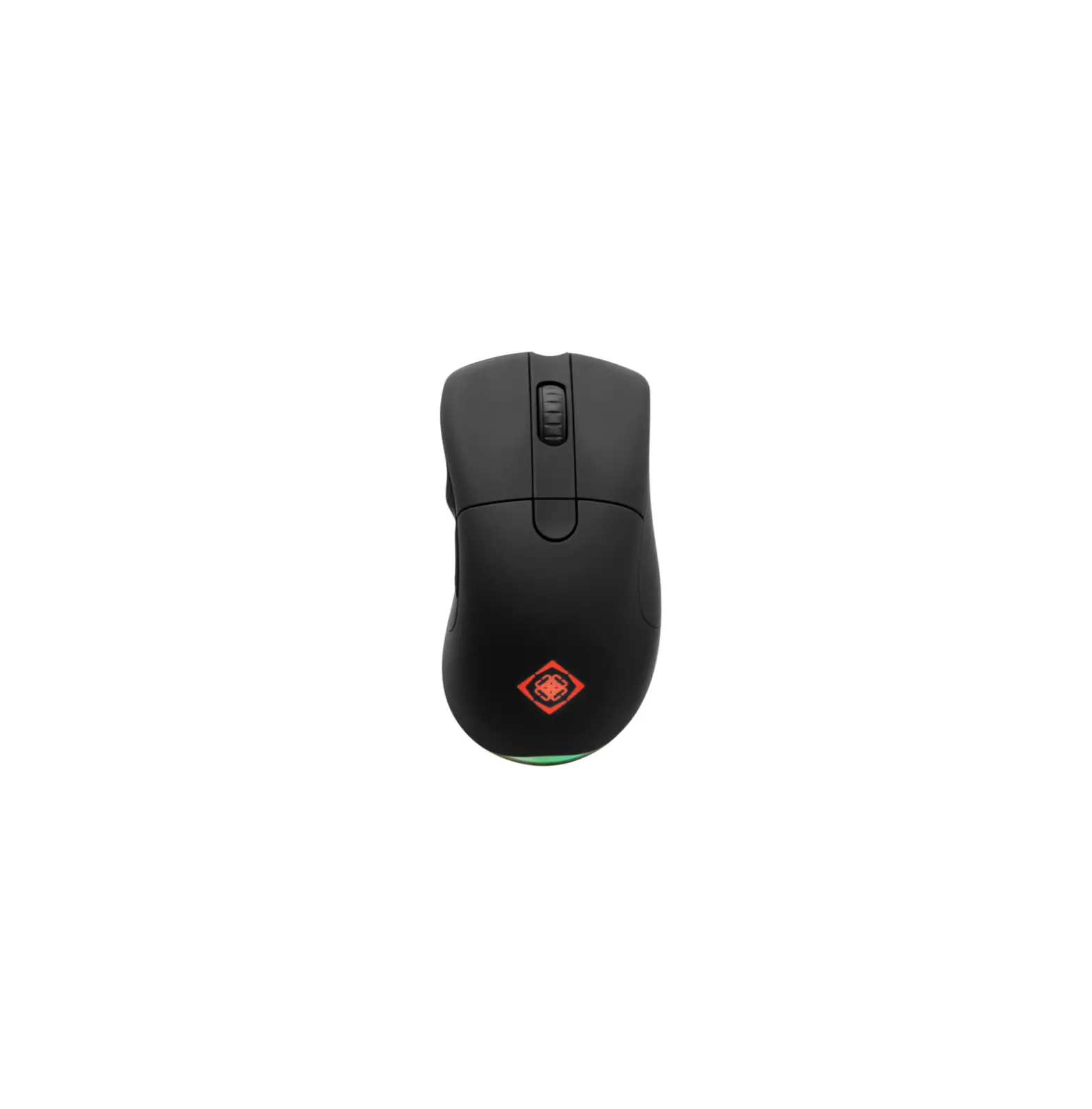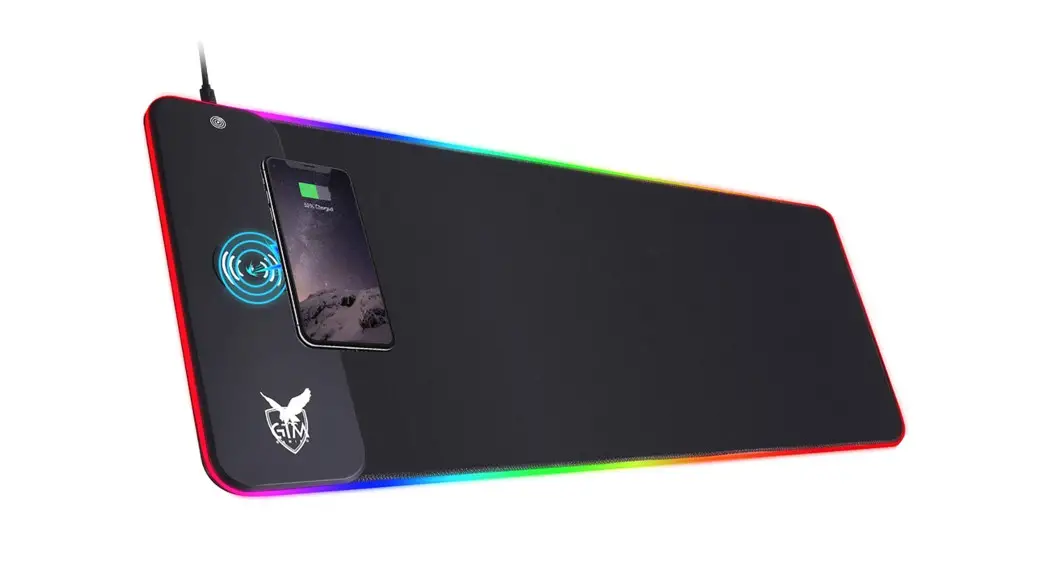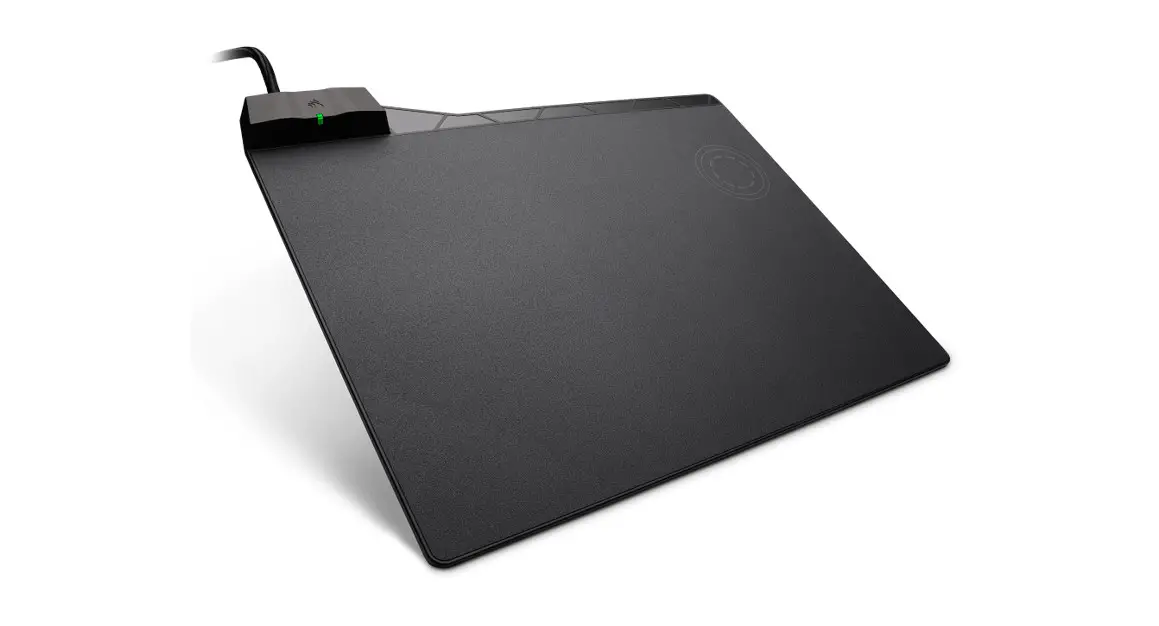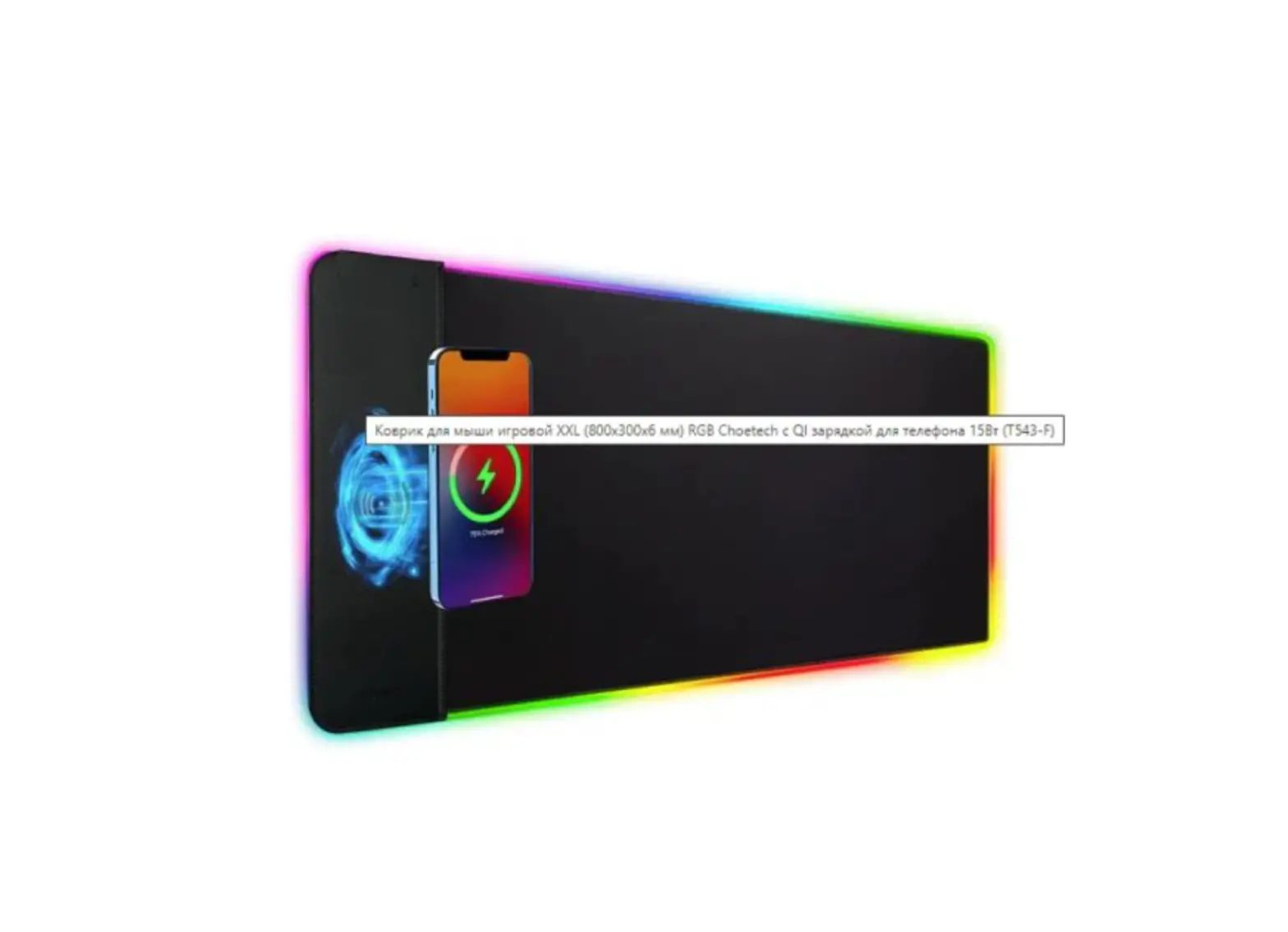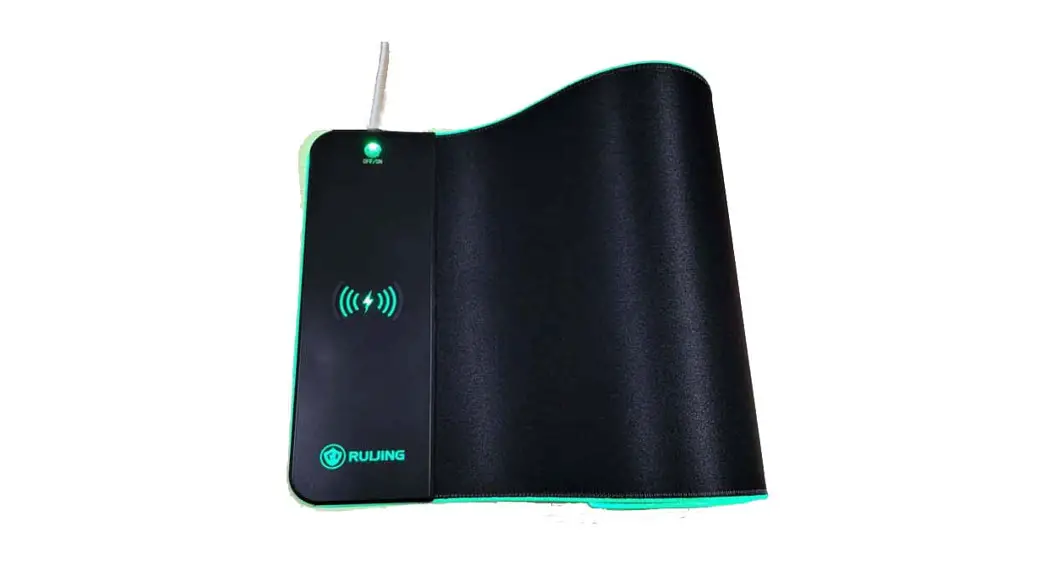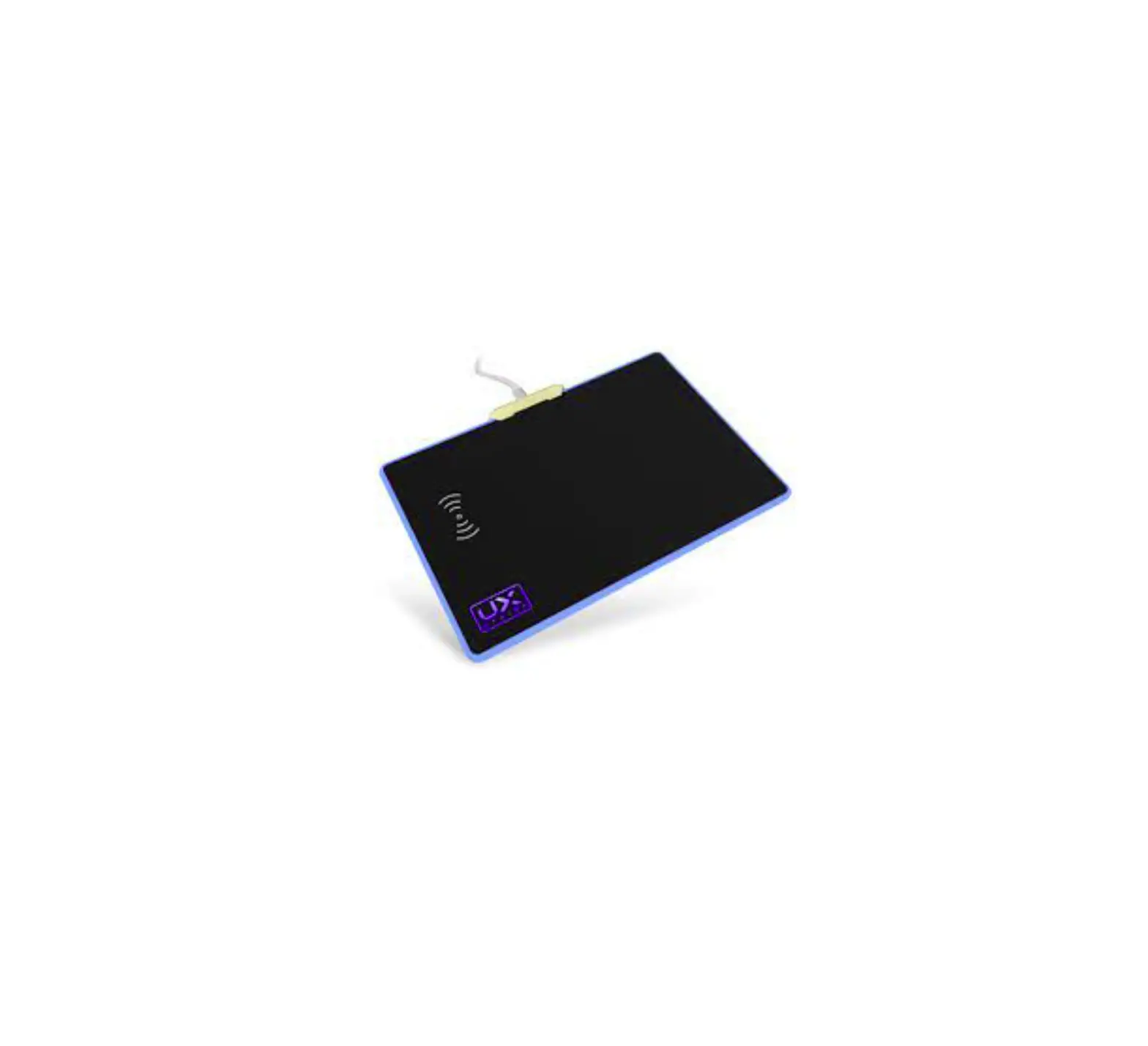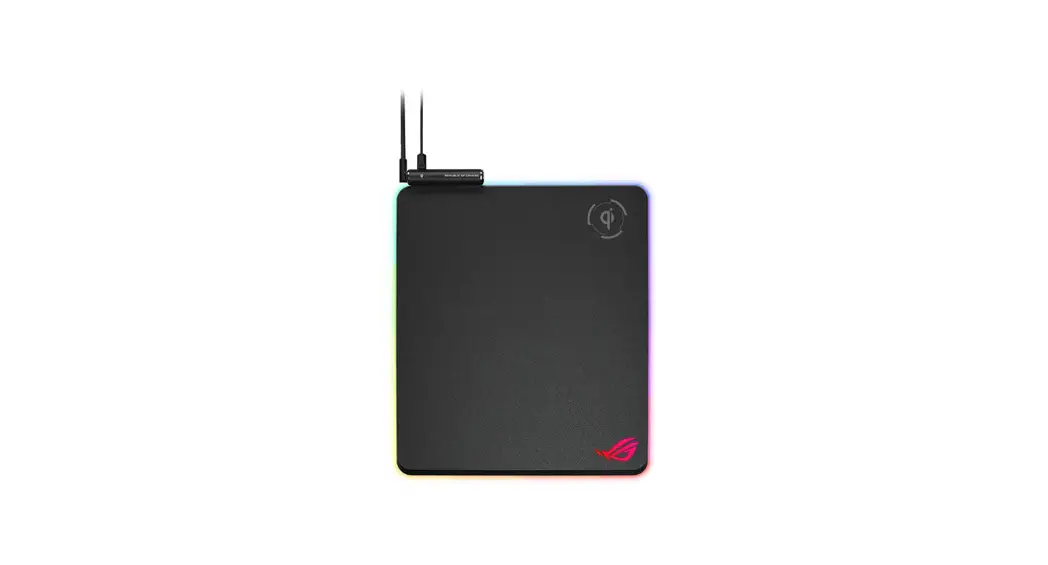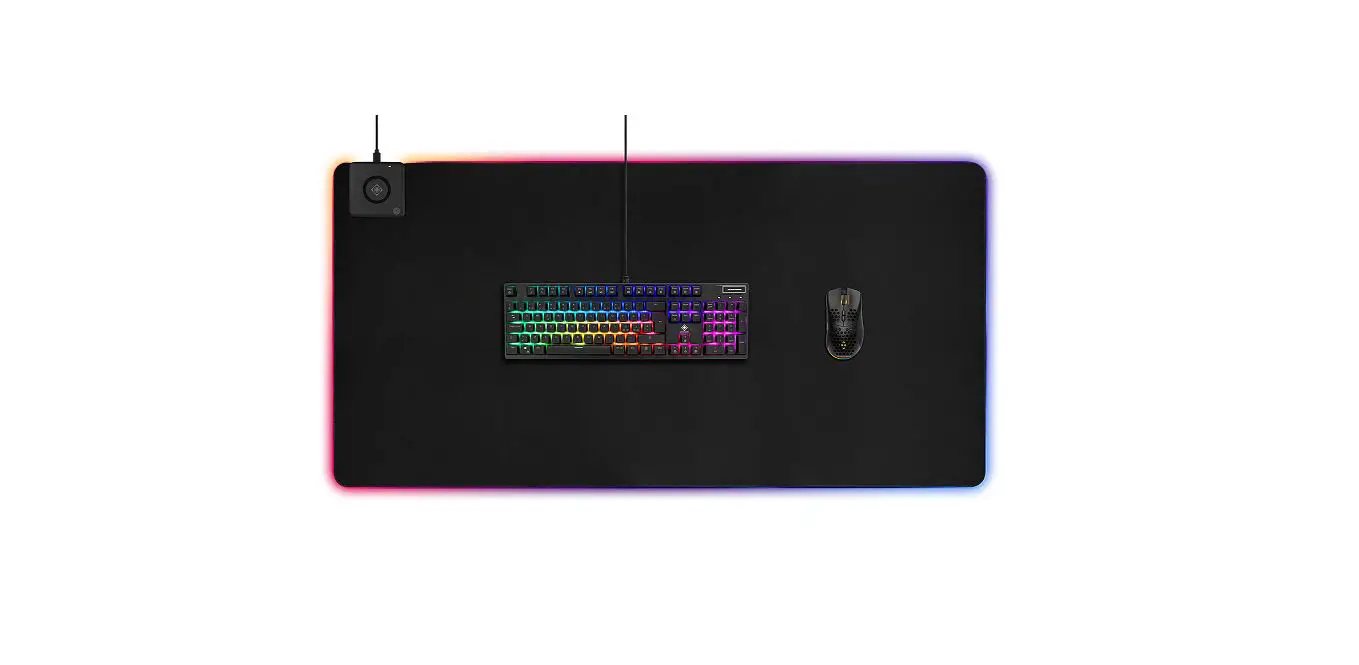

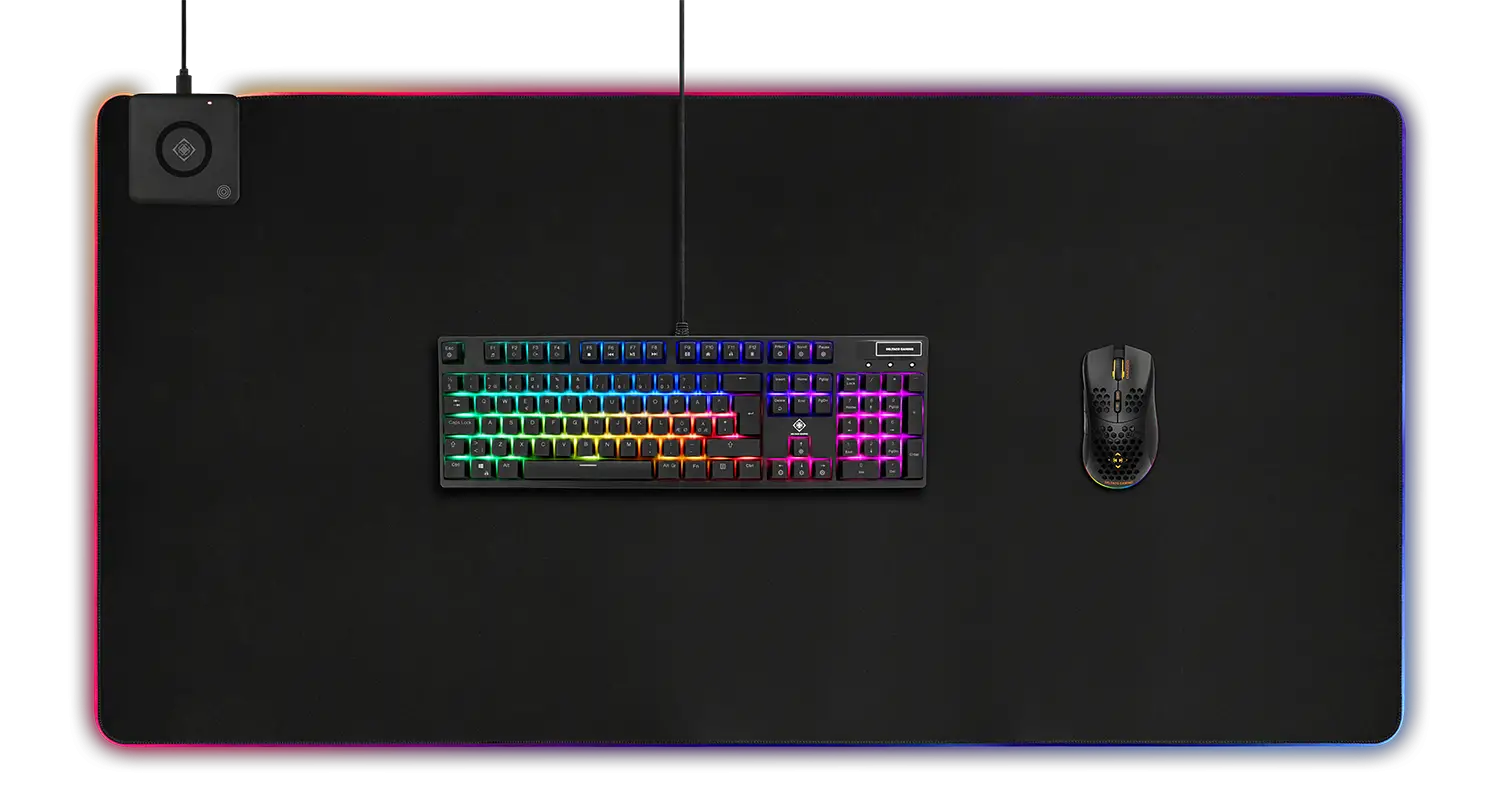
DELTACO GAMING DMP330 Wireless Charging RGB Mousepad
Usage
- Connect the USB cable (included).
- Use the button to switch between modes. Hold the button to power off.
- The mousepad remembers the last used LED mode.
Compatible devices
Below is a compatibility list for charging. This list will be outdated, we recommend checking for more current information from the manufacturer of your device.
For 10W fast wireless charging:
Samsung S9/S9+/S8/S8+/Note 9/Note 8/Note 5/ S7/S7 edge/S6 edge plus.
QC2.0/3.0 adapter or original adapter with 9V output is required, otherwise it will give 5W power.
For 7.5W fast wireless charging:
iPhone X/8/8 Plus.
iPhone XS, iPhone XS Max, iPhone XR Adapter with QC2.0/3.0 and newest iOS system required, otherwise it will give 5W power.
Original iPhone adapter, only supports 5V/1A output.
For 5W wireless charging:
5W wireless charging requires 5V/2A power adapter (Original iPhone adapter is not supported).
Compatible with all devices with Qi charging built-in or with an accessory/add on (Qi wireless receiver).
Support
More product information can be found at www.deltaco.eu.
Contact us by e-mail: [email protected].
 Pages - Home
 DELTACO GAMING | Homepage