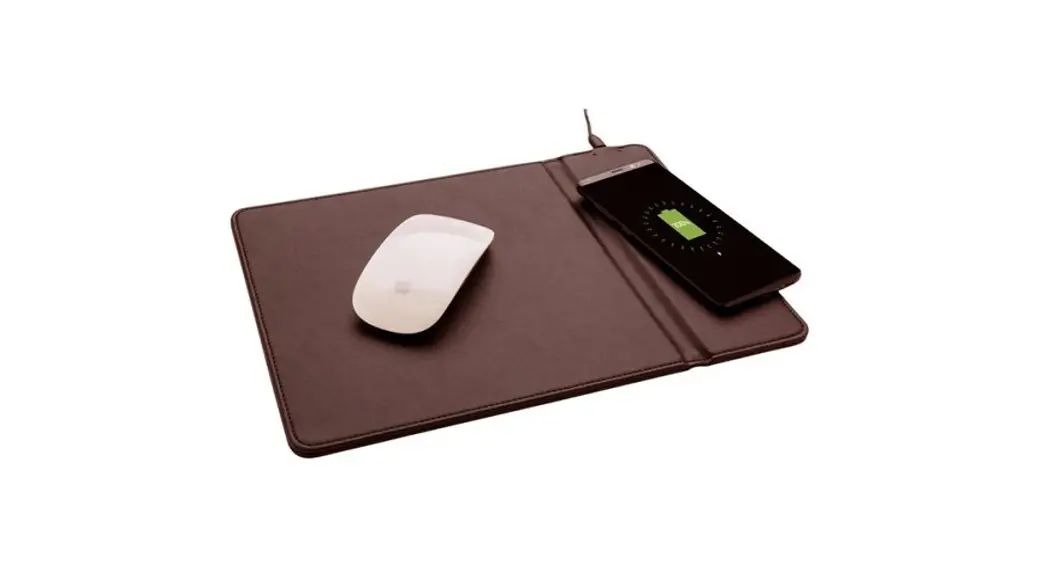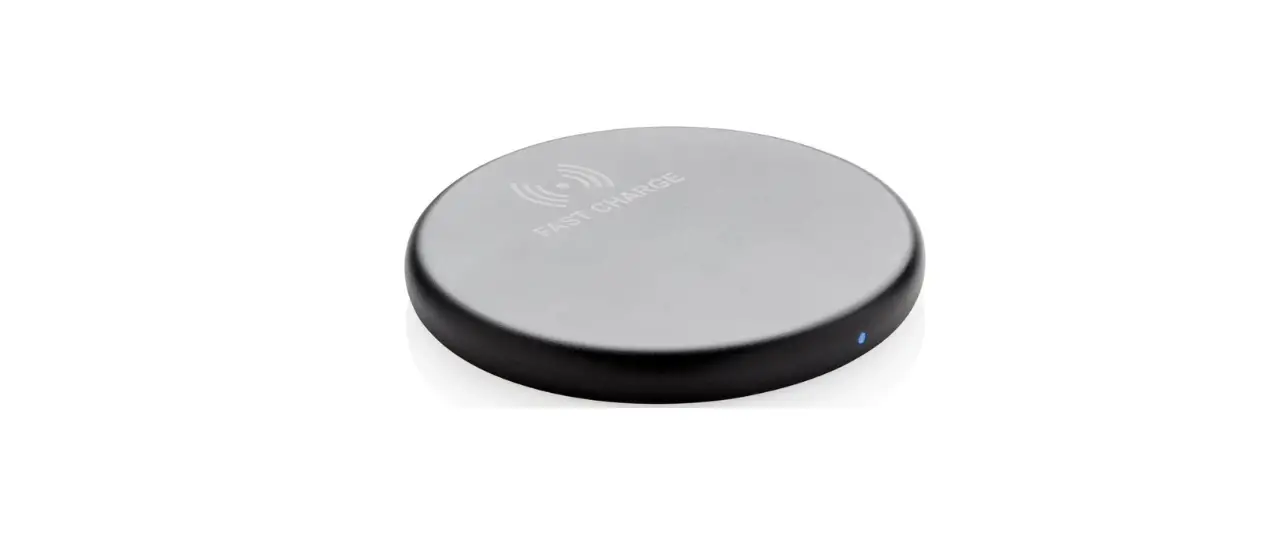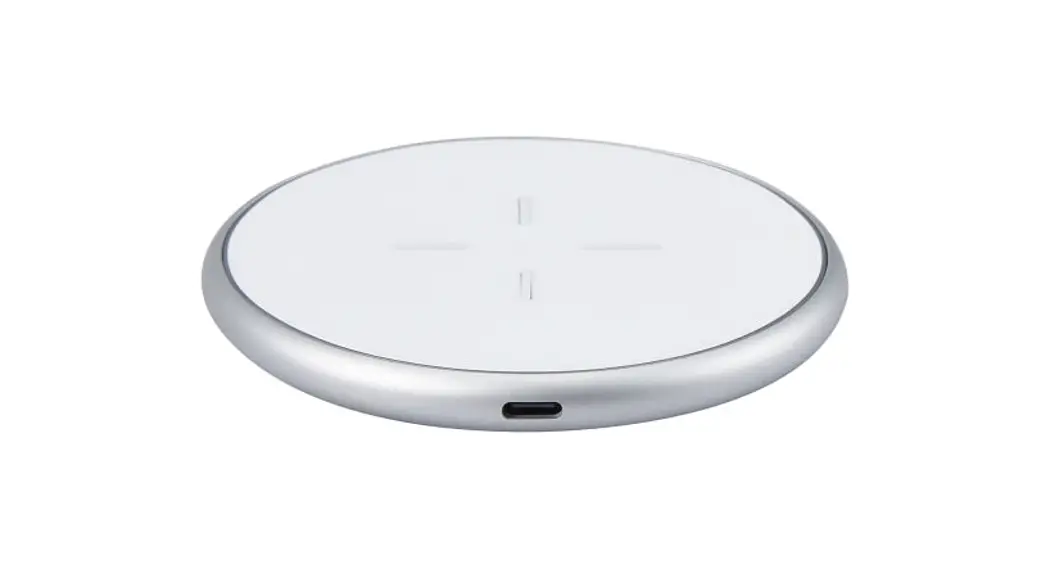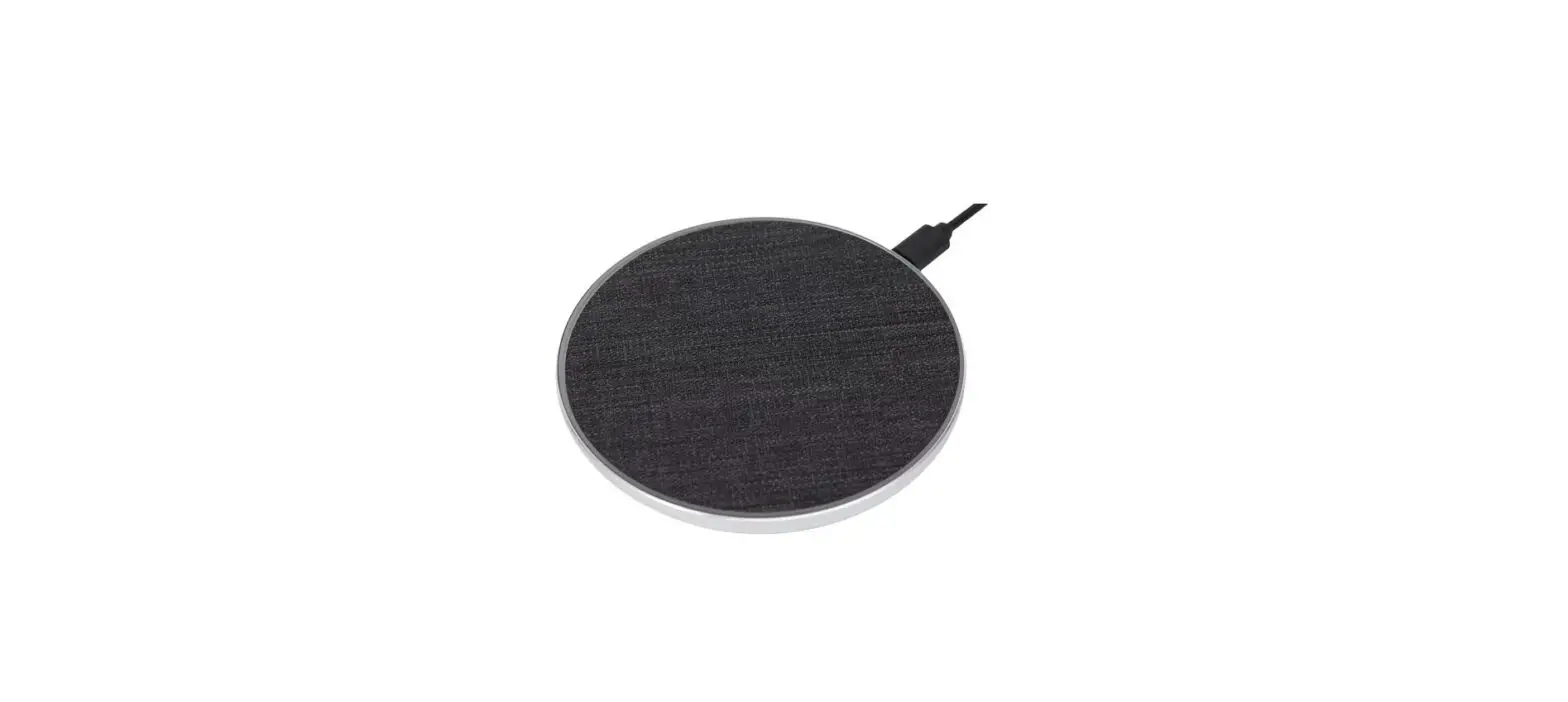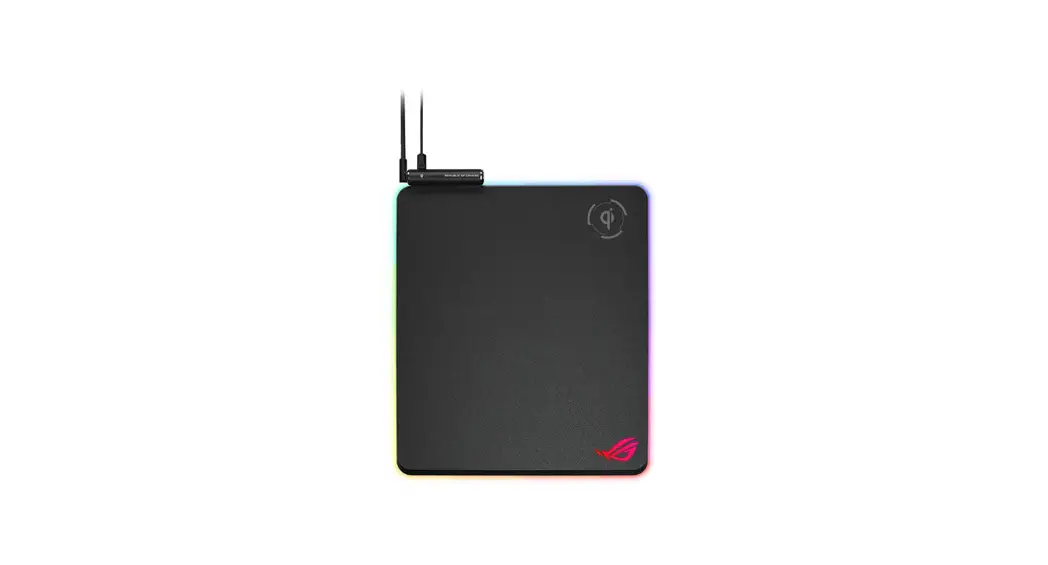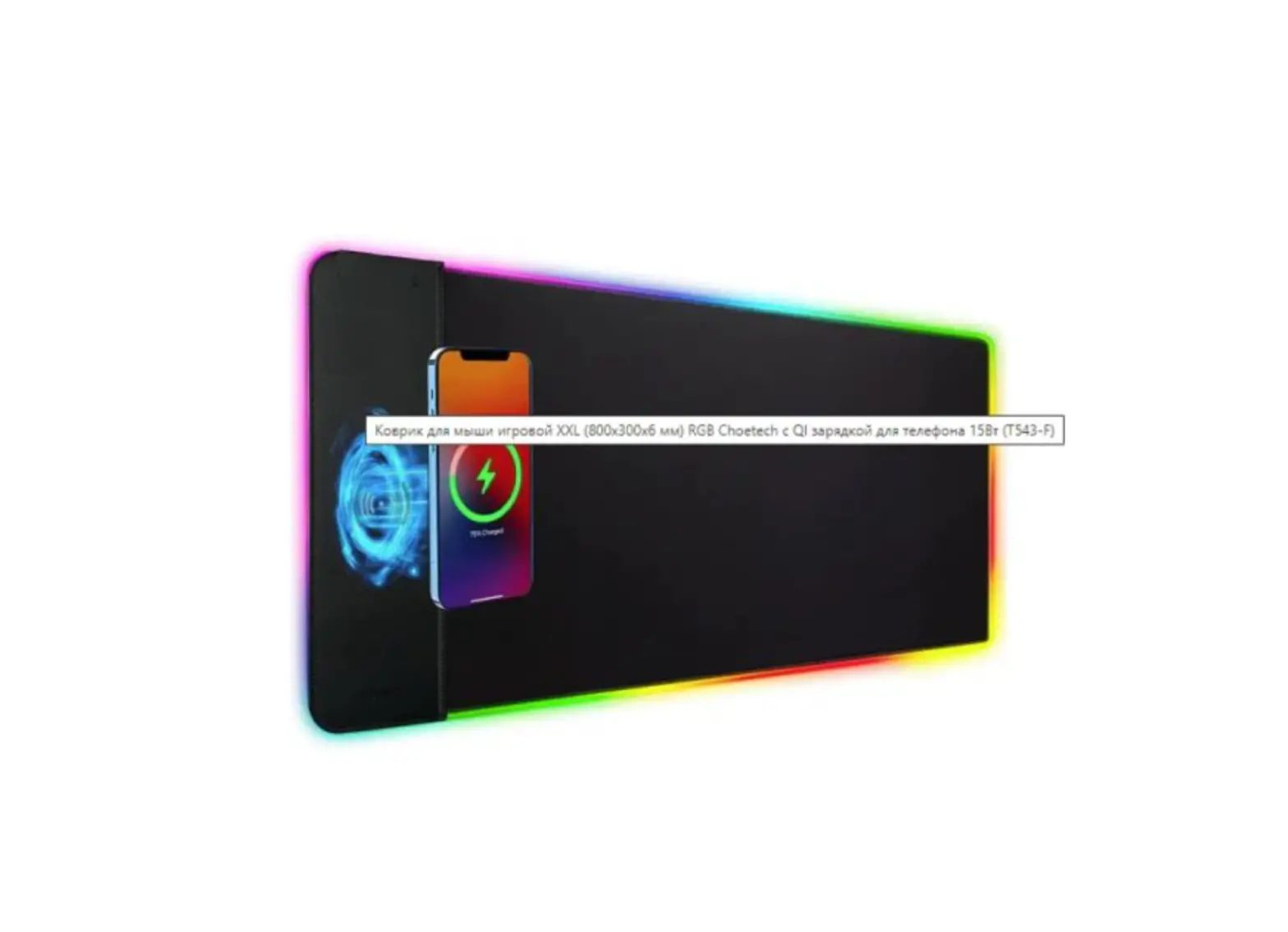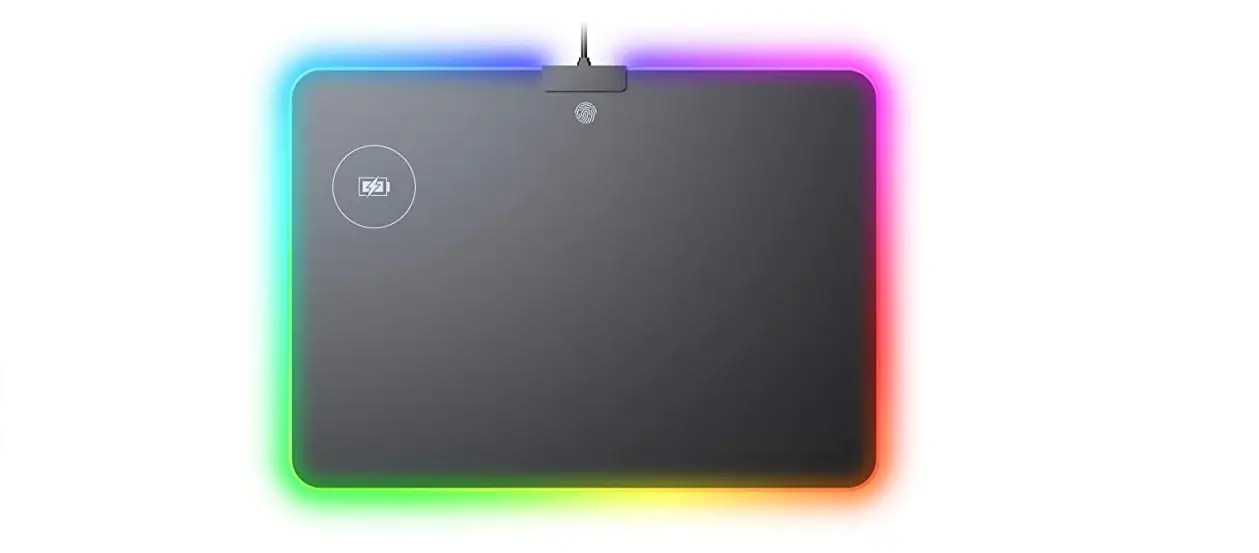

anko 43082629 Gaming RGB Mouse Pad Wireless Charger
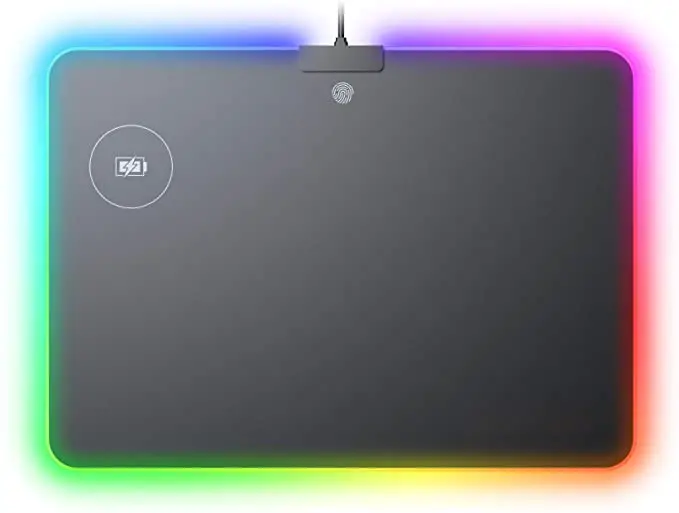
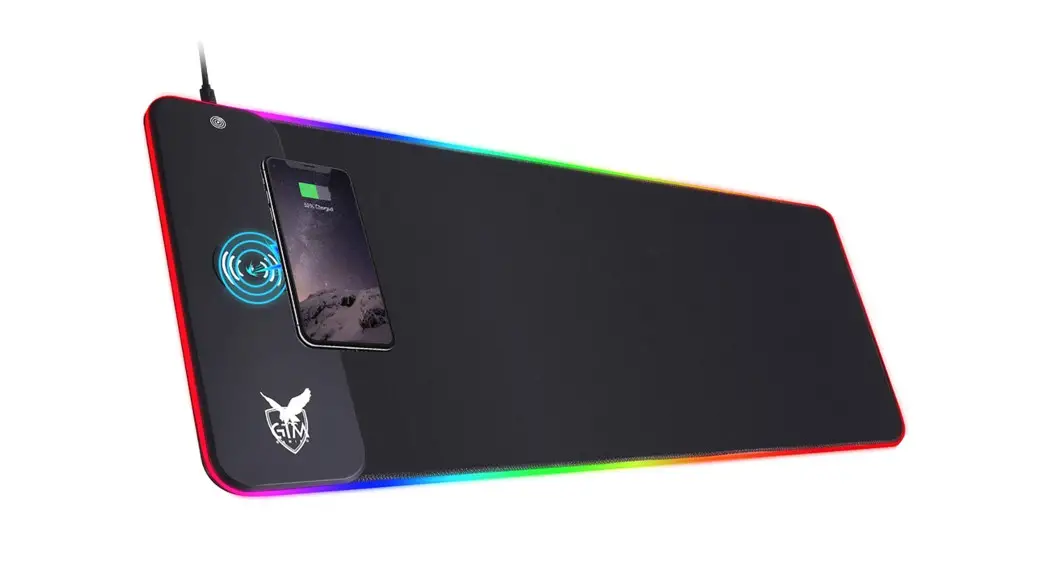
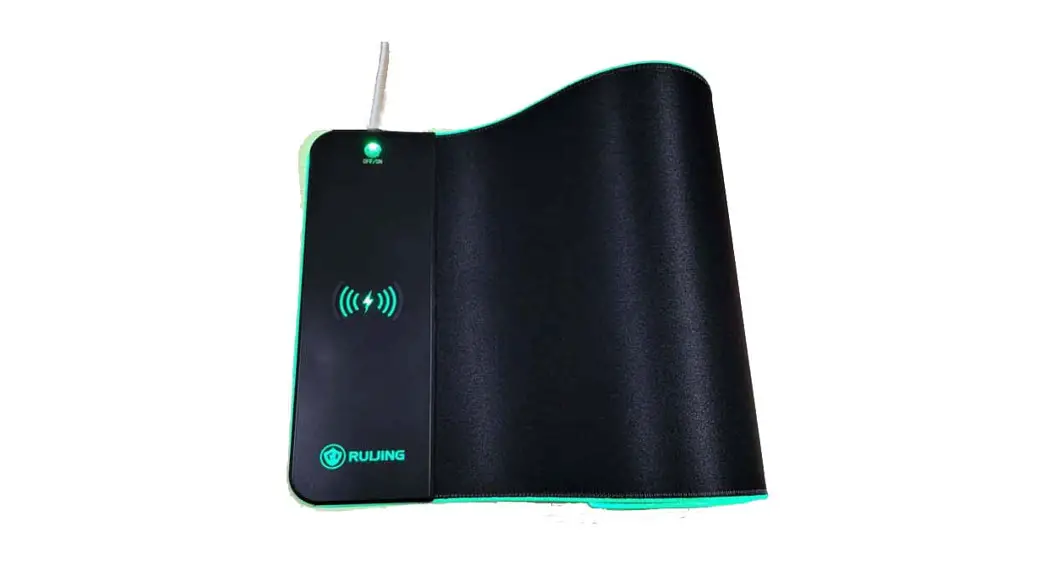
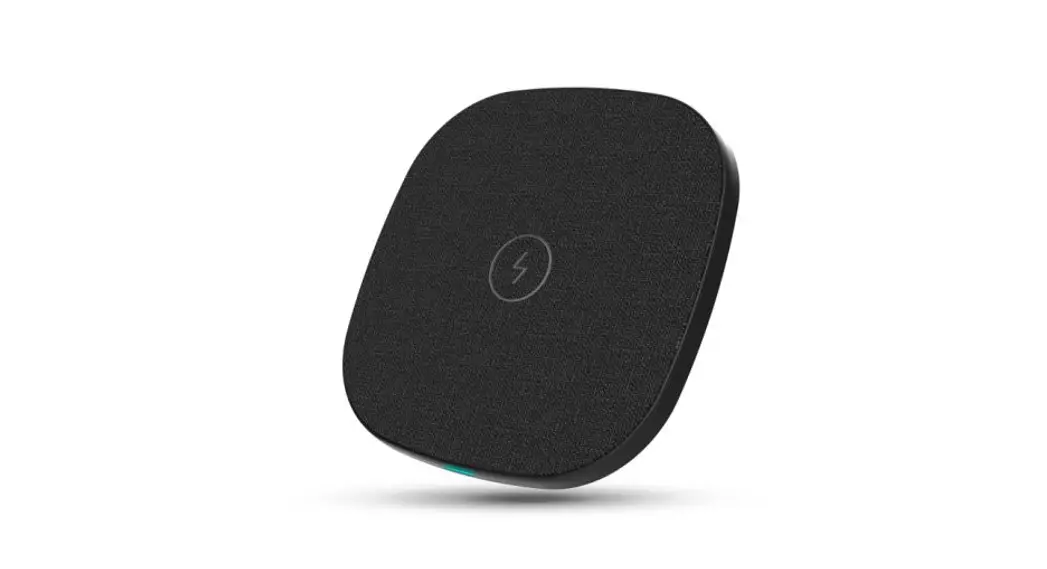
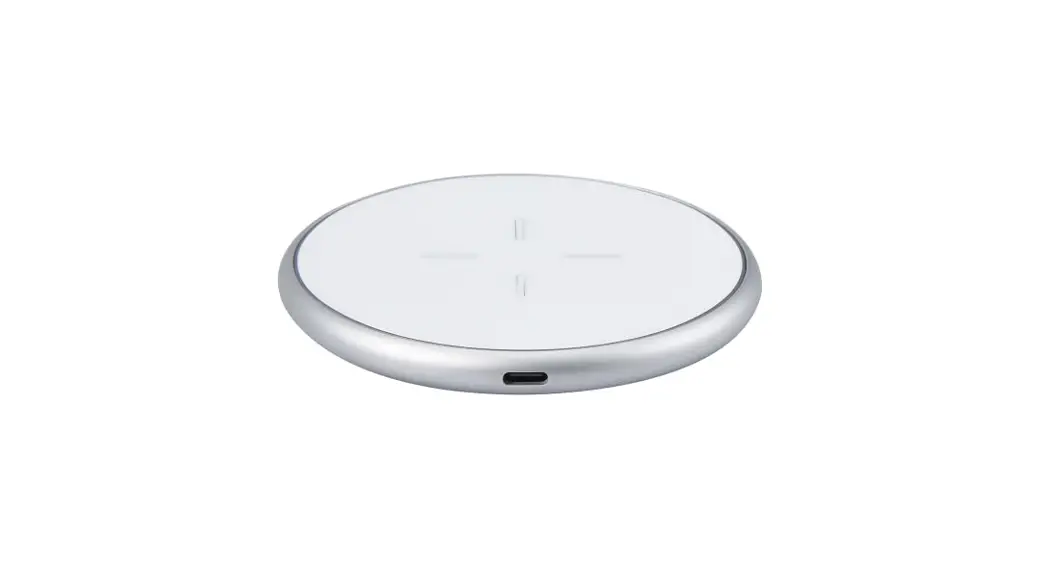
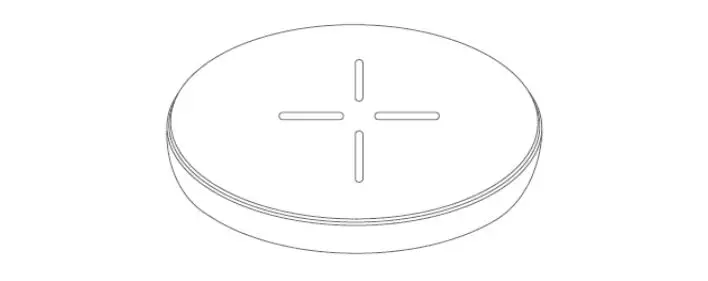
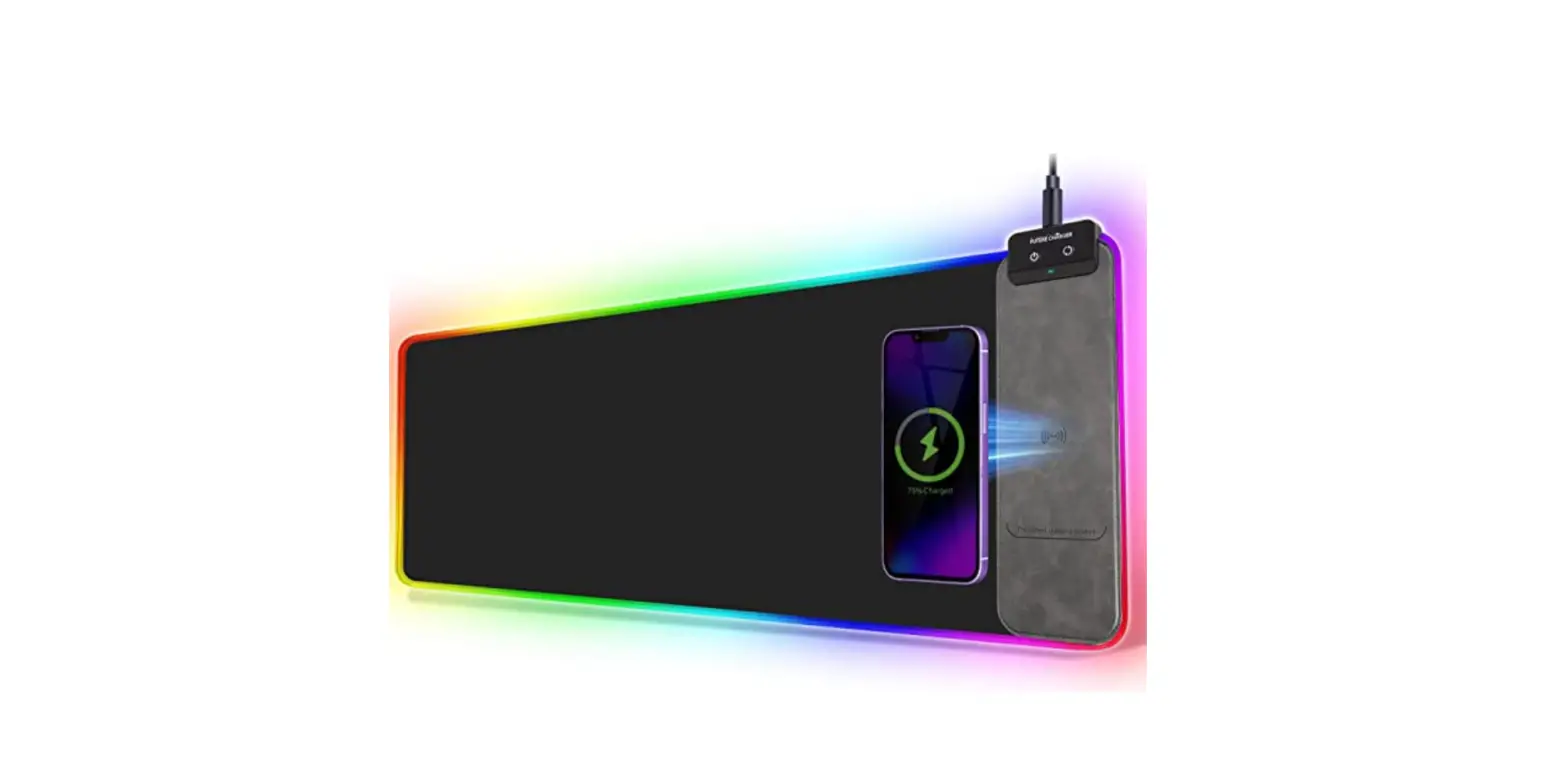
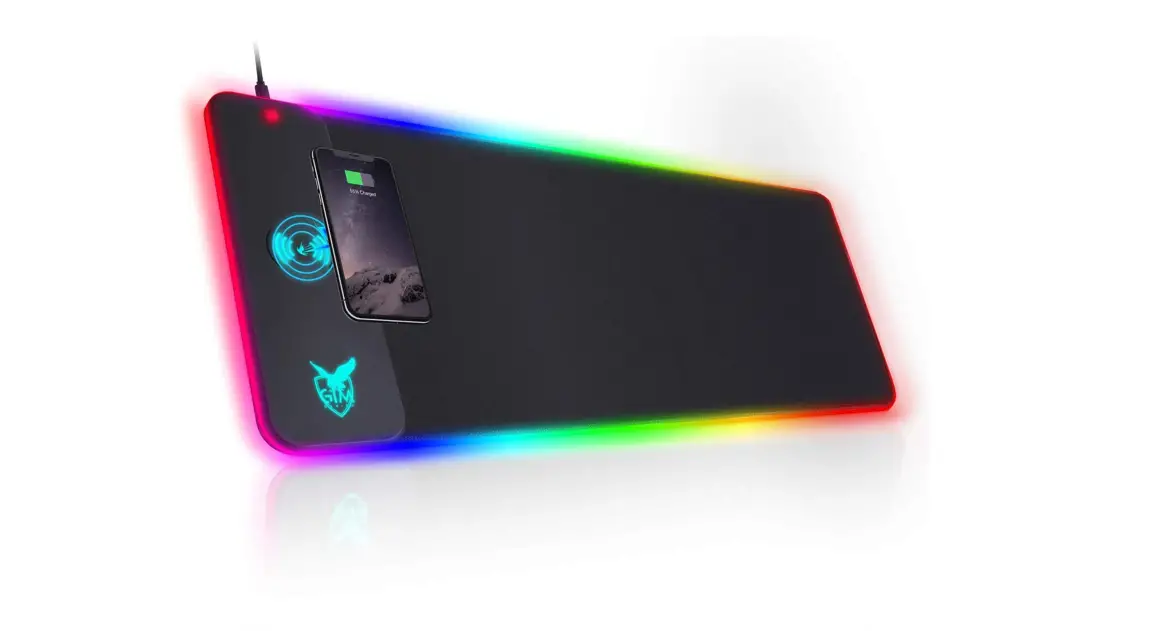
Product appearance
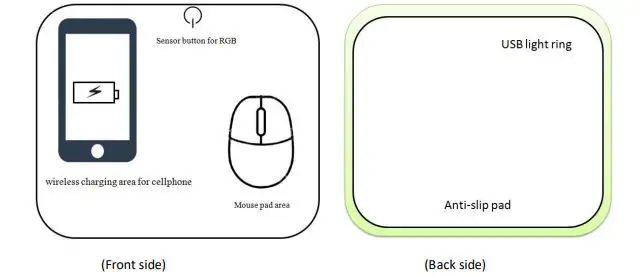
Technical Specifications
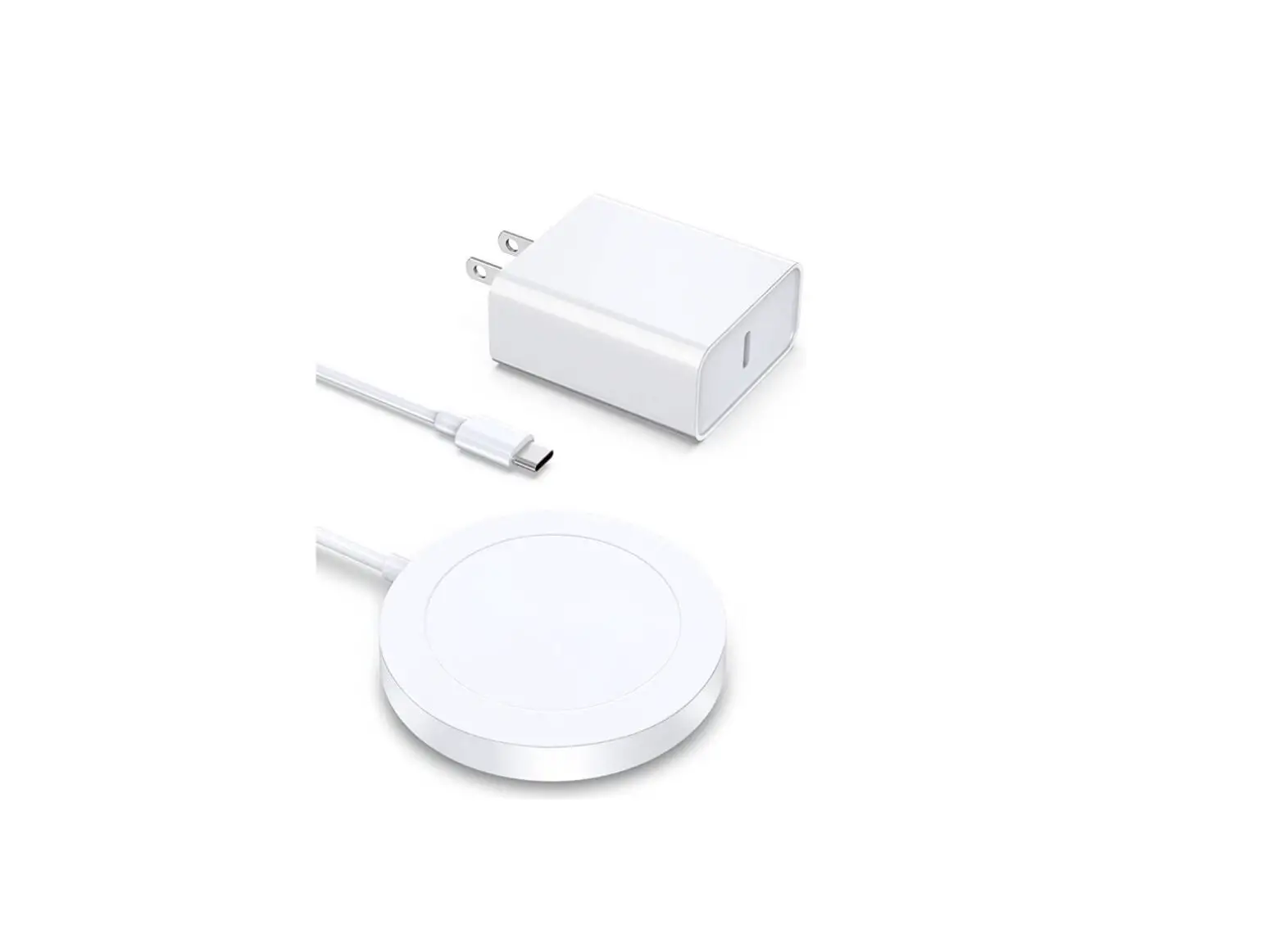
- Input voltage/current: DC 5V 2A
- Rating power: 5W [max]
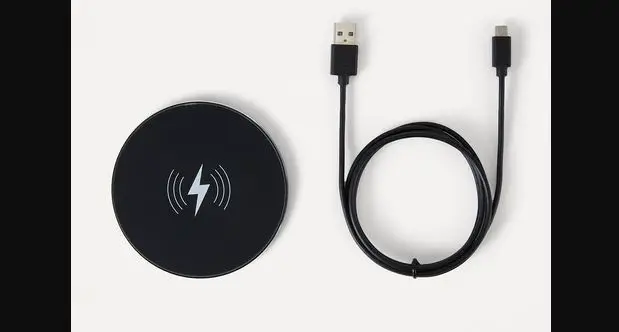
- Power socket: MICRO USB
- Applicable cellphone: supports wireless charge function for built-in wireless charging mobile phone
Steps for usage
- Plug Wireless Charge RGB Mousepad into a USB power supply port through the a DC 5V 2A USB adapter and switch on the power.
- Color lights: power on to turn on the red light. Press the sensor button to choose the color lights.
- Pressing the touch key for 3 seconds to turn off the color light mode; pressing the touch key for 3 seconds to turn on the light
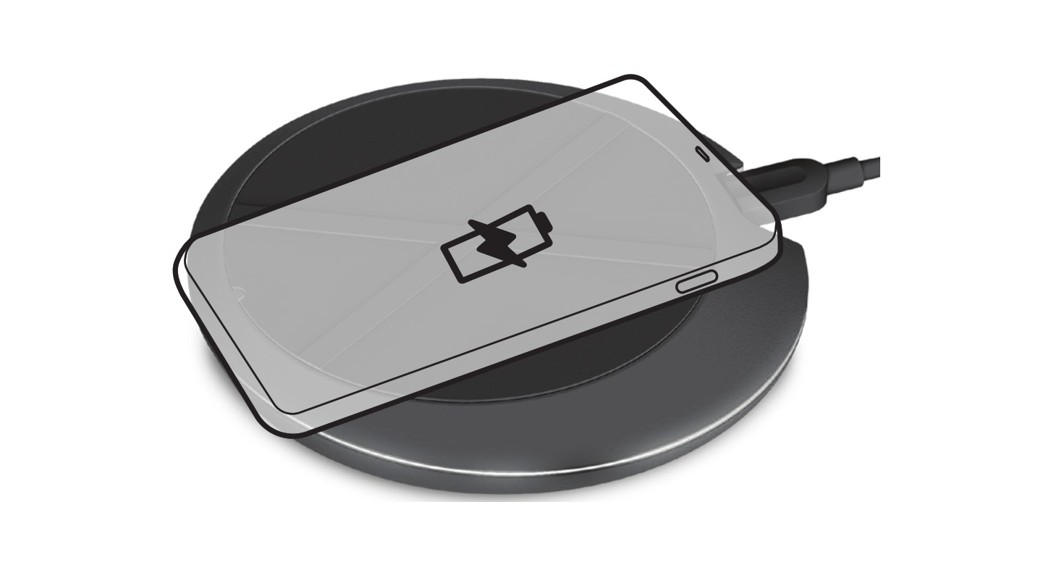
- Charging: placing the mobile phone supports wireless charge function onto the wireless charge area, it will start the wireless charging to the mobile phone
- LED light ring display during wireless charge: when running the wireless charging to the cellphone, LED light ring will light up in blue light from any lighting mode. The Touch key won’t be operated. (can be customized practically)
- In detecting the foreign metal objects onto the wireless charge area, LED light ring will turn to red light from any lighting mode and flash quickly. Remove the metal object from the charger or from the mobile.
- The LED light ring will resume to original lighting mode when the cellphone gets fully charged