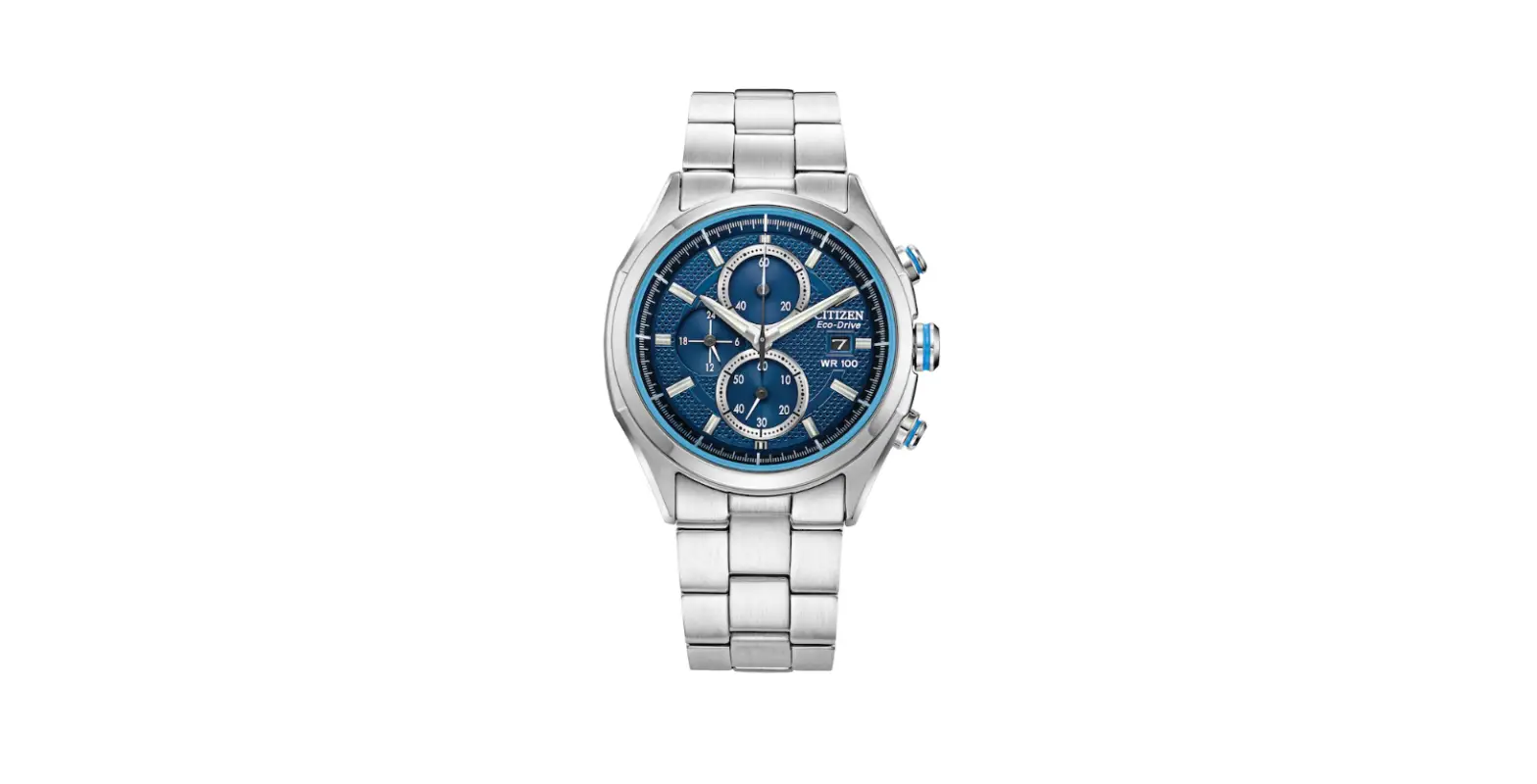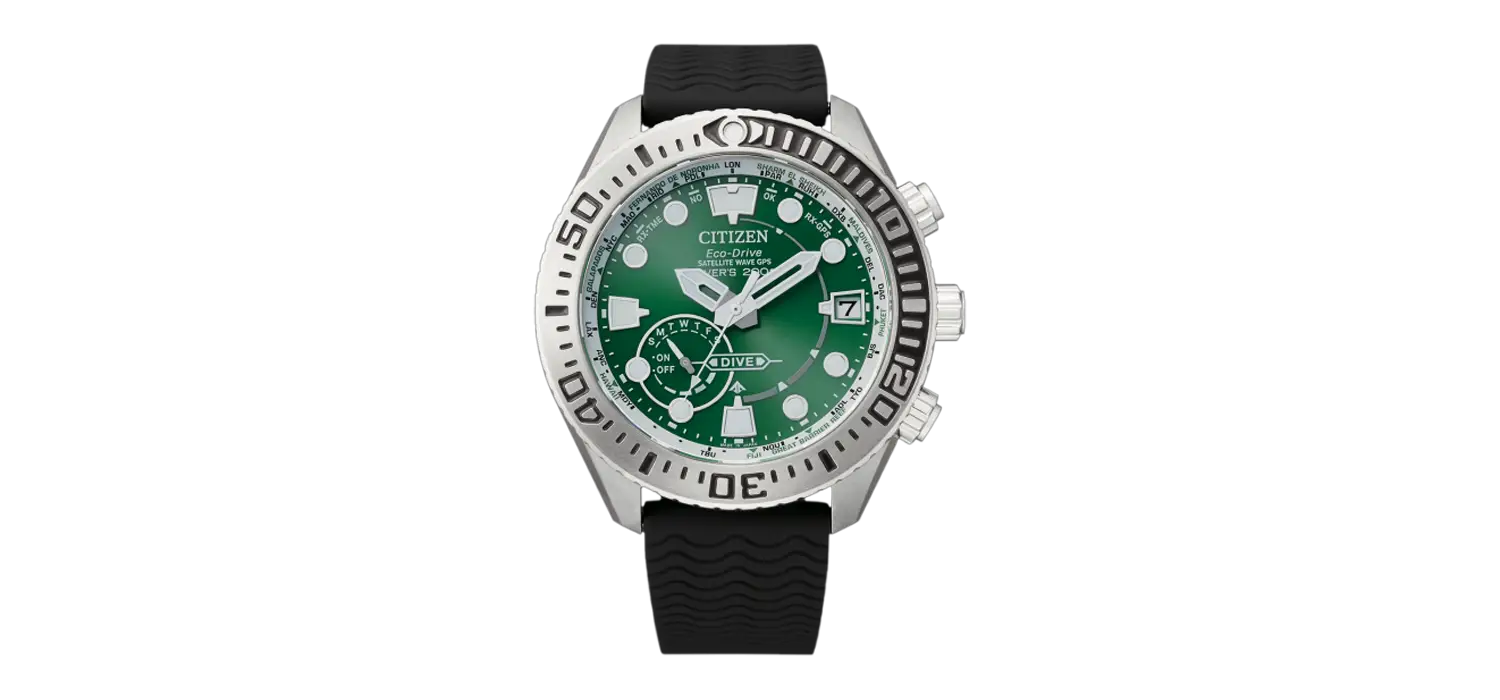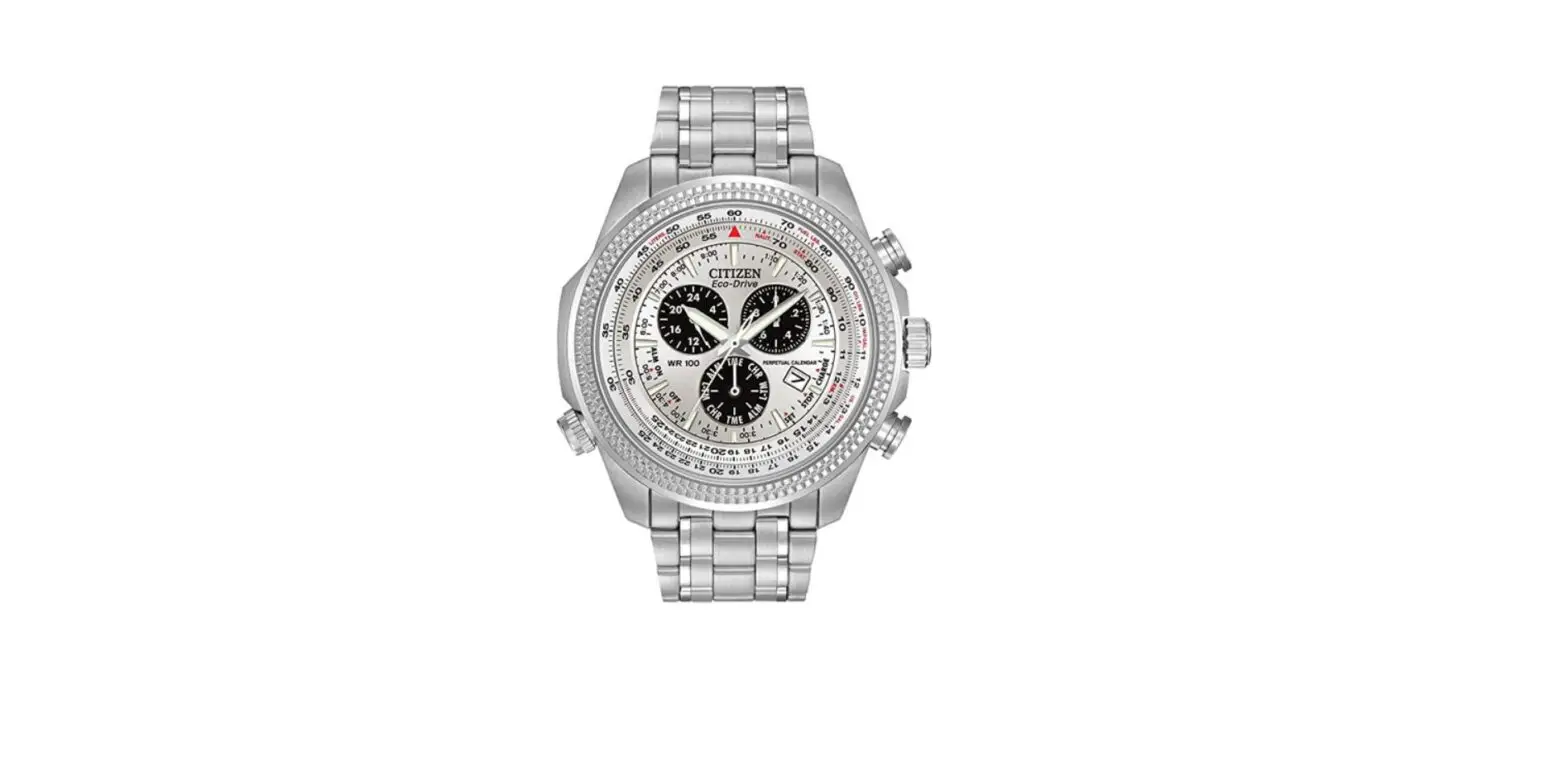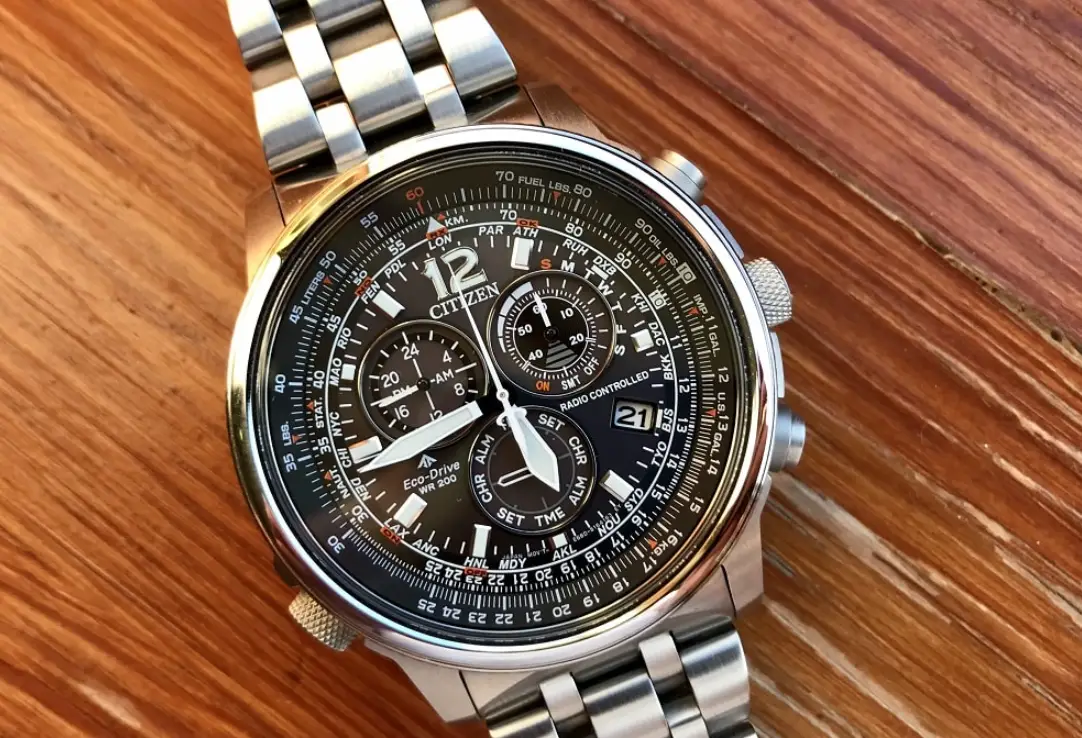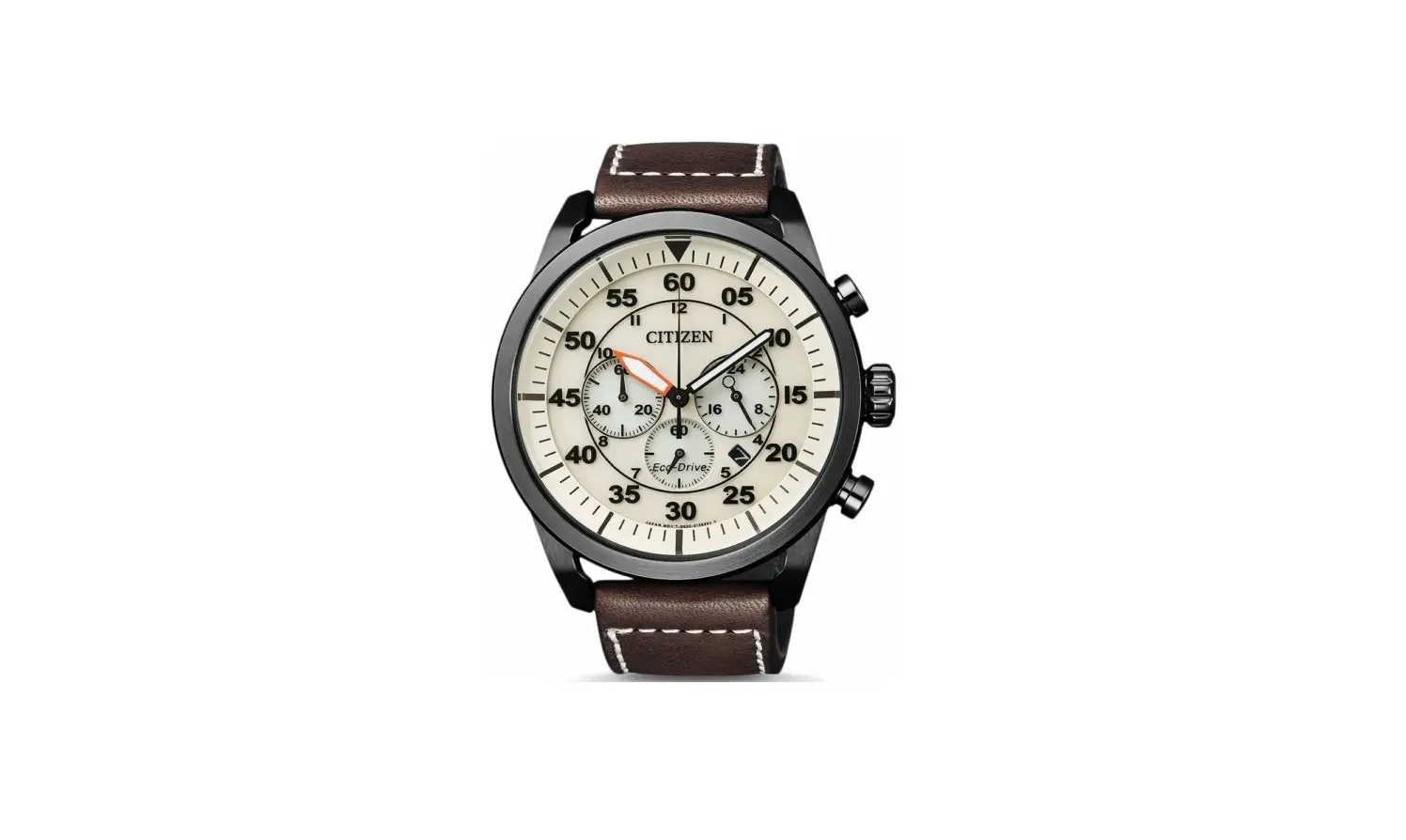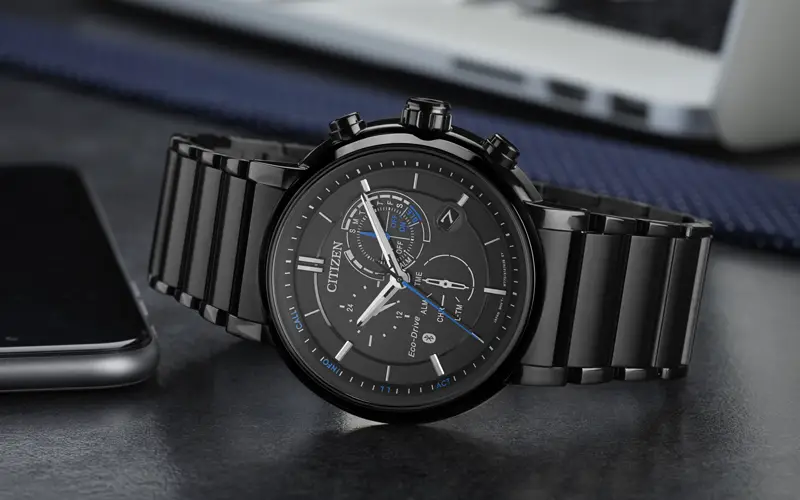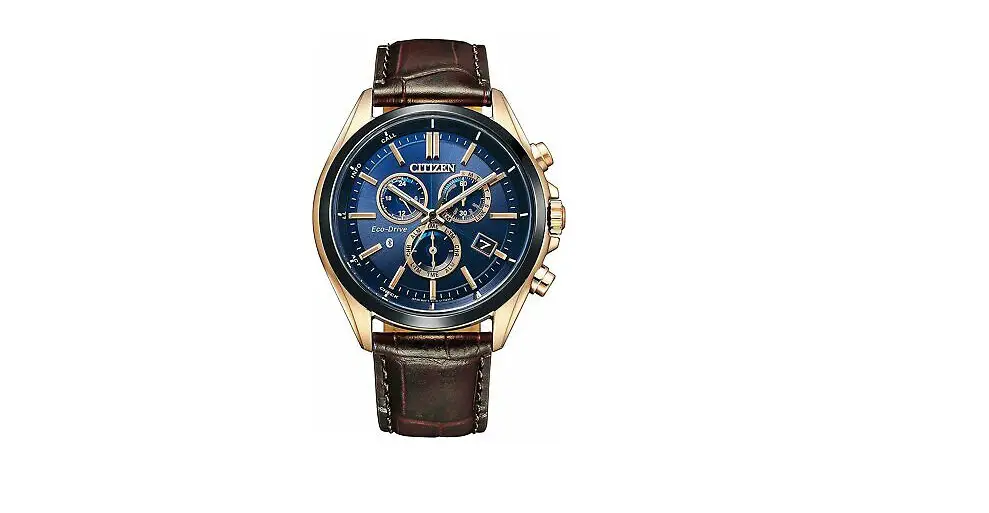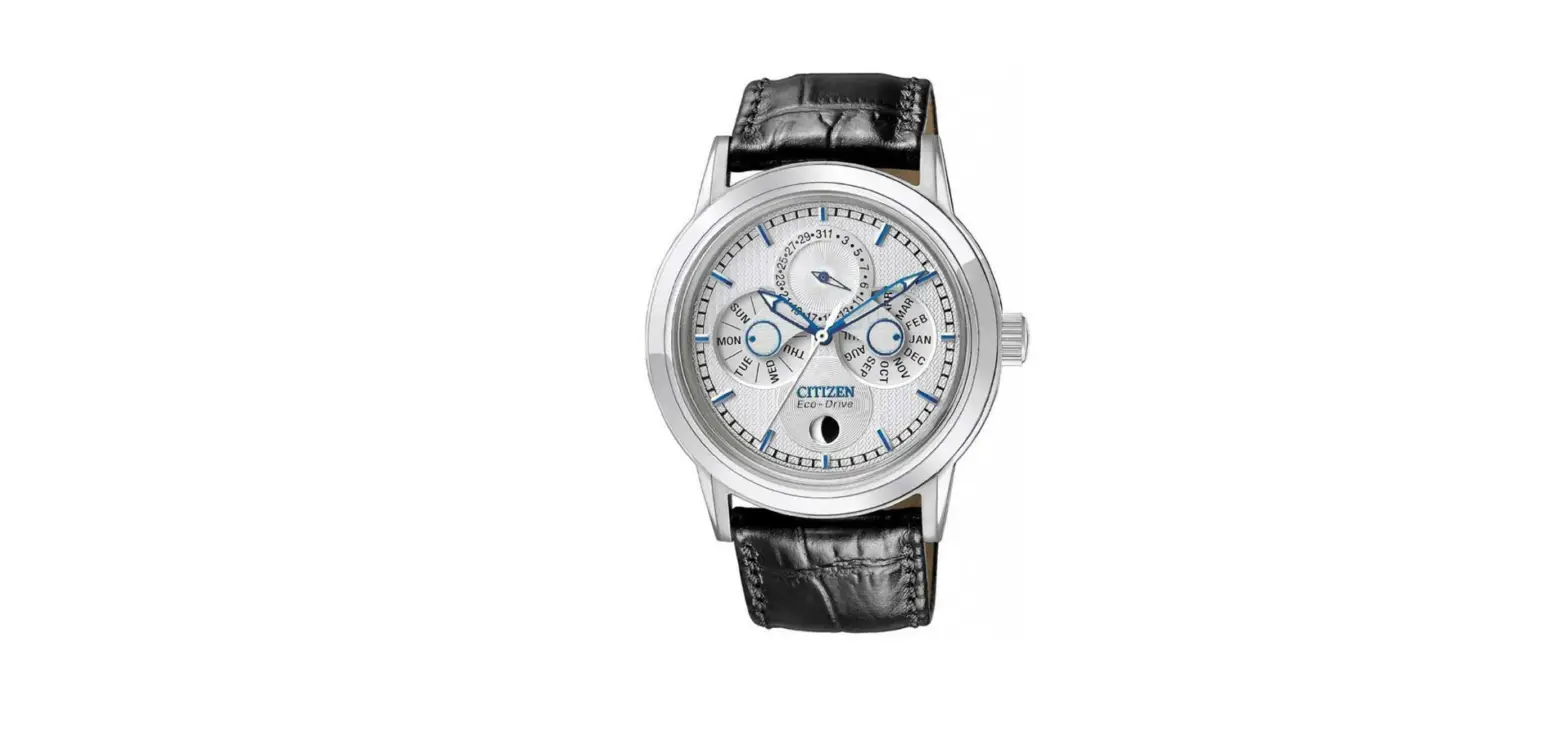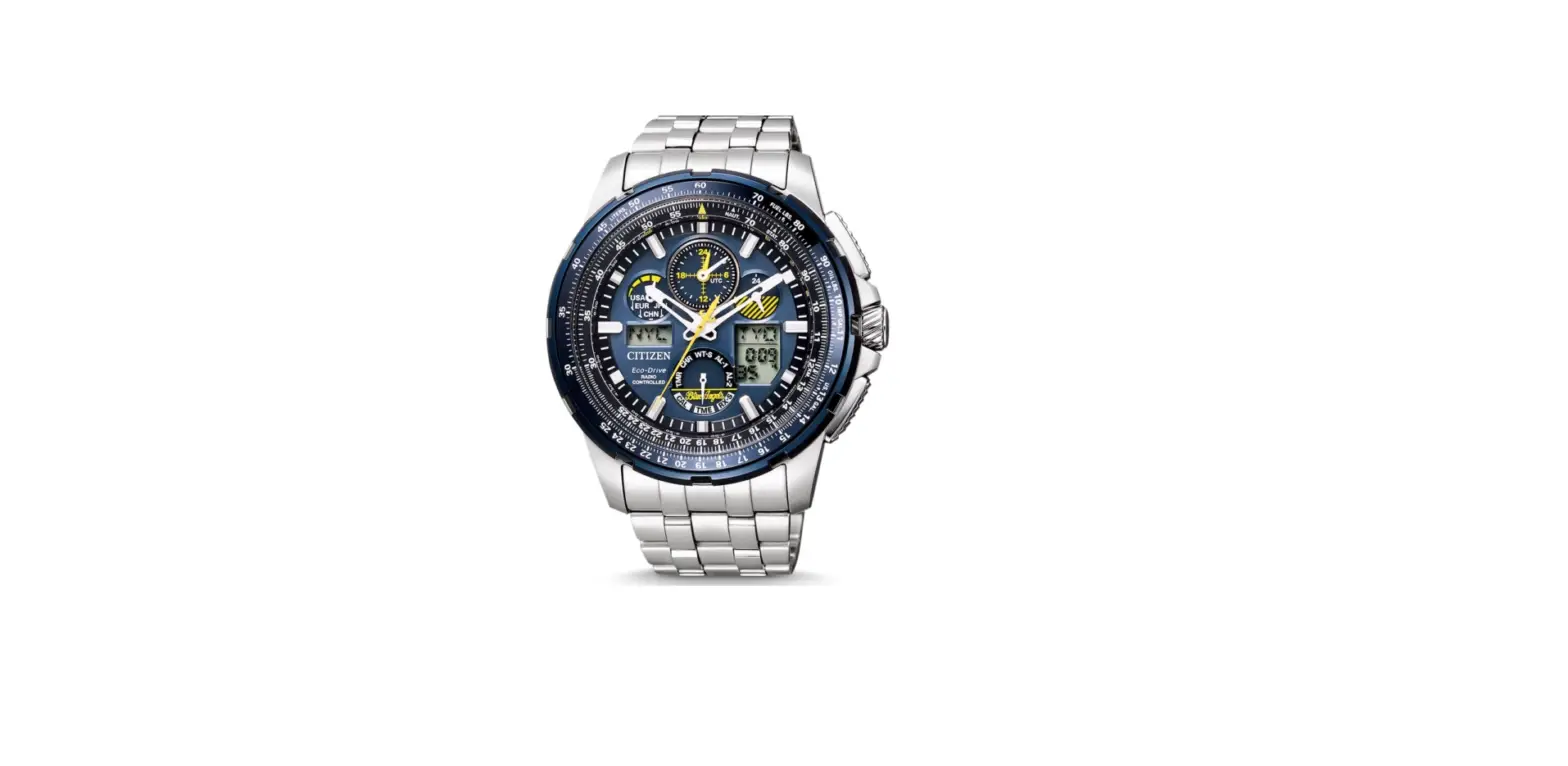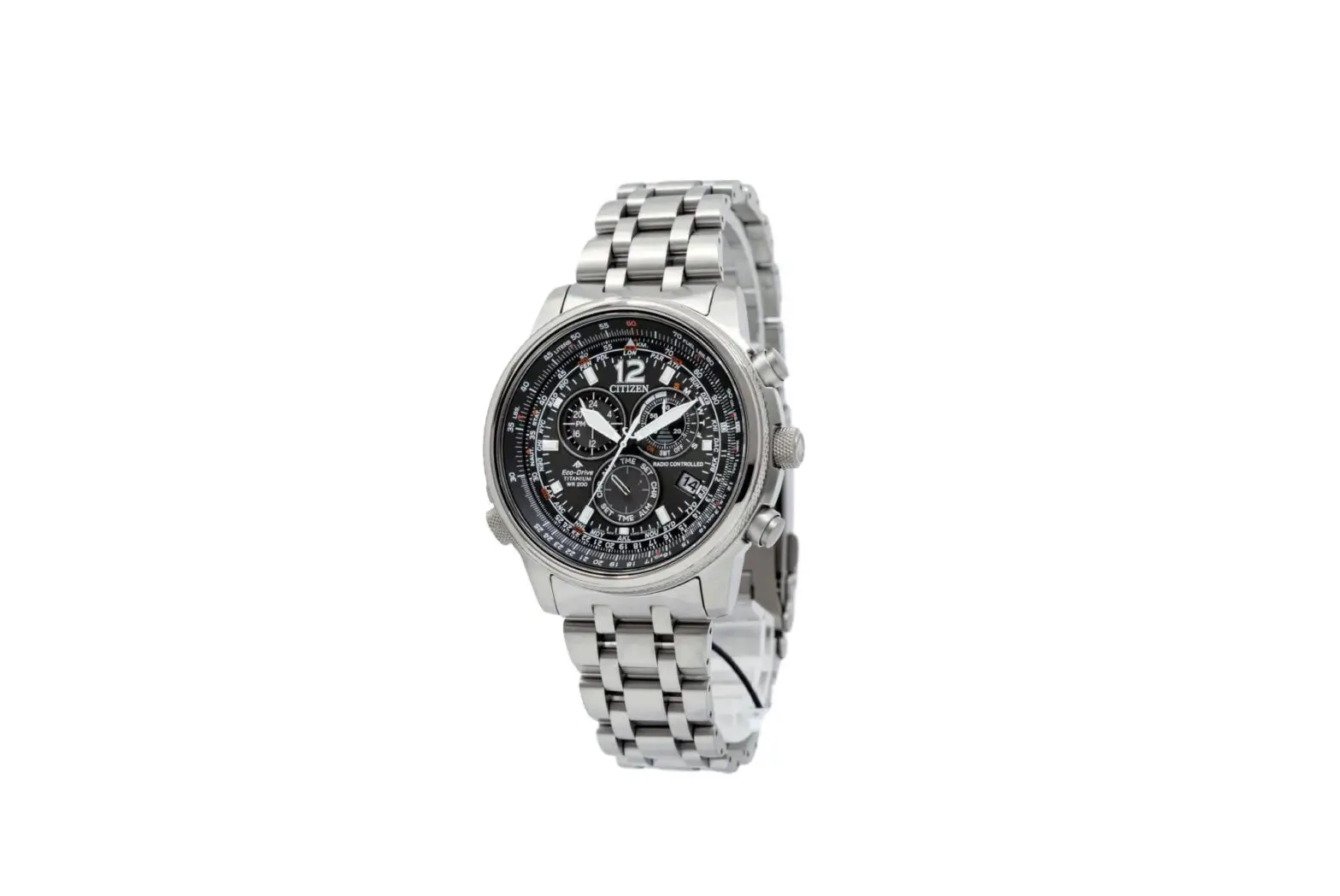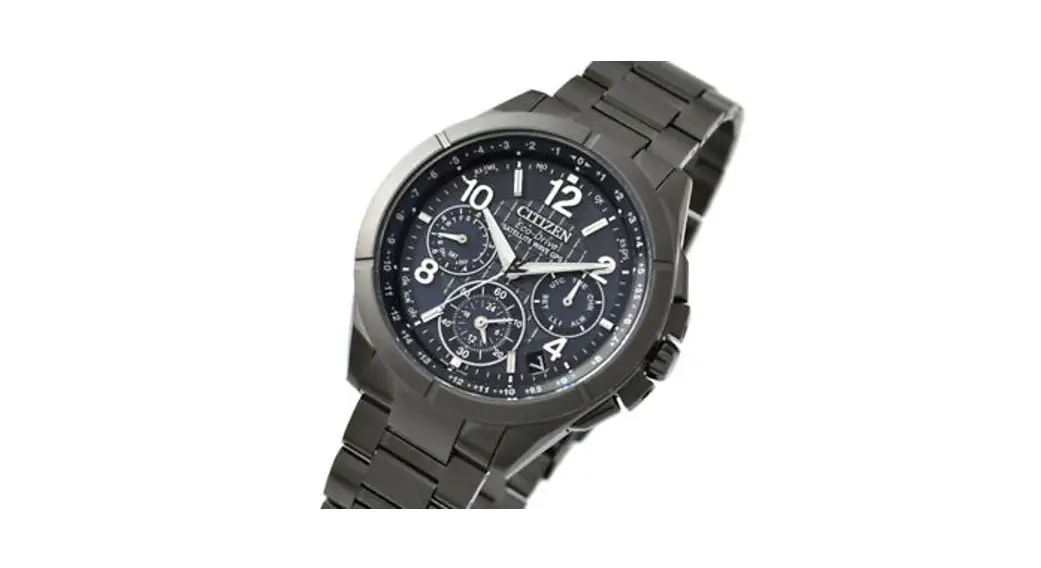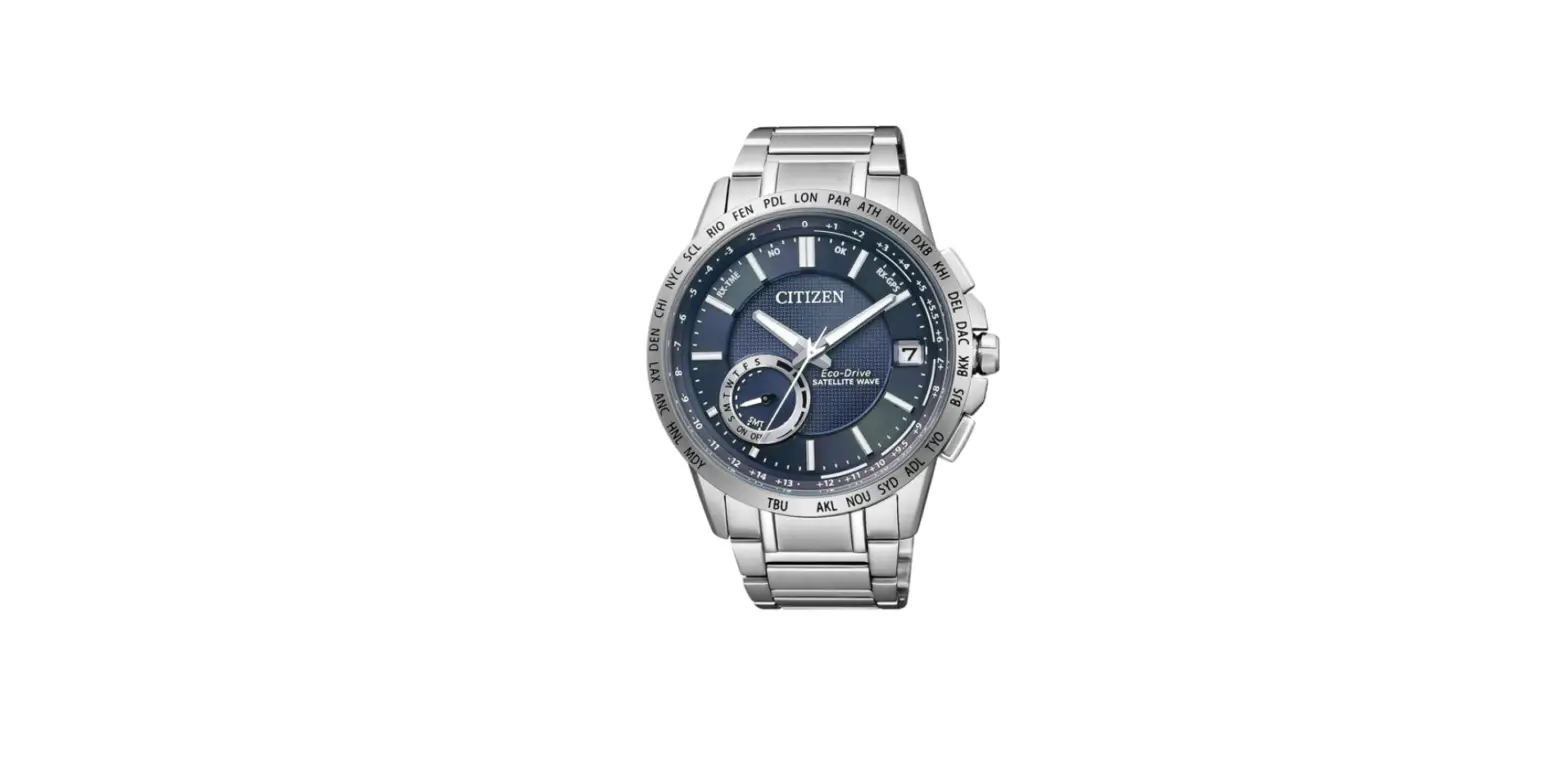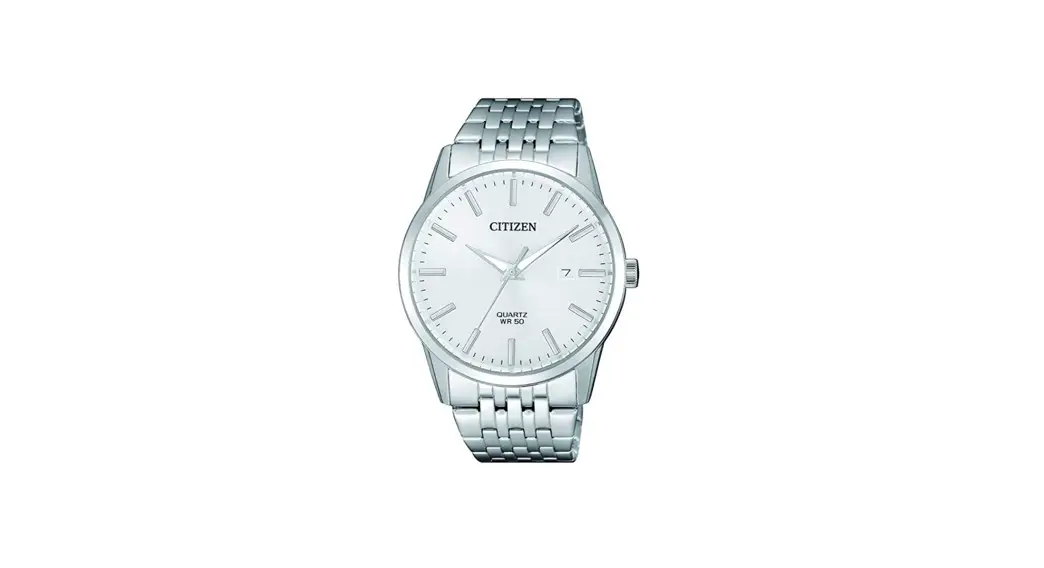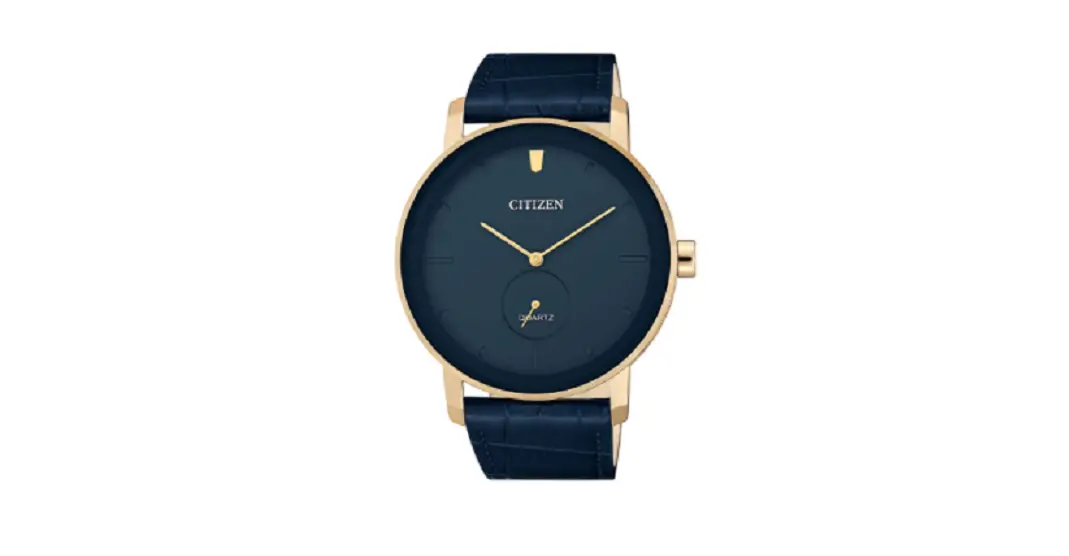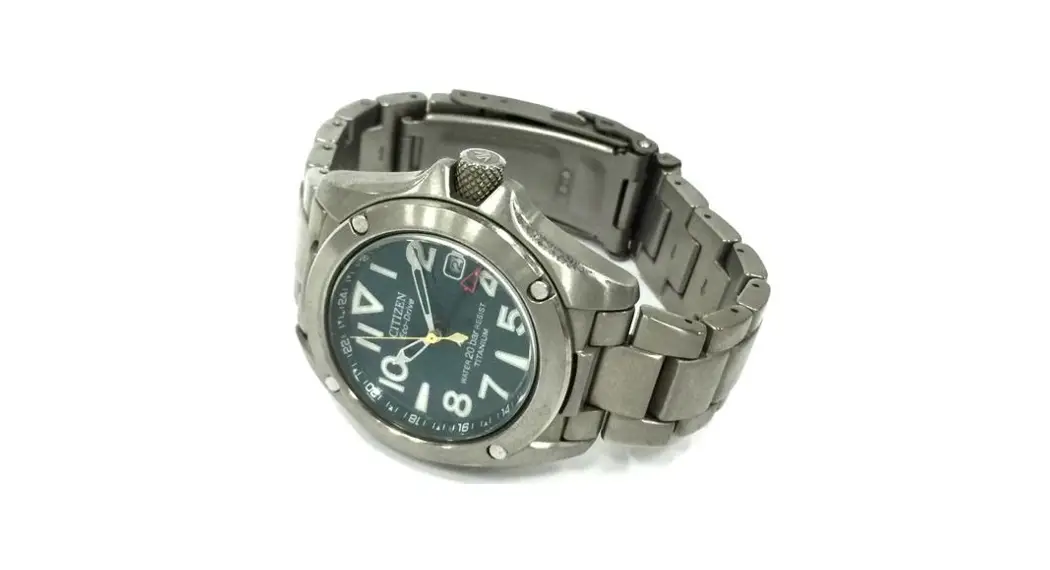
 B876/B877 Abbreviated
instruction
B876 Eco-Drive Abbreviated Watch
- This watch is solar-powered. Expose the dial to light and use it sufficiently charged.
- To see details of charging time, specifications and operations, refer to the instruction manual:
 B876 instruction manual B877 instruction manual
 B876 instruction manual
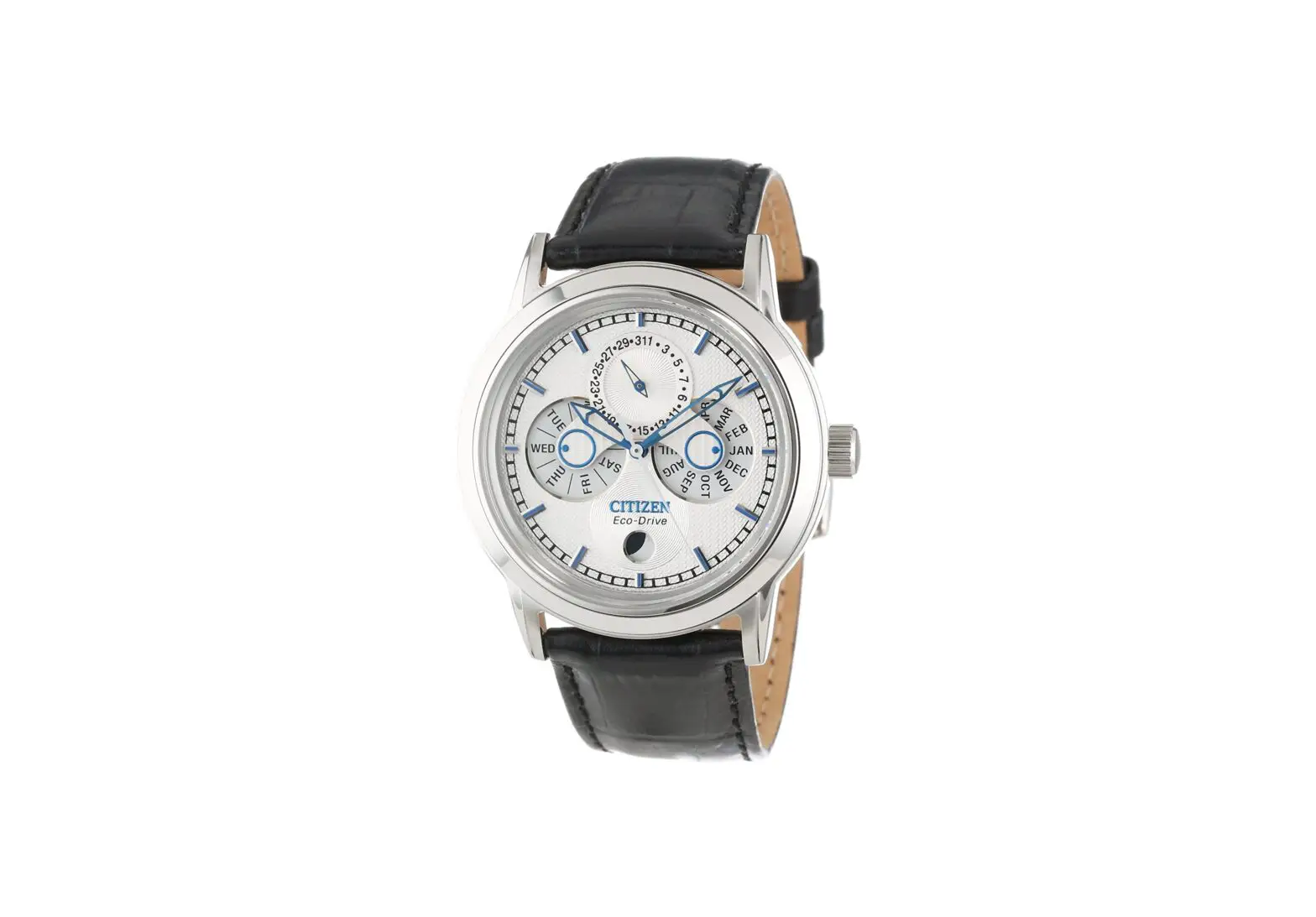
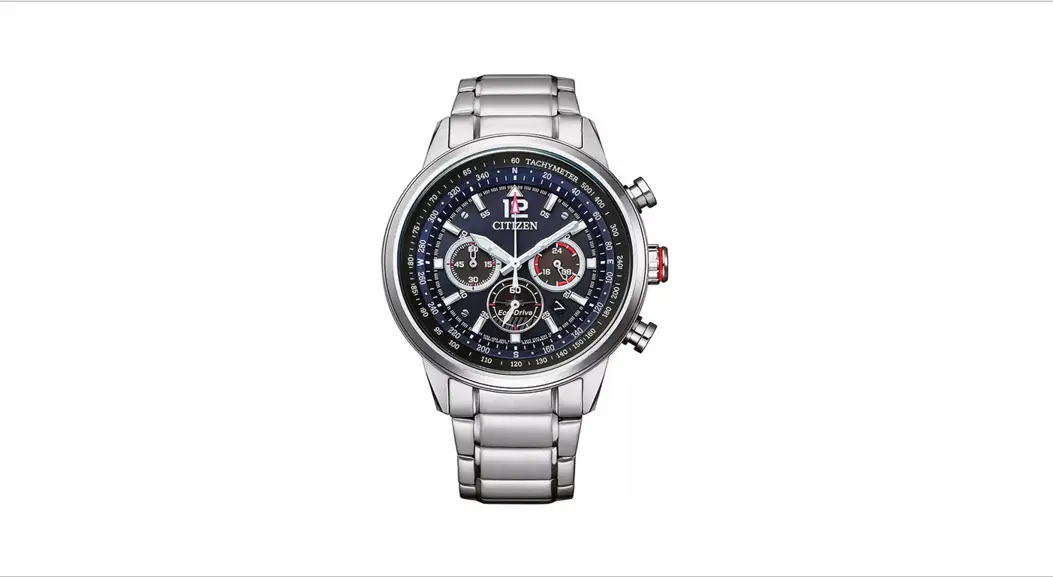
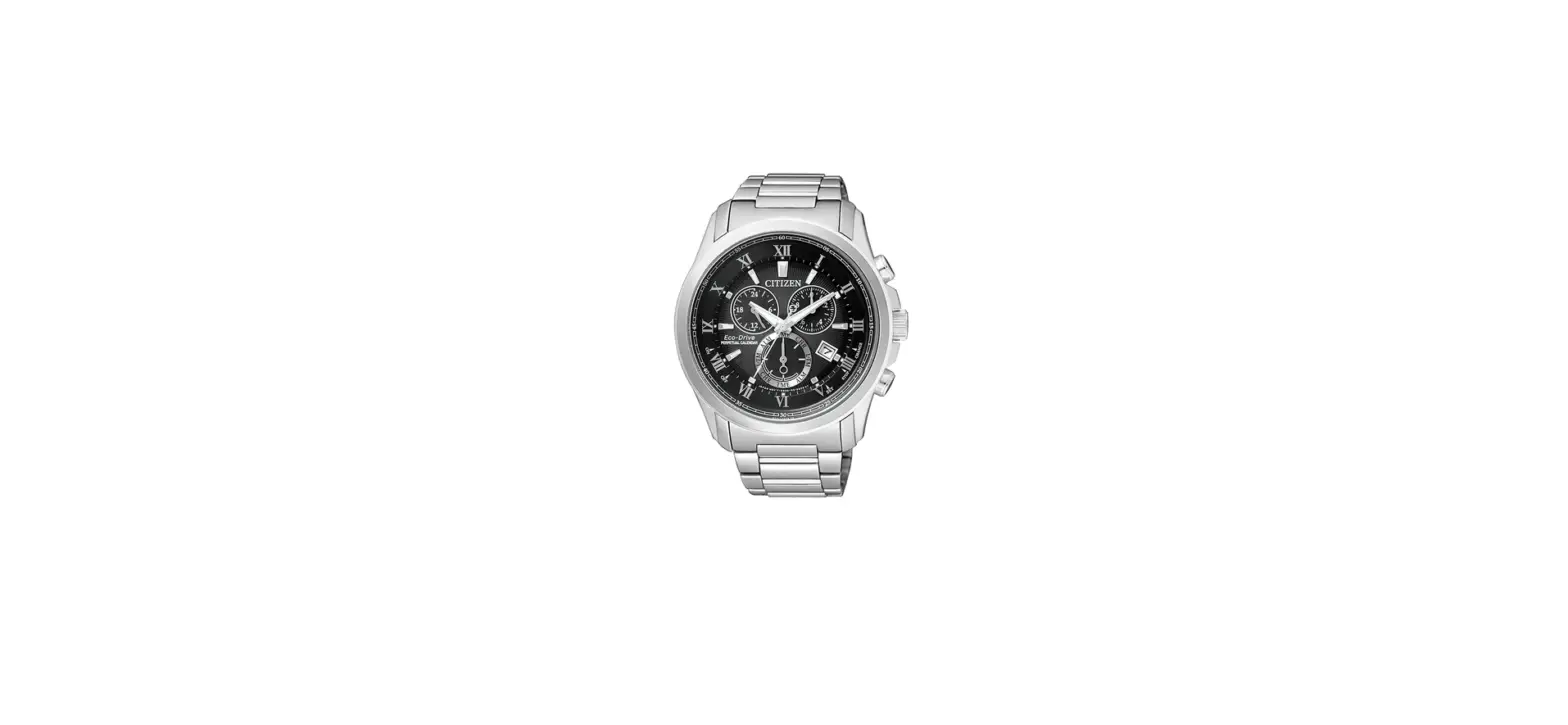
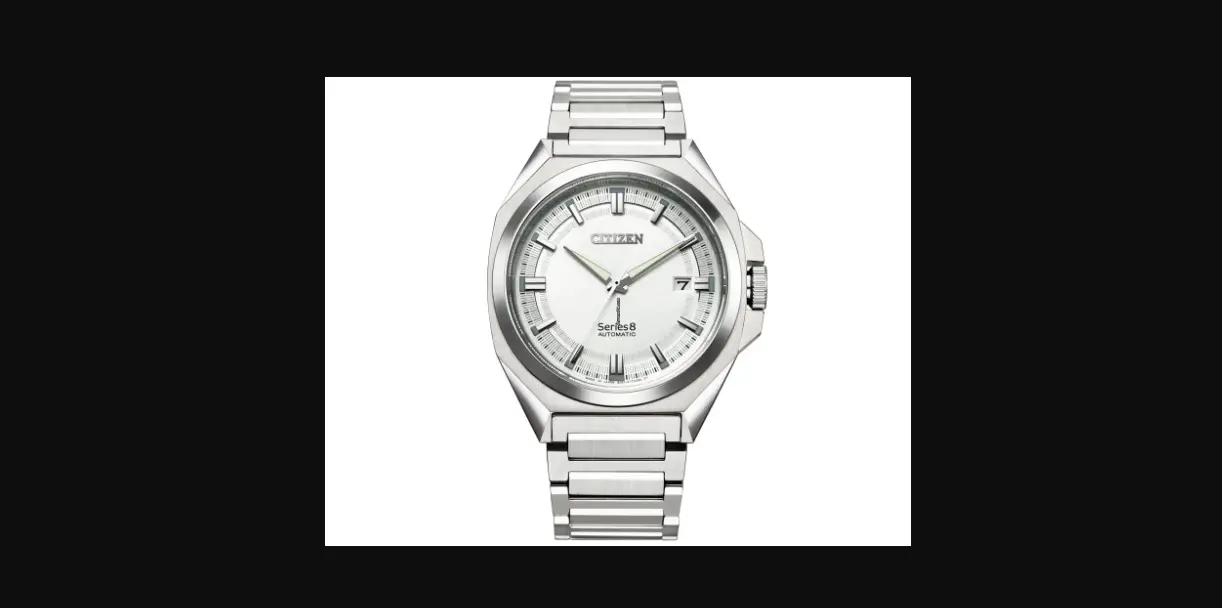
Component identification
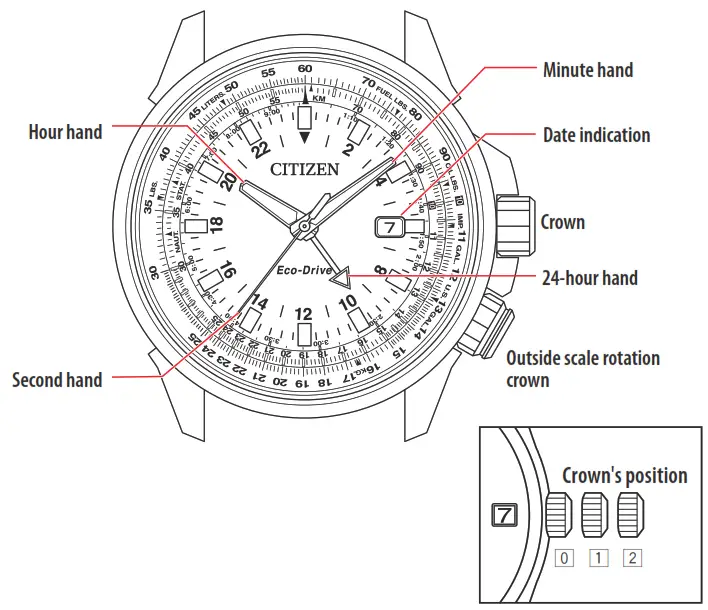
- Actual appearance may differ from the illustration.
- The crown has two positions when pulling it out.
- Refer also to our web page for detail of usage of the scale and bezel on the watch.
(http://www.citizenwatch-global.com/support/pdf/enhanced/e.pdf)
Setting the time
- Pull the crown out to position 2 when the second hand points 0 second.
The second hand stops. - Rotate the crown to adjust the 24-hour hand and minute hand.
• Move the hands 4 or 5 minutes forward and move them back to the right time to set the time more precisely.
• The hour and 24-hour hands move synchronously. - Push the crown in to position 0 in accordance with a reliable time source.
The second hand starts moving. - Pull the crown out to position 1 .
- Rotate the crown clockwise to set the hour hand.
• Rotate the crown to move the hour hand fully for each portion of hours.
• Change of date indication shows it just became AM. Take care the time set is AM or PM. - Push the crown in to position 0 to finish the procedure.
• Do not adjust the date indication while the watch shows 9:00 PM ‒ 1:00 AM. Otherwise, the date indication may change incorrectly thereafter.
• Date indication adjustment is required on the first days of March, May, July, October and December.
- Pull the crown out to position 1 .
- Rotate the crown counterclockwise to set the date indication.
- Push the crown in to position 0 to finish the procedure.
Using the local time
You can move the hour hand in the 1-hour increments to indicate a time different from that of the 24-hour hand.
- Pull the crown out to position 1 .
- Rotate the crown clockwise to set the hour hand.
• Rotate the crown to move the hour hand fully for each portion of hours.
• Change of date indication shows it just became AM. Take care the time set is AM or PM.
• Set the date after the adjustment if needed.
• The hour hand and date indication move synchronously. The indication may be conflicting with that of the 24-hour hand. - Push the crown in to position 0 to finish the procedure.
To set the hour hand back
Adjust the hour hand to the same time as that indicated by the 24-hour hand.
Adjust the date indication following Setting the date after that.