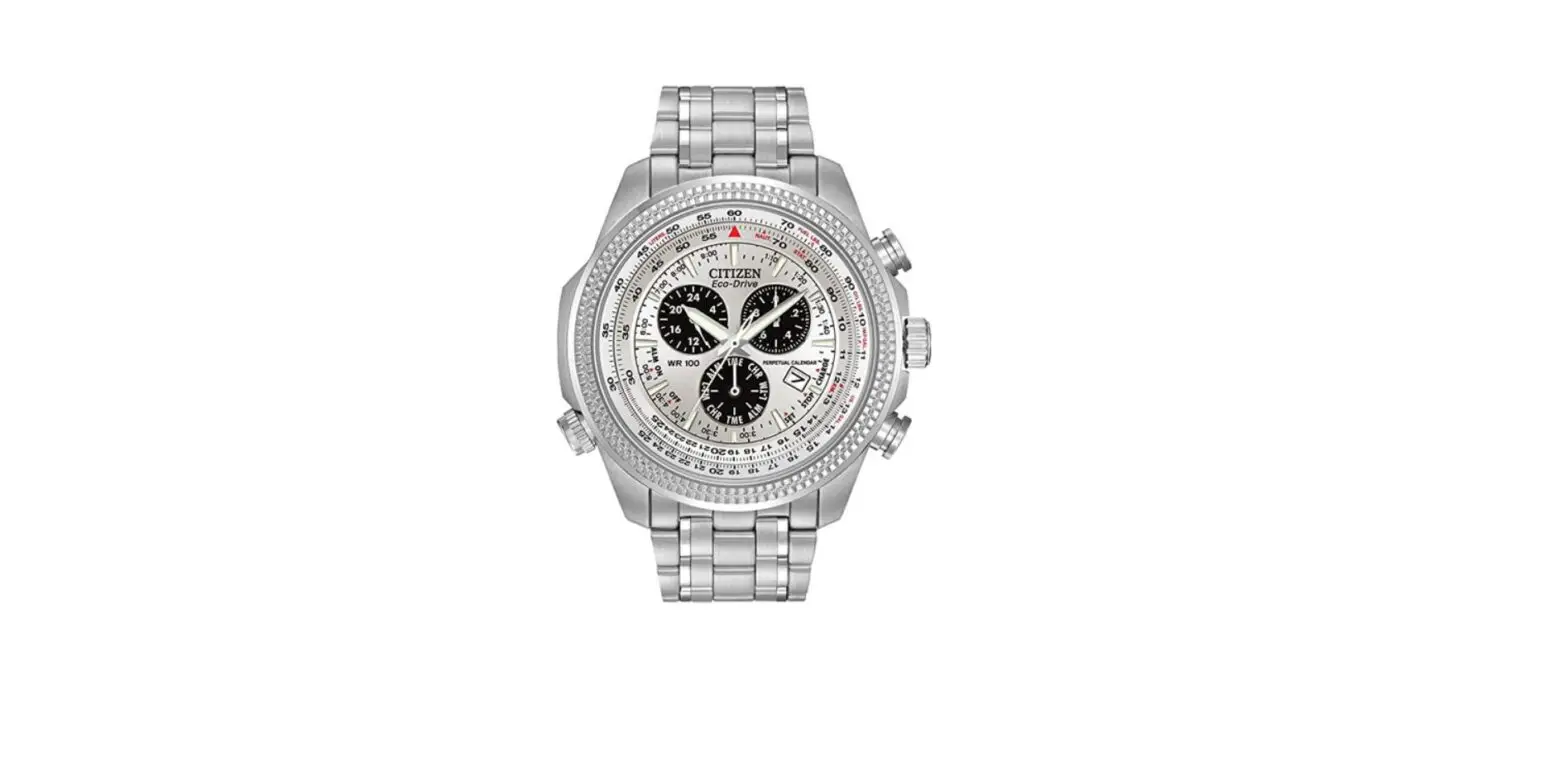
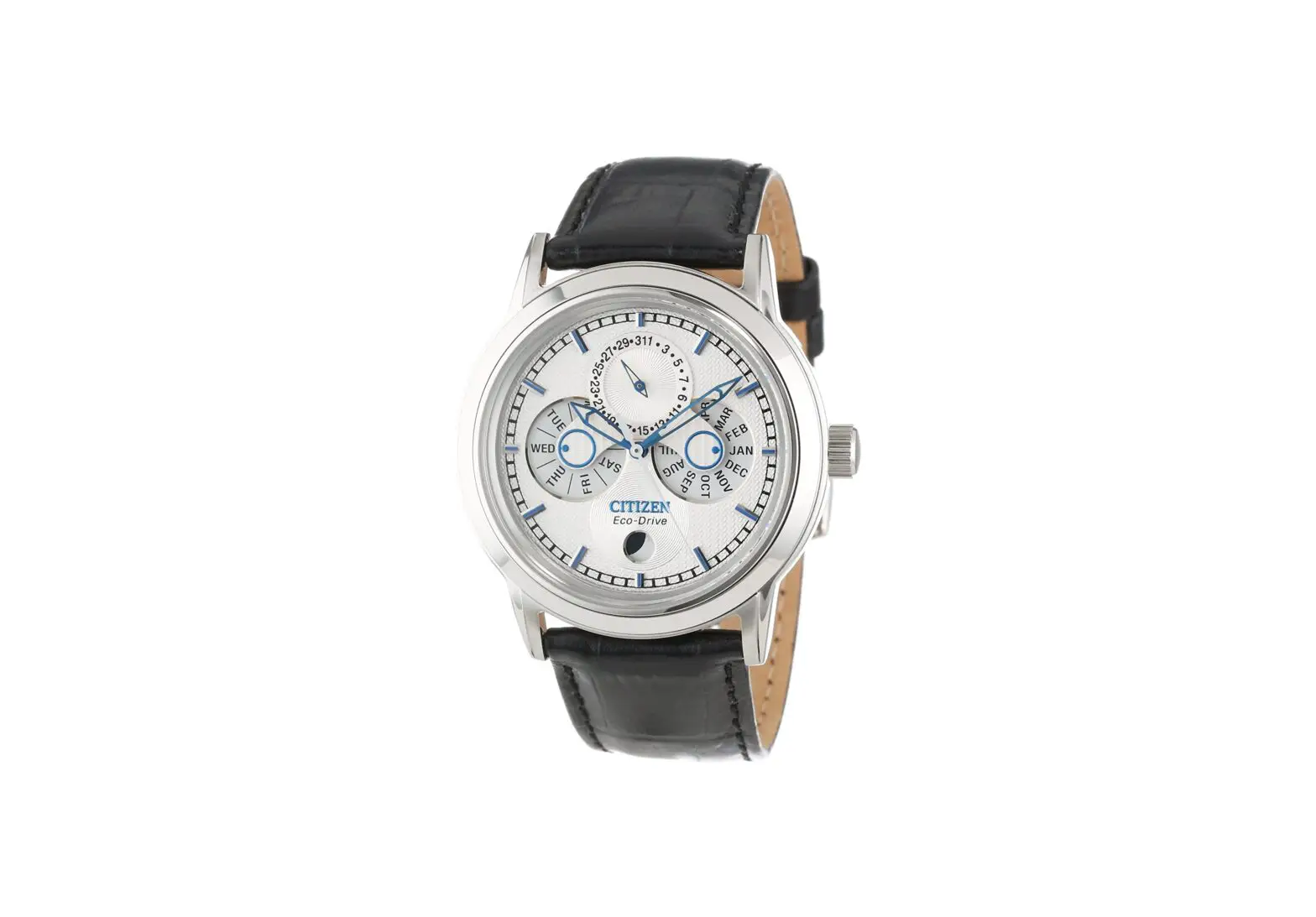
41xx Abbreviated Watch
Product Information
The product is a watch with multiple models: 41xx, 82xx, 83xx,
901x, and 904x. It comes with abbreviated instructions for the
41xx, 82xx, 83xx models, and separate instruction manuals for the
901x and 904x models. The watch has various components including
the hour hand, minute hand, second hand, crown, and calendar (date
indication/day of week indication).
Setting the Time and Calendar (41xx, 82xx, and 83xx)
- Identify the crown (a component of the watch).
- To wind the mainspring manually, push the crown to position
0. - Turn the crown clockwise to wind the mainspring.
- To set the time, pull the crown out to position 2 (position 1
for models without a calendar). - Rotate the crown to adjust the time.
- Push the crown in to position 0 to finish the procedure.
Winding the Mainspring Manually
- Push the crown in to position 0.
- Turn the crown clockwise to wind the mainspring.
Note: The above steps apply when using an automatic model for at
least a few hours a day.
Setting the Calendar
- Pull the crown out to position 1.
- Rotate the crown counterclockwise to set the date.
- Rotate the crown clockwise to set the day of the week.
- Push the crown in to position 0 to finish the procedure.
Setting the Time and Calendar (901x and 904x)
- Pull the crown out to position 1.
- Turn the crown clockwise to set the date to one day before the
desired day. - Pull the crown out to position 2.
- Rotate the crown counterclockwise to indicate the desired
date. - Rotate the crown to set the time.
- Push the crown in to position 0 to finish the procedure.
English
41xx/82xx/83xx/901x/904x Abbreviated instruction
· To see details of specifications and operations, refer to the instruction manual: 41xx/82xx/83xx instruction manual
901x instruction manual
904x instruction manual
Component identification
Setting the time and calendar (41xx, 82xx and 83xx)
Hour hand
Second hand
Crown
Calendar (Date indication/ Day of week indication)
Minute hand
· Actual appearance may differ from the illustration. · The crown has two positions when pulling it out. · Some models have no calendar. · Some calendar models do not have day of week
indication. · Models with no calendar do not have position 2 of the
crown.
Winding the mainspring
Crown’s position
01 2
Winding the mainspring manually
1. Push the crown in to position 0. 2. Turn the crown clockwise to wind the mainspring.
· Rub the lower side of the crown down below with the ball of a finger to turn it.
· When the watch stops, turning the crown about 40 times will wind the mainspring fully.
· Turning the crown further after full winding up does not damage the main spring.
When using an automatic model
The mainspring is wound automatically by the oscillating weight moved with swings of your arm. · If you do not move your arm much, the mainspring may not be wound
sufficiently. · Once the mainspring is wound fully, 41xx and 82xx will run for about 40 hours
and 90xx about 42 hours. · The mainspring is wound for running of 1 day of the watch when you wear it 8
hours or more a day.
Setting the time
· Change of date indication shows it just became AM. Take care the time set is AM or PM.
1. Pull the crown out to position 2. (For models without a calendar: Position 1)
· Depending on the model, the second hand stops.
2. Rotate the crown to set the time.
3. Push the crown in to position 0 to finish the procedure.
Setting the calendar
· Do not adjust the date indication while the watch shows 9:00 PM 4:30 AM. Otherwise, the date indication may change incorrectly thereafter.
· Date indication adjustment is required on the first days of March, May, July, October and December.
1. Pull the crown out to position 1.
2. Rotate the crown counterclockwise to set the date.
3. Rotate the crown clockwise to set the day-of-week.
· For models with bilingual day-of-week indications: Day-of-week indication in each language appears alternately. Set the day in the language you prefer, and the day will be indicated in the language hereafter.
4. Push the crown in to position 0 to finish the procedure.
Setting the time and calendar (901x and 904x)
· Do not adjust the date indication while the watch shows 8:00 PM 2:00 AM. Otherwise, the date indication may change incorrectly thereafter.
· Date indication adjustment is required on the first days of March, May, July, October and December.
1. Pull the crown out to position 1.
2. Turn the crown clockwise to set the date to that which is one day before the day you want to set.
3. Pull the crown out to position 2.
4. Rotate the crown counterclockwise until the date you want to set is indicated.
· Change of date indication shows it just became AM.
5. Rotate the crown to set the time.
· Move the hands beyond 12 o’clock when you want to set time of PM.
6. Push the crown in to position 0 to finish the procedure.
1/1