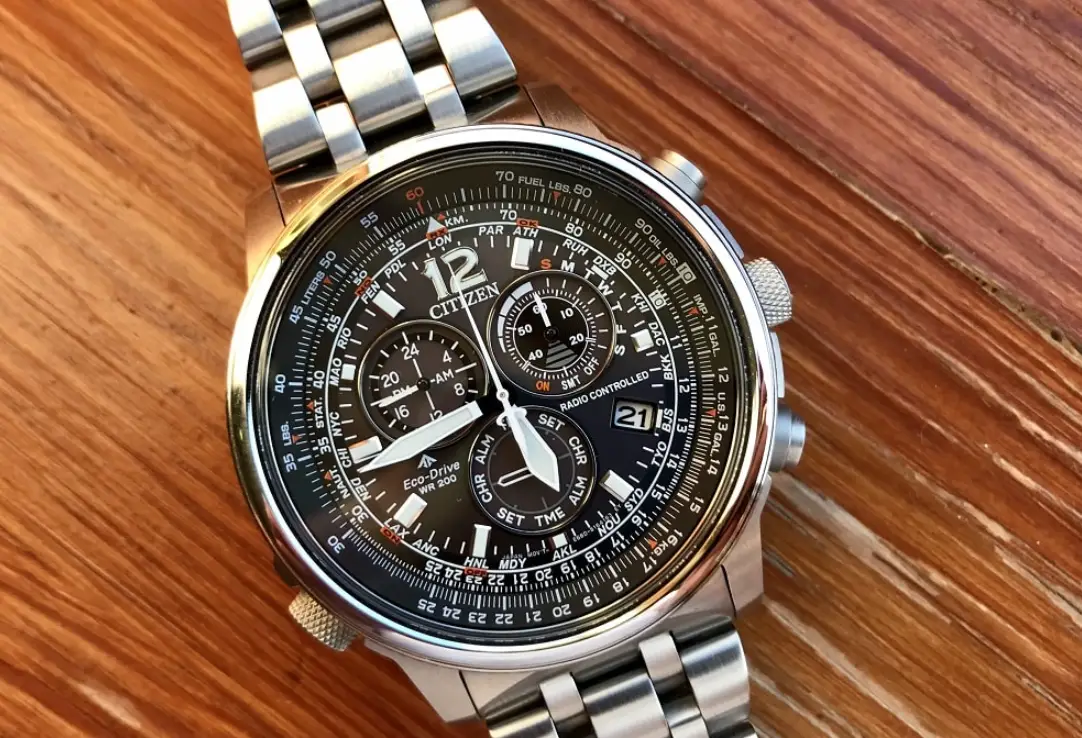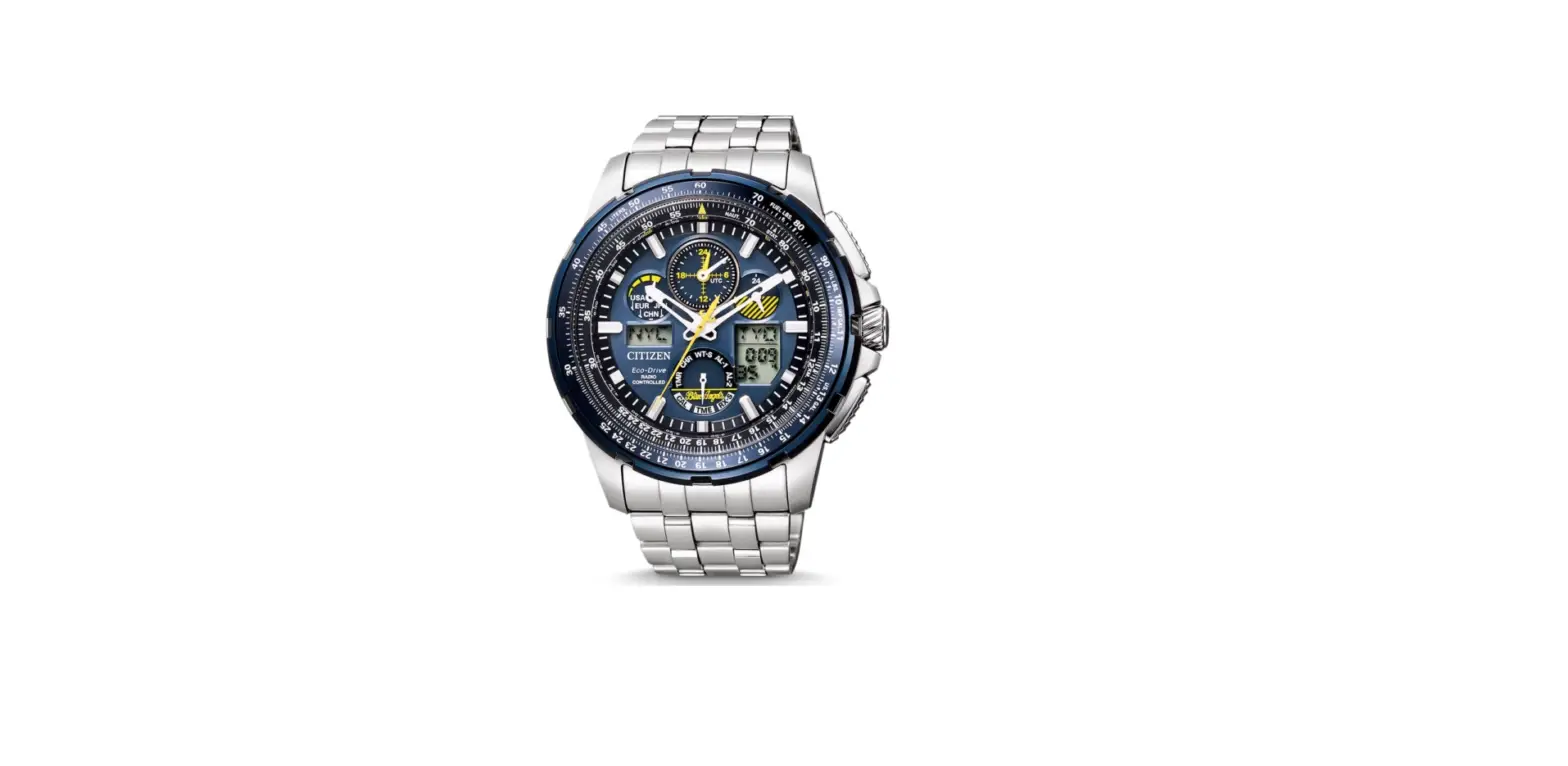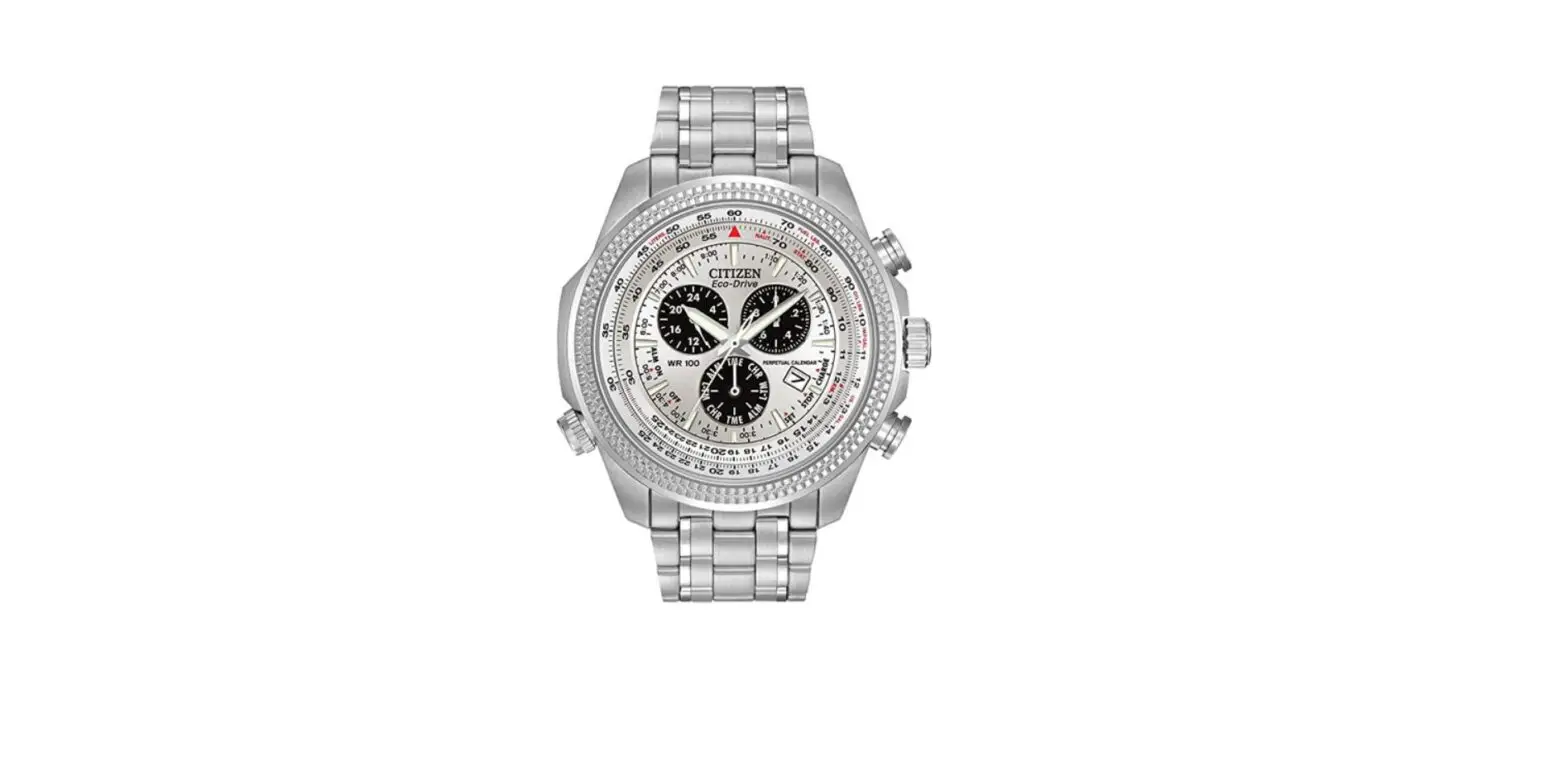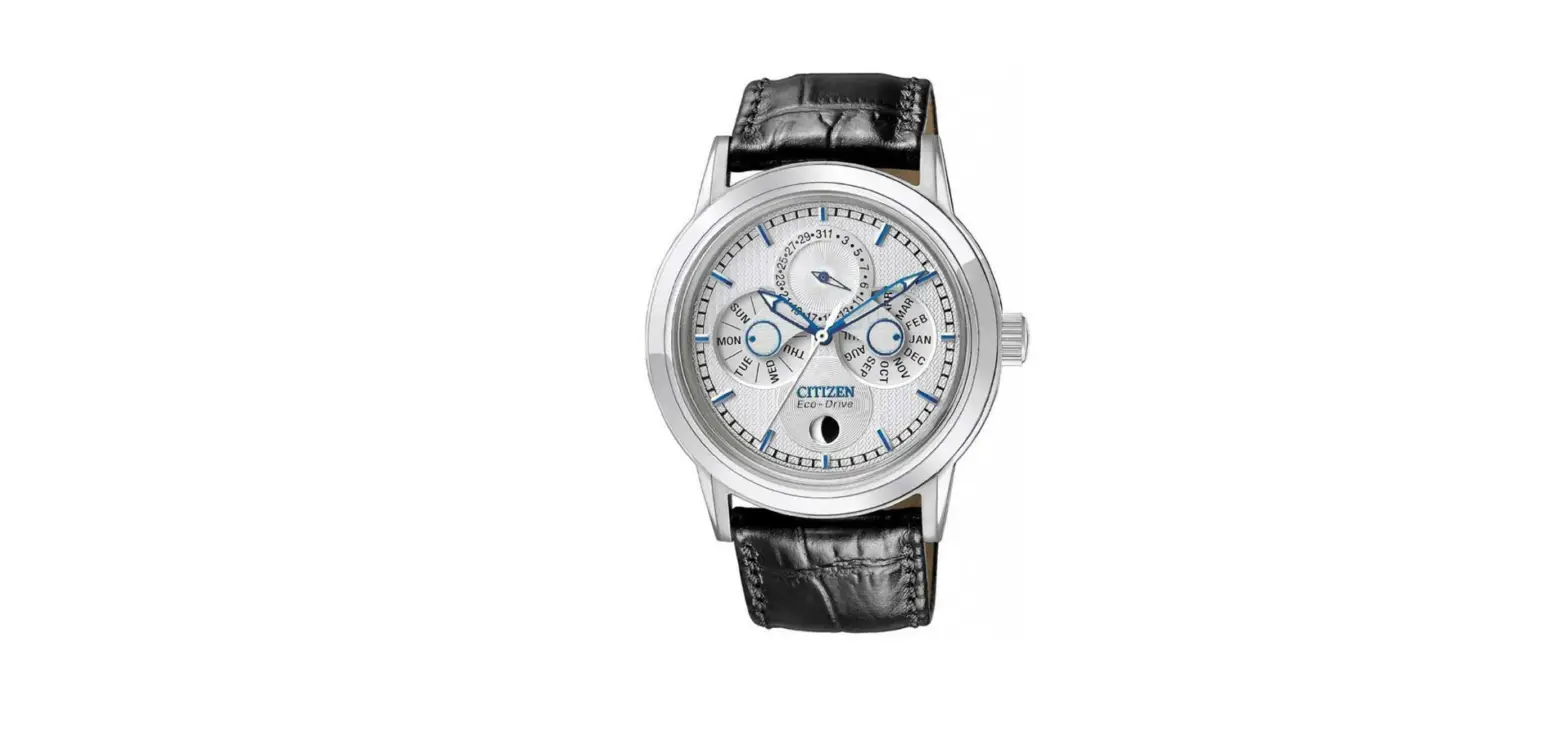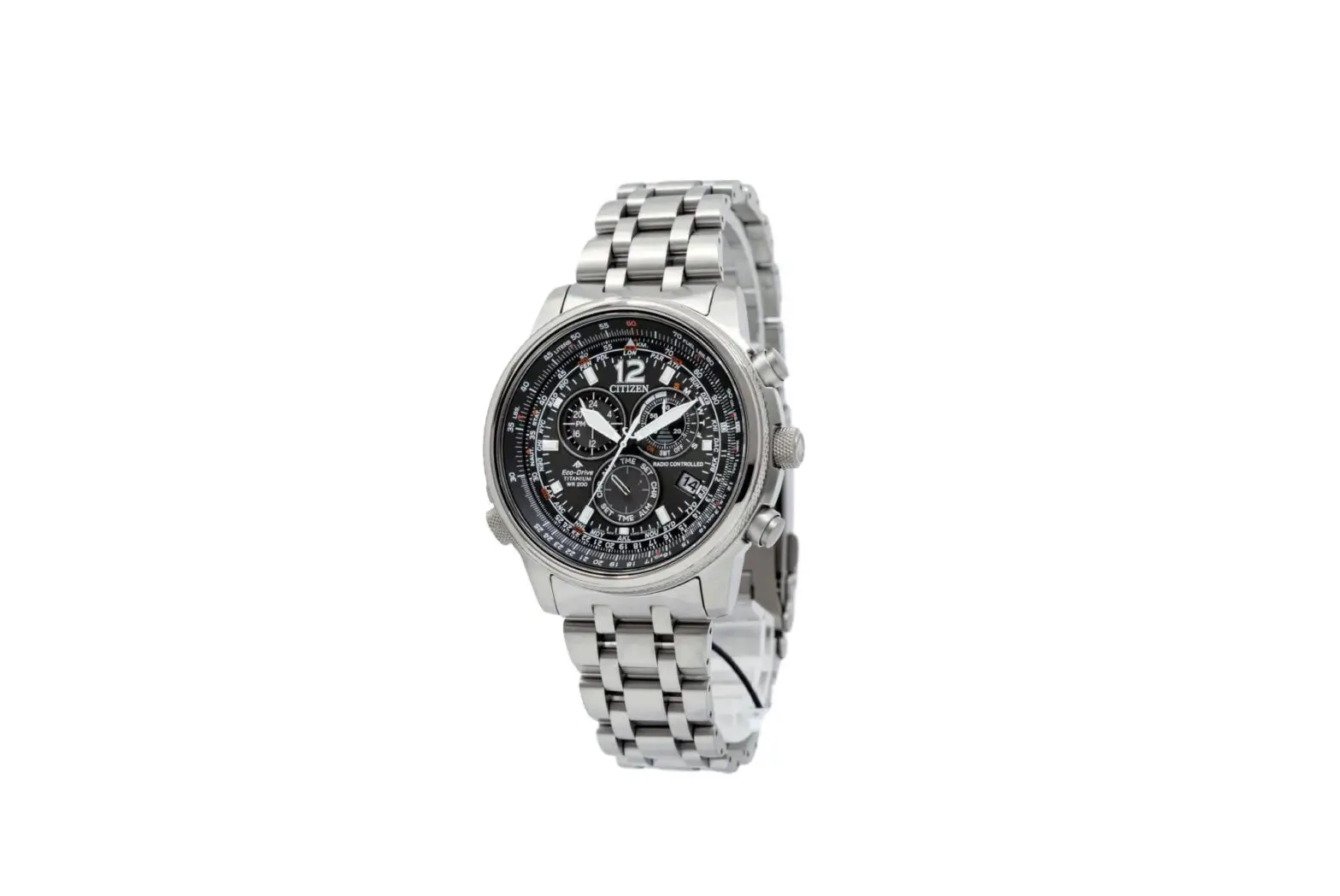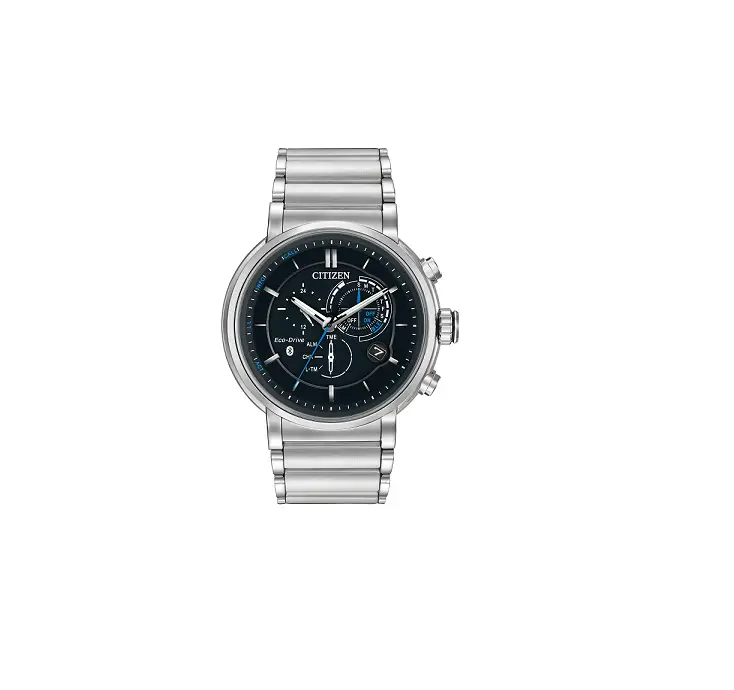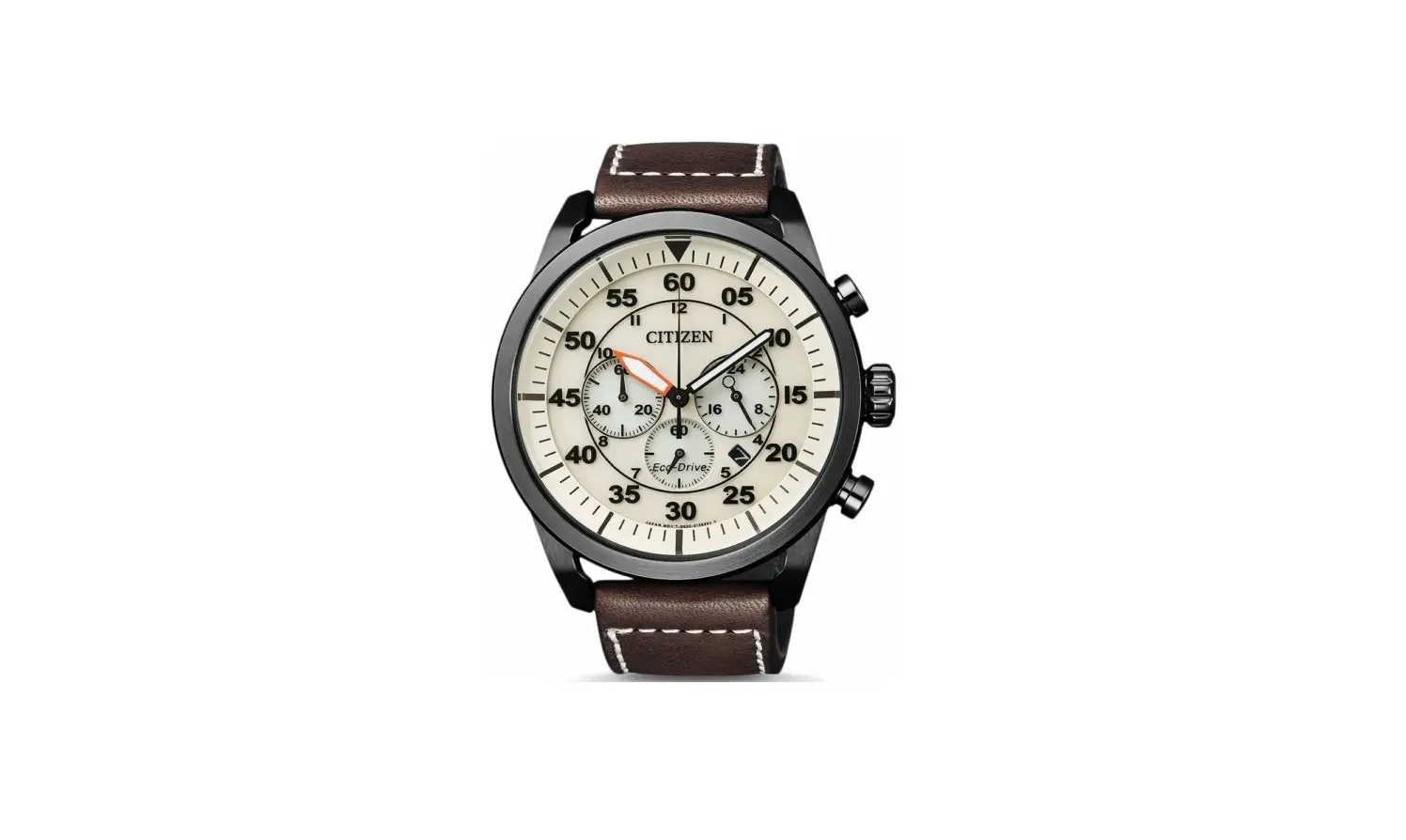
CITIZEN B620 Abbreviated Classic Watch Instructions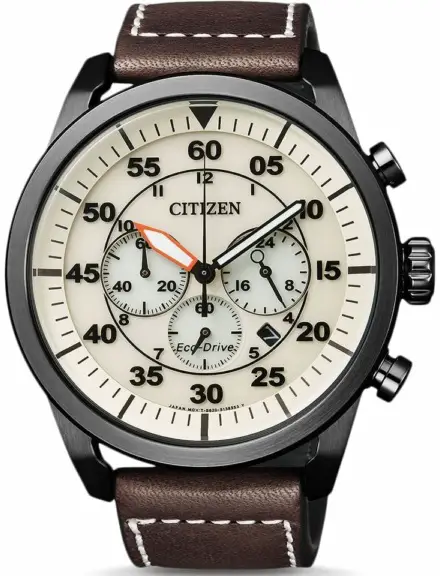
B620 Abbreviated instruction
- This watch is light-powered. Be sure your watch is fully charged before use.
- For complete instructions for setting, use, charging time and specifications, refer to the full instruction manual: B620 Click Here
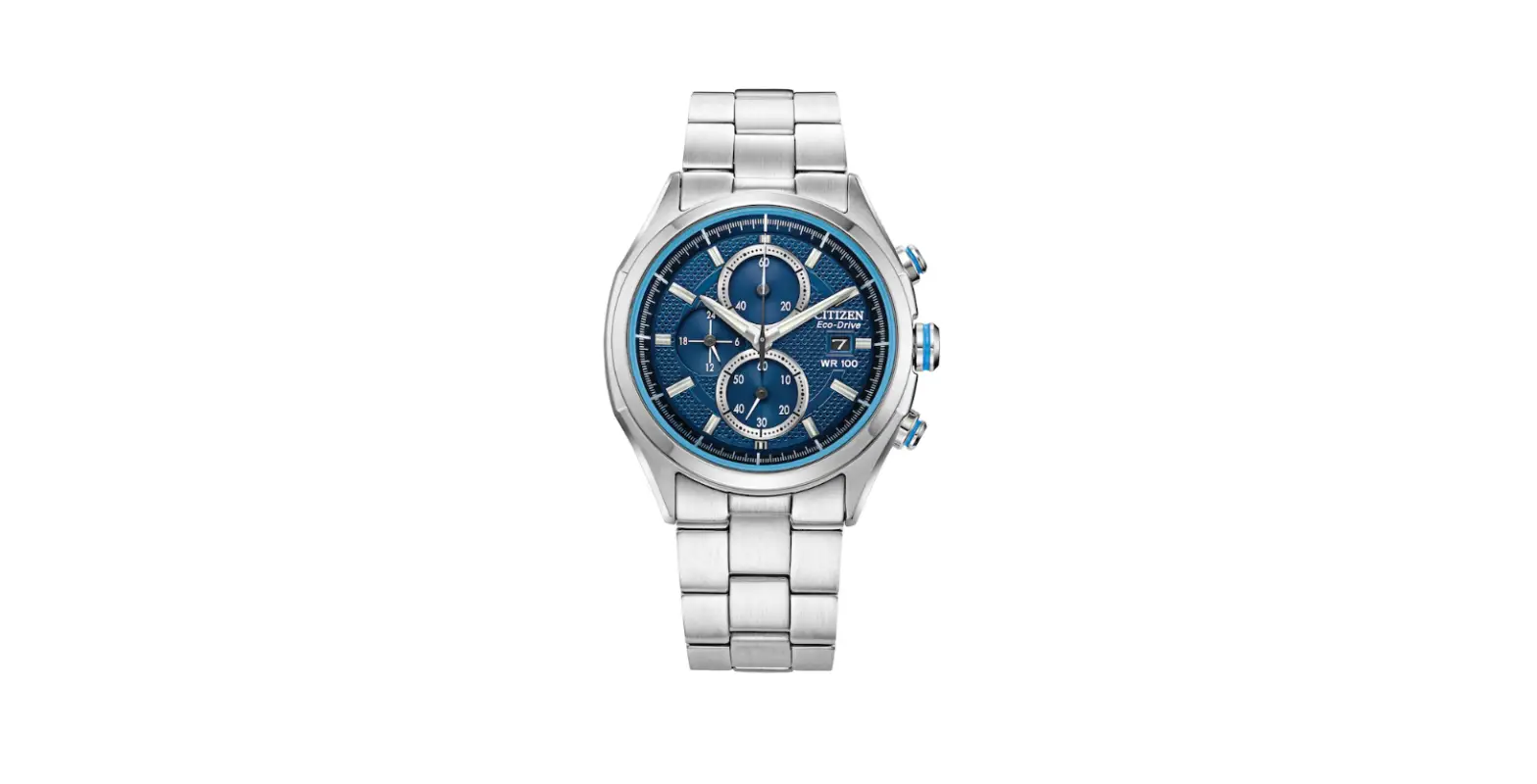
Component identification
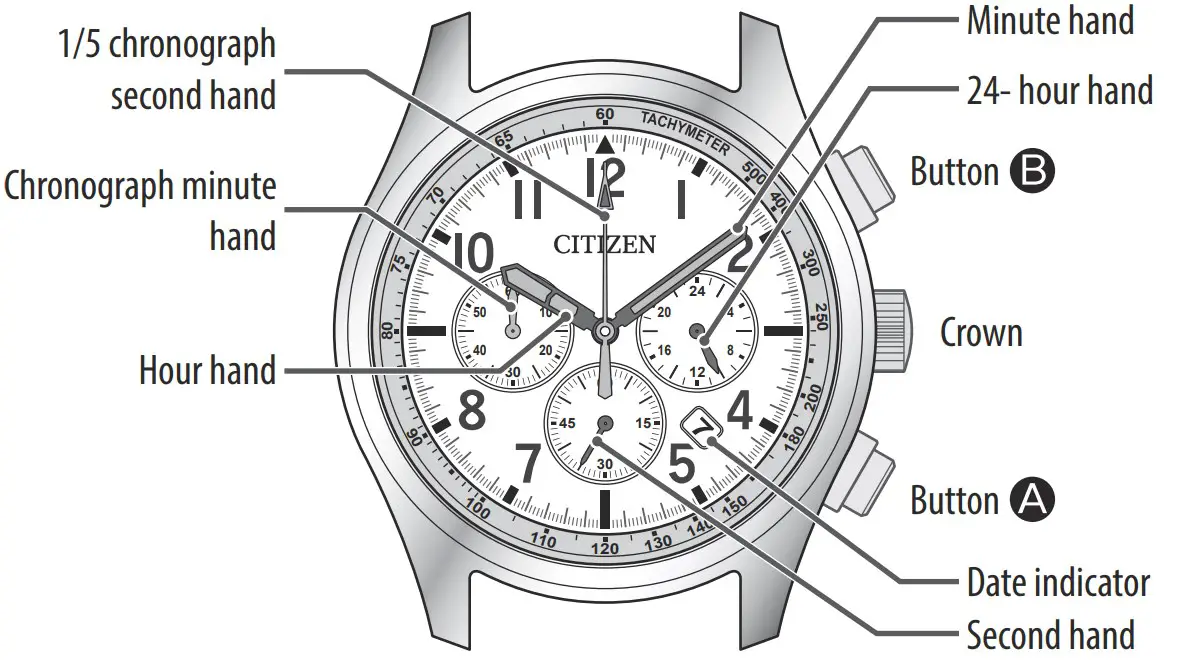
- Illustrations for reference only. Actual appearance of your watch may differ from the illustrations above.

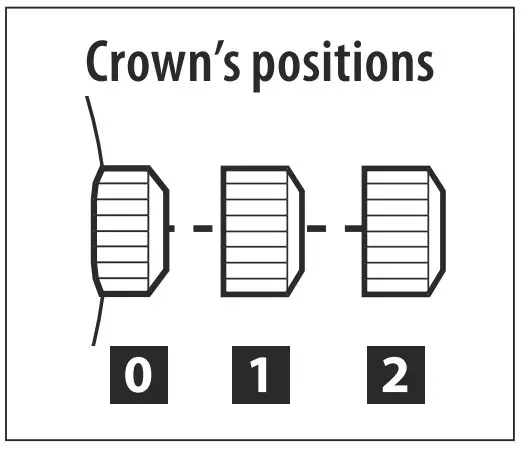
Adjusting the time
- Pull the crown out to position 2 when the second hand points to 12:00 (0 second).
All the hands stop.- When using chronograph, the chronograph is reset and 1/5 chronograph second hand returns to 0 second.
- Rotate the crown to adjust the time.
- Rotate the crown to adjust the time.
- The 24-hour hand also moves. Pay particular attention to the hand to ensure AM or PM time is set properly.
- When the watch shows around 12:00 AM, the date indicator starts to change. The date indicator does not change by rotating the crown counterclockwise.
- Push the crown in to position in accordance with a reliable time source to finish the procedure.
Adjusting the calendar
Adjust the date indication on the first days of March, May, July, October and December.
- When the time on the watch is between 9:00 PM and 1:00 AM, do not execute the adjustment. Otherwise the date indication may change improperly.
- Pull the crown out to position 1 .
- Rotate the crown counterclockwise to adjust the date.
- Push the crown in to position 0 to finish the procedure.
Using the chronograph
Push the crown in to position 0 .
Start/stop: press and release the upper right button B.
- Press and release the lower right button A to return the chronograph minute hand to 00 minute position before starting measurement if it is not at the position. Reset: press and release the lower right button A while the chronograph is stopped.

The 60-minute chronograph can indicate a maximum of 59’ 59.8”. - After one hour of continuous chronograph operation, the chronograph automatically stops.
- The current time is shown while the chronograph works.
- While the second hand is moving once every two seconds (the insufficient charge warning function), you can not use the chronograph.
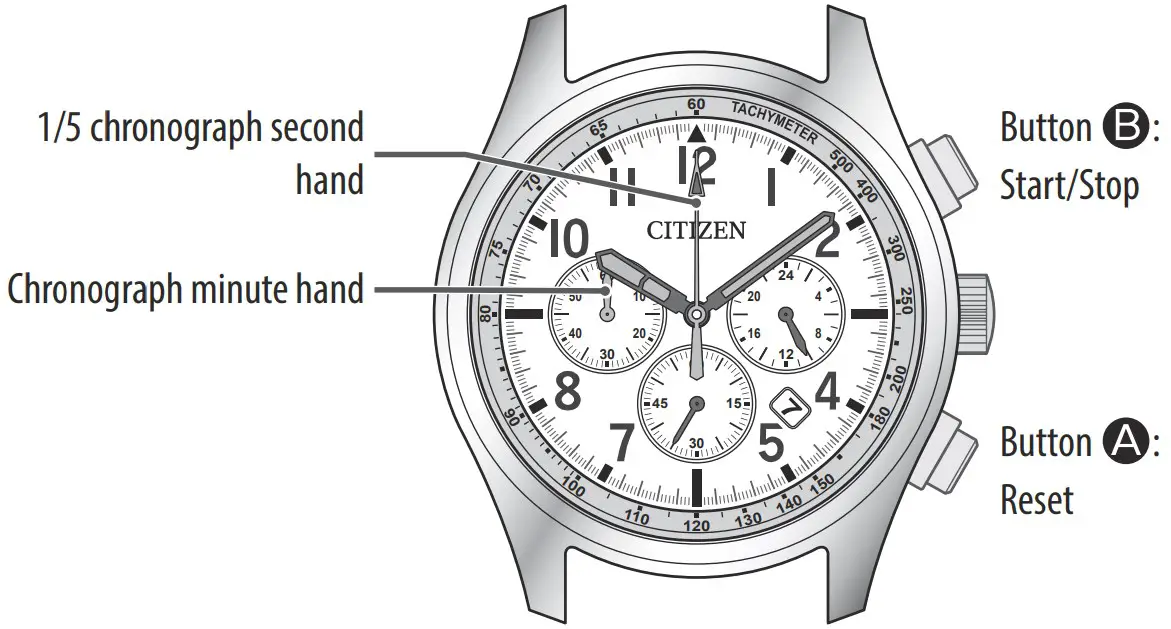
Correcting the reference position of 1/5 chronograph second hand
Do the following procedure when 1/5 chronograph second hand does not return to 0 second by resetting the chronograph.
- Pull the crown out to position 2 .
- The watch stops. All the hands stop.
- Press and hold the upper right button B for 2 or more seconds.
- You can adjust 1/5 chronograph second hand.
- Adjust 1/5 chronograph second hand to 0 second by pressing the upper right button B repeatedly.
Each time you press the button, 1/5 chronograph second hand moves by 1 step.- While you press and hold the button, the hand moves ontinuously.
- Chronograph minute hand moves as 1/5 chronograph second hand moves.
- Rotate the crown to adjust the time.
5 Push the crown in to position 0 .
6 Press and release the lower right button A .- When you press and release the button, chronograph minute hand is reset.