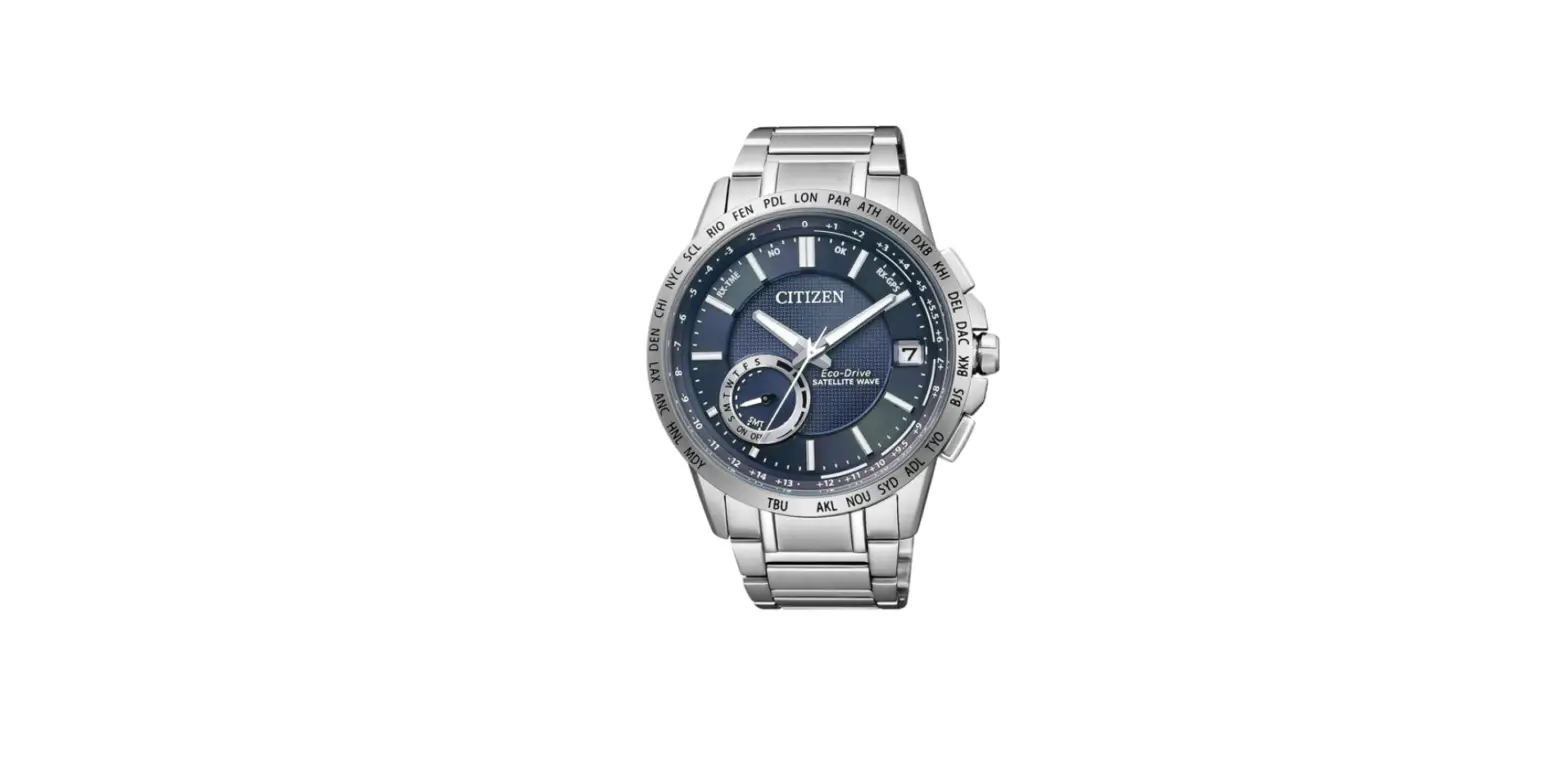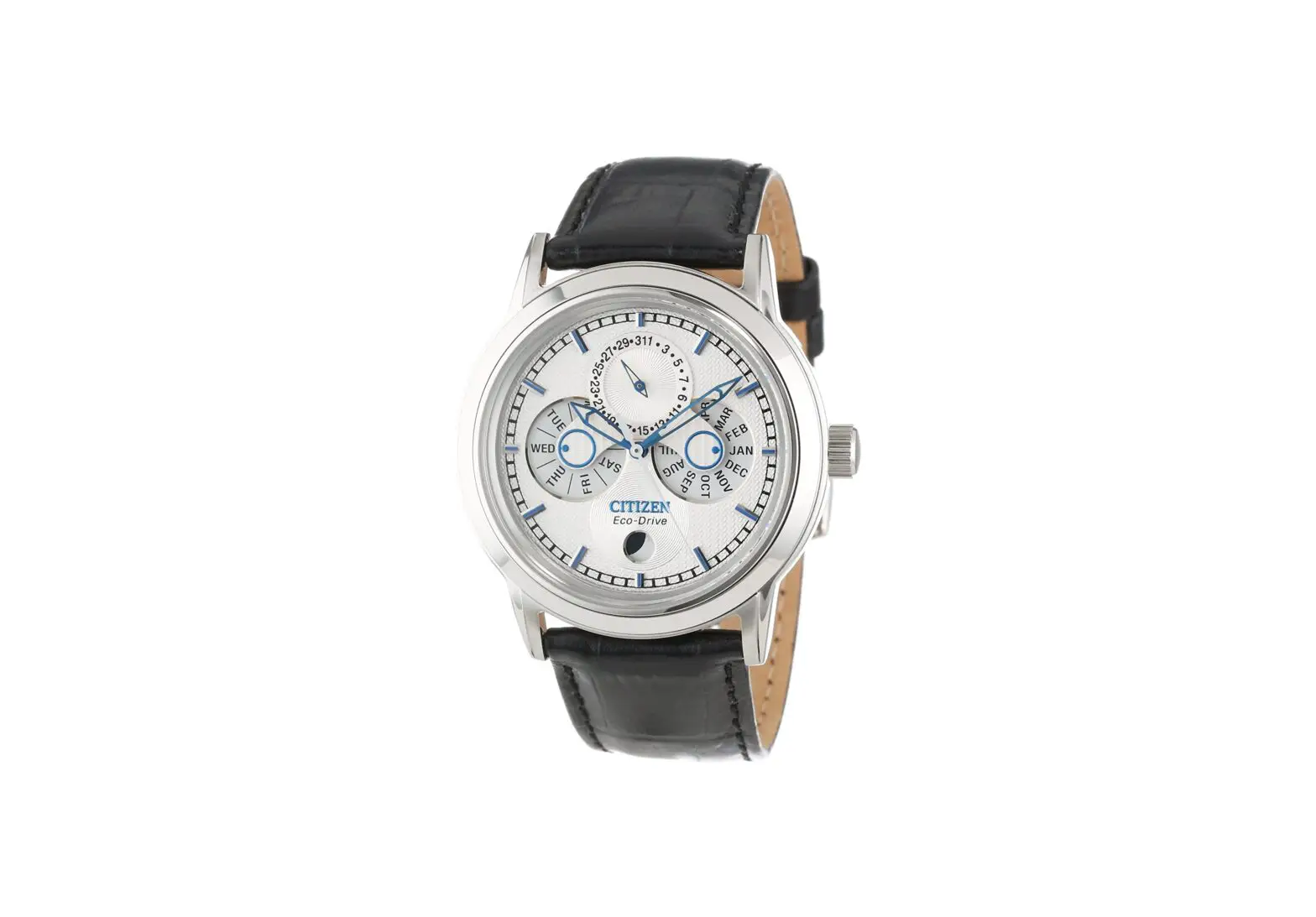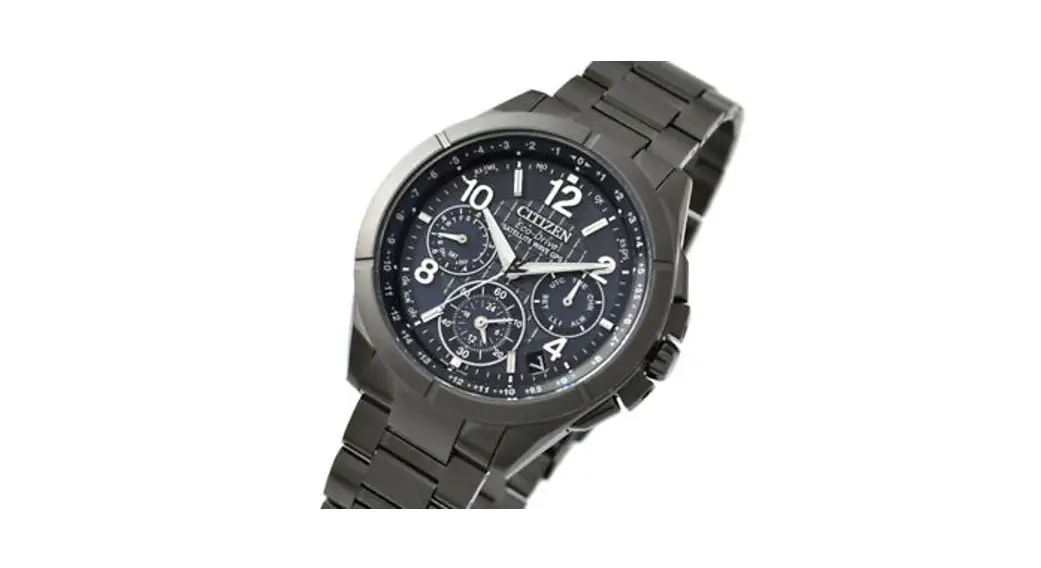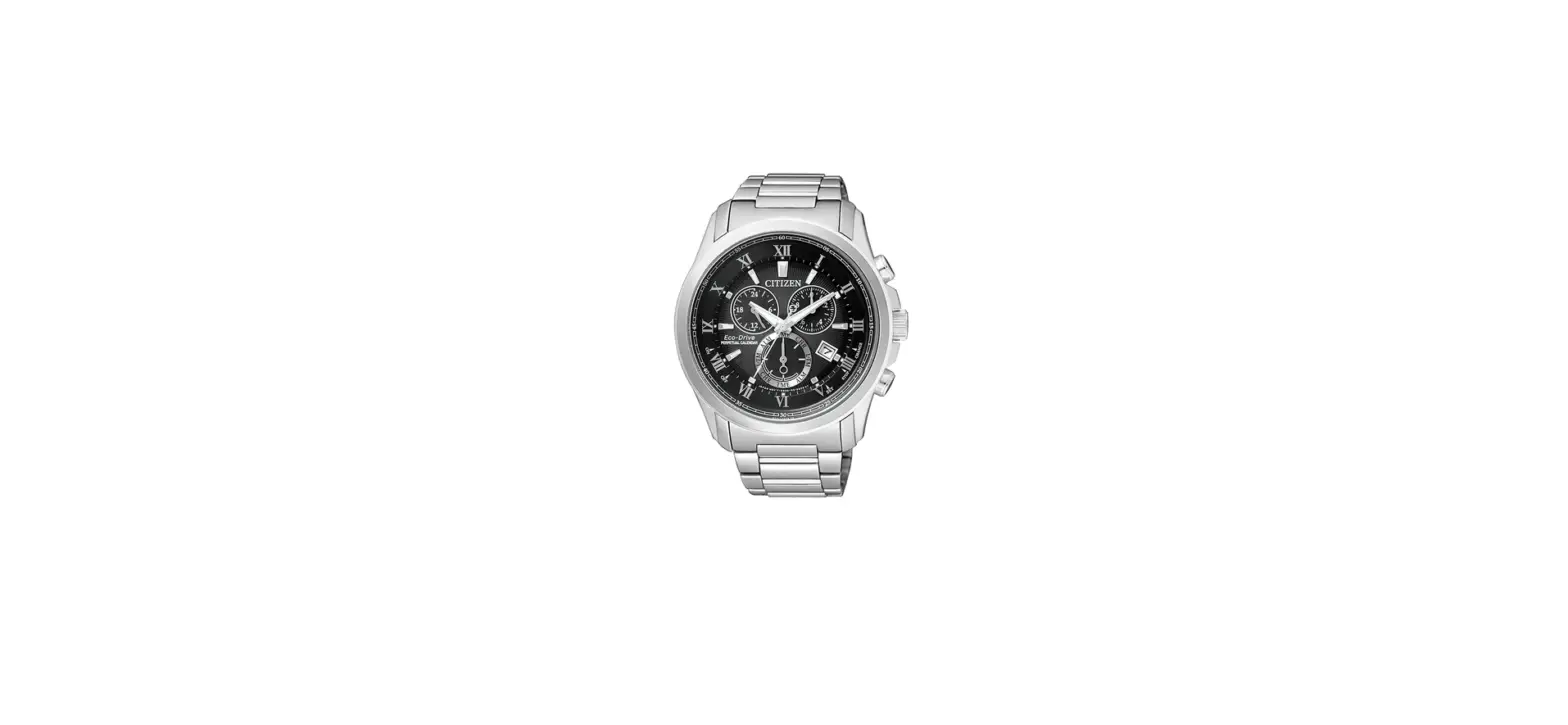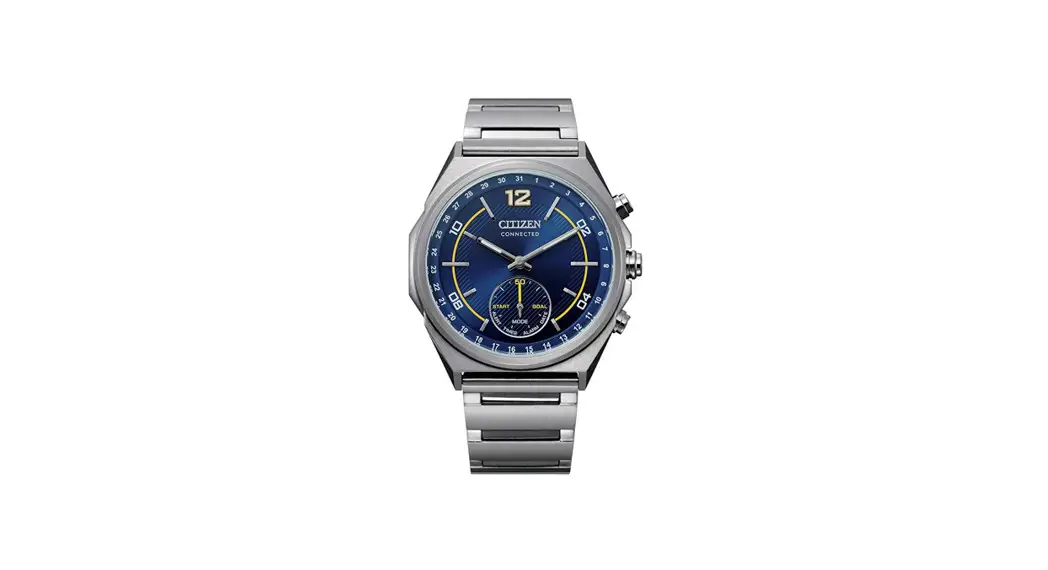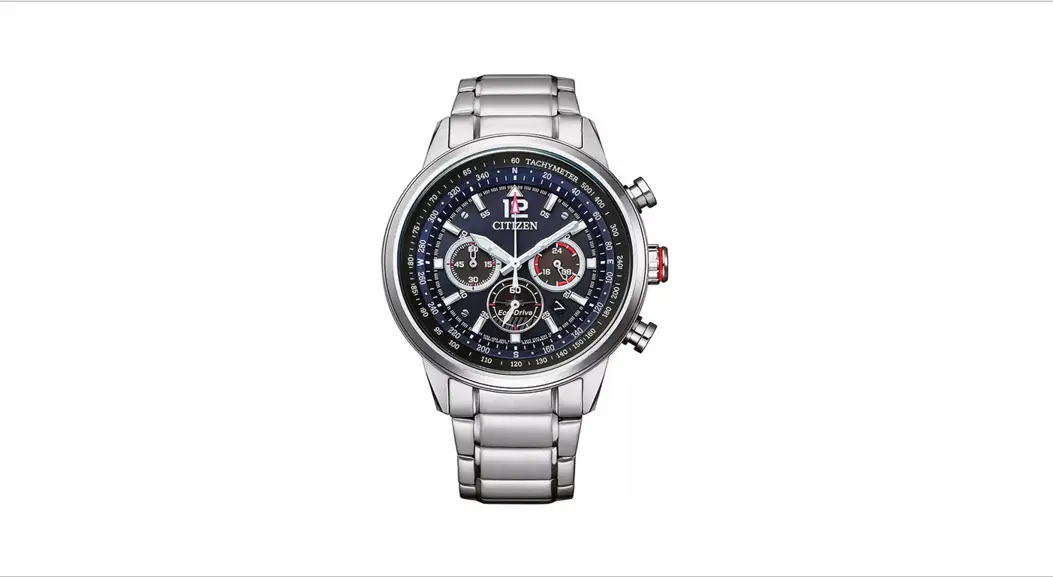

CITIZEN H29 Abbreviated Watch
- This watch is solar-powered. Expose the dial to light and use it sufficiently charged.
- To see details of charging time, specifications, and operations, refer to the online guide: https://www.citizenwatch-globalcom/support/html/en/h29/h29.html
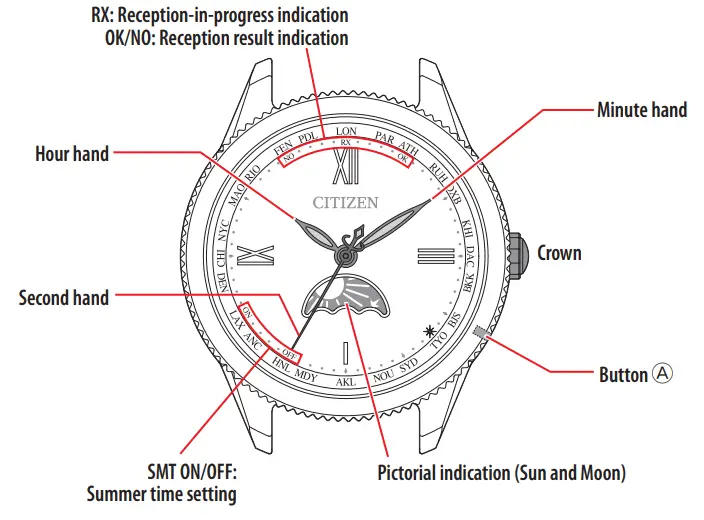
Component identification
Checking the power reserve
Indicates power reserve in the rechargeable cell.
- Push the crown in to position 0.
- Press and release the lower right button A.
The second-hand moves as follows corresponding to the current power reserve status of the watch.
| Movement of second hand | Power reserve status |
| The second-hand points “OK” or “NO” immediately. | The power reserve is sufficient. |
| The second-hand turns counterclockwise once and it points “OK” or “NO”. | Charging is needed. |
- “OK” and “NO” are indications of signal reception results. They have no relationship with power reserve status.
- Press and release the lower right button 0 to finish the procedure.
- It returns to the current time indication automatically in about 10 seconds without pressing the button.
Checking the previous signal reception result
- Push the crown in to position 0.
- Press and release the lower right button A.
The second hand indicates the result of the last signal reception.
| OK | The reception was successful. |
| NO | Rece to failed. |
Press the button again to return to the normal indication. It returns to normal indication automatically in about 10 seconds without pressing the button.
- If you had operated the crown after the previous signal reception, the second-hand points “NO” regardless of the reception result.
Setting the time zone
This watch can indicate the time around the world according to which of 24 time zones (offsets from UTC — Coordinated Universal Time) is chosen.
- Pull the crown out to position_.
The second hand indicates the current time zone setting. - Rotate the crown to select a time zone 1.
- The second hand indicates the current time zone setting. For time zones and positions of the secondhand corresponding to them, see the table below.
- Time is changed as you select a different one from the current one.
- Push the crown into position 0 to finish the procedure.
The watch returns to normal indication.
| Time zone | Second-hand position | Signal station |
| 0 | 0 | Germany |
| +1 | 3 | |
| +2 | 5 | .Germany |
| +3 | 8 | |
| +4 | 10 | |
| +5 | 13 | *China |
| +6 | 15 | |
| +7 | 17 | |
| +8 | 20 | China |
| +9 | 22 | Japan |
| +10 | 25 | .Japan |
| +11 | 27 | |
| +12 | 30 | |
| -11 | 33 | • the United States |
| -10 | 35 | |
| -9 | 38 | |
| -8 | 40 | United States |
| -7 | 43 | |
| -6 | 45 | |
| -5 | 47 | |
| -4 | 50 | • the United States |
| -3 | 52 | |
| -2 | 55 | |
| -1 | 57 | •Germany |
- Values on the “Time zone” column mean the time difference between UTC and the standard time of time
- The information of the time zones is that as of the time when the watch was released.
- Time zones whose “Signal station” has marks in the table are out of reception range and cannot receive its signals. Switching between summertime and standard time must be executed manually there.
- It may be difficult to receive signals in certain environments where it is hard for signals to reach.
Switching summer time and standard time
- Pull the crown out to position
The second hand indicates the current time zone setting. - Rotate the crown to choose a time zone for which you want to change the summertime setting.
The second hand indicates the current time zone setting. For time zones and positions of the secondhand corresponding to them, see the table on the previous page. - Pull the crown out to position
The second hand indicates the current summertime setting. - Rotate the crown to change the summertime setting.
| Indication | Meaning |
| SMT ON | Summertime is indicated. Indication of summertime and the standard time switches automatically corresponding to the content of summertime signal hereafter. |
| SMT OFF | The standard time is indicated. The standard time is always indicated regardless of the content of the summertime signal. |
- “SMT” is omitted on some models.
- Push the crown into position 0 to finish the procedure.
Receiving the signal manually (on-demand reception)
- It takes at most about 30 minutes to finish reception.
- Signals to receive are different depending on the time zone you set. For details, see the table on the previous page.
- Push the crown in to position 0.
- Press and hold the lower right button p for 2 seconds or more.
The second hand indicates the result of the last signal reception. After that, the second-hand points to “RX” and signal reception starts. - Put the watch in a place with good conditions for time signal reception.
Do not move the watch as far as possible while the second-hand points “RX”.
The watch returns to normal indication after the reception is finished.
To cancel signal reception
Pressing and holding the button while the secondhand points “RX” for 2 seconds or more cancels signal reception and the watch returns to normal indication.
Adjusting the time manually
- Pull the crown out to position 2
- Press and release the lower right button
The second-hand points to 0 seconds. - Rotate the crown to set the minute.
- You can adjust the time in one-minute increments. Each time you move the minute hand, the second-hand turns fully around once
- When you rotate the crown quickly a few times, the hand/indication will move continuously. To stop the rapid movement, rotate the crown in either direction.
- Press and release the lower right button
The hour hand moves slightly. - Rotate the crown to set the hour.
- When the moon of the pictorial indication (Sun and Moon) comes straightly above, it just became AM. Take care the time set is AM or PM.
- The hour hand and the pictorial indication (Sun and Moon) move synchronously.
- When you rotate the crown quickly a few times, the hand/indication will move continuously. To stop the rapid movement, rotate the crown in either direction.
- Push the crown into position 0 in accordance with a reliable time source to finish the procedure.
The watch returns to normal indication and the secondhand starts moving from 0 seconds.
Checking the reference position
If the time is not shown correctly even after proper reception of the time info, check whether the current reference position is correct.
- The reference position is the base position of all hands and an indication to properly indicate time on this watch.
- Pull the crown out to position 1.
- Press and hold the lower right button p for 5 seconds or more.
The hands and indication move to their current reference position.
- Release the button as the hands start to move.
- Proceed to the next step when the hands and indication stop.
3. Checking the reference position
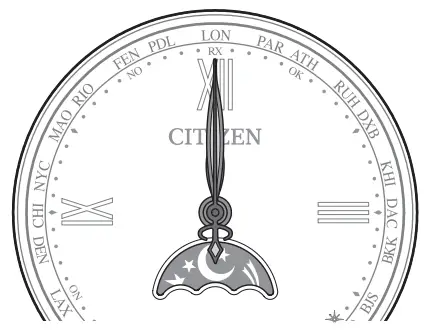 | Correct reference positions
|
When the current reference position is different from the correct one, proceed to step 3 of “Correcting the reference position”.
- Push the crown into position 0 to finish the procedure.
The watch returns to normal indication.
Correcting the reference position
- Pull the crown out to position
- Press and hold the lower right button p for 5 seconds or more.
The hands and indication move to their current reference position.
- Release the button as the hands start to move.
- Proceed to the next step when the hands and indication stop.
- Pull the crown out to position_.
The hour hand and the pictorial indication (Sun and Moon) move slightly. - Rotate the crown to adjust the hour hand and the pictorial indication (Sun and Moon) to the correct reference position.
- The hour hand and the pictorial indication (Sun and Moon) move synchronously.
- Push the crown into position 0 to finish the procedure.
The watch returns to normal indication.
Resetting the watch All Reset
When the watch does not work properly, you can reset all the settings.
- Pull the crown out to position 2.
- Press and hold the lower right button p for 7 seconds or more.
The hands start moving and All Reset is executed.
- It may take up to 6 minutes until the hands stop. Wait until their movement completely stops.
The setting values after All Reset
| Time | O:OO:OOAM |
| World time | Time zone: 0 |
| Summertime setting | SMT OFF at all time zones |
After All Reset
After All, Reset, adjust the reference position. Execute the time zone setting and receive signals manually (on-demand reception) to adjust the time after that.