LEAPTREND DCC1212-20 DC to DC Charger
Important Safety Instructions
Please save these instructions.
This manual contains important safety, installation, and operating instructions for the charger.The following symbols are used throughout the manual to indicate potentially dangerous conditions or important notes
- Indicates a potentially dangerous condition. Use extreme caution when performing this task.
- Indicates a critical procedure for the safe and proper installation and operation of the controller.
- Indicates a procedure or function that is important to the safe and proper operation of the controller.
The manufacturer accepts no liability for damage by:
- Faulty assembly or connection.
- Damage resulting from mechanical influences or excess voltage.
- Modification or tampering with the unit without expressed permission from the manufacturer.
- Used for purposes other than described in this manual.
General safety
Risk of electric shock, fire hazard, or injury. To minimize risk:
- Ensure the positive and negative terminals for the charger do not come into contact
- Firmly secure cables and connections.
- Disconnect the product from the battery each time before cleaning or before making changes to the circuit.
- Do not use the product if physically damaged or with visibly cracked cables. Contact the manufacturer, customer service to prevent safety hazards.
- Do not attempt to repair the charger. Inadequate repairs may cause serious injury.
- Electrical devices are not toys-keep away from children
Installation Safety
- This charger is for 12V battery banks onl}! Make sure your voltage specification is within the input voltage range expressed.
- Install and store the product in a dry and cool place. Keep away from liquids! Do not expose the product to heat sources such as direct sunlight or other heating elements.
- Never mount in areas with increased levels of dust or gas-explosion risk!
- Ensure secure location where it cannot tip or fall.
- For installation on boats: if the electrical devices are incorrectly connected, this can lead to corrosion damage on the boat. rify installation with a qualified electrician or installer.
- Lay cables so they cannot be damaged by doors or be a tripping hazard. Damaged cables can lead to serious injury.
- Use ductwork or cable ducts if necessal”}( to lay cables through metal plates or other panels
- Do not lay AC and DC cable in the same conduit and do not pull on the cables.
Operation Safety
- Warning-Explosion Risk! Batteries can give off explosive hydrogen gas that can be ignited by sparks or electrical connections. Make sure the area is well-ventilated.
- Do not operate in salty, wet, or damp environments; in the vicinity of corrosive fumes; in the vicinity of combustible material; in areas with risks of explosions.
- Please be aware that parts of this product may still produce voltage even after disconnect ed or activation of fuse.
- Do not disconnect cables while the product is operating.
Battery Safety
- Warning-Explosion Risk! Batteries may contain corrosive acids or fumes. Avoid contact with battery acid. If your skin comes into contact, thoroughly wash the affected area with water. Any other injuries should seek medical care.
- Avoid wearing metal objects such as watches or rings when working with batteries. Short circuit risk!
- Use only rechargeable deep cycle batteries. NEVER attempt to charge a frozen or defective battery.
- Wear goggles, gloves, or other or protective clothing when working with batteries. Do not touch your eyes.
- Ensure proper cable sizing for batteries! Over-current protection devices should be on the positive line.
- Refer to your battery manufacturer for battery maintenance and care.
- When removing a battery, power off all loads first, then disconnect it from the circuit before removing.
General Information
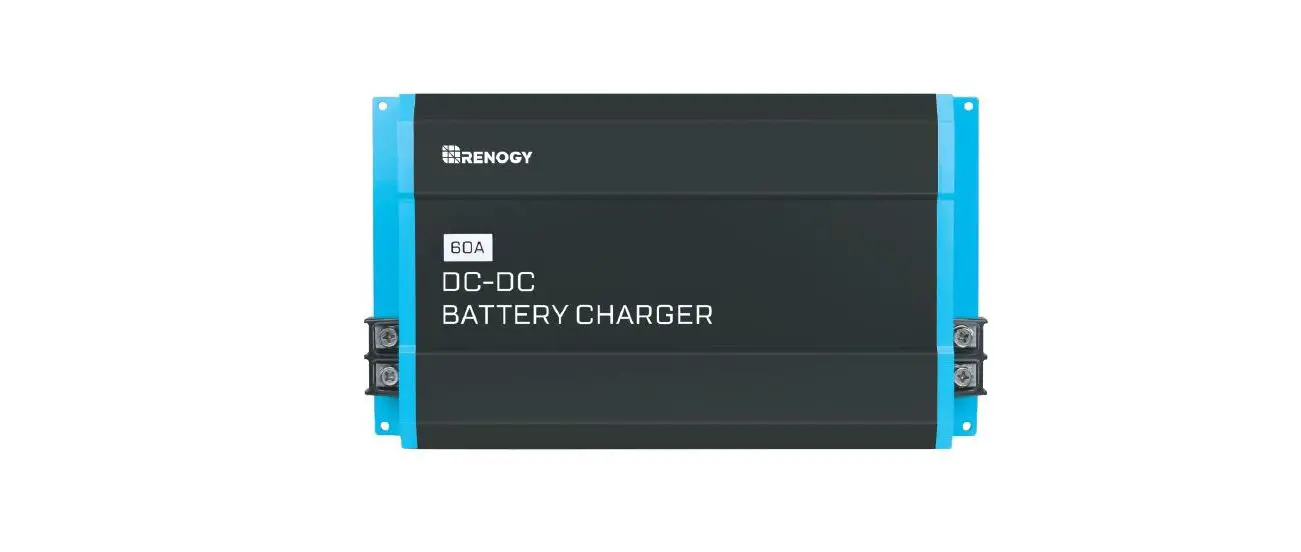
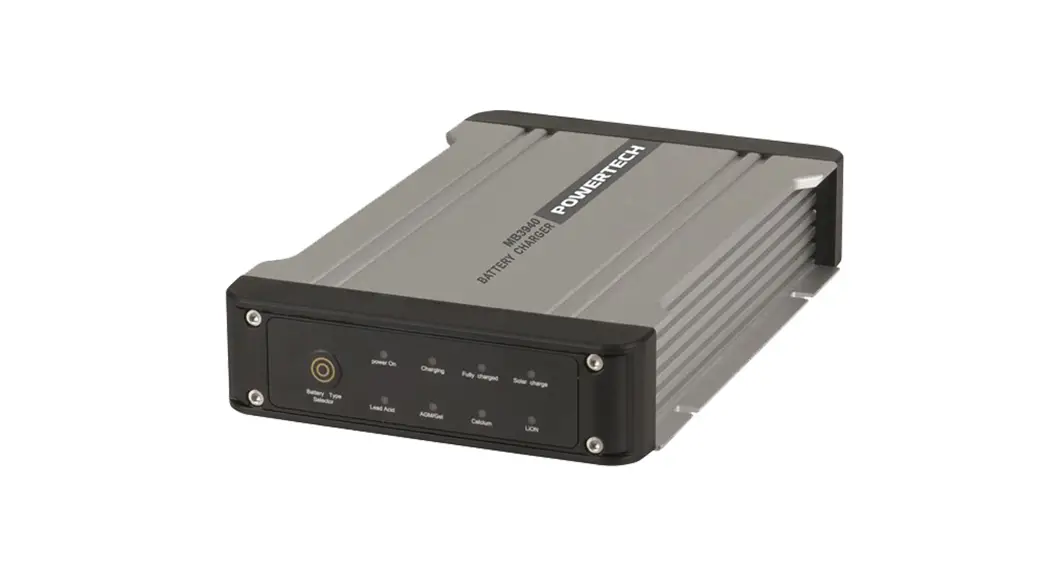
The DC-DC Series battery chargers are the most effective way to charge your auxiliary or house batteries from the alternator/starter battery. Compatible with smart or traditional alterna -tor types, the DC-DC offers correct charging for AGM, Flooded, Gel, and even Lithium deep cycle batteries! Featuring a 3-stage battery charger and multiple electronic protections, owners can feel confident that their batteries are being charged optimally and automatically. Easily install the compact yet sturdy DC-DC on RV’s, commercial vehicles, boats, yachts, and many more applications.
Key Features
- Compatible with multiple 12V batteries: AGM, Flooded, Gel, Sealed, Lithium-iron Phosphate and Lithium-ion.
- Smart protection features include Over-voltage, Over-Temperature, and reverse polarity!
- Battery Isolation and Battery Charger in one.
- Compact yet built tough for all conditions.
- 3-Stage Battery Charger get your batteries to 100%.
Check the charging requirements from the battery manufacturer before charging your battery with this unit.
Product Overview
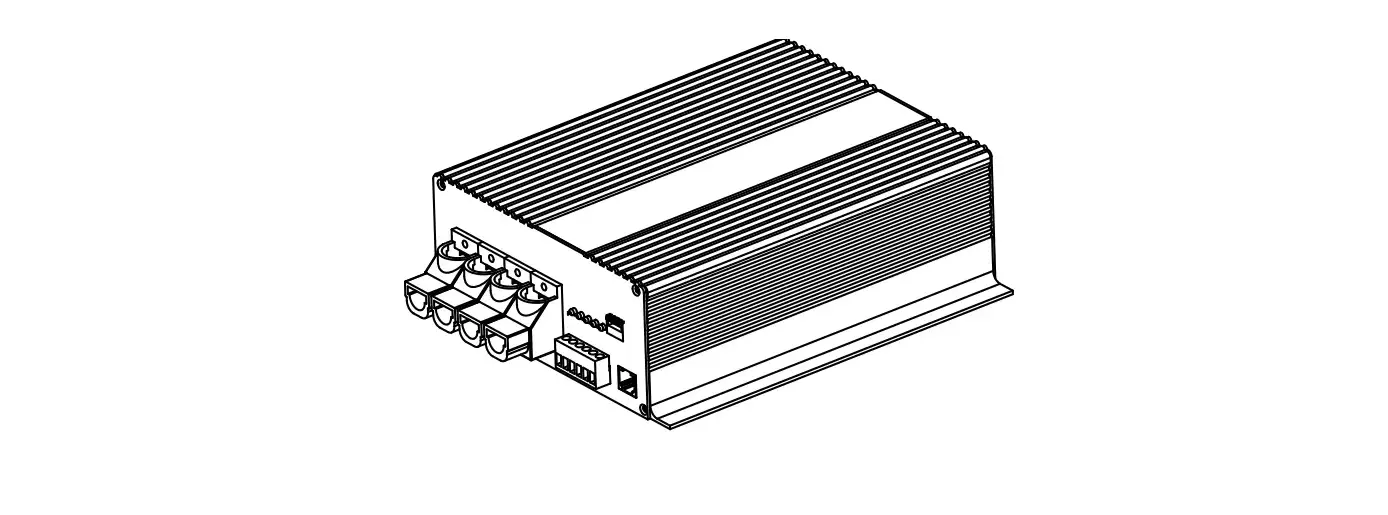
Identification of Parts
Key Features
- Negative DC Input Terminal.
- Positive DC Input Terminal.
- Ventilation Fans.
Key Features
- 1.RJ11 Temperature Sensor Port (Model: RTSDCC, requires separate purchase).
- ERROR LED.
- Battery Type switching.
- D+ Ignition Terminal.
- LC Terminal – Current Limiting Terminal.
- Positive DC Output Terminal.
- Negative DC Output Terminal
Size
Optional Components
DC-DC Temperature Sensor (Model: RTSDCC)
CAUTION
Do not use Lithium batteries.
The RTSDCC comes in handy for reading incoming temperature values from the house battery bank while adjusting the charging voltage of your DC to DC On-Board Battery Charger. Featuring a temperature operation range from -4°F ~ 176°F / -20°C ~ +80°C, the sensor will be important in the overall lifespan and performance of your house battery bank by applying higher charging voltage to counter the increased resistance due to low temperature. Simply connect the RTSDCC to the charger and place the sensor on top or on the side of the house battery bank and the charger will take care of the rest with temperature compensation.
Installation