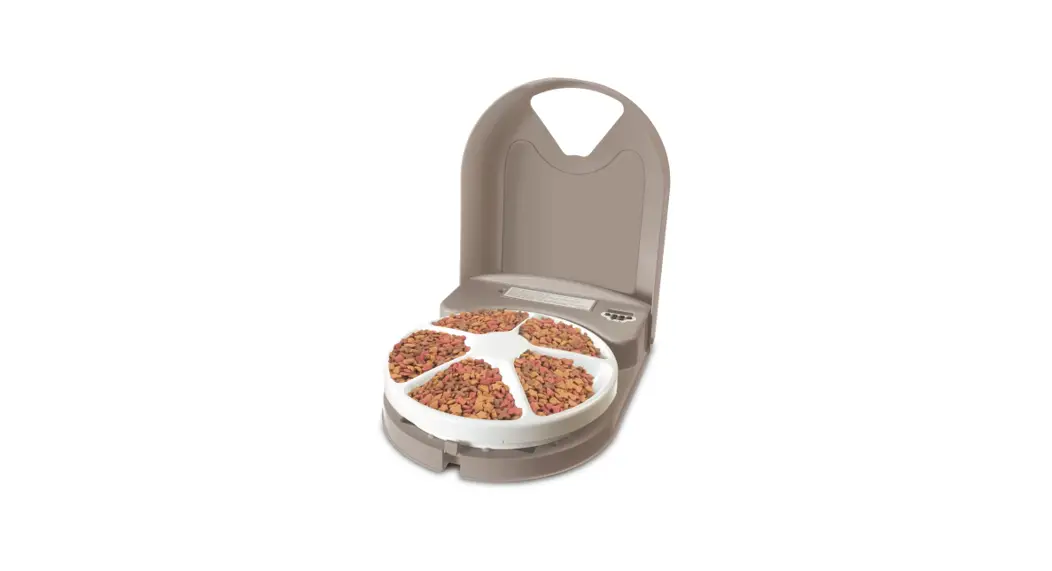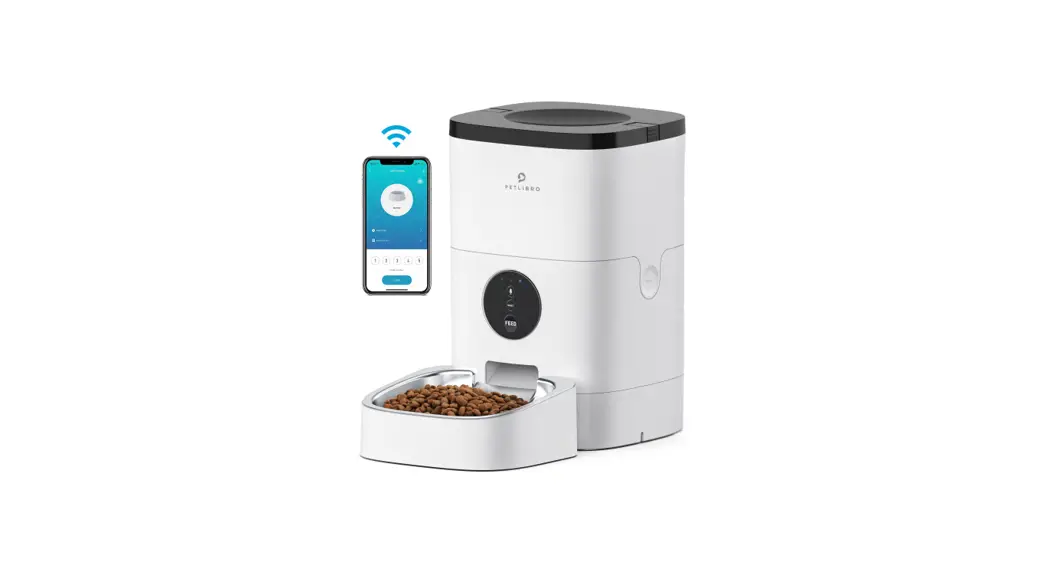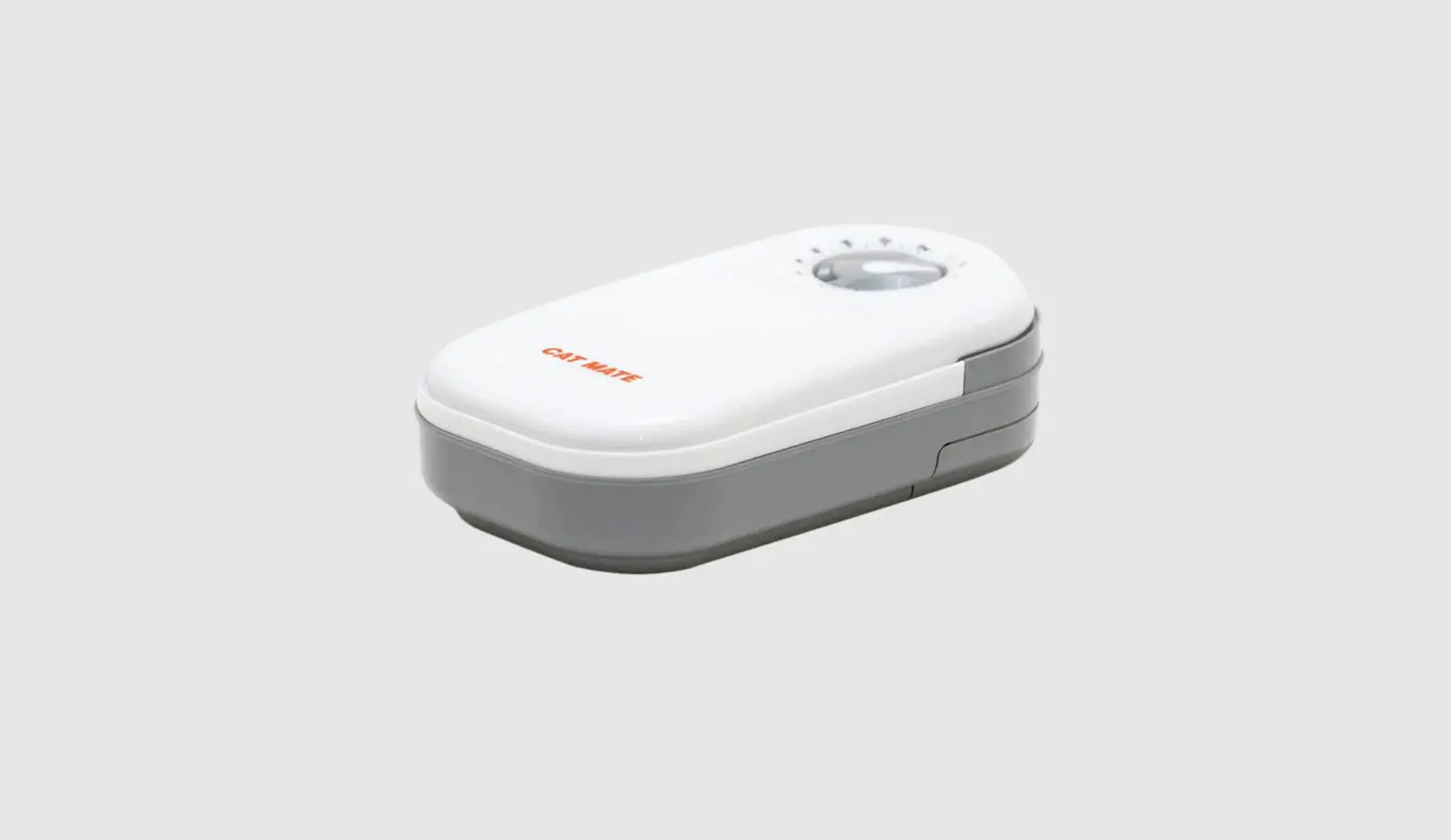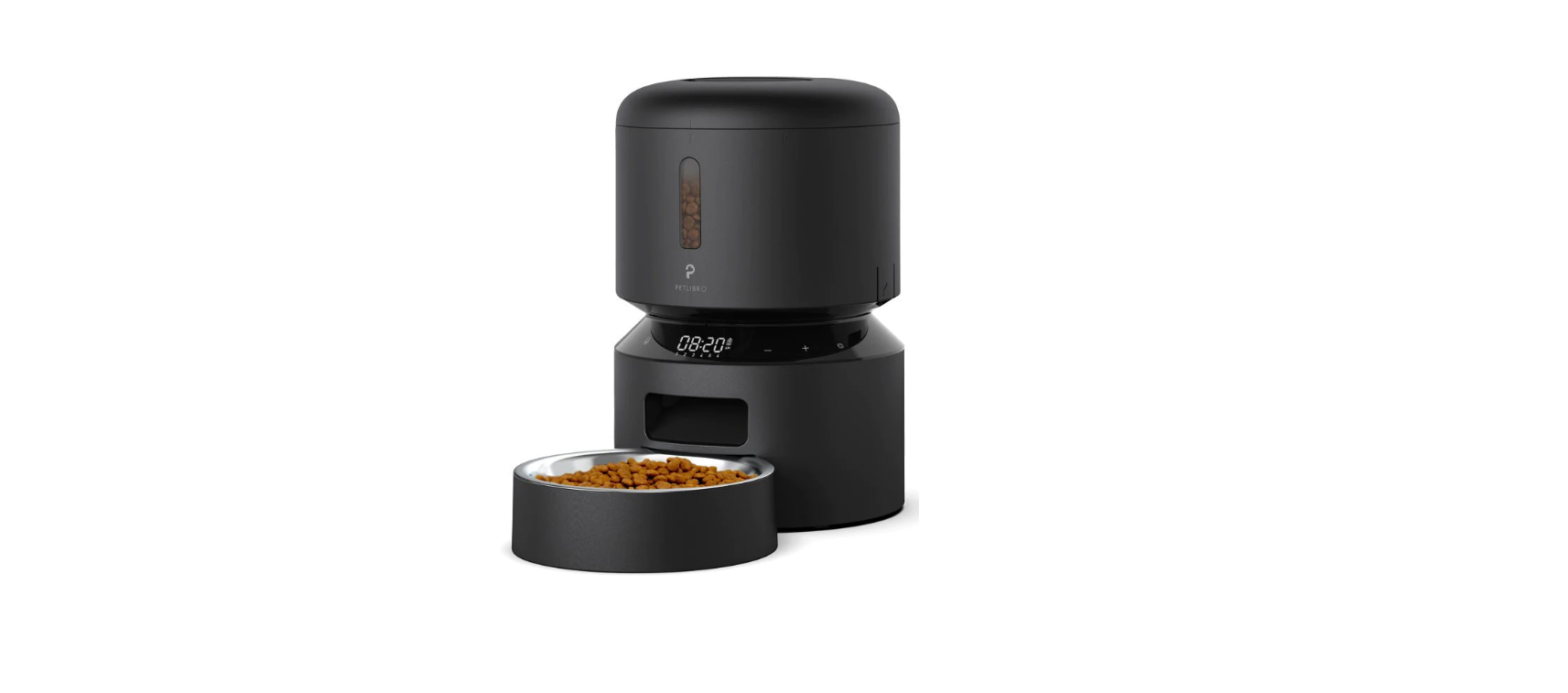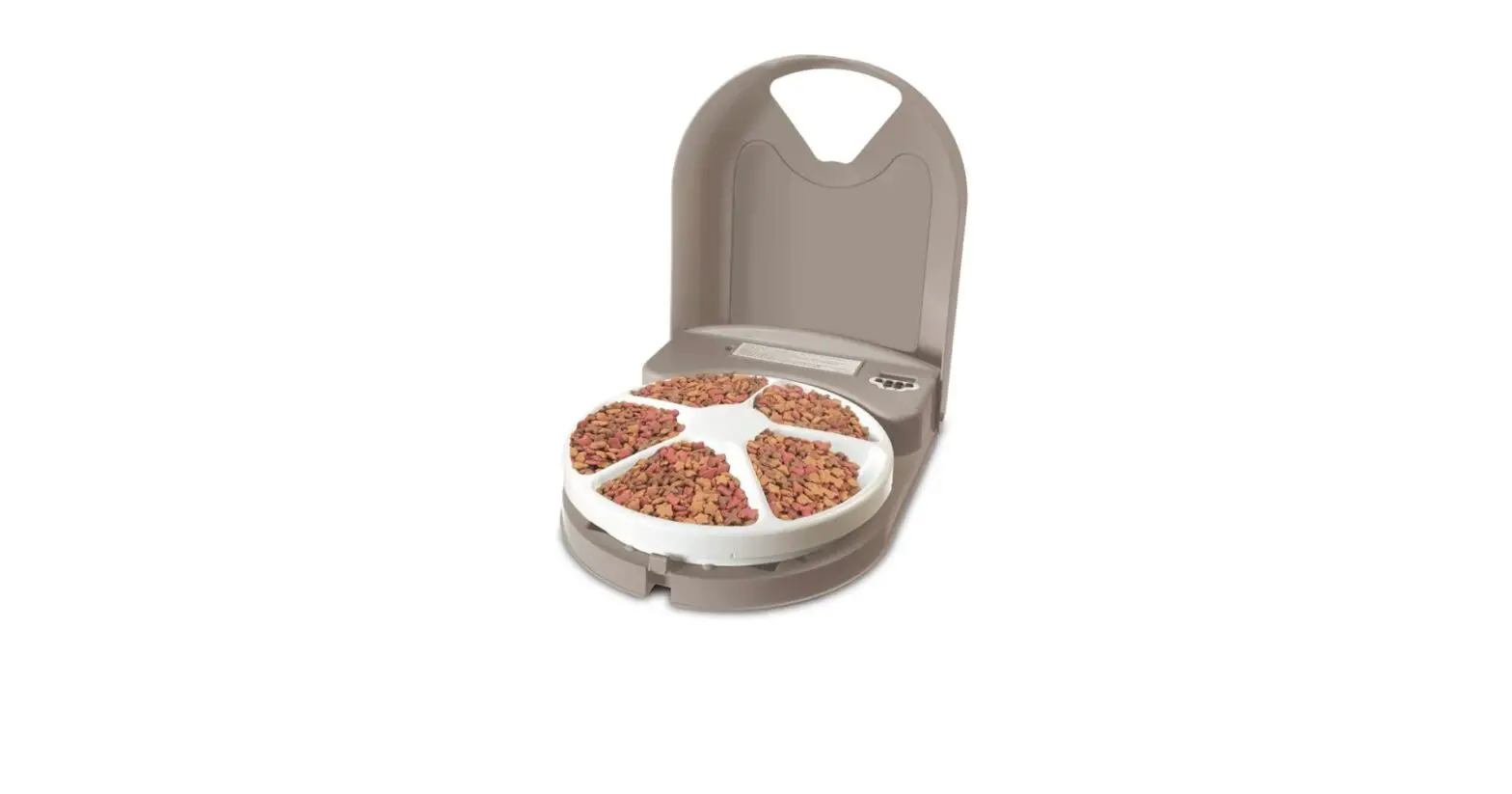
 PetSafe PFD11-13707 5 Meal Dog Food Dispenser – Storage
 PetSafe PFD11-13707 5 Meal Dog Food Dispenser – Storage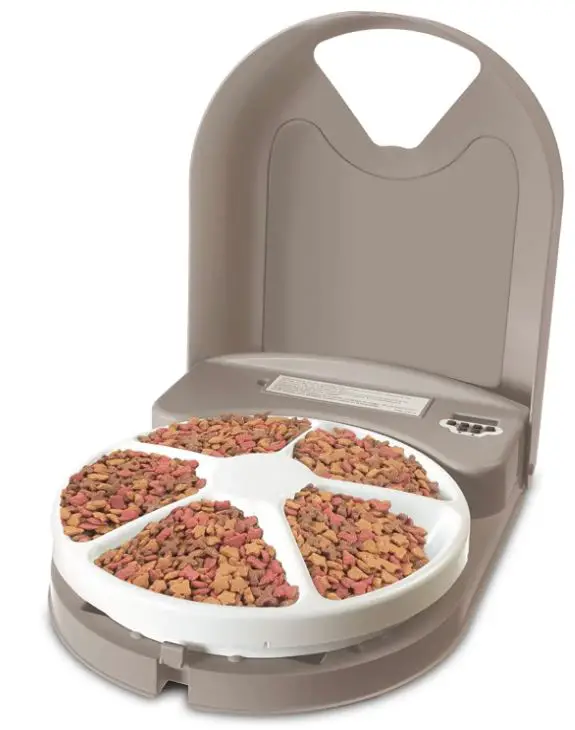
Specifications
- Product Dimensions: 12.63 x 4.44 x 16
- Inches: 3.96 Pounds
- Batteries: 4 D batteries
- Material: Plastic
- Target Species: Cat, Dog
- Style: 5-Meal Feeder
- Brand: PetSafe
Introduction
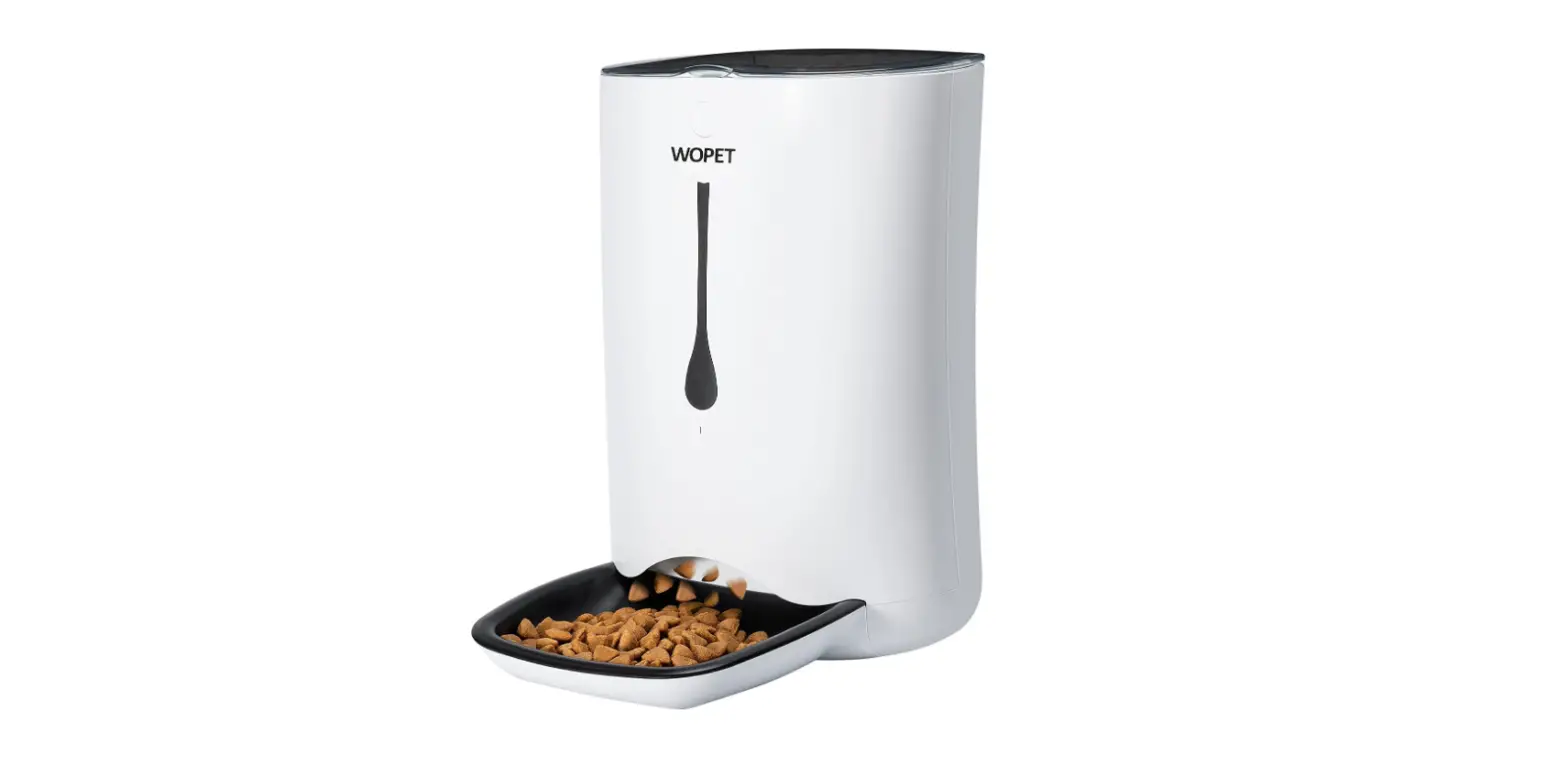
A device for storing and dispensing dog food is called a meal dog food dispenser. For pet owners who spend a lot of time away from home, it can be configured to dispense a certain amount of food at predetermined times. Some dispensers also allow owners to remotely operate the dispenser and keep track of their pet’s food intake by connecting to a smartphone or other device.
Install the Batteries
- Open the Lid. Remove the Battery Compartment Door. Place 4 “D” Cell batteries (not included) into the Battery Compartment as shown on the Installation Label.
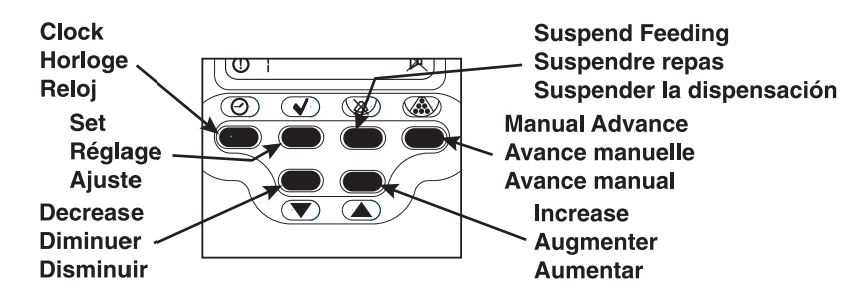
Set Time of Day - Press Clock, then press Set until the hours flash.
- Press Increase or Decrease to set the hour (Note AM or PM).
- Press Set until the minutes flash.
- Press Increase or Decrease to set the minutes.
- Press Clock to finish setting the time of day
 Set the First Daily Feeding Time
 - Press Clock, then press Increase until the Daily Feeding Time Indicator displays OD1.
- Press Set until the hours flash.
- Press Increase or Decrease to set the feeding hour. (Note AM or PM)
- Press Set until the minutes flash.
- Press Increase or Decrease to set the feeding minute.
- Press Clock to finish setting the feeding time.
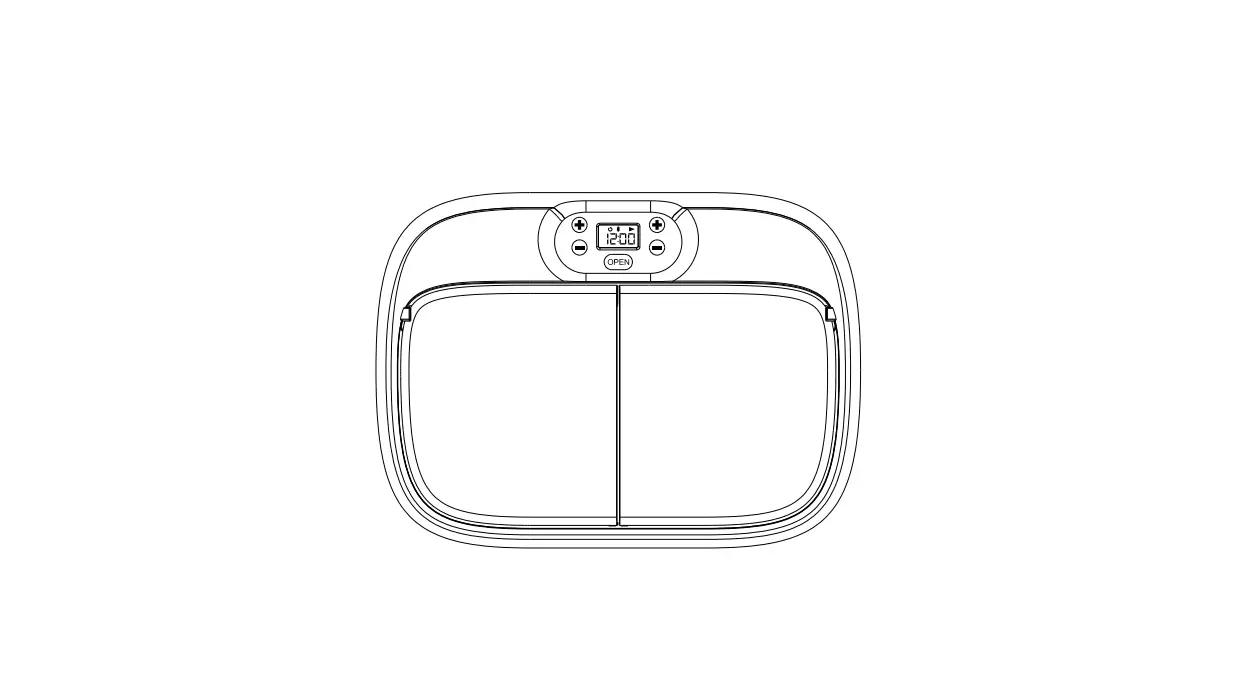
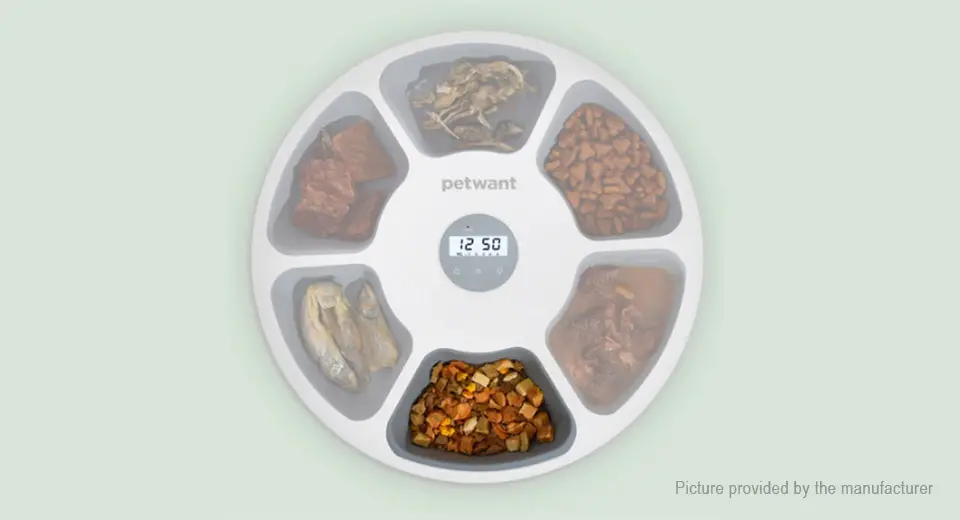
- Fill the Food Tray compartments with food.
Note: Overfilling may cause the Feeder to malfunction. - Place the Food Tray onto the Hub.
- Press Manual Advance to advance the Food Tray into position.
- Close the Lid so that it latches.
- Place the Feeder on the floor.
Note: The first food compartment is available to your pet at this time.
Set Additional Feeding Times (if your pet eats more than once a day) - Press Clock, then press Increase to display the next Daily Feeding Time (02, 03, 04 etc.).
- Repeat steps 8-12 for each programmed feeding.
Remove a Programmed Feeding Time - Press Clock, then press Increase until the Daily Feeding Time you wish to remove is displayed.
- Press Suspend Feeding.
- Press Clock.
Suspend Feeding (but retain the program) - Press and hold Suspend Feeding for 7 seconds, then release. The Suspend Feeding lcon will appear in the upper right corner of the Clock Display.
Note: The ” ” symbol between the hours and minutes on the Clock Display flashes once each second.
Resume Feeding (at the programmed times) - Press Clock. The Suspend Feeding lcon will disappear from the upper right corner of the Clock Display.
Turn the Feeder Off - Remove batteries
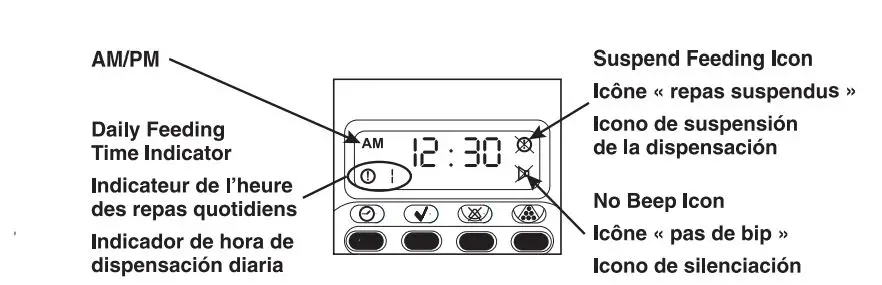 Set the First Daily Feeding Time
www.petsafe.net
Customer Care Center U.S./Canada 1-800-732-2677
Customer Care Centre – U.K. 0800-046-1414
Service Clientèle – France 00 800 18 18 20 20
Frequently Asked Questions
Press the Clock button, then press the Set button until the hours flash. Then press the Increase or Decrease buttons to set the hours. Press the Set button until the minutes flash, then press Increase or Decrease to set the minutes. Then press the Clock button to finish setting the time of day.
I prepare three portions of cold, wet food and store it in the refrigerator until 10:30 p.m., when I’m ready for bed. I put ice in one empty tray before I go to bed. Due to Cushing’s disease, my dog needs to eat every three hours, including at night. At 11:30 p.m., the first feeding occurs. The food stays chilly enough, but I remove the meat from the final two trays that open at 2:30 and 5:00 am out of caution. I’ve experienced no issues.
I recently changed the batteries in both of mine for the first time since purchasing the product about 2.5 years ago. Within a month of one another, the batteries on both feeders failed. For reference, I used D batteries from the Amazon Basics brand and had the feeder running five times every day.
You can program 6 feeding times and refill the tray in between them because you can arrange up to 9 feeding times in a 24-hour period, which will then repeat every day. Until the scheduled feeding times are changed or eliminated, the feeder will keep rotating the tray at each daily feeding time.
I’m not sure if you can acquire an extra tray, but it’s really not essential. I simply took a fast wash, dried it off, and put it back in about 30 minutes ago.
Only dry food is intended for use with this feeder. Wet food could not be kept in it because it is not airtight.
You could probably just get a 3 day auto feeder instead of a 5 day one. If you do decide to buy this one, preset it for three days, and then remove the batteries to turn it off.
No, the lowest frequency you may choose is once every day.
No. Unless you leave the feeder open, in which case it does not close on its own, the feeder remains closed. It requires manual opening and closing.
You can schedule up to five meals over the course of a day when setting up this feeder. The feeder will subsequently start dispensing each day at specified times.
This is a really good query! You should only set the one feeding time that you desire for the one feeding every day. The feeder may accommodate up to five meals each day. If you require any additional programming help, please contact PetSafe directly.