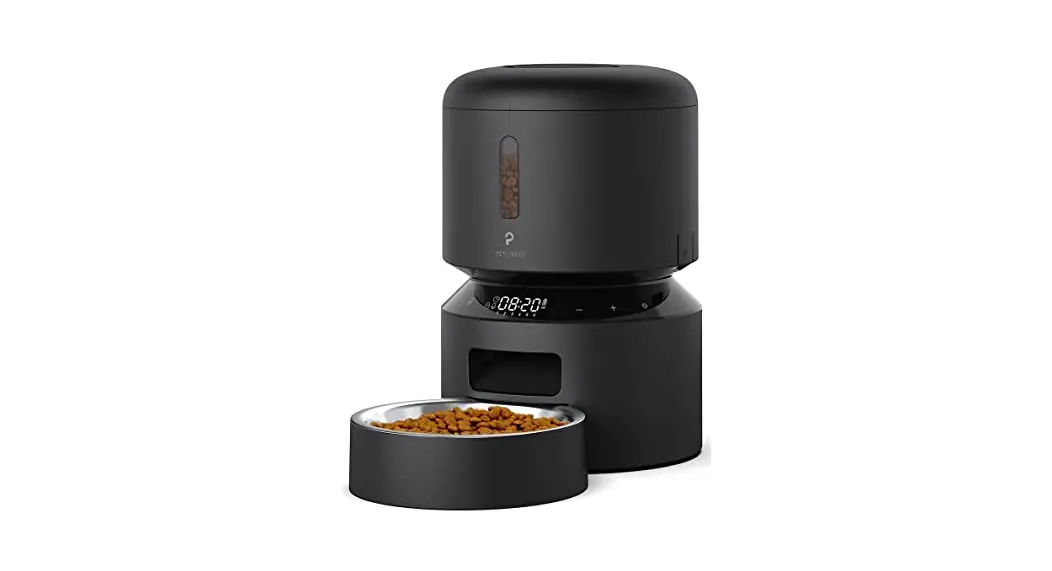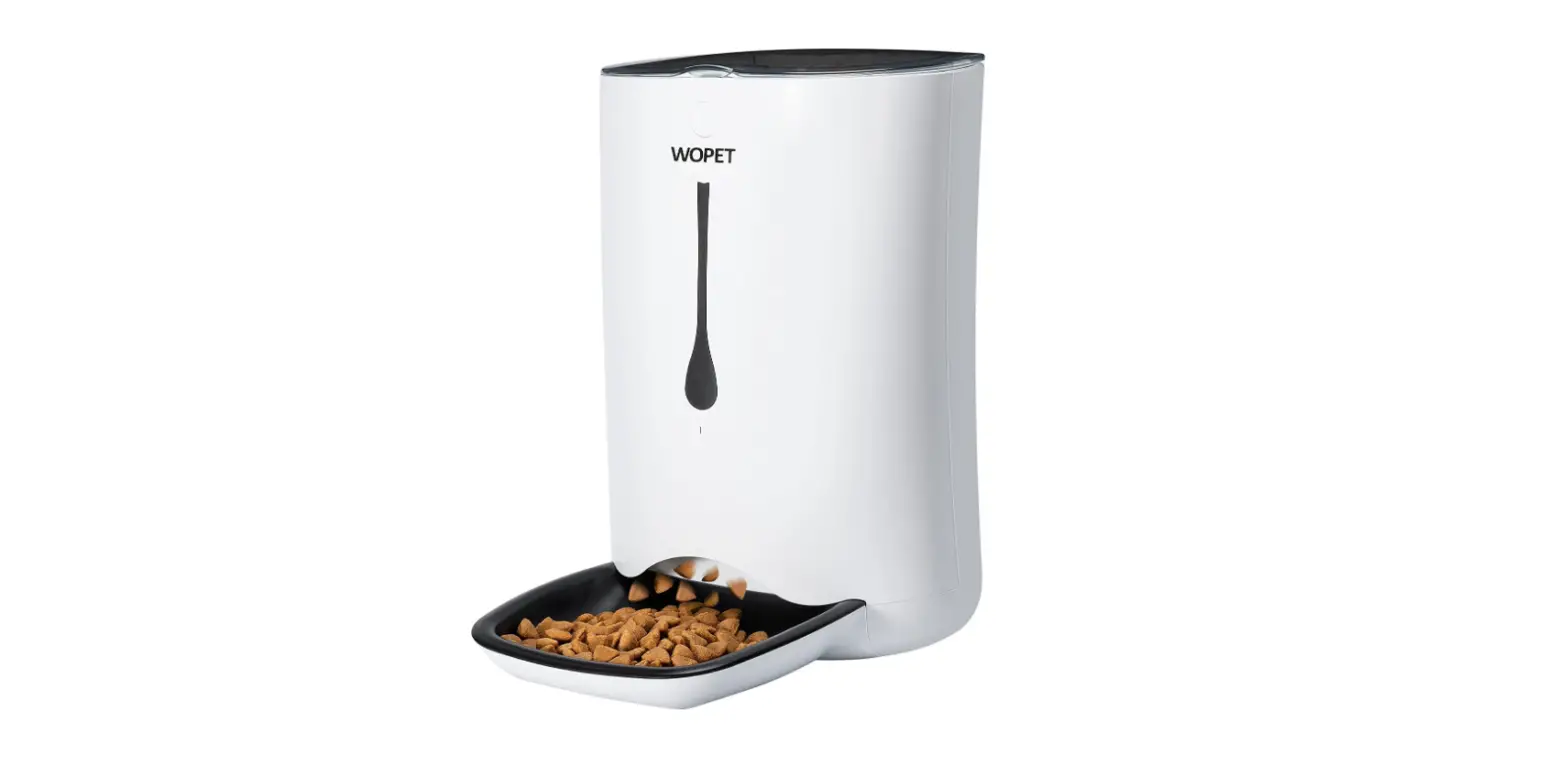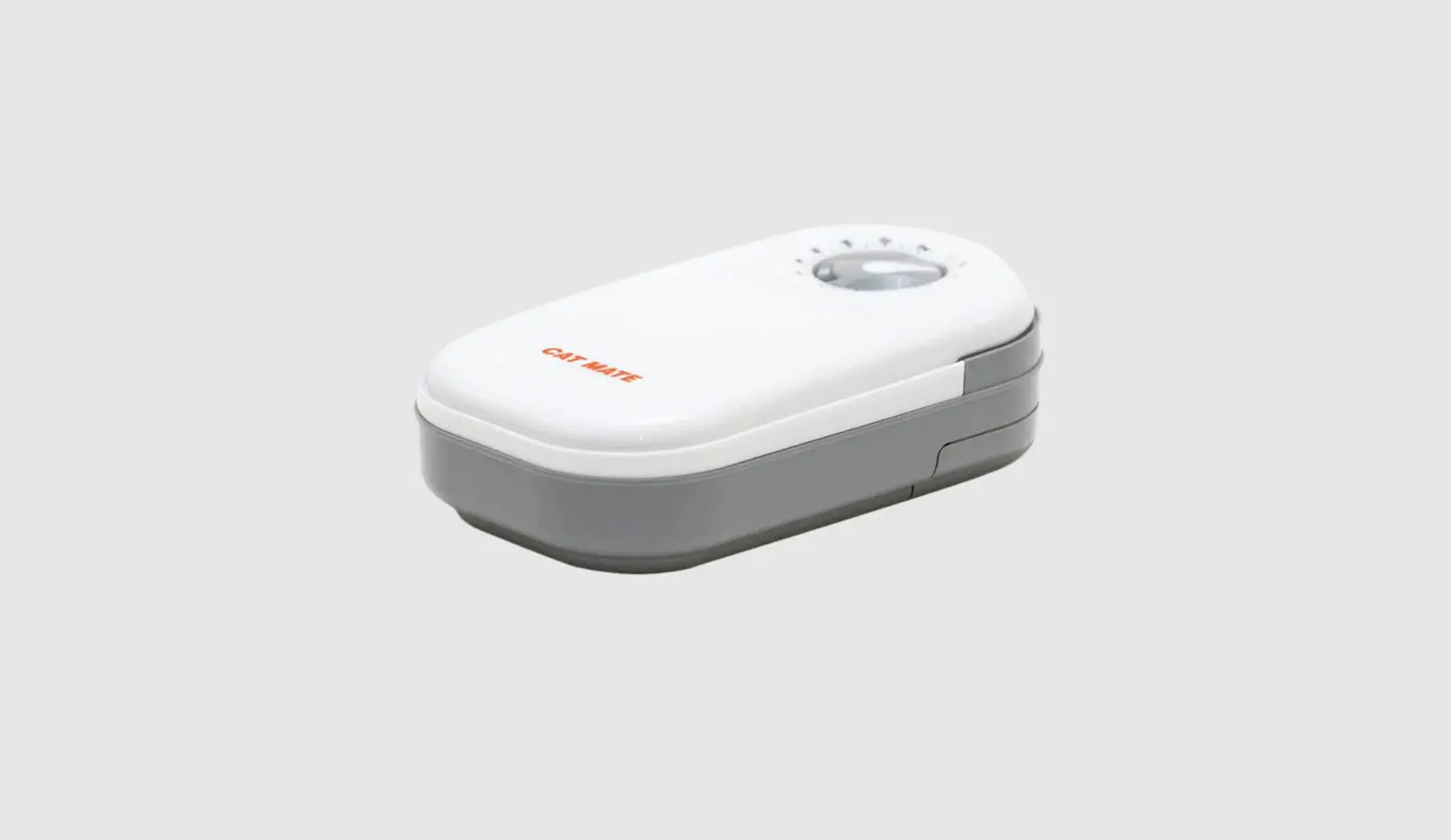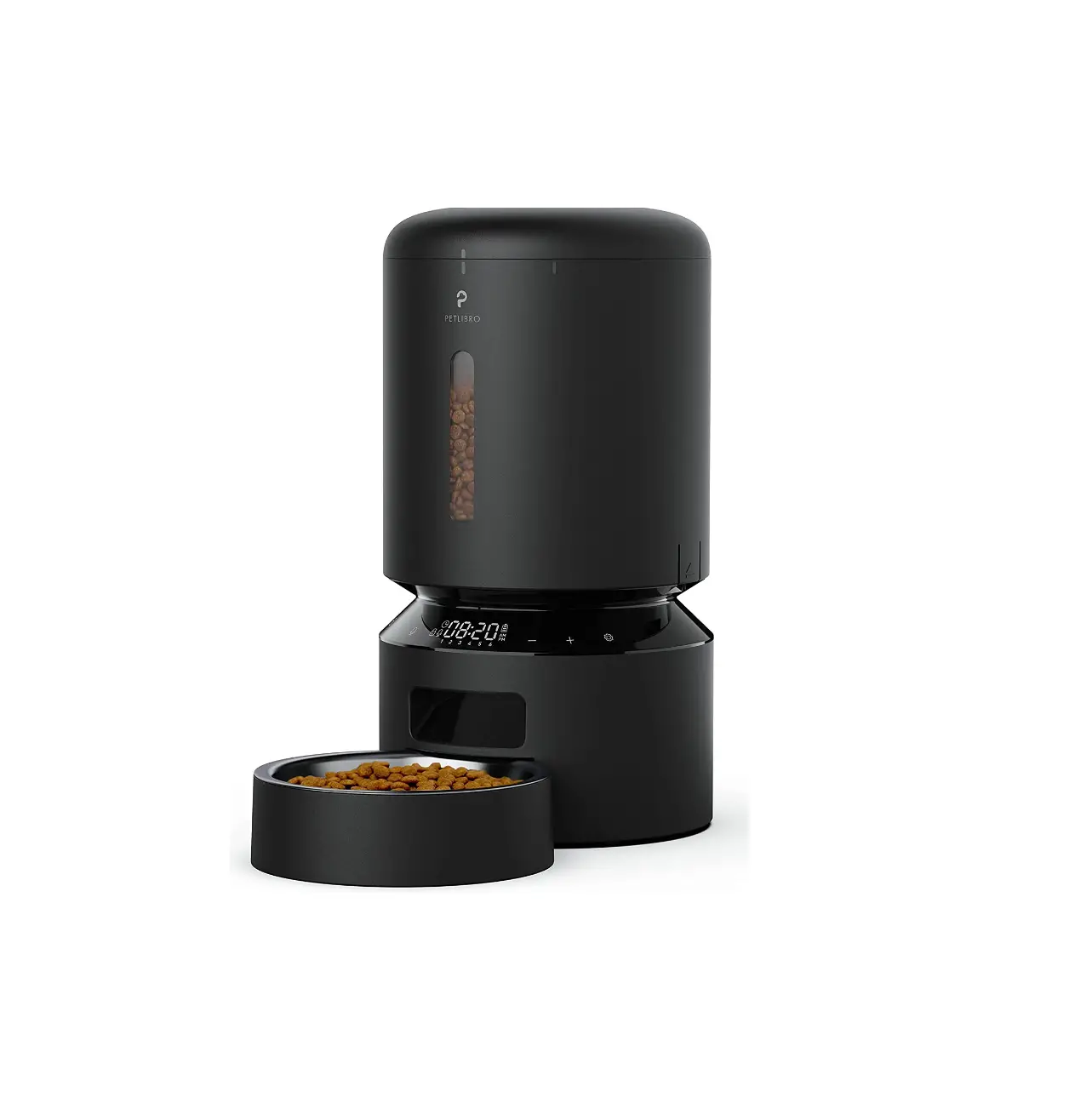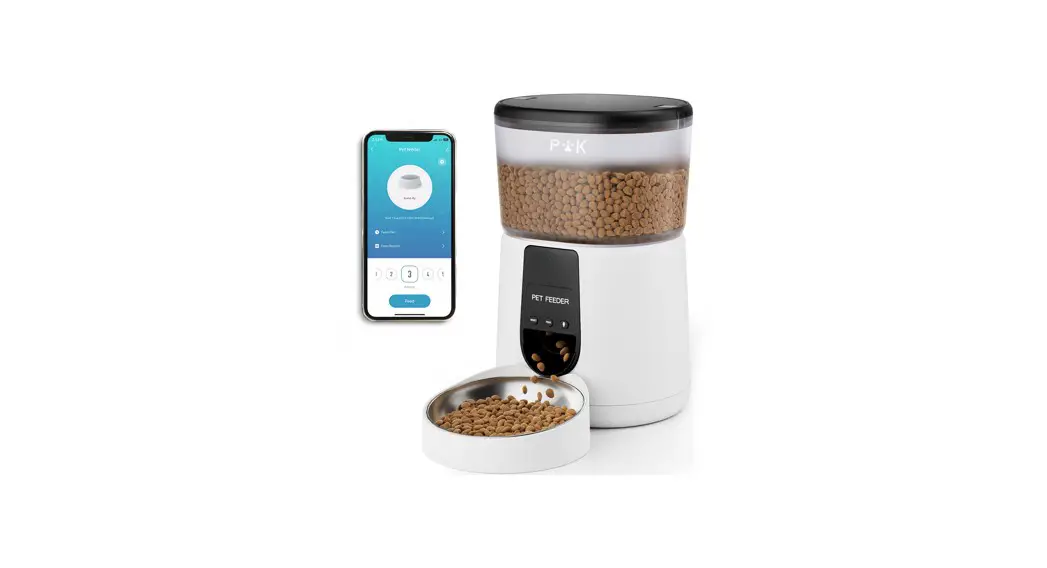

AUTOMATIC CAMERA
PET FEEDER WITH WI-FI
PRODUCT MANUAL
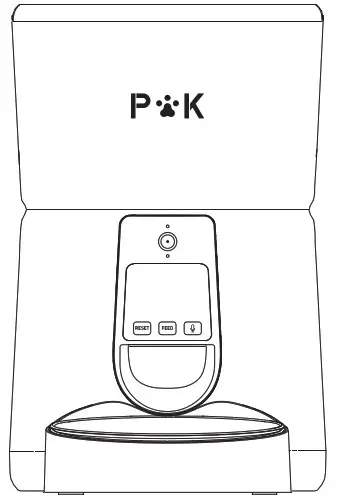
Moni
Warranty
A. Two-year limited warranty, non-transferable.
B. This product is supported by the manufacturer’s limited warranty.
For all information about the warranty and its conditions applicable to this product, you can contact us 24/7 at [email protected].
Warning
| 1 | Dispose of all packaging materials properly. |
| 2 | Keep away from children. |
| 3 | Do NOT use rechargeable batteries. |
| 4 | Do NOT immerse the base part in water at any time. |
| 5 | Do NOT disassemble the unit other than as instructed in this Manual. |
| 6 | Always unplug when not in use and before cleaning. |
| 7 | Before leaving for extended time, always replace batteries with new ones. |
| 8 | To avoid tripping, always position power cord out of the way of foot traffic. |
| 9 | Only use attachments recommended or sold by the manufacturer. |
| 10 | Suitable for small and medium-sized pets under 20KG, not recommended for young pets within 3 months. |
| 11 | Only use attachments recommended or sold by the manufacturer. |
Notice
| 1 | Not suitable for wet, canned or moist food. |
| 2 | When using the power plug and batteries at the same time, batteries get used as backup power. |
| 3 | Working temperature: -10°C to 40°C. |
| 4 | Suitable for dry food only, with size ranging from 2-12 mm in diameter. |
Package Contents
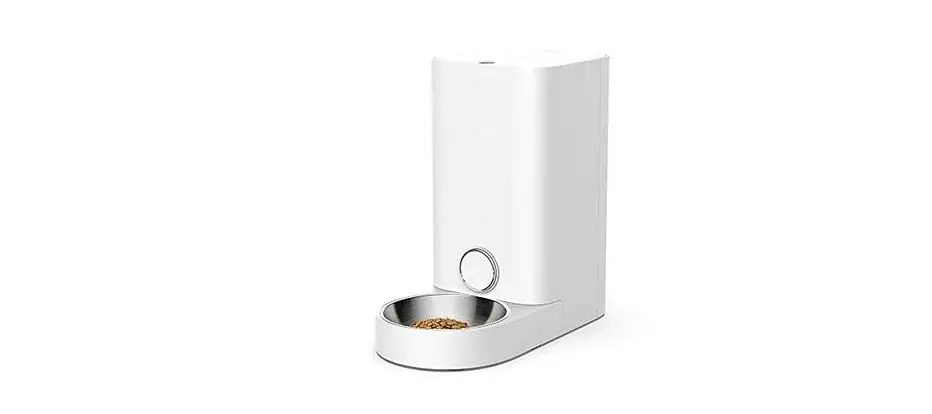
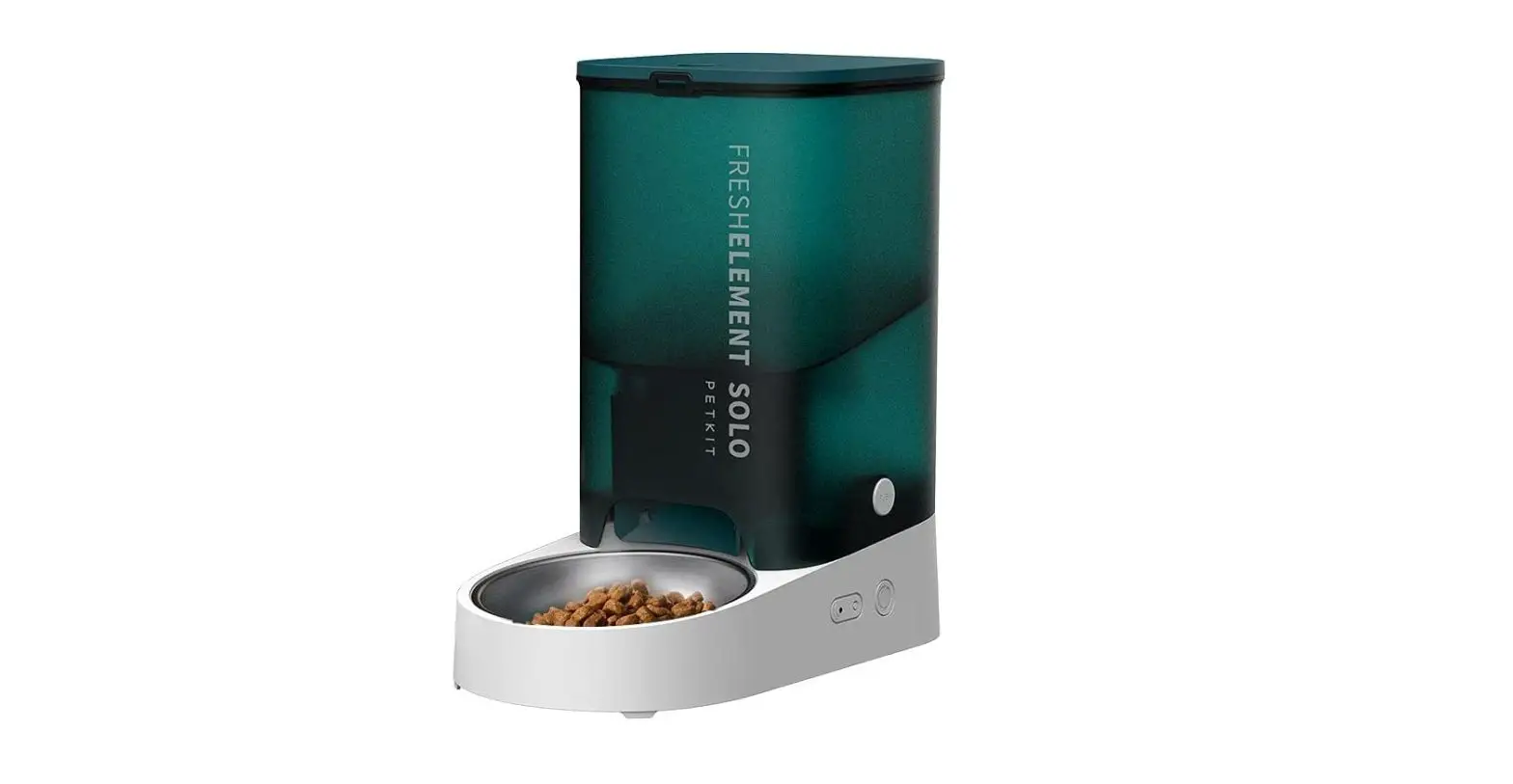
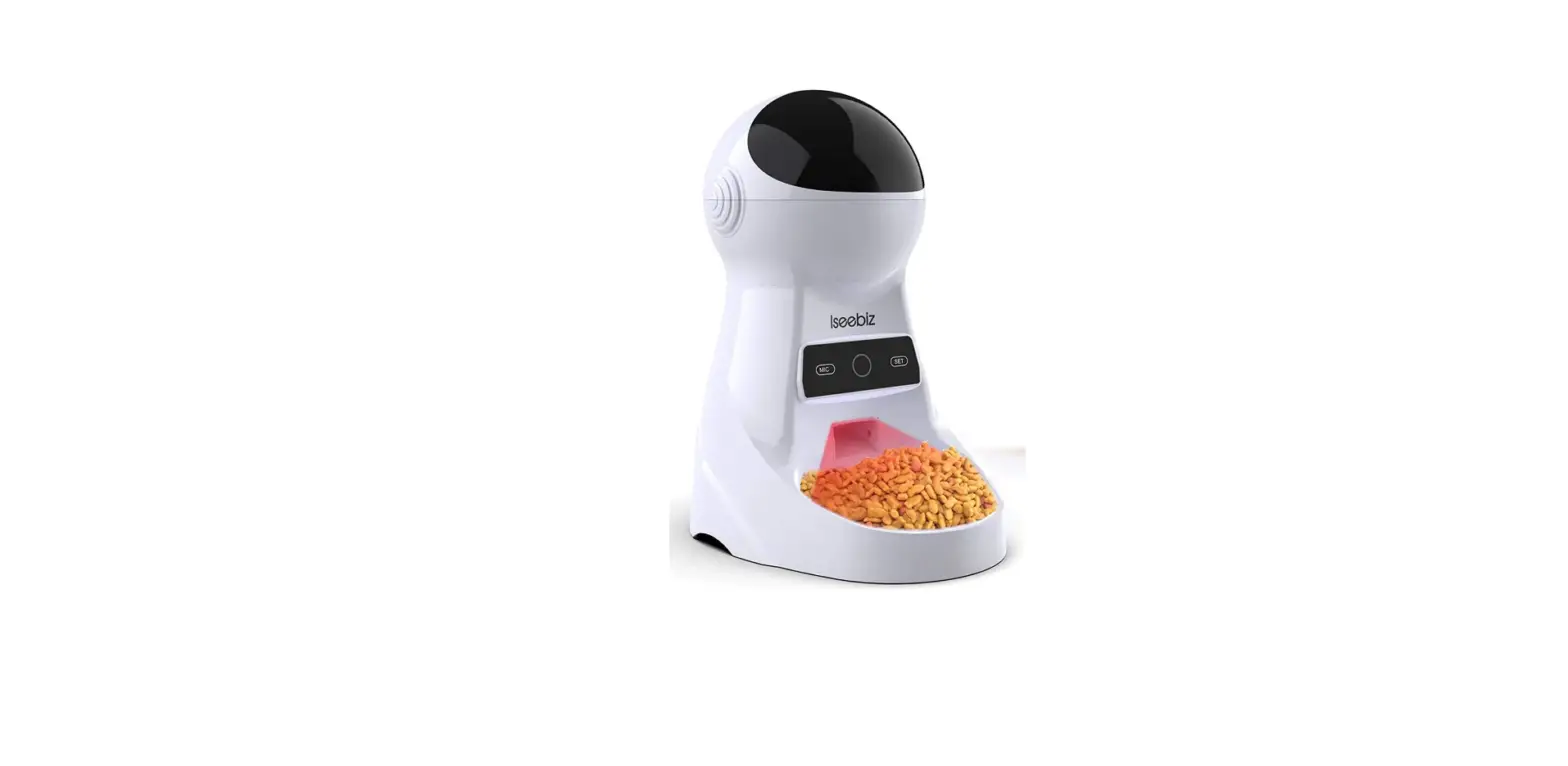
1x Puppy Kitty Pet Feeder
2x Food Tray
1x SV Power Adapter & Cord
1x User Manual
5x Quick Connect Guide
Product Parameter
| APP Name: | Smart Life |
| APP installation requirement: | Android 5.0/10S 7.0 or above |
| Product Size: | 33×21.5×19.5cm |
| Net weight: | 1.88 KG |
| Capacity: | 4 L |
| Product Materials: | ABS |
| Wi-Fi Band: | 2.4 Ghz |
| Adapter Parameters: | Input:110-220V, 50/60HZ, 0.4A Output:5.0V, 1000mA |
| Power: | DC 5V power adapter; 3x alkaline D batteries(not included) |
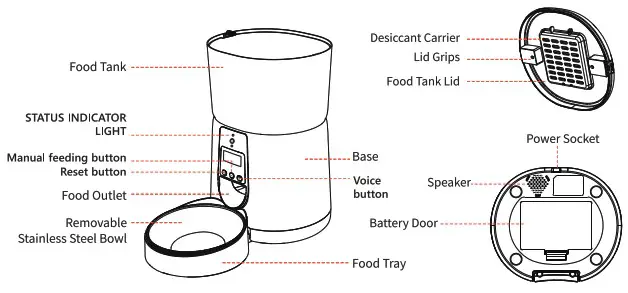
Product Overview
Startup
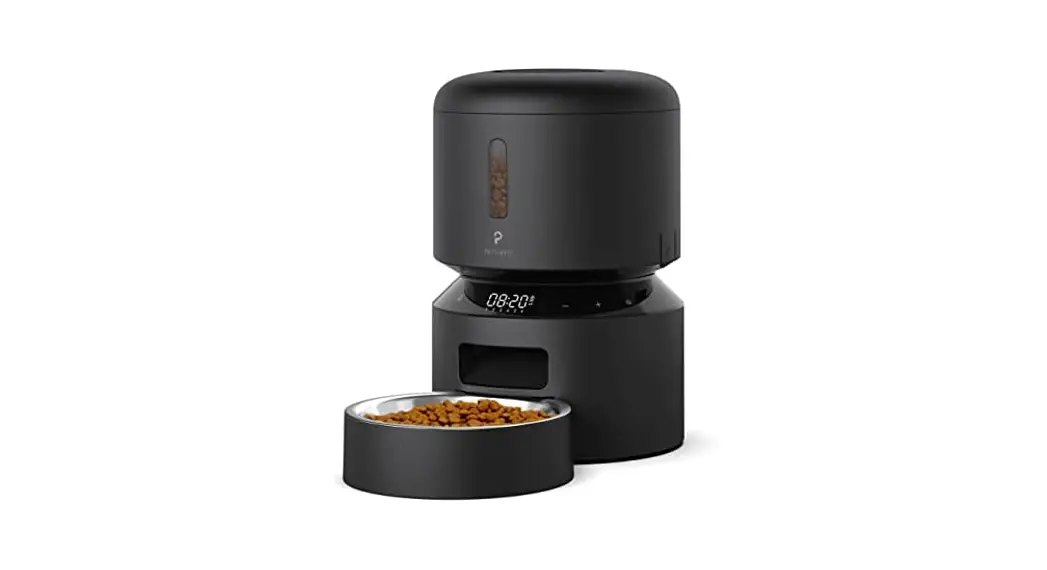
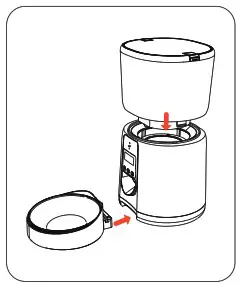
- Assemble the Food Tray
• Install the food tank into the base,
• Put the removable stainless steel bow! into the food tray,and install the food tray into base.
Note:
1).Please empty and remove the tray before moving the feeder.
2).Hold the base instead of any other parts when lifting the feeder,
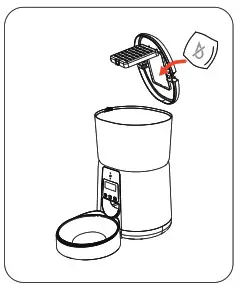
- Placing Desiccant Bag
Open the food tank lid and put the desiccant bag (1 Included} into the desiccant carver.
Note:
1). Recommend to use and replace the desiccant bag once every half month.
2). Please remove the desiccant bag before cleaning the food tank lid. food tank lid.
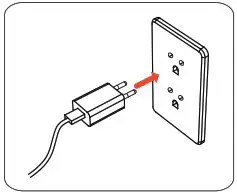
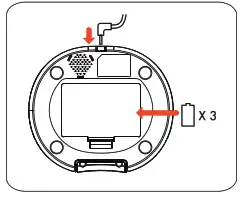
- Connecting Power
• Insert the SV power adapter into a wall socket. Plug in the power socket of the feeder and the LCD screen will light up.
• Open the battery compartment at the bottom of the unit, and install 3 allkaline 0 batteries (not included) in case of outage
Note:
1). Battery NOT included.
2). Before connecting to power, make sure ail parts are clean and completely dry.
3). The battery should power with an output of 4-5V; the battery level icon on the display blinks on a low battery level(<4v).
4).Change the batteries every 6 months if not in use for a long time.
5).Recommend using both battery and adapter in case any of power cut off.

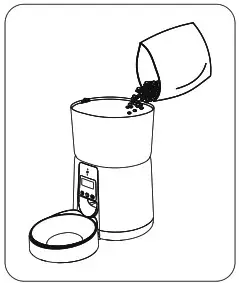
- Fill Food Tank
Fill food tank with dry pet food. Clase the lid and it will snap into place due to gravity.
Note:
1). Do not use canned, wet or moist pet food.
2). Recommend kibble size ranging from 2-12mm/0.07-0.48in in diameter.
Details
Buttons
 | Press and hold the button. After the beep, call your dog or cat, then release the button. A double beep occurs after successful recording. |
 | 1. Click once to serve 1 portion of food 2. Hold the Button for 6 seconds to lock or unlock the device. |
 | Pressing and holding the button resets the device to the factory settings after the beep. |
LED Indicators
 | Blinking | Waiting for the connection network |
| Continously On | Connected to the network | |
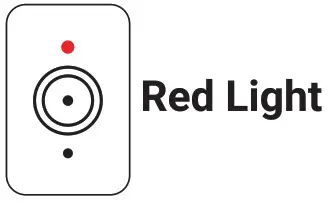 | 1.Flashes twice when locking or unlocking the device 2.Battery powered red light is Continously on | |
Connecting to the feeder
Please use the quick start guide to establish the connection.
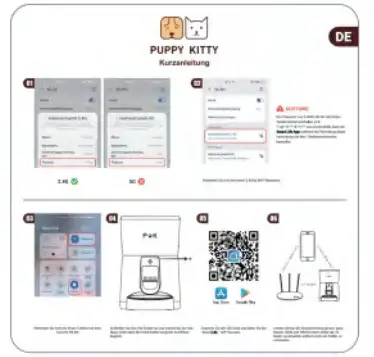
Troubleshooting Connection issues
I am having trouble finding the feeder with the APP!
- Please check that you are using your 2.4Ghz Network, SGhz is not supported.
- Furthermore, check that the blue indicator is blinking.
- Additionally, check if you have a special symbol (@#$%”&*()_….) in your Wi-Fi password, the app cannot handle that.
- As last option, alliteratively select Wi-Fi Camera in the Video and Security section in the app instead of pet feeder.
“AP-Made” not available on my phone?
Yes, AP mode it is not available on all phone models, if it does not show up as an option in the Smart Life APP your phone does not support it.
The App wants me to confirm if the light is blinking fast, it is not. Is that a Problem?
No, this is not a problem, just make sure the light is blinking fast or slow in order to connect the feeder.
Control the feeder via APP
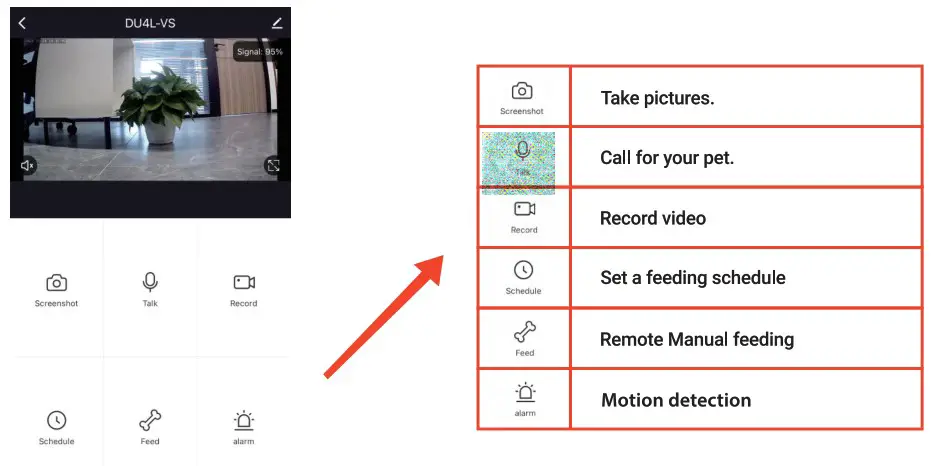
Alternative instead of QR Code
AP Mode (Not applicable to Harmony0S)
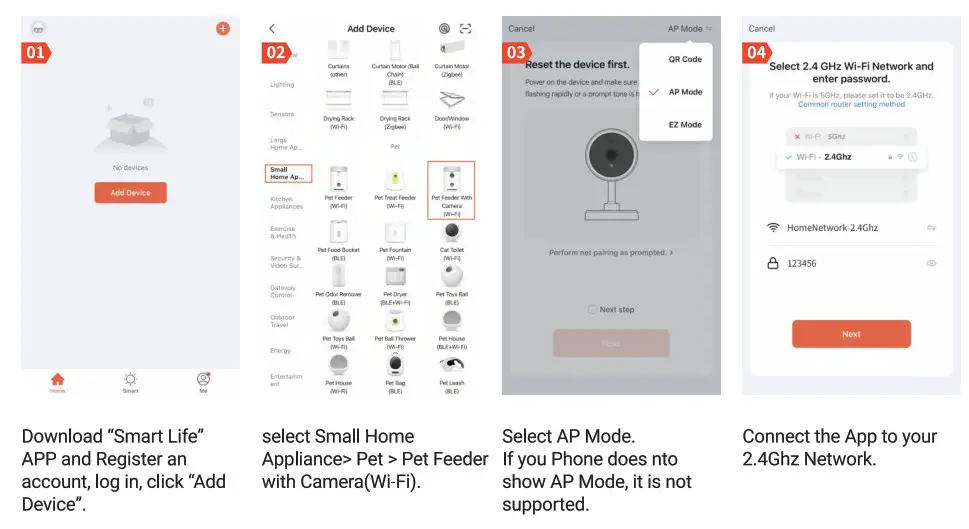
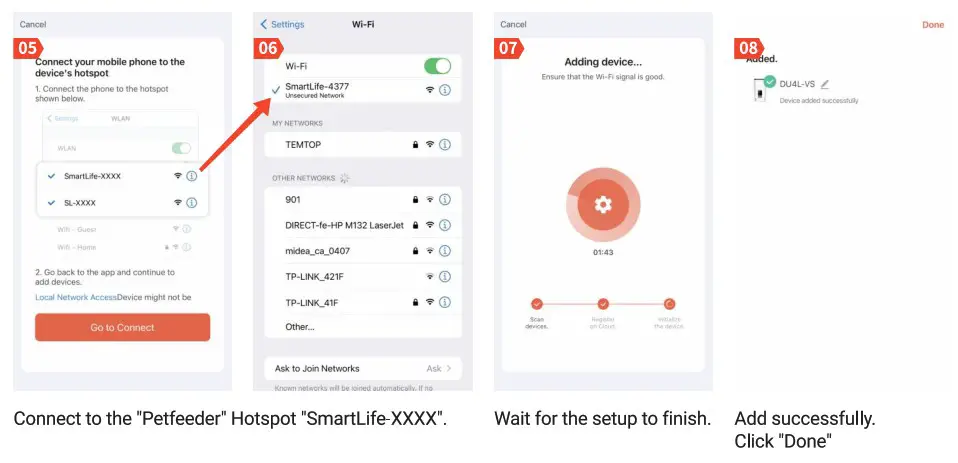
Maintenance
- Please clean the petfeeder at least once month.
- Food container, food tray, and the lid can be cleaned with water.
Frequently asked questions
| Problems | Solutions |
| The food does not come out | Dry food size should range from 2-12 mm diameter. |
| Check the chute and food outlet for foreign objects. | |
| Check whether battery power is low. | |
| The feeder does not respond | Check that the power cable is properly plugged into the device and power plug. |
| Check that the batteries are inserted correctly and are not dead. | |
| 2.4 Ghz Network configuration issues | If it is a dual-frequency router, please access the router and turn off the 5 Ghz Wi-Fi signal. |
| Save and restart the router, and then reconfigure the feeder. | |
| 5G WLAN is not supported, the APP password must not contain special characters (!”#@§$%&/()=?…). | |
| Pet feeder is frequently offline | Restart the router and feeder. |
| Put the pet feeder within 10m of the router. | |
| Please update to the latest version of the APR. | |
| Change the routers IP address to: 192.168.1.1 or 192.168.0.1 |
For further questions
If problems persist, contact us 24/7 at [email protected].
Email [email protected]