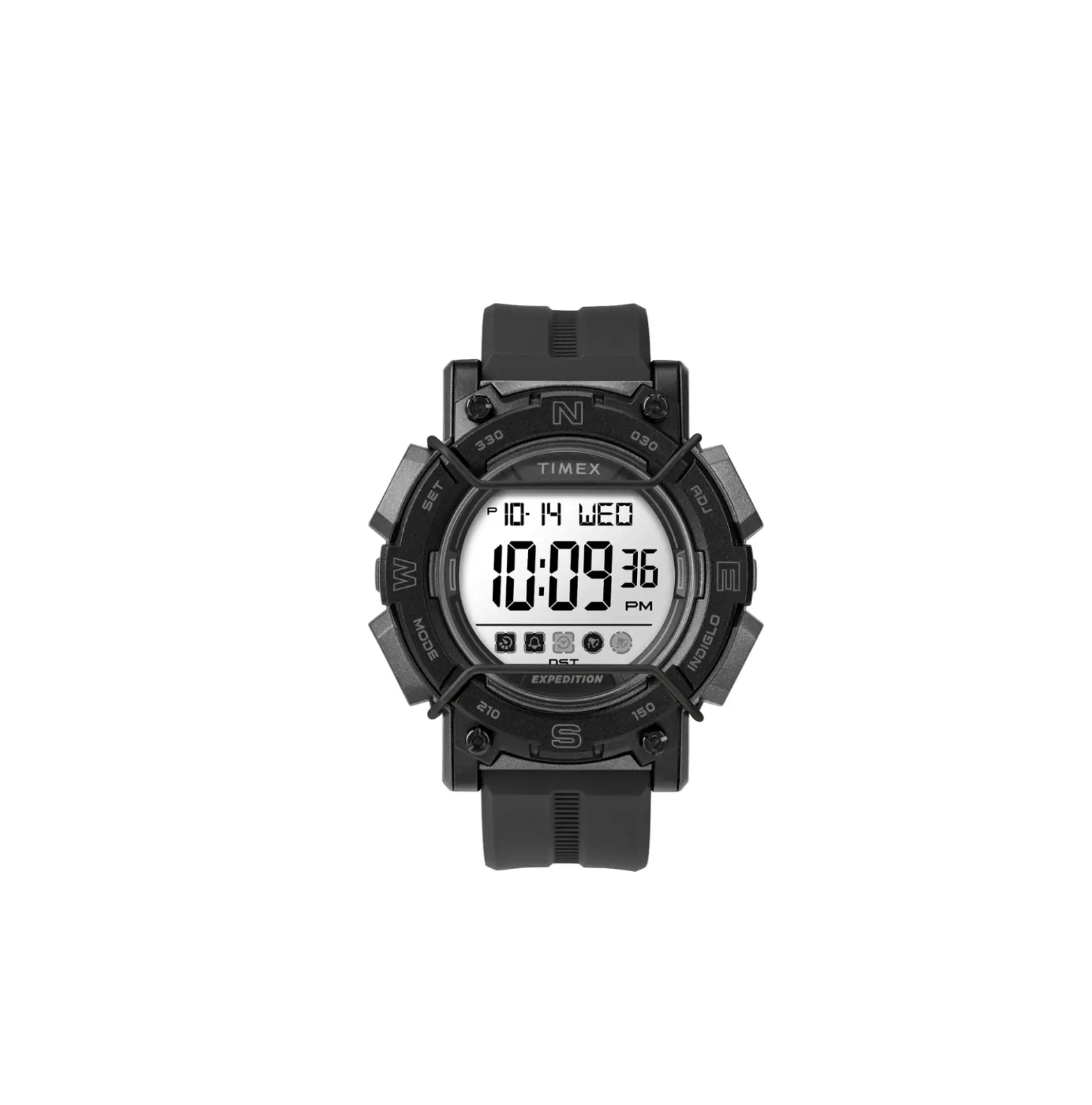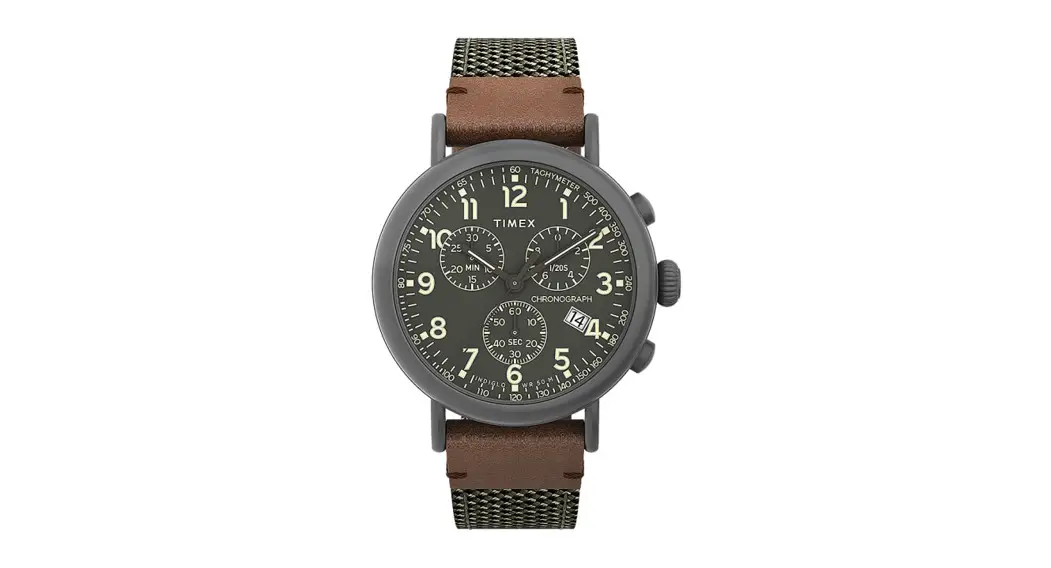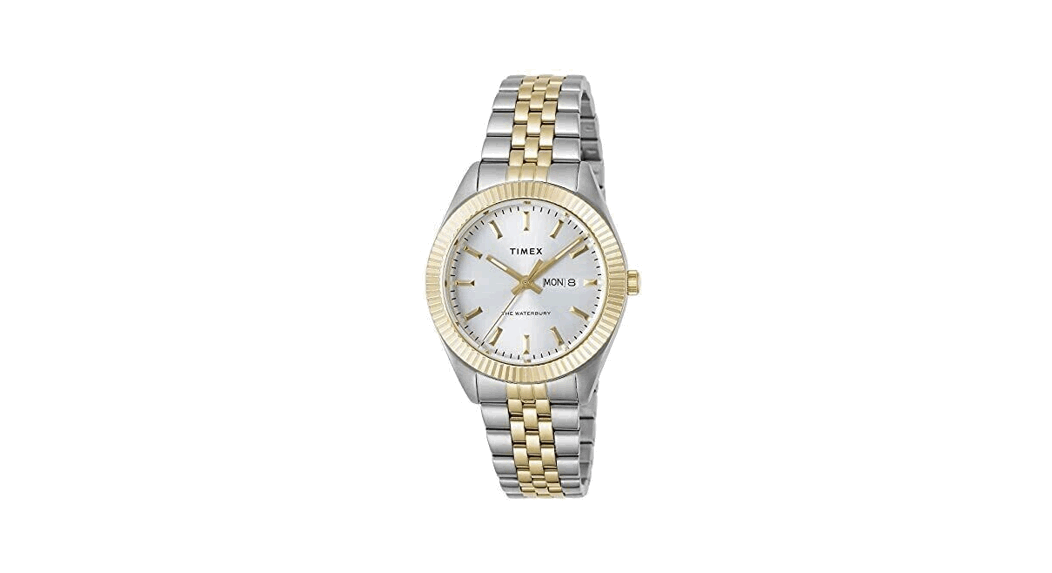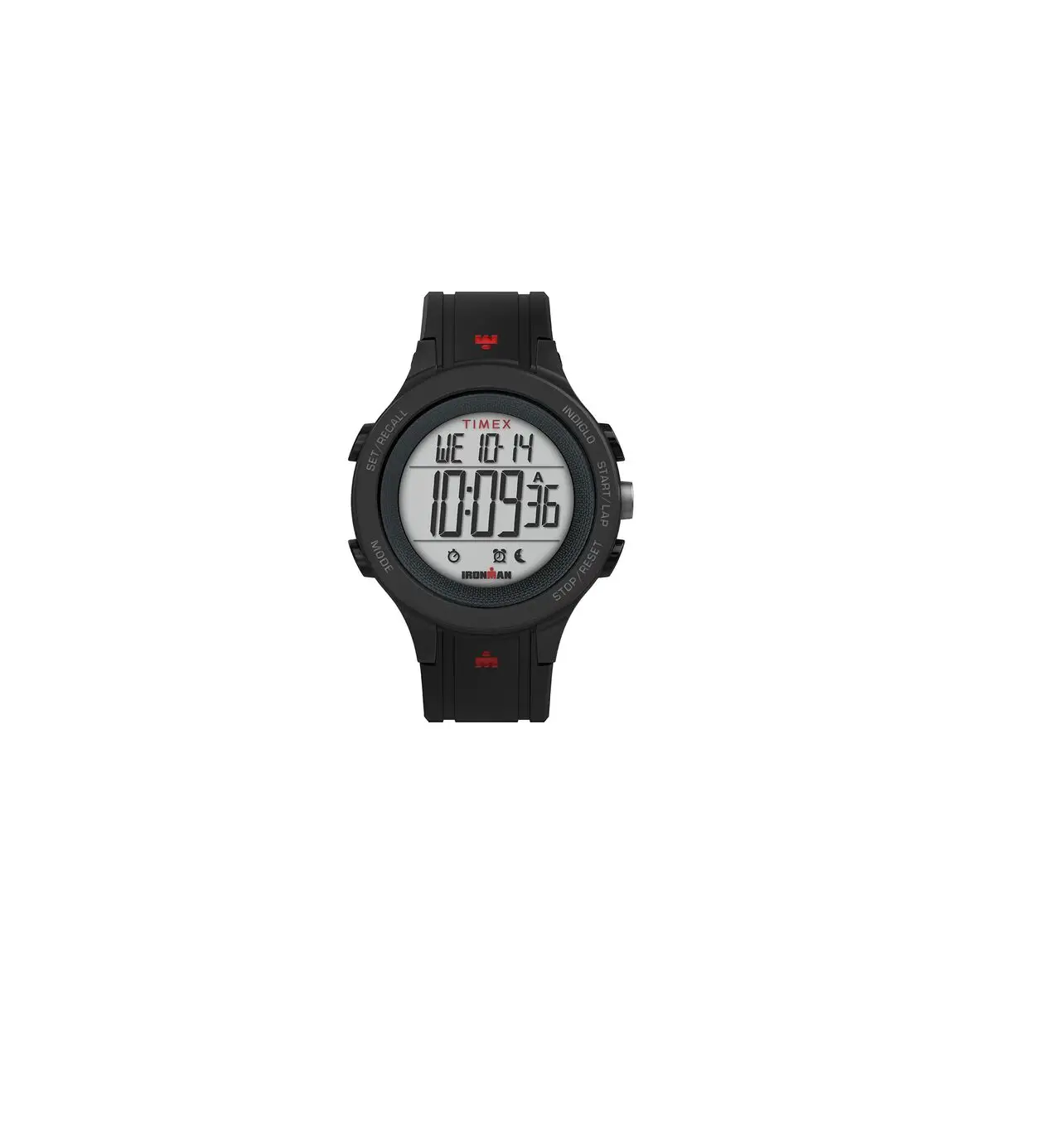

W116 555-095000-03 8.24.20
Register your product at https://www.timex.com/product-registration.html
EXTENDED WARRANTY
Available in U.S. only. Extend your warranty for an additional 4 years from date of purchase for $5. You can pay with AMEX, Discover, Visa or MasterCard by calling 1 800-448-4639 during normal business hours. Payment must be made within 30 days of purchase. Name, address, telephone number, purchase date, and 5- digit model number required. You can also mail a check for $5 to: Timex Extended Warranty, P.O.Box 1676, Dept.EF, Little Rock, AR 72203.
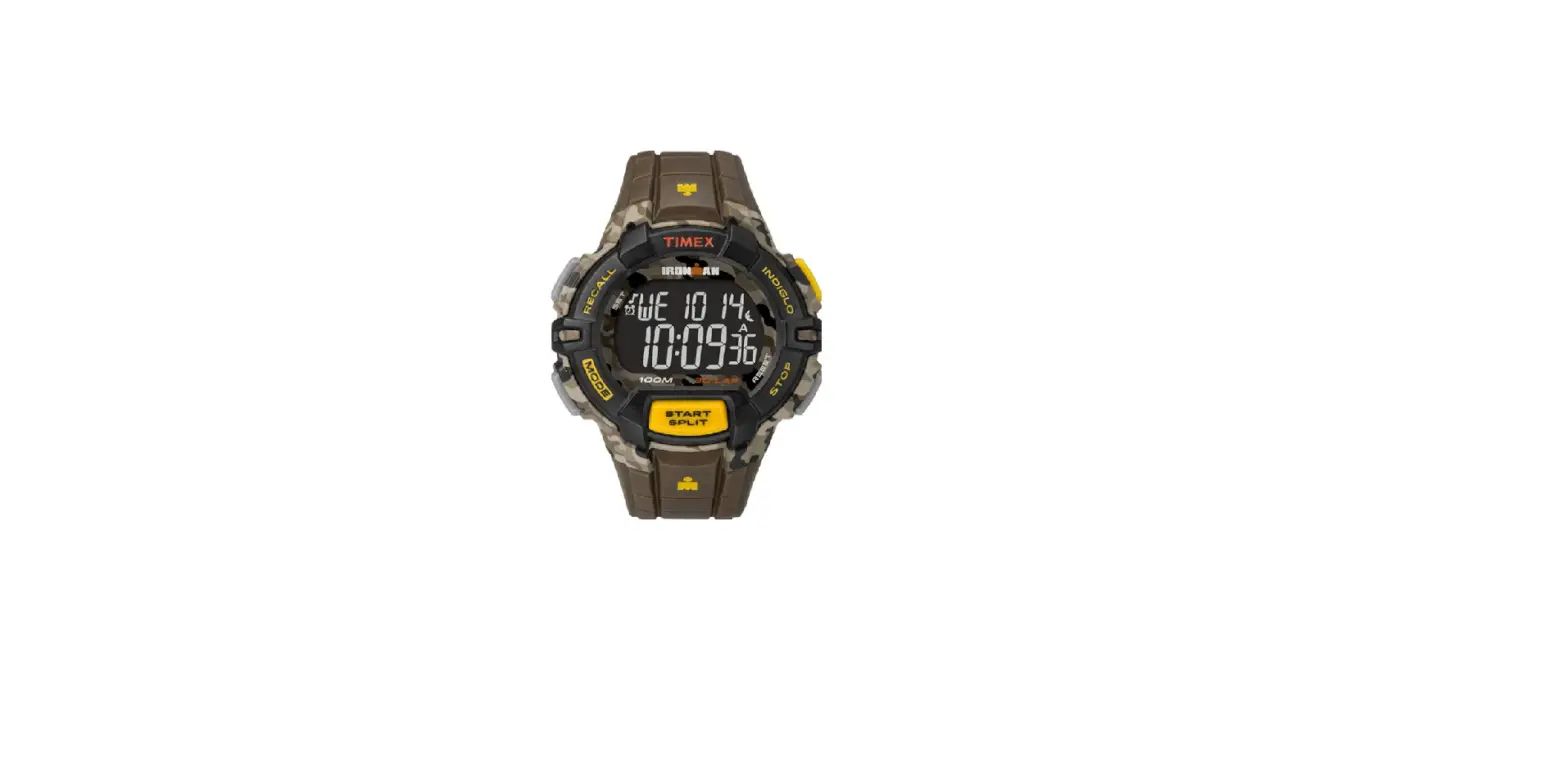
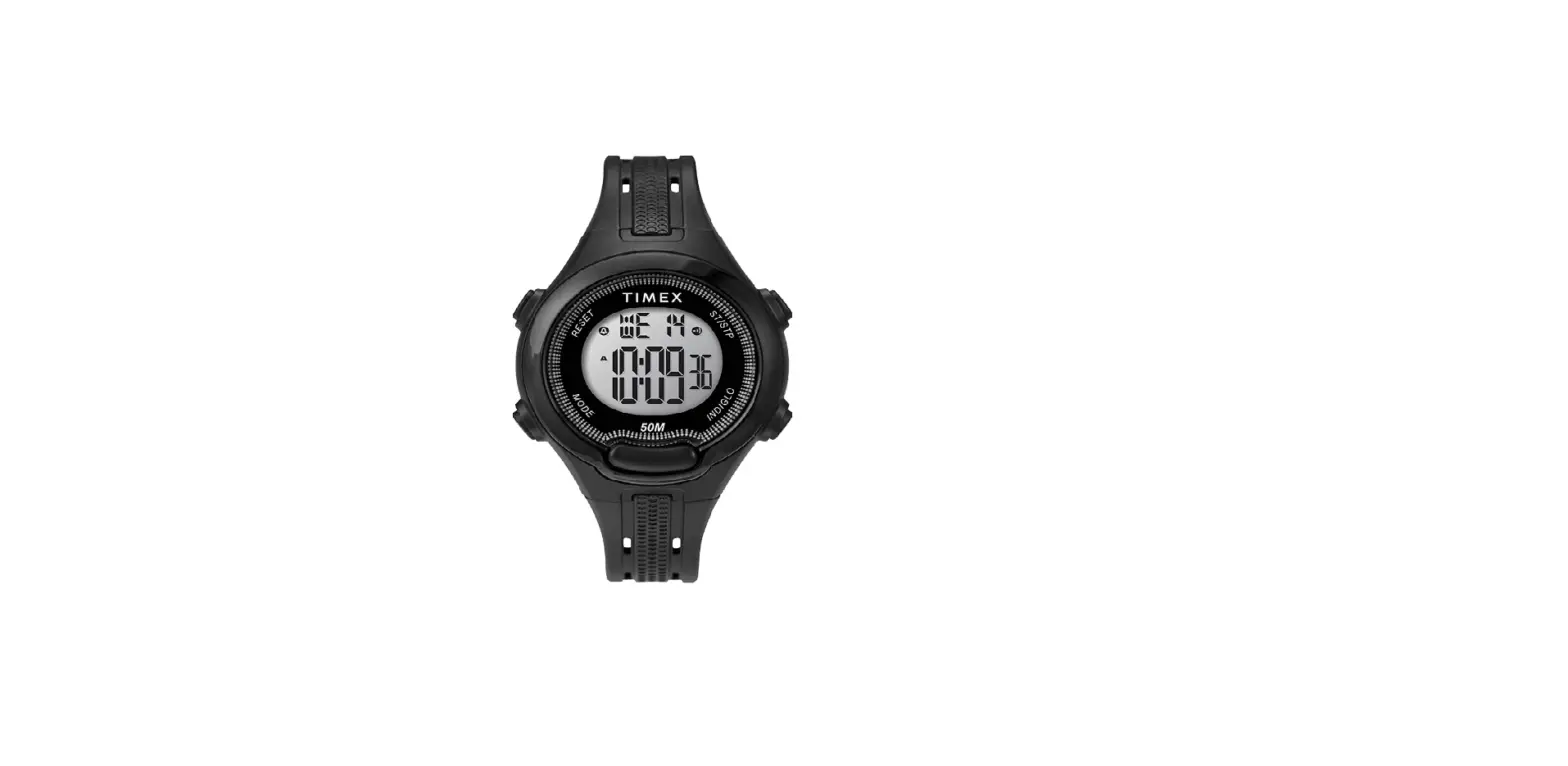
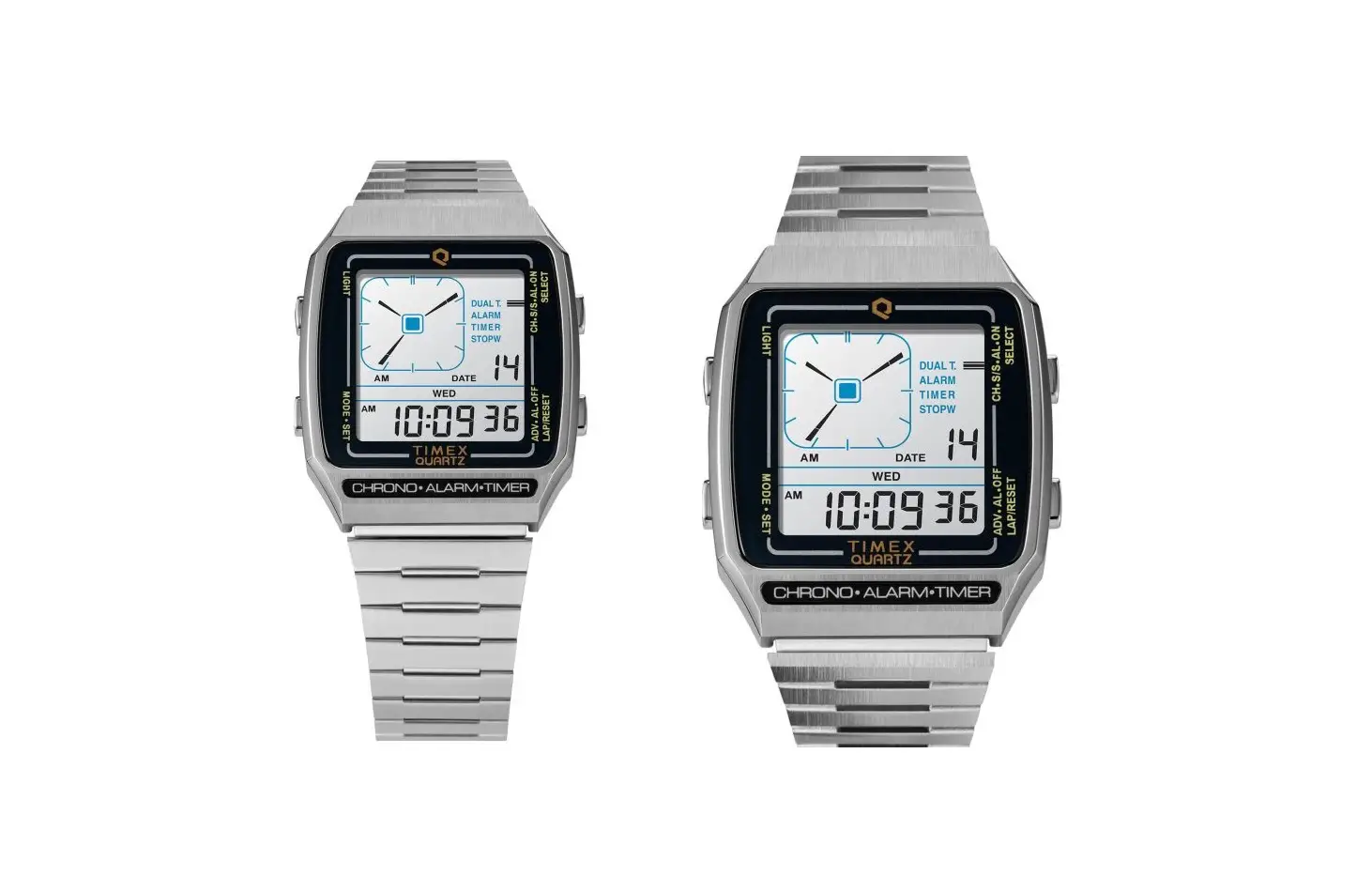
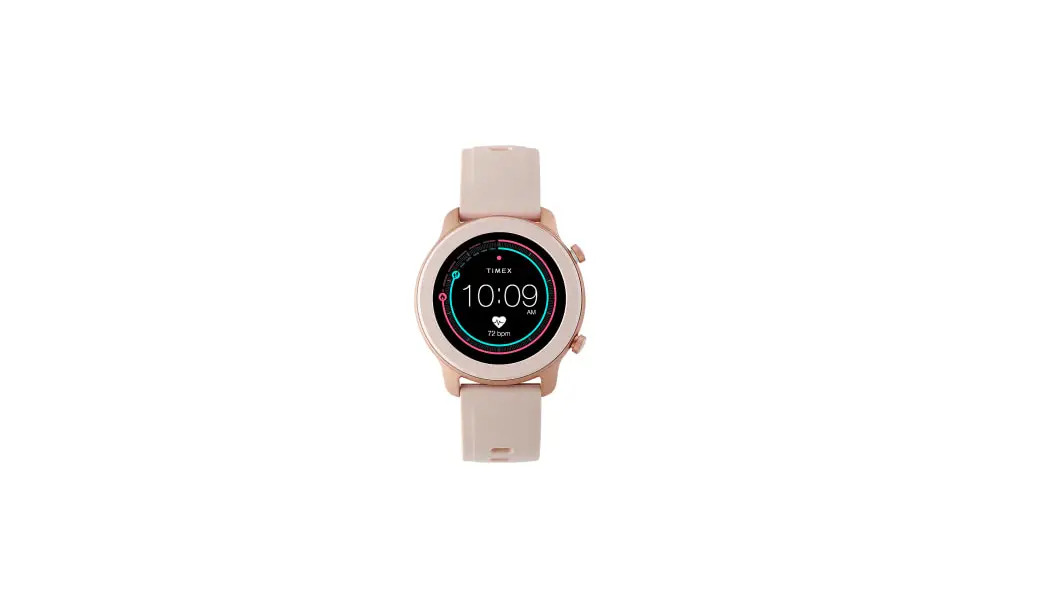
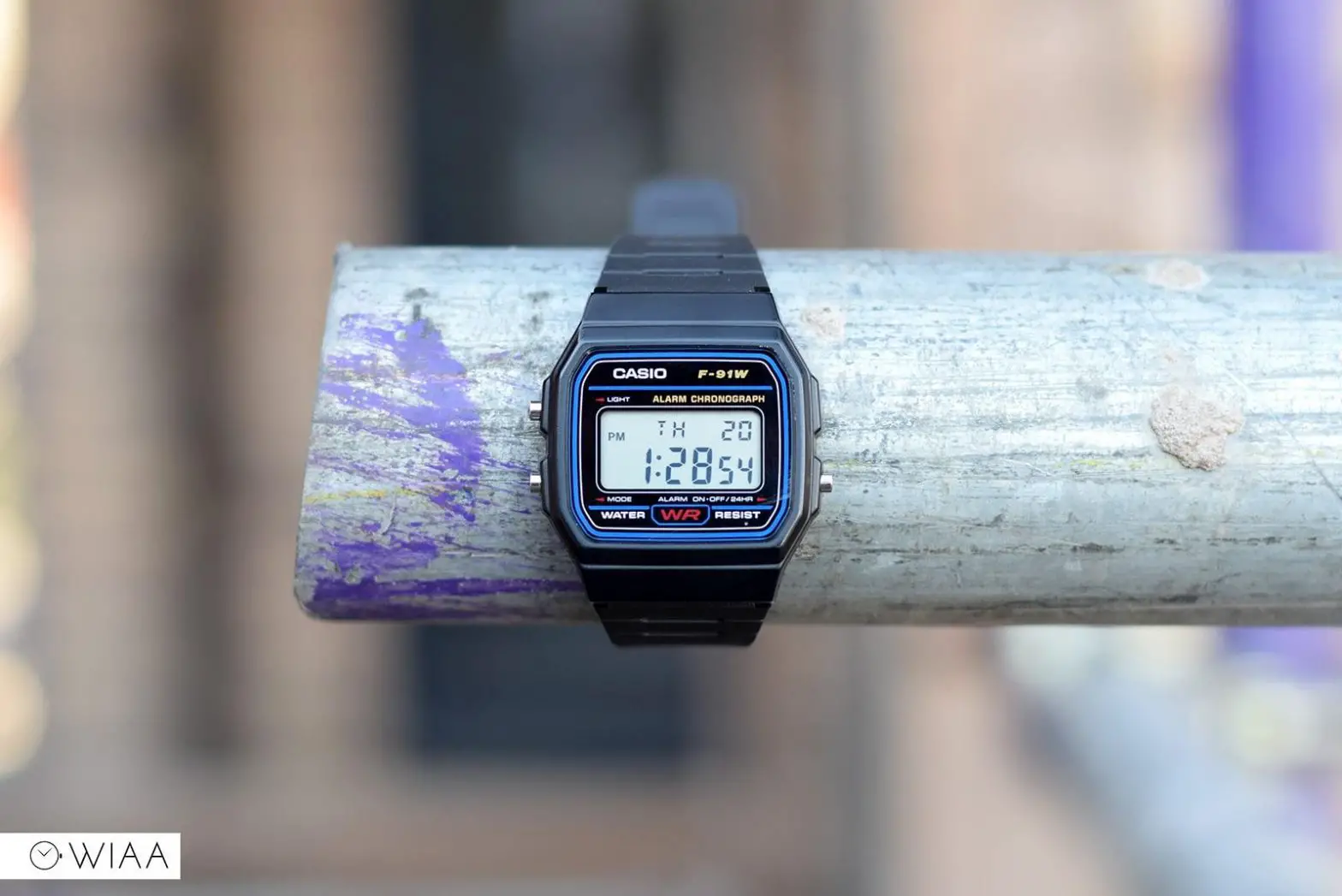
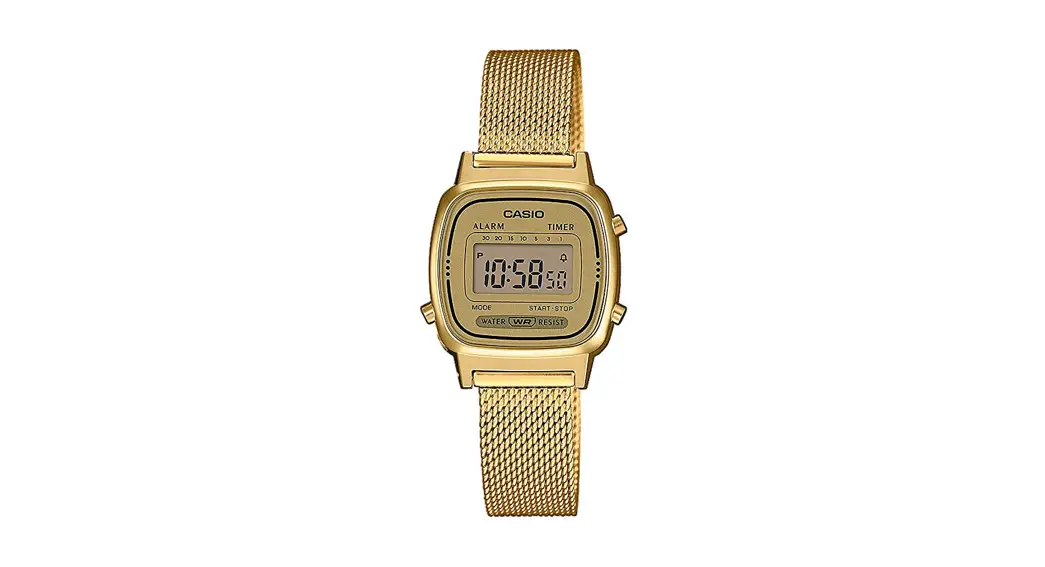
Please read instructions carefully to understand how to operate your Timex® watch. Your model may not have all of the features described in this booklet.
FEATURES
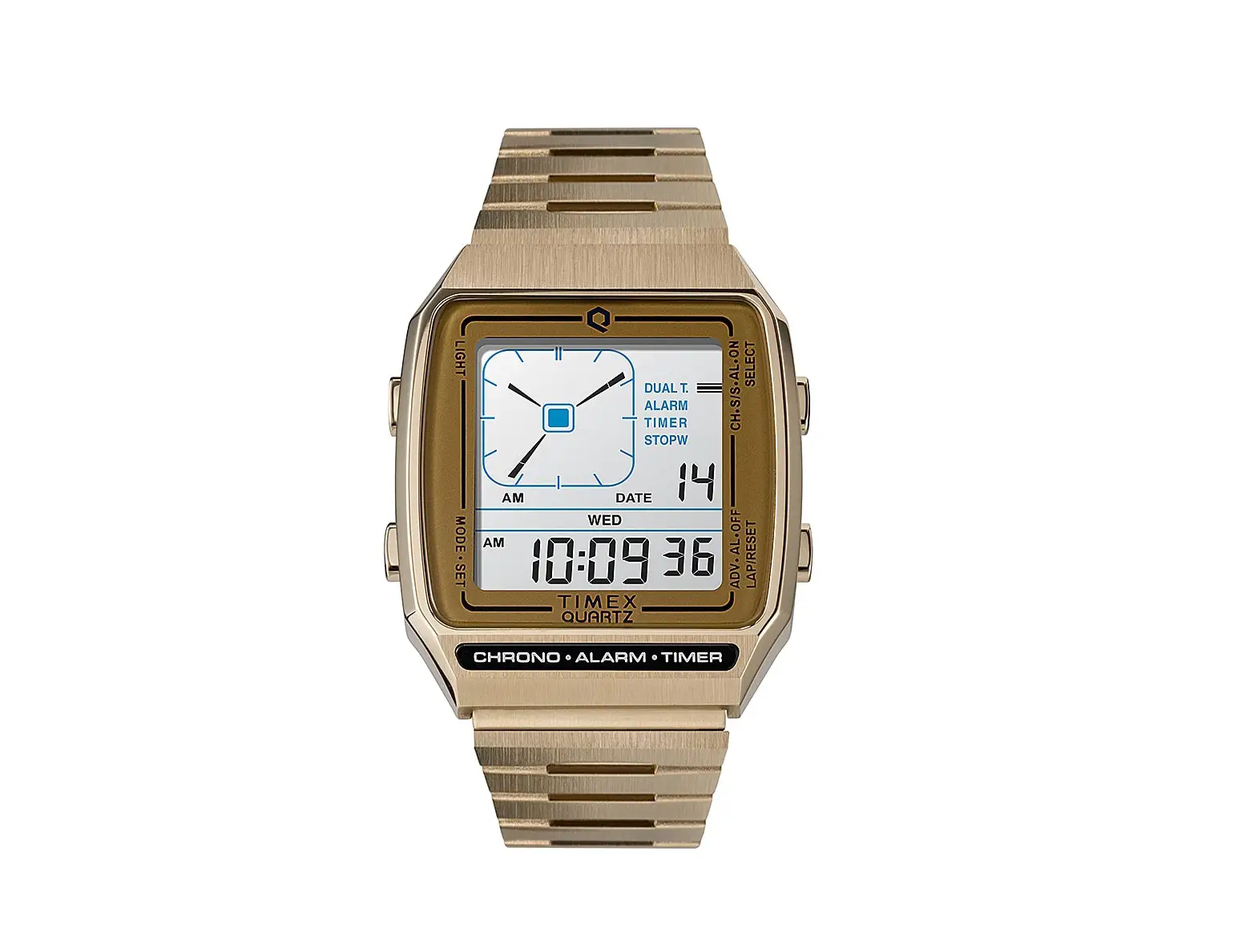
Time and date (12/24-hour format)
- Hourly chime
- Daily alarm
- 24-hour chronograph
- INDIGLO®night-light
BASIC OPERATION
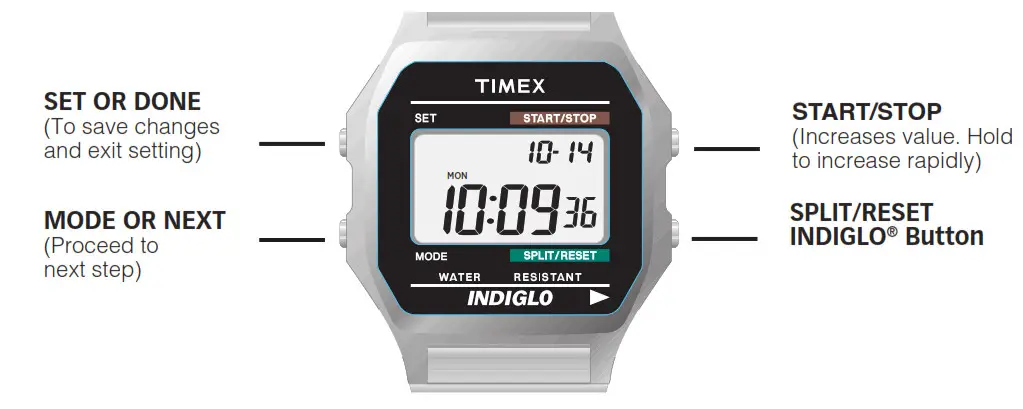
SET TIME-DATE
- Press MODE until Time display appears.
- Press SET. Seconds will flash. Press START/STOP to set to 00.
- Press MODE. Minutes will flash. Press START/STOP to advance.
- Press MODE. Hour (with A/P) will flash. Press START/STOP to advance.
Press SPLIT/RESET to switch between 12- and 24-hour format. - Press MODE to continue setting month, date and year.
- Press SET to exit at any time.
In Time display, press START/STOP to turn hourly chime on/off. Colon will flash when on.
ALARM
- Press MODE until “ALARM” appears in upper left of display.
- Alarm time appears at top of display.
- Press SET. Hour will flash. Press START/STOP to advance.
- Press MODE. Minutes will flash. Press START/STOP to advance.
- Press SET to exit at any time. Alarm is automatically armed.
When alarm is armed, appears here and in Time display.
In Alarm mode, press START/STOP to arm/disarm alarm.
When alarm sounds, press any button to silence. Alarm remains armed and will continue to occur daily.
CHRONOGRAPH
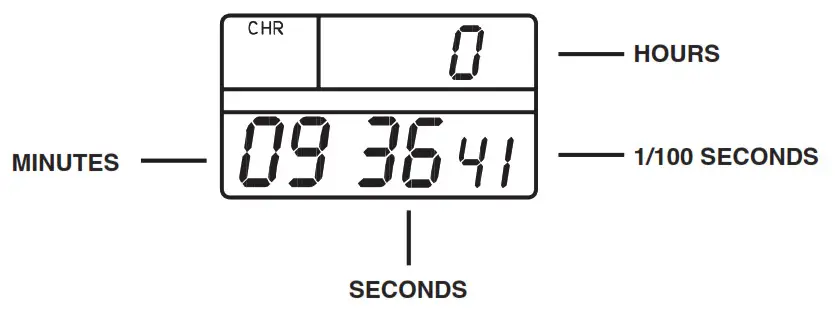
- Press MODE until “CHR” appears.
- Press START/STOP to start chrono.
- Press START/STOP to stop.Press again to continue.
- When chrono is stopped, press SPLIT/RESET to reset chrono to zero.
TAKING SPLITS
While the chrono is running, you may freeze the display, to see your time at a particular point. This is called “taking a split.” To take a split, press SPLIT/ RESET while the chrono is running.
“SPLIT” appears and the display will freeze for ten seconds before showing the running chrono again.You may skip the ten-second freeze by pressing
MODE.
If you exit Chrono mode with the chrono running, it will continue to run.In the Time display, “CHR” will flash.
INDIGLO®NIGHT-LIGHT
button to activate night-light.Electroluminescent technology used in INDIGLO® Press INDIGLO®night-light illuminates entire watch face at night and in low light conditions
WATER AND SHOCK RESISTANCE
If your watch is water-resistant, meter marking or ( ) is indicated.
Water-Resistance Depth | p.s.i.a. * Water Pressure Below Surface |
30m/98ft | 60 |
50m/164ft | 86 |
| 100m/328ft | 160 |
*pounds per square inch absolute
WARNING: TO MAINTAIN WATER-RESISTANCE, DO NOT PRESS ANY BUTTONS UNDER WATER.
- Watch is water-resistant only as long as lens, push buttons and case remain intact.
- Watch is not a diver watch and should not be used for diving.
- Rinse watch with fresh water after exposure to salt water.
TIMEX INTERNATIONAL WARRANTY
http://www.timex.com/productWarranty.html
©2020 Timex Group USA, Inc. TIMEX, INDIGLO and NIGHT-MODE are registered trademarks of Timex Group B.V.and its subsidiaries.
References
 Sites-timexca-Site
-
Garantie internationale de Timex | Timex
 Timex | Page Not Found
-
Timex | Page Not Found
 Sites-timexeu-Site
-
Timex International Warranty | Timex
 Sites-timexeu-Site
-
Timex International Warranty | Timex
-
Sites-timexeu-Site
-
Timex International Warranty | Timex
-
Sites-timexeu-Site
-
Timex International Warranty | Timex
-
Sites-timexeu-Site
-
ショッピングガイド | TIMEXオンラインストア
-
Sites-timexus-Site
-
Timex International Warranty | Timex
-
Register Your Watch | Timex
-
Timex International Warranty | Timex
-
TIMEX(タイメックス)公式オンラインストア
 Sites-timexca-Site
 Sites-timexeu-Site
 Sites-timexeu-Site
 Sites-timexeu-Site
 ショッピングガイド | TIMEXオンラインストア
 Sites-timexus-Site
 Register Your Watch | Timex