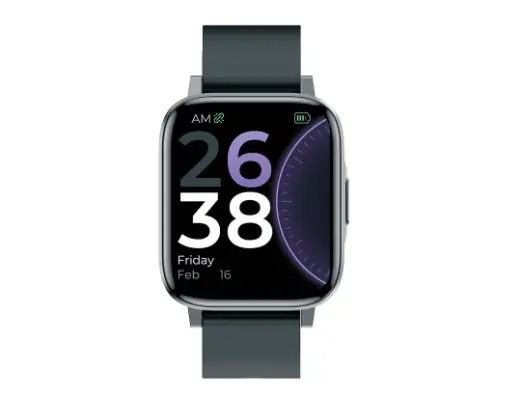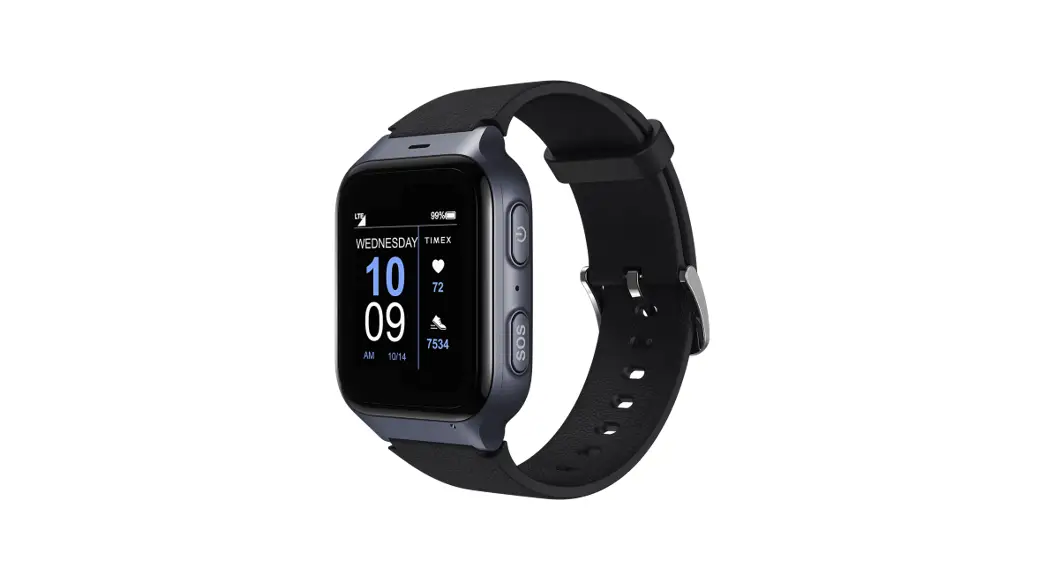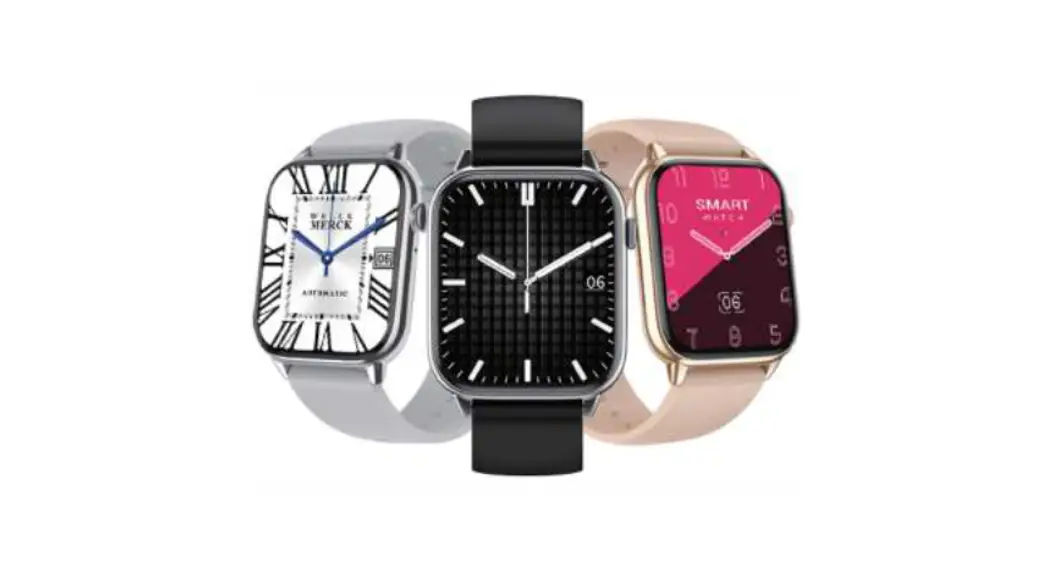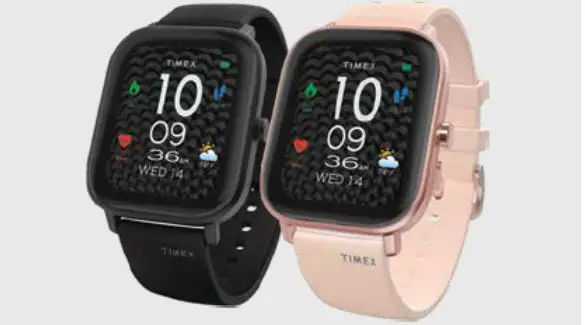
Timex Metropolitan S Smart Watch User Guide

Timex Metropolitan S Smart Watch User Guide

TIMEX Metropolitan S Smart
Watch User Guide

TIMEX Metropolitan S Smart Watch User Guide

Charge your Watch
Your watch should be charged for at least two hours before first use.
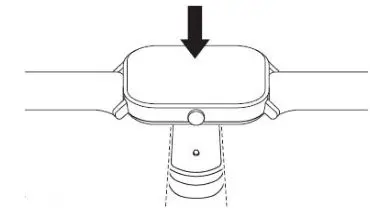
TIMEX Metropolitan S Smart Watch - Charge your Watch

Download the App & Connect the Watch

Google Play IconApp Store Icon

Before pairing, make sure your phone’s Bluetooth® is turned on in the phone settings.

  1. Install the Timex Smart App and register an account / log in
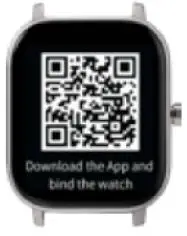
  2. Select your device, then pair watch by scanning the QR Code on your watch screen TIMEX Metropolitan S Smart Watch - Select your device, then pair watch by scanning the QR Code
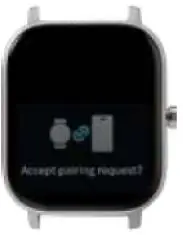
  3. On the watch, accept the pairing request
  4. Once paired, the Timex Smart App will update your watch TIMEX Metropolitan S Smart Watch - Once paired, the Timex Smart App will update your watch
Side Buttons
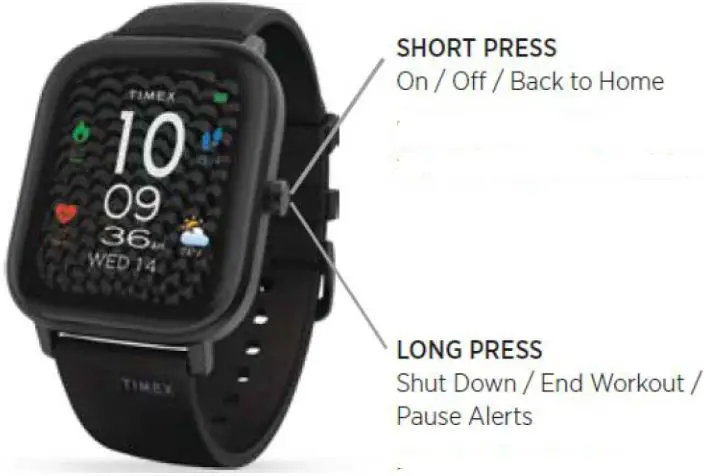
TIMEX Metropolitan S Smart Watch - Side Buttons

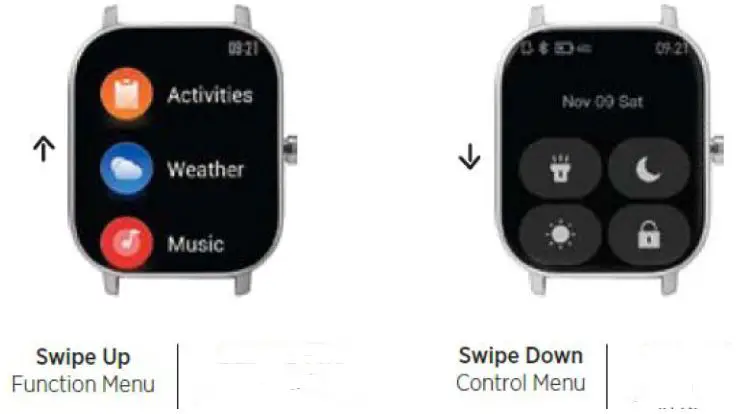
Using your Watch
For full operating instructions visit: 06B096001 [PDF]
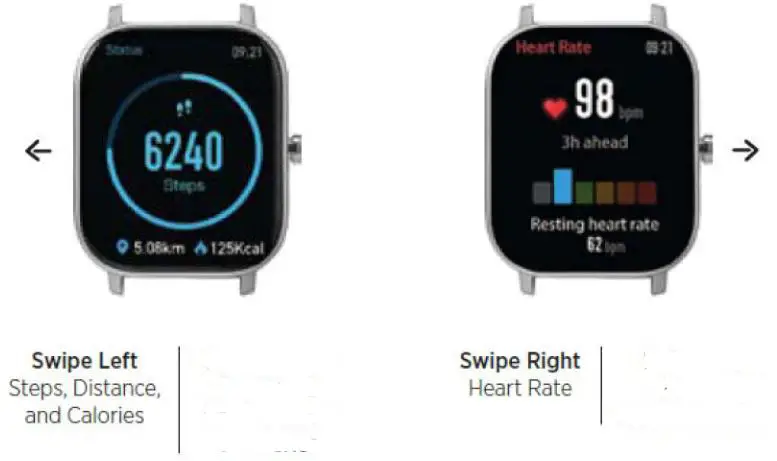
TIMEX Metropolitan S Smart Watch - Using your Watch 1TIMEX Metropolitan S Smart Watch - Using your Watch 2

When synching the watch to your App, you must “Unlock” the Metropolitan style since it is not yet available for sale. Please follow the below instructions;
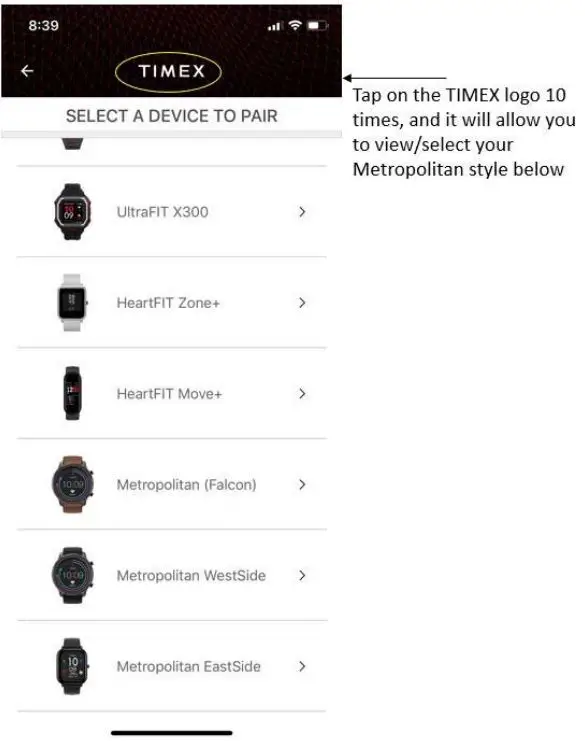
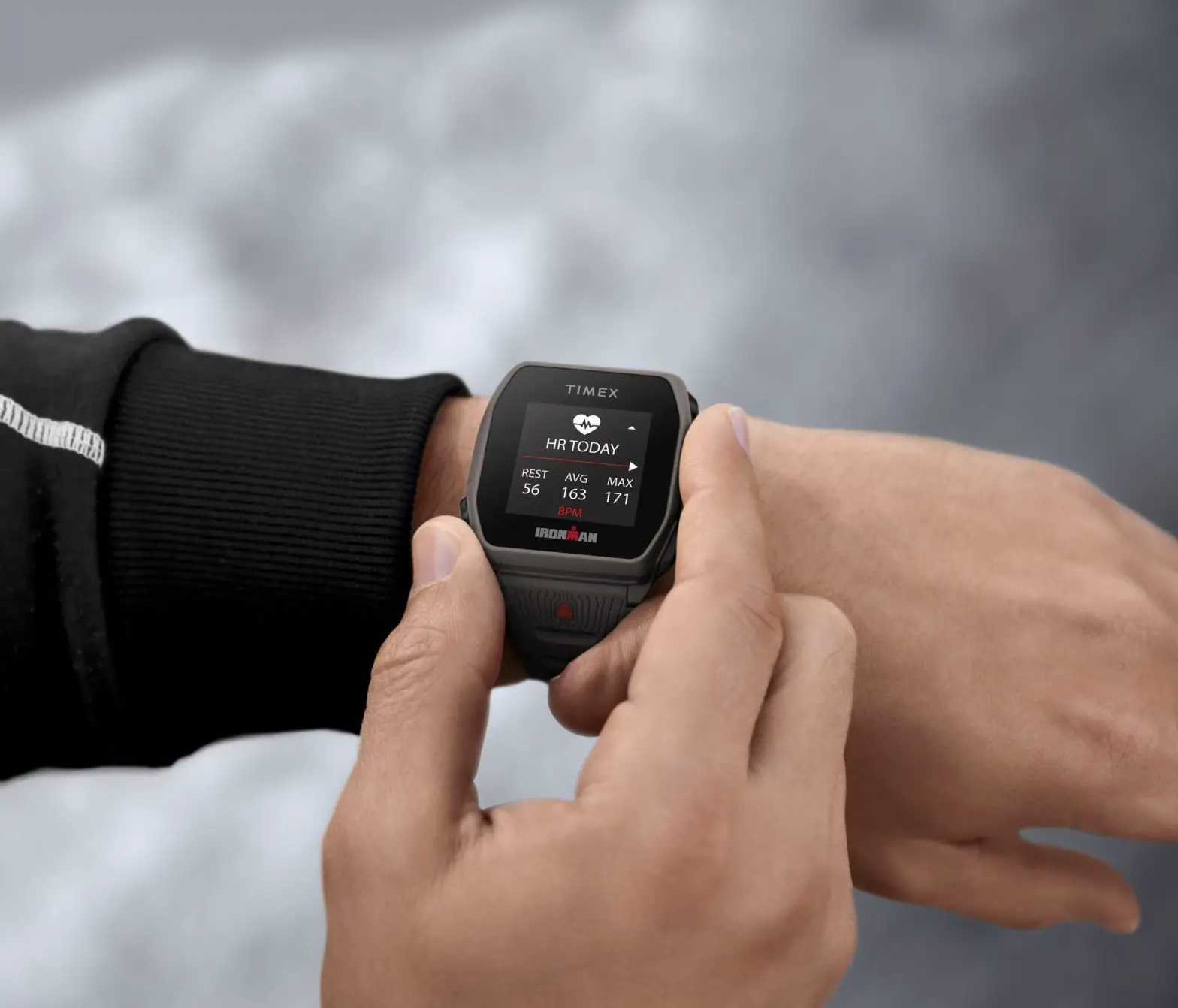
TIMEX Metropolitan S Smart Watch - When synching the watch to your App, you must “Unlock” the Metropolitan style

Documents / Resouces

Download manual
Here you can download full pdf version of manual, it may contain additional safety instructions, warranty information, FCC rules, etc.


Related Manuals