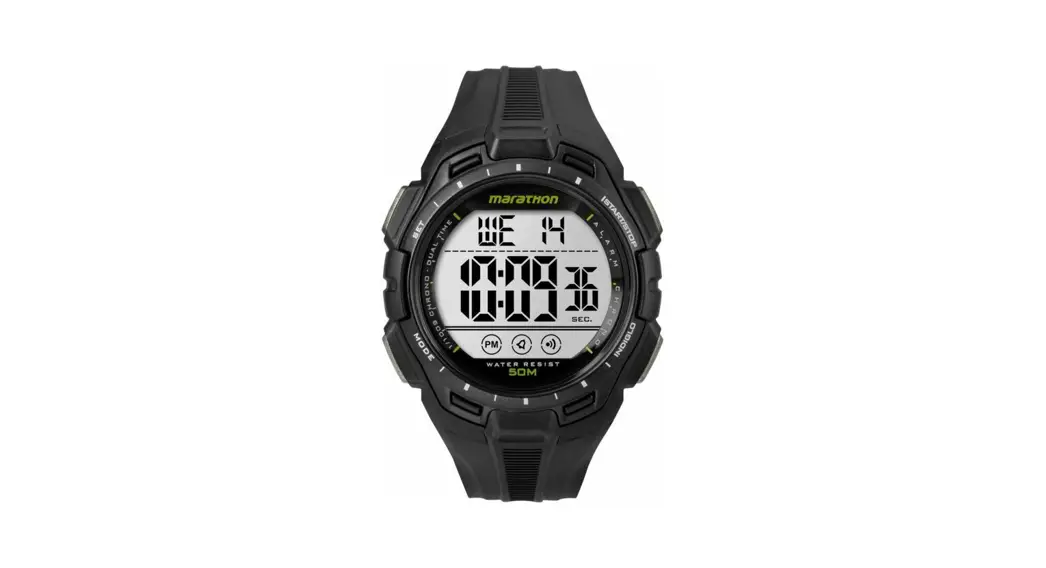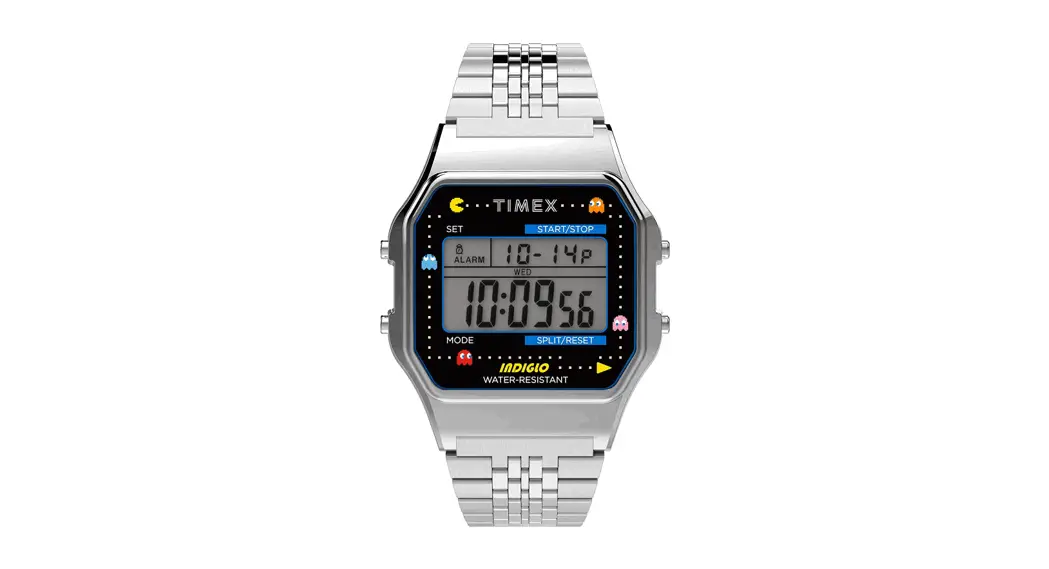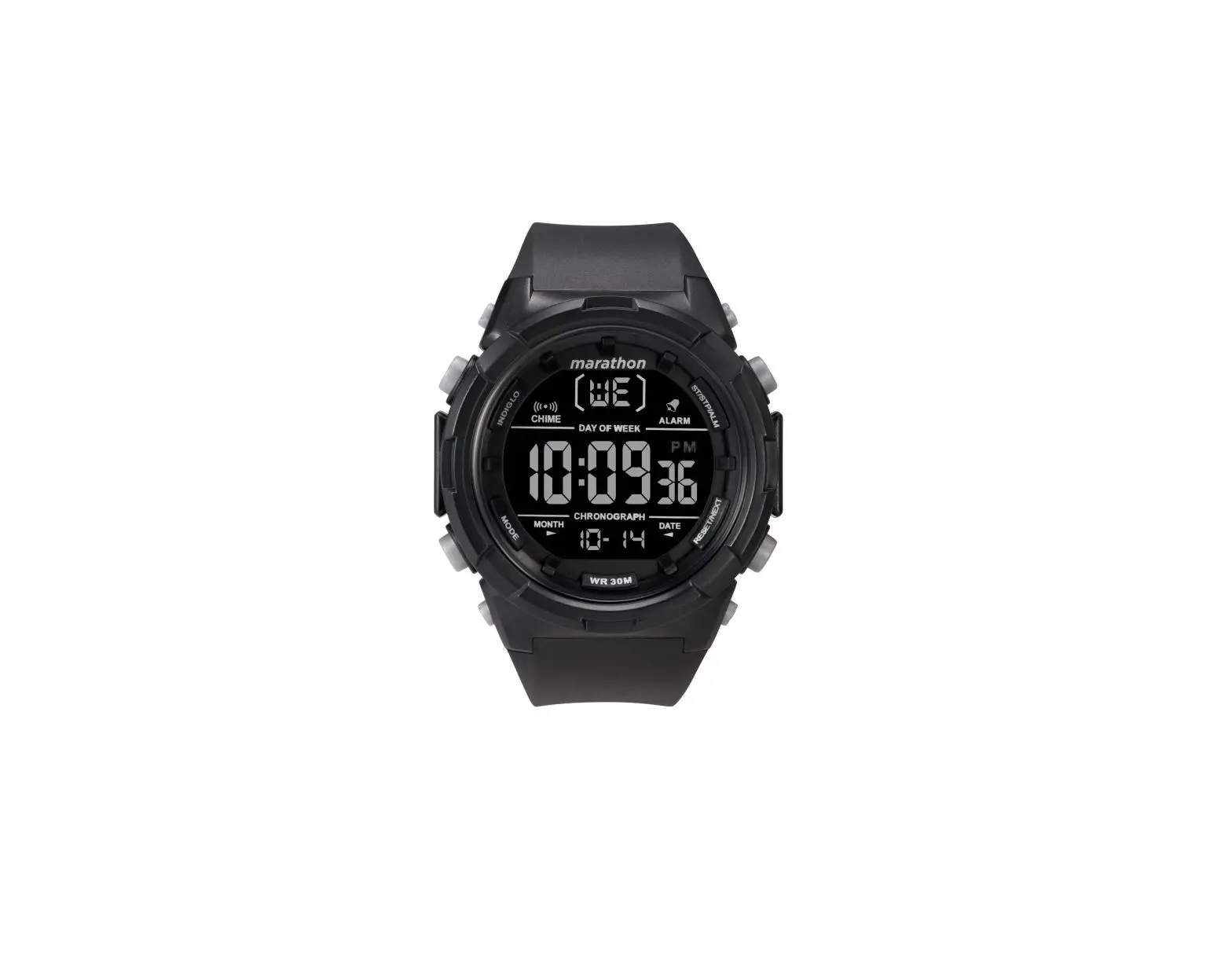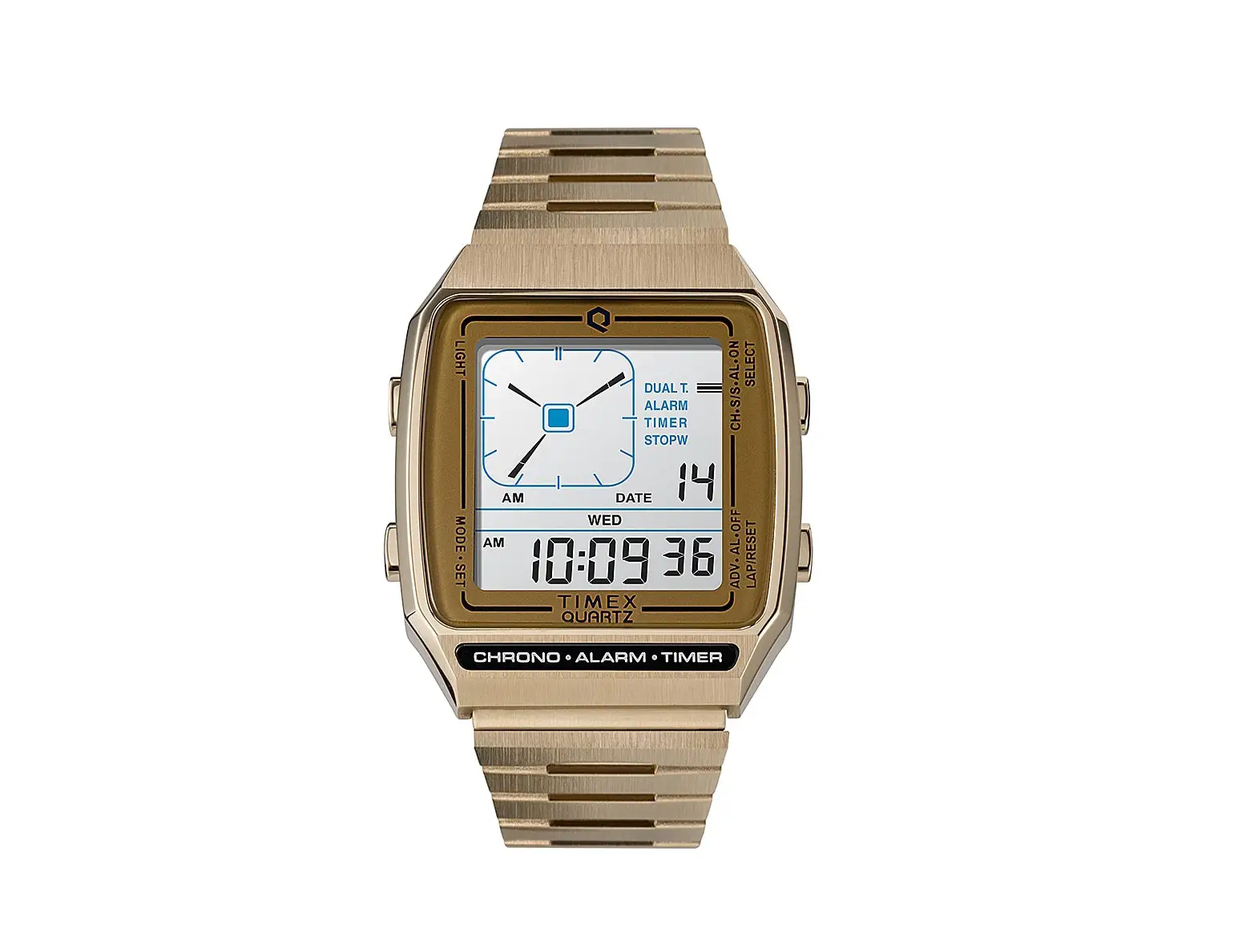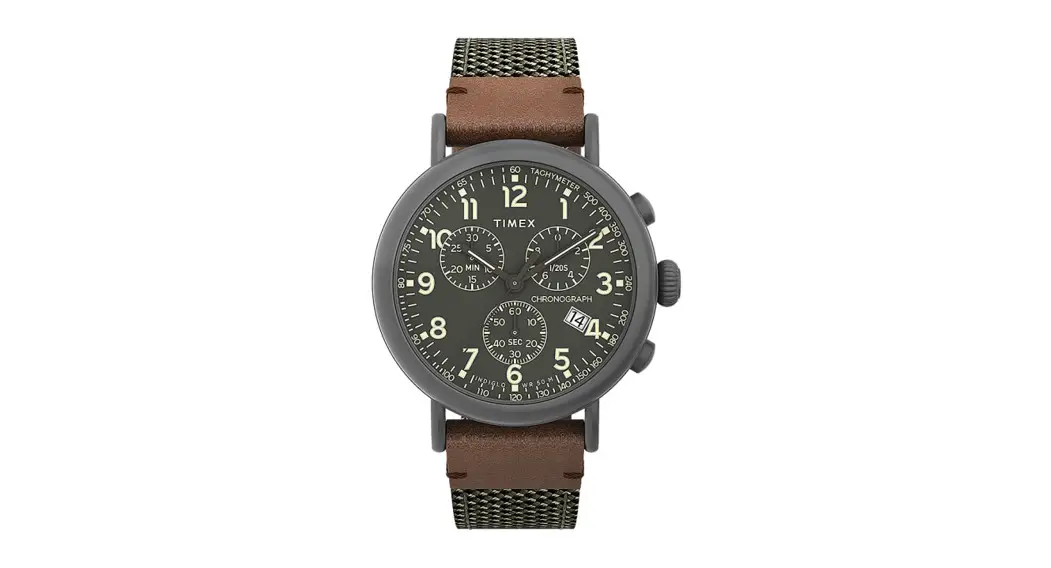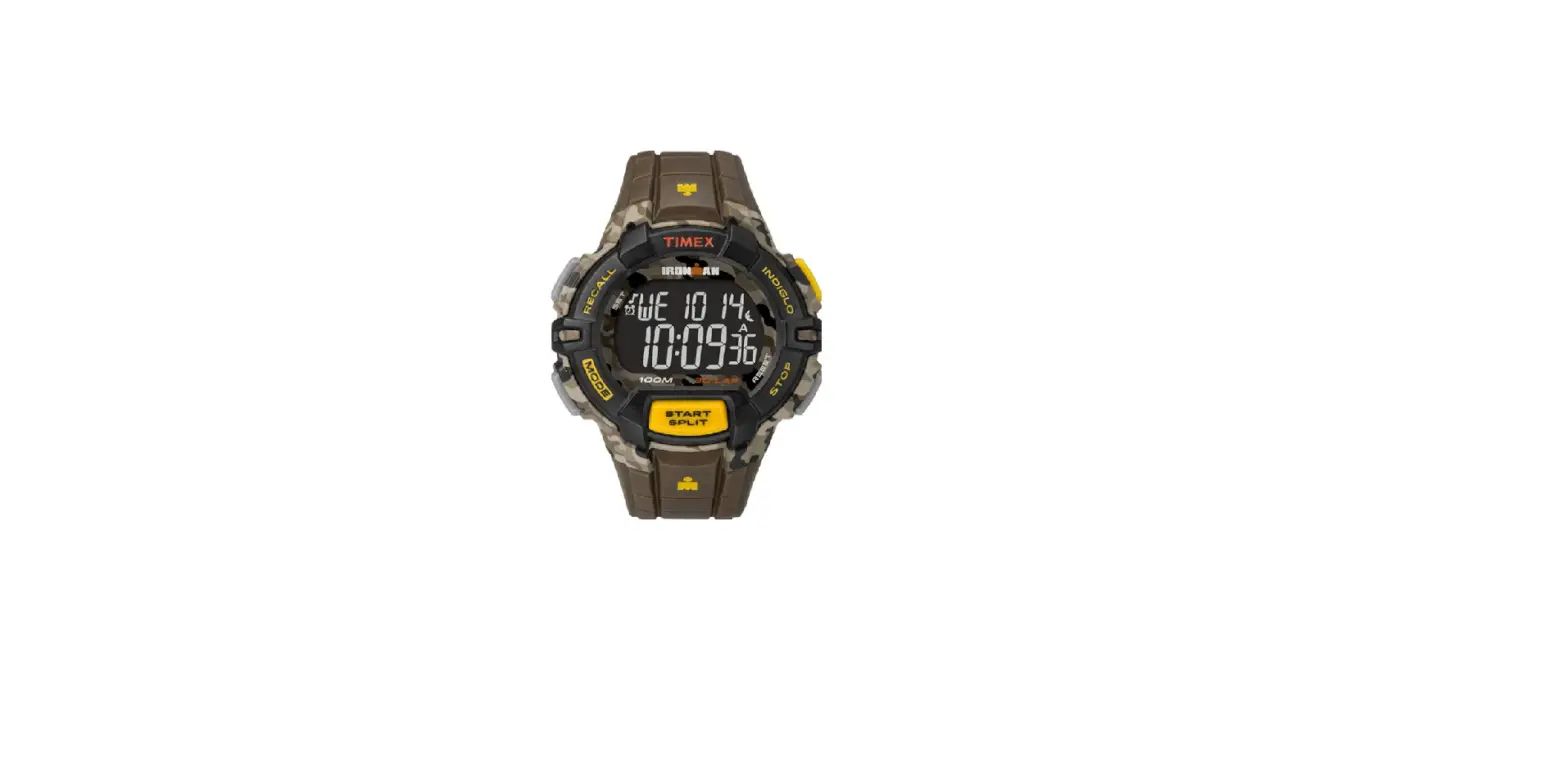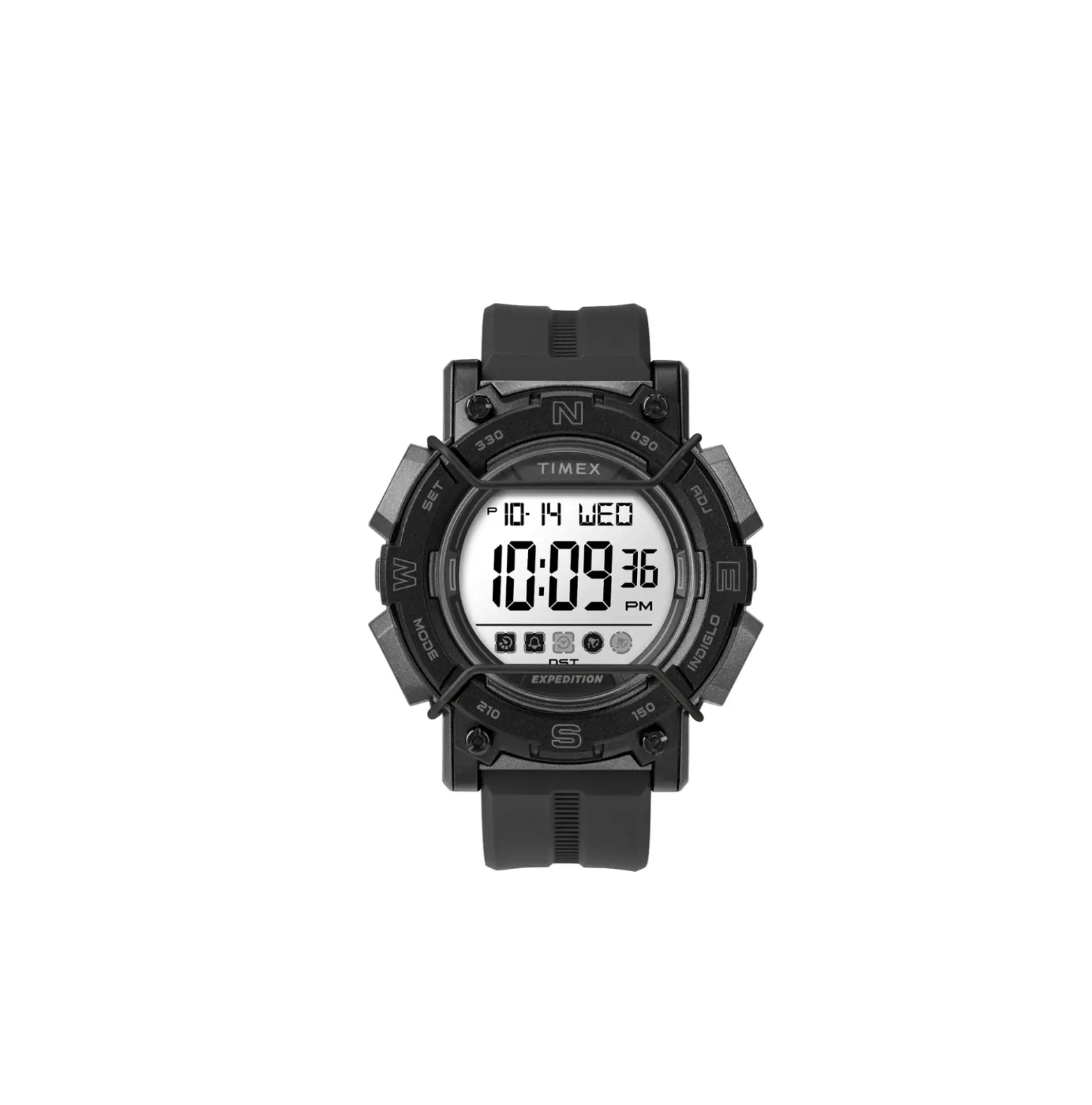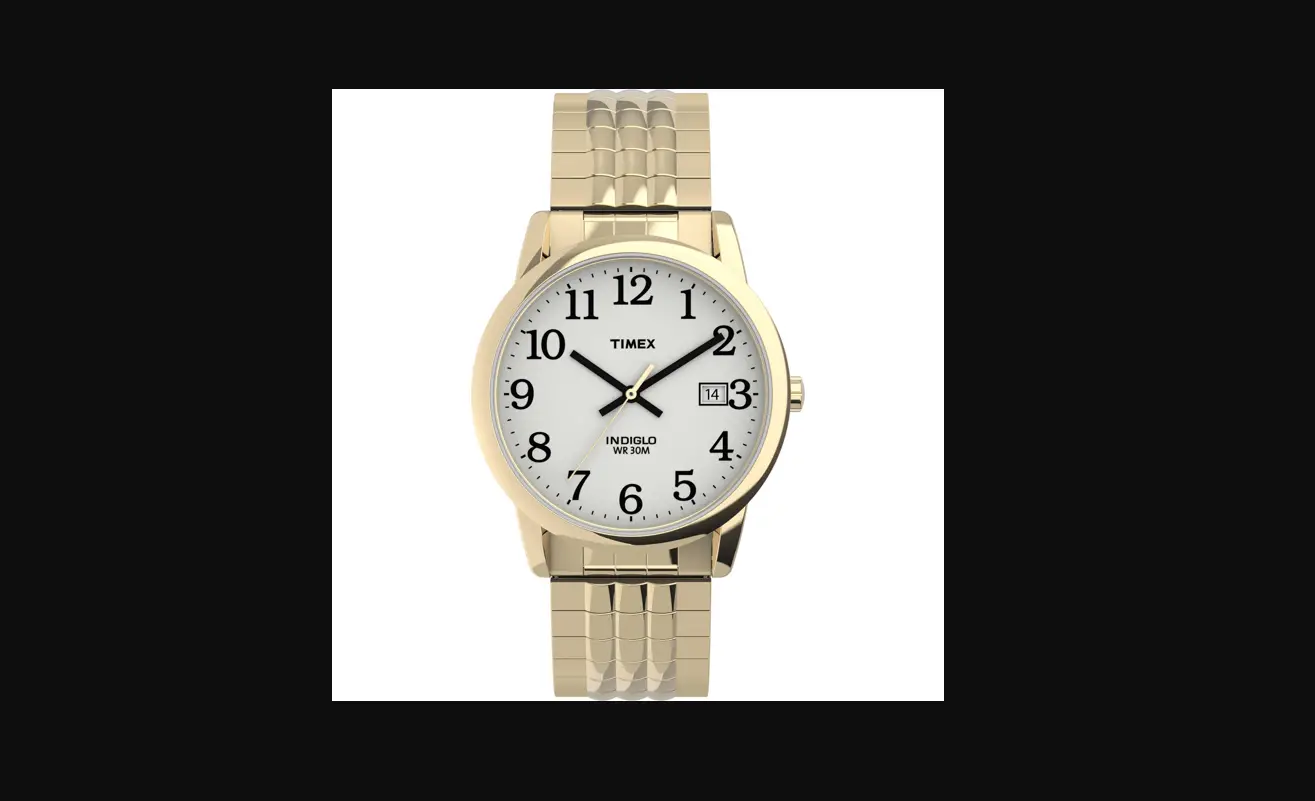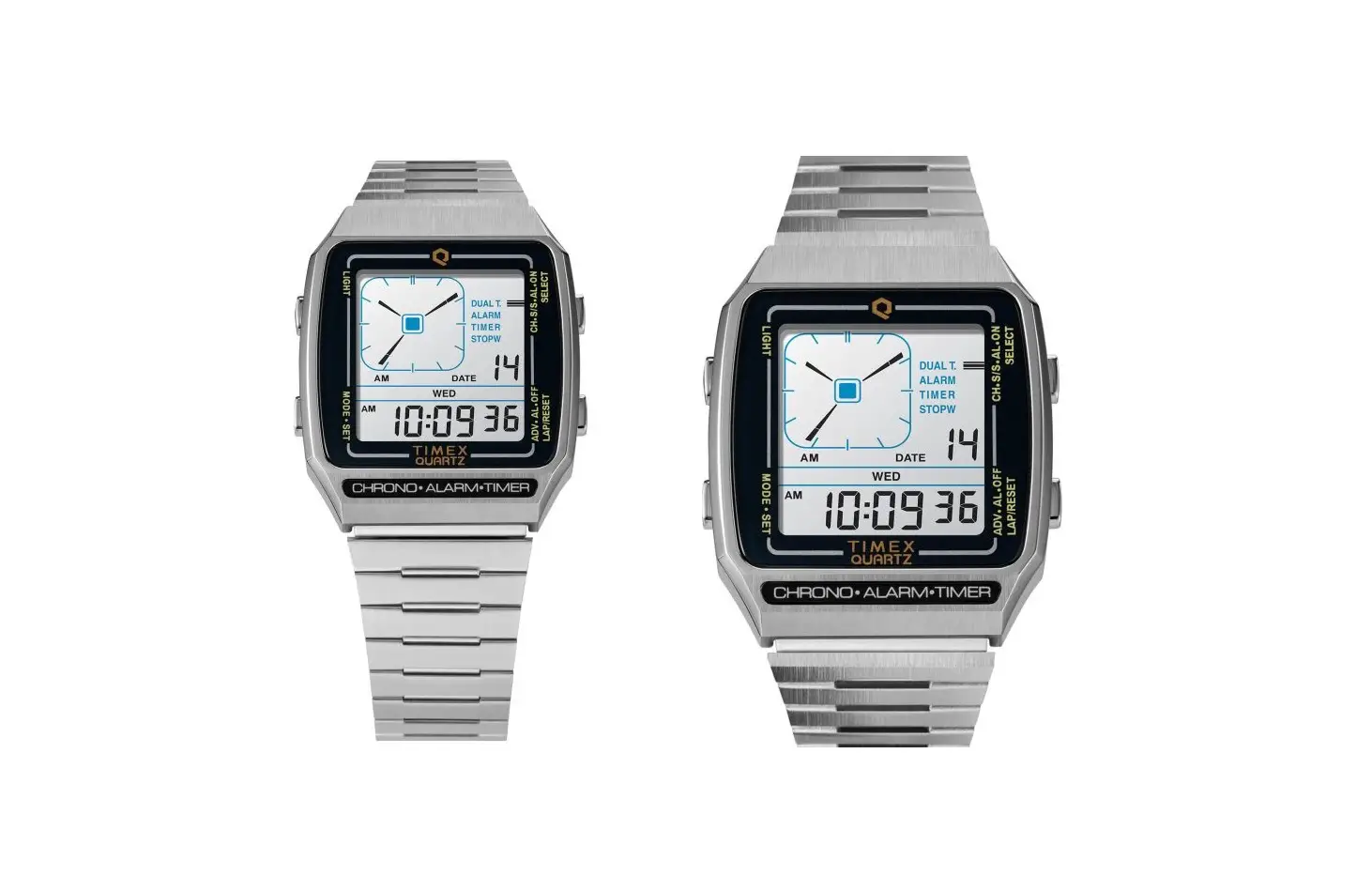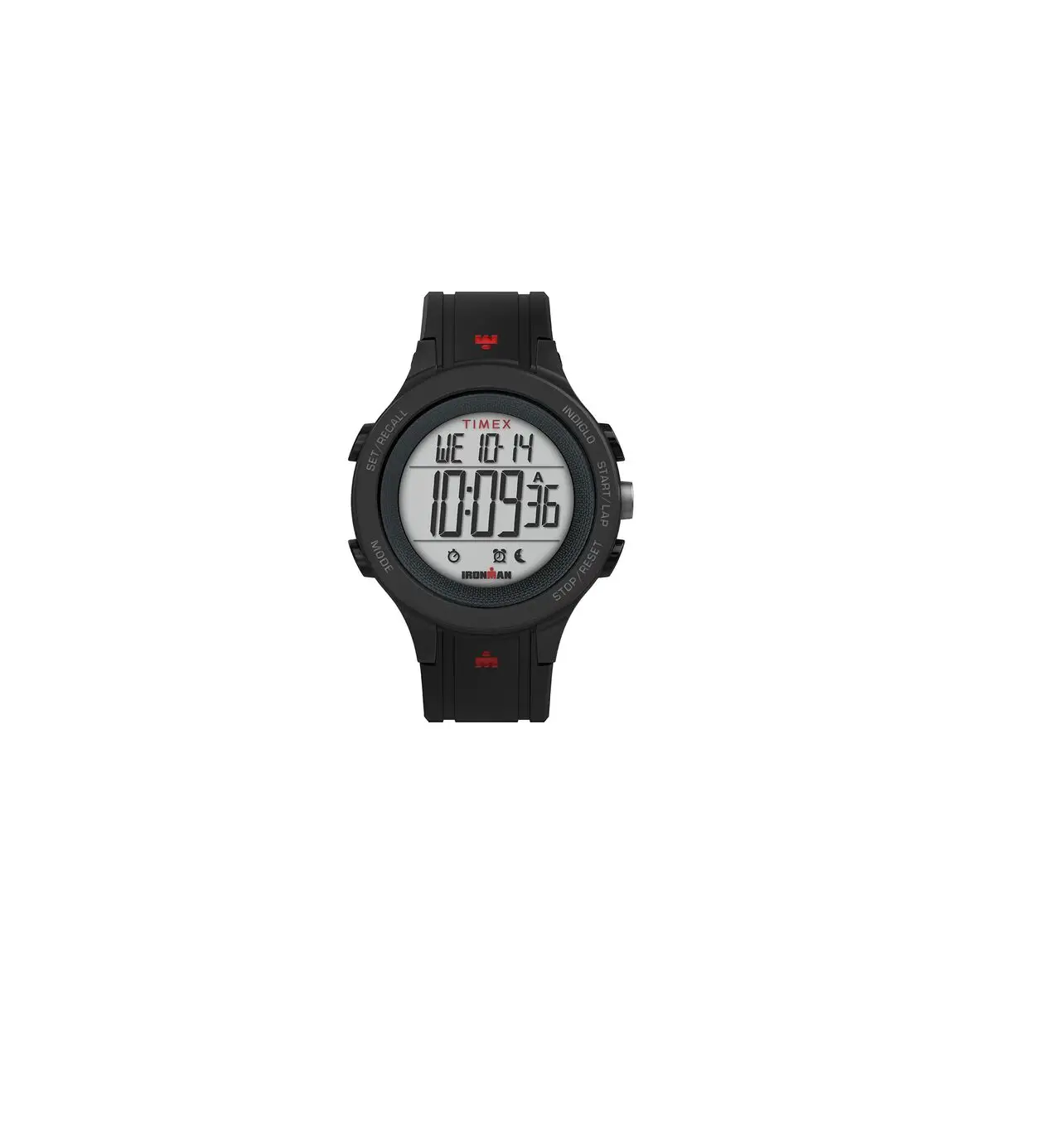
TIMEX T200 Silicone Strap Watch
EXTENDED WARRANTY
Available in U.S. only. Extend your warranty for an additional 4 years from date of purchase for $5. You can pay with AMEX, Discover, Visa or MasterCard by calling 1 800-448-4639 during normal business hours. Payment must be made within 30 days of purchase. Name, address, telephone number, purchase date, and 5-digit model number required. You can also mail a check for $5 to: Timex Extended Warranty, P…O… Box 1676, Dept. EF, Little Rock, AR 72203.
Please read instructions carefully to understand how to operate your Timex® watch. Your model may not have all of the features described in this booklet.
FUNCTIONS
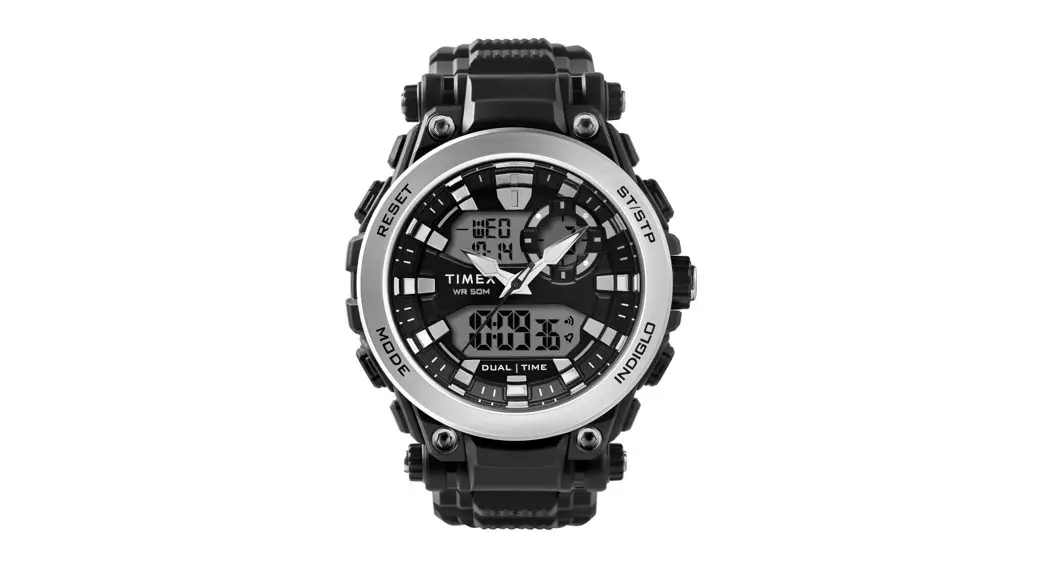
Real-time calendar clock, Second time zone, Countdown timer, Daily/ weekday/weekend alarm, Hourly chime, 200 Lap Chronograph, Interval Timer,
Review, INDIGLO® night-light with Night-Mode® Feature.
BASIC OPERATION
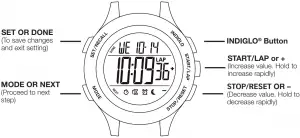
When setting, each button has a different function as indicated above. Watch face will indicate when button changes function.
TIME/DATE/HOURLY CHIME
- In TIME mode, press and hold SET/RECALL. Time zone will flash.
- To set, push + or – to select first or second time zone.
- Press NEXT. Hour digits flash.
- Press + or – to change hour including AM/PM. (Scroll through 12 hours to get to AM/PM).
- Press NEXT. Minute digits flash.
- Press + or – to change minutes.
- Press NEXT. Second digits flash.
- Press + or – to set seconds to zero.
- Continue pattern to set month, day of month, year, 12-hour or 24-hour time display, MM. DD or DD. MM date format, turn hourly CHIME on/off, turn BEEP on/off… If you select BEEP on, a beep will sound every time you push a button (except INDIGLO®).
- Press DONE to confirm and exit or NEXT to continue and set second time zone, if desired.
- When in Time mode, press and hold START/LAP to “peek” at second time zone; hold for 4 seconds to switch time zones.
CHRONO
- Press MODE until CHRONO appears.
- Press and hold SET/RECALL.
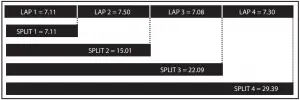
- The Display will read: FORMAT/SET, then select LAP/SPL or SPL/LAP options.
- Press + or – to select desired format,
- Press DONE to confirm and exit,
- To use chrono, press START/LAP, Chrono continues to run even if you exit the mode…
- Press STOP/RESET to stop chronograph from running OR while chrono is running, press START/LAP to take a split, Lap and split times will then be displayed in the format you selected, The lap number will alternate with the last two digits of the bottom line.
NOTES:
- Lap and split times will appear frozen for 10 seconds, Press MODE to release the display and see running chrono.
INTERVAL TIMER
Single simple Interval Timer with four segments: Warm Up, Interval 1, Interval 2, Cool Down.
To set:
- Press MODE until INTTMR appears.
- Press SET/RECALL, wait for WARMUP to flash.
- Press NEXT. Hour digits flash. Press + or – to change hours.
- Press NEXT. Minute digits flash. Press + or – to change minutes.
- Press NEXT. Second digits flash. Press + or – to set seconds.
- Press NEXT to proceed to INT 1. Then follow steps 3-5 to set.
- Complete setup of INT2 & COOL using steps 3-5.
- Press NEXT to confirm and exit.
- Press START/LAP to start Interval Timer.
NOTES:
- When first countdown is complete, Timer proceeds to the next non-zero interval that is set. INDIGLO® night-light flashes and beep sounds between each interval.
- If you set both Timers in Interval Timer to repeat, Timer will countdown both intervals and then repeat entire sequence.
- Press and hold STOP/RESET to reset Interval Timer.
TIMER
- Press MODE repeatedly until TIMER appears.
- Press SET/RECALL. Hour digits flash.
- Follow same pattern as setting TIME and ALARM to set hours, minutes, seconds, and select between REPEAT/AT END (timer counts down and then repeats) or STOP/AT END (the timer counts down and then stops).
- Press DONE to confirm and exit.
- Press START/LAP to start TIMER. Timer will continue to run even if you exit Timer mod If REPEAT/END selected
 will flash… If STOP/END selected
  will flash.
 - An alarm melody will chime when the timer has reached zero or before it starts to count down again.
- Press STOP/RESET to stop TIMER. Press again to reset to countdown time.
 will flash… If STOP/END selected
  will flash.
REVIEW
- Press MODE until REVIEW displays.
- Press START/LAP to select a workout to view, and then press SET to view the data for that workout.
- Press + and – to scroll through the workout data…
- Press SET to go back to the list of saved workouts…
- Press MODE to exit.
NOTES:
- Press and hold SET to clear workout memory.
ALARM
- Setting the ALARM is similar to setting TIME.
- Press MODE repeatedly until ALARM appears.
- Press SET/RECALL to set alarm.
- Hour digits flash. Press + or – to change hour.
- Press NEXT. Minute digits flash, Press + or – to change minutes.
- Press NEXT. If in 12-hour format, AM/PM flashes. Press + or – to change.
- Press NEXT. Press + or – to select DAILY, WEEKDAYS OR WEEKENDS.
- Press DONE to confirm and exit.
- Press START/LAP or STOP/RESET to arm or disarm alarm, When disarmed, OFF will be displayed, When armed, the alarm clock icon will appear
 .
. - The INDIGLO® night-light and alarm icon flashes and an alert sounds when the alarm goes off… Press any button to silence… A back up alarm will sound after five minutes if you don’t press any buttons…
 .
.INDIGLO® NIGHT-LIGHT/NIGHT MODE® FEATURE
Press INDIGLO® button to activate night-light. Electroluminescent technology used in INDIGLO® night-light illuminates entire watch face at night and in low light conditions. While the night-light is on pressing any button keeps it on for three seconds.
Press and hold INDIGLO® button for 4 seconds to activate NIGHT MODE® feature. Moon icon  will appear… Once activated, any button pushed will cause INDIGLO® night-light to stay on for 3 seconds. NIGHT-MODE® feature will stay activated for 8 hours or until deactivated by pressing and holding INDIGLO® button again for 4 seconds.
WATER RESISTANCE
If your watch is water-resistant, meter marking or ( ) is indicated…
Water-Resistance Depth | p.s.i.a. * Water Pressure Below Surface |
| 30m/98ft | 60 |
50m/164ft | 86 |
| 100m/328ft | 160 |
*pounds per square inch absolute
WARNING: TO MAINTAIN WATER-RESISTANCE, DO NOT PRESS ANY BUTTONS UNDER WATER.
- Watch is water-resistant only as long as lens, push buttons and case remain intact.
- Watch is not a diver watch and should not be used for diving.
- Rinse watch with fresh water after exposure to salt water.
BATTERY
Timex strongly recommends that a retailer or jeweler replace battery. Battery type is on watch back. If present, push/short internal reset switch after replacing battery. Battery life estimates are based on certain assumptions regarding usage; battery life may vary depending on actual usage.
DO NOT DISPOSE OF BATTERY IN FIRE. DO NOT RECHARGE. KEEP LOOSE BATTERIES AWAY FROM CHILDREN.
TIMEX INTERNATIONAL WARRANTY
https://www.timex.com/productWarranty.html
Register your product at https://www.timex.com/product-registration.html
©2020 Timex Group USA, Inc. TIMEX, INDIGLO and NIGHT-MODE are
registered trademarks of Timex Group and its subsidiaries.