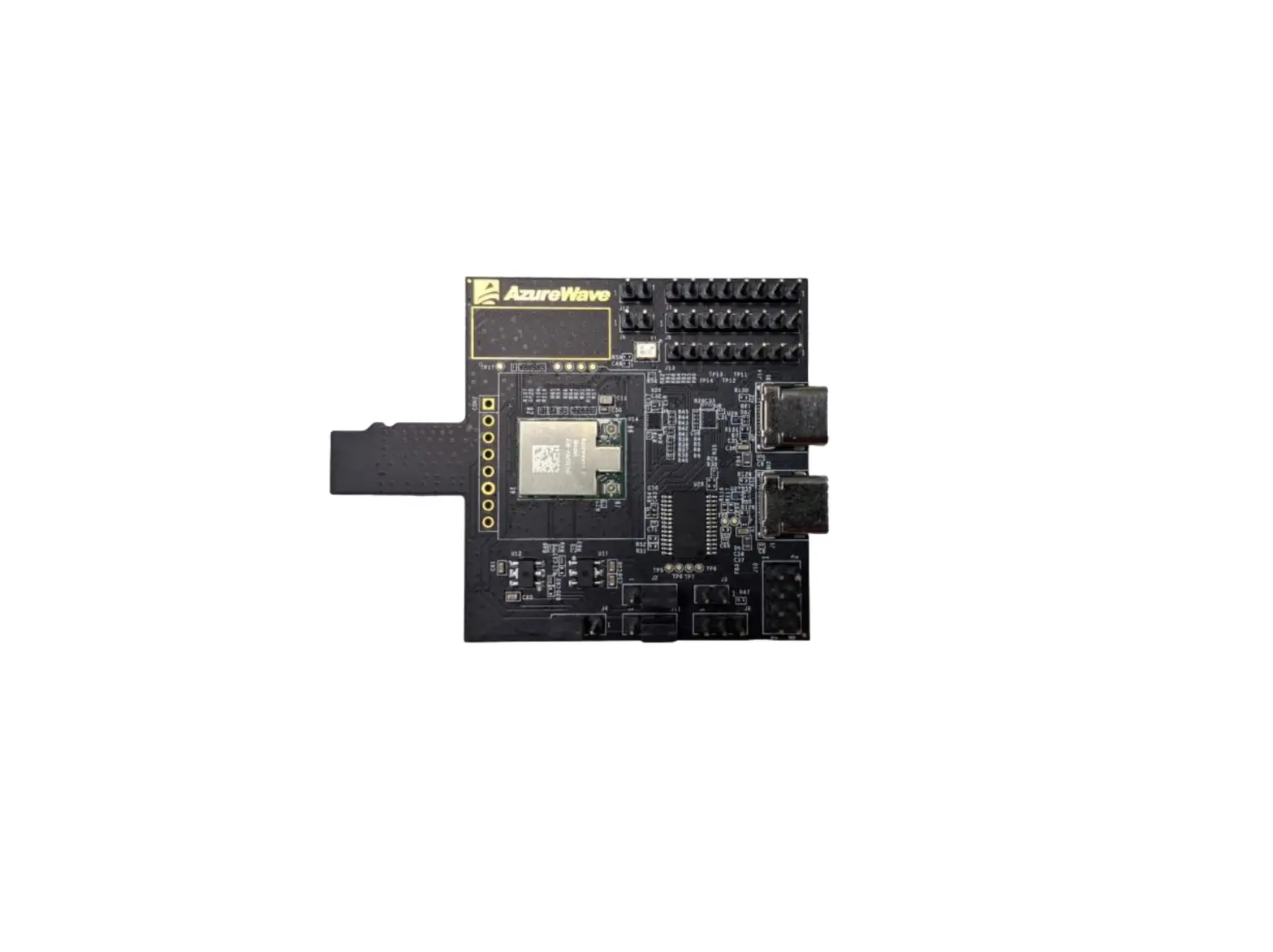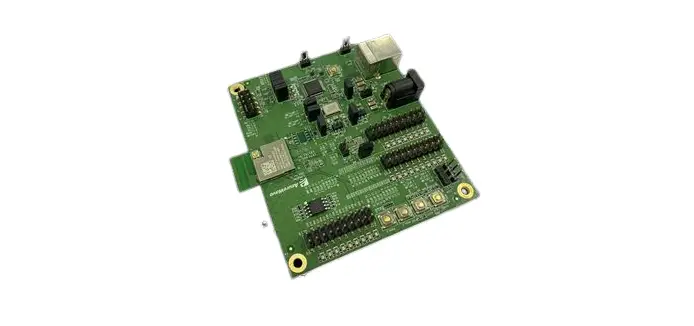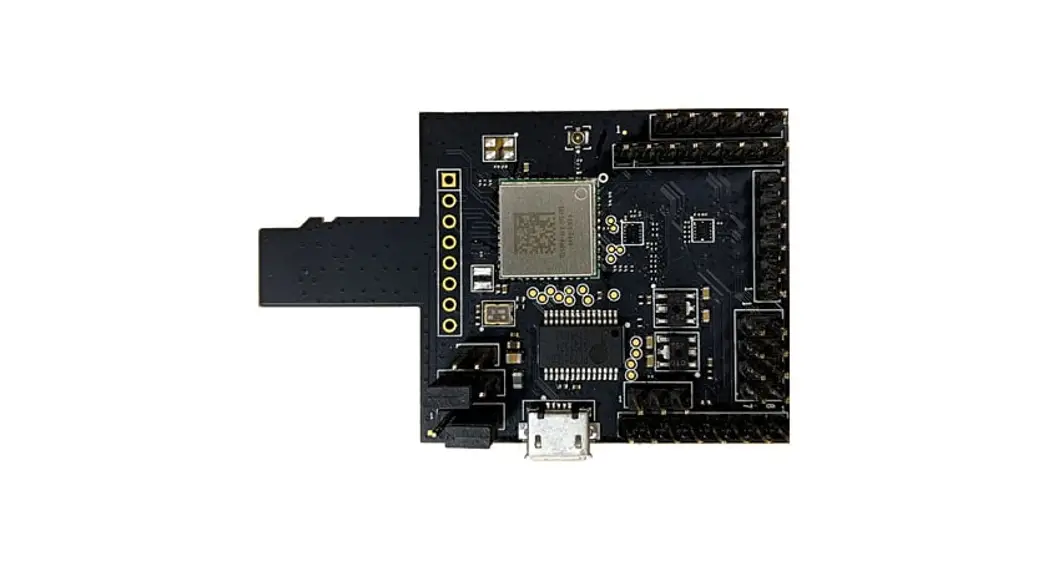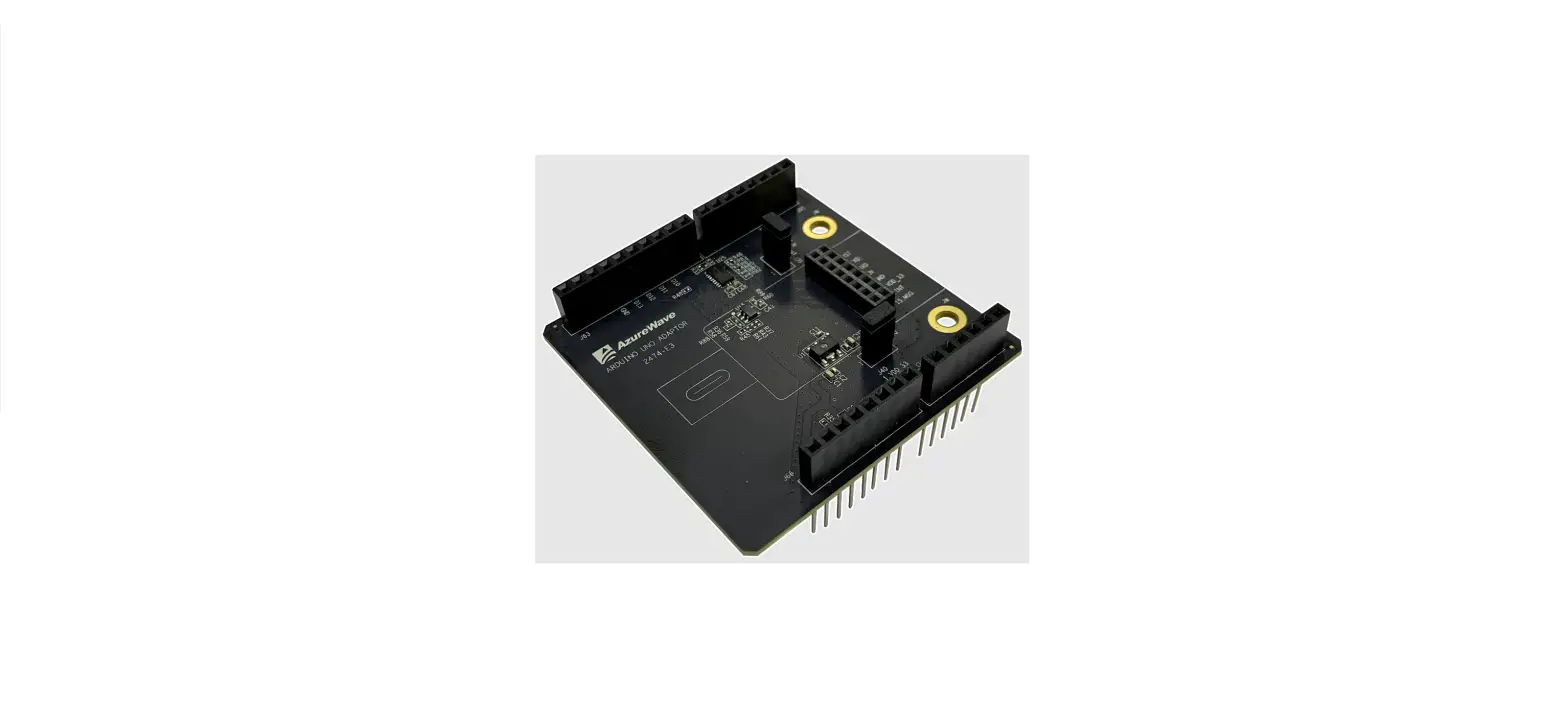

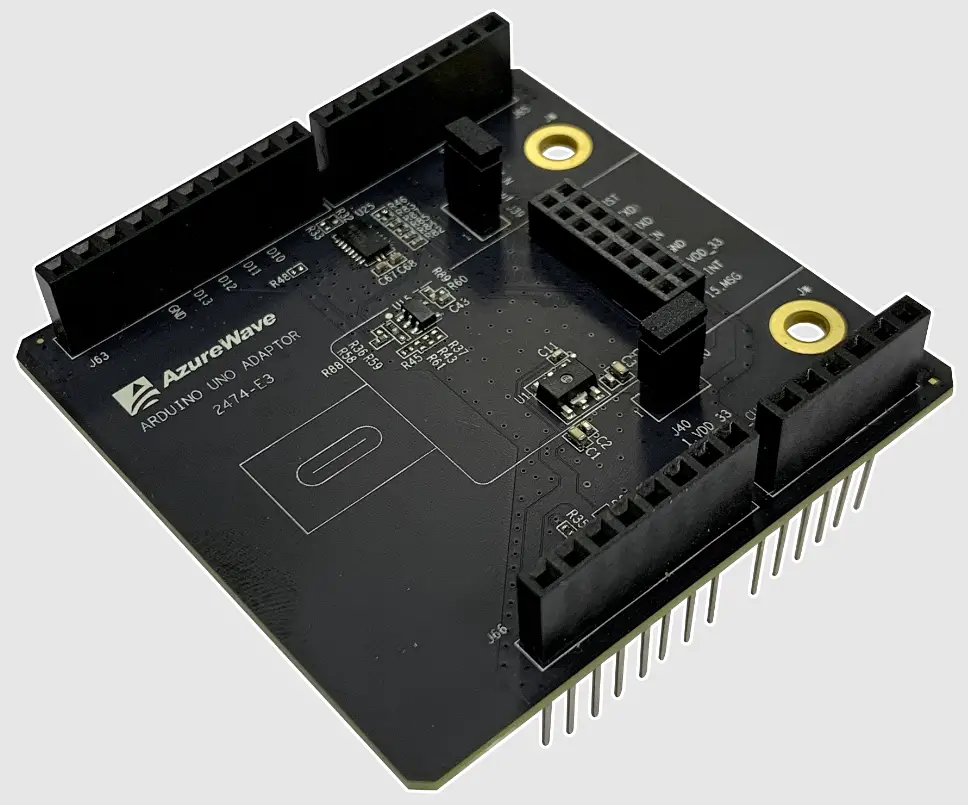
AzureWave AW-CU474-UNO Arduino UNO Adaptor for AICM
The information contained herein is the exclusive property of AzureWave and shall not be distributed, reproduced, or disclosed in whole or in part without prior written permission of AzureWave.
Revision History
| Version | Revision Date | Description | Initials | Approved |
| 0.1 | 2021/01/18 | Initial version | Steven Jian | Chihhao Liao |
Hardware Specification
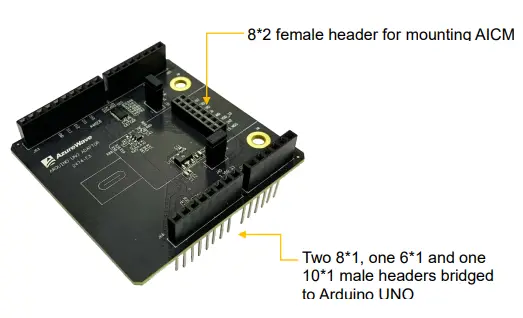
Hardware Setup
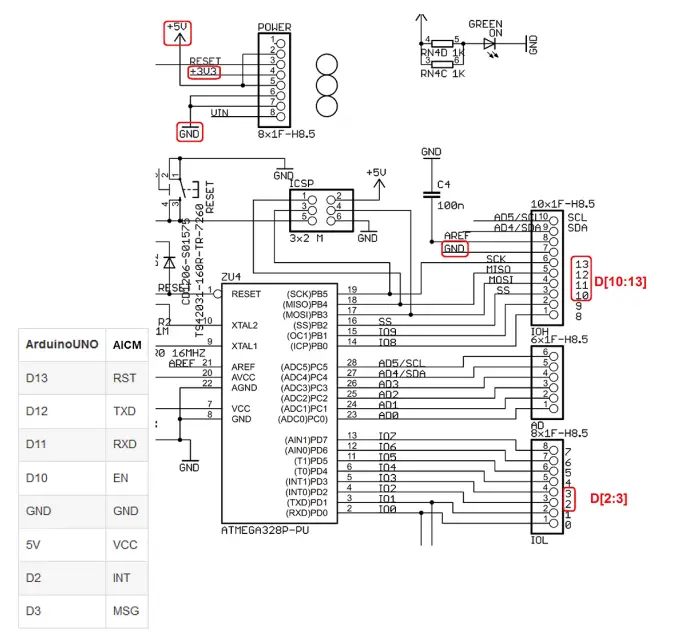
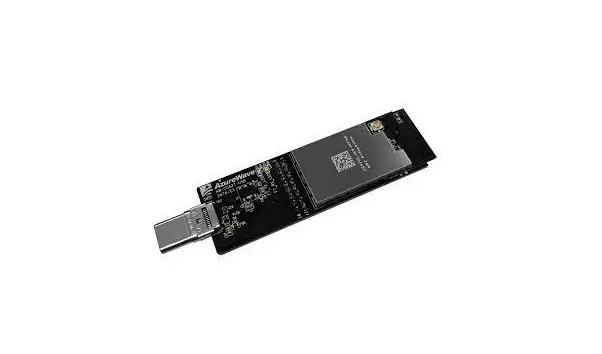
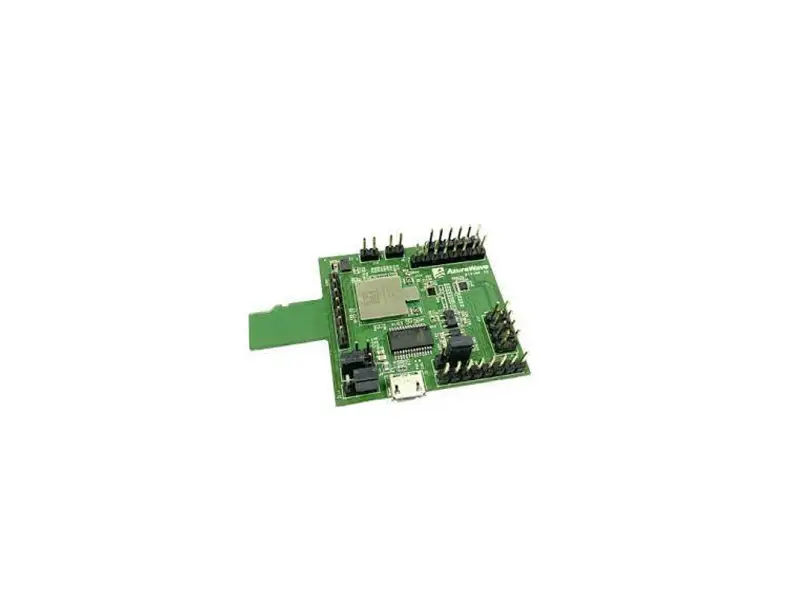
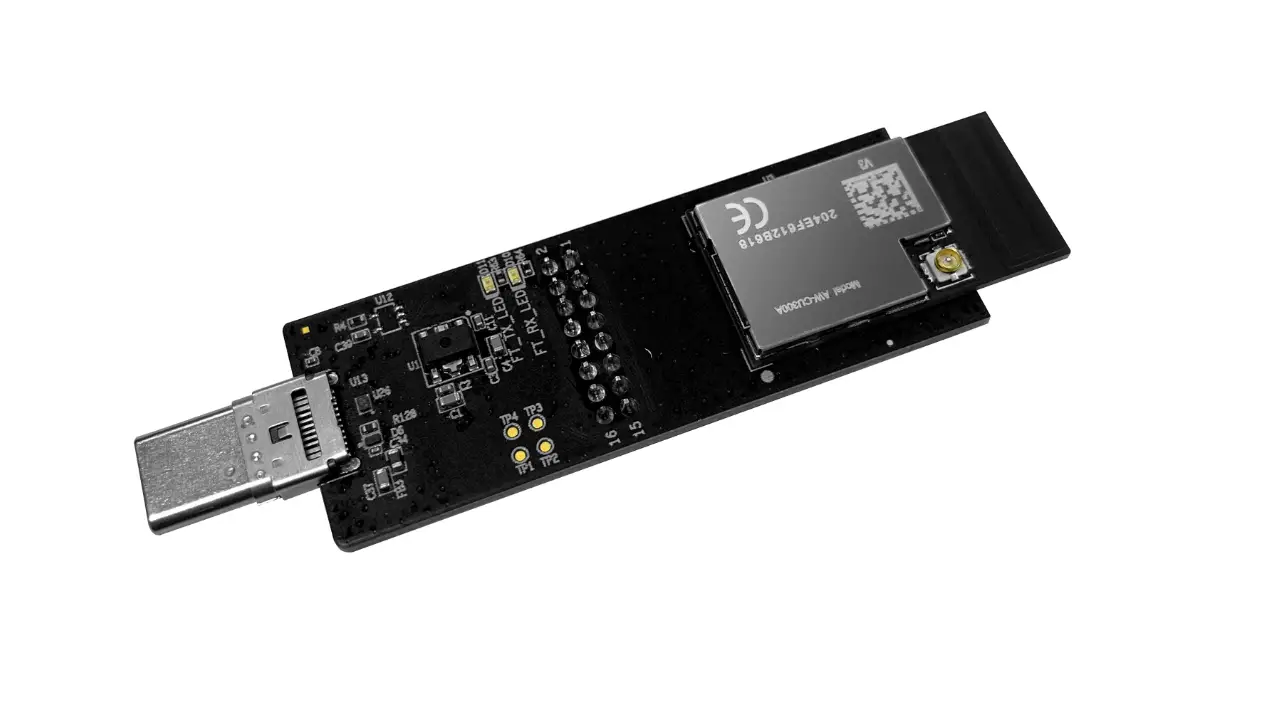
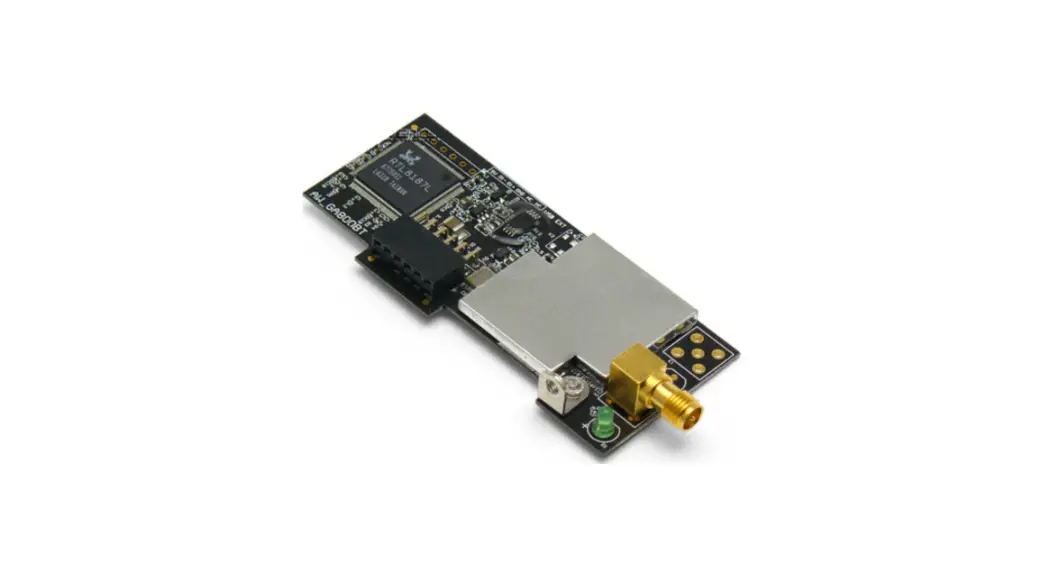
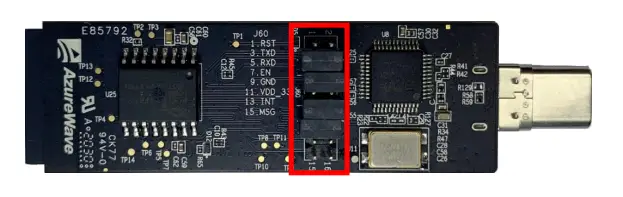
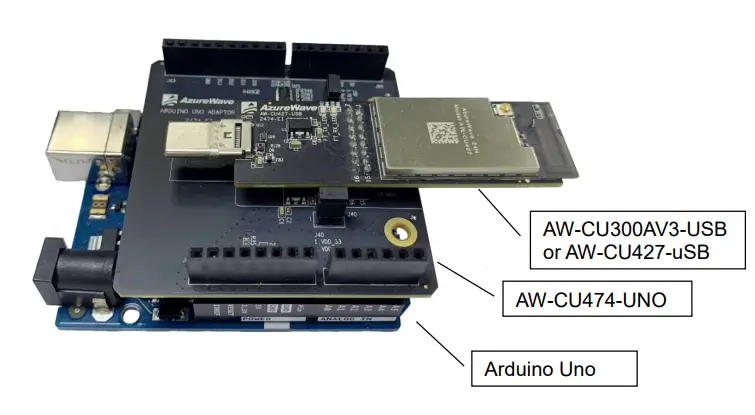
- Remove all the jumpers (2mm pitch) on the dongle (AW-CU300AV3-USB or AW-CU427-USB) before mating it with the Arduino Uno through AW-CU474-UNO. The digital logic level & power supply input of the dongle are 3.3V. DO NOT directly connect the dongle to the Arduino Uno.

- AW-CU300AV3-USB or AW-CU427-USB connected to Arduino Uno through AW-CU427-UNO

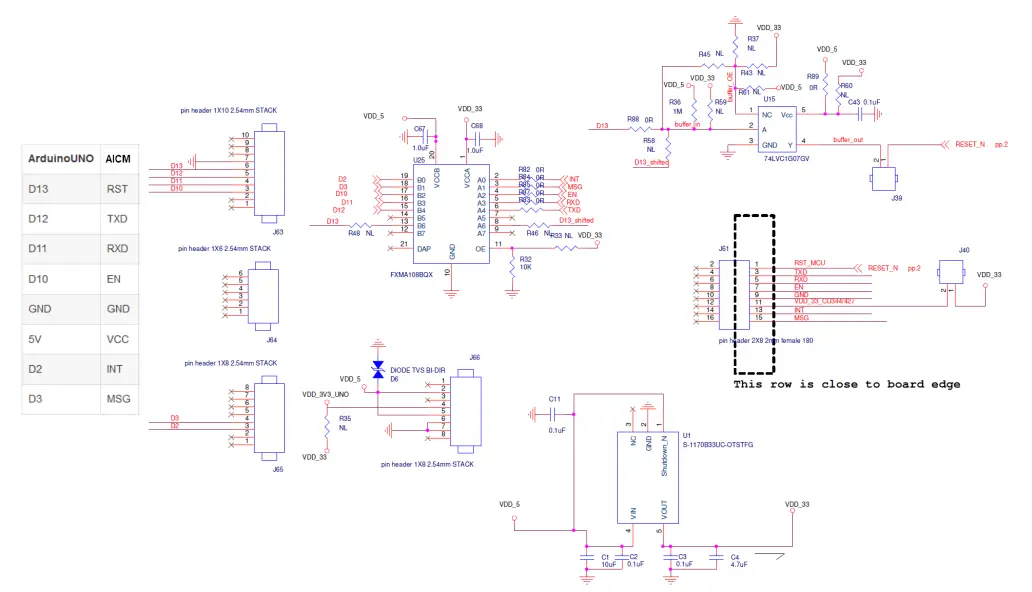
Block Diagram and Schematic
Block Diagram for AW-CU474-UNO 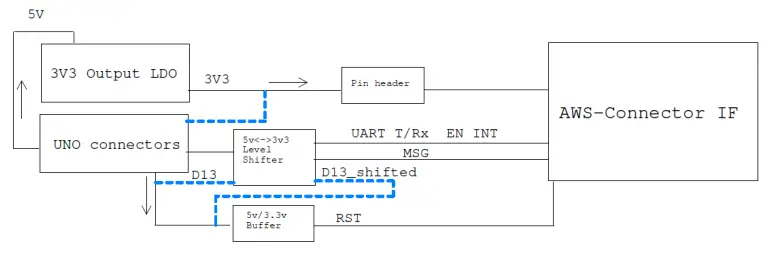 Schematics for Arduino Uno Adaptor