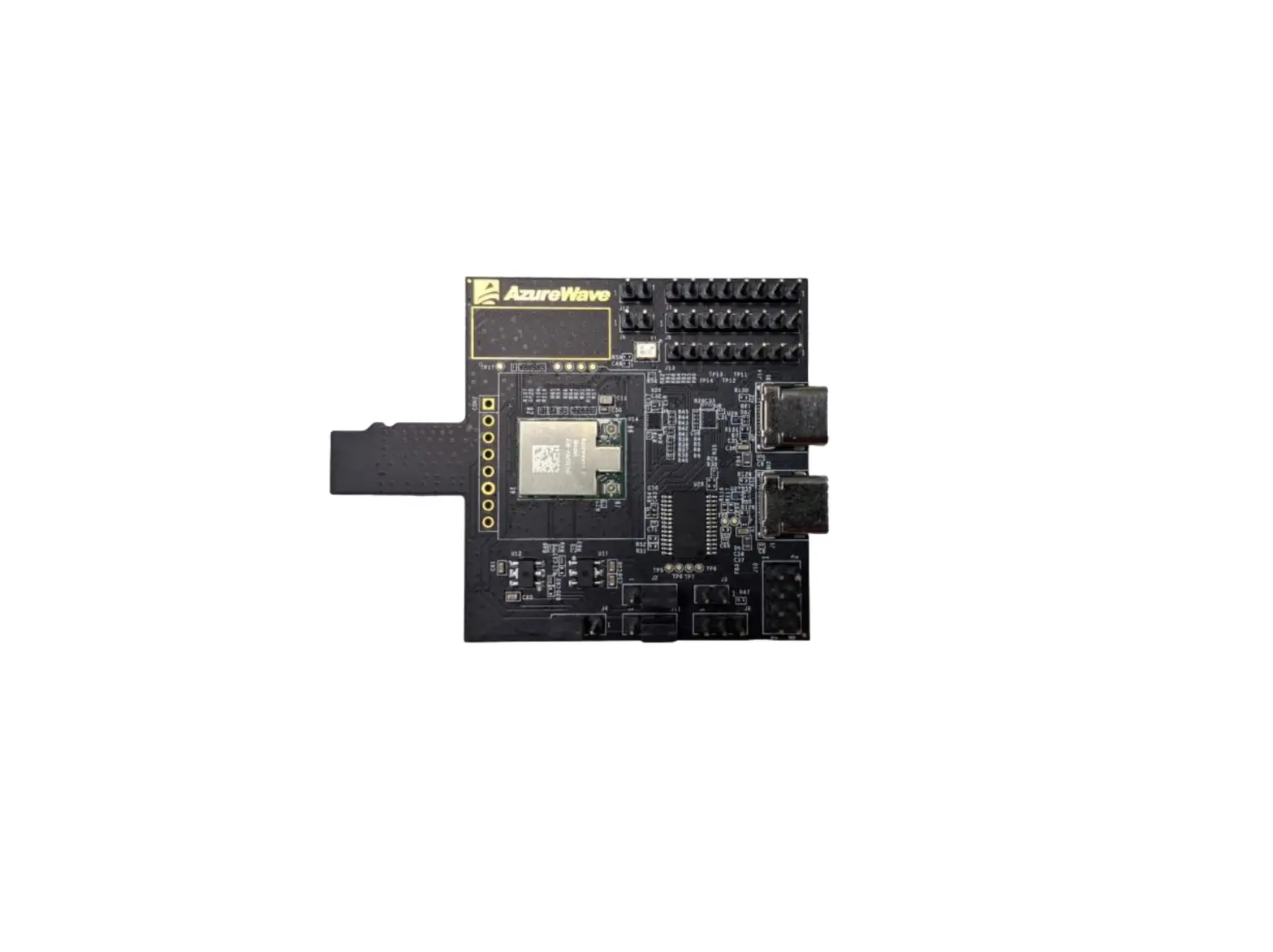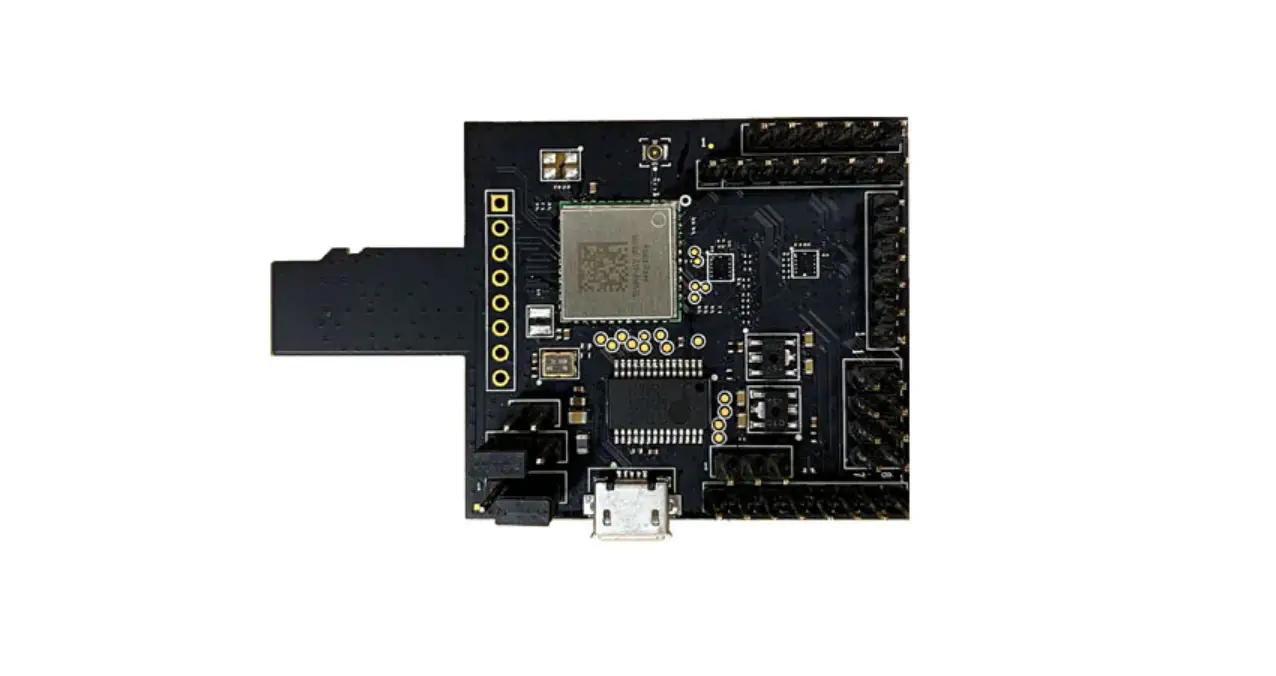
AzureWave AW-AM510-uSD Adapter Board With Wi-Fi-BT Module User Guide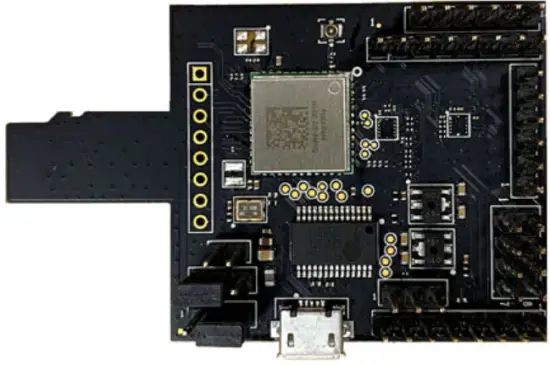
The information contained herein is the exclusive property of AzureWave and shall not be distributed, reproduced, or disclosed in whole or in part without prior written permission of AzureWave.
Revision History
| Version | Revision Date | Description | Initials | Approved |
| A | 2021/1/26 | l Initial Version | Roger Liu | N.C. Chen |
Introduction
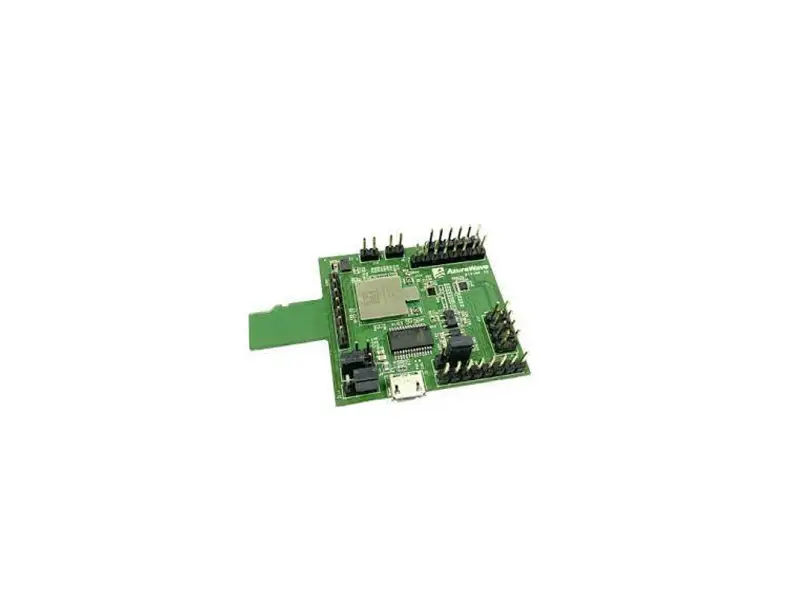
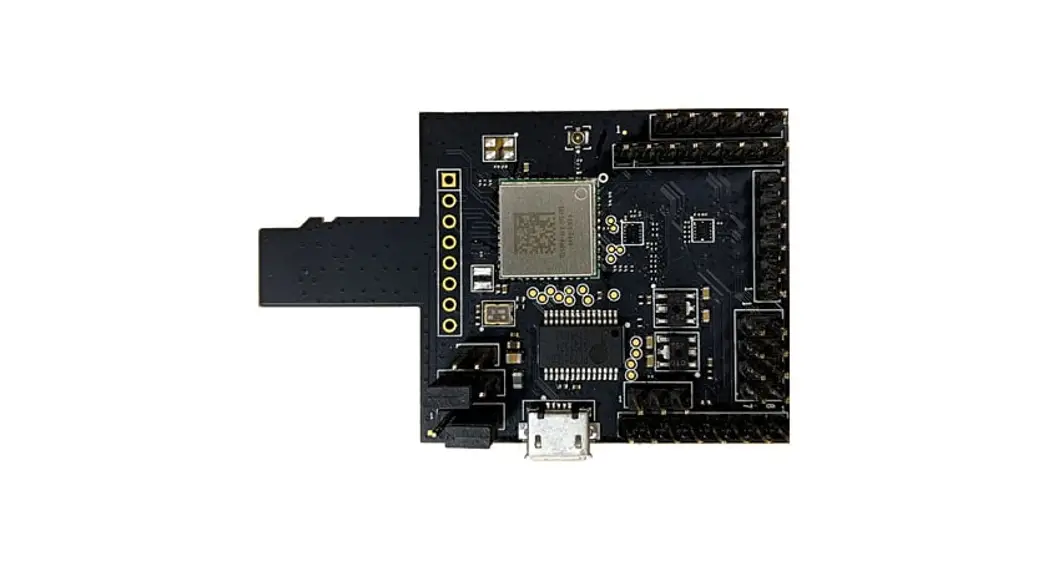
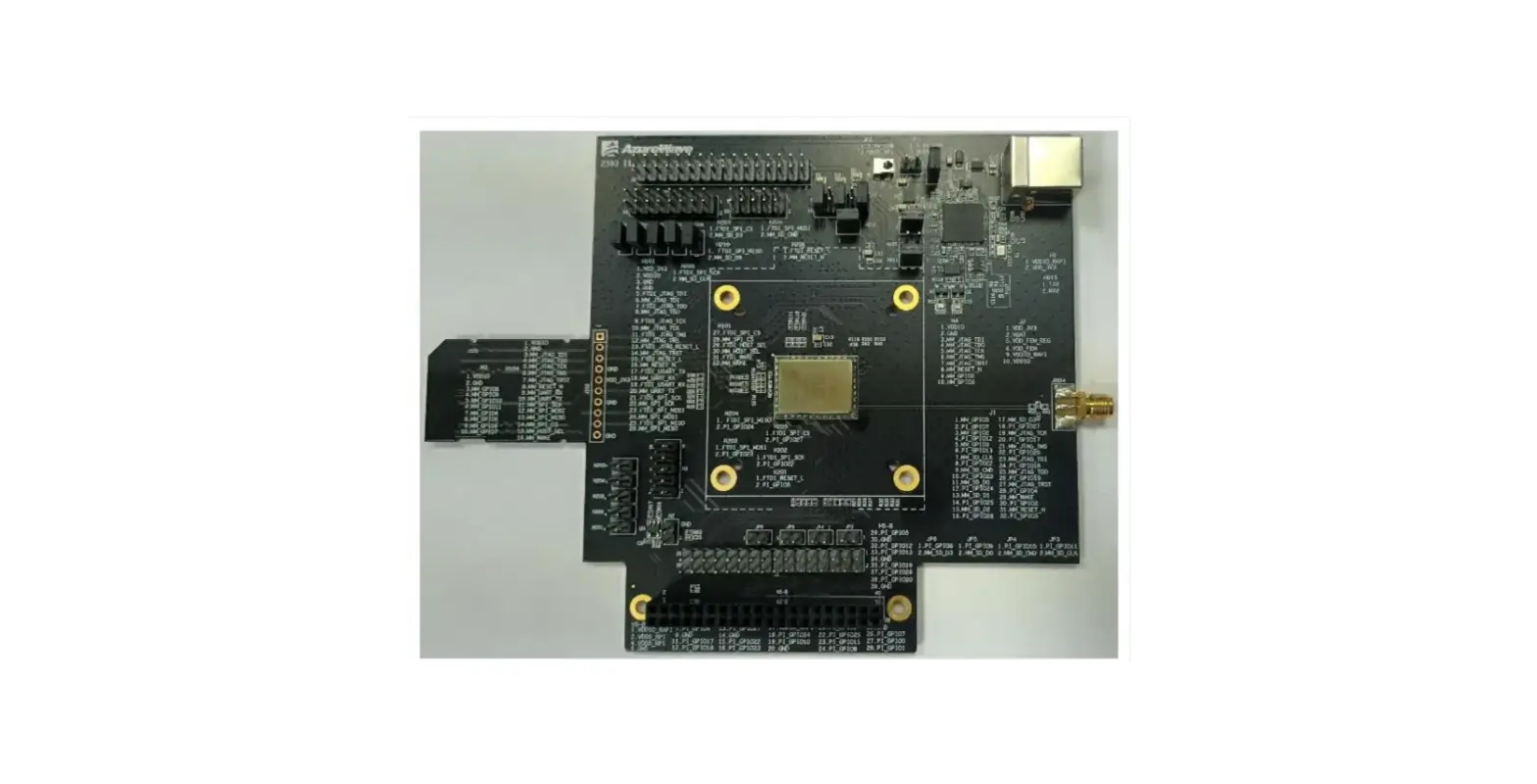
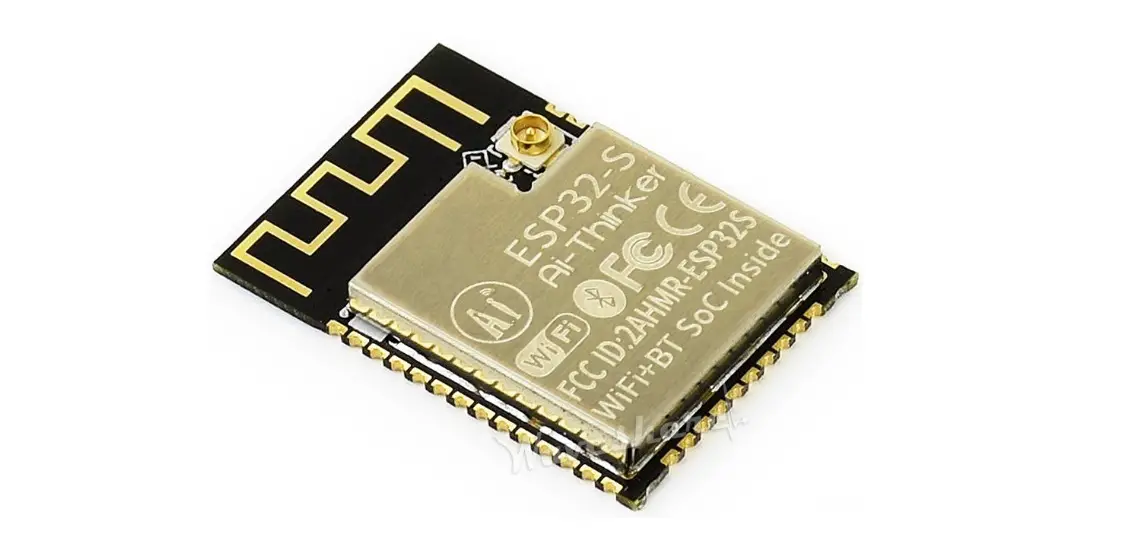
AzureWave provides uSD-1212 adapter board with Wi-Fi/BT module solutions for NXP i.MX RT and i.MX6/7/8 Evaluation Kits. The uSD-1212 adapter board supports AW-AM510 (with NXP IW416UK) Wi-Fi combo BT module solutions.
- WiFi through uSD interface
- BT through UART interface
Main chip AzureWave Module uSD Adaptor Board NXP IW416UK AW-AM510 AW-AM510-uSD
- Supported I/O to host
- Micro SD (uSD) interface for Wi-Fi.
- Arduino headers for Bluetooth through UART interface.
- FFC connector for UART and other control signal.
- Embedded UART-to-USB IC as an option for UART.
- Other debug and power interface.
- Supported I/O signal level
I/O\voltage level 1.8V 3.3V SDIO(3.0/2.0) V V UART N/A V - Supported RF standards
Model \ Standards Wi-Fi* BT* AW-AM510 1×1 Wi-Fi 4 (2.4/5GHz) 5.1 The information contained herein is the exclusive property of AzureWave and shall not be distributed, reproduced, or disclosed in whole or in part without prior written permission of AzureWav
AW-AM510-uSD
- Block Diagram

- HW Description
VIO for SDIO voltage level options- For 3.3V supply, please connect J4 (2-3).
- For 1.8V supply, please connect J4 (1-2).
3.3V power source is configured from SDIO connector as default.
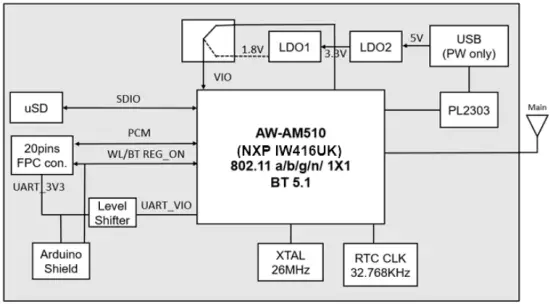
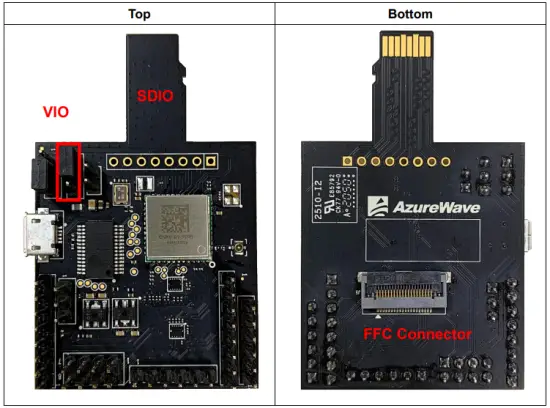
UART signal is configured from FFC connector at BOT side as default.
By using headers for Bluetooth through UART interface
- UART_RTS: J7 (pin 3) or J10 (pin 6)
- UART_TXD: J8 (pin 1) or J10 (pin 4)
- UART_CTS: J7 (pin 4) or J10 (pin 8)
- UART_RXD: J8 (pin 2) or J10 (pin 2)

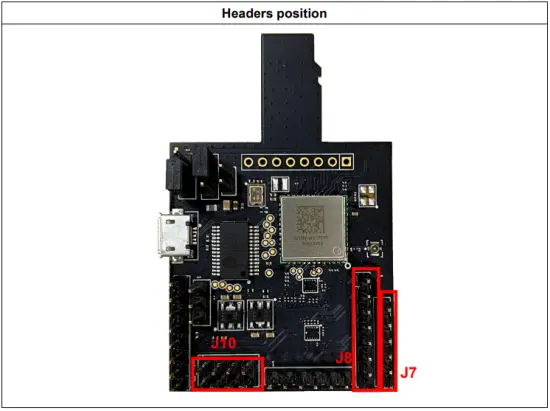
PCM signal is configured from FFC connector at BOT side as default.
By using headers for PCM interface
- PCM_IN: J11 (pin 1)
- PCM_OUT: J11 (pin 2)
- PCM_SYNC: J11 (pin 3)
- PCM_CLK: J11 (pin 4)
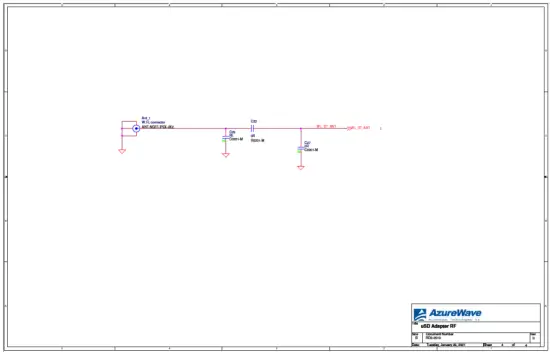
Schematics
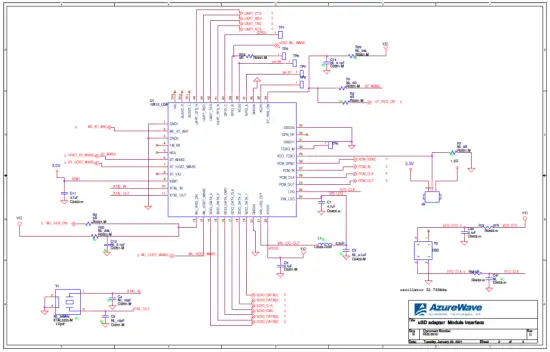
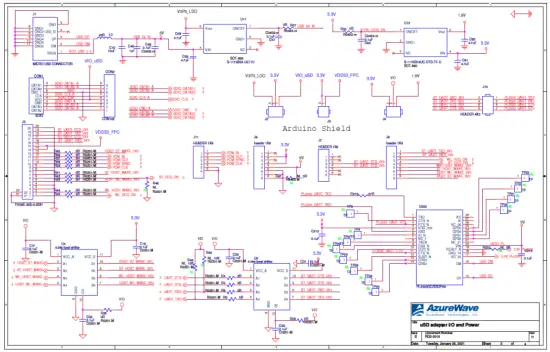
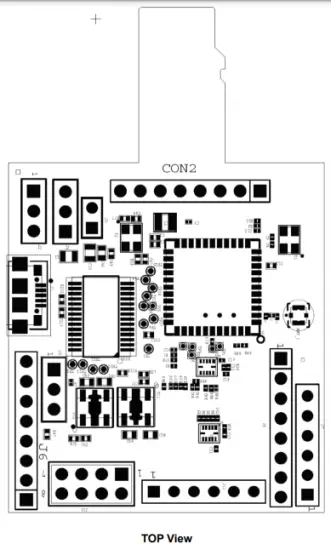
Placement
EVB Kits Contents
| Content | Description |
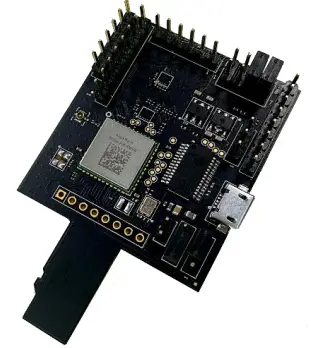 | AW-AM510-uSD |
 | 75mm, 20 contacts, 0.5mm pitch FFC Cable |
|
| PIFA Antenna
|