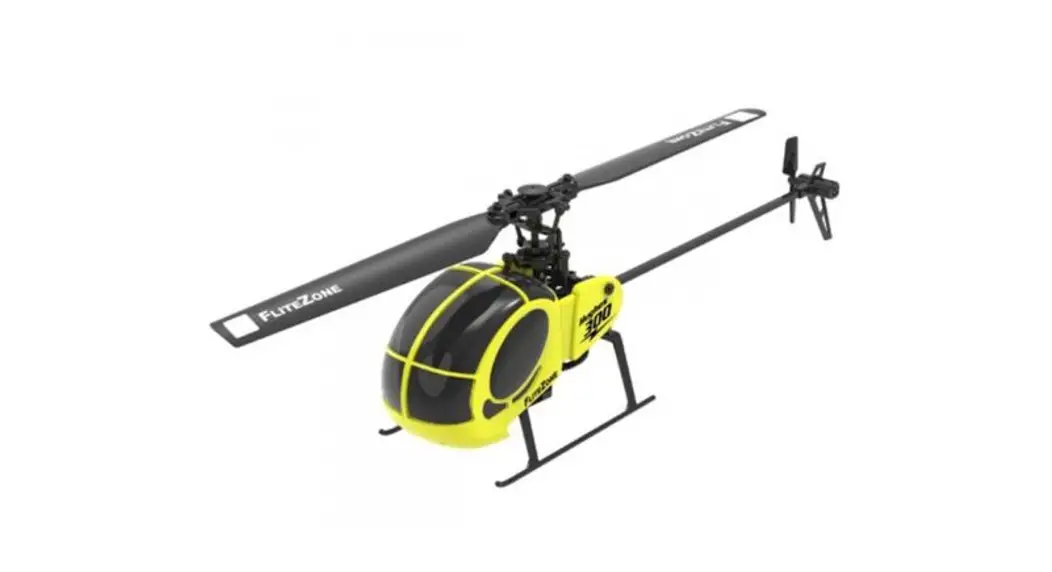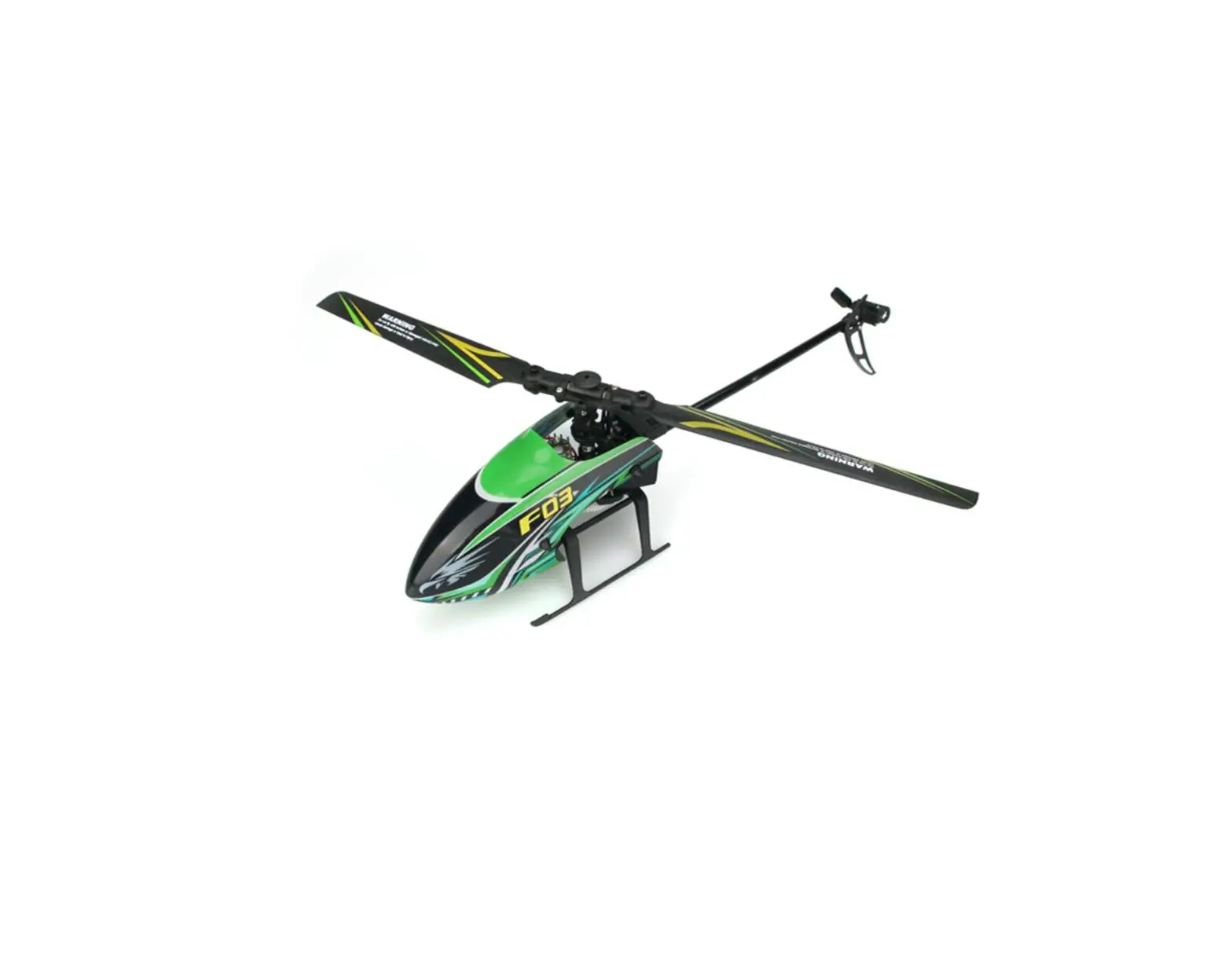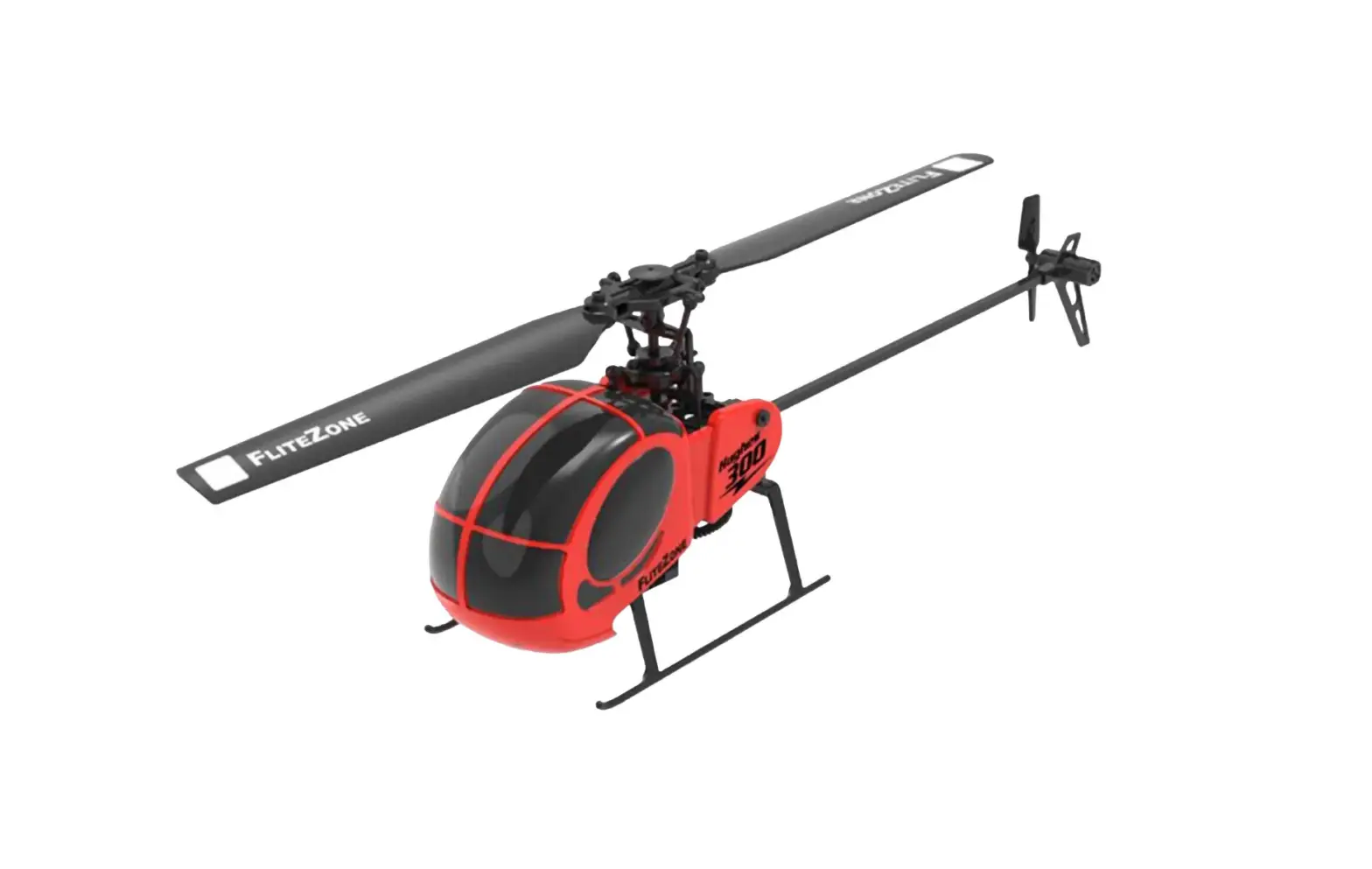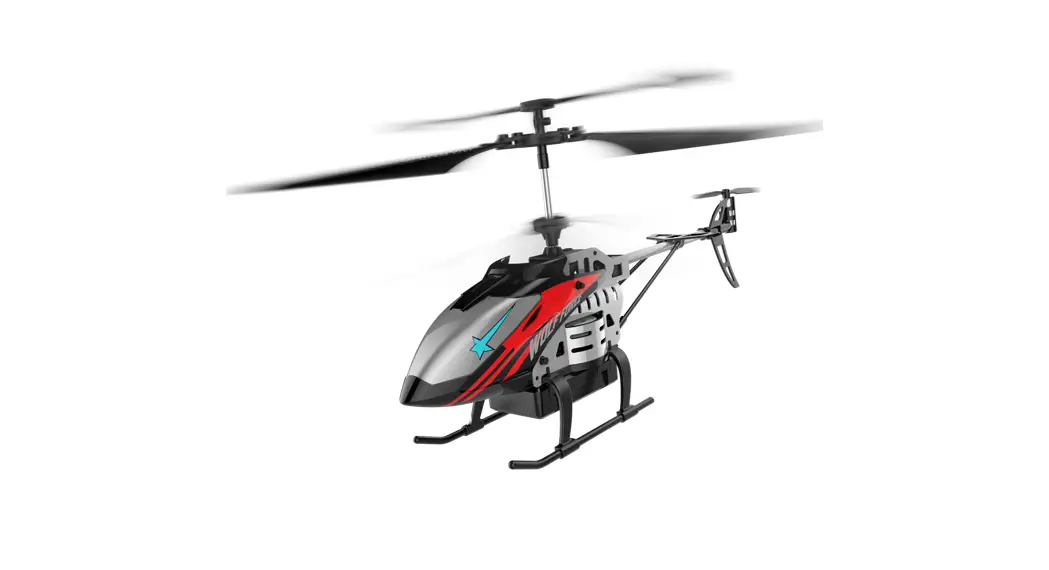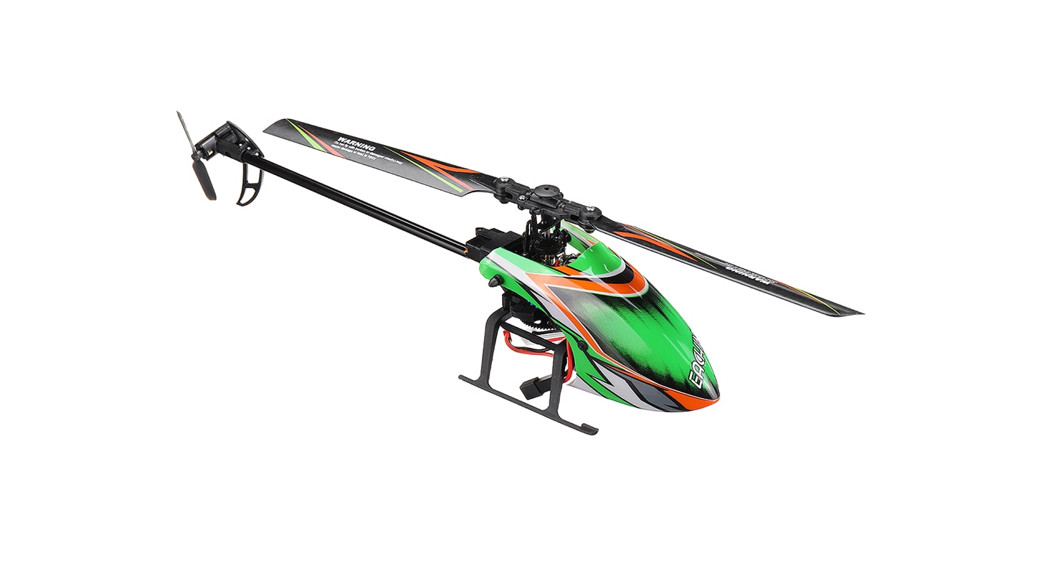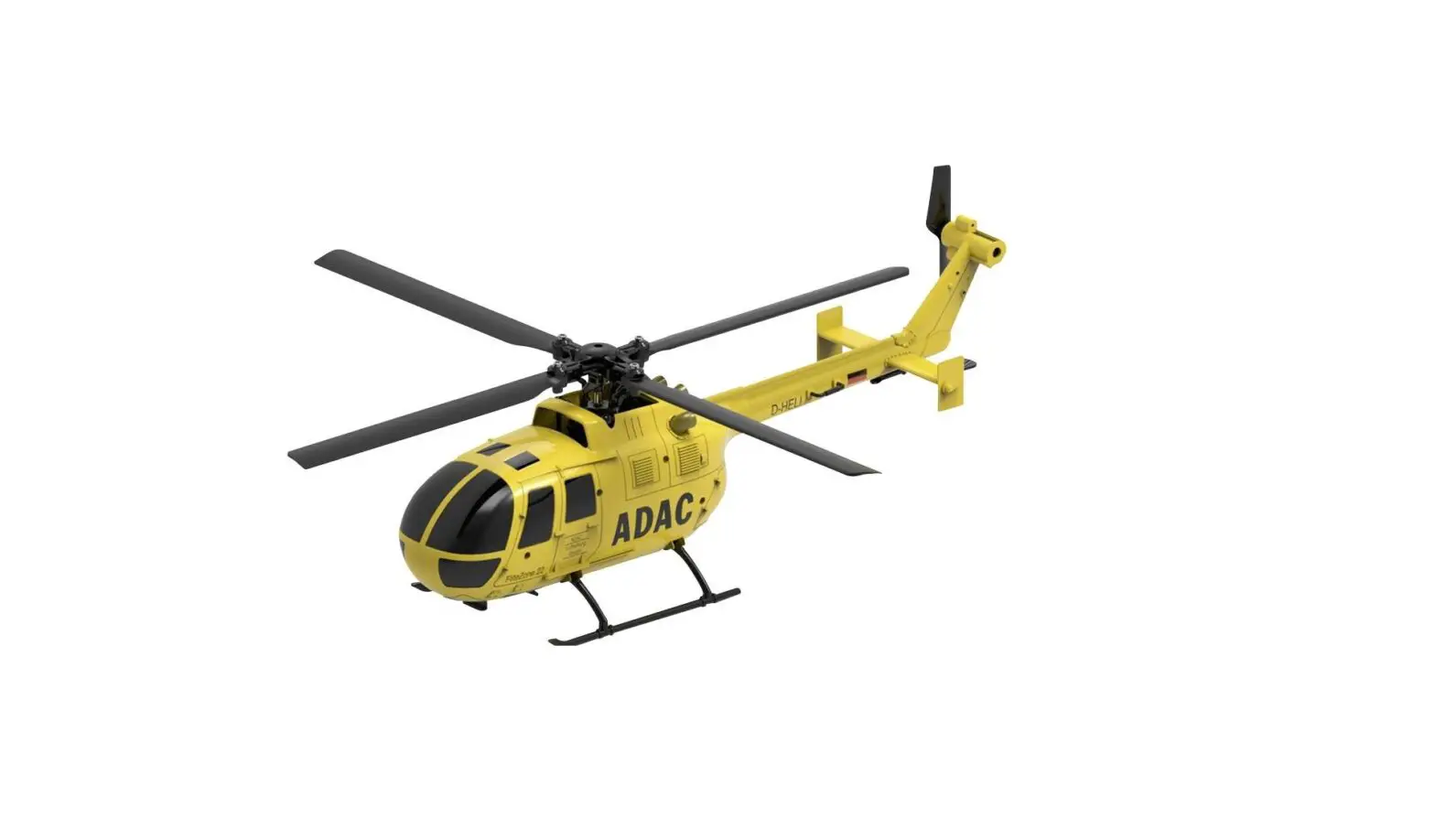
FLITEZONE 15290 ADAC Helicopter 4 Axis Gyro 4 Channel Helicopter Instruction Manual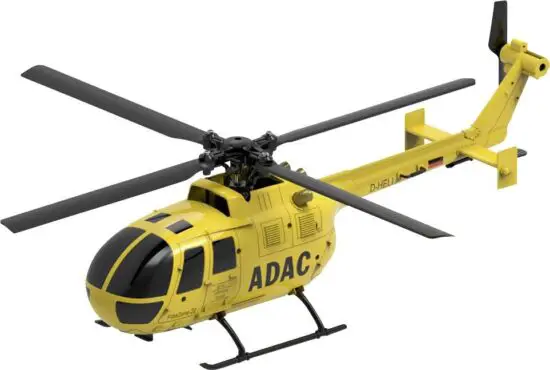
SAFETY INSTRUCTIONS
Please read the manual before start playing. This helicopter is not a toy and not suitable for children under 14 years of age. Only fly in open areas with no obstacles, away from any spectators and animals. Rotating propeller can cause severe injuries. Keep away from rotating propellers and protect your eyes with adequate protection. Always keep safety distance to the flying helicopter. When not in use, always unplug the battery and store in fireproof, cool and dry places. Only use the supplied charge lead to charge the battery. Always keep batteries away from children. If swallowed, call medical help immediately. Do not dismantle batteries, do not throw in fire and do not expose in heat and/or sunlight.
KIT CONTENT
- Helicopter

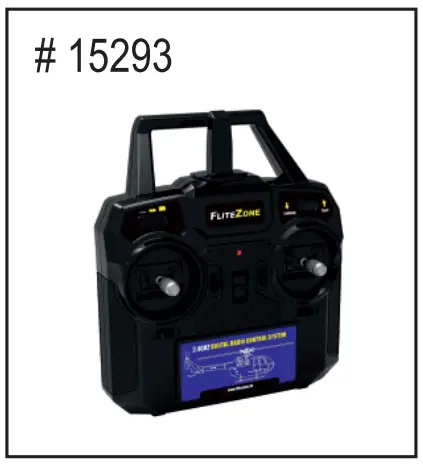
- Radio Transmitter

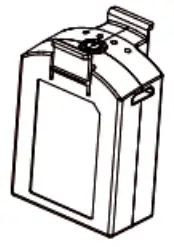
- LiPo Battery

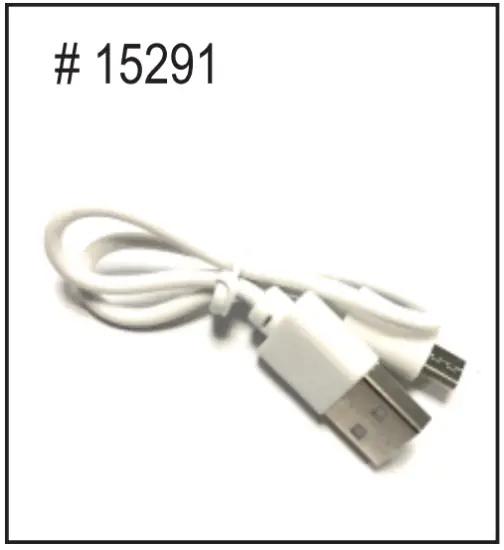
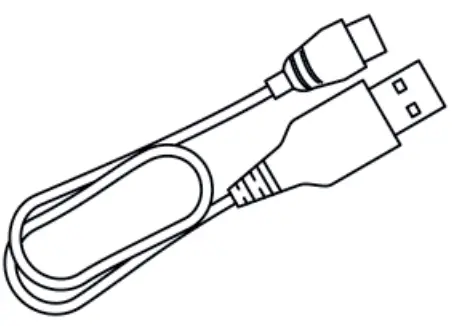
- USB Charge Lead

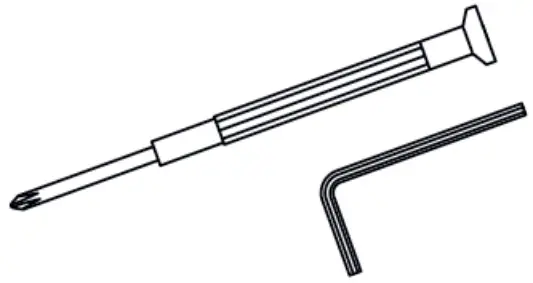
- Tools

- Instruction Manual

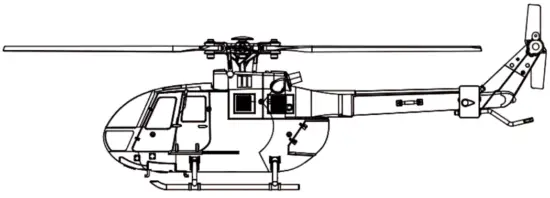
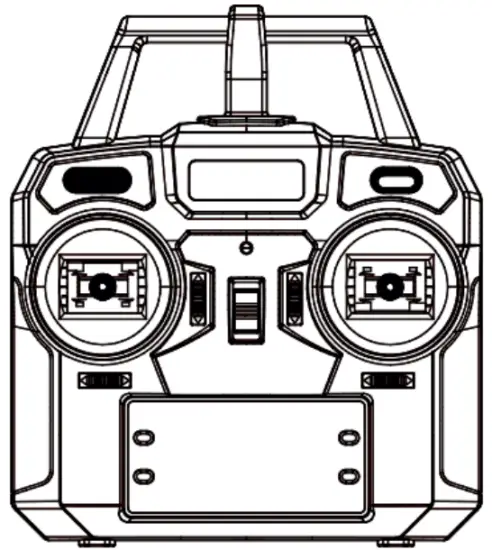

Radio Transmitter Functions
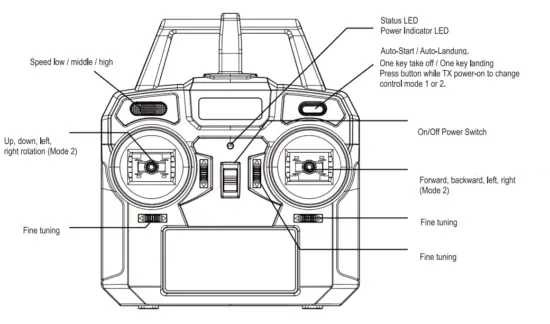
Control sticks works in opposite matter, when mode 1 is active.
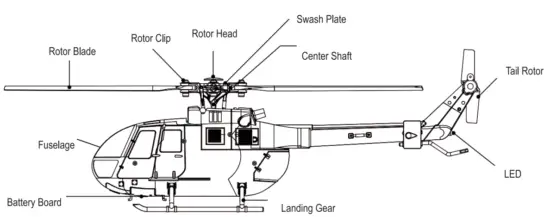
Parts description
Charge Battery
Lipo Battery can be charged at your PC’s USB port.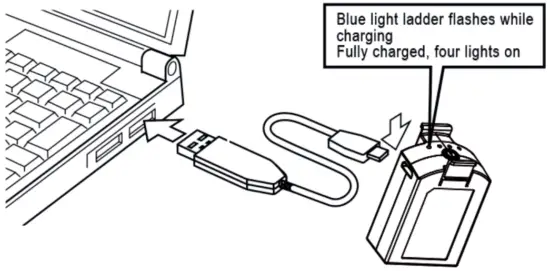
- Plug USB charge lead into PC
- Connect LiPo battery to charge lead, blue light flashing = charging, four lights on = charging completed
Charge Lead can also be plugged into a mobile phone power supply or Power Bank, to charge the battery.
Flight Preparation
Make sure flight battery and transmitter batteries are full. Choose a flying area which is free of obstacles, apart from traffic, spectators and power lines. Rotor blades should move freely and not tighten too much, otherwise the helicopter can cause vibrations.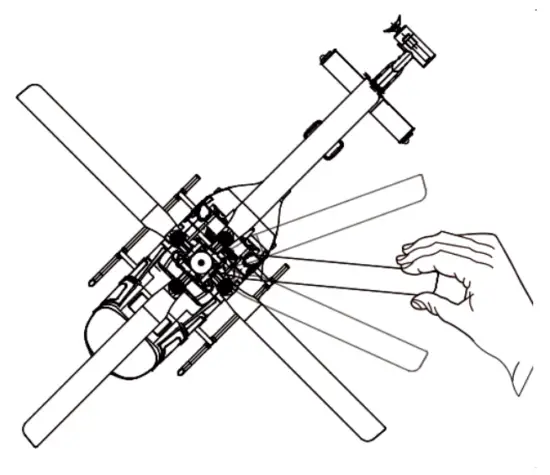
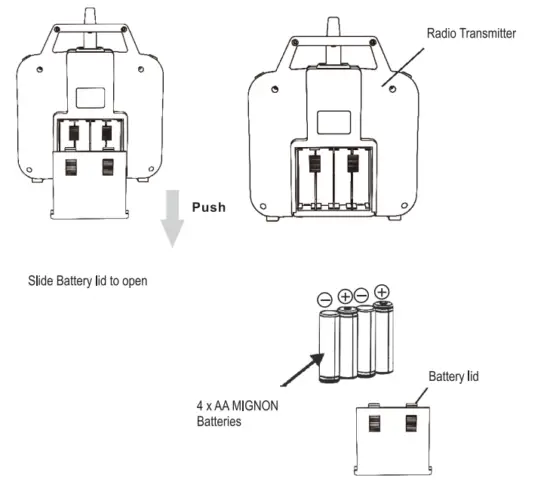
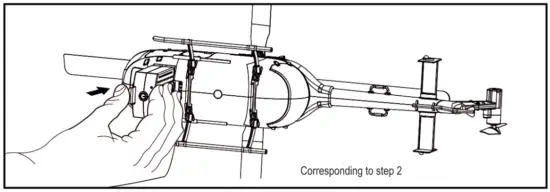
Battery Installation
Steering Functions
- Gas

- Ruder

- Elevator

- Aileron

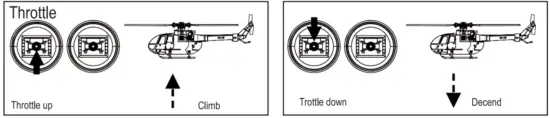
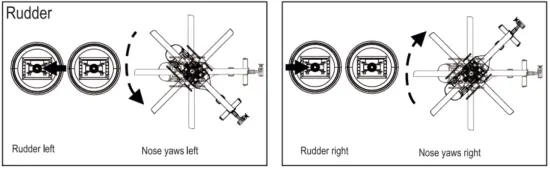
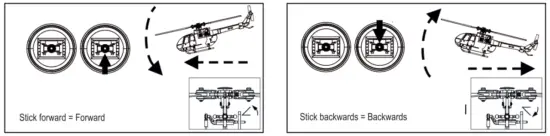
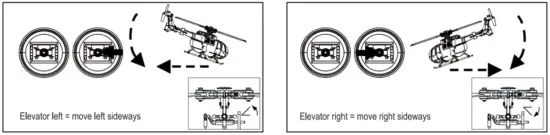
Starting Procedure
- Turn on transmitter with helicopter standing nearby.
- Attach LiPo battery to Helicopter.
- LED lights on Helicopter and Transmitter are blinking. Transmitter makes acoustic signal and lights are always on, binding sucessful.
- Pull both joysticks to outer angles downwards to start helicopter. You can also press the one-key auto take off button.
- To land the helicopter, pull back throttle for 3 seconds and then release until motors stop. You can also use the auto land function by pressing the auto land button on the upper right side of your radio transmitter.

Beginners should pay attention to the direction of flight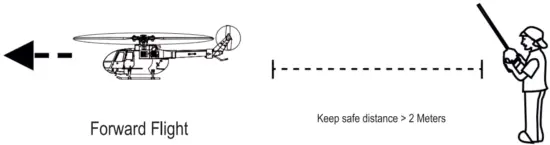
Fine Turning-Adjustment
if the Helicopter has yaw problems during hovering, it can be fine tuned using the trimming buttons on the radio transmitter during flight.
| Forward Backward | 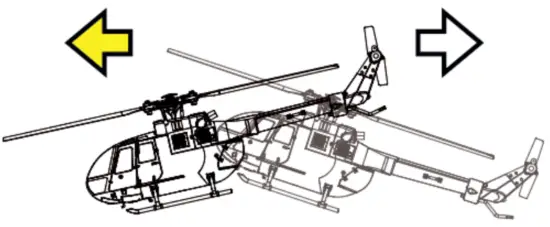 | 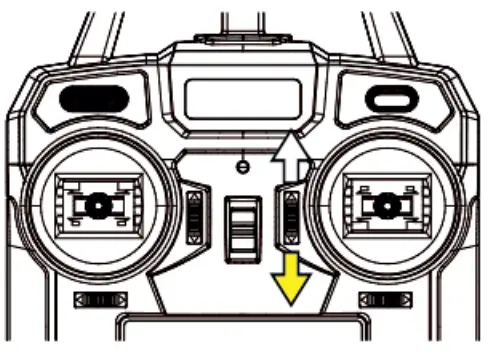 | Fine tuning according direction of arrow |
| Left Right | 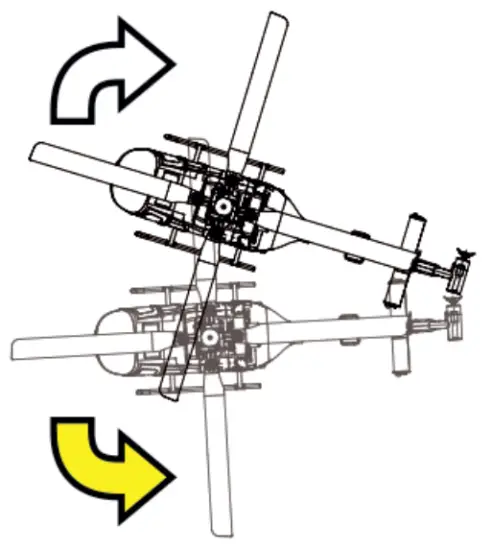 | 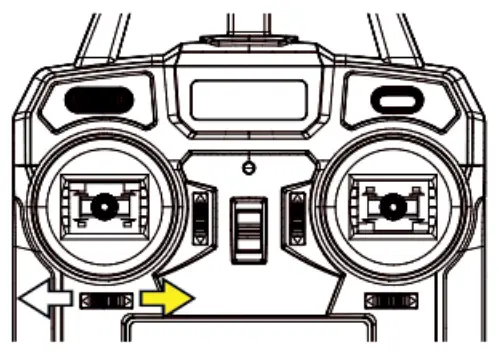 | Fine tuning according direction of arrow 1 |
| side | 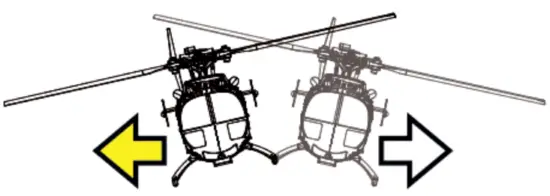 | 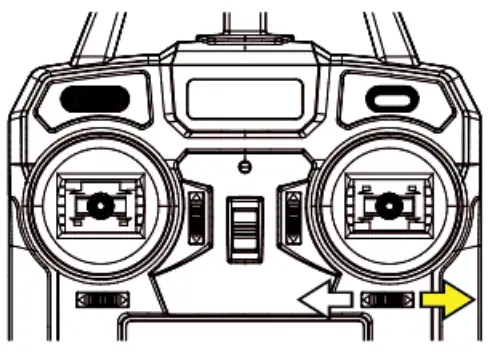 | Fine tuning according direction of arrow 1 |
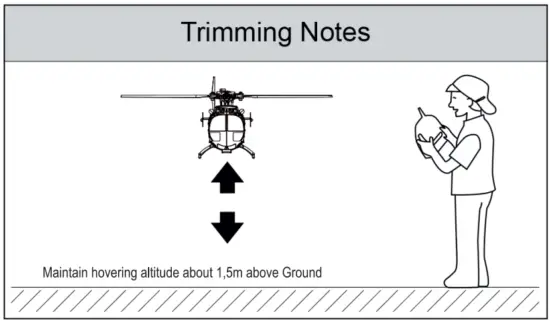
Gyro Calibration
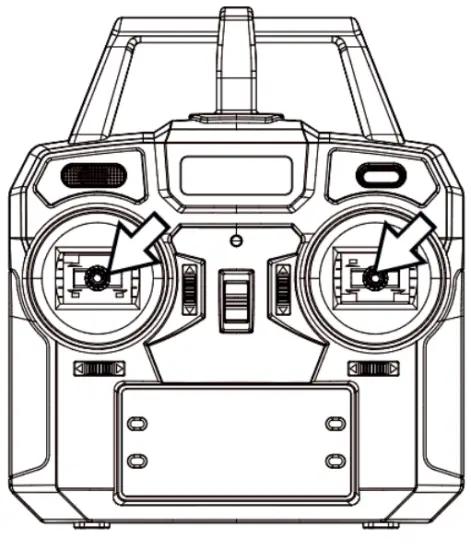
To calibrate Gyro Sensors place Helicopter on leveled surface. Pull both control sticks to down left position. LED on helicopter flashes fast, then acoustic signal. If LED on Helicopter lights up, calibration is finished.
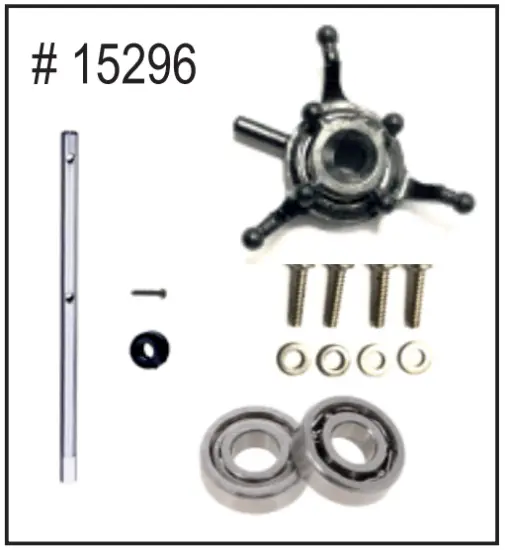
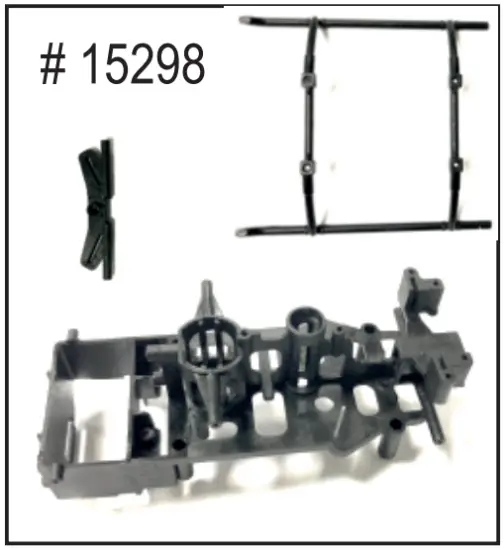
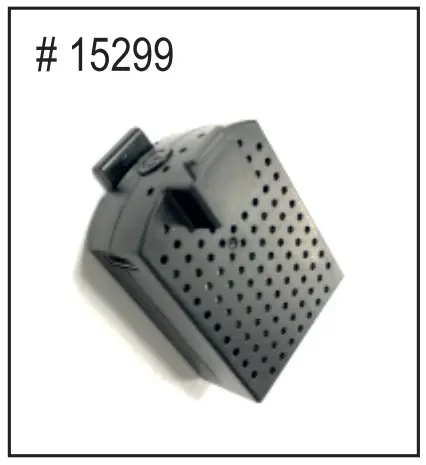
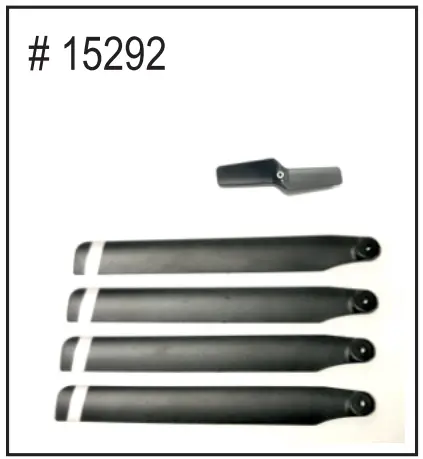
Spare parts for this product are available. Please ask your dealer or visit www.shop.pichler.de
- Spare Parts Bag (A)
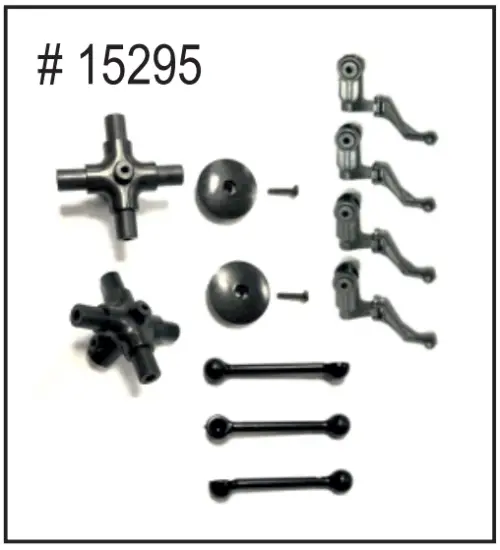
- Spare Parts Bag (B)

- Spare Parts Bag (C)
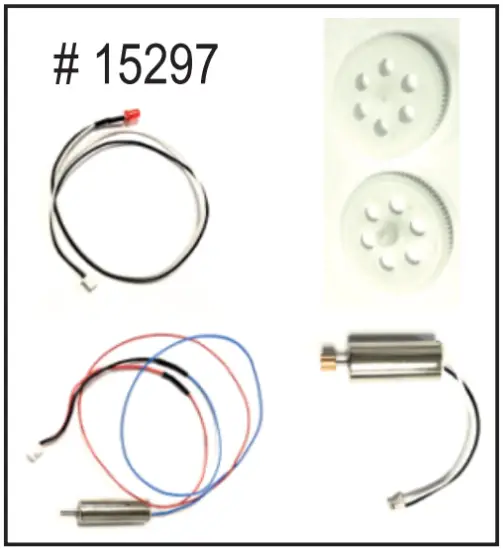
- Spare Parts Bag (D)

- LiPo Battery 380 – 3,7V

- Rotor Blades

- Electronic Board
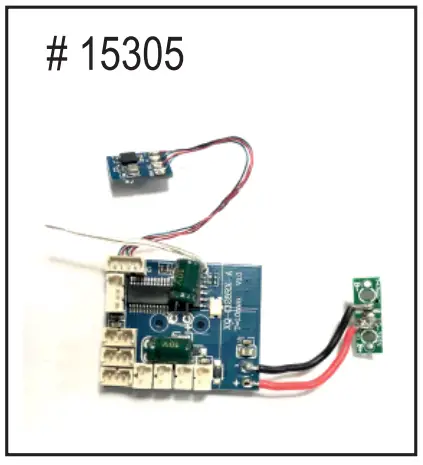
- Radio Transmitter

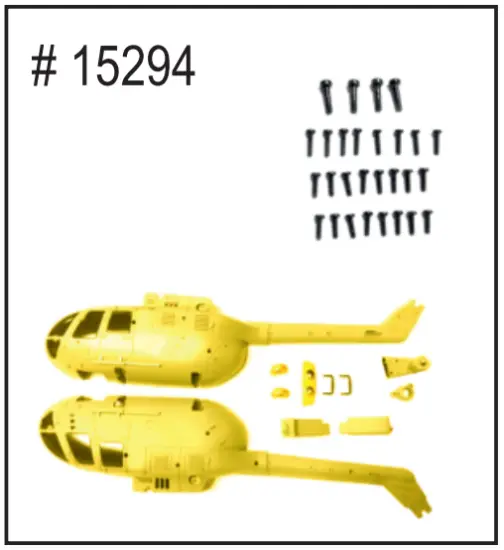
- Fuselage
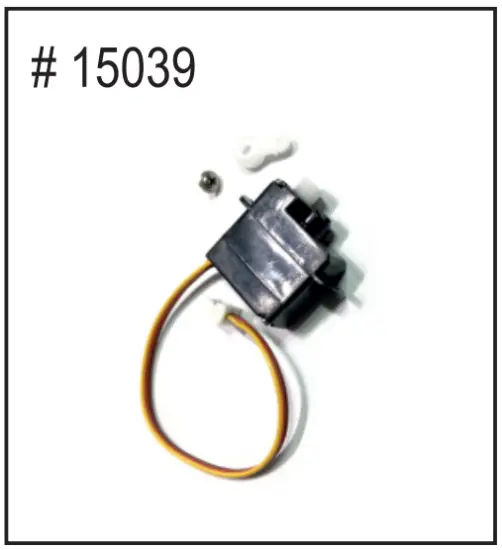
- Servo

- USB Charge Lead