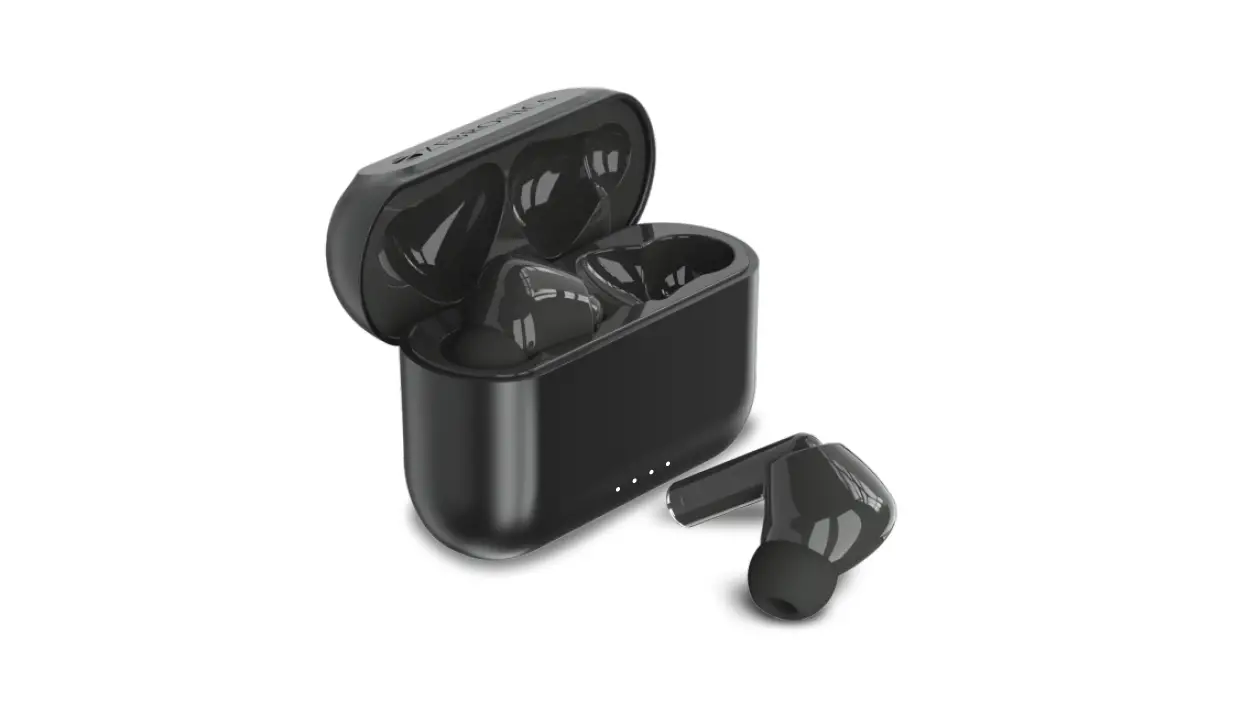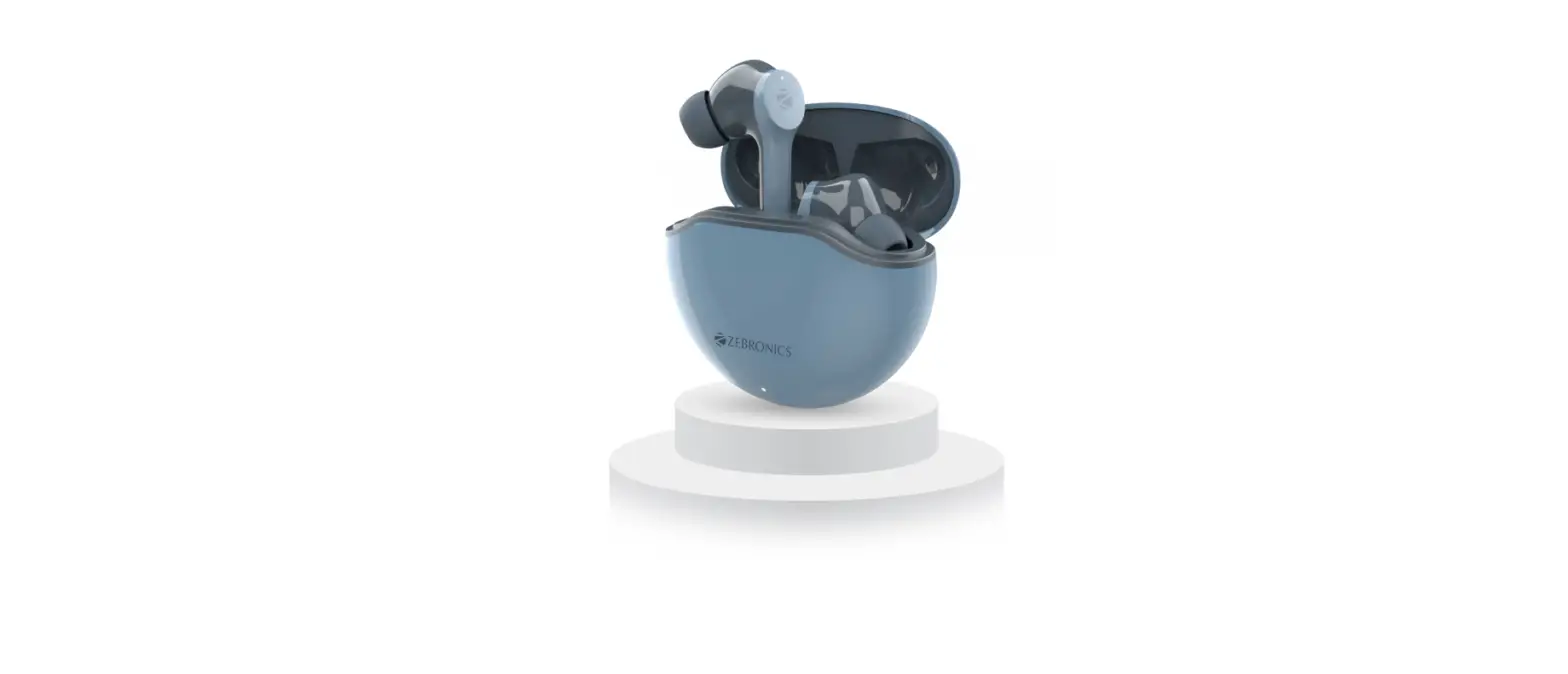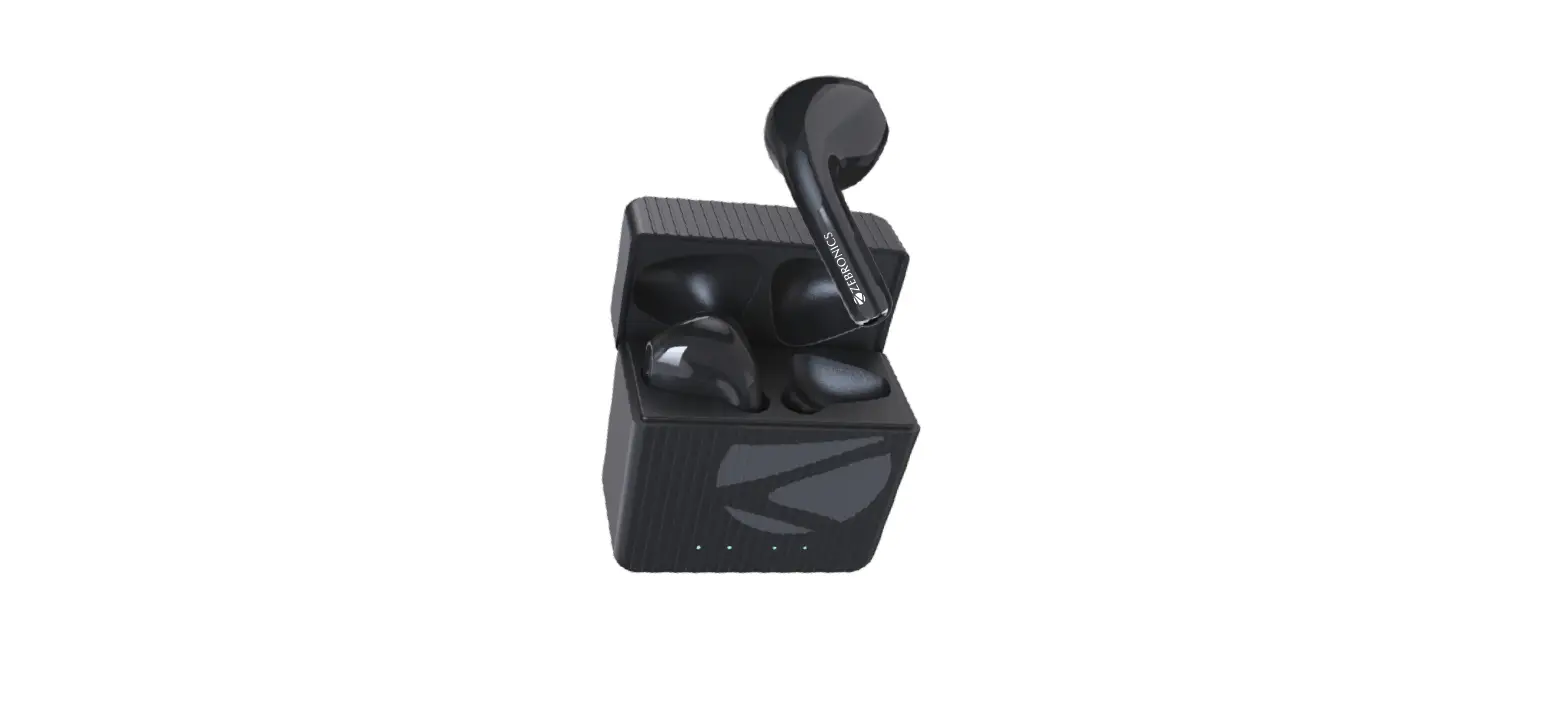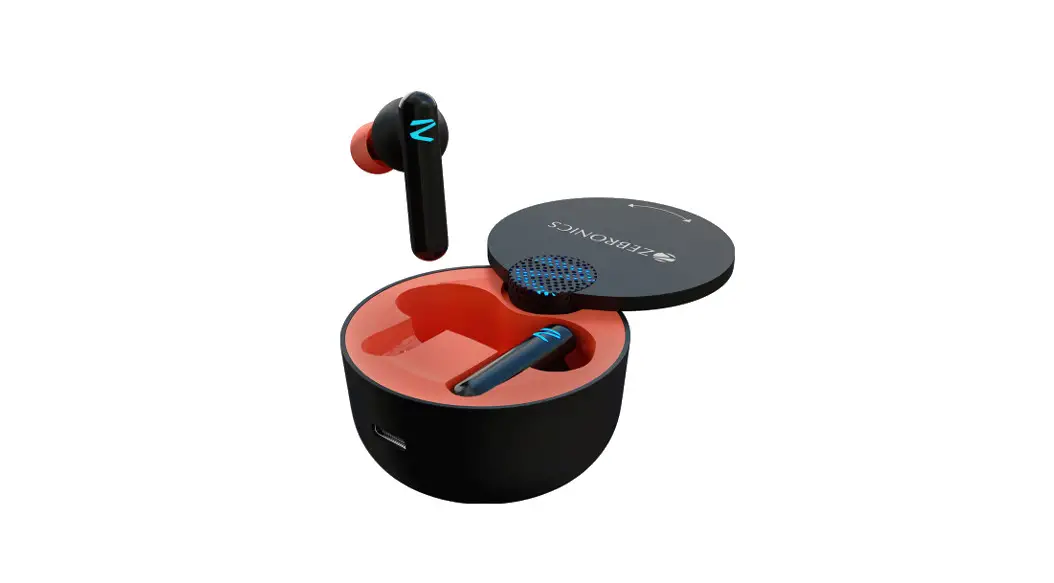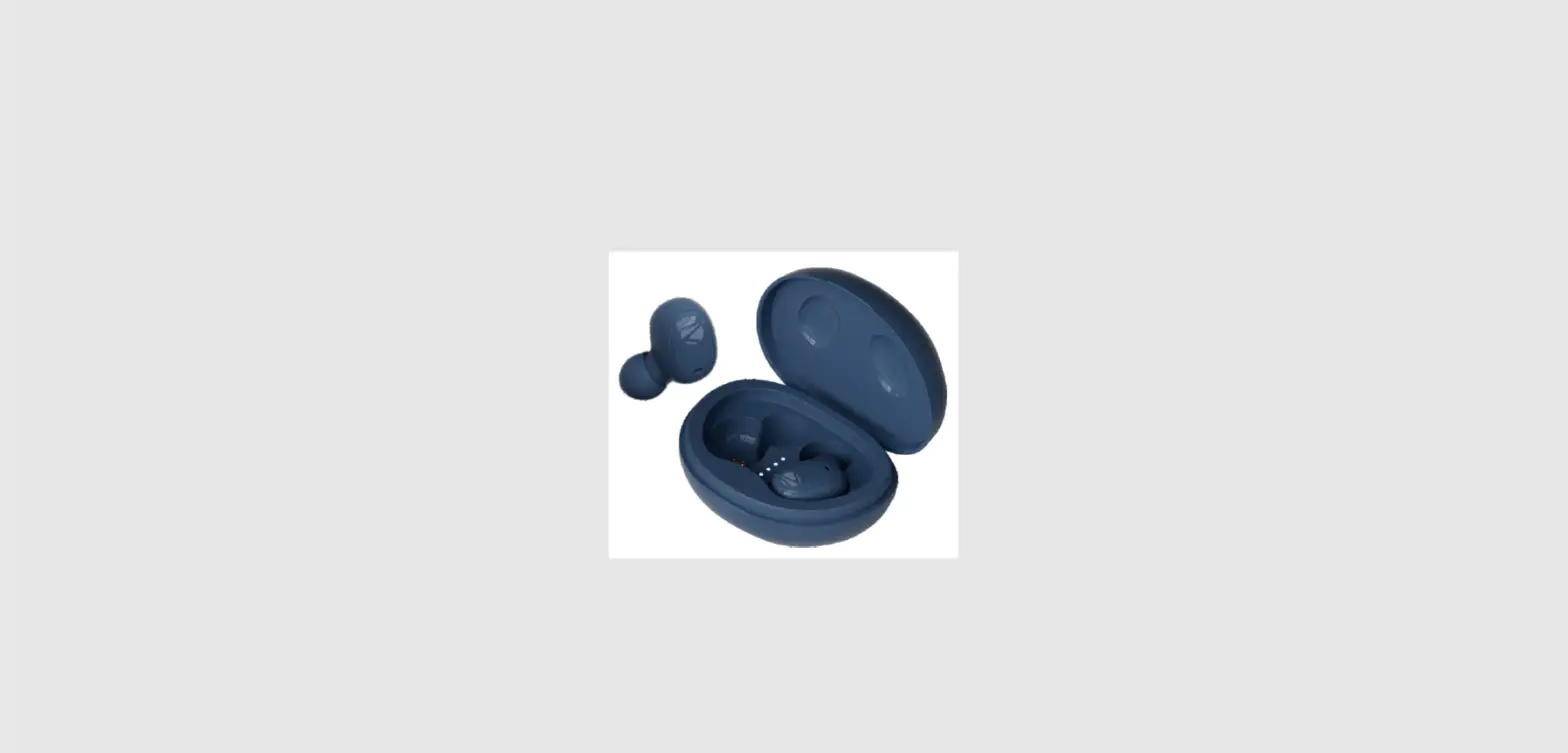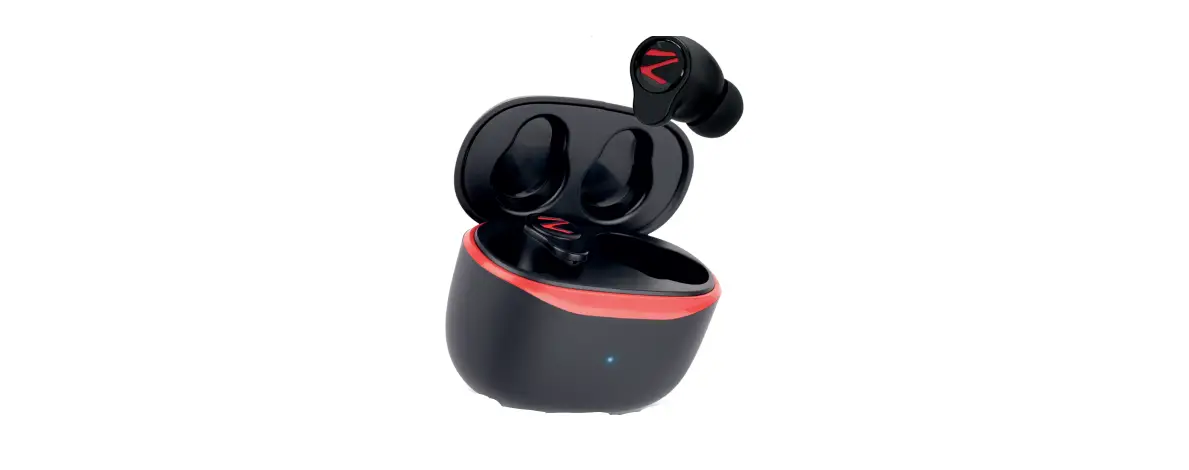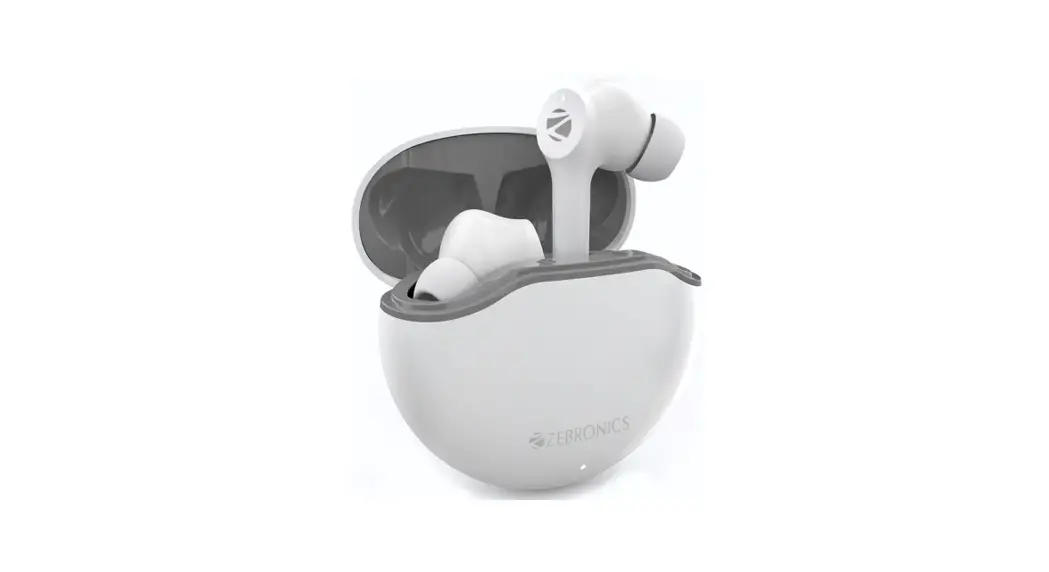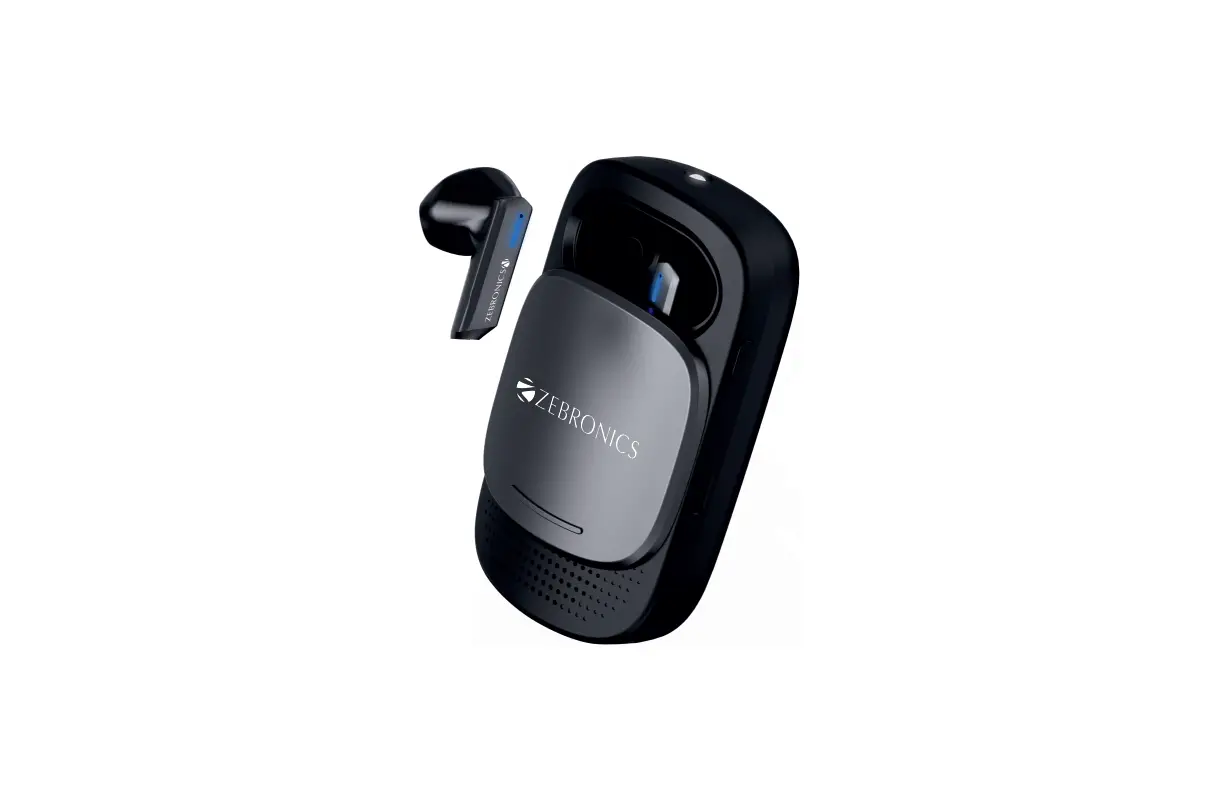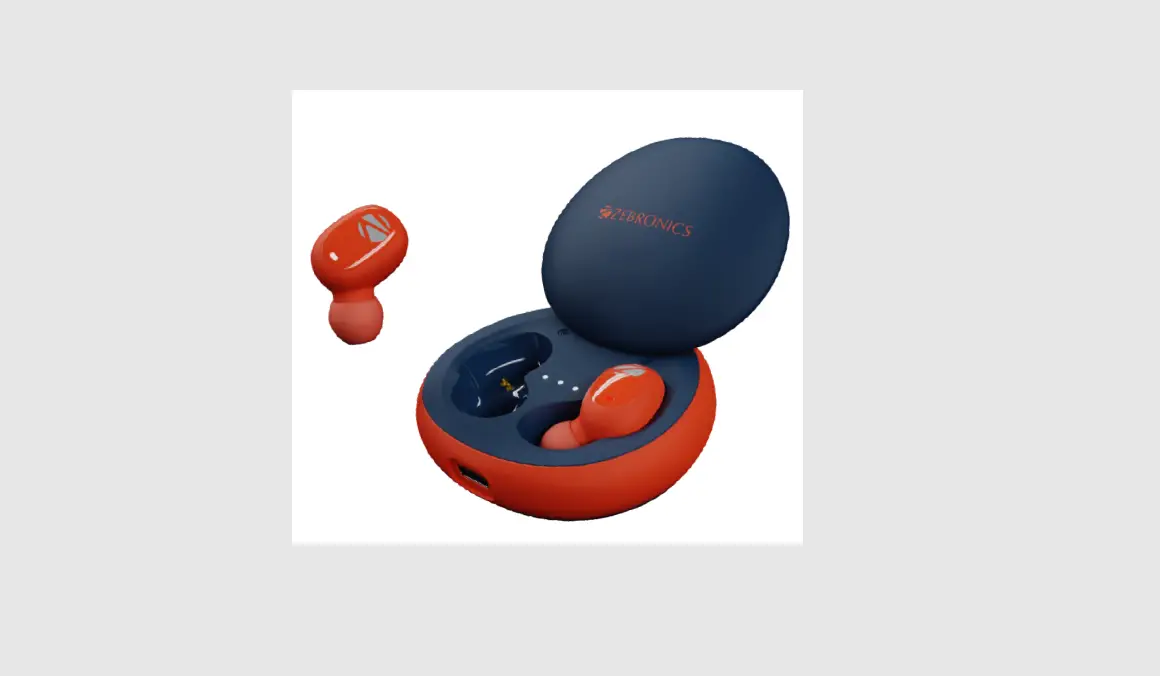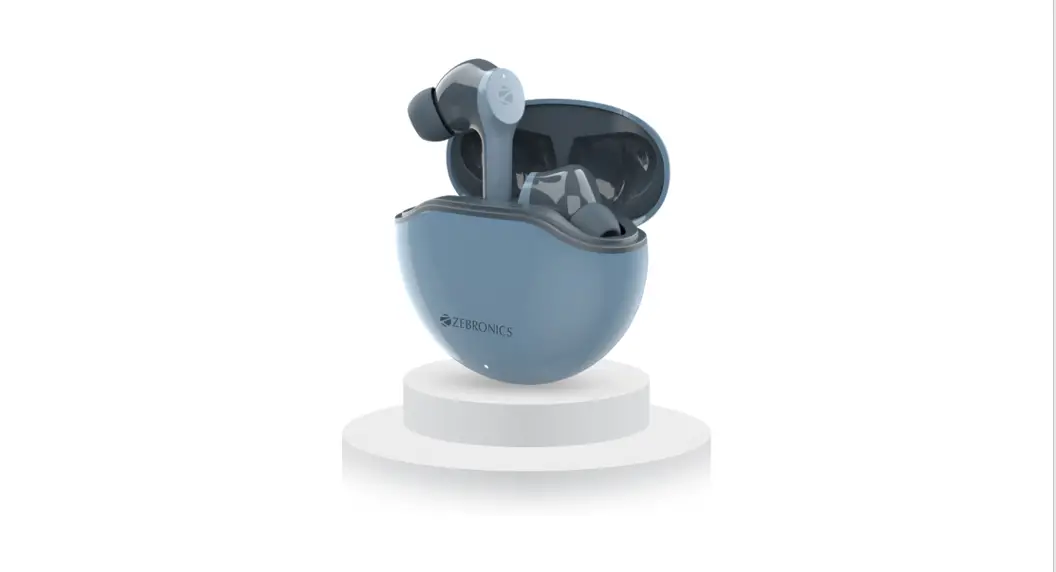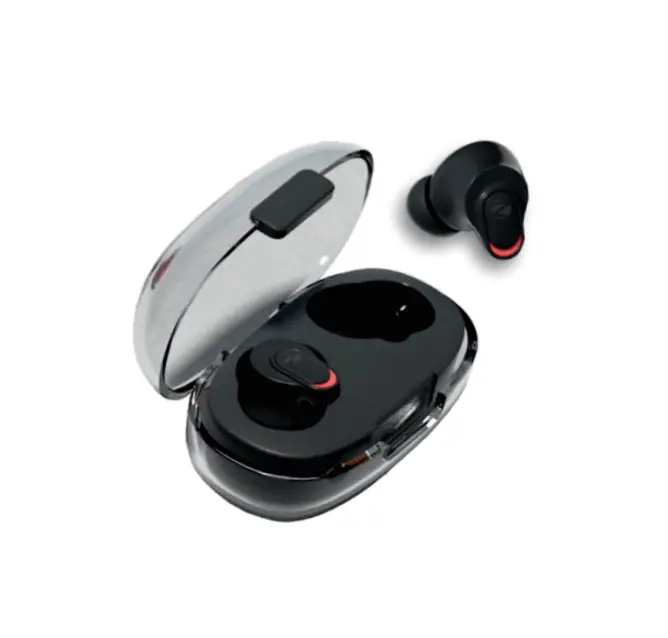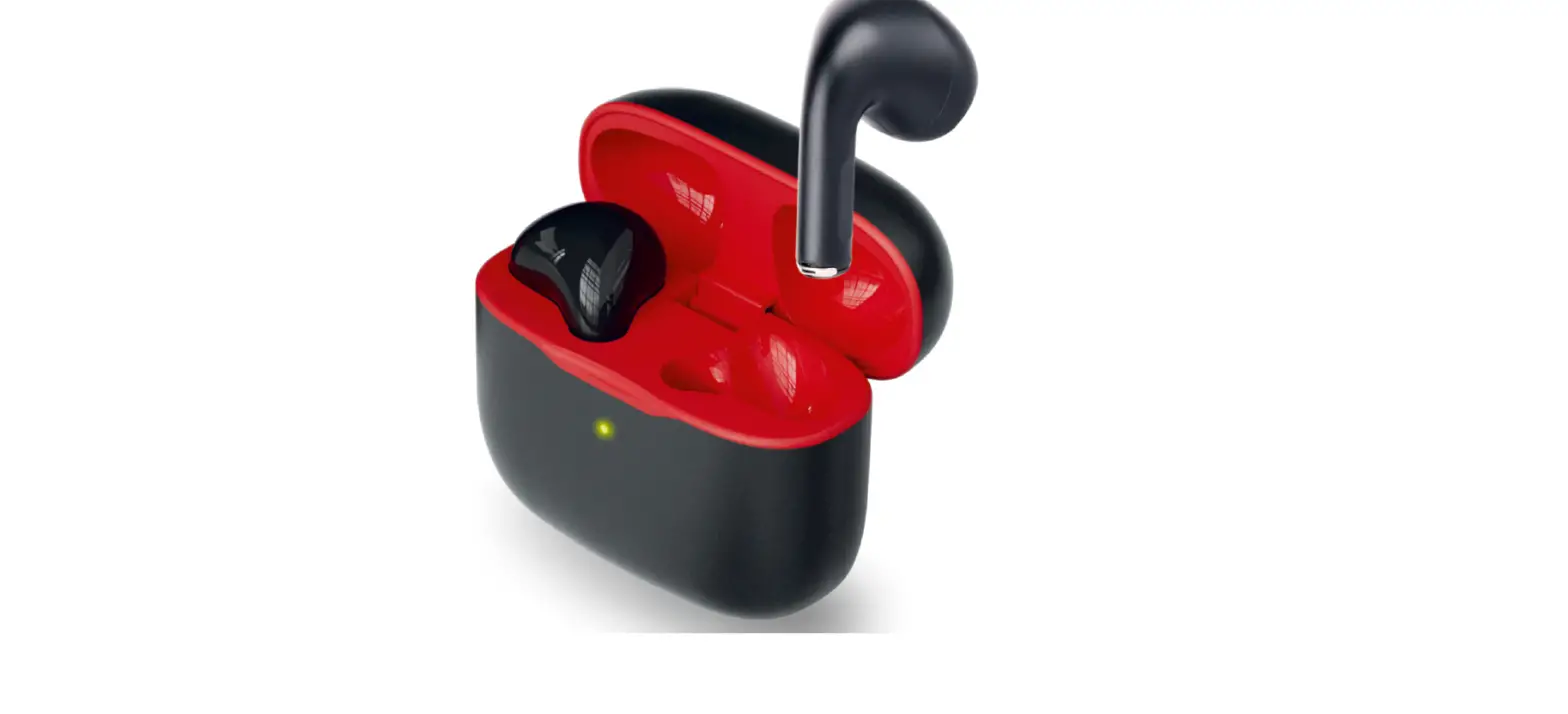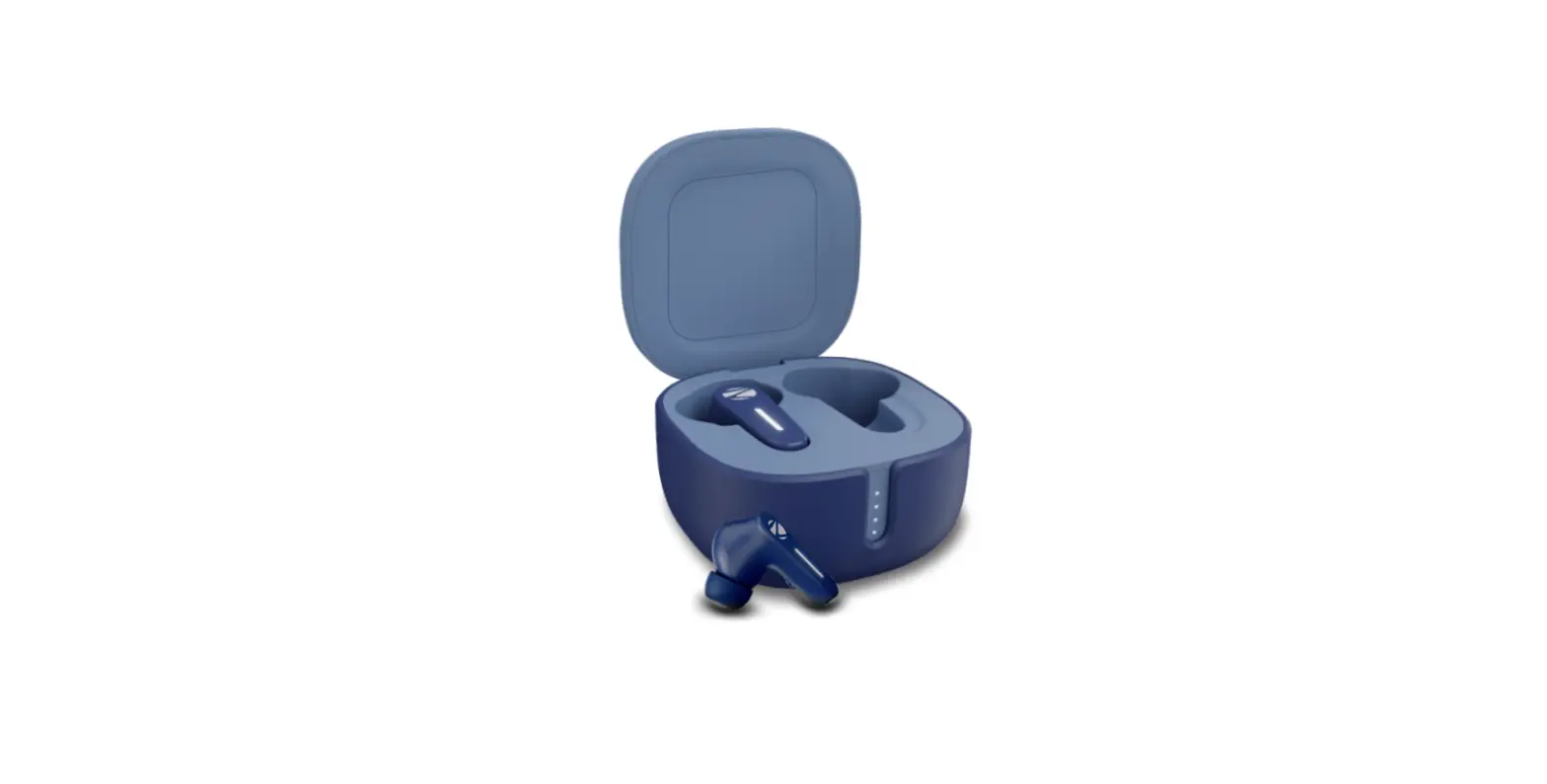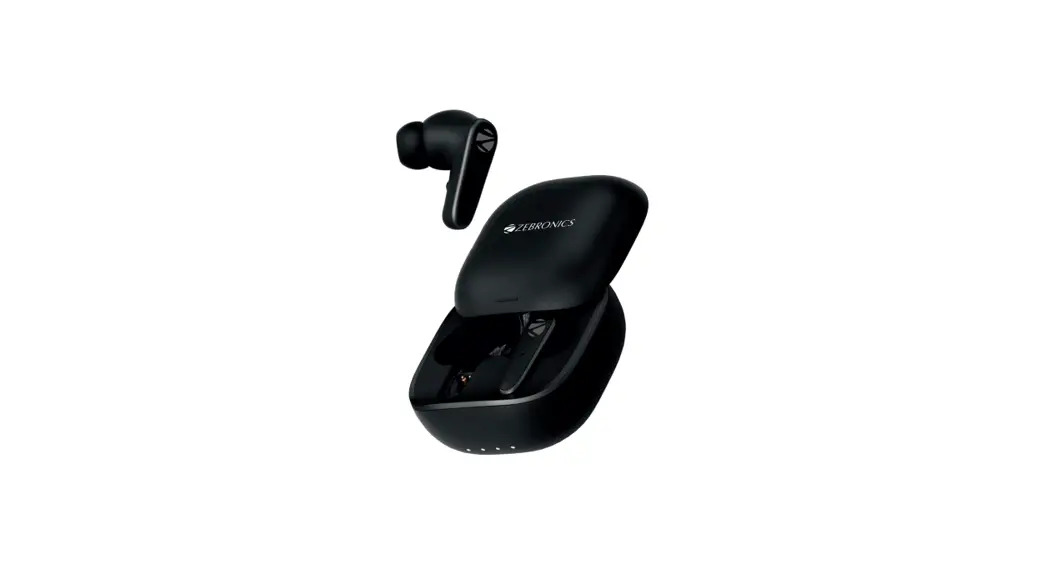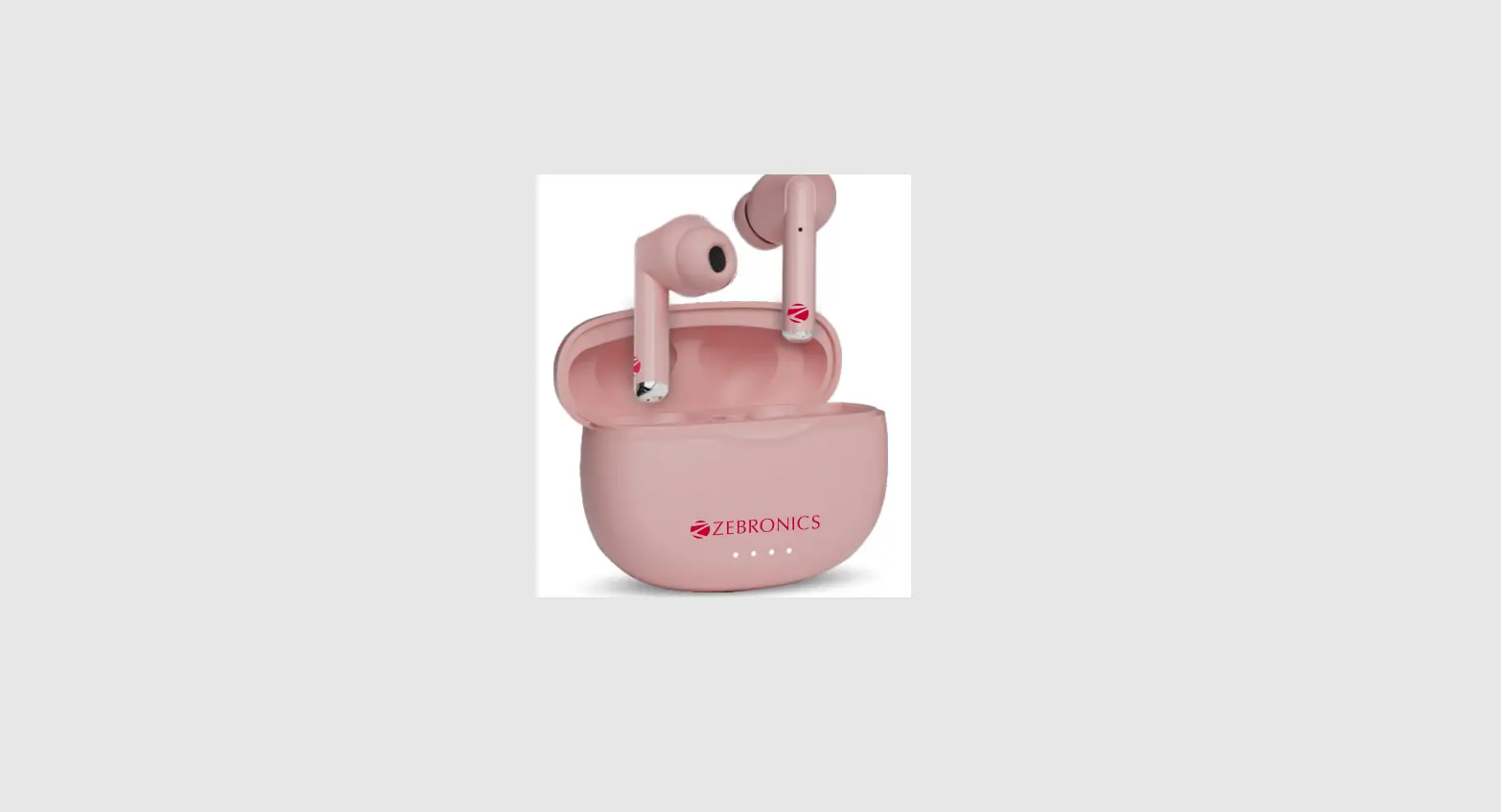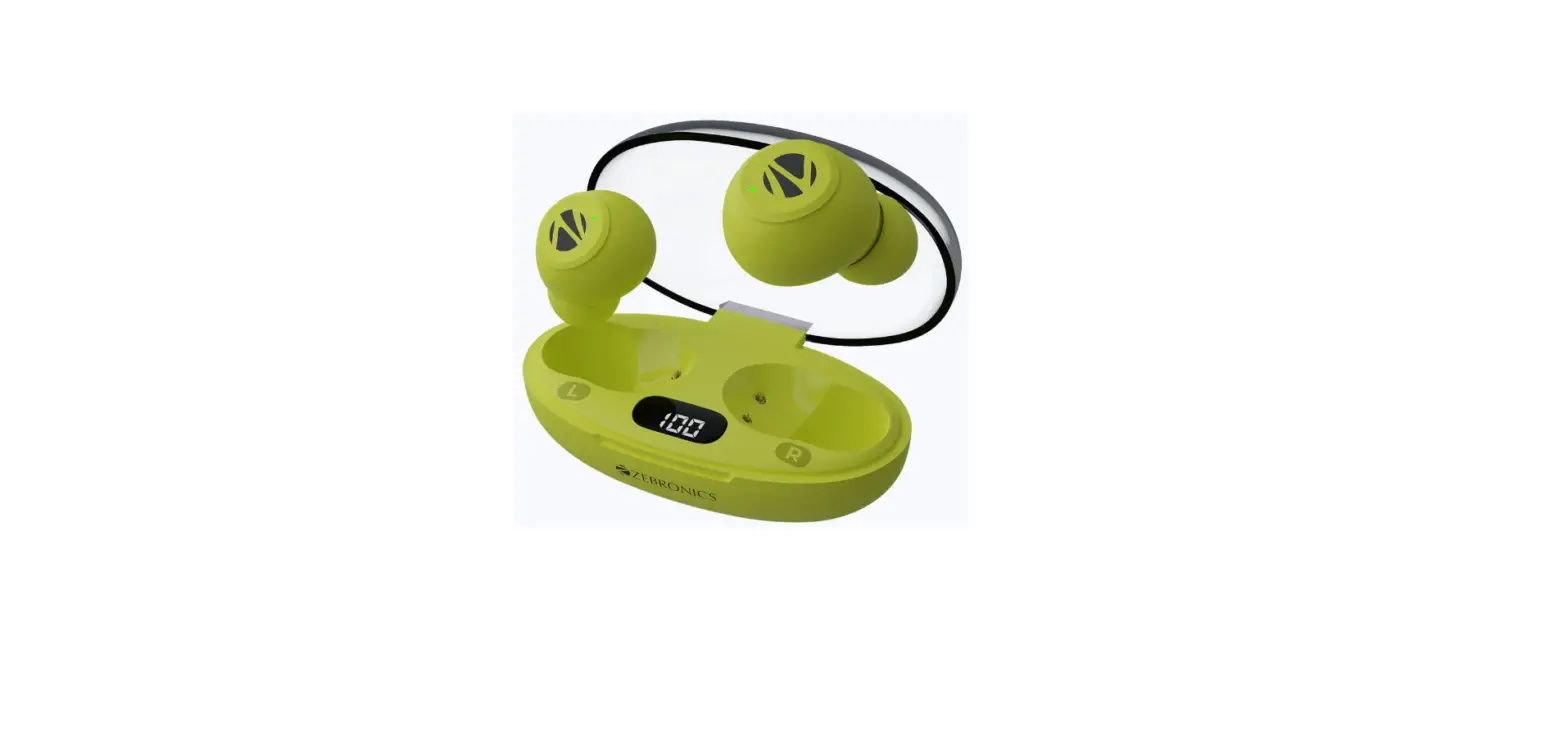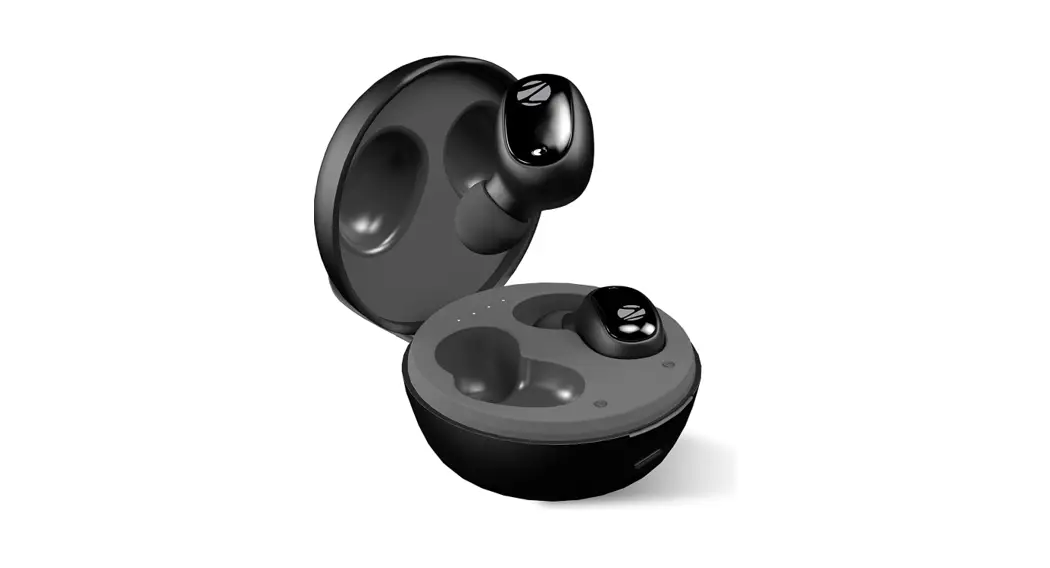
ZEB-SOUND BOMB 1 True Wireless Stereo Earbuds

FAQ
How to connect ZEB – SOUND BOMB 1 with mobile?
A: Take out both the earpieces from the charging case. Both the earphones will turn on automatically & get paired with each other with a unique sound notification. Search for the BT name ZEB – SOUND BOMB 1 in your mobile Bluetooth menu and click to pair it.
How to charge ZEB-SOUND BOMB 1?
A: To charge the earpieces, place them inside the charging case. Connect a type-C cable (provided along with the packing) to a DC 5V adapter to charge the case.
How to activate voice assistance in ZEB-SOUND BOMB 1?
A: Long press the touch Panel for 2 sec in either left or right side earbud.
What are the various touch functions?
A: Single tap – Play / Pause, call receive and hang up. Double-tap on the Right Earpiece: Next TracK, Double-tap on the left earpiece previous track
What are the various LED indications?
A: Red LED glowing on the earpiece – earpiece is charging Red LED goes OFF on the earpiece – earpiece fully charged Charging Case Indication – Four LED would blink. Once fully charged, all 4 LEDs would glow constantly. oes ZEB-SOUND BOMB 1 support call function?
A: Yes,
Single touch to answer/hang up a call. Touch and hold to reject an incoming call