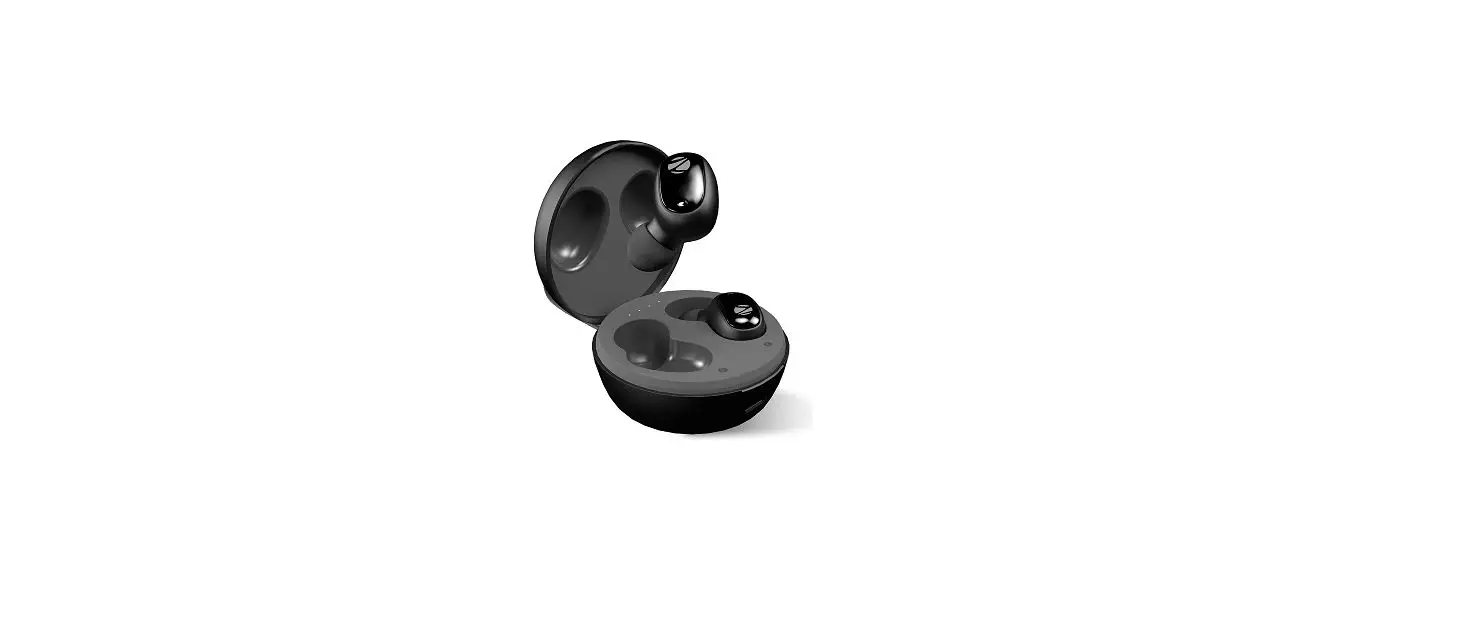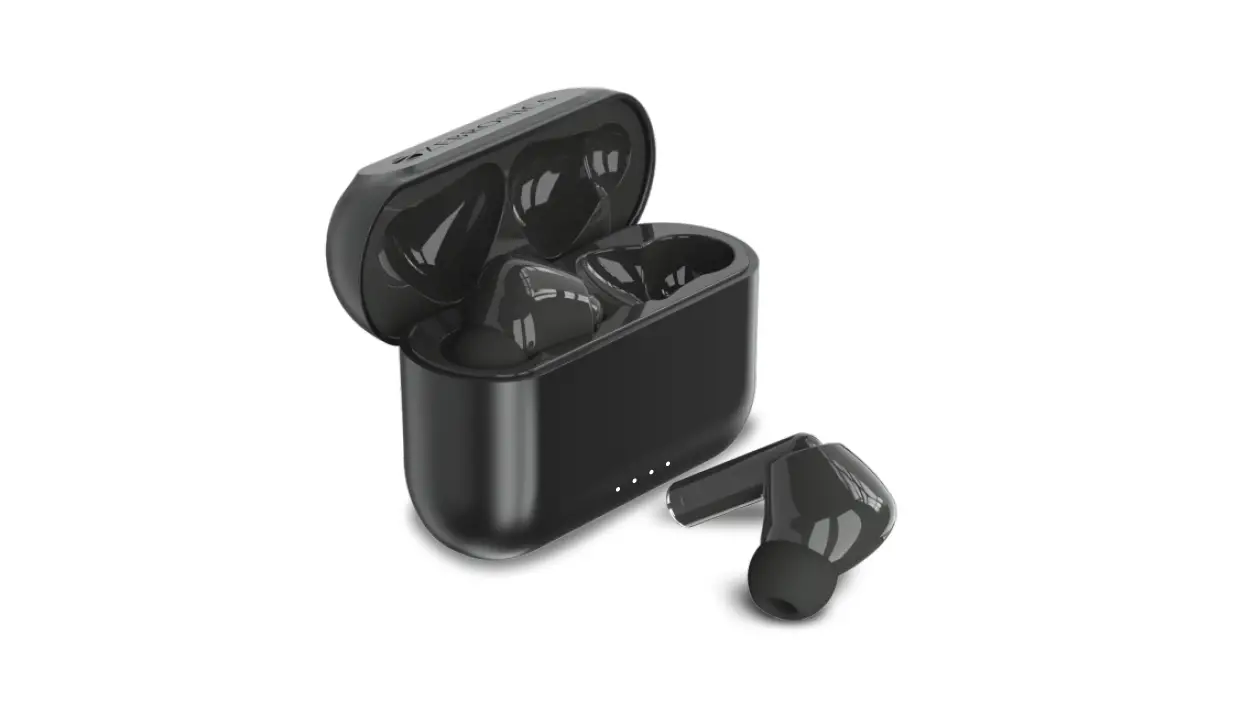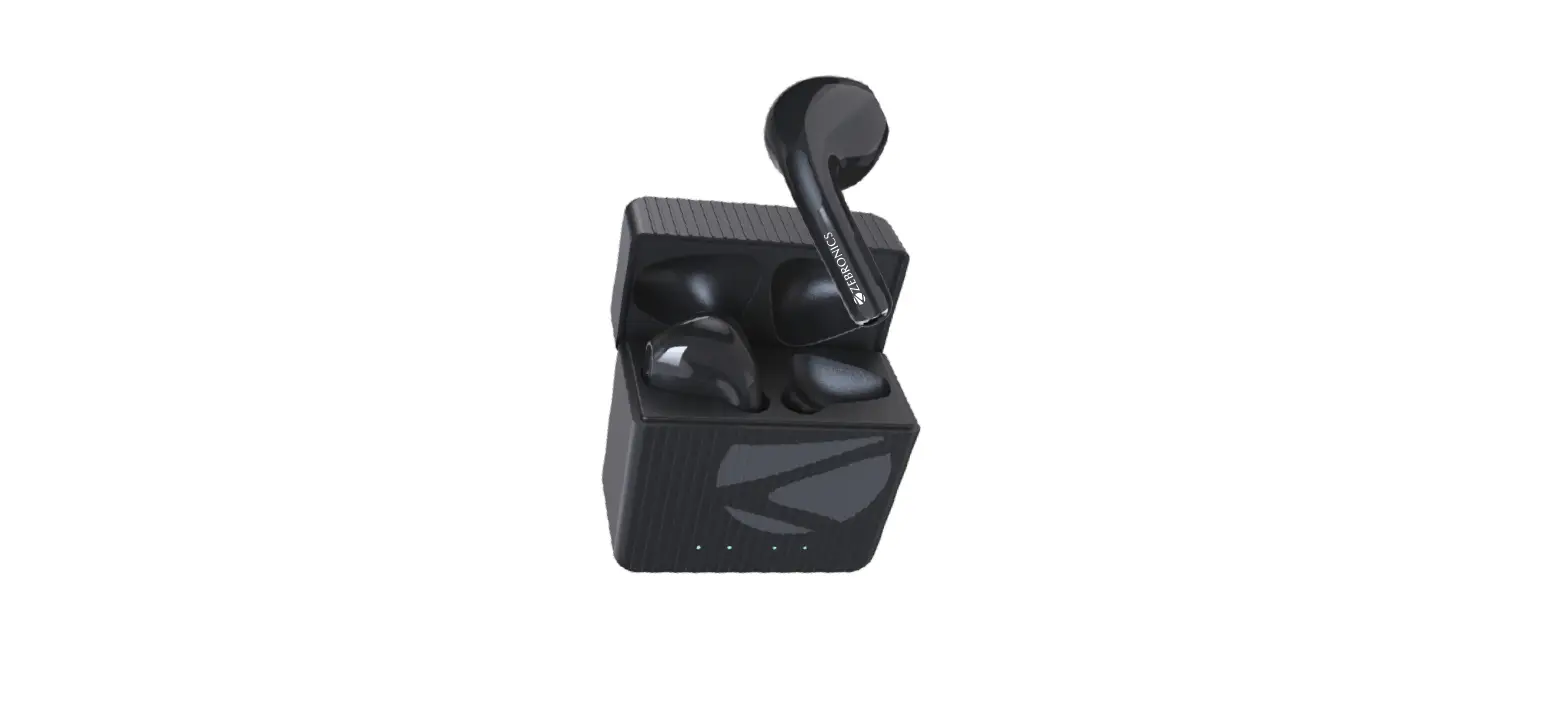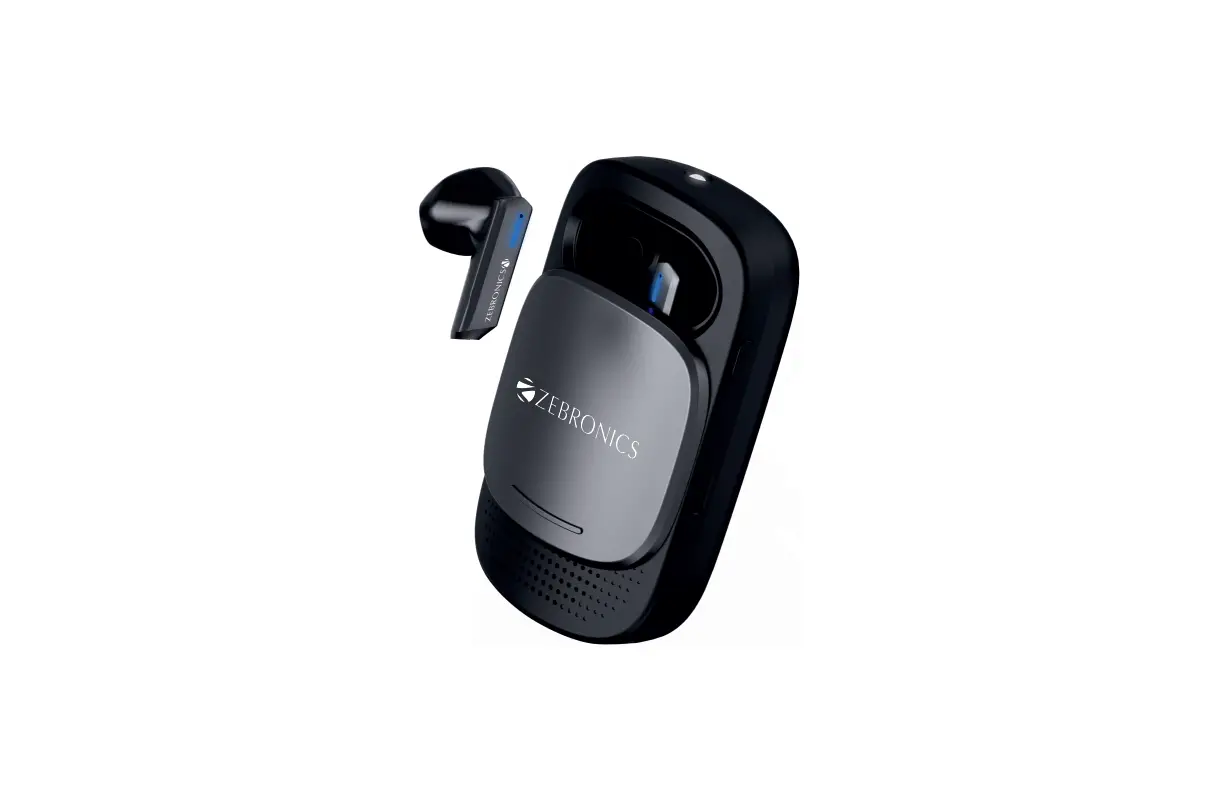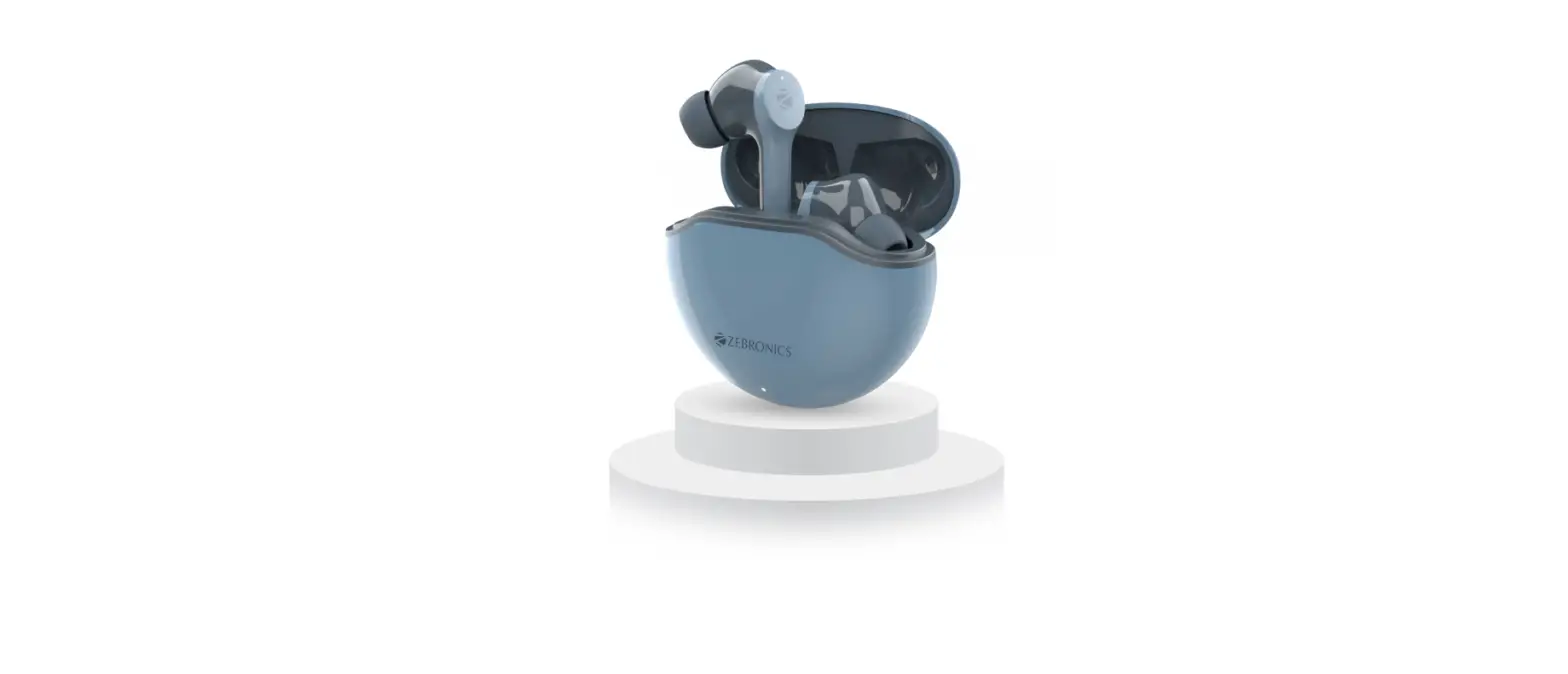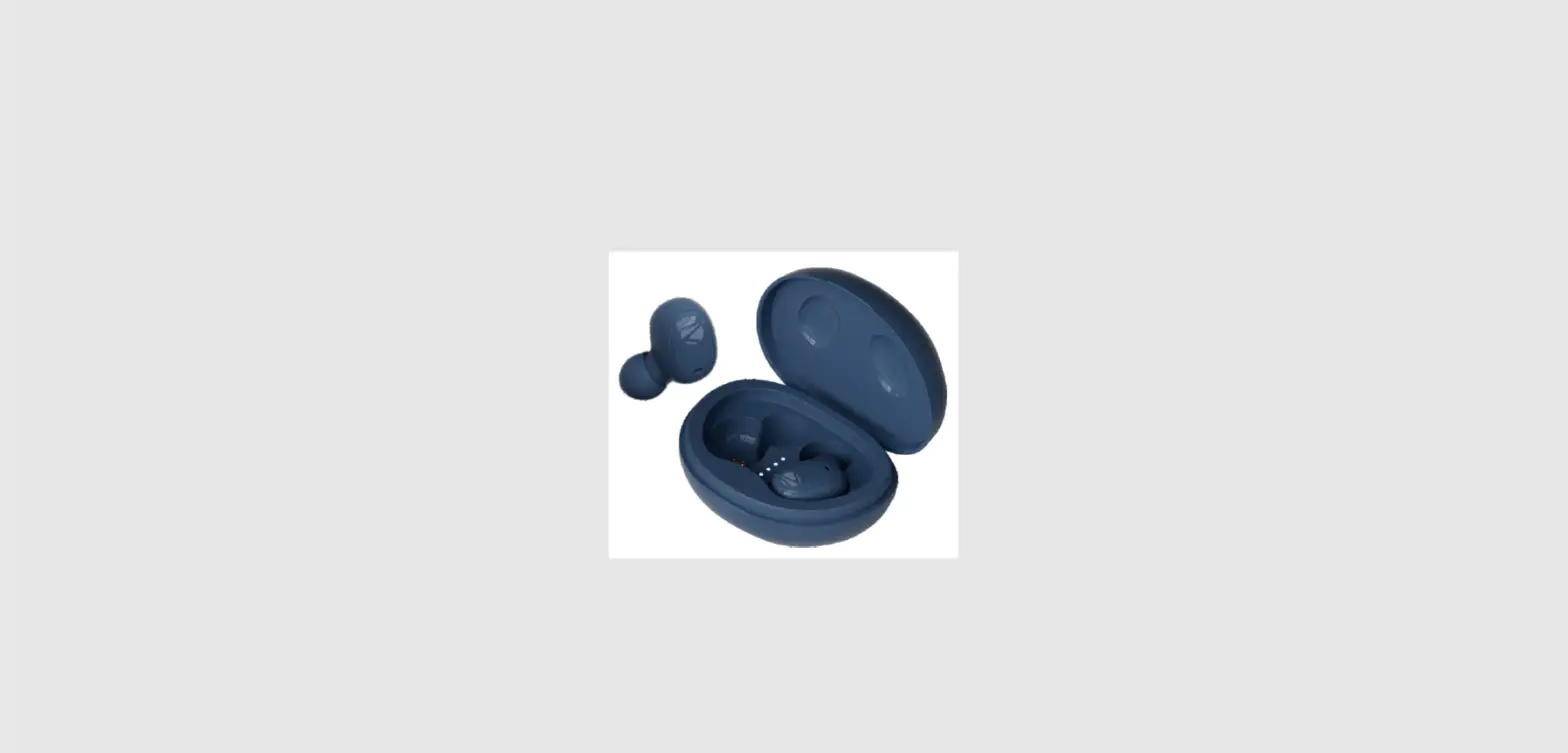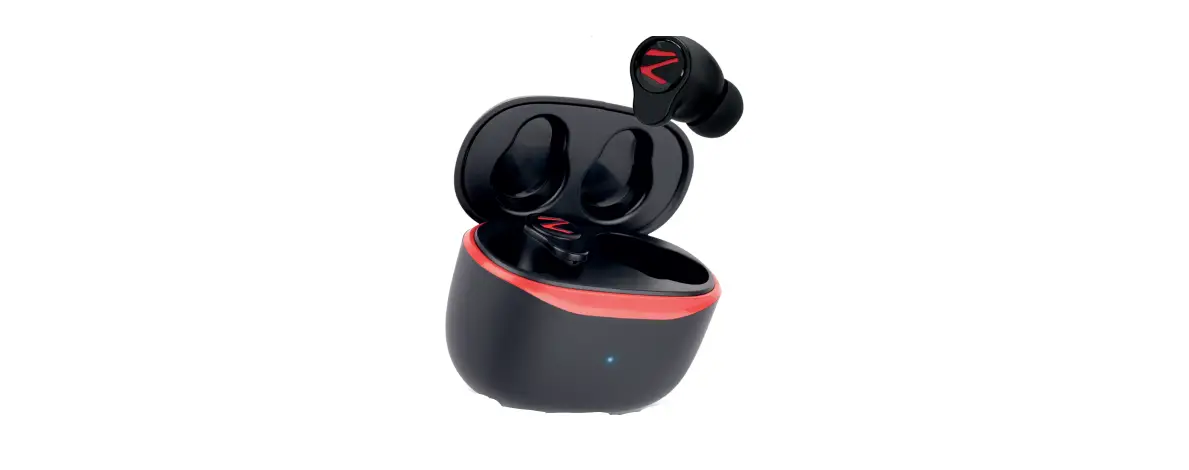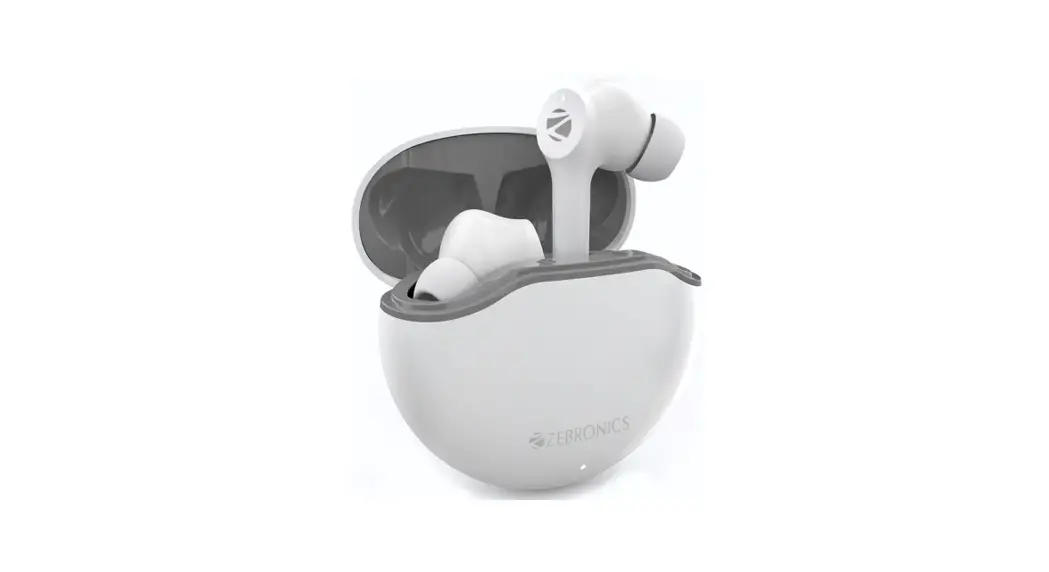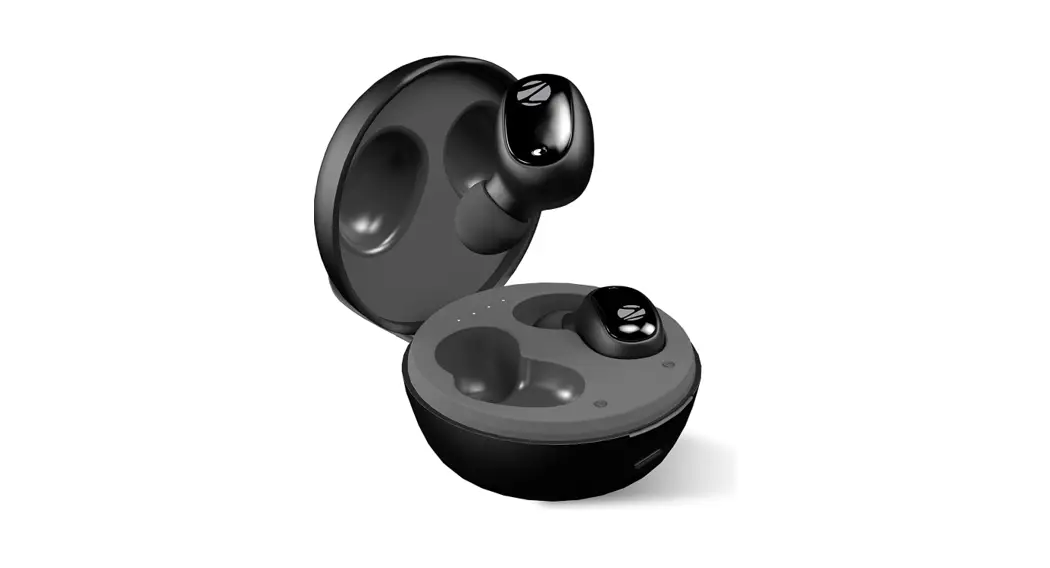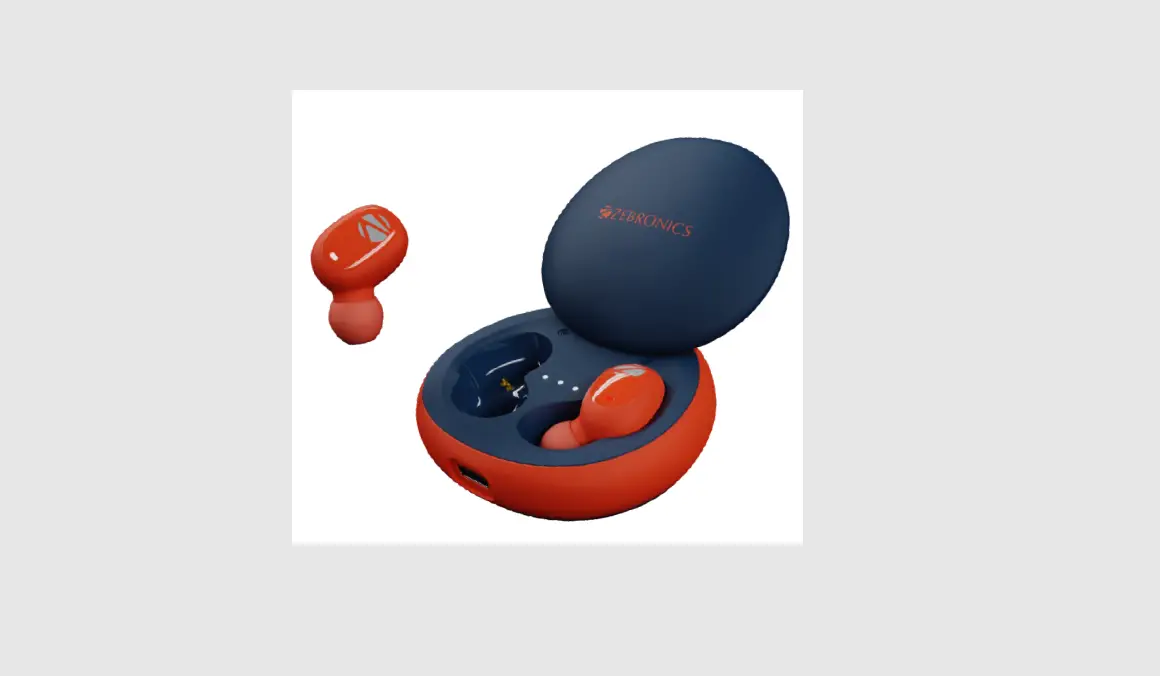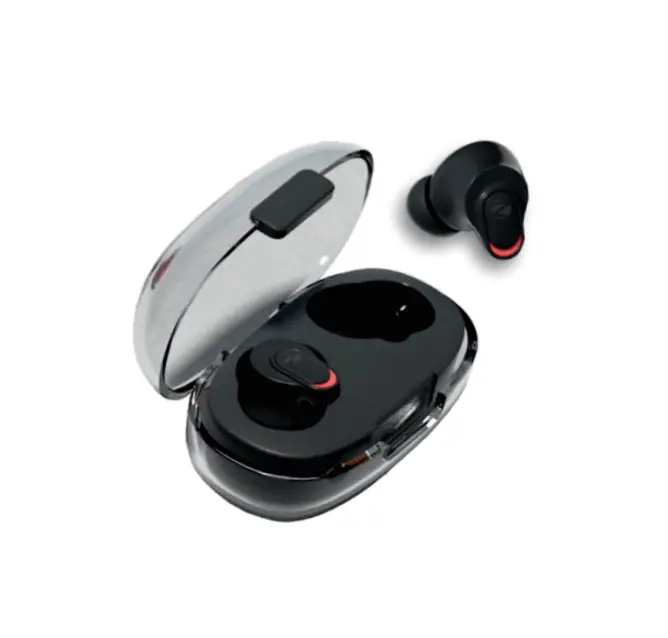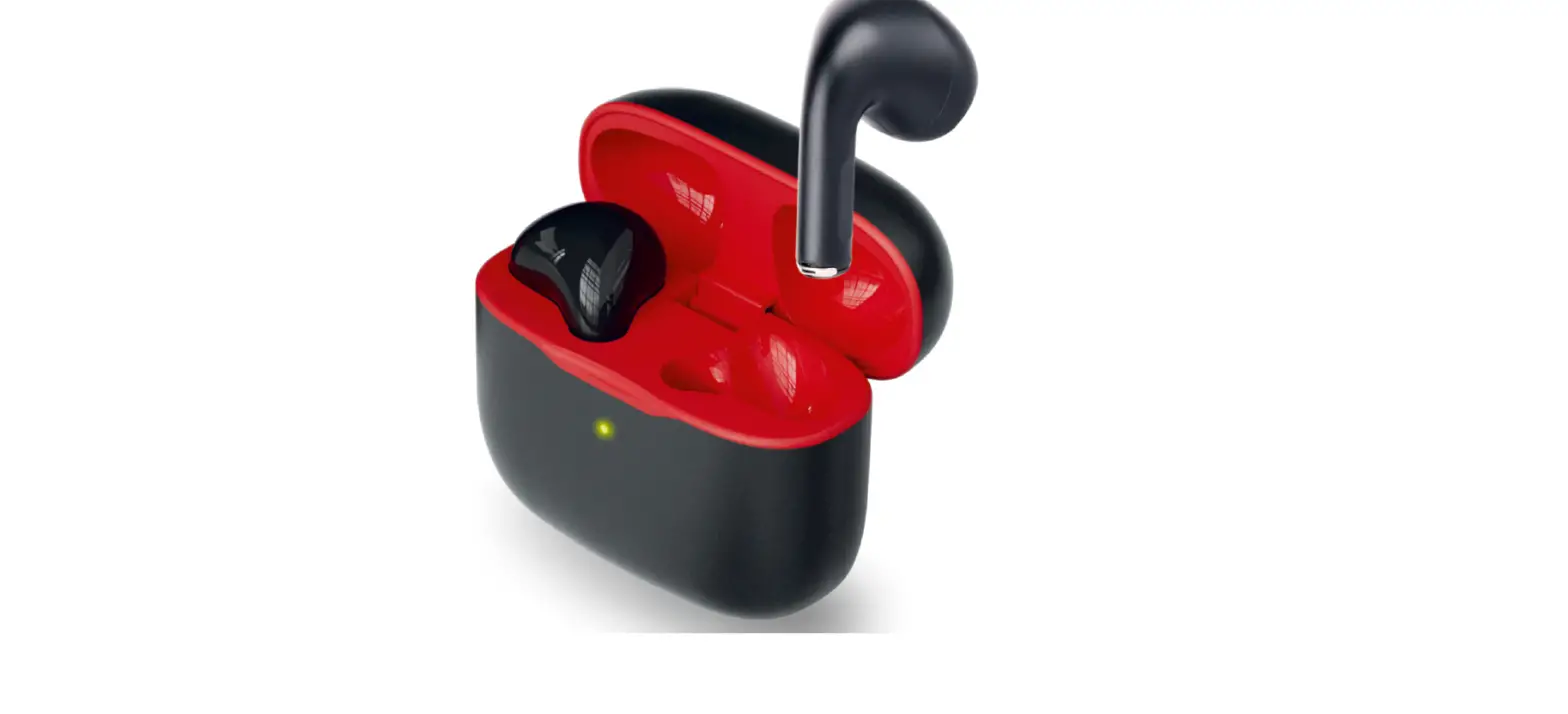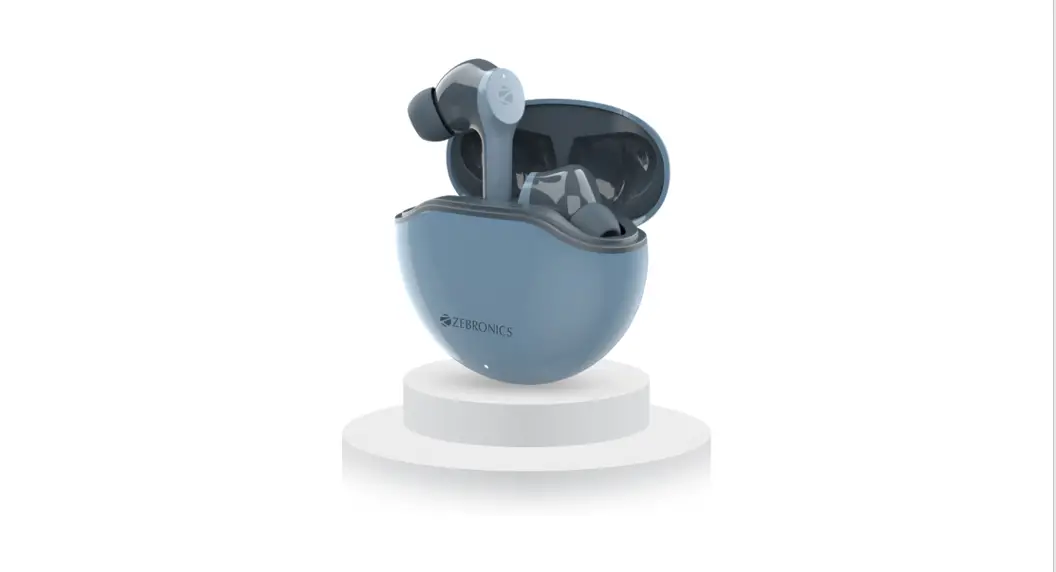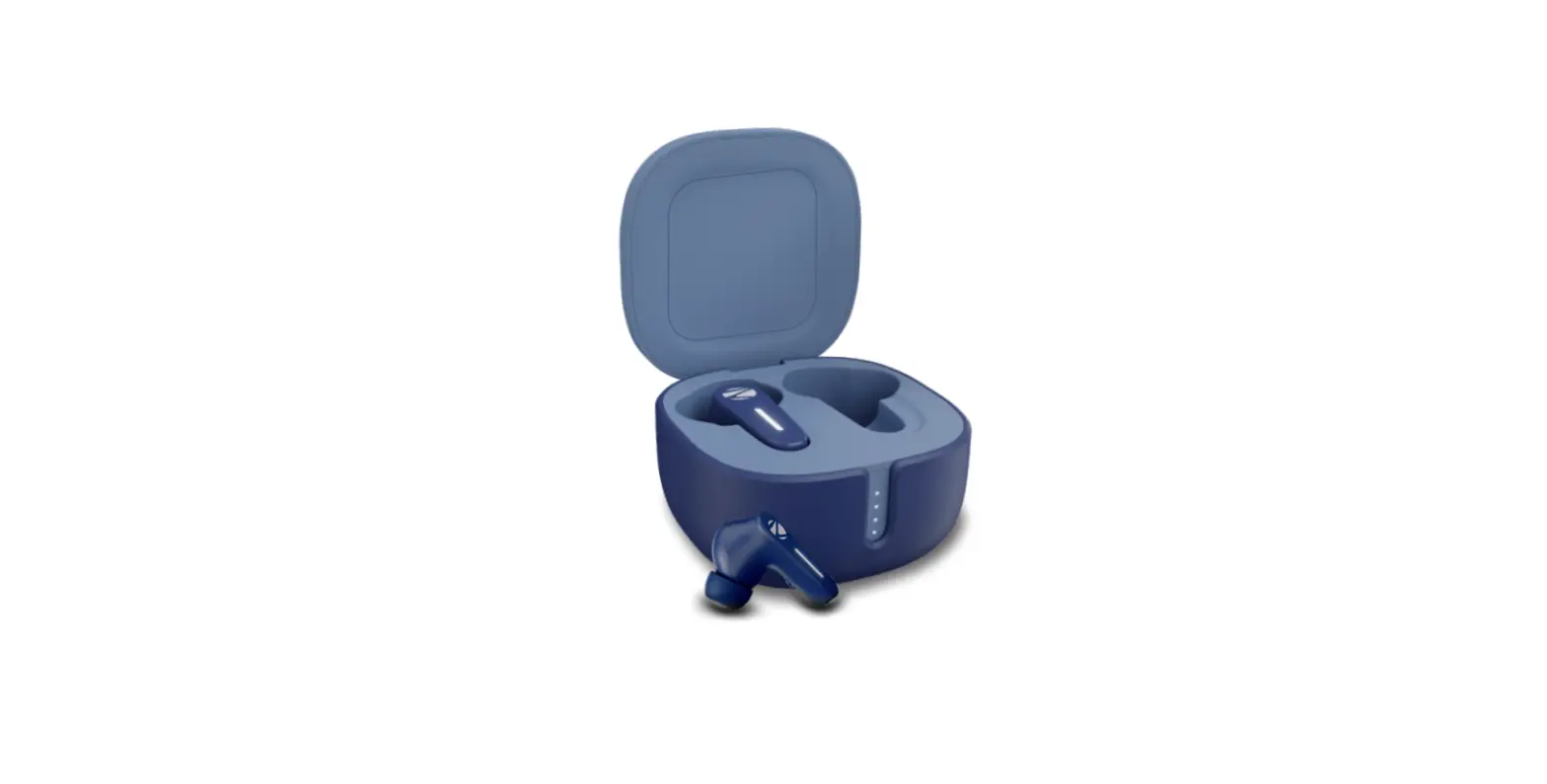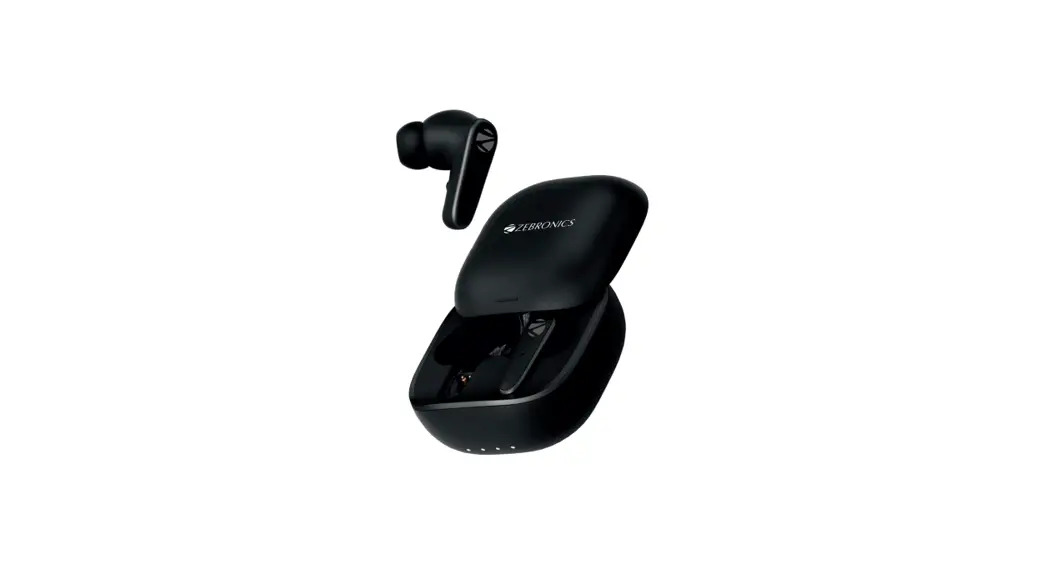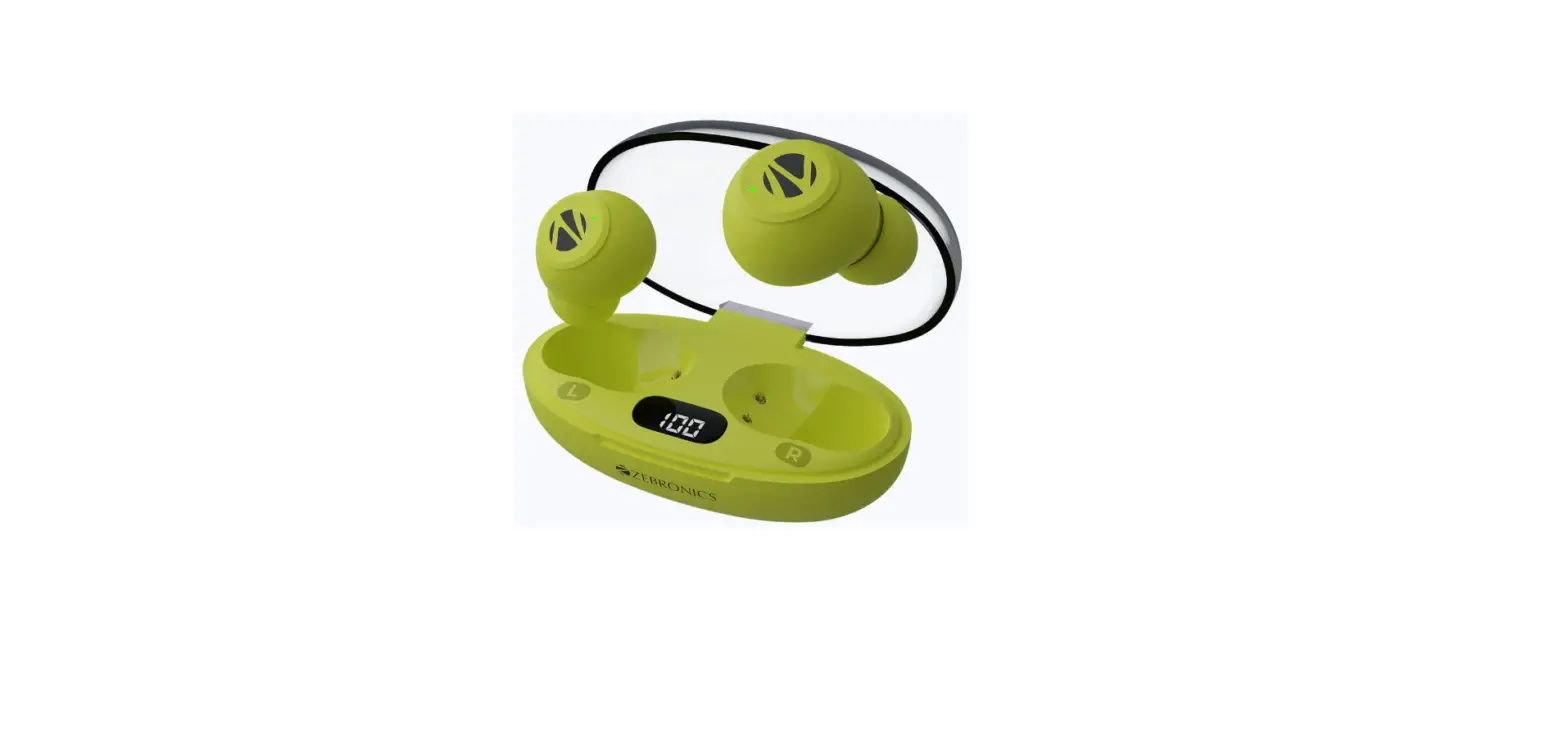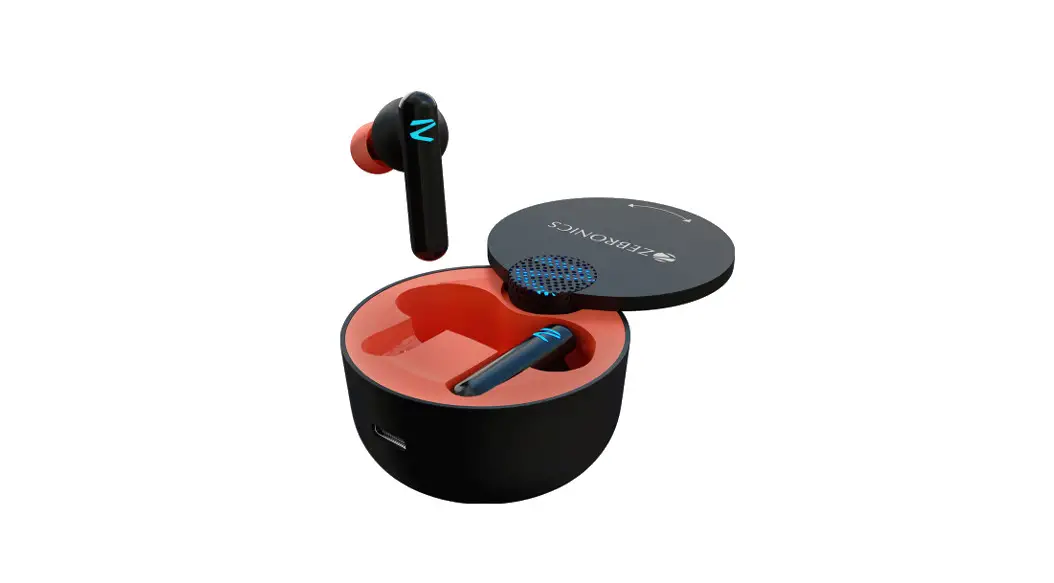
 ZEB-SOUND BOMB G1 Wireless Earbuds
User Manual
www.zebronics.com
Dear Customer,
Thank you for purchasing the ZEB-SOUND
BOMB G1 Wireless Earbuds. Please read the user manual carefully before usage & save it for future reference.
Note:
- Avoid the usage of this product at a high temperature and high humidity environment.
- Avoid the self-disassembly of the product as it results in the failure of the Warranty.
- Please charge the product with a power adapter rated DC 5V (Output).
Caution:
Listening at a high volume can cause hearing impairment. Please limit your usage time a high volume.
Features
- Wireless Stereo Sound
- Gaming Mode
- Supports AAC Codec
- U pto 14H* extra battery life with Charging Case
- Voice Assistant Support
- Call Function
- Built-In Rechargeable Battery
- Splash Proof
Specifications
| BT Version | : 5.0 |
| Supported BT Profile | : HSP / HFP / A2DP / AVRCP |
| Drive Size | : 10mm |
| Speaker Impedance | : 320 |
| Playback Time | : 3.5H |
| Charging Time | |
| Earphone | : 1 H |
| Case | : 1.5H |
| Talk Time | : 3.5H |
| Standby Time | : 30H |
| Case Dimension | : 60 x 34mm (Dia x H) |
| Net Weight | : 45g |
| Package Contents | |
| Earbuds | : 2 Units |
| Charging case | : 1 Unit |
| Eartips | : 2 Pairs |
| Charging cable | : 1 Unit |
Product Representation
Earbud
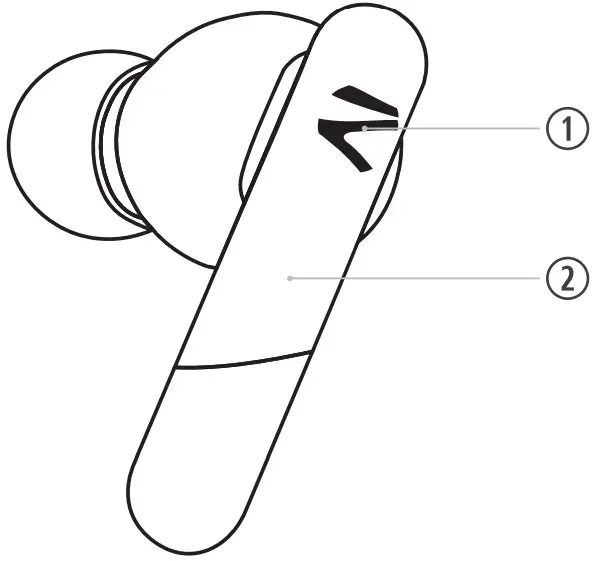
- LED Indicator
- Multi-Function Touch Control
During Music Playback:
Single Touch either earbud to Play/Pause the music Track.
Double touch the left earbud for the previous music Track.
Double touch the right earbud for Next Music Track.
During Calls:
Single tap -Attend ca 11 / End cal I
Long press -Reject the ca 11.
Gaming Mode:
Tap & hold the right bud-To activate /deactivate the gaming mode.
Voice Assistance:
Tap & hold the left bud-To activate Voice assistance
Usage Instruction
Bluetooth Pairing Instructions:
Step1: The earbuds will turn On once the charging case is opened.
Step 2: The earbuds will pair with each other within 5 secs.
Step3: Now open the phone’s BT settings and pair the earbuds by clicking on the “ZEB SOUND BOMB G1”.
Charging the Case:
Connect the type-C cable to the charging port of the case and connect the other end of the cable to the DC5Vadapter.
Charging the Earbuds:
Put the earbuds in the respective charging slot of the case. Once placed in the case, the earbuds will charge automatically.
The LED indicator in the earbuds will glow constantly indicating the earbud is charging.
When fully charged, the LED indicator will turn OFF.
ISO 9001:2015 Certified Company
www.zebronics.com