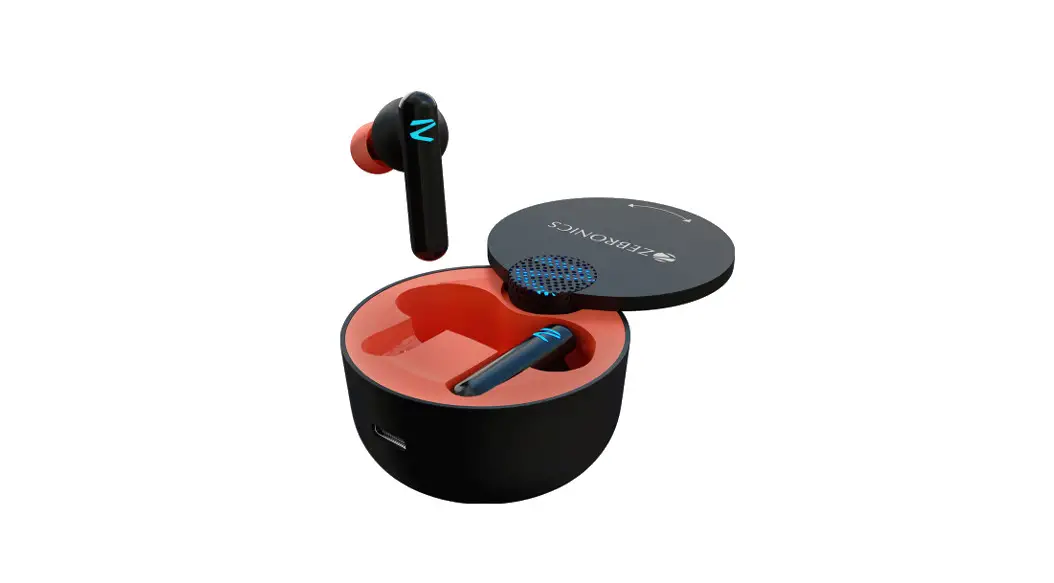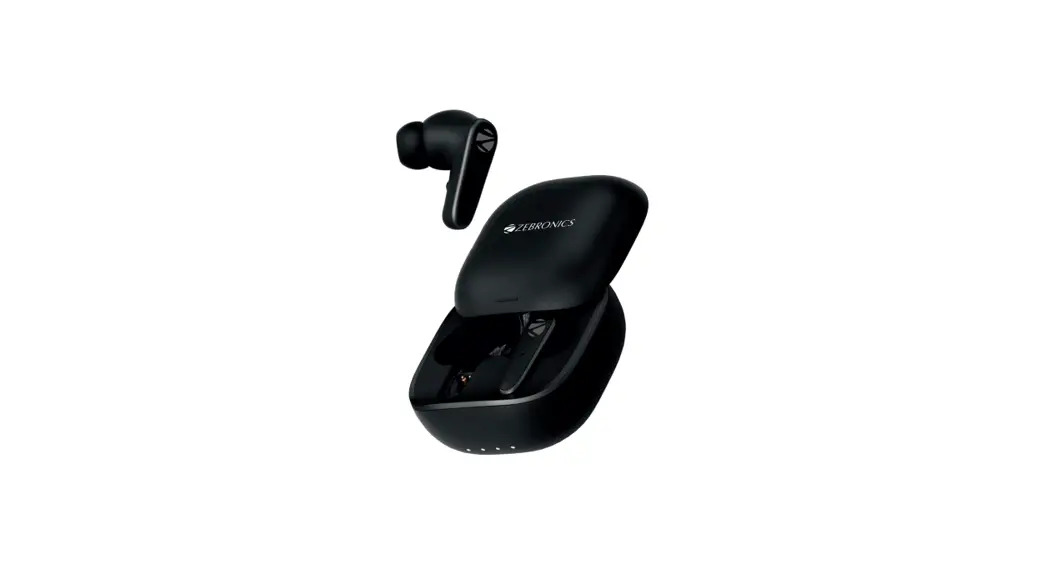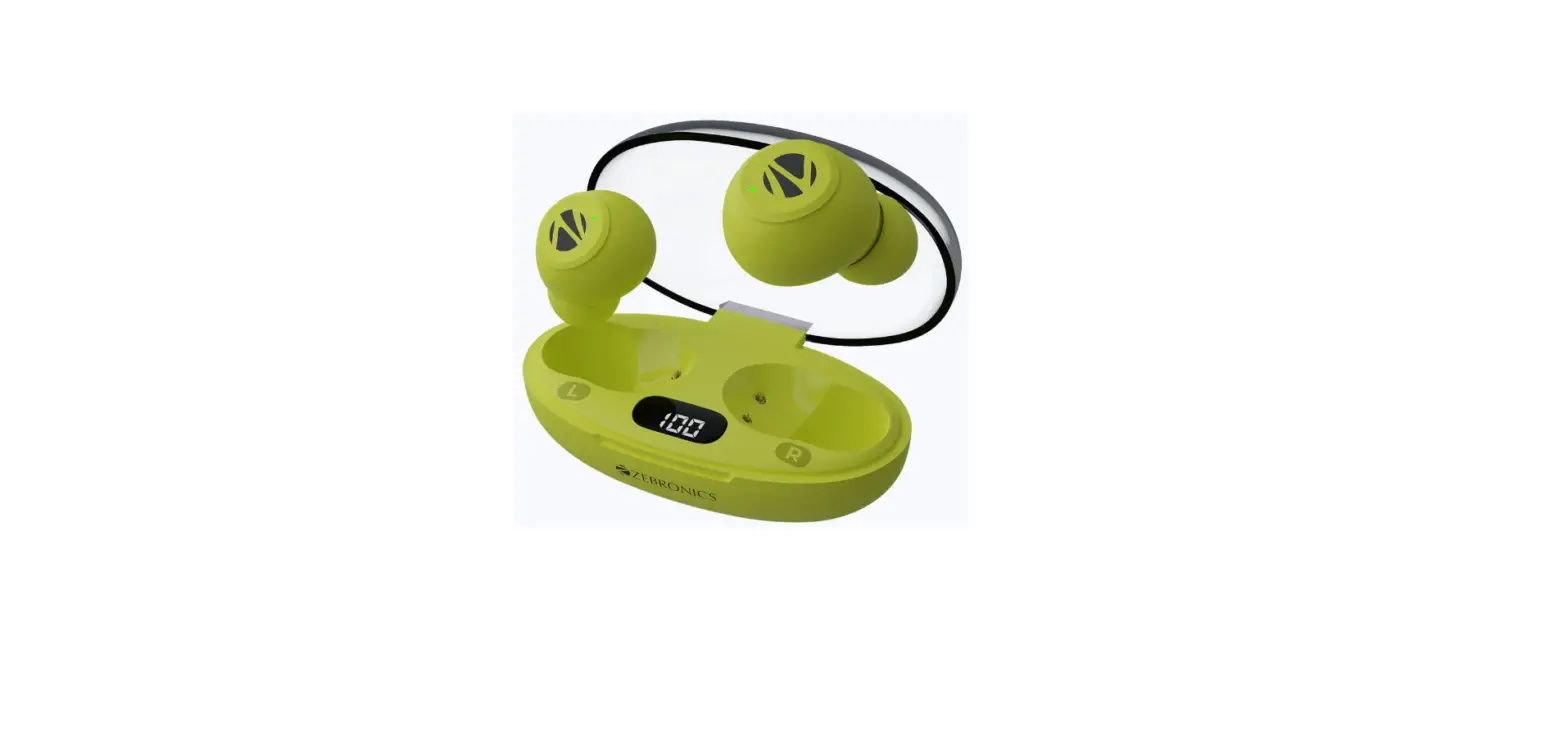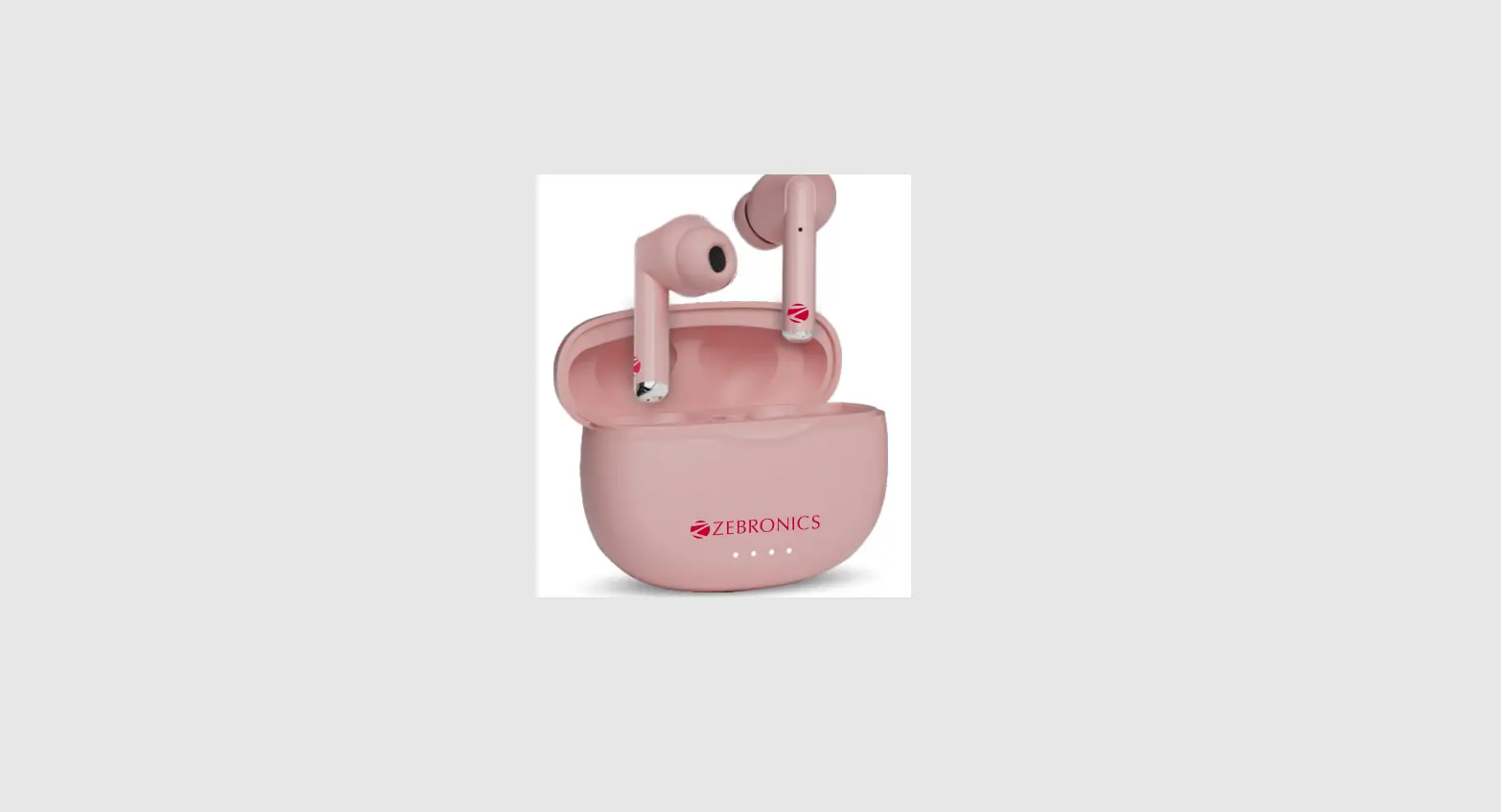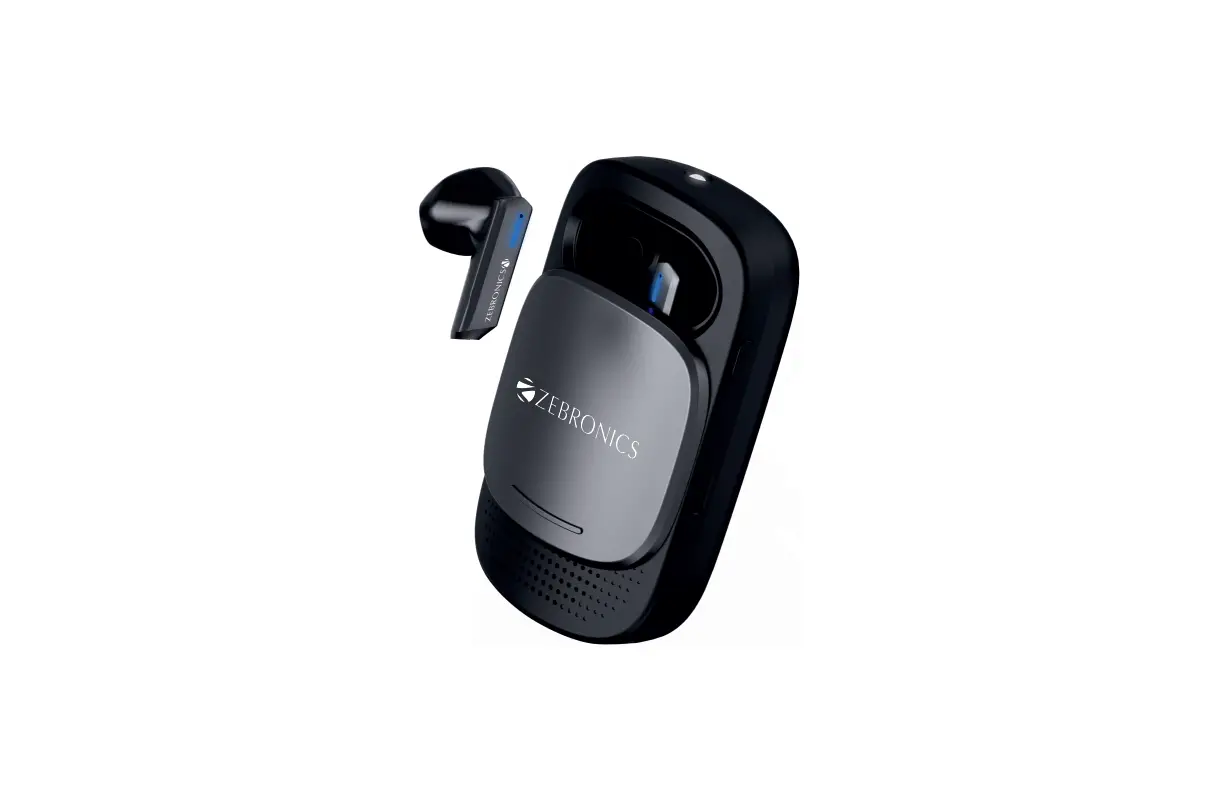
ZEBRONICS Zeb-Sound Bomb X1 Wireless Earbuds User Manual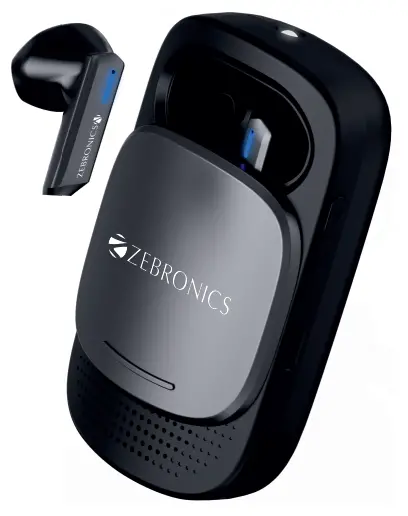
Dear Customer,
Thank you for purchasing ZEB-SOUND BOMB X1 Wireless Earbuds. Please read this user manual carefully before operation & save this user manual for further reference.
Note:
- Avoid the use of this product at the high temperature and high humidity environment.
- Avoid self-disassembly of product or it will result in the failure of warranty.
- Please charge the product with DC 5V power adapter.
Caution:
Listening at high volumes can cause hearing impairment. Please limit your usage time at high volumes.
Features
Wireless stereo sound
Up-to 30h* battery life with charging case
Voice assistant support
Call function
13mm earphone Driver
Splash proof
Type-C Charging
Touch control
In-Built LED
Torch Built-In Rechargeable Battery
Specifications
BT Version : 5.0
Supported BT Profile : HIP/ SPP / A2DP / AVRCP
Drive Size
Earphone : 13mm
Speaker : 36mm
Impedance
Earphone : 32Ω
Speaker : 4Ω
Playback Time
Earphone : 4-5h*
Speaker :19h*
Charging Time
Earphone :1h
Case with speaker : 2h
Talk Time : 2.5 – 3.5h*
Standby Time : 40h
Case Dimension : 33.4 x 18.5 x 19 mm
(W x D x H)
Net Weight : 98g
Package Contents
Earbuds : 2 U
Charging case : 1 U
Charging Cable : 1 U
QR code guide : 1 U
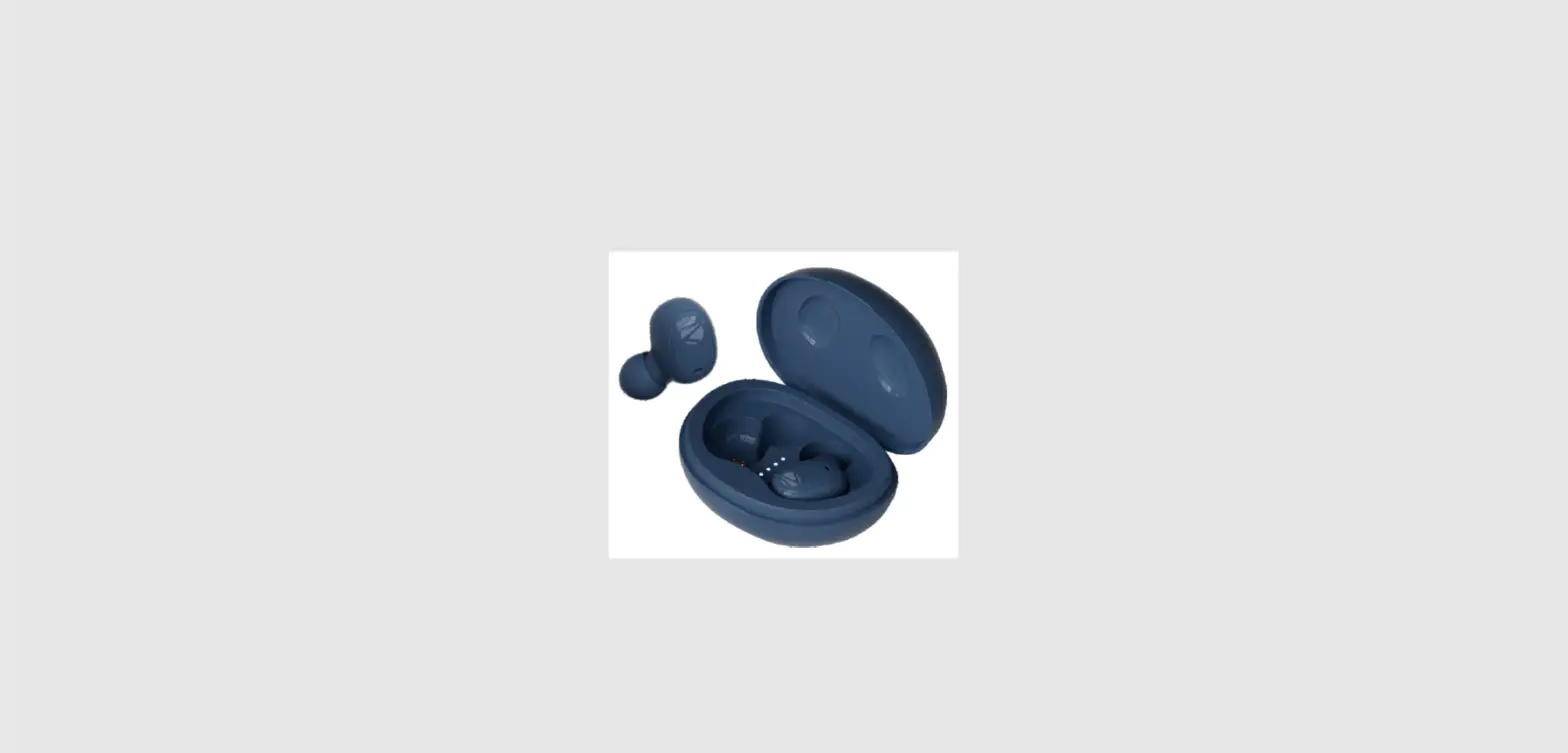
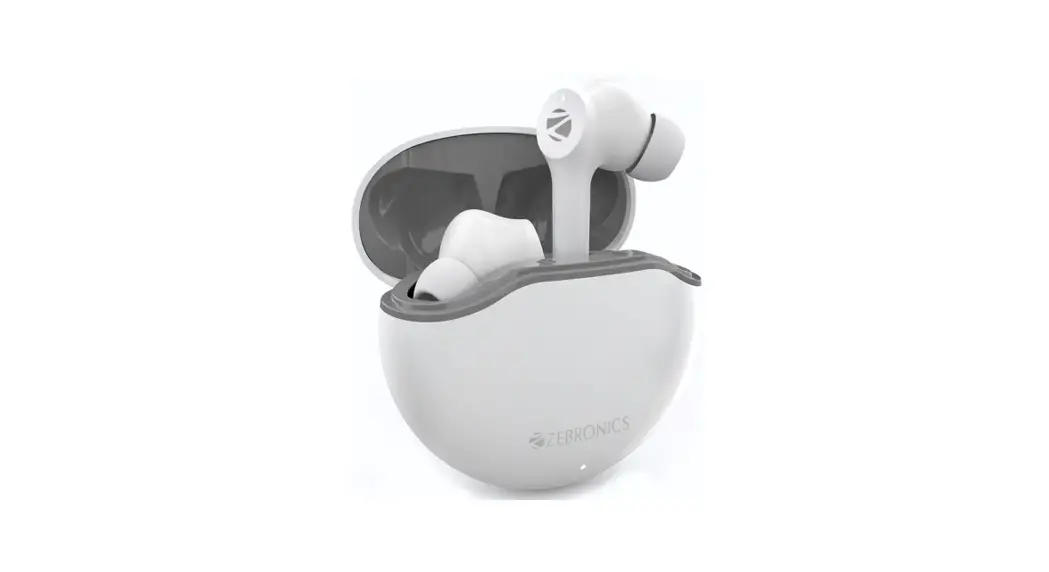
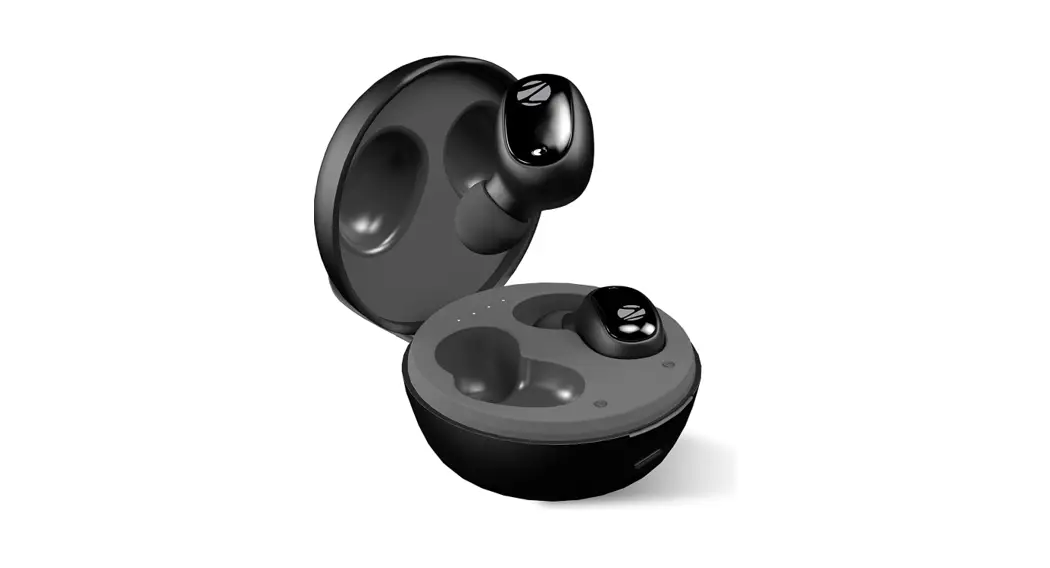
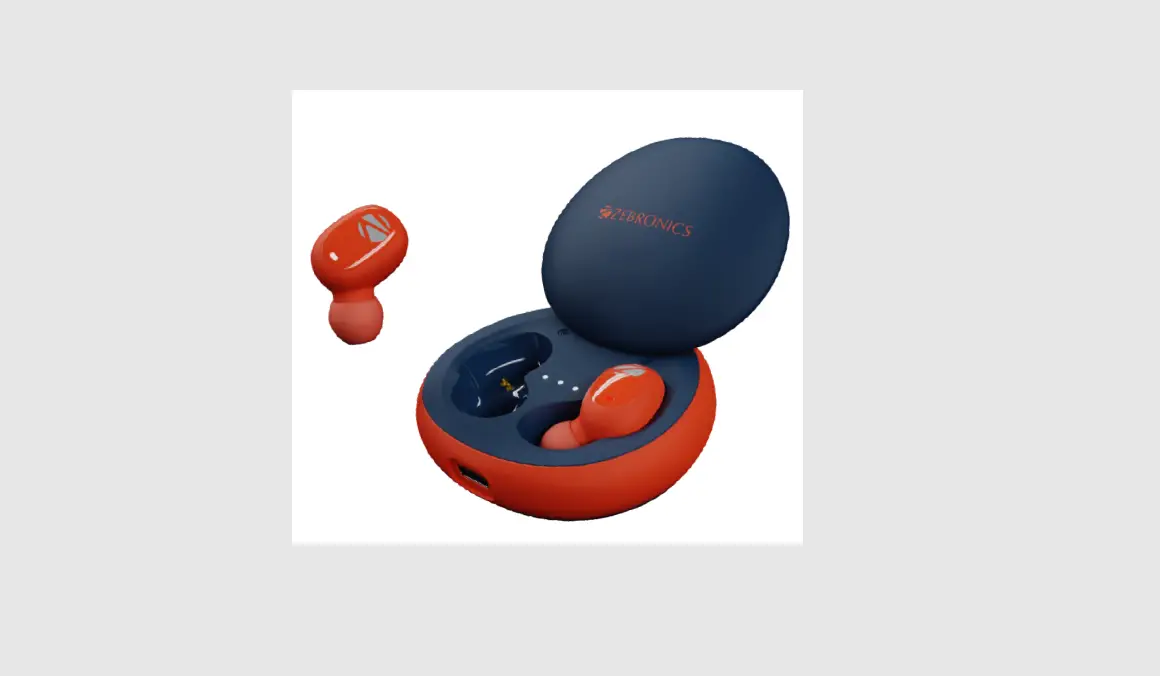
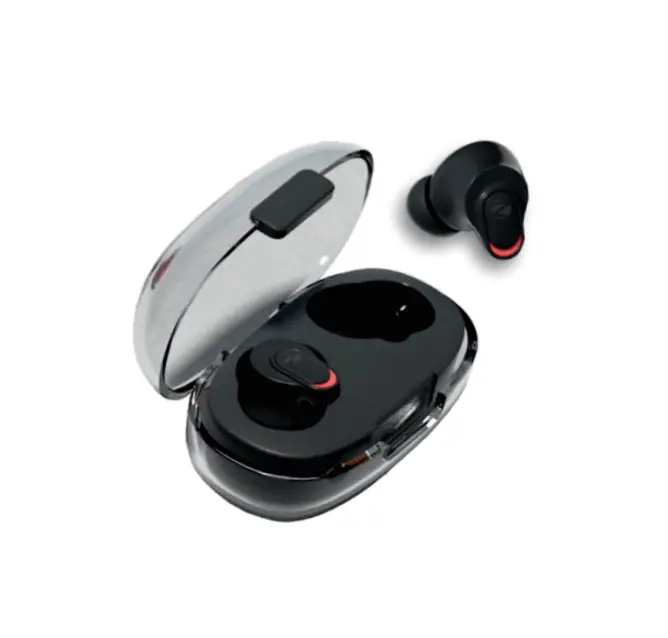
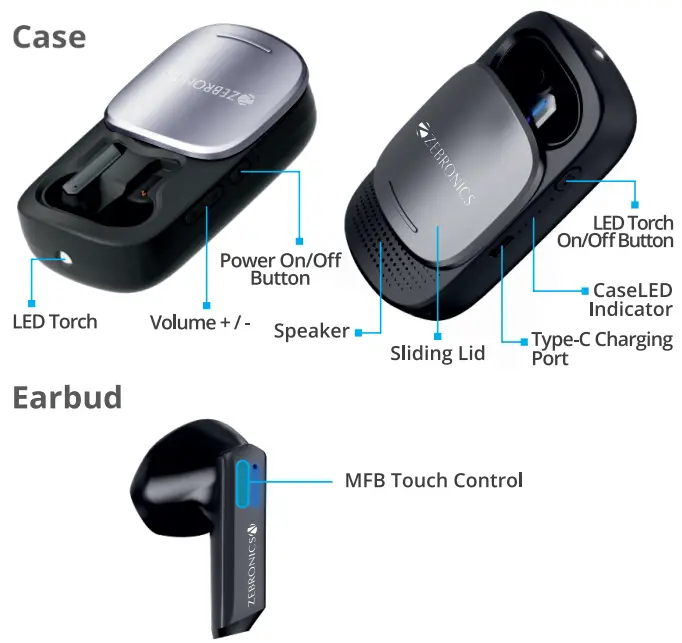
Product Representation
Music Playback:
Earbuds Functions
- Single Tap the MFB touch control once on either sides to Play/Pause the Track.
- Doubletap on the left side to Decrease volume.
- Doubletapon the right side to increase volume.
- Triple tap on Left side to skip to Previous song.
- Triple tap on Right side to skip to Next song.
During Calls:
- Single tap the MFB on either side of the earbuds to answer / end the call.
- Press & Hold the MFB on either of the earbuds to reject the call.
Speaker Functions:
- Press the power button to power ON the Speaker.
- Single press’-F’ Button to Increase the volume
- Single press the Power Button to Pause/Play.
- Single press the Button to Decrease the volume
- Double press the ‘+’ Button to skip to Next song.
- Double press the ‘-‘ Button to skip to Previous song.
- Press and hold the Power button to turn OFF the speaker.
Usage Instructions:
BT Pairing Instructions (For Earbuds):
Step 1: The earbuds will turn on once case lid is opened.
Step 2: The earbuds will pair with each other within 5 secs.
Step 3: Now open the phone’s BT settings and pair the earbuds by clicking on the “ZEB-SOUND BOMB Xl”.
BT Pairing Instructions(For inbuilt Speakers):
Step 1: The Speaker will turn on once the power button is pressed. Step 2: Now open the phone’s BT settings and pair the speaker by clicking on the “ZEB-SOUND BOMB Xl_S”.
Activating the Voice Assistant:
Once connecting the earbuds via BT, Long press the MR buttons for 2 sec to wake up the Voice assistance of your smartphone.
Charging Instructions
Charging the Case:
Connect the type-C cable to the charging port of the charging case and connect the other end of the cable to the DCSV adapter. The charging case LED’s indicator will blink in a row, indicating that it is charging. The white LED will glow constantly indicating the charging case is full.
Charging the Earbuds:
Put the earbuds in the respective charging slot of the charging case. Once placed in the charging case, the earbuds will charge automatically.
ISO 9001:2015 certified company
www.zebronics.com