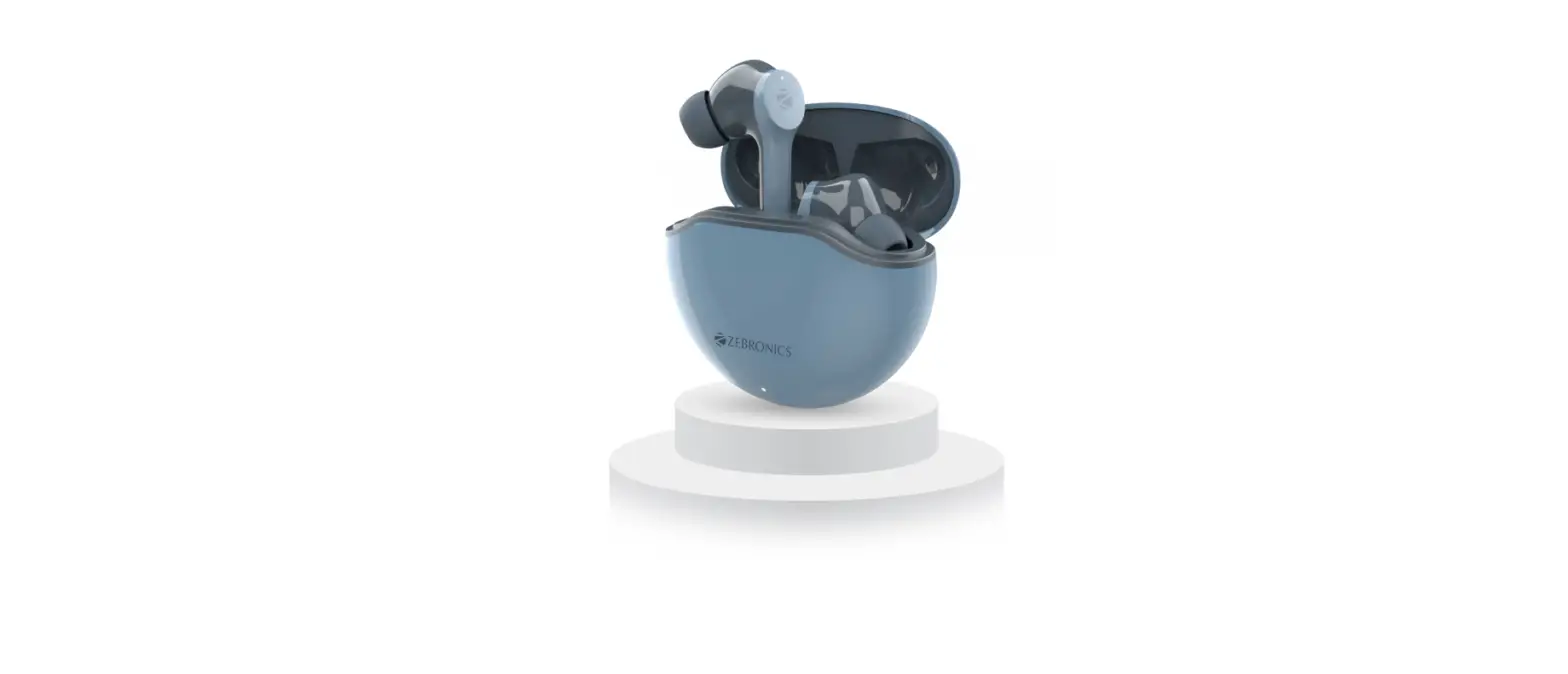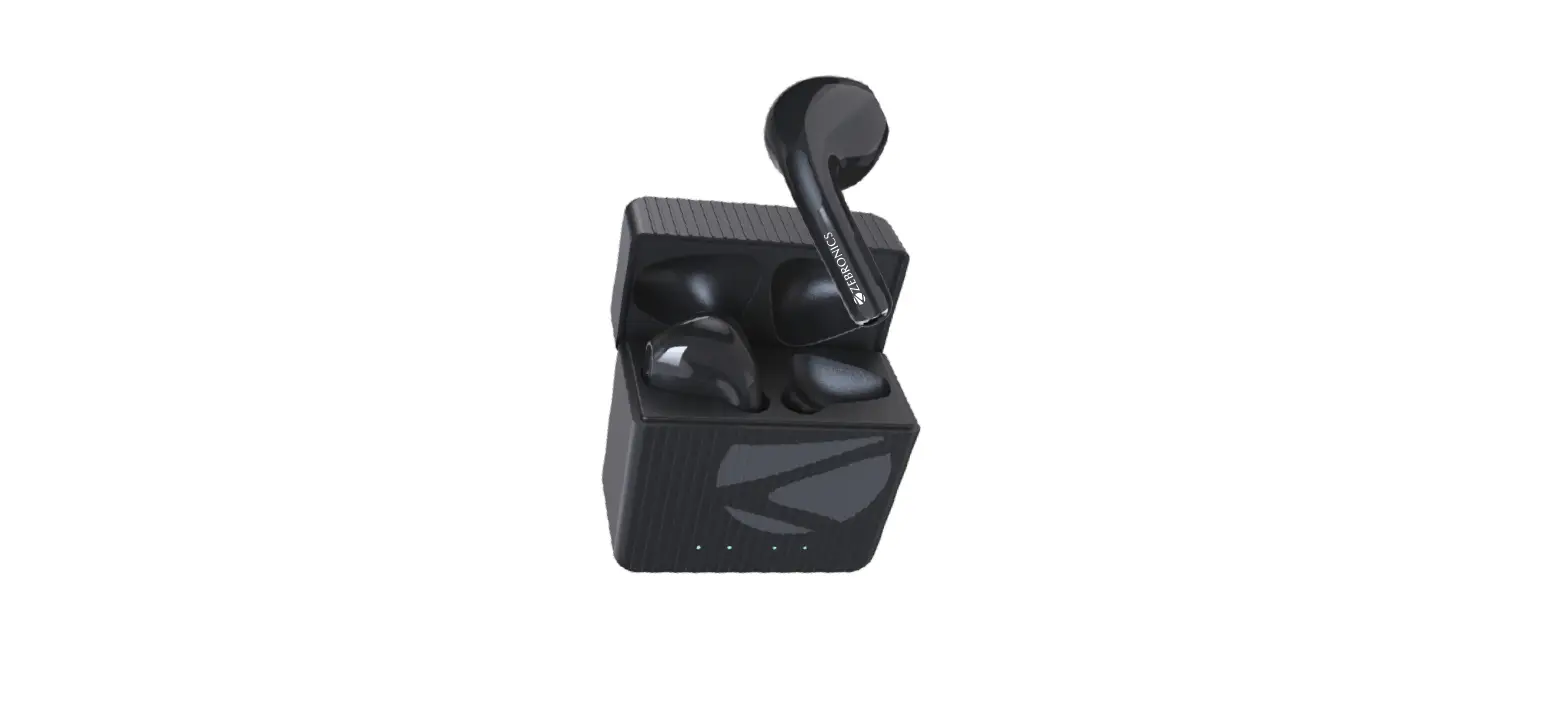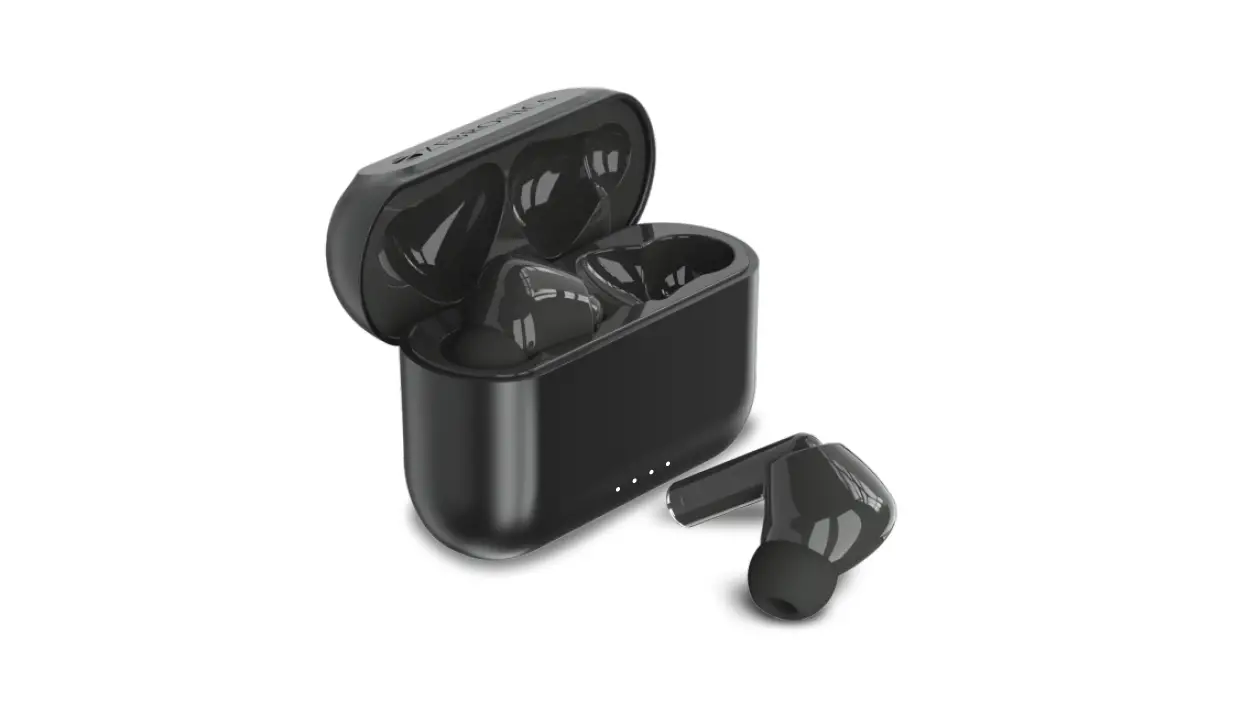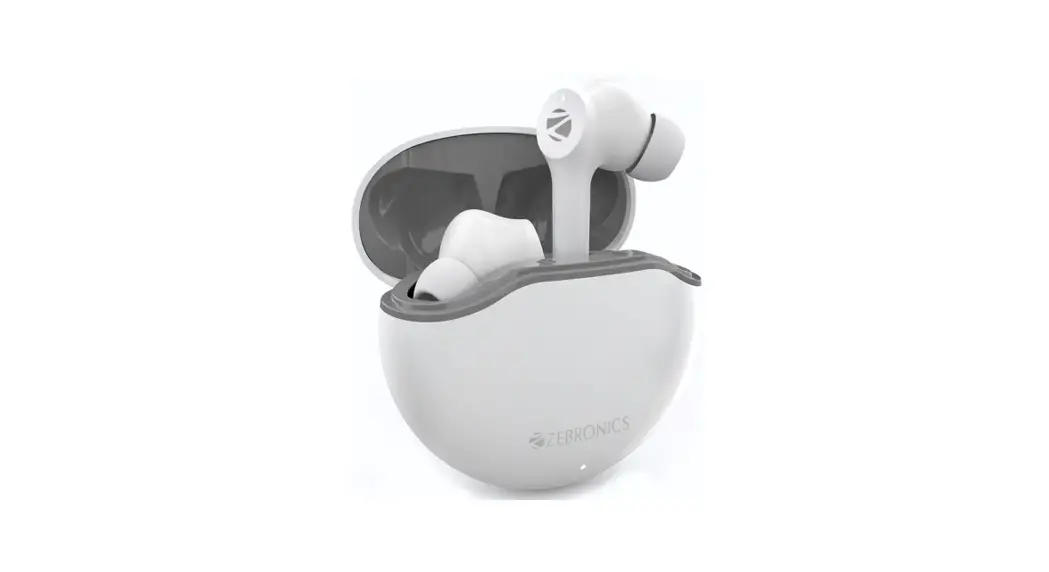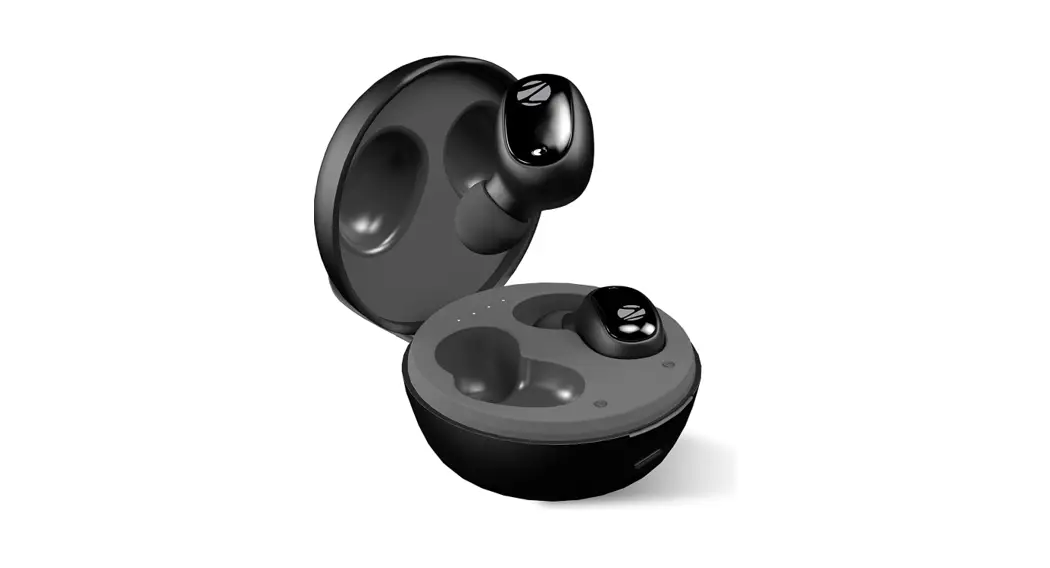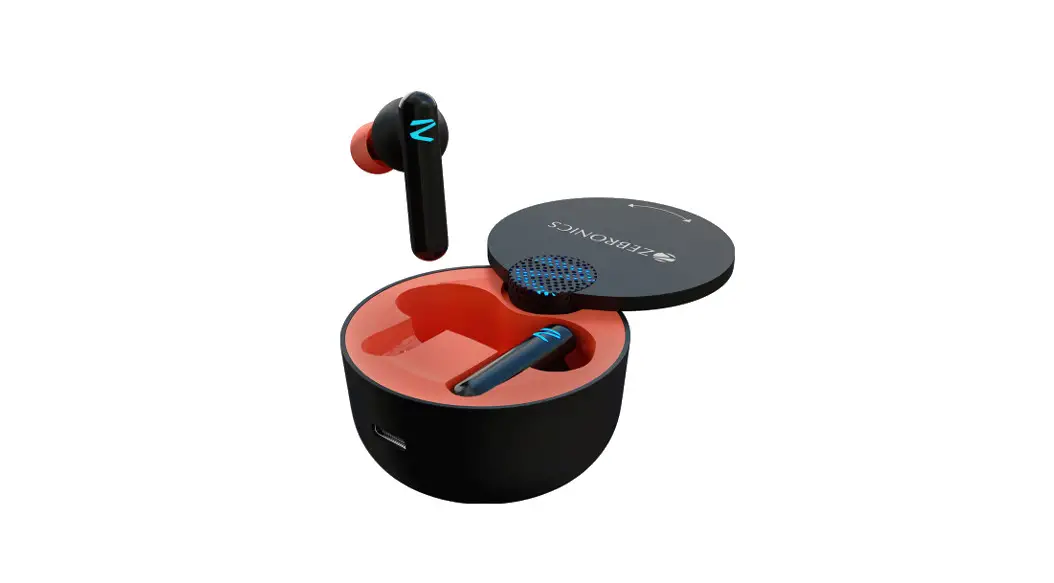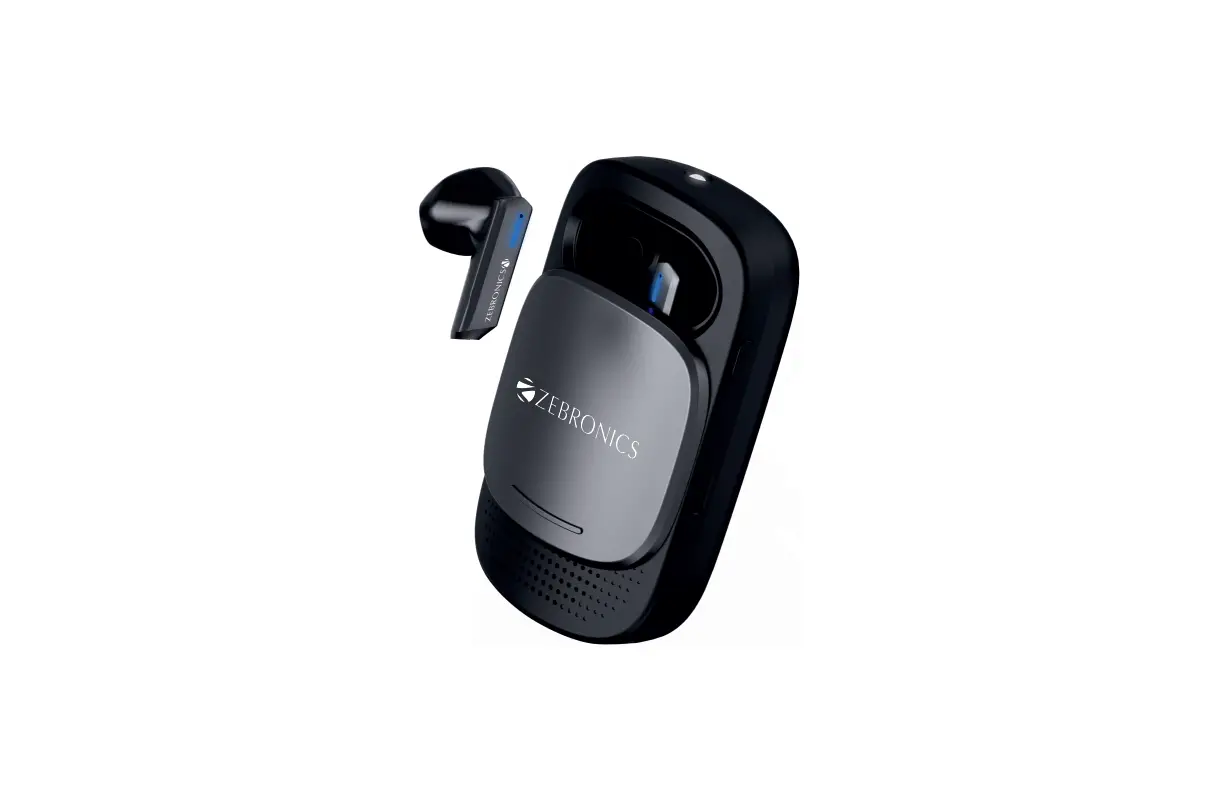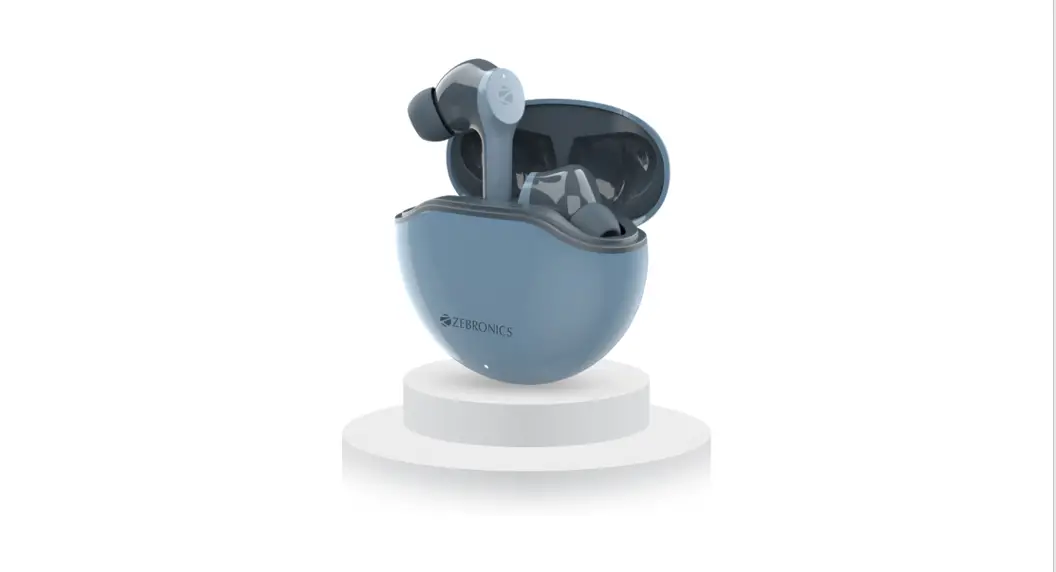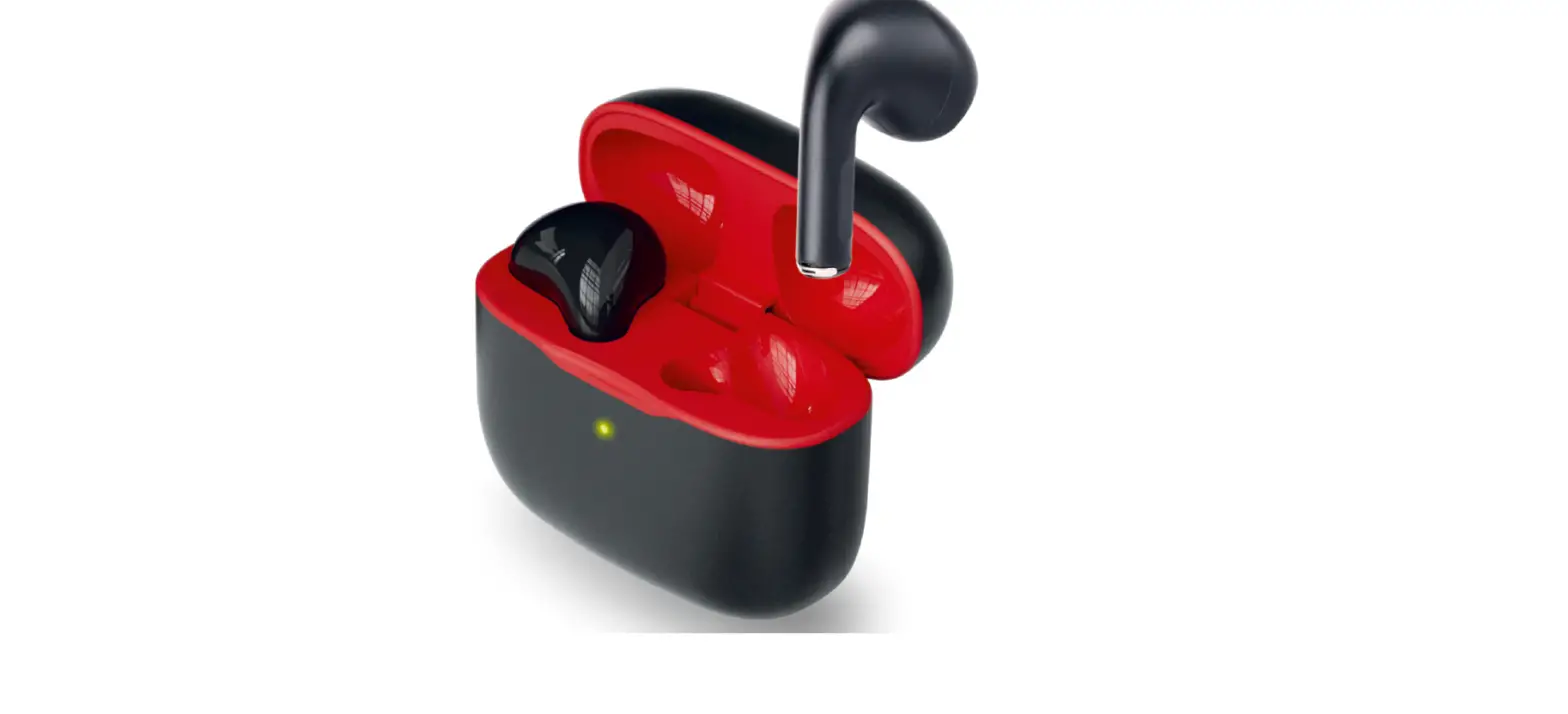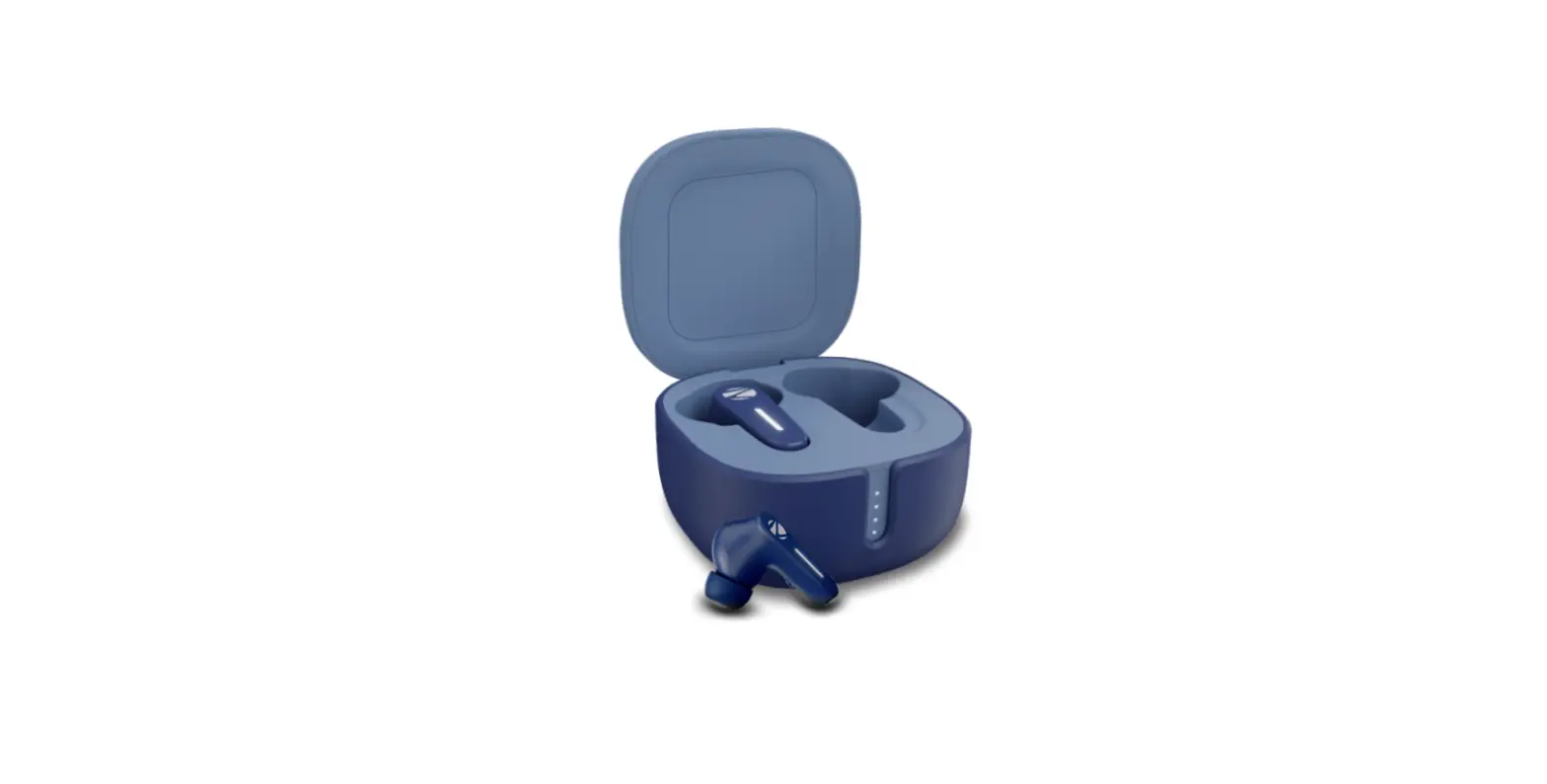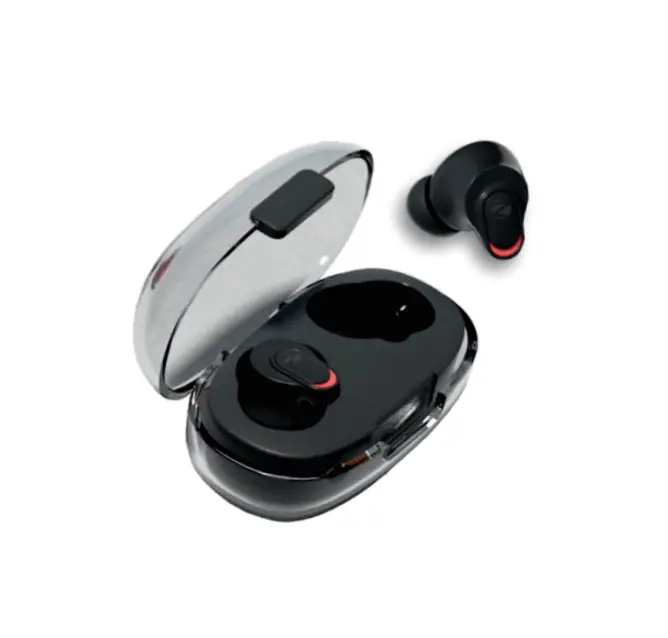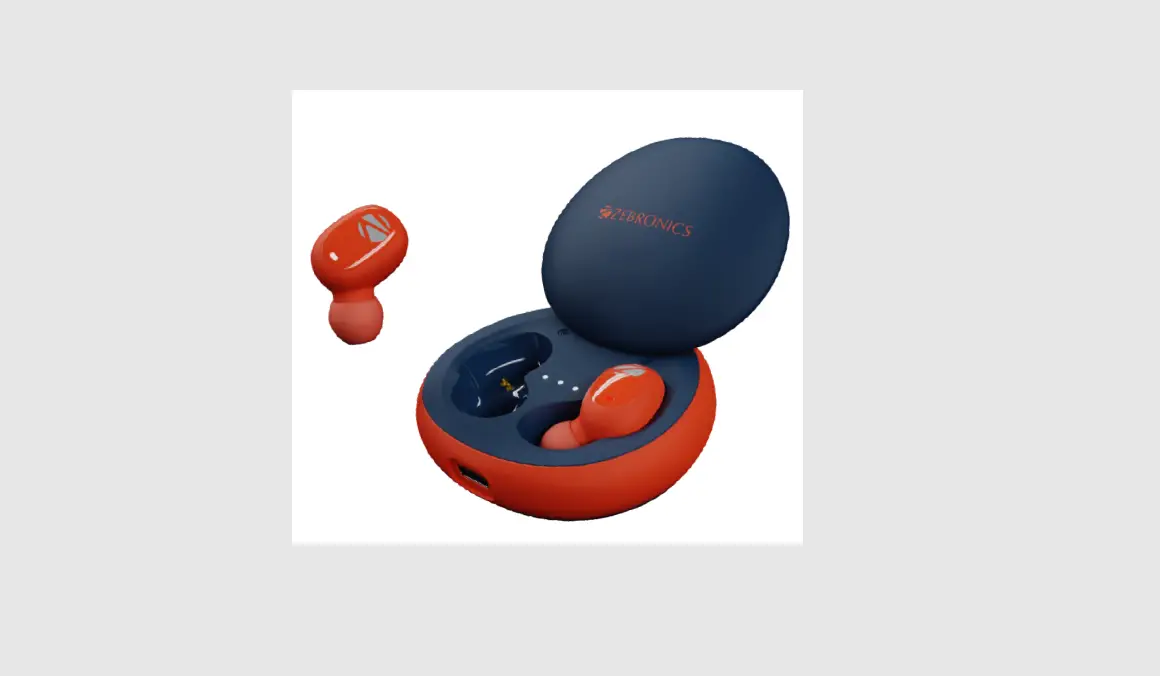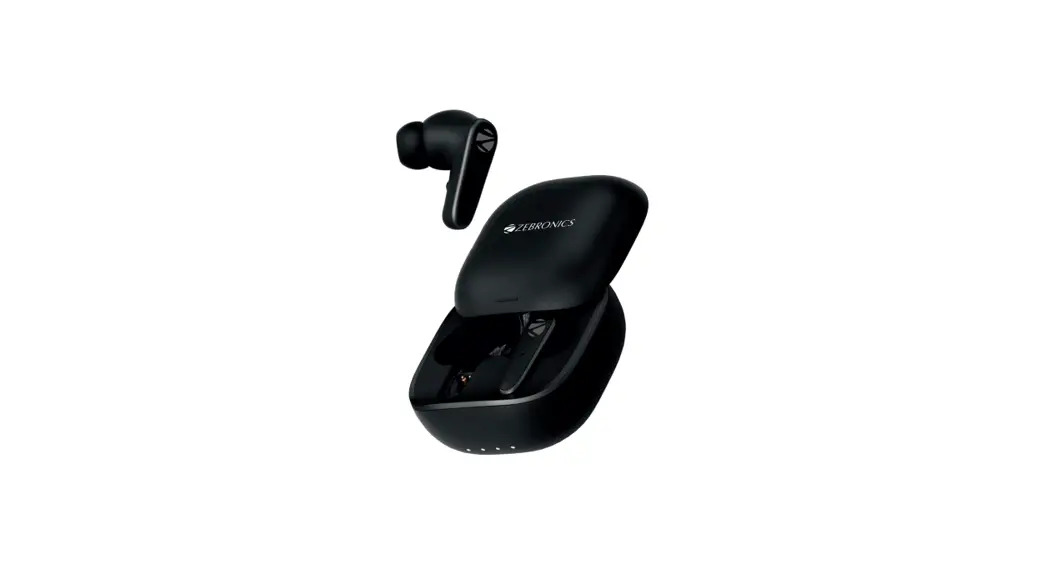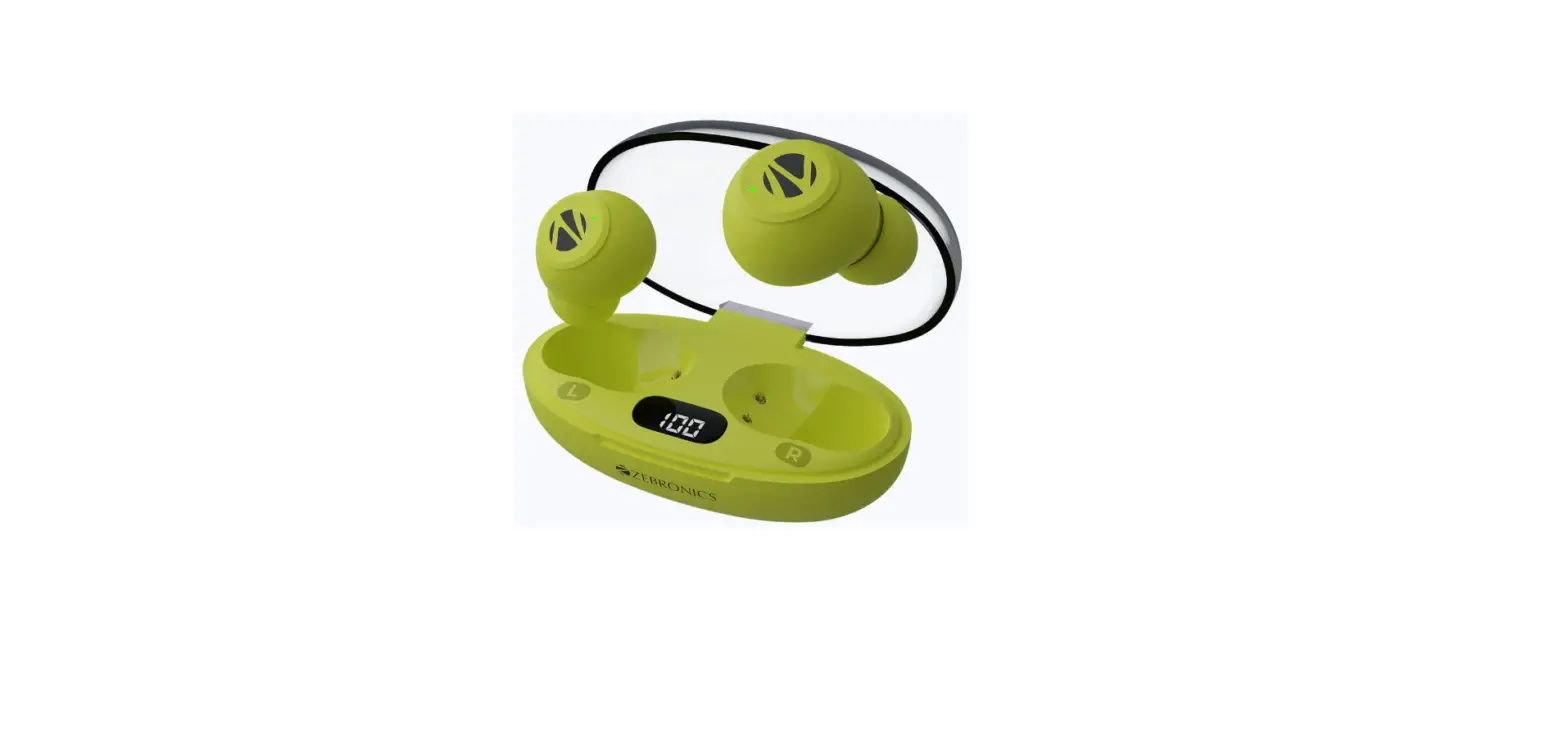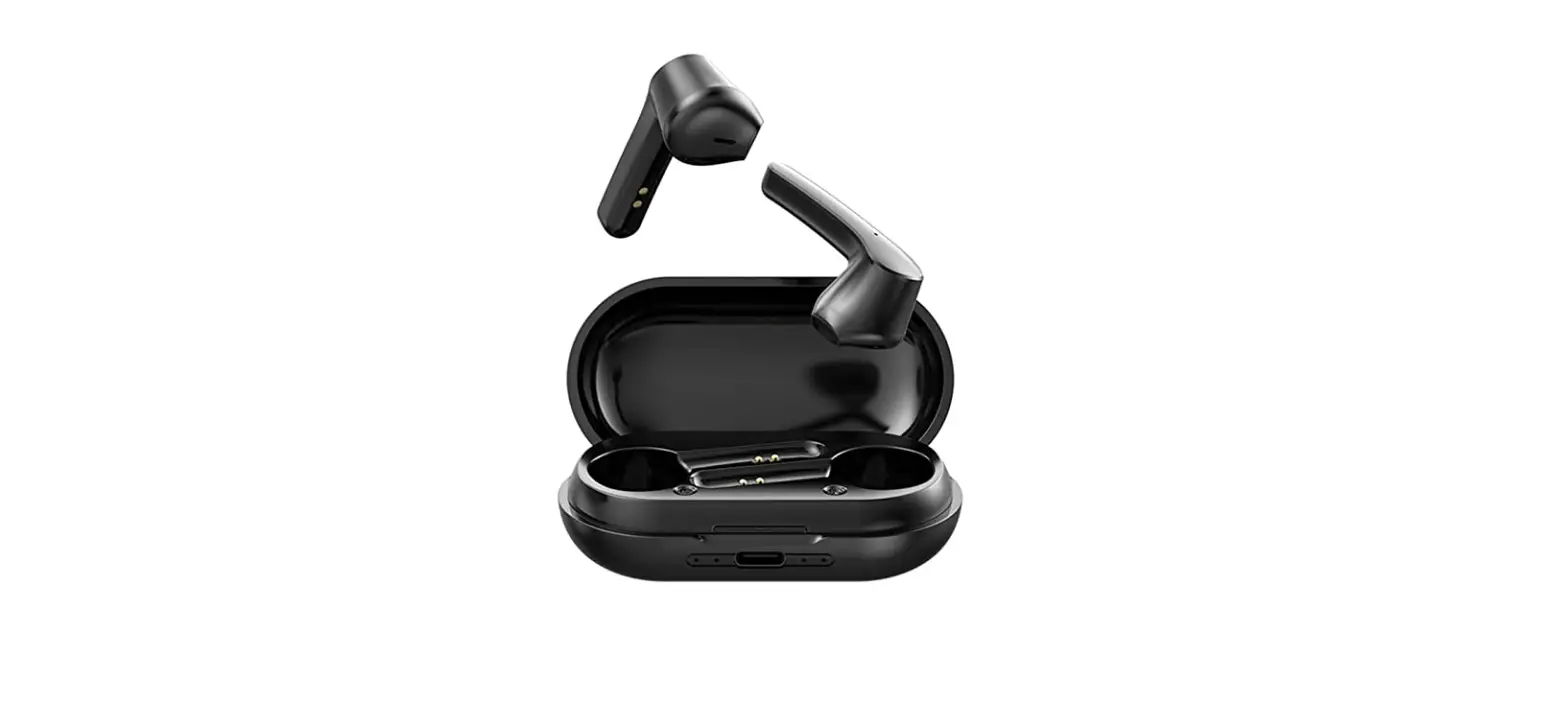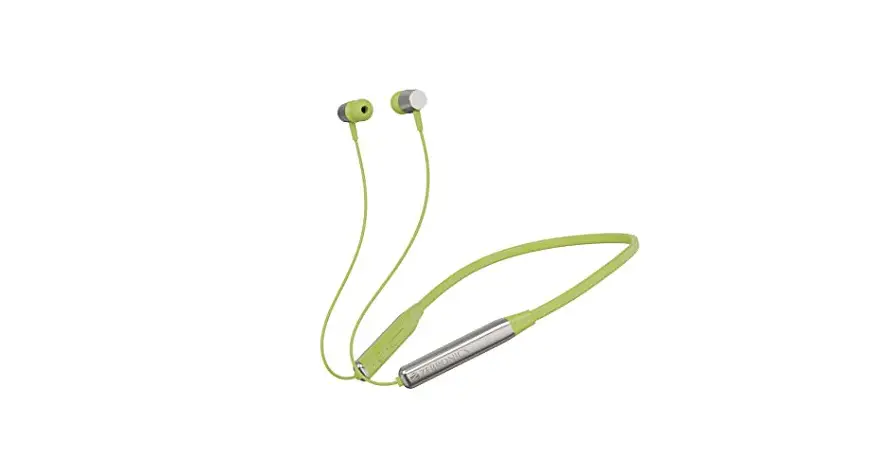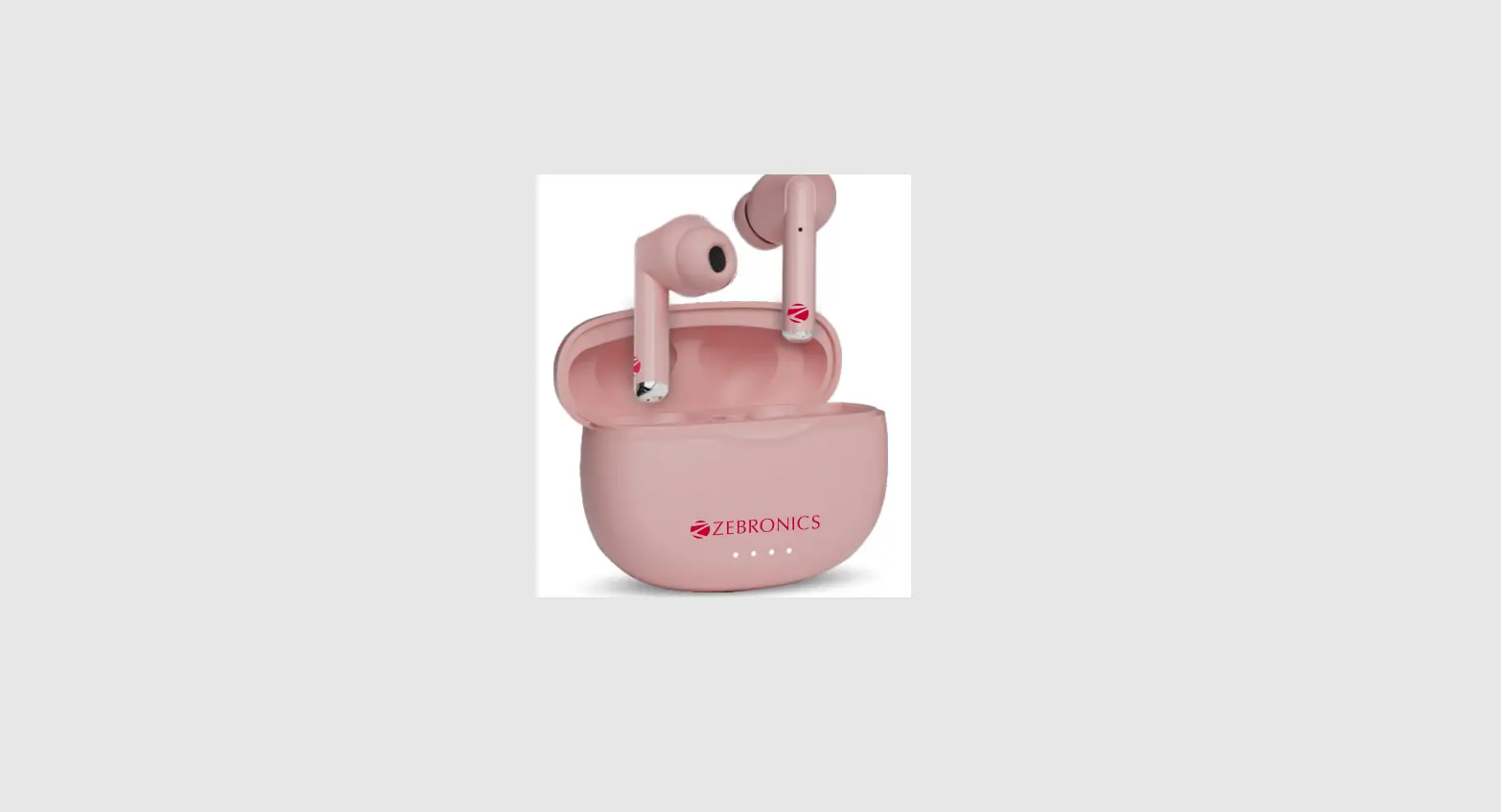

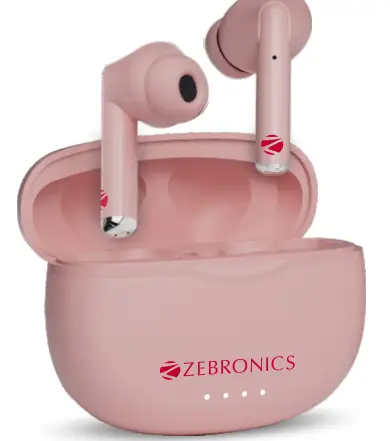
ZEBRONICS ZEB-SOUND BOMB 5 Bluetooth Truly Wireless In-Ear Earbuds
Dear Customer,
Thank you for purchasing ZEB-SOUND BOMB 5 (Wireless Earbuds). Please read this user manual carefully before operating & save this user manual for further reference. Note:
- Avoid the use of this product in a high-temperature and high humidity environment.
- Avoid self-disassembly of product or it will result in the failure of warranty.
- Please charge the product with DC 5V power adapter.
Listening to high volumes can cause hearing impairment. Please limit your usage time at high volumes.
Features
- Wireless Stereo Sound
- Up to 22H* battery life with Charging Case Voice Assistant Support
- Splash proof
- Call Function
- Type-C Charging
- Built-In Rechargeable Battery
Specifications
- BT version:5.0 Supported
- BT profile : SPP/HFP / A2DP/ AVRCP
- Drive size:10mm
- Speaker impedance 320
- Playback time:5H*
- Charging time Earphone 1H
- Case: 1.5H
- Talk Time: 5H*
- Standby Time :3 30H
- Case Dimension : 66.2 x 27.8 x 51.8 mm (Wx DxH)
- Net. weight:41g
Package Contents
- Earbuds:2 Units
- Charging case :1 Unit
- Eartips:2 Pairs
- Charging cable 1 Unit
Earpiece
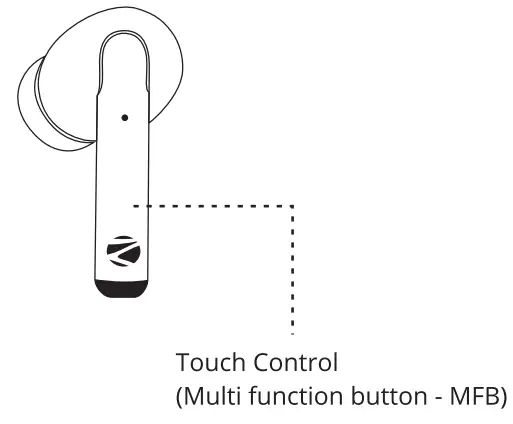
- During Music Playback:
Single Tap the MFB once on either side to Play/Pause the music Track. Double Tap the MFB on either Left/Right side to Prev./Next music track. - During Calls:
Single tap the MFB on either side of the earbuds to Answer/End the call. Press&Hold the MFB on either of the earbuds to reject the call.
Usage Instruction
Bluetooth Pairing Instructions: The earbuds will turn On once they
- Step 1: are taken out from the charging case.
- Step 2: The earbuds will pair with each other within 5 secs.
- Step 3: and pair the earbuds by clicking on the Now open the phone’s BT settings “ZEB-SOUND BOMB5”
Activating Voice Assistant:
Once connecting the earbuds via BT, Long press the MFB buttons for 2 sec to wake up the Voice assistance of your smartphone.
Charging instruction
Charging the Case:
Connect the type-C cable to the charging port of the charging case and connect the other end ofthe cable to the DCSV adapter. The charging case LED’s indicator will flash in a row with blue, indicating that it is charging The Blue LED will glow constantly indicating the charging case is full.
Charging the Earbuds:
Put the earbuds in the respective charging slot of the charging case. Once placed in the charging case, the earbuds will charge automatically.