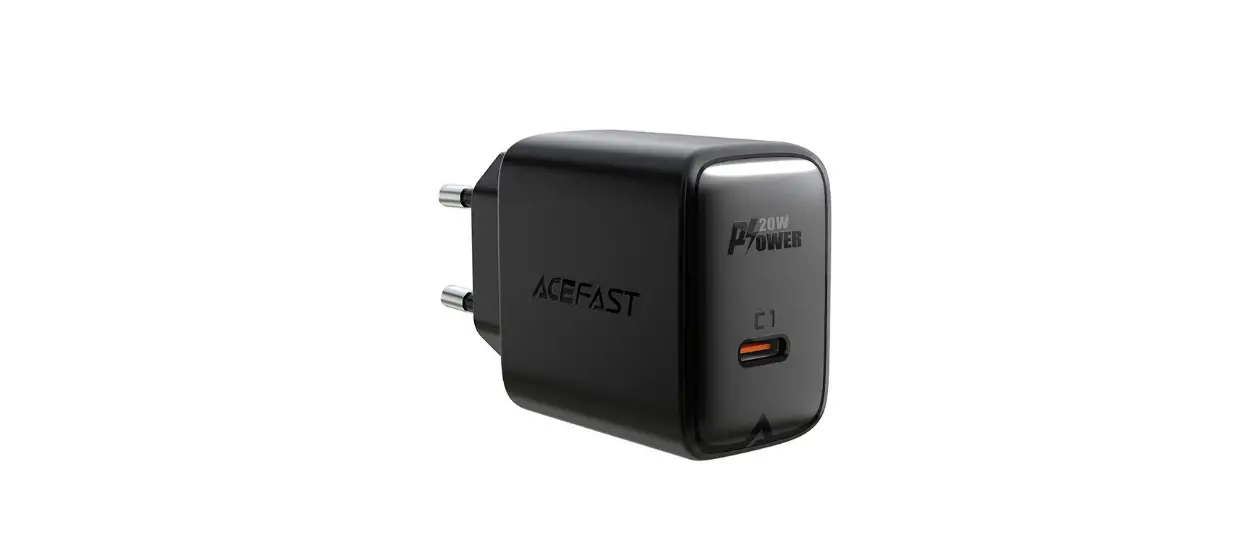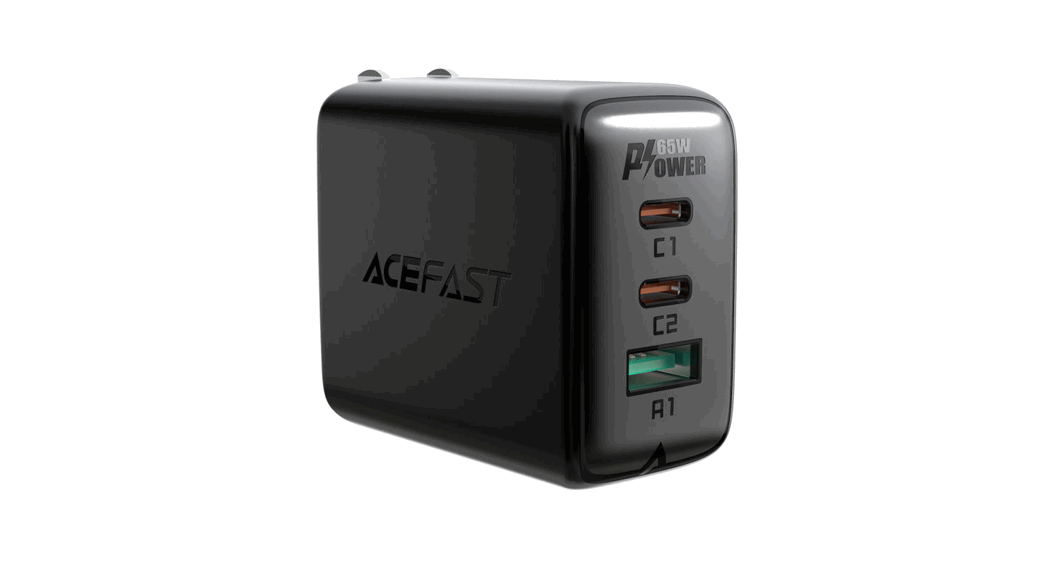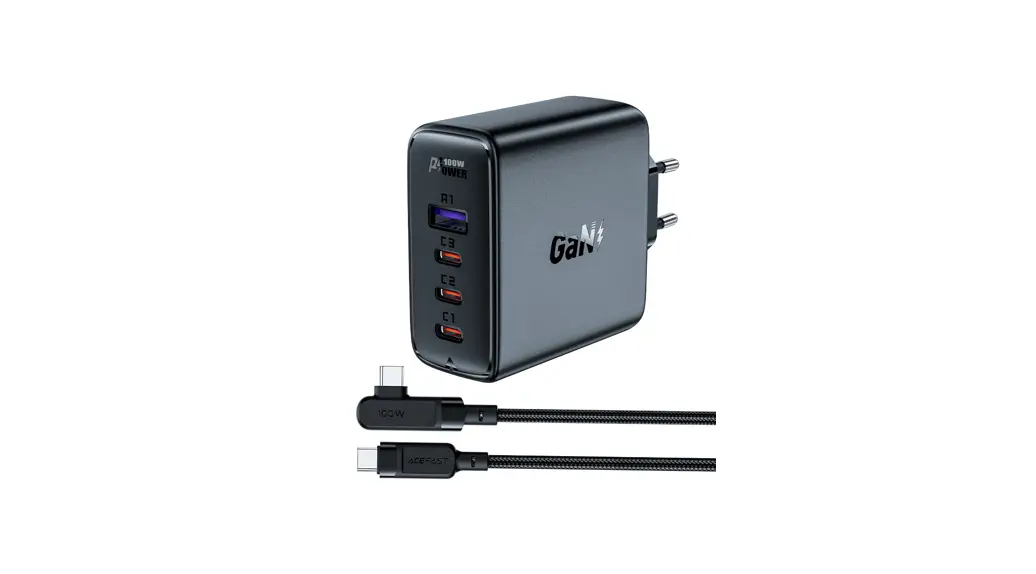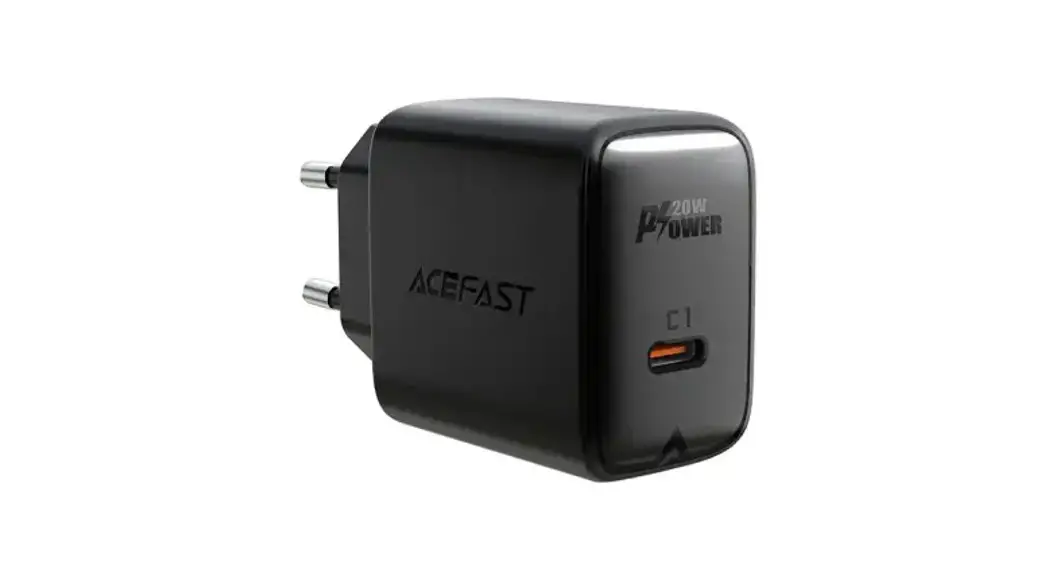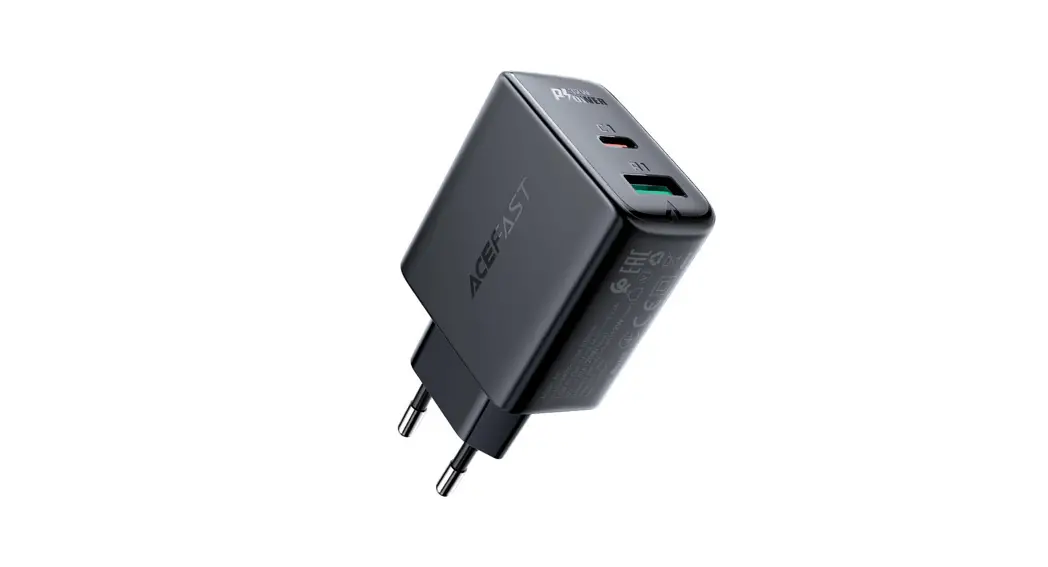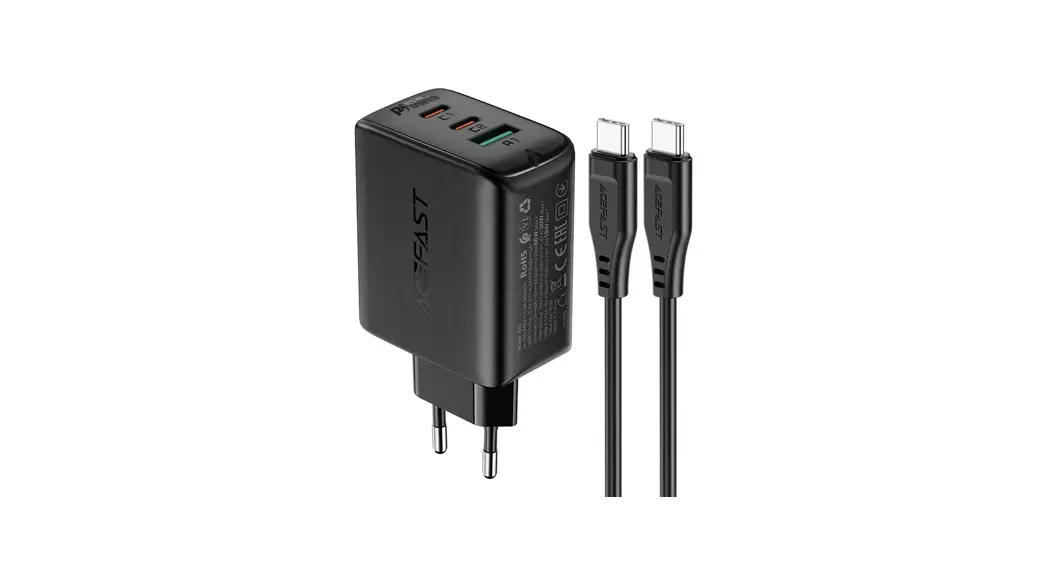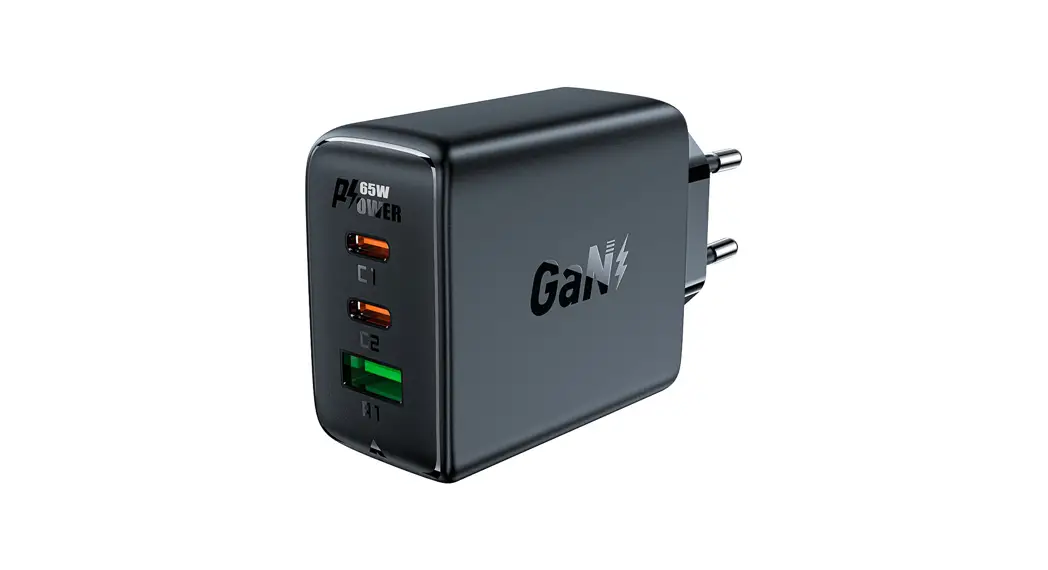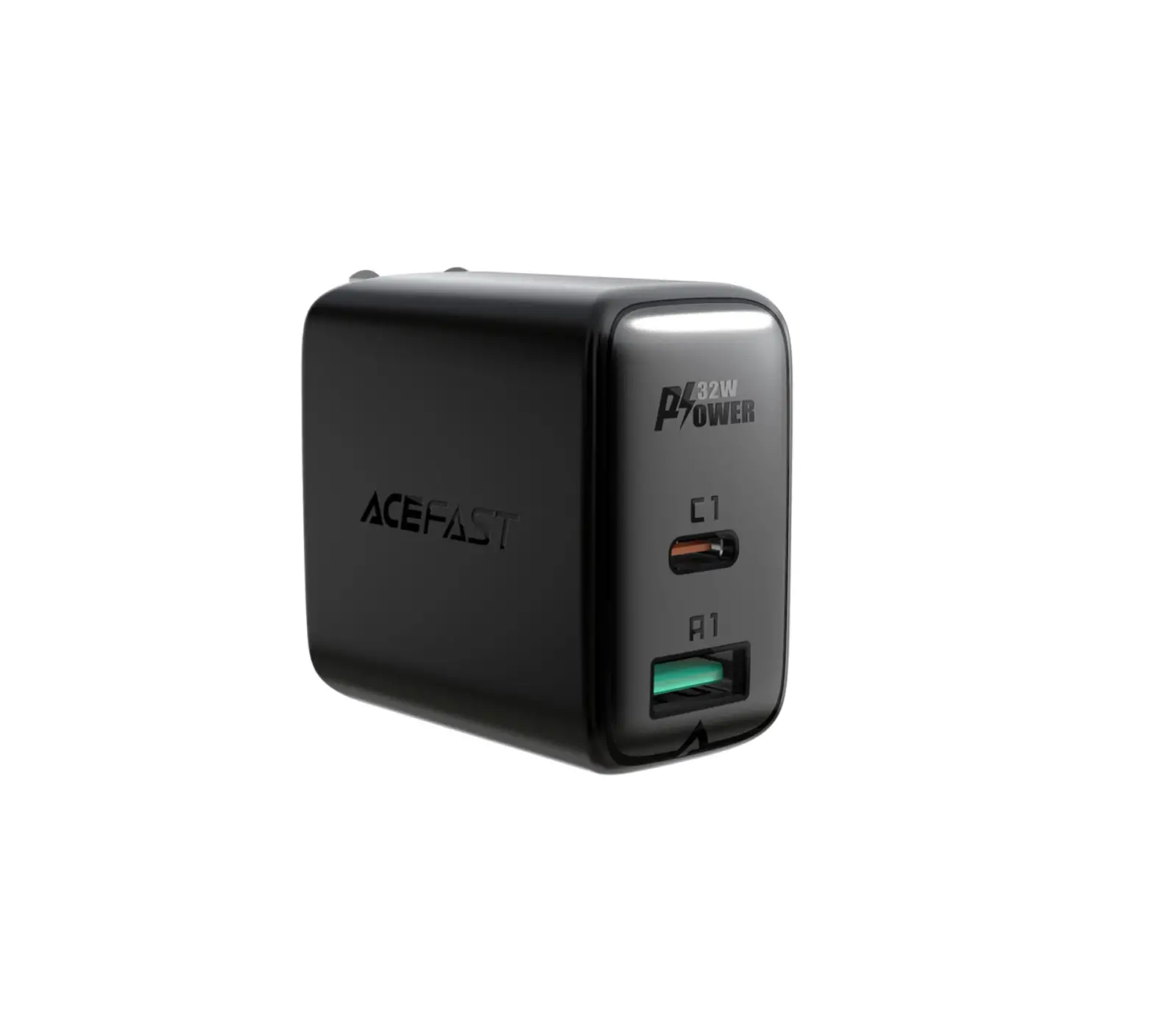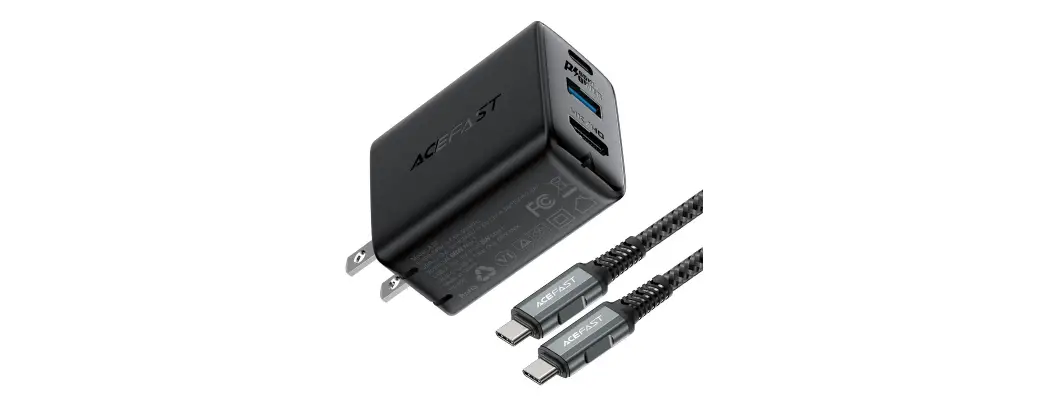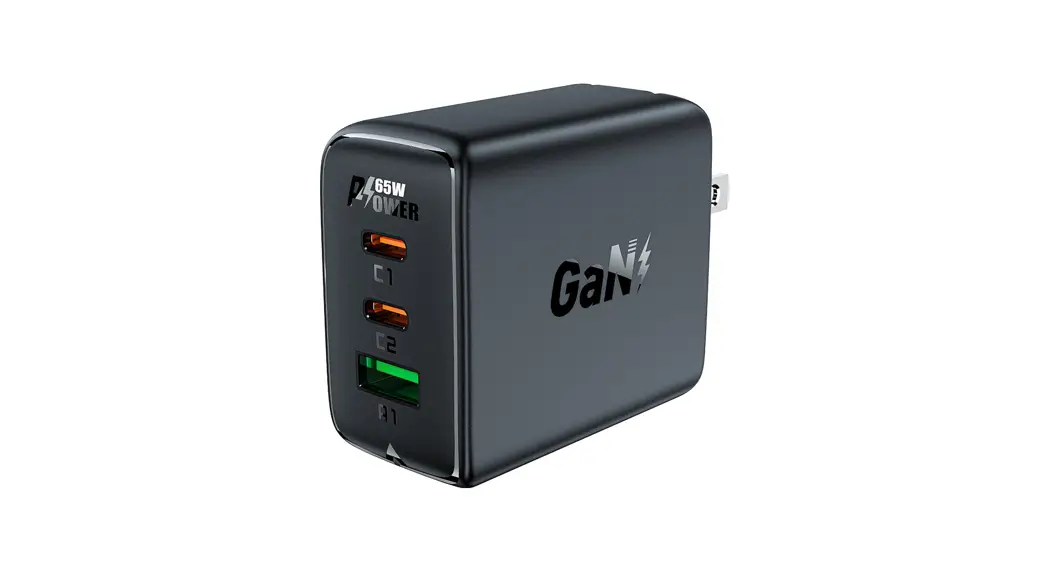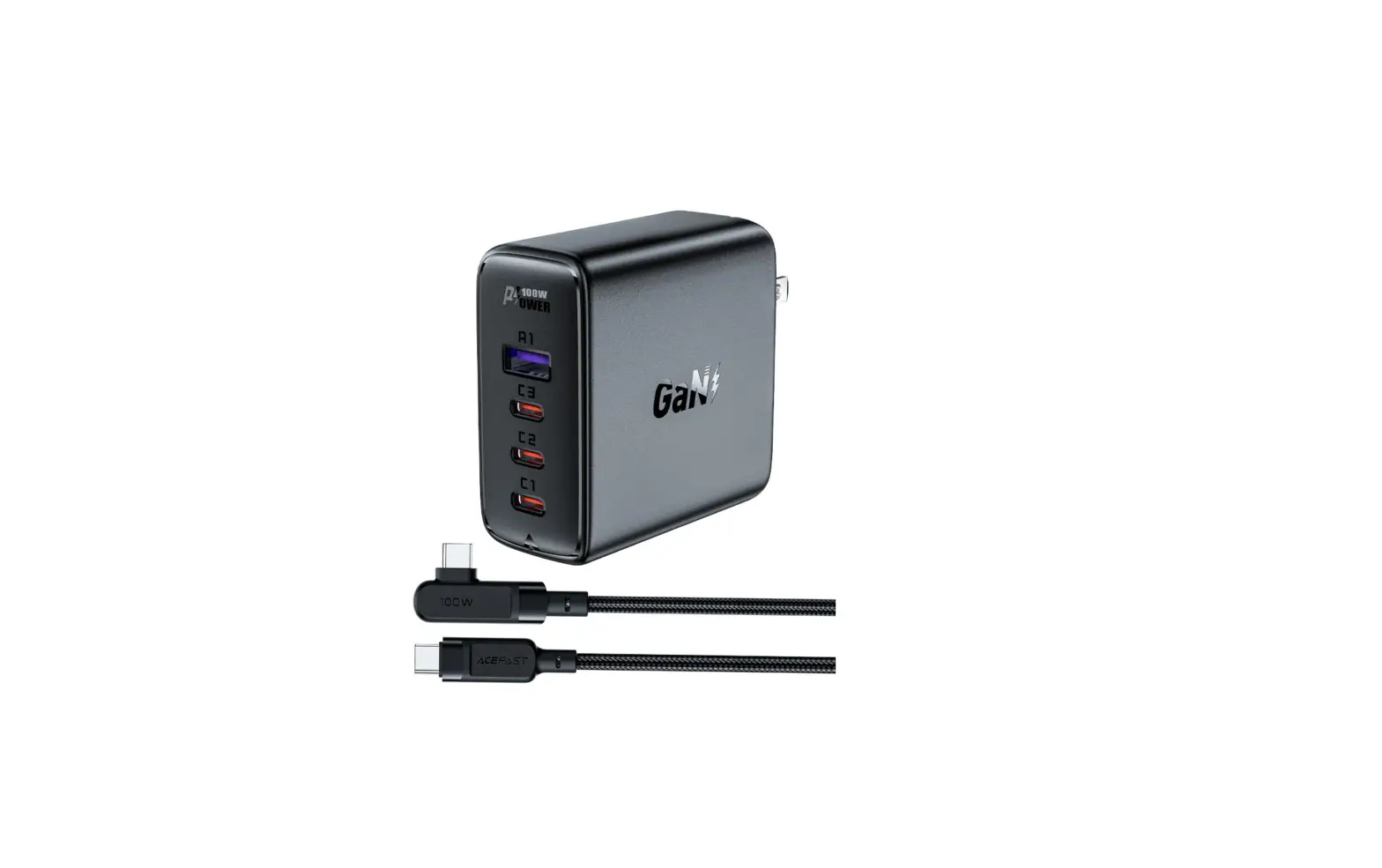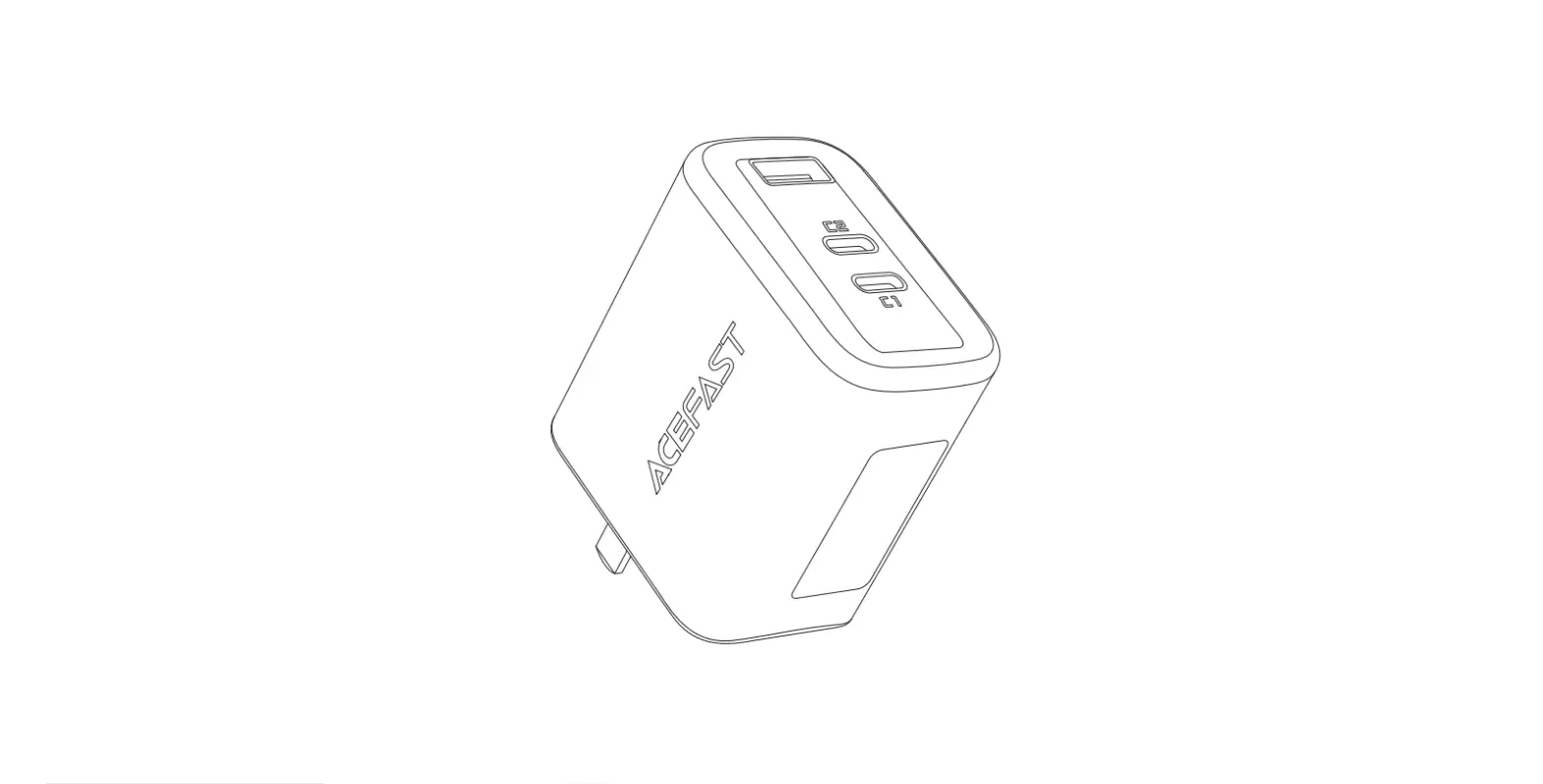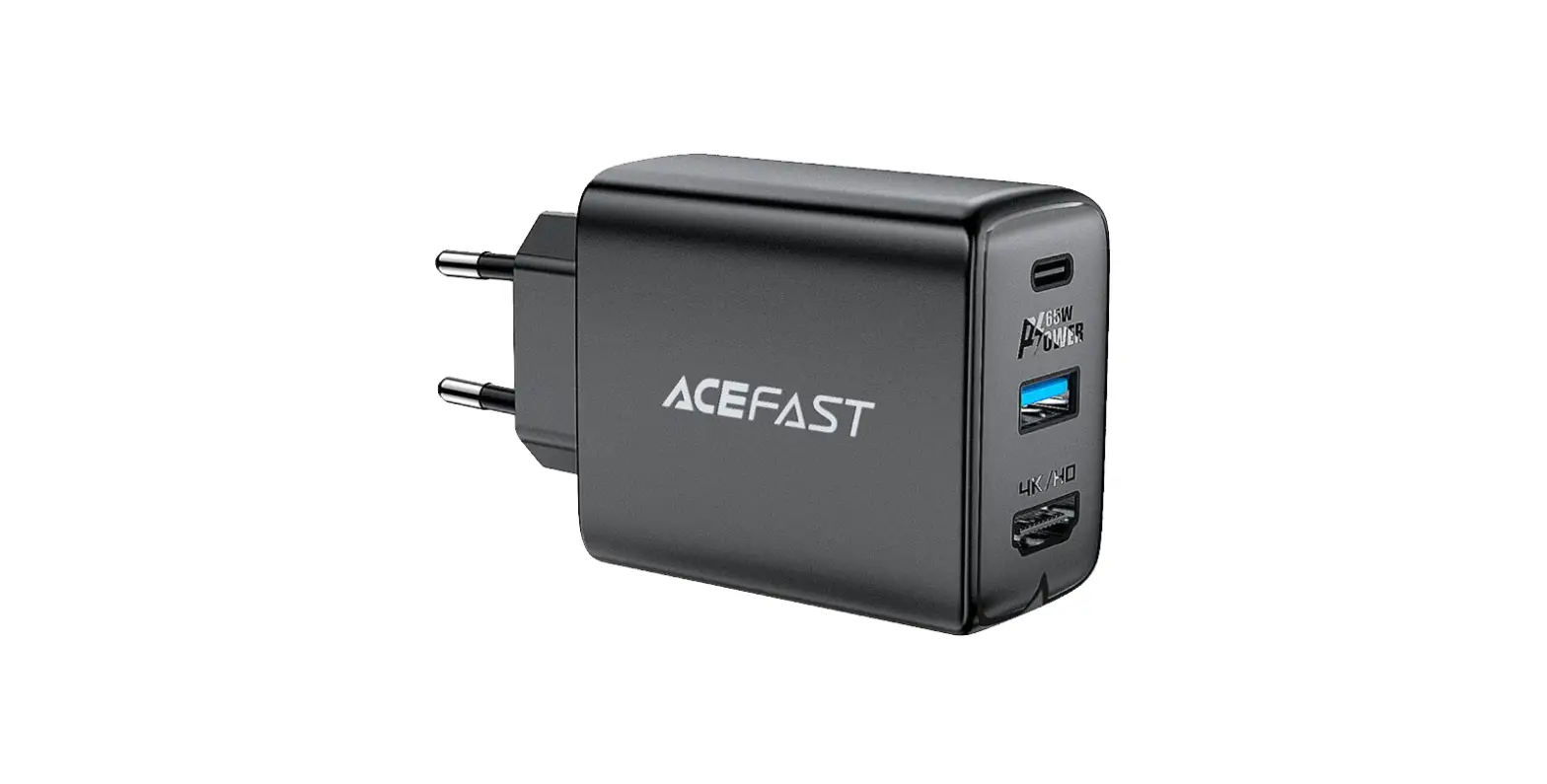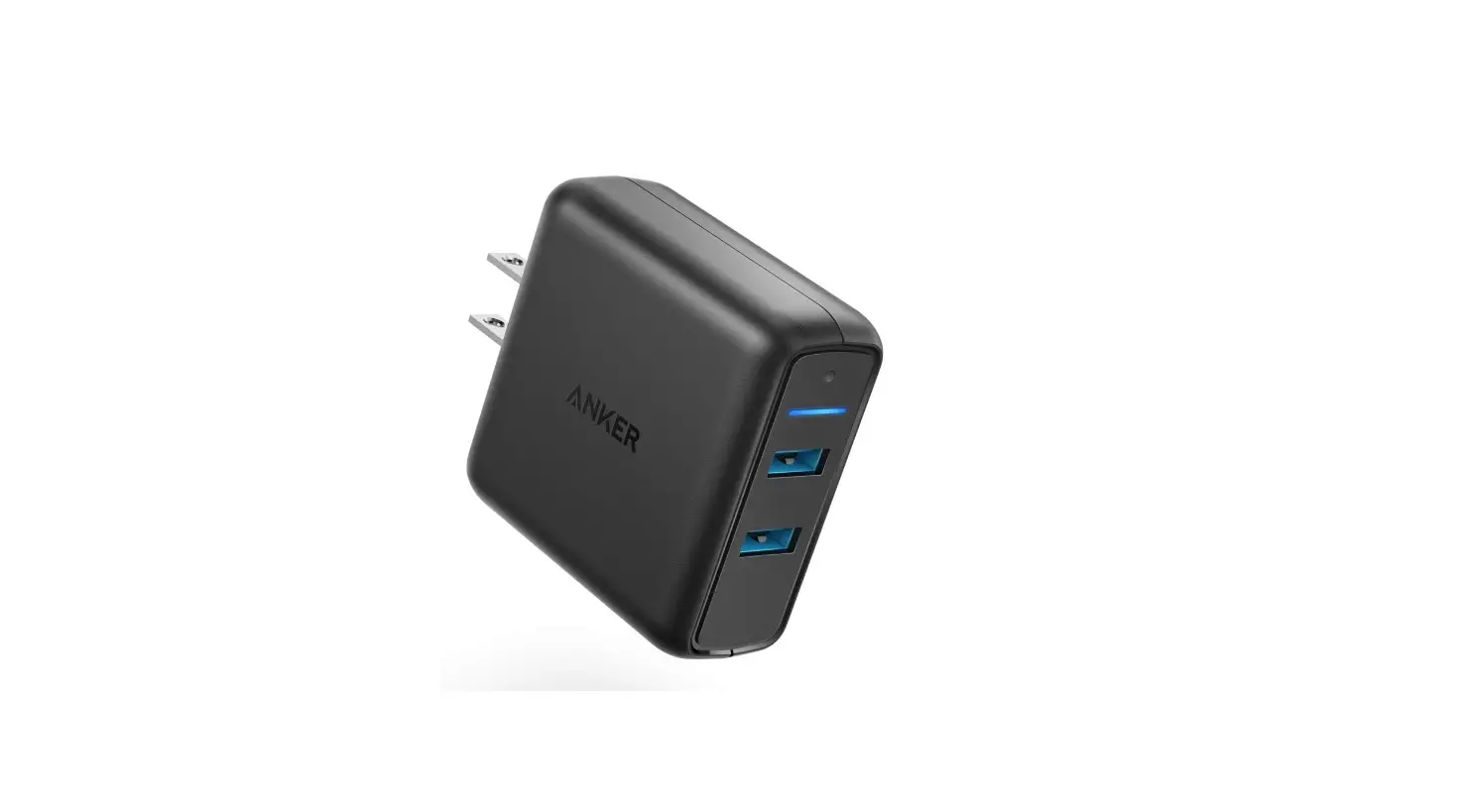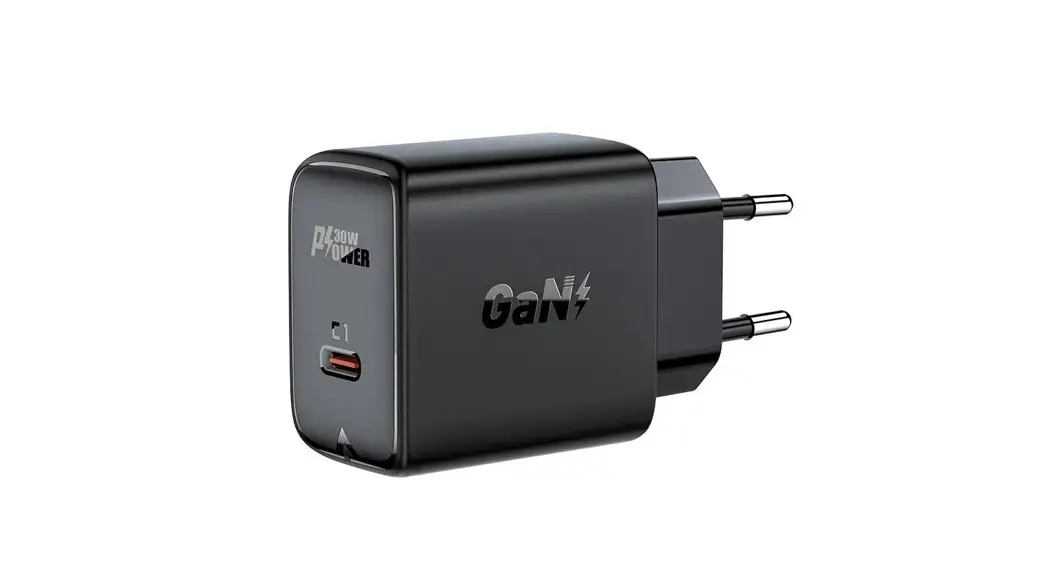
 A21 Fast Charge Wall Charger
User Guide
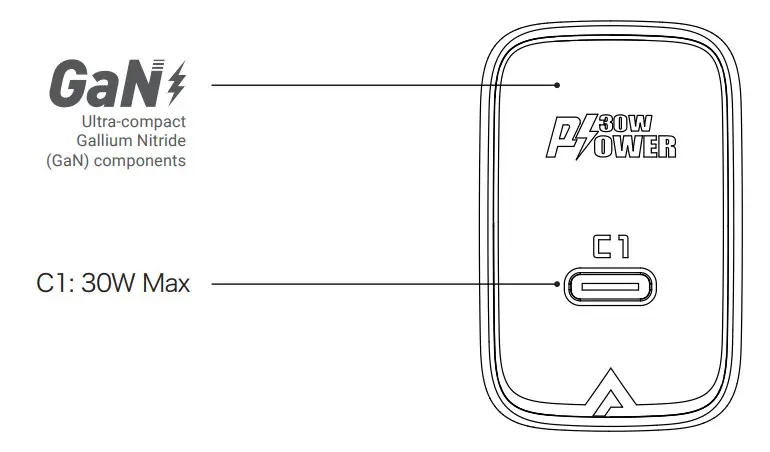
Product Diagram
Package Contents
PD30W GaN single USB-C charger
User Manual
Thank you for purchasing the PD30W GaN single USB-C charger.
Please read this user manual carefully and keep it for future reference. If you need any assistance, please contact our support team with your product model number and Amazon order number.
Specifications
| Total output | 30W Max |
| Input | AC100-240V~1.0A 50Hz/60Hz |
| Output C1 | DC5V 3A 9V 3A 12V 2.5A 15V 2A 20V 1.5A (PD30W Max) 3A 9V 3A 12V 2.5A 15V 2A 20V 1.5A (PD30W Max) |
Getting Started
- Plug the charger into a wall outlet.
- Connect a charging cable (not included) to your device charging port.
- Connect the other end to an output port on the charger.
- Unplug your devices when fully charged.
Use environment
- Working environment temperature: use at altitudes below 2000 meters and under non-tropical climate conditions.
- The device is only suitable for indoor use.
- Storage temperature: -20 ℃ to 40 ℃.
Note:
Please read all instructions and warnings before using this product. Improper use will cause
damage to the product.
- Do not store this product under high temperature, strong light, and strong magnetic environment, do not place it in other harsh environments such as fire source to avoid heat, combustion, or electrical shock.
- When over-voltage, over-current, or over-temperature occurs during charging, the charger will automatically stop charging to avoid damage. When returning to the normal state, charging will continue.
- Do not disassemble, repair or modify this device by yourself.
- Do not touch the power adapter with wet hands or immerse it in water or other liquids.
- Do not use the power adapter for products higher than the output range of this product to avoid electrical shock, burning, or damage to the device.
*Please note, that ACEFAST can provide after-sales service for products purchased from any official ACEFAST store. If you have purchased from a local seller, you can also contact them directly for service or warranty issues.
Shenzhen Houshuxia Technology Co., LTD
www.acefast.com | [email protected]
Rm203, 2nd Floor, Building C, Youth Pioneer Park,
Jianshe East Road, Tsinghua Community,
Longhua Street, Longhua District, Shenzhen, P. R. China
Shenzhen, 518000, China
 ACEFAST - High End Accessories