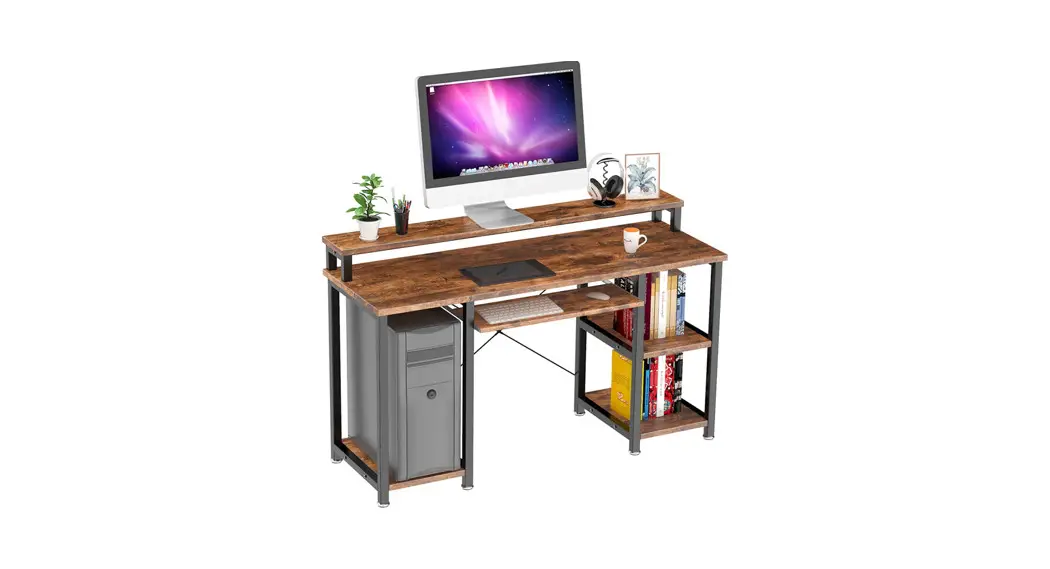
Assembly Instruction
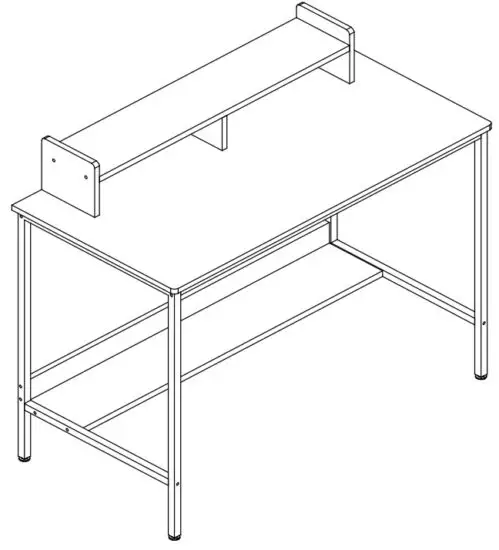
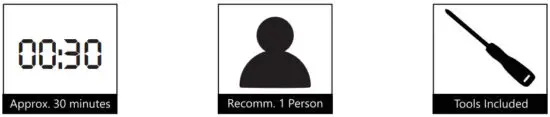
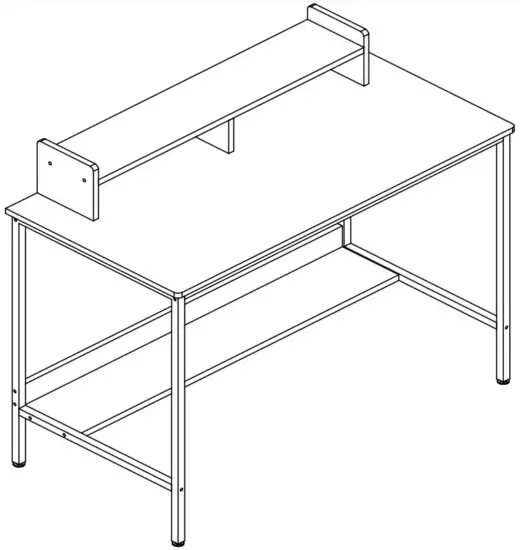
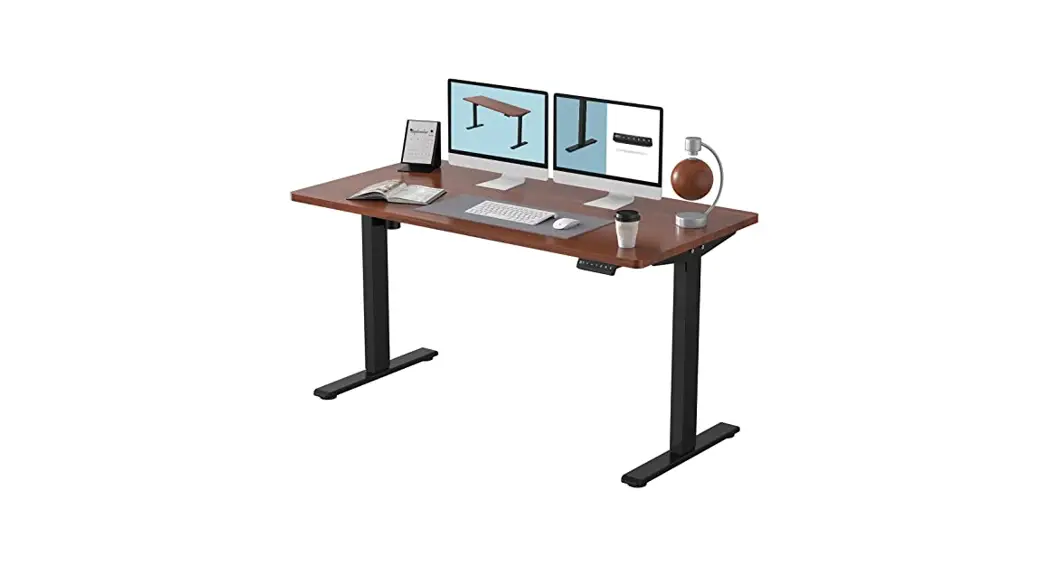
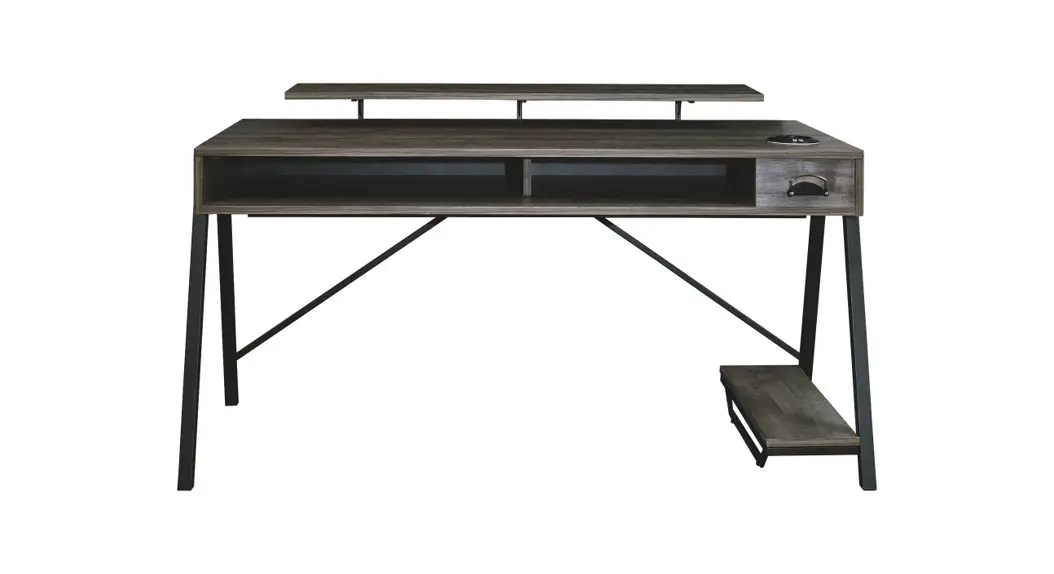
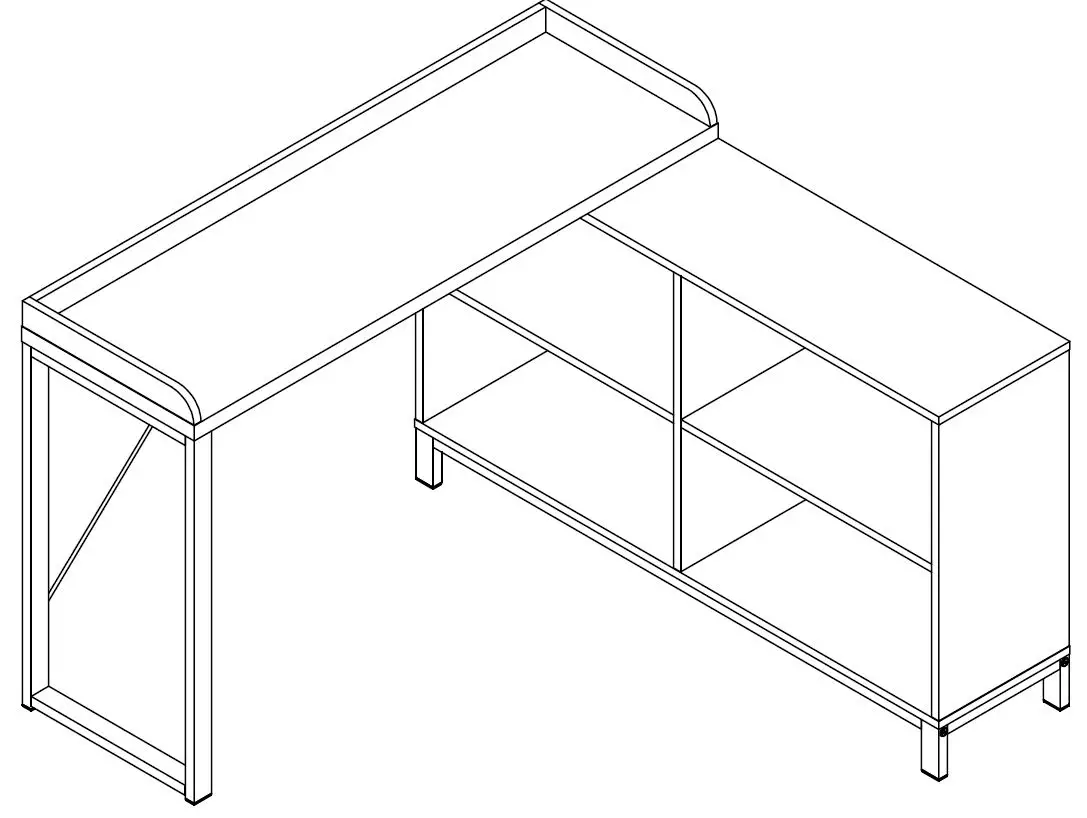
Home Office Computer Desk with Monitor Shelf
DIMENSION: 43.3*19.7*29.5Inch
Contents
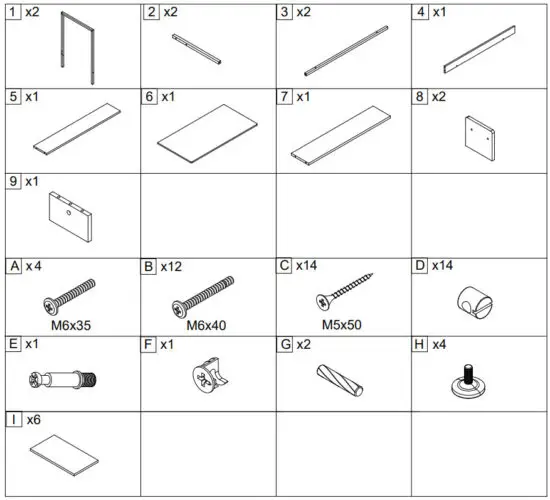
Included
Useful tips before starting
- Please read each step carefully before starting.
- Identifying, sorting, and counting the parts before assembly is the important thing. Usually, more screw parts are included.
- Using incompatible hardware might cause damage to the product.
- For a smooth assembly process, we suggest you keep a lite tightness for all the screws during assembly, and after the whole desk is assembled,firmly tightening all the screws.But do not over-tighten the hardware.
- To prevent scratching or damage to the floor, please assemble the product on a soft surface, such as a carpet.
- Clean the product with a mild cleanser using a soft damped cloth. Do not use harsh or abrasive cleanser.
Assembly
STEP 1

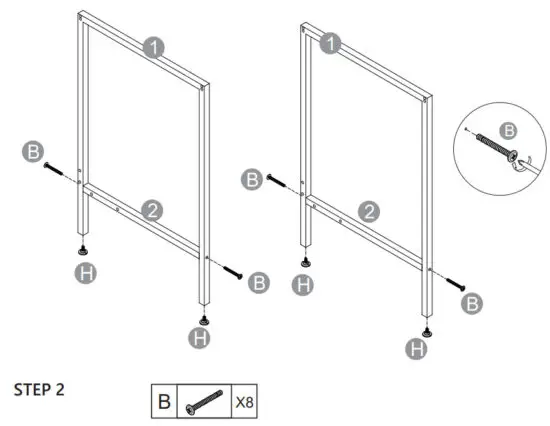
1.1 Install foot pads H to the bottom of frame No.1.
1.2 Attach steel No.2 to each side of steel frame No.1 by using Screw B. PS: Note the location of the holes on steel No.2 & No.1.
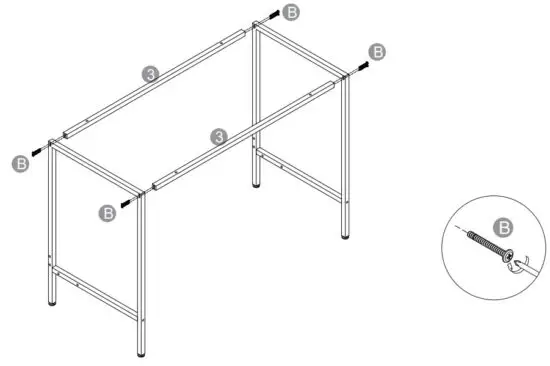
2.1 Attach 2 of steel No.3 to the 2 of steel frame No.1 by using Screw B.
STEP 3

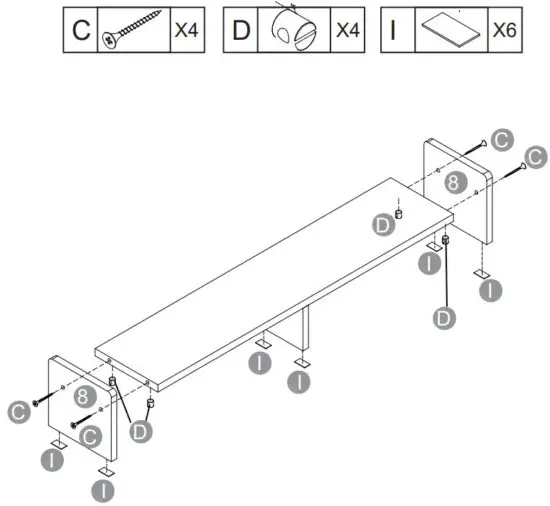
3.1 Insert D to the bottom of Panel No.5.
3.2 Install screw C into each side hole of steel No.2 connecting the D of Panel No.5.
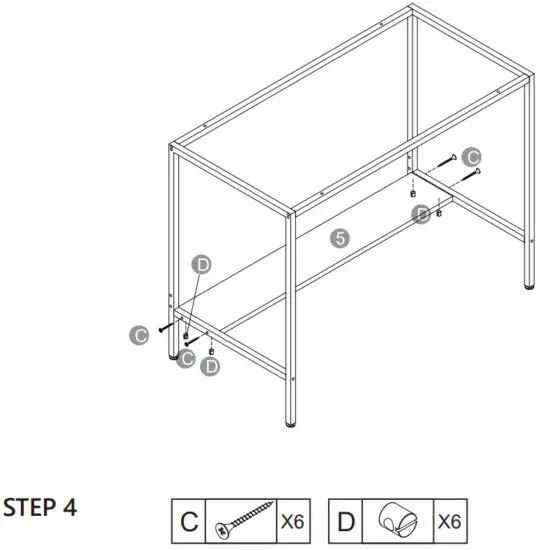
4.1 Insert D to the backside of Panel No.4.
4.2 Install screw C into each side hole of frame No.1 connecting the D of Panel No.4.
4.3 Insert D to the center bottom of Panel No.5.
4.4 Install screw C into the back hole of Panel No.4 connecting the D of Panel No.5.
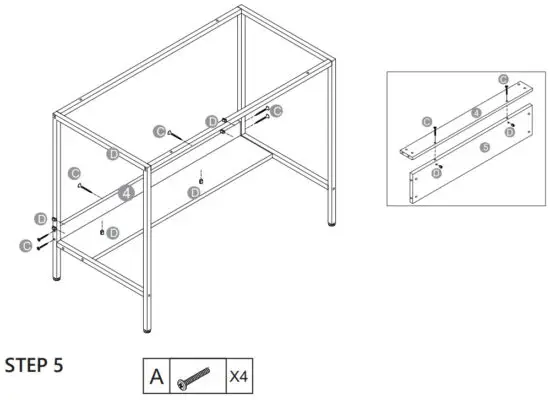
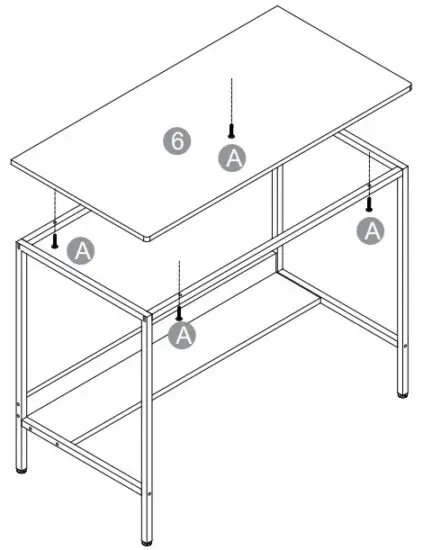
5.1 starting before, pay attention to the orientation of the panel and the hole, and align it with the hole in the steel frame.
5.2 Install screw A into the hole of steel No.3 connecting the steel No.3 to the Panel No.6.
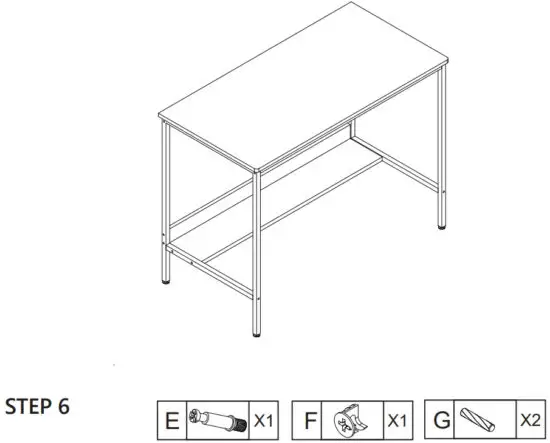
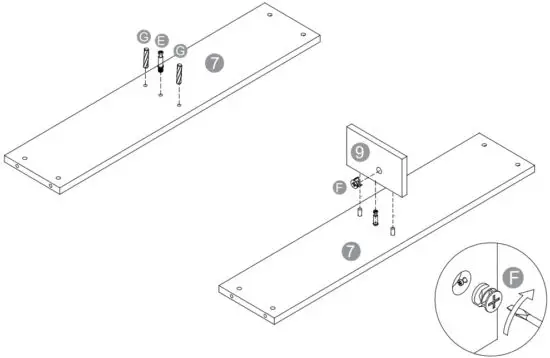
STEP 7
Finished