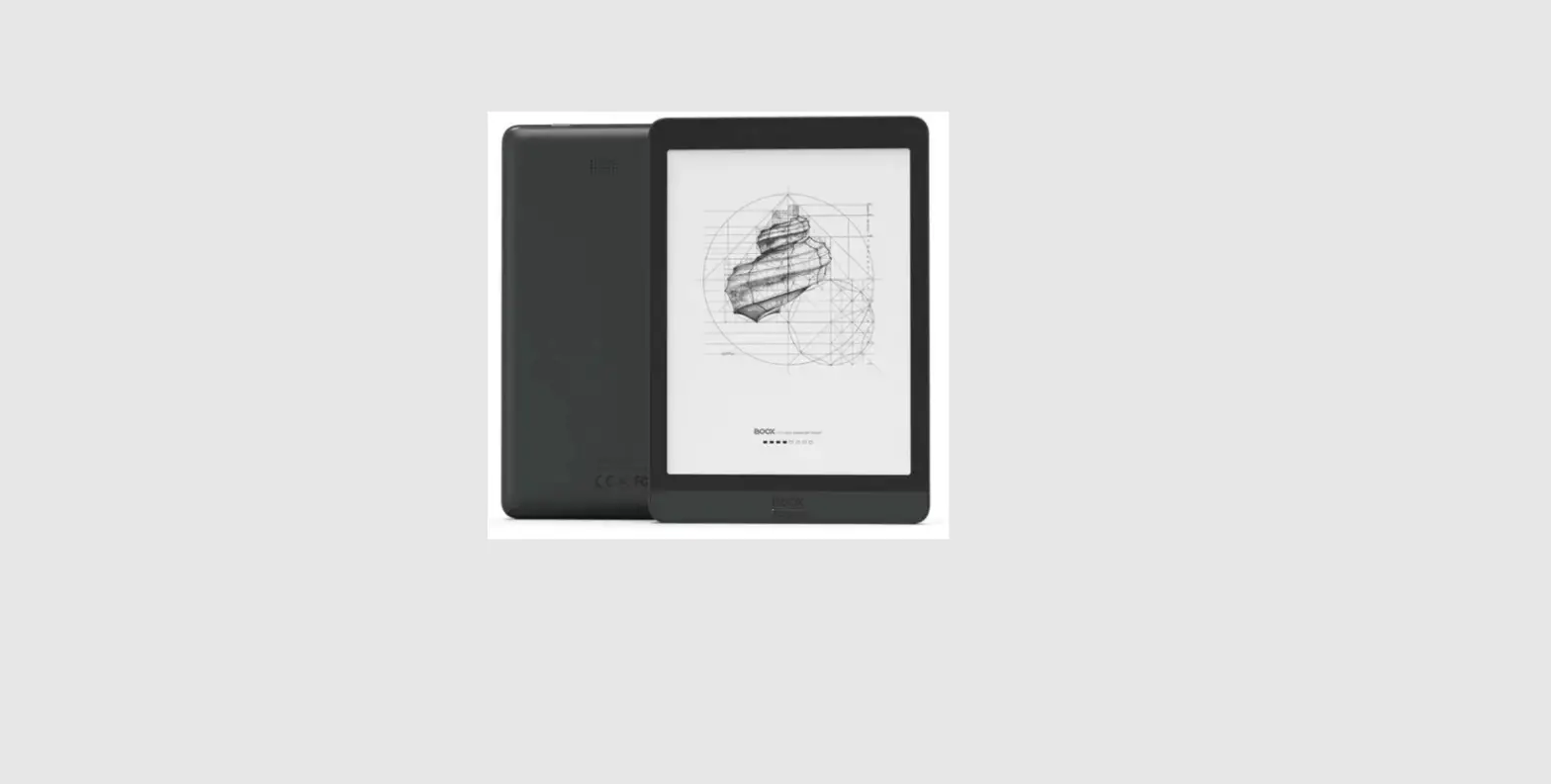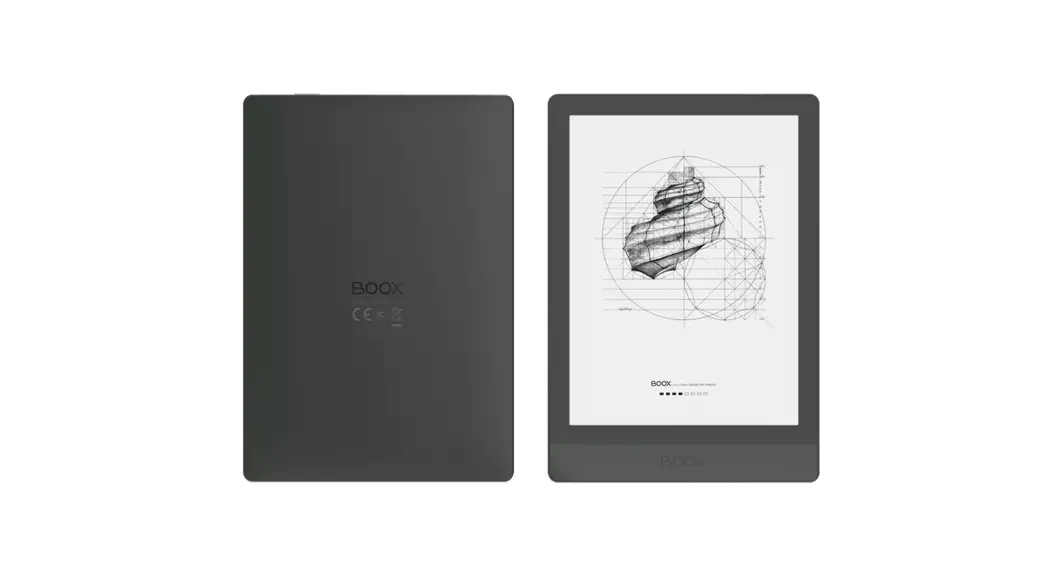

Poke4
Quick Start Guide
For further instructions, please leam from the pre-loaded User Manual or official website technical support. www.boox.com
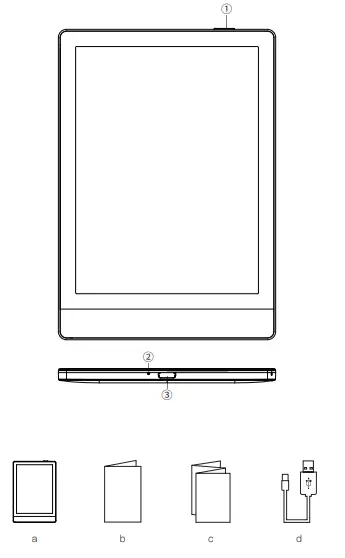
- Power
- Microphone
- USB-C Port
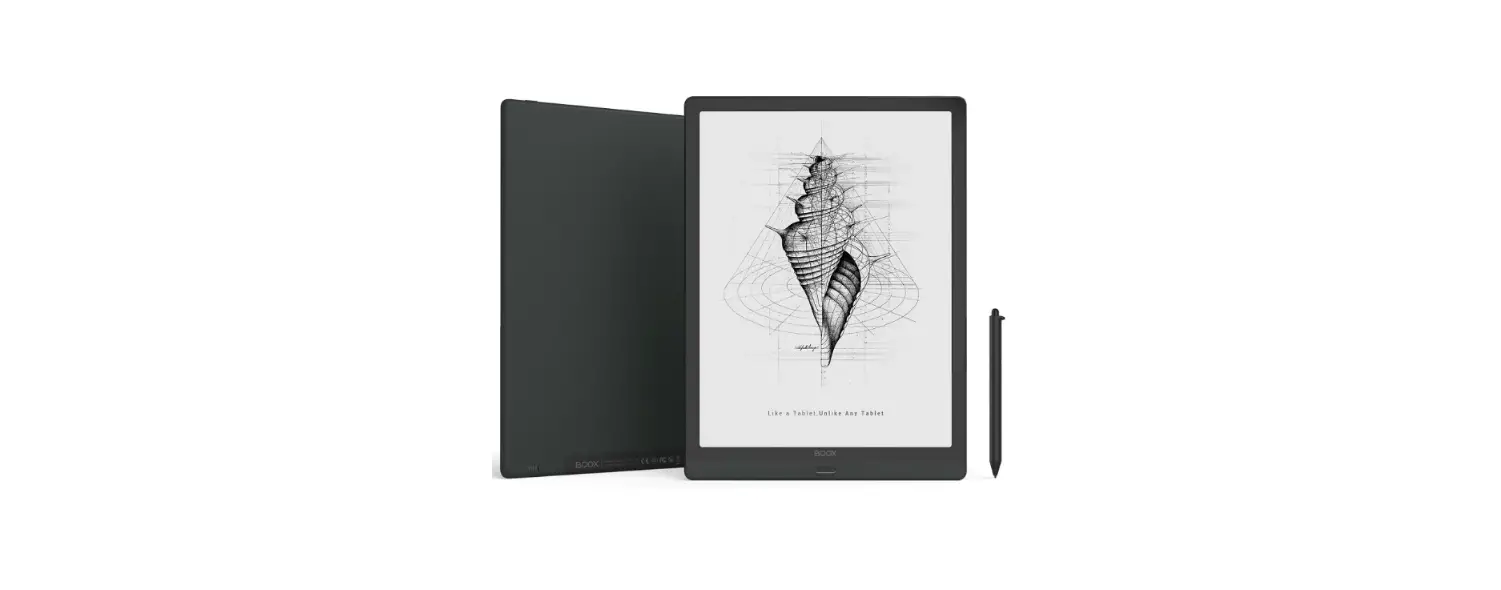
a. BOOX Device
b. Warranty Card
c. Quick Start Guided. USB-C Cable
QUICK START GUIDE
Turn on the device:
Hold down the power button for 2-3 seconds.
Charging: When the battery is low or the device can not be turned on, please connect your BOOX with a PC or an Adaptor to charge it. When the device is charging, the indicator shows red. When the battery is fully charged, the indicator turns blue.
Firmware update: Download the update packages to the root directory of the local storage, or get OTA updates on the device. To force shutdown, please hold the power button for about 8 seconds. You can read the full version of the User Manual on the official BOOX website: https://www.boox.com/downloads/
Customer support center:
https://www.boox.com/support/
Email: [email protected]
Made In China
COnyx International Inc. All rights reserved. 
 Home | The Official BOOX Site
 Home | The Official BOOX Site