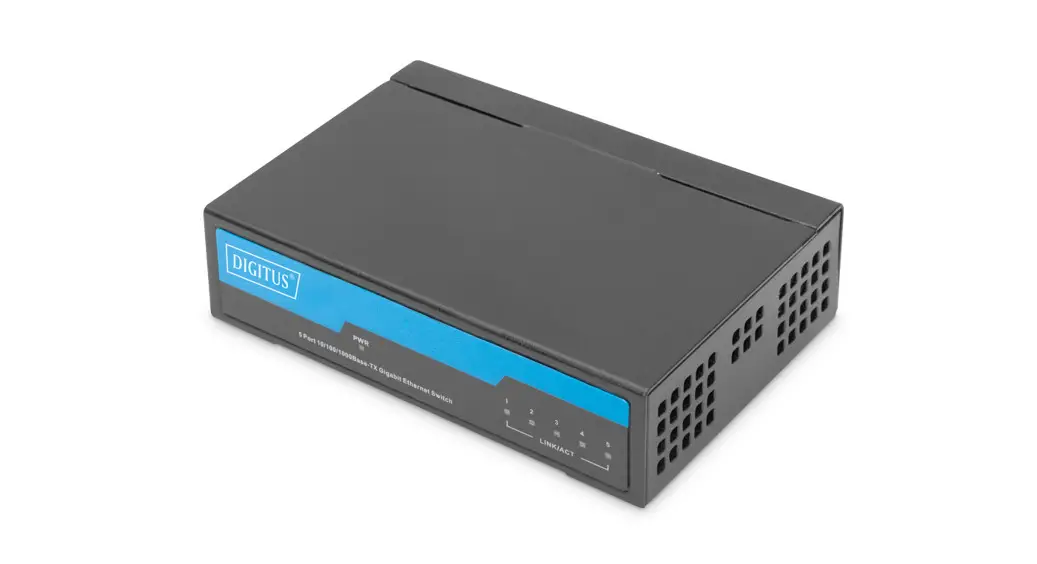
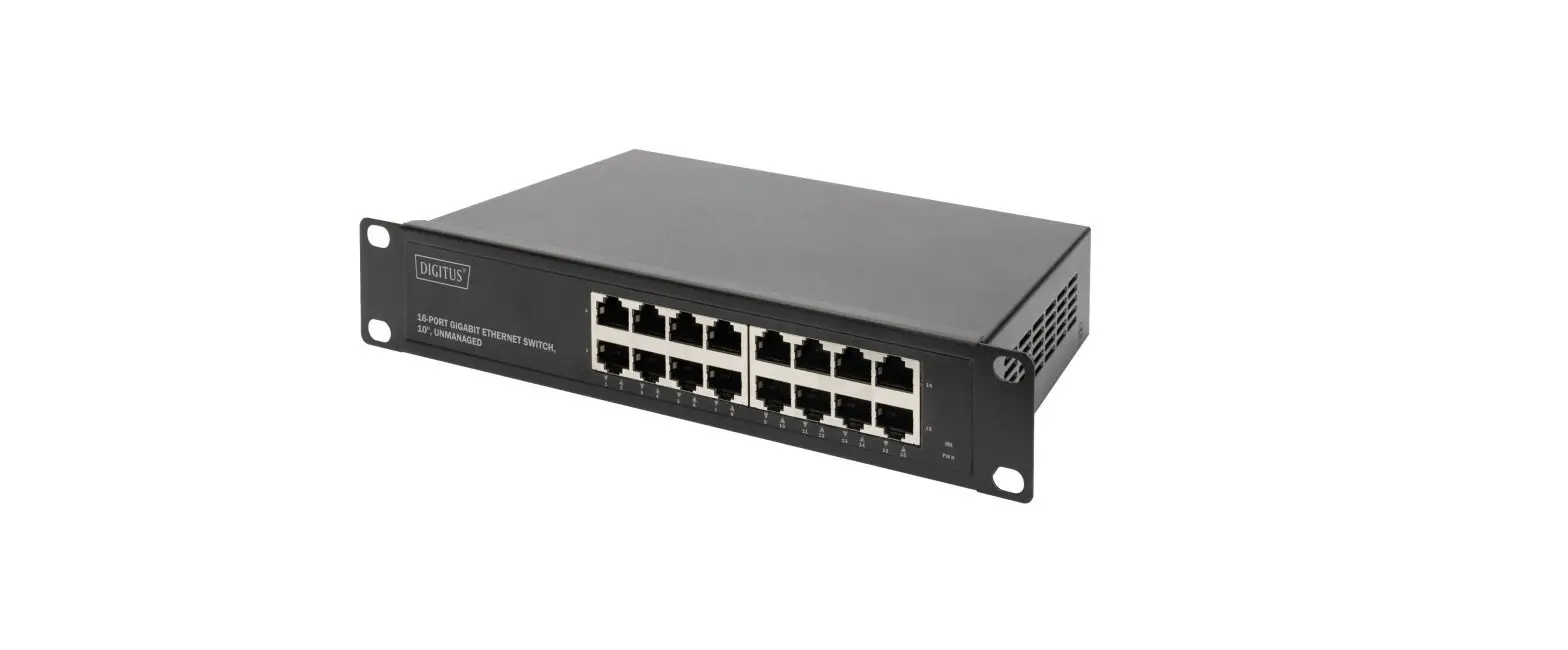
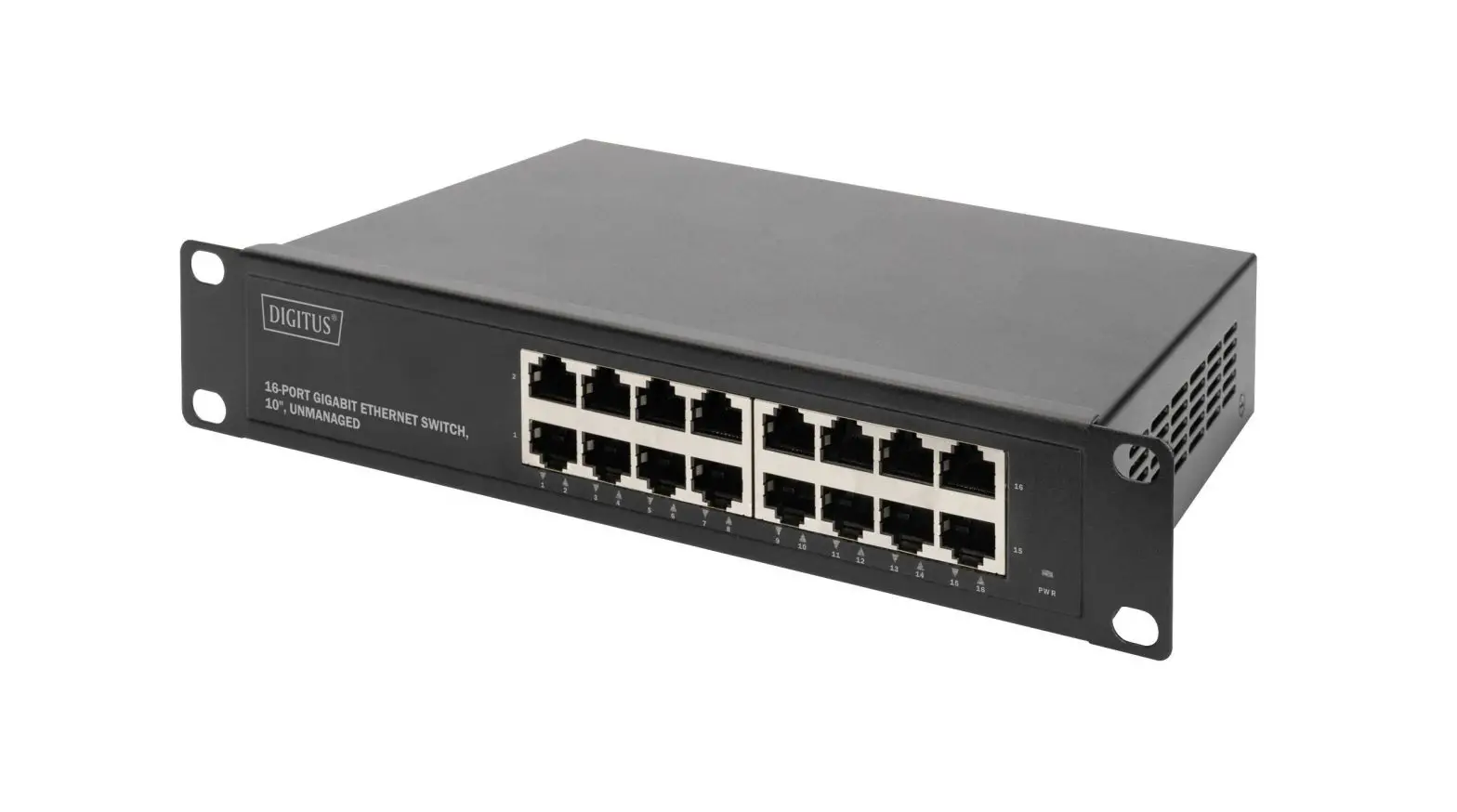
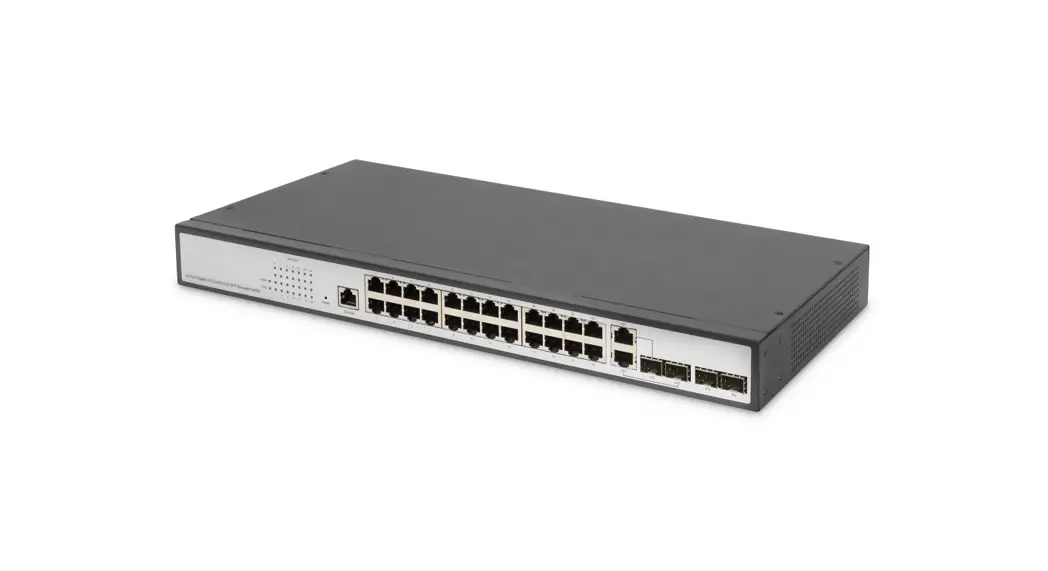
DN-953 Desktop Gigabit Switch
Product Information
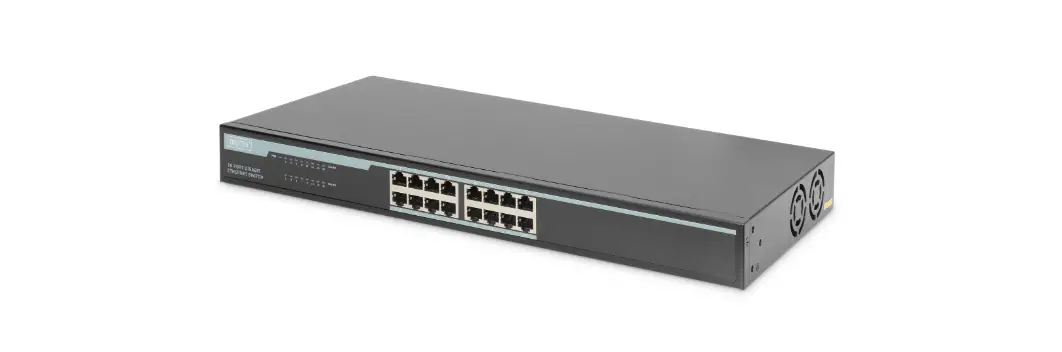
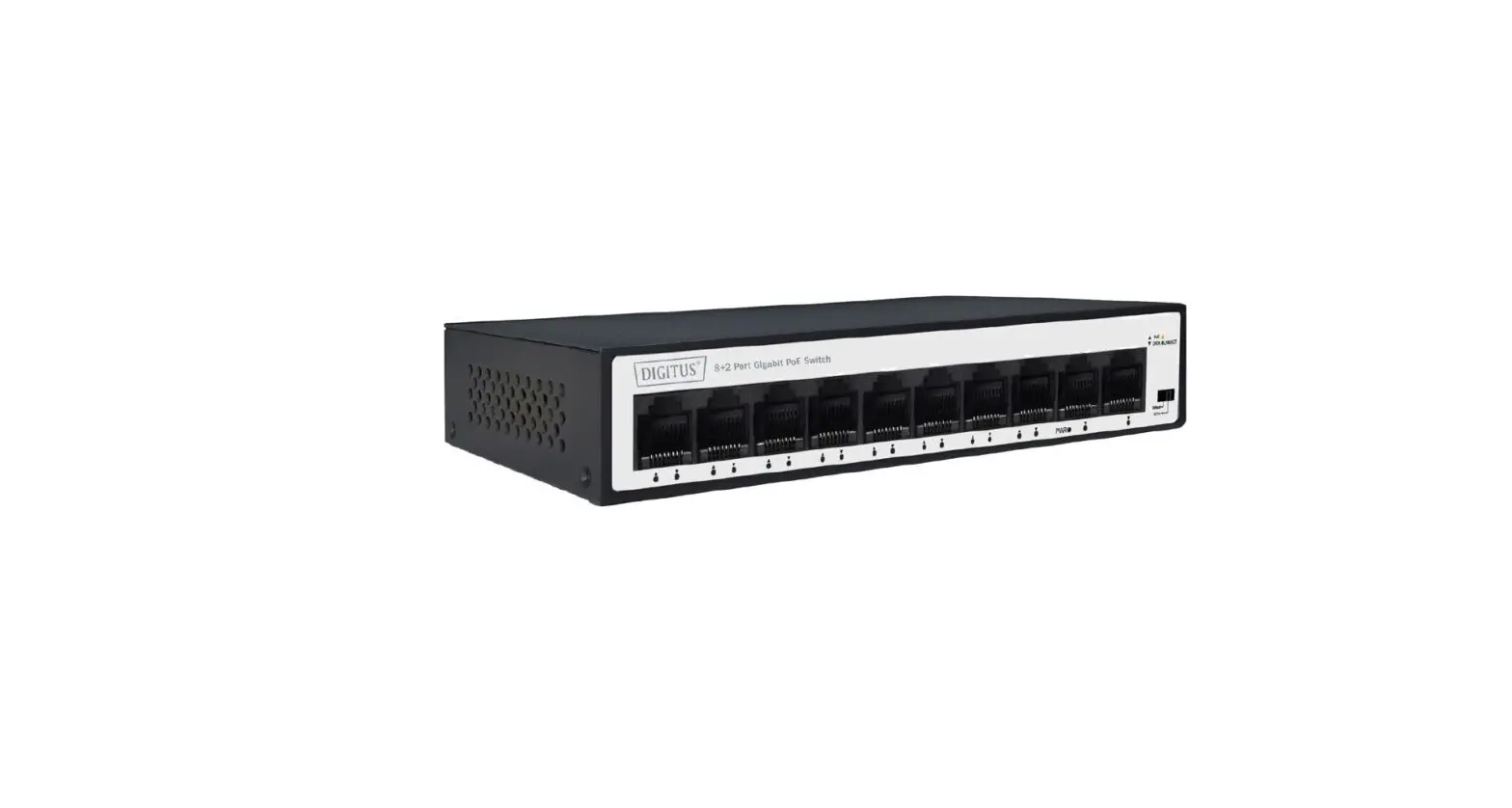
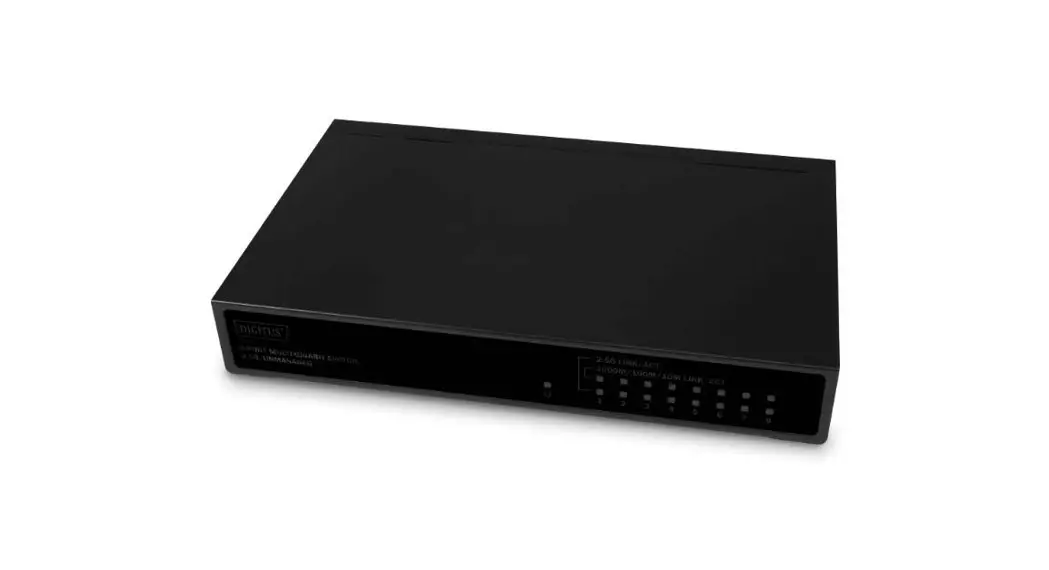
The DIGITUS 8-Port Gigabit PoE Switch is an unmanaged switch
with eight Power over Ethernet ports and two additional SFP Fiber
Port. It is designed to improve network performance and efficiency.
With PoE support, the switch requires only a single cable for power
and data transfer, making it easier to connect devices such as
access points, network cameras, and IP telephones. The switch has a
rack mountable design, making it suitable for data center and local
server rooms. It does not require any configuration, ensuring quick
and seamless integration into the network.
Features
- Eight Power over Ethernet ports
- Two additional SFP Fiber Port
- IEEE 802.3af, 802.3at compliant PSE (Power Sourcing
Equipment) - Up to 30 W per port
- Automatic detection and power management
- Metal casing
- Rack mounting or Desktop installation
Package Contents
- 8P POE switch
- 2 SFP Uplink Ports
- User Manual
- Power Cable
- Rubber feet (4pcs)
- Mounting brackets (2pcs)
- Screws (6pcs)
Specifications
- Exchange capacity: not specified
- MAC Addresses: not specified
- Power Supply: +52 VDC, 140W
- Power Consumption: not specified
- PoE Technology: IEEE 802.3af, 802.3at compliant PSE (Power
Sourcing Equipment) - PoE Compliance: not specified
- PoE Classification: not specified
- PoE Voltage: not specified
- PoE Power Budget: not specified
- PoE Power: up to 30 W per port
- PoE Operation: Automatic detection and power management
- PoE Pin Assignments: V+ (RJ45 Pin 3, 6), V- (RJ45 Pin 1,
2) - PoE Disconnect Mode: DC disconnect
- Mechanical Casing Dimensions (W x L x H): 275mm x 200mm x
44mm
Product Usage Instructions
Hardware Installation
Switch Installation
Before installing the switch, visually inspect the power cord to
make sure it is fully secured to the AC power connector. Ensure
that there is proper heat dissipation and adequate ventilation
around the switch. Do not place heavy objects on the switch.
Desktop or Shelf Installation
When installing the switch on a desktop or shelf, attach the
rubber feet included with the device on the bottom at each corner
of the device’s base. Allow enough ventilation space between the
device and the objects around it.
Rack Installation
The switch can be mounted in an EIA standard size 19-inch rack,
which can be placed in a wiring closet with other equipment. To
install, attach the mounting brackets to the switch’s side panels
(one on each side) and secure them with the screws provided. Then,
use the screws provided with the equipment rack to mount the switch
in the rack.
8 Port Gigabit PoE Switch, 19 Inch, Unmanaged, 2 SFP Uplink
Quick Installation Guide
DN-95341-1
1. Introduction
The DIGITUS 8-Port Gigabit Rack mount Switch with eight Power over Ethernet ports and two additional SFP Fiber Port, offers your network significant improvement in
terms of performance and efficiency. Thanks to PoE support, you only need a single
(network) cable for power and data transfer. This switch makes it much easier to
connect devices such as access points, network cameras, and IP telephones, and
requires far less cabling than alternatives. It also allows you to extend your network
in places where there are no power supply cables or sockets available. The switch does not require any configuration and therefore guarantees quick and seamless
integration into the network. Moreover, the switch has a rack mountable design and
can be easily installed with many standard racks, which makes this device the perfect
solution for data center and local server rooms.
2. Features
8-Port 10/100/1000 Mbps PoE Gigabit rack mountable Switch + 2x SFP Uplink Ethernet IEEE802.3 / 802.3u / 802.3x/802.3ab/802.3z / IEEE802.3 af/at Power over Ethernet (PoE) – You only need one cable for power and data transfer PoE power budget: 140 Watts Supports PoE: Provides 8 PoE Port, each port output 30W maximum power No configuration necessary Status LEDs on each port Pin Feet: V+ (RJ45 Pin 3, 6) V- (RJ45 Pin 1, 2) Backplane: 20Gbps MAC address table: 4K Rack mountable in system rack (1U) Internal power supply: 150W Dimensions (L x W x H): 275 mm x 200 mm x 44 mm Weight: 4500g Ethernet speed: Gigabit Number of ports (uplink): 2 Connection of uplink port: SFP VLAN: no PoE standard: IEEE802.3at (PoE+)
3. Package Contents
8P POE switch 2 SFP Uplink Ports User Manual Power Cable Rubber feet 4pcs Mounting brackets 2pcs Screws 6pcs
2
4. Specifications
Fixed port
Standards and protocols
Forwarding Rate LED Indicators AC Input Voltage Range Operating temperature Storage temperature Operating humidity Exchange capacity MAC Addresses Power Supply Power Consumption PoE Technology PoE Compliance PoE Classification PoE Voltage PoE Power Budget PoE Power PoE Operation PoE Pin Assignments PoE Disconnect Mode Mechanical Casing Dimensions (W x L x H) Installation
8 x 10/100/1000Mbps PoE ports and 2 Gigabit SFP Ports IEEE802.3 10Base-T Ethernet standard IEEE802.3u 100Base-TX Fast Ethernet standard IEEE802.3ab 1000Base-T Ethernet standard IEEE802.3z Gigabit Ethernet (fiber) IEEE802.3x Full duplex flow control and Backpressure Half duplex flow control IEEE802.3ab Link aggregation 10/100/1000Mbps Power, Link/Act, PoE 100V240V AC50/60Hz 0°C ~ 40°C -10°C ~ 70°C 5%95% (non-condensing) 20G 4K 150W 10W
100% IEEE 802.3af, 802.3at compliant PSE (Power Sourcing Equipment) +52 VDC 140W Up to 30 W per port Automatic detection and power management V+ (RJ45 Pin 3, 6), V- (RJ45 Pin 1, 2) DC disconnect
Metal 275mm x 200mm x 44 mm Rack mounting or Desktop
3
5. External Component Description
Front Panel The front panel consists of LED indications and network ports.
PWR LED: The Power LED lights up when the Switch is connected to a power source. Link/Act LED: The Link/Act LED flashes which indicates a network link through the corresponding port. Blinking indicates that the Switch is either sending or receiving data to the port. PoE indicator: constant brightness indicates that the PD device is connected to the corresponding port, and extinguished indicates that the port is not powered or no PD device is found. Real Panel The rear panel view of the Switch consists of an AC power connector.
Power outlet: Supports input voltages 100-240VAC, 50/60Hz. Switch: Used to connect the power supply. Fuse: Prevent affect the power grid from equipment short circuit. (Tank containing a spare fuse) Grounding: use specialized ground lead connect.
4
6. Hardware installation
6.1 switch installation For safe switch installation and operation, it is recommended that you: Visually inspect the power cord to see that it is secured fully to the AC power
connector Make sure that there is proper heat dissipation and adequate ventilation around
the switch. Do not place heavy objects on the switch. Desktop or Shelf Installation When installing the switch on a desktop or shelf, the rubber feet included with the device must be attached on the bottom at each corner of the device’s base. Allow enough ventilation space between the device and the objects around it.
Rack Installation The switch can be mounted in an EIA standard size 19-inch rack, which can be placed in a wiring closet with other equipment. To install, attach the mounting brackets to the switch’s side panels (one on each side) and secure them with the screws provided (please note that these brackets are not designed for palm size switches).
Then, use the screws provided with the equipment rack to mount the switch in the rack.
5
6.2 Plugging in the AC Power Cord You can connect AC power supply cord to switch back and the other side connect the power outlet. (Power outlet might as well grounding and support over voltage protection) Warning: Do not turn on the power switch before power cables are connected. Power surge may cause damage to the Switch.
Power failure As a precaution, the switch should be unplugged in case of power failure. When power is resumed, plug the switch back in. Network connection
1 Monitor
2 NVR
3 PoE IP Camera
CE Mark Warning: This is a Class A product. In home environment, this product may cause radio interference. In this case, the user may be required to take appropriate measures.
Hereby Assmann Electronic GmbH, declares that the Declaration of Conformity is part of the shipping content. If the Declaration of Conformity is missing, you can request it by post under the below mentioned manufacturer address.
www.assmann.com Assmann Electronic GmbH Auf dem Schüffel 3, 58513 Lüdenscheid, Germany
6
7
 ASSMANN Electronic GmbH | Germany