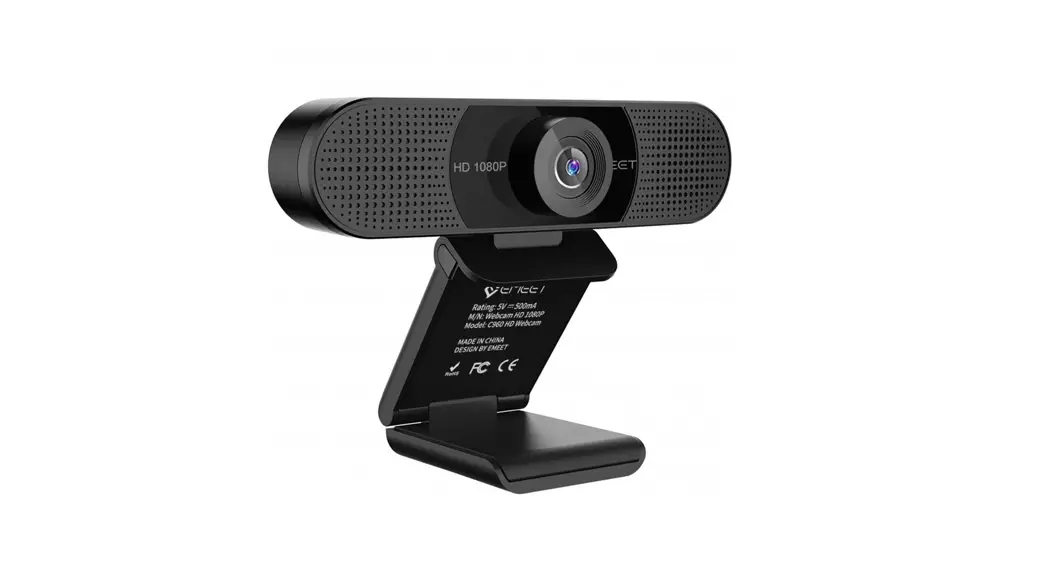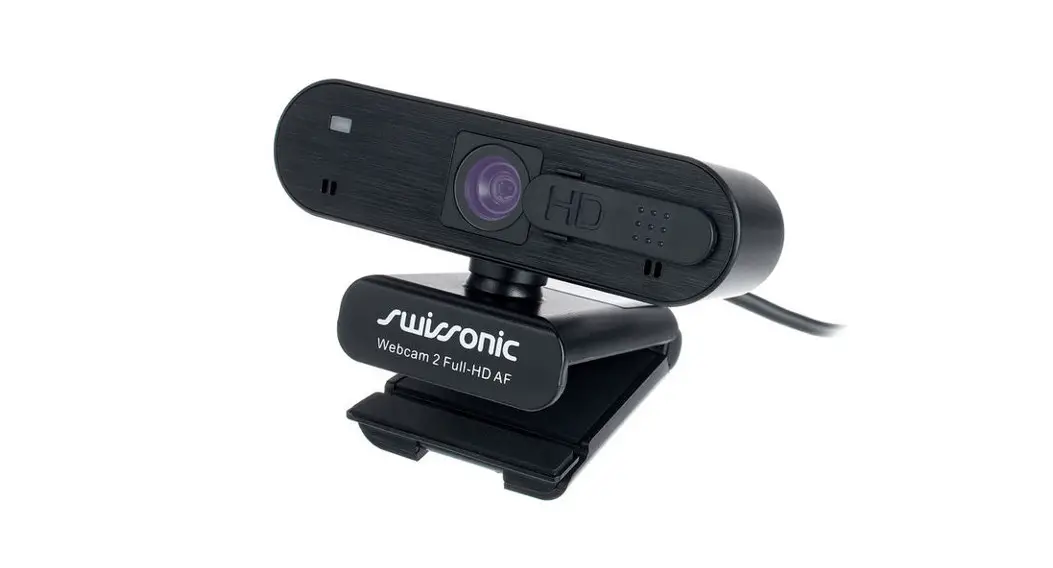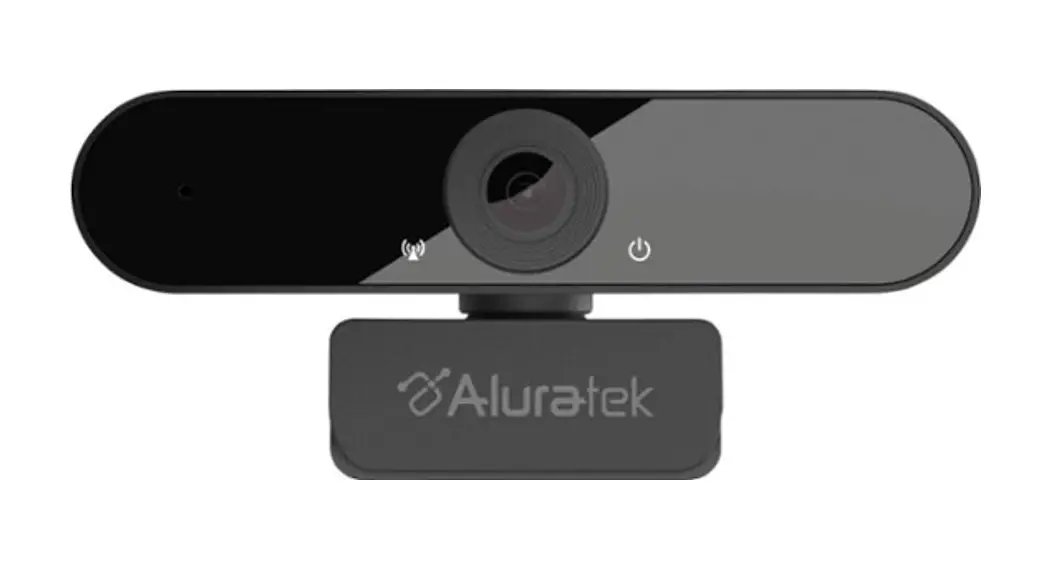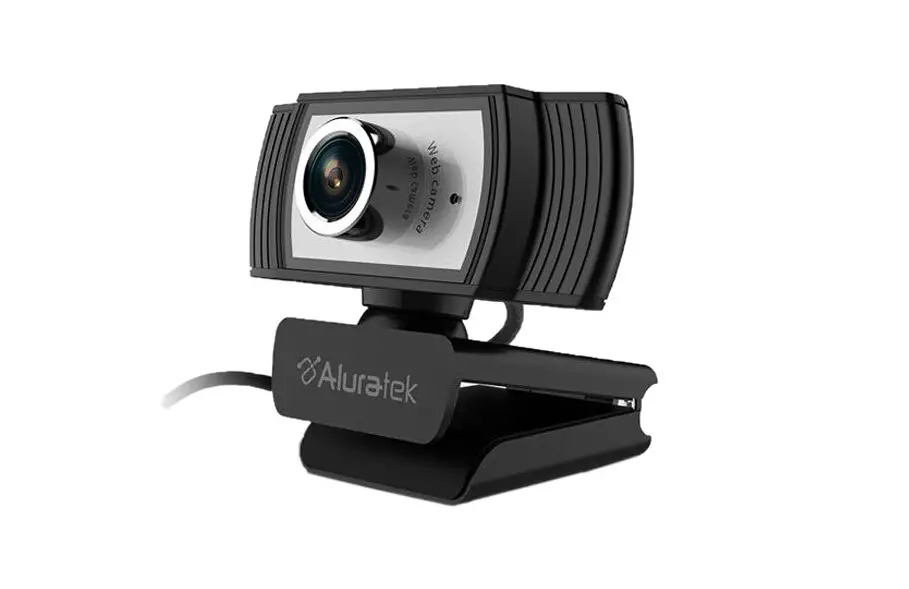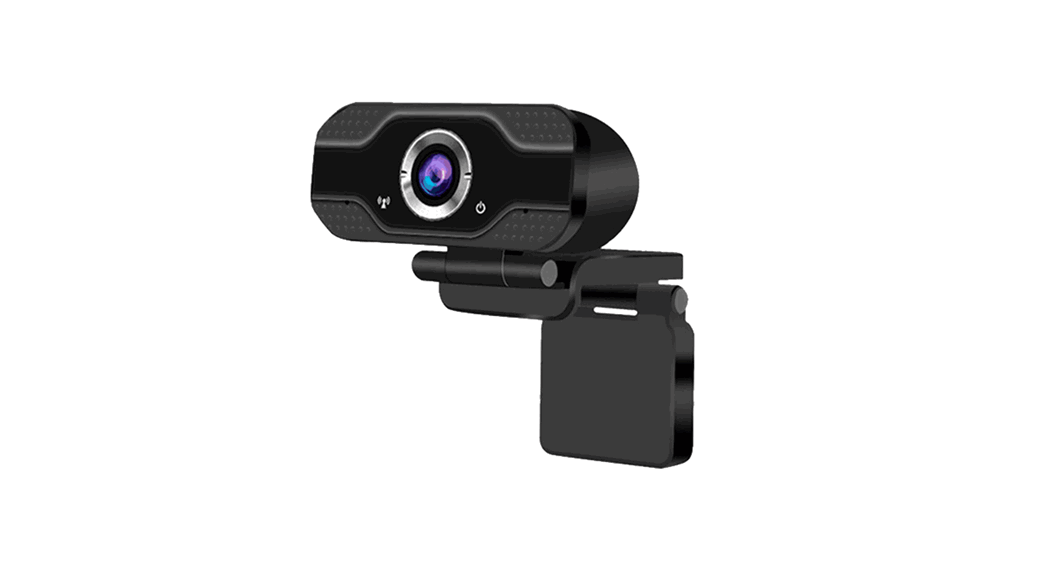
 WEB CAM
Setup guide
V.1.0
User Guide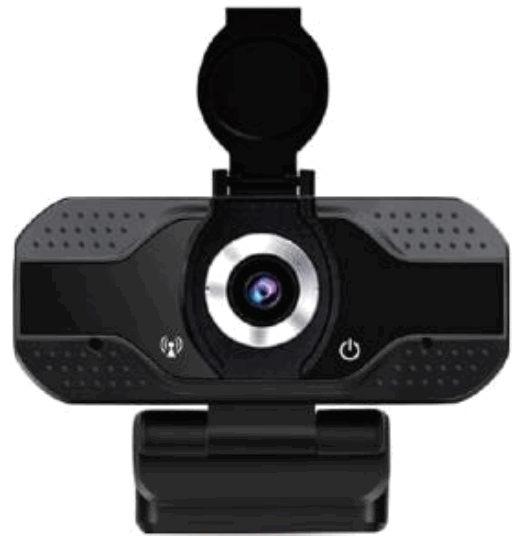
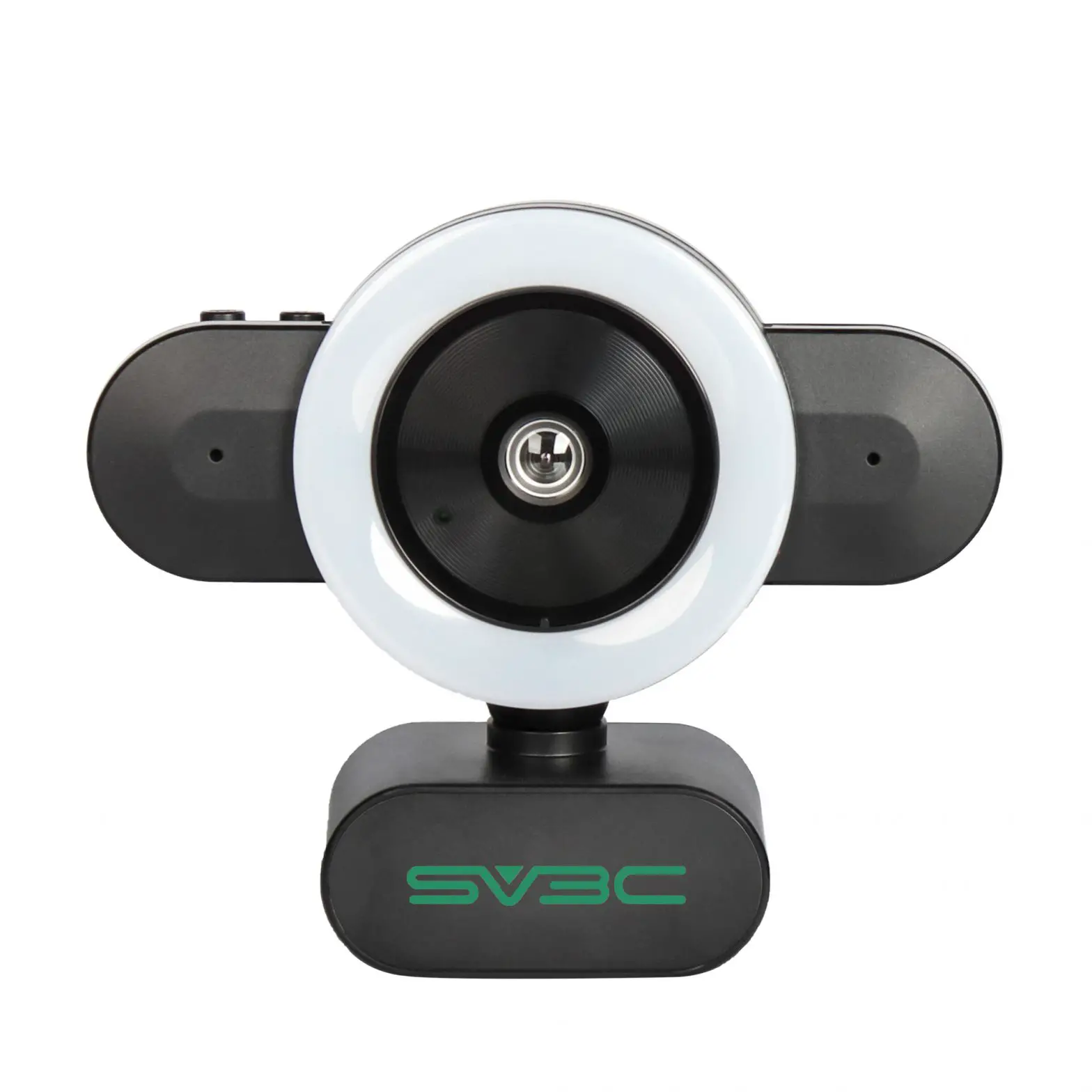
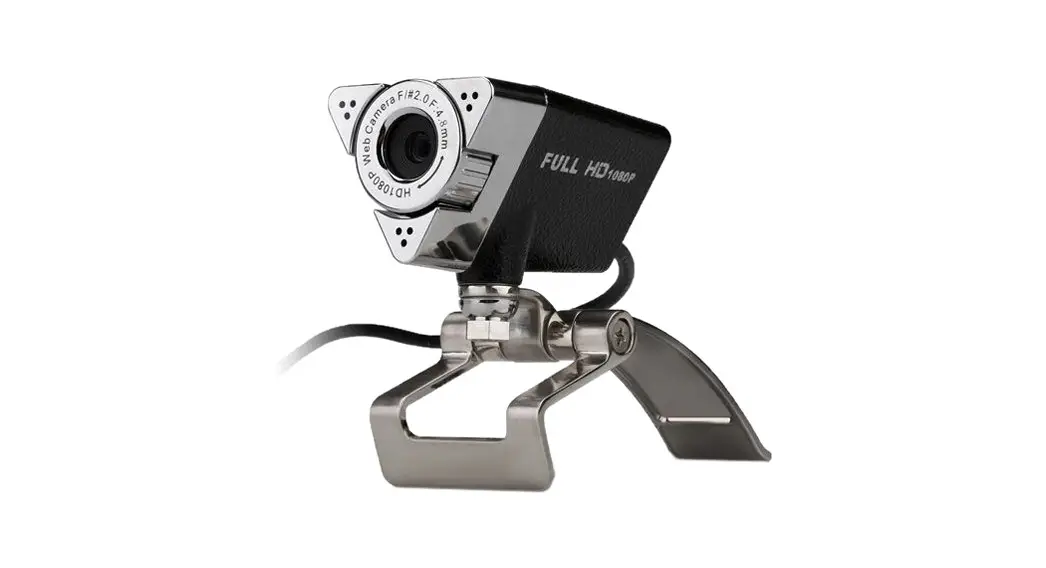
WEC-3110 Webcam
Use this guide to set up your webcam and begin making video calls.
FEATURES
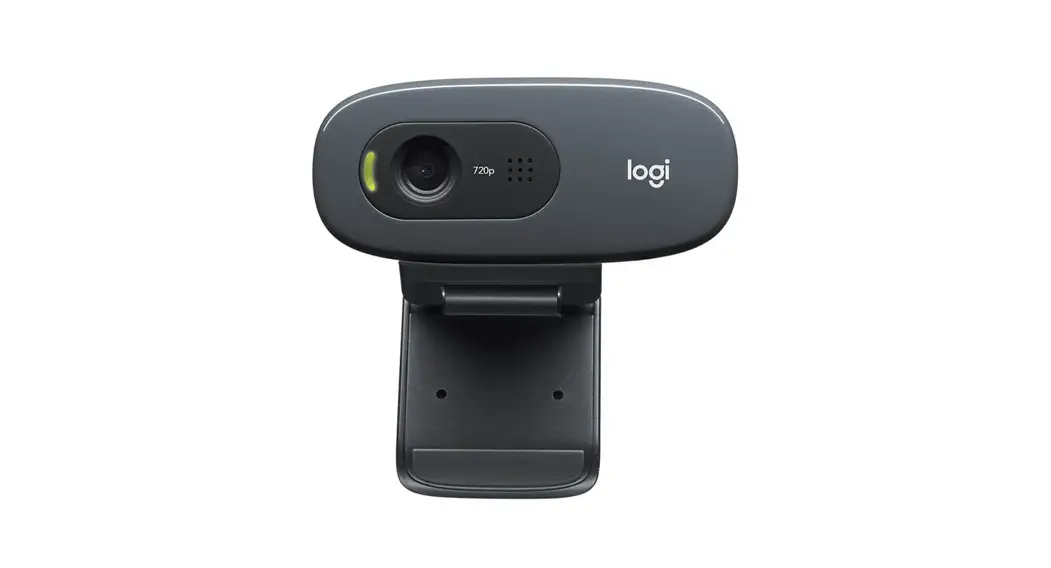
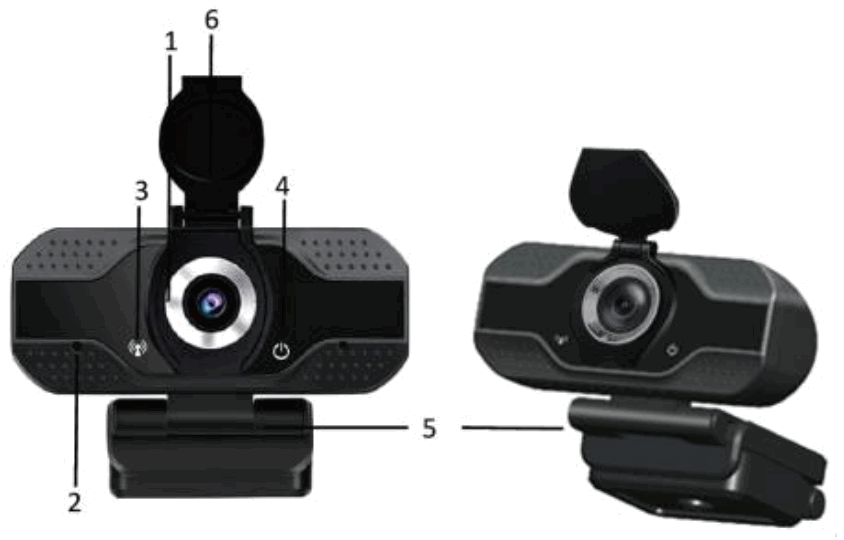
- FULL HD 1080p lens
- Microphone
- Activity light
- Power indicator
- Flexible clip/base
- Privacy cover
SETTING UP YOUR WEBCAM
- Placing your webcam
Designed for the way you prefer to make video calls. Place the webcam where you want it on a computer monitor, desktop, or tripod
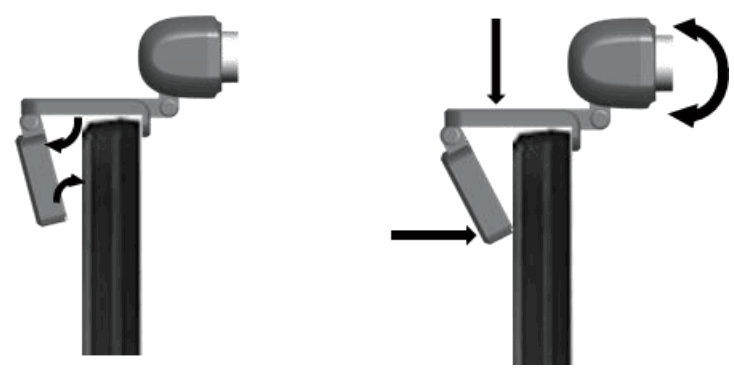
For placement on a monitor:
Grasp the webcam as shown and open the flexible clip/base with your other hand. Mount the webcam, and ensure the foot on the flexible clip/base is flush with the back of your monitor.
- Connect the webcam
Connect the webcam to a computer USB port. The Windows® or Mac drivers are loaded automatically. Driver installation may take a few moments.
- Use the webcam
The webcam does not ship with video calling software. To make a video call, use your video calling application.

Please notice – All products are subject to change without any notice. We take reservations for errors and omissions in the manual.
ALL RIGHTS RESERVED, COPYRIGHT DENVER ELECTRONICS A/S
Electric and electronic equipment contains materials, components and substances that can be hazardous to your health and the environment, if the waste material (discarded electric and electronic equipment) is not handled correctly.
Electric and electronic equipment is marked with the crossed out trash can symbol, seen above. This symbol signifies that electric and electronic equipment should not be disposed of with other household waste, but should be disposed of separately.
All cities have established collection points, where electric and electronic equipment can either be submitted free of charge at recycling stations and other collection sites, or be collected from the households. Additional information is available at the technical department of your city.
www.denver-electronics.com DENVER ELECTRONICS A/S
Omega 5A, Soeften
DK-8382 Hinnerup
www.facebook.com/denverelectronic
 Denver A/S