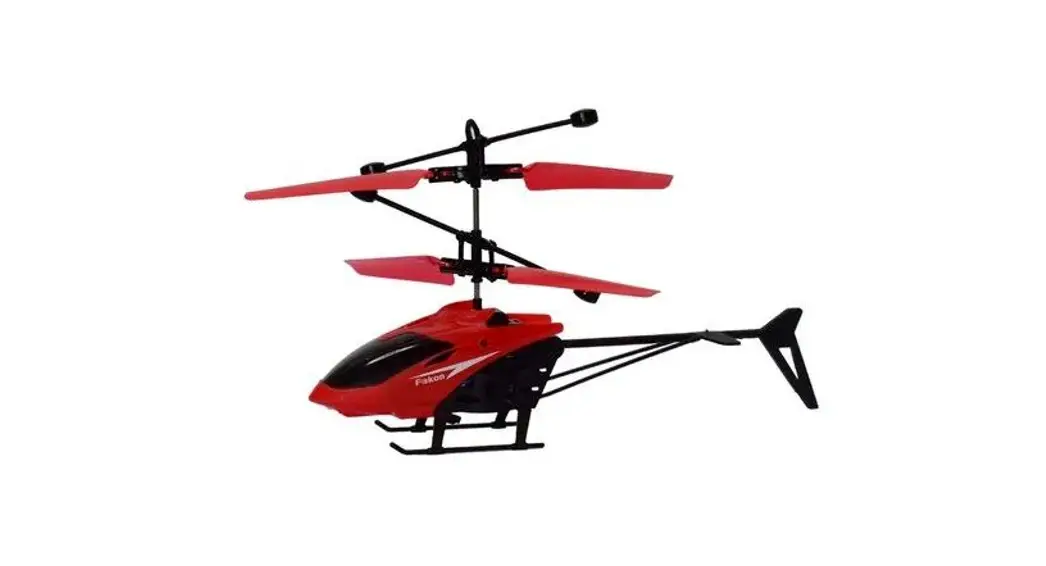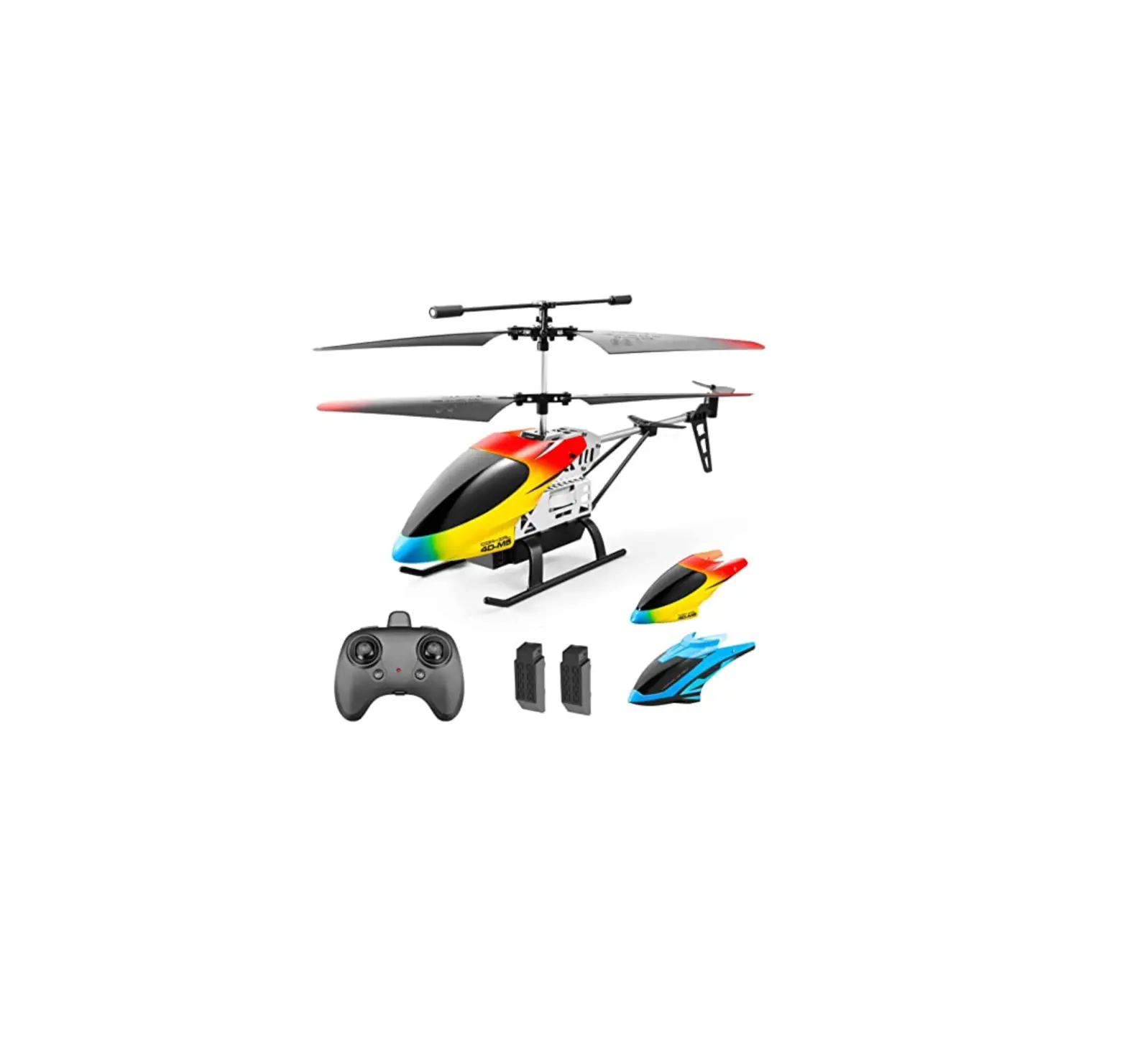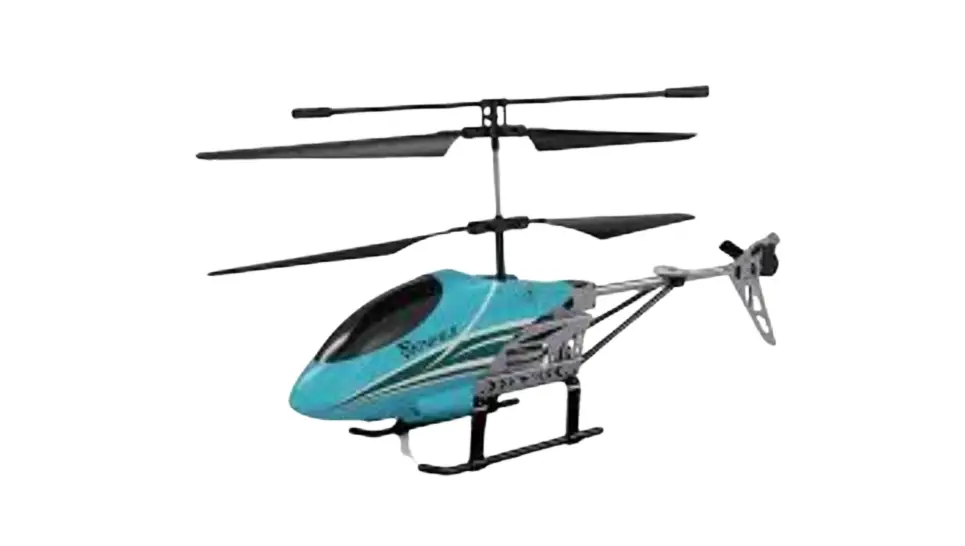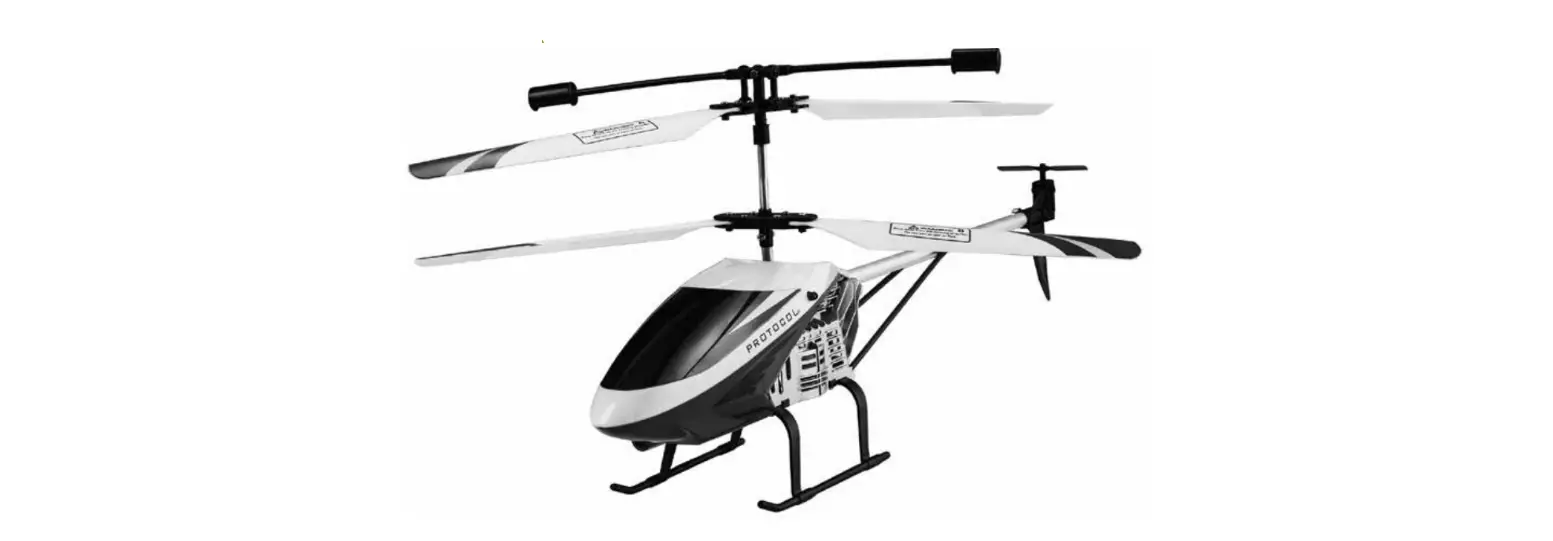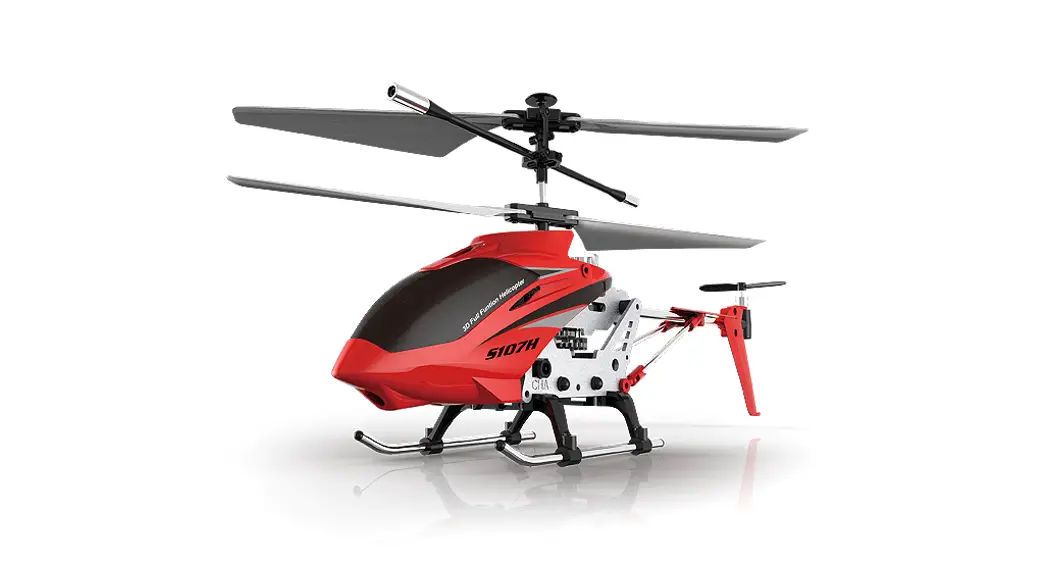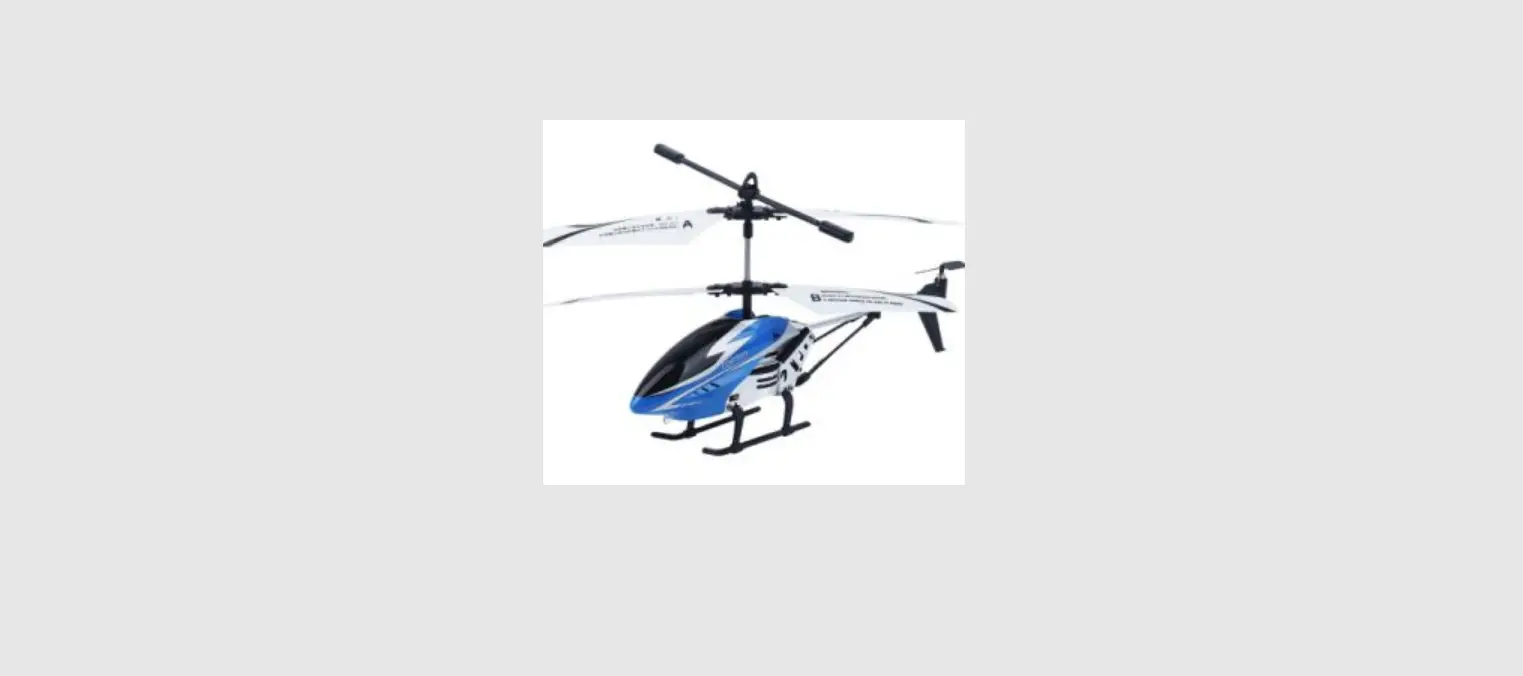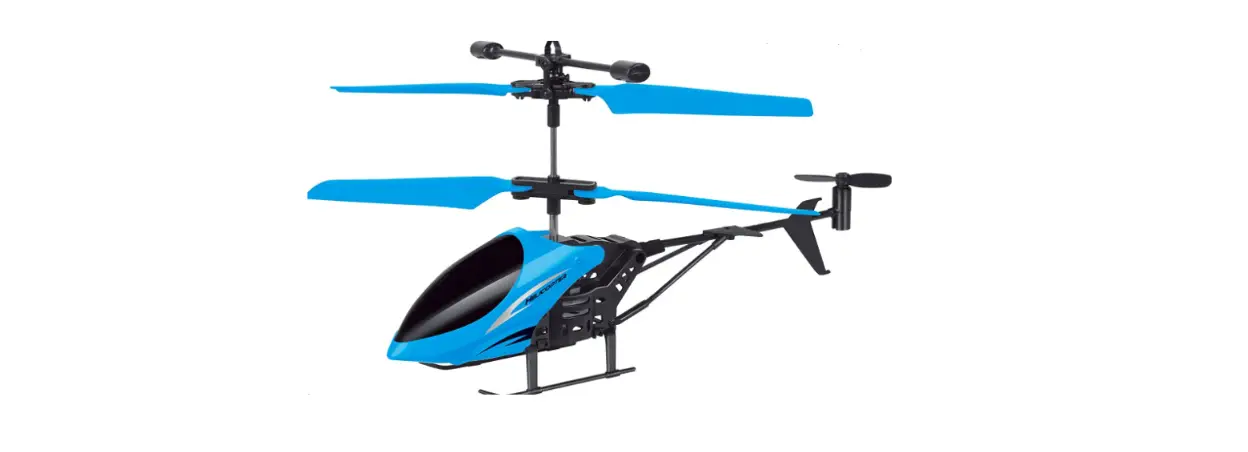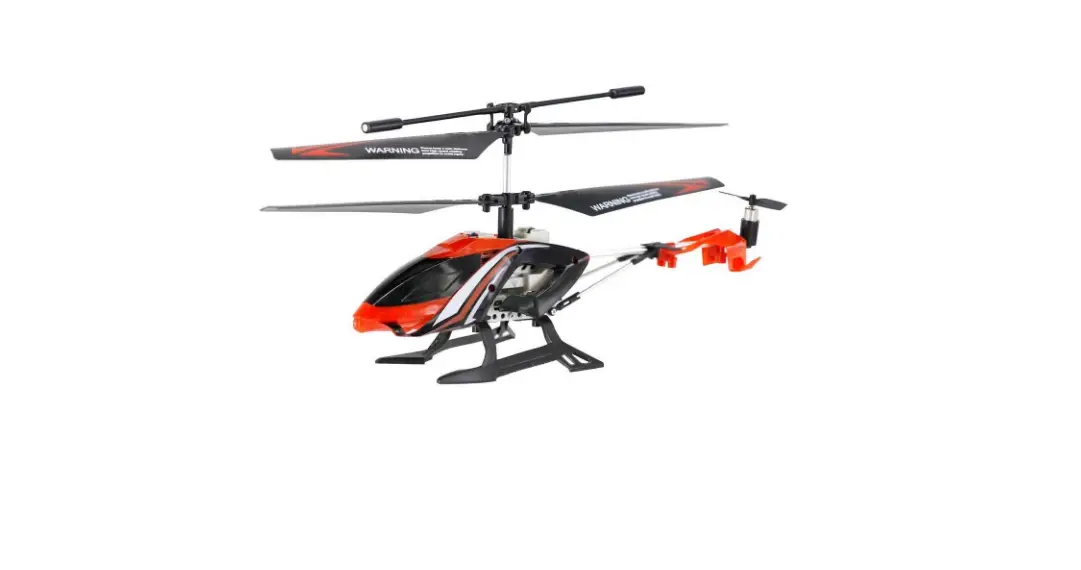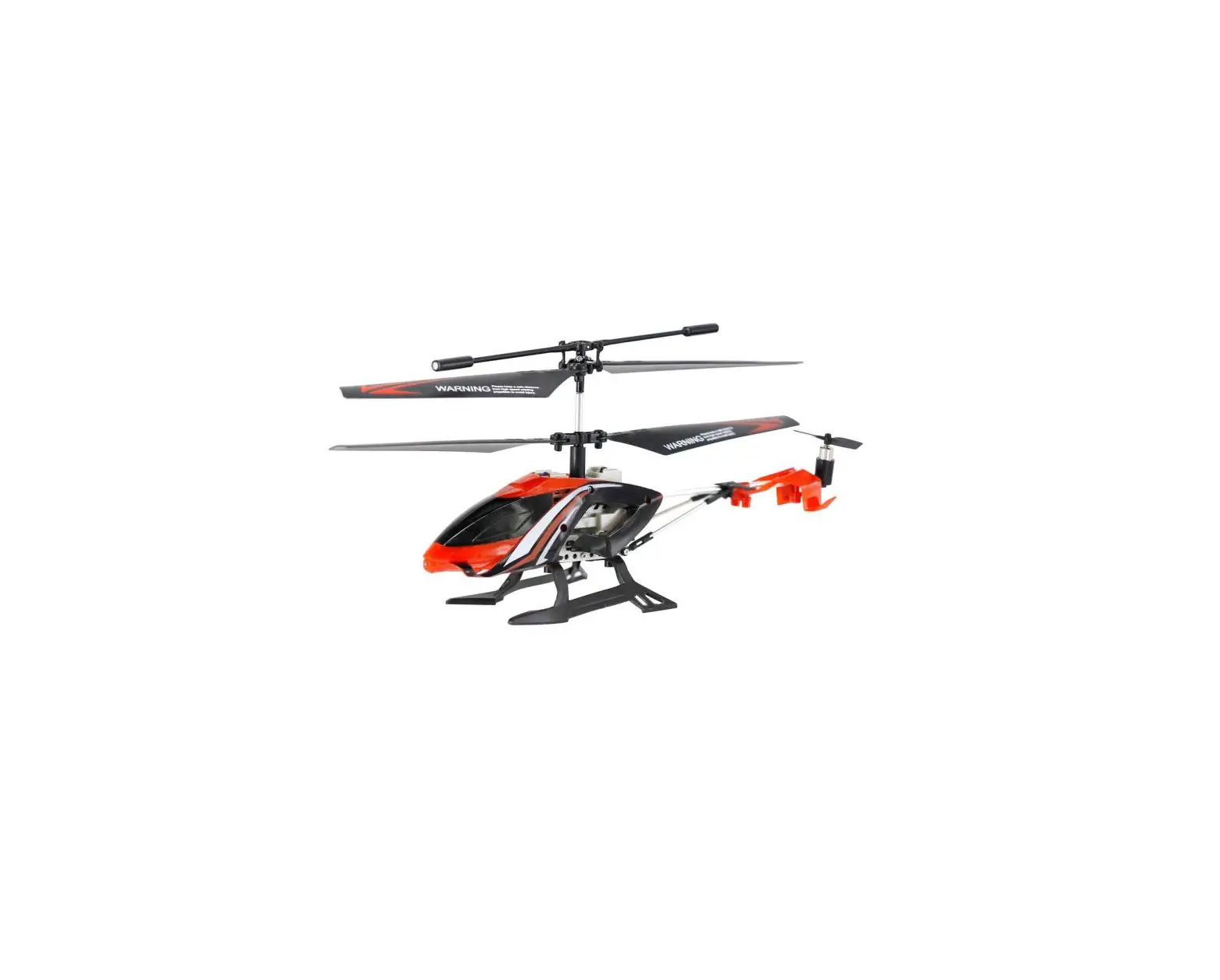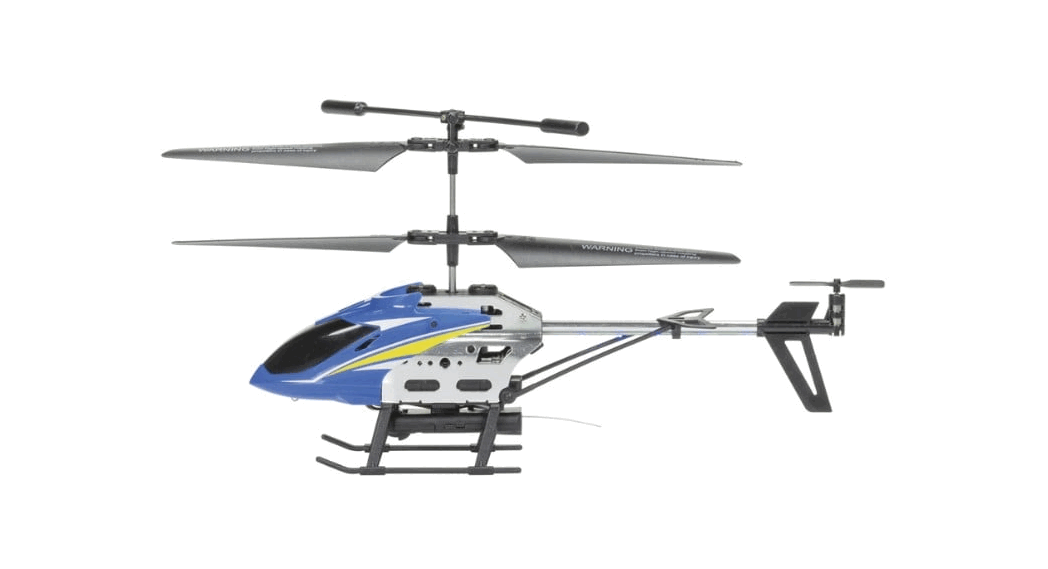
 2.4G 3.5 CH Remote Control Helicopter takeoff
Instruction Manual
2.4G 3.5 CH Remote Control Helicopter takeoff
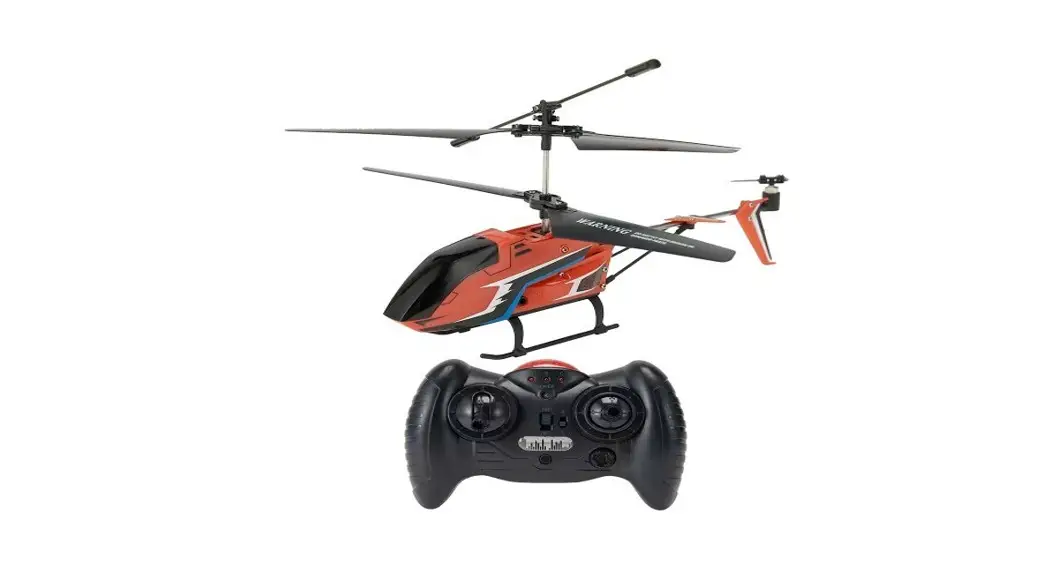
2.4G EE3.5CH RC Helicopter Takeoff In Altitude Hold And Landing Version
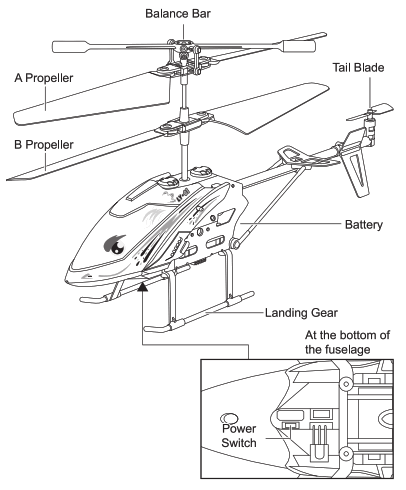 Helicopter applies 2.4G remote control system to enable multiple players compete without interference. It is easy to operate via remote control to control functions such as flying, Flips and rolls and altitude hold etc.
Battery Installation
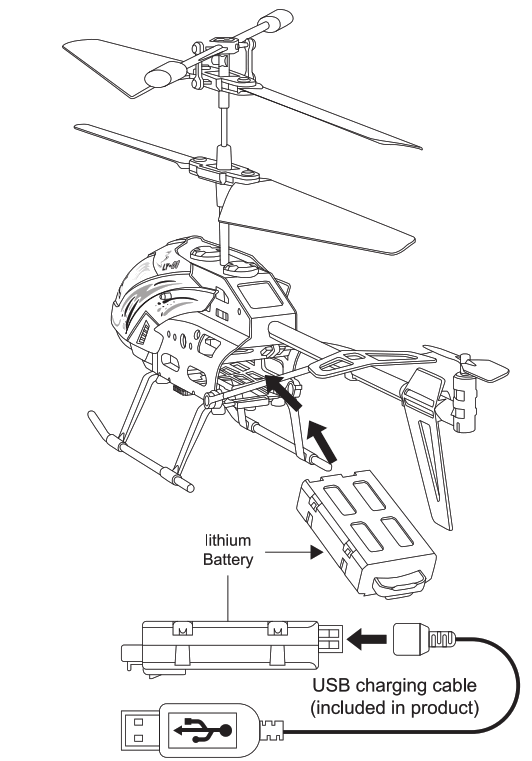
Warm reminder of battery installation: Please install the battery in place, And the flight of the aircraft will be unstable.
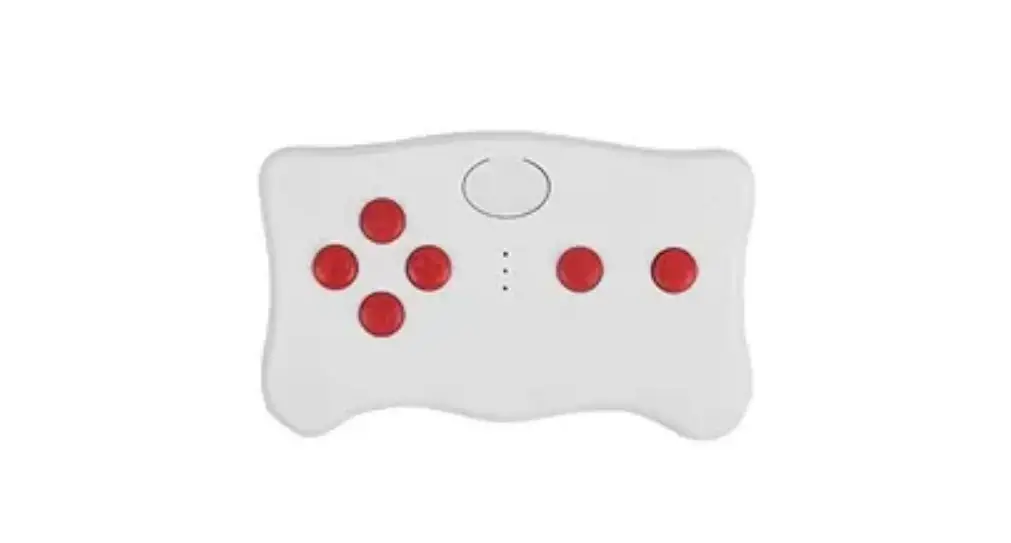
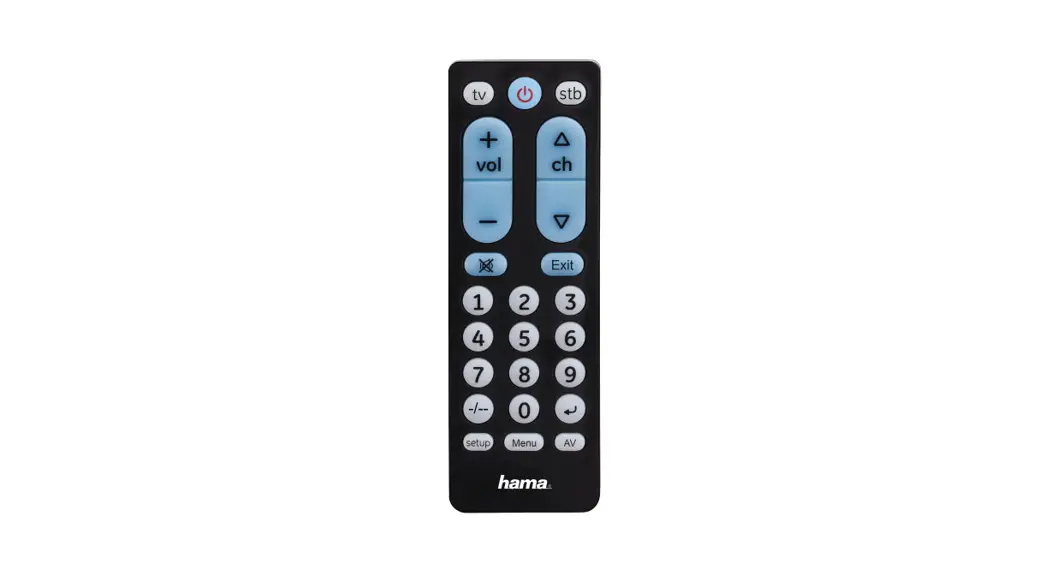
Know Your Remote Control
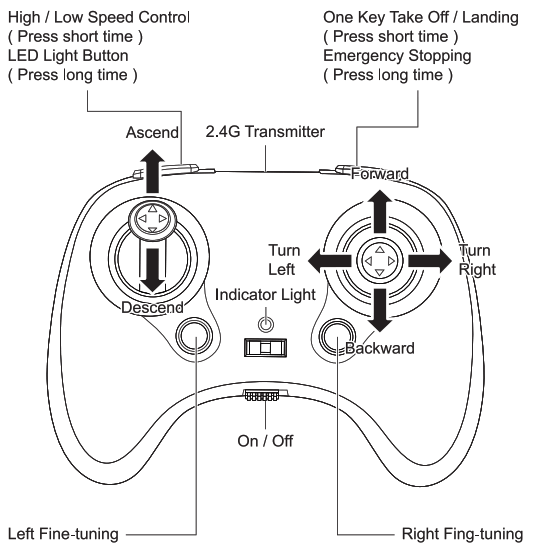
Operation board of remote control
WARNING:
High /Low speed control: The helicopter at slow speed when you press the button and hear a beep sound , While it at high speed with a double beep sound.
Install The Remote Batteries
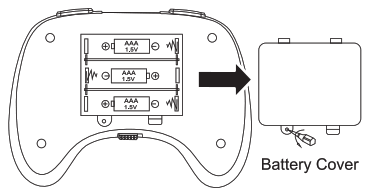
Open the battery case and insert 3 AAA batteries by the correct polarity. Close the battery cover, Tighten the set screw!
Notes:
- Ensure the polarity symbols on the batteries match the symbols inside the battery compartment.
- Do not mix new and old batteries.
- Do not mix different types of batteries.
- When the remote control’s indicator light fiashes, Which indicates the remote control has low voltage, Please replace with new batteries.
Pre-takeoff Instructions
After the charging completes, Put the helicopter on level surface and turn the power switch to the “ON” position when the helicopter’s LED light flashes Power on the remote control to proceed pairing that the remote control’s LED light turns from flashing to solid indicates, The process of pairing has been successful and the helicopter is ready for other operations.(Theprocess of pairing takes about 3 seconds.) 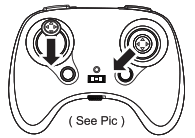
Before take off Calibrated aircraft position ensure it is in the best condition.
Takeoff In Altitude Hold And Landing Instructions 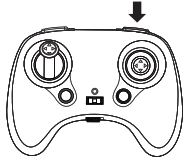
Turn on for 3 seconds, Then press the reset button, The blades start rotating, It takes about 2 seconds to rise of 1.2 meter after enter in idle state press a second time to land and the blades rotate slowly, The aircraft lands slowly. Pressing the button for long time to stop I anding.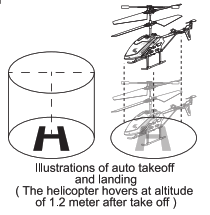 P.S. The hovering aircraft is able to be gaining height after pushing up the left joystick. Or pull down to reduce height. And to adjust to be a right height.
Helicopter Operations
Press the one-key start button to control the helicopter to ascend to the altitude of 1.2 rneter and hover stably lea m other operations to control the helicopter to tum left and right, Ascend, Descend, Forwa rd and backward.

Trimming Helicopter
Press “One-key start” button to control the helicopter to ascend to the altitude of 1.2 meter and hover stably.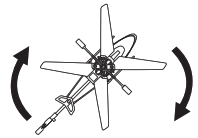
Feel free to attempt diverse flying skills once you have mastered the basic flight operations. 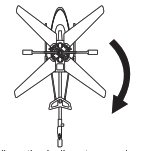 When the helicopter revolves clockwise, Press the ‘Left fine-tuning- button to adjust its position until it stays still.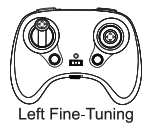
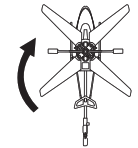 When the helicopter revclves counter-clockwise Press the ‘Left fine-tuning- button to adjust its position until it stays still.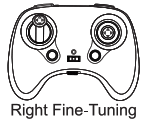
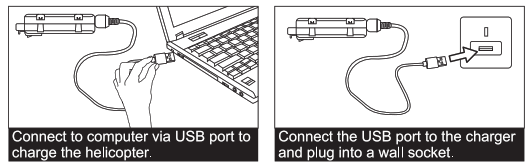
Battery Charging For Drone
Notes:
- Turn the power switch to the “OFF” position before charging.
- Connect the US8 jack on the bottom of the fuselage to the charging cable, And use a charger or computer to connect the charging current to less than 2A.
- The USB’s indicator light turns solid when it start to charge and turns off when the charging compltes It has a charging time of 50 minutes and gives a flying time of 10
minutes. - The helicopter’s bottom LED light turns up when the helicopter battery is low.
- Please use original charger for baltery charging. Chargers from others might cause damage to the battery.
 Battery Instructions
- There is a certain risk when using lithium battery. It may cause fire, Body injury or property loss users must be aware of the risks and take full responsibility of using battery improperly.
- If battery leakage occurs, Please avoid contacting your eyes or skin with electrolyte once it happens, Please wash your eyes with clean water and seek medical care immediately.
- Please remove the plug immediately if you sense any peculiar smell, Noise or smog.
- Install the battery in place when replacing the battery to make the aircraft more stable, Failure to do so will cause the aircraft to advance automatically.
 Charging Matters Needing Attention
 Charging Matters Needing Attention
- Please use the charger from original factory to ensure your safe usage.
- Do not charge deformed/ worn out battery.
- Do not over charge battery please unplug the charger once fully charged.
- Do not charge the battery next to inflammables, Such as carpet, Timber floor or wood fumiture or on the surface of electro-conductive objects.
- Please always keep an eye on the battery when charging.
- Do not charge battery which not cool down yet the charging temperature should be between 0°C to 40°C.
WARNING
- Please keep flying helicopter away from crowd. The incorrect installation, Improper operation and electronic equipment malfunction will cause the damage or injury.
- Fly in correct according to the instruction strictly.
- Eachine shall not be held reponsibility for any issue caused by improper operation or using.
- Recammendations for above 14 years old. Close supervision is required when using this equipment underthe age of 14.
Precautions
- If the battery voltage is low, either the helicopter or the remote control, Please control the helicopter in a comparatively short range.
- Please operate the helicopter within a range of 30-40 meters otherwise it might cause control toss.
- If the helicopter’s battery is low the helicopter might fail to take off please immediately stop the operation and tum off the power to avoid damage to the battery. If you will suspend the device for some time please take the battery out of the device and tum the power switch to the “OFF” position.
- Please immediately repair any damage or deformation once found if severe damage has been .used, Such as rotor breakage, Please do not fly the helicopter to avoid body injury.
- Please remove the battery from the remote control if you will suspend the remote control for a long time in case of battery leakage or other damage to the product.
- Please operate the helicopter correctly and appropriately to avoid accidents such as crash or collision, Which might minimize the product’s lifespan.
- The helicopter applies 2.4G remote control system. Please ensure the battery has been fully charged before flight, And do not fly it at low battery state otherwise it might lose control.
- Please keep all the components in moisture-free places as this might lead to operation failure.
- Please thoroughly inspect the helicopter and all parts of components each time beforeflight to ensure flight safety.
- Please power on the remote control before flight and power it off after flight at all times.
Battery Recycling D. not dispose the had, in daily rubbish. Please familiarize yourself with the local garbage disposal method and disposal it according to the special requirement.
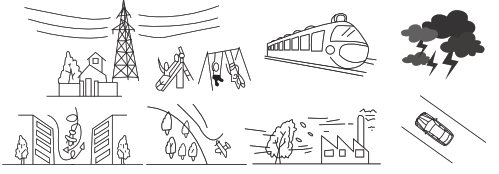
Don’t Fly Helicopter At The Place With These Signs
Notes:
- Do not store the helicopter & control in an environment where it is exposed to moisture, Dust, Direct sunlight or extremely high or low temperatures.
- Use only the charger that is made for use with this model helicopter.
- Make a complete inspection before flying the helicopter. Do not let the helicopter fly out of sight when flying.
- Make sure that there is nobody using the same frequency as you at the same time in the room.
FAQ
| Problems | Causes | Solutions |
| Remote controller does not work | Batteries installed improperly | Check and make sure that the batteries are installed by the right polarity |
| The batteries are weak | Replace with new or freshly charged batteries | |
| Helicopter does not operate smoothly | Failure to match code from remote controller | Turn off the helicopter and match code again |
| Lose control in the wind | Do not fly the helicopter in significant winds | |
| Helicopter does not fly high enough | Rotor speed is too low | Push up the left throttle |
| Helicopter is not fully charged | Make sure the helicopter battery is fully charged |