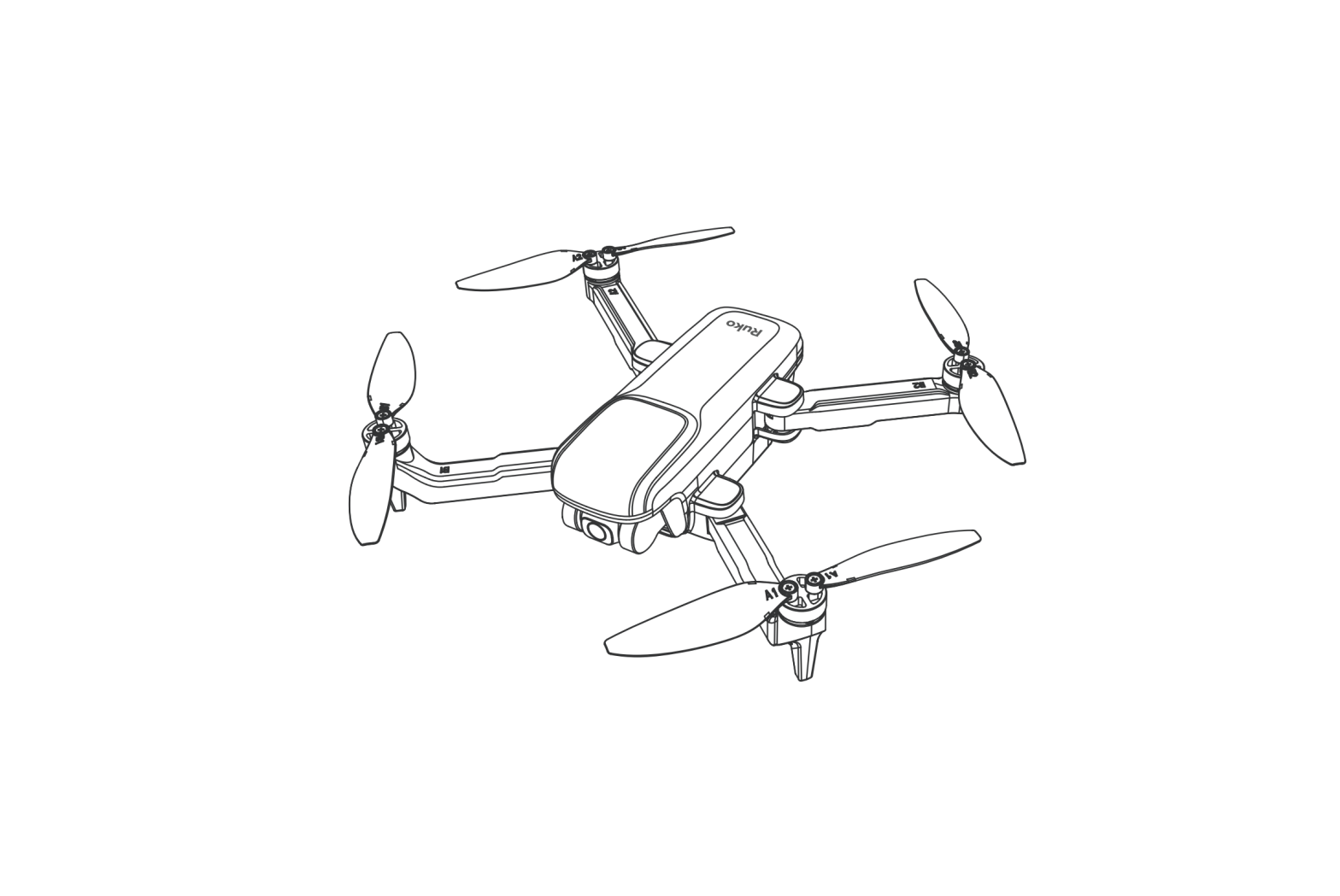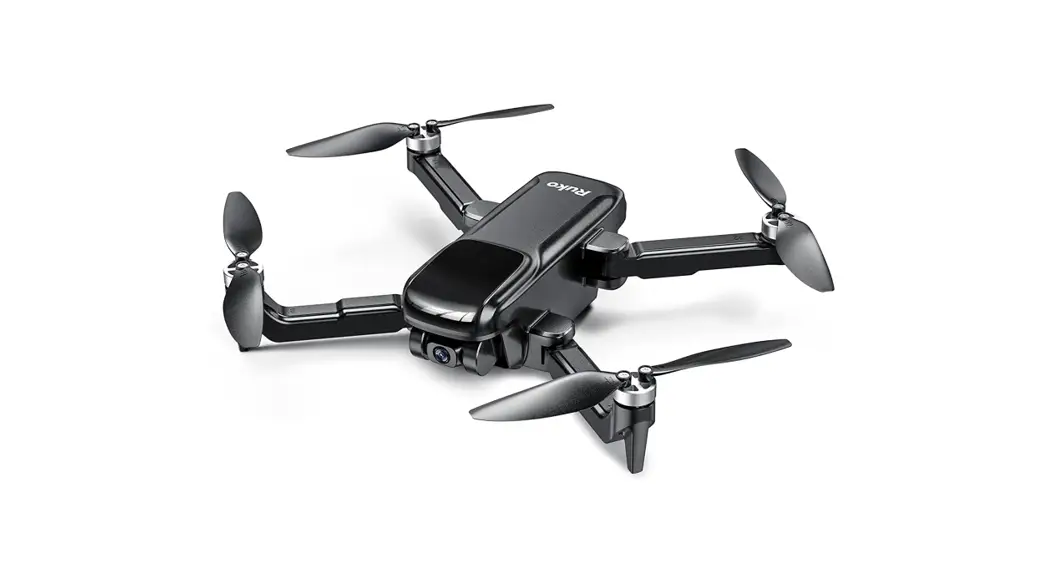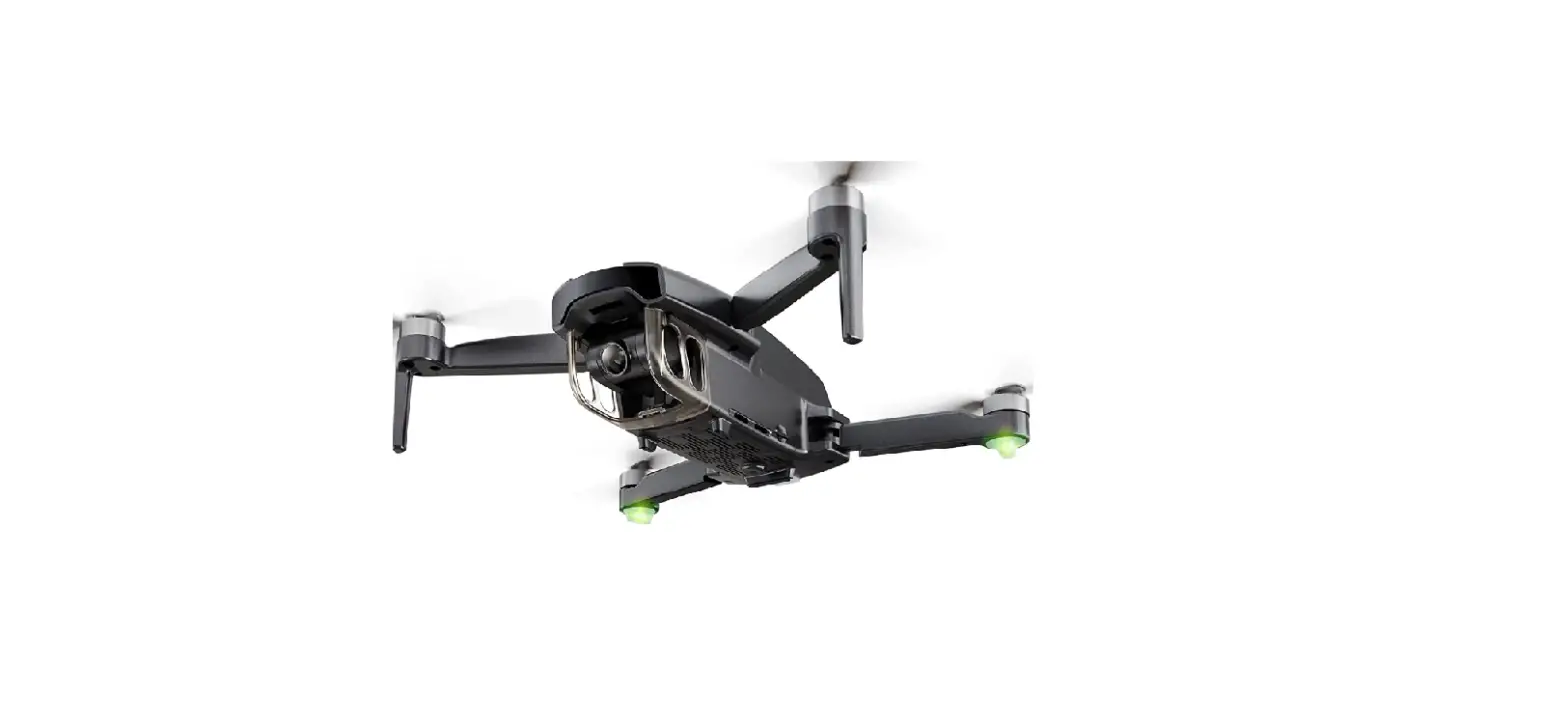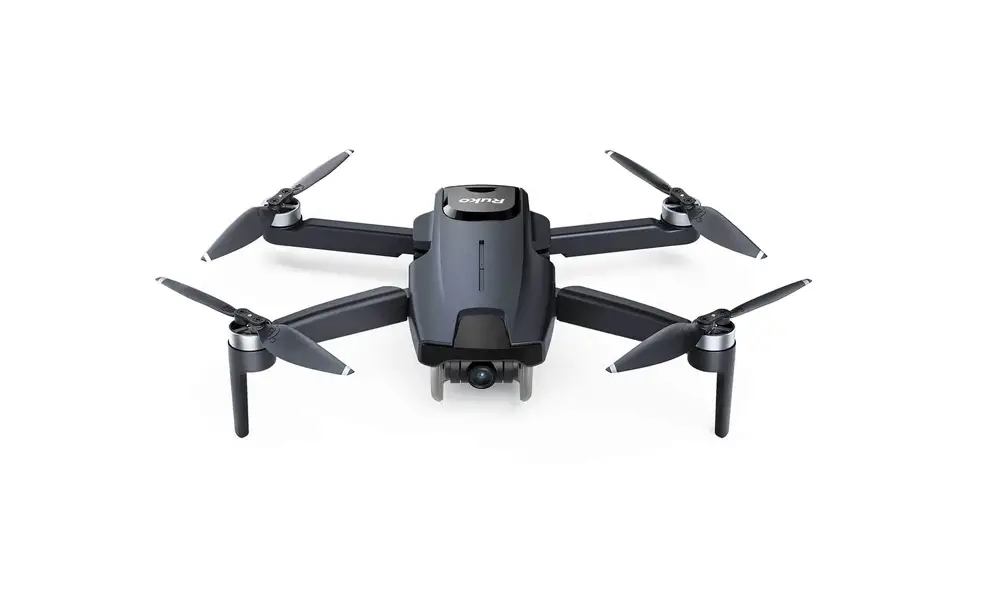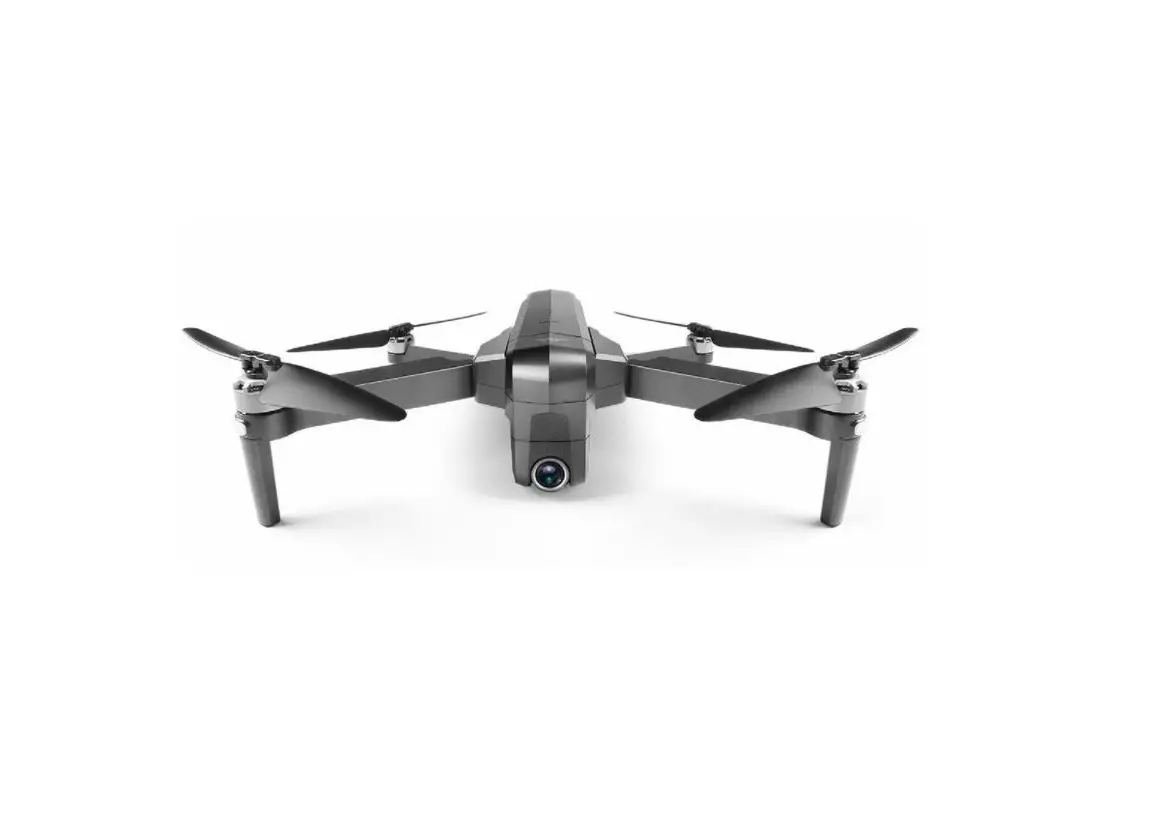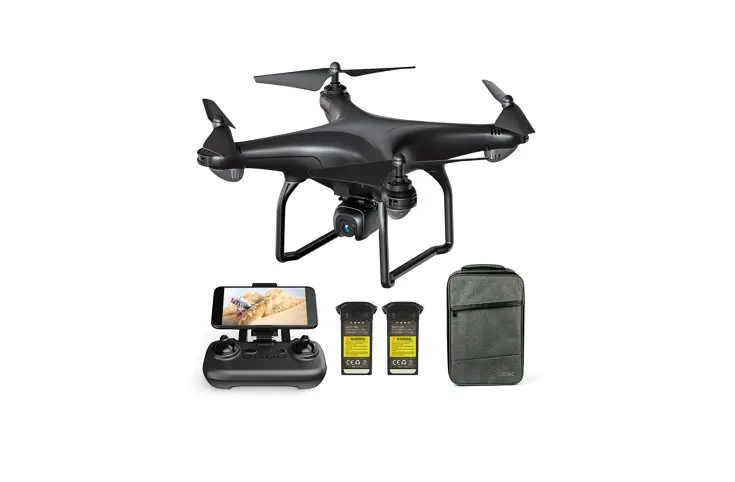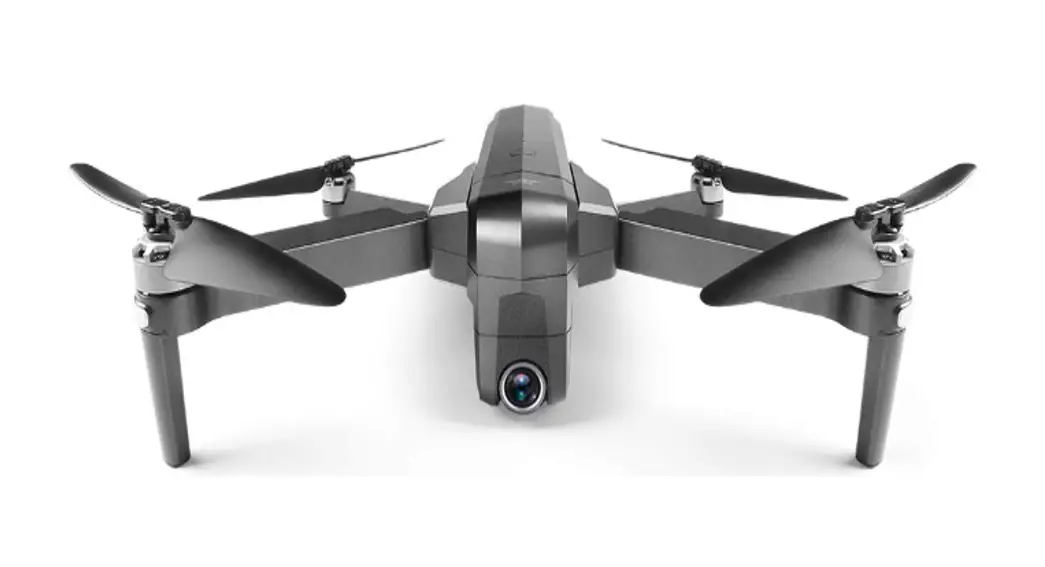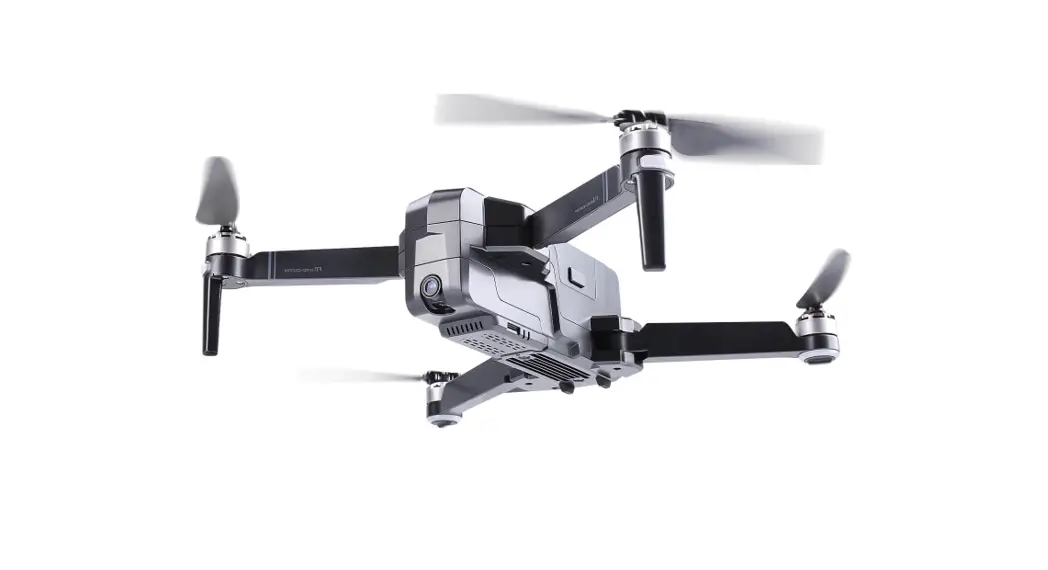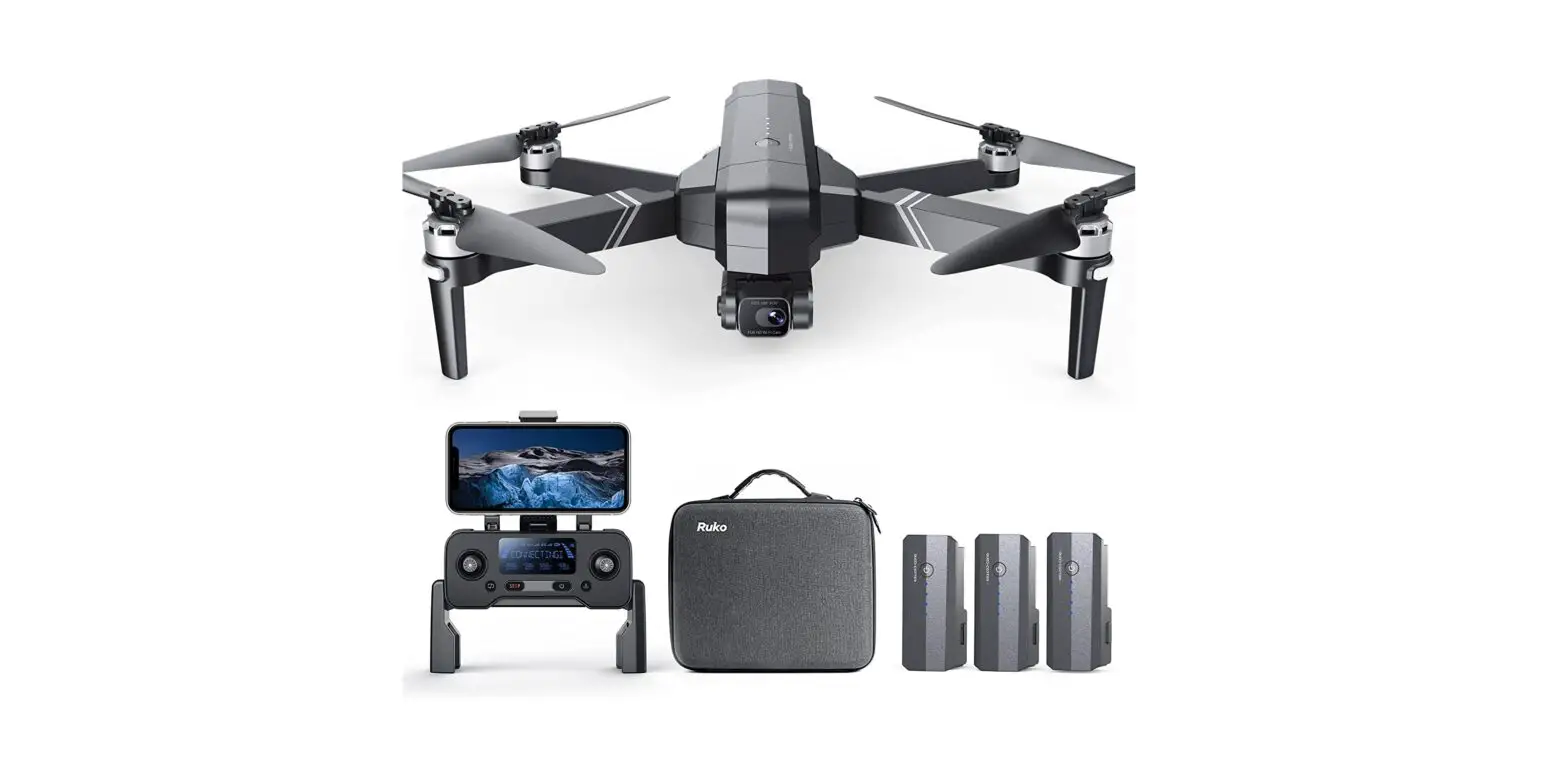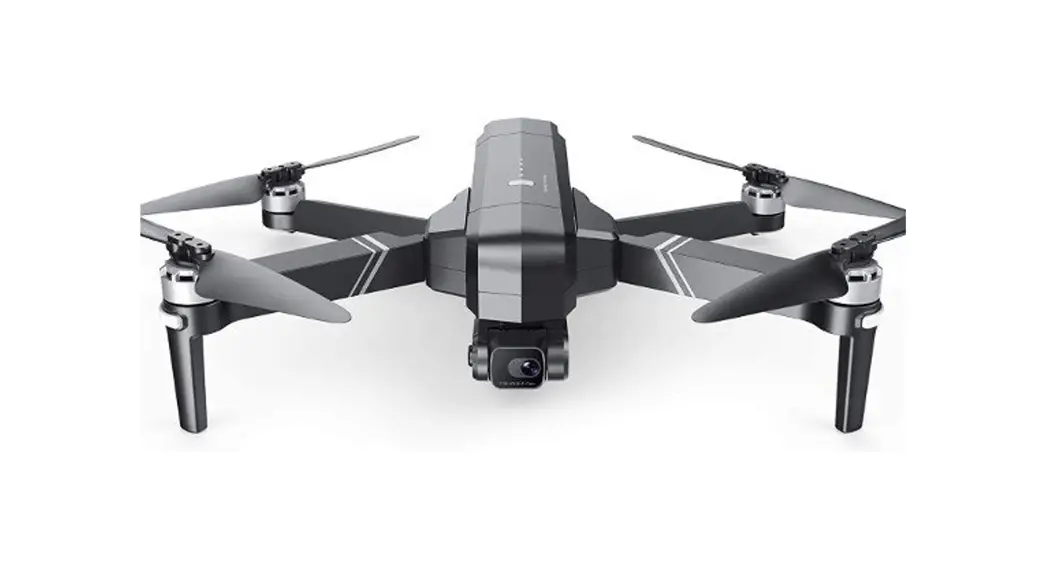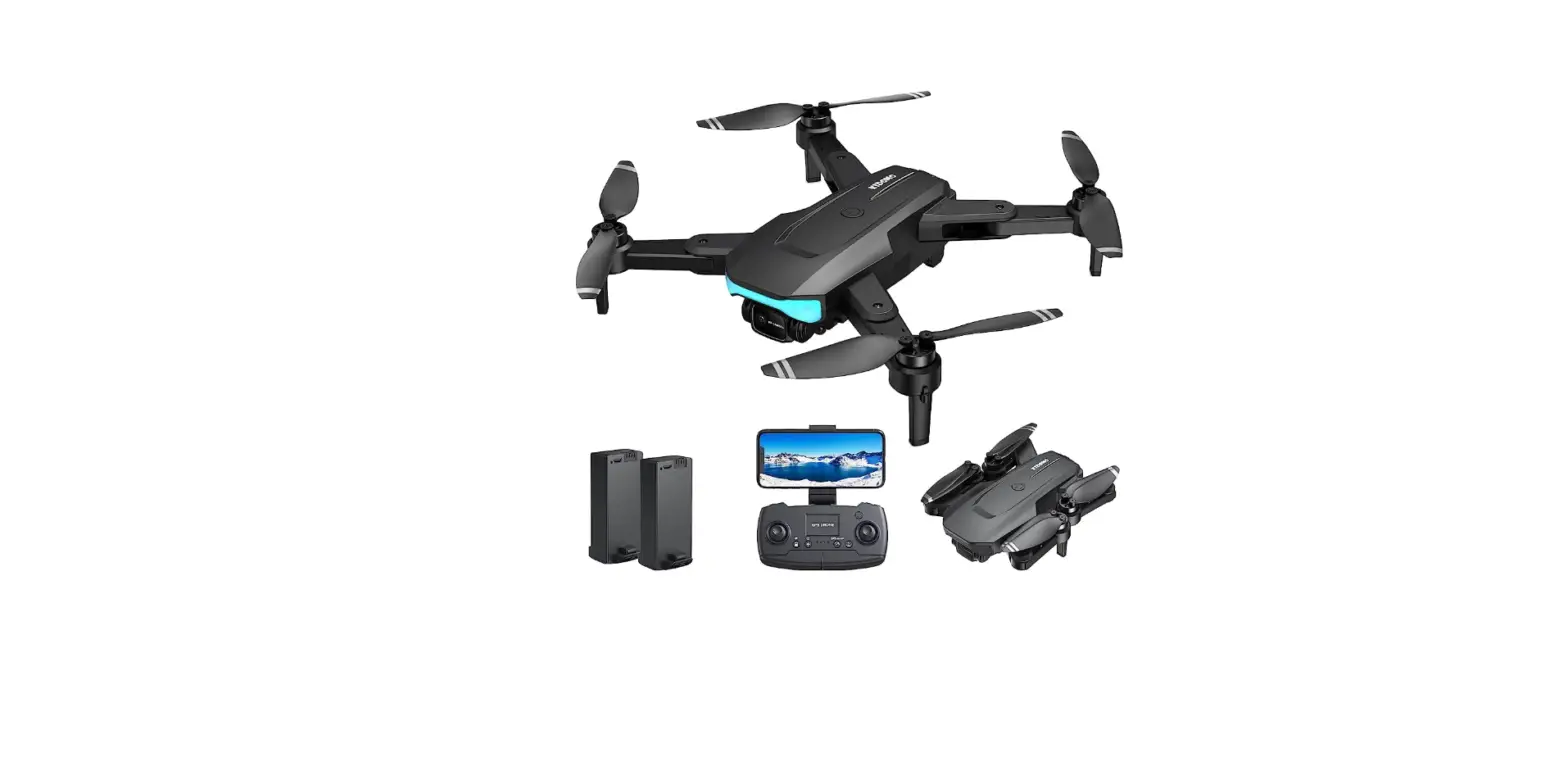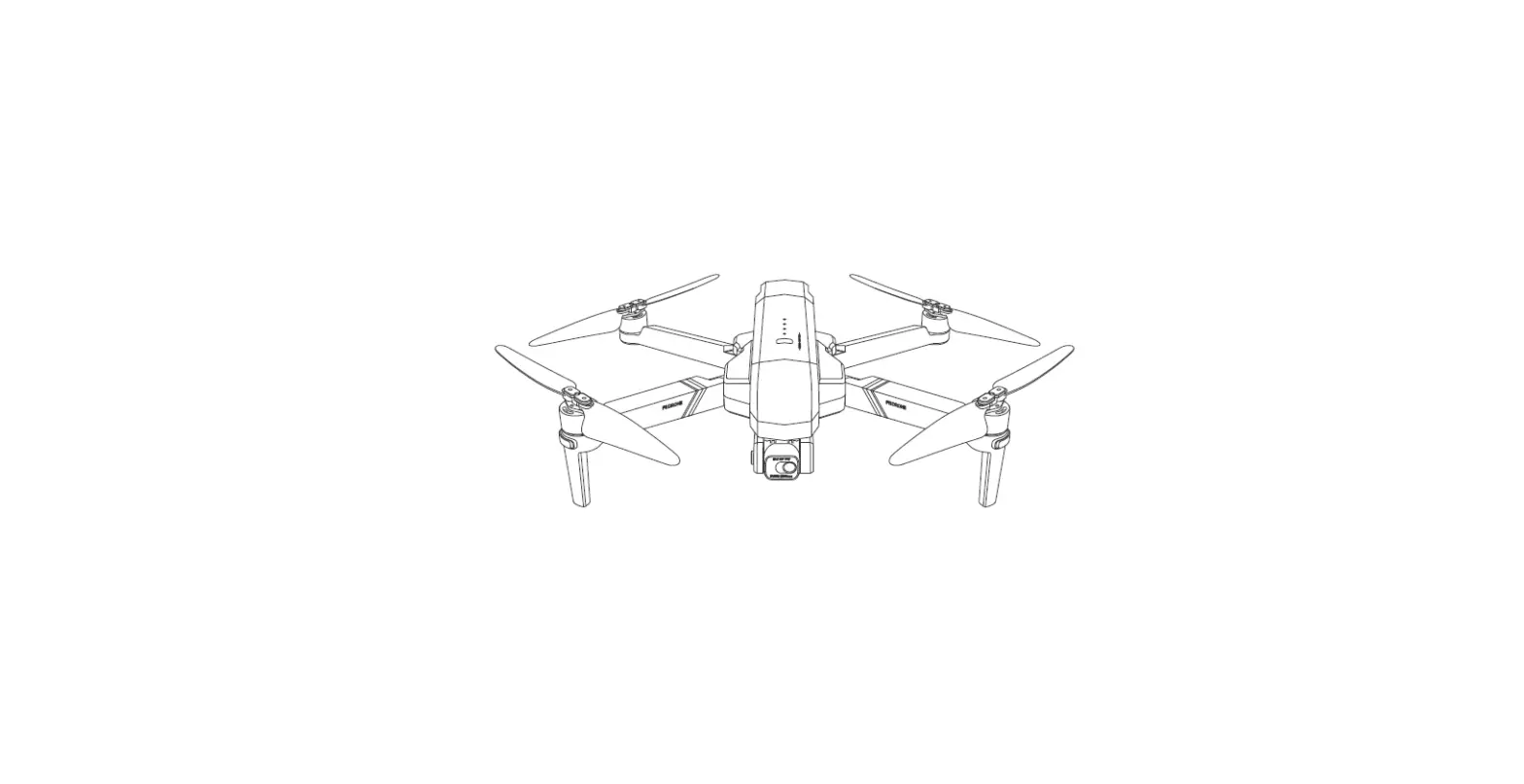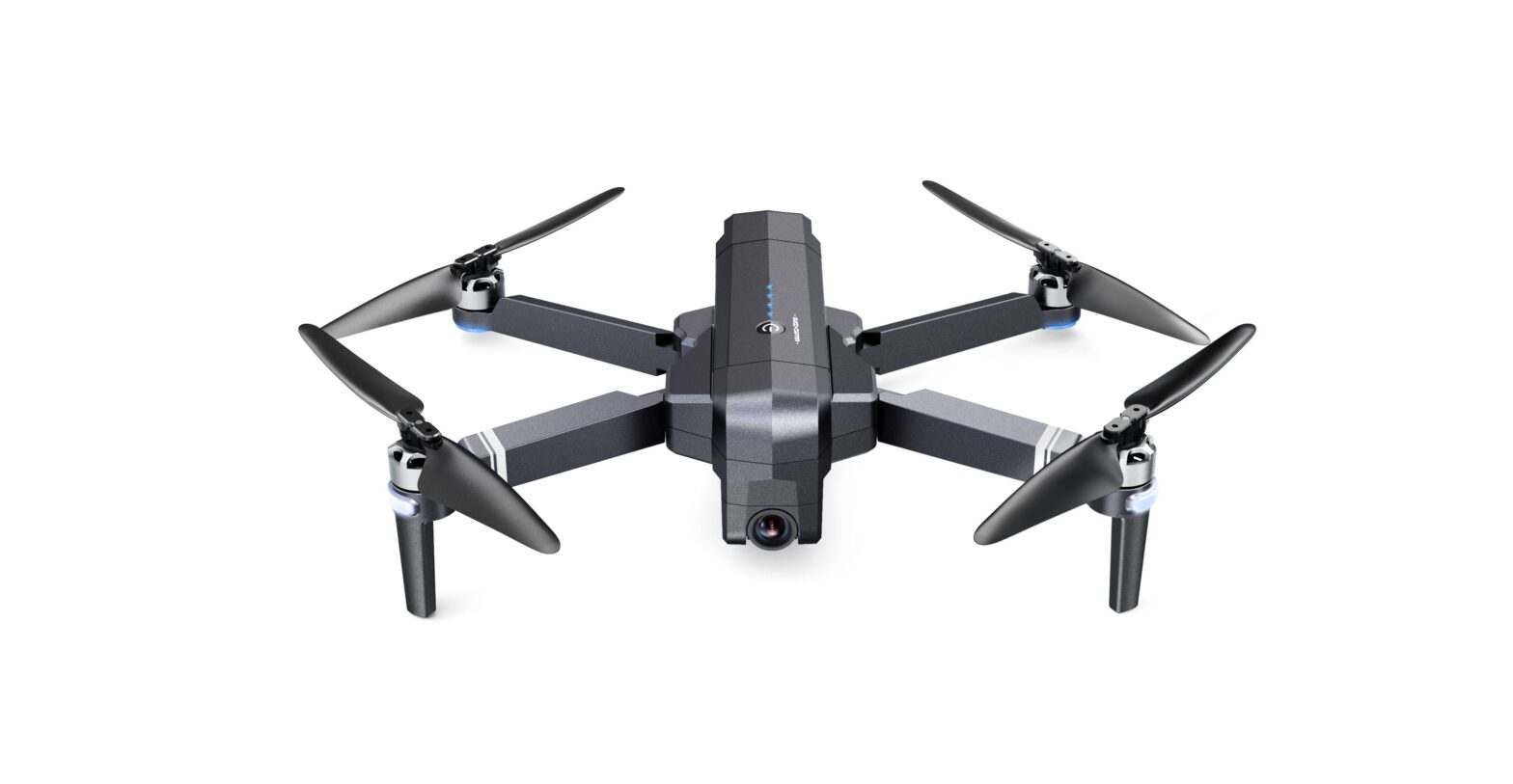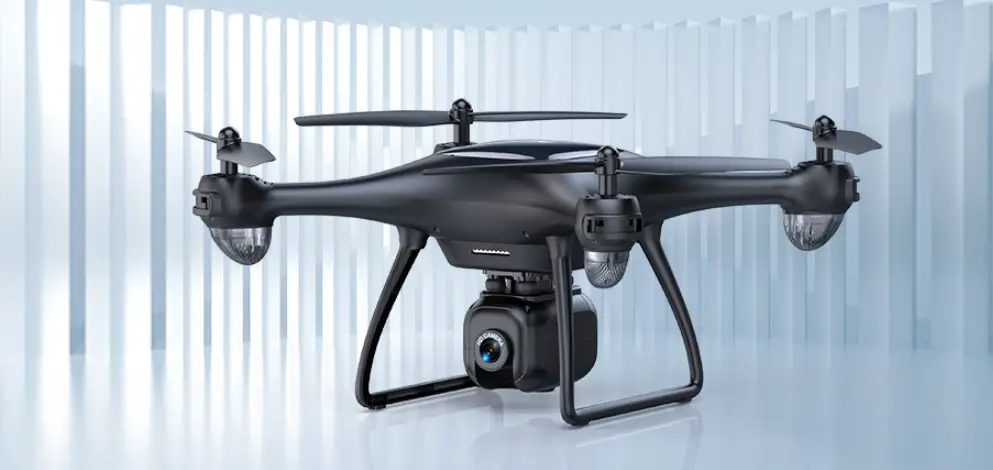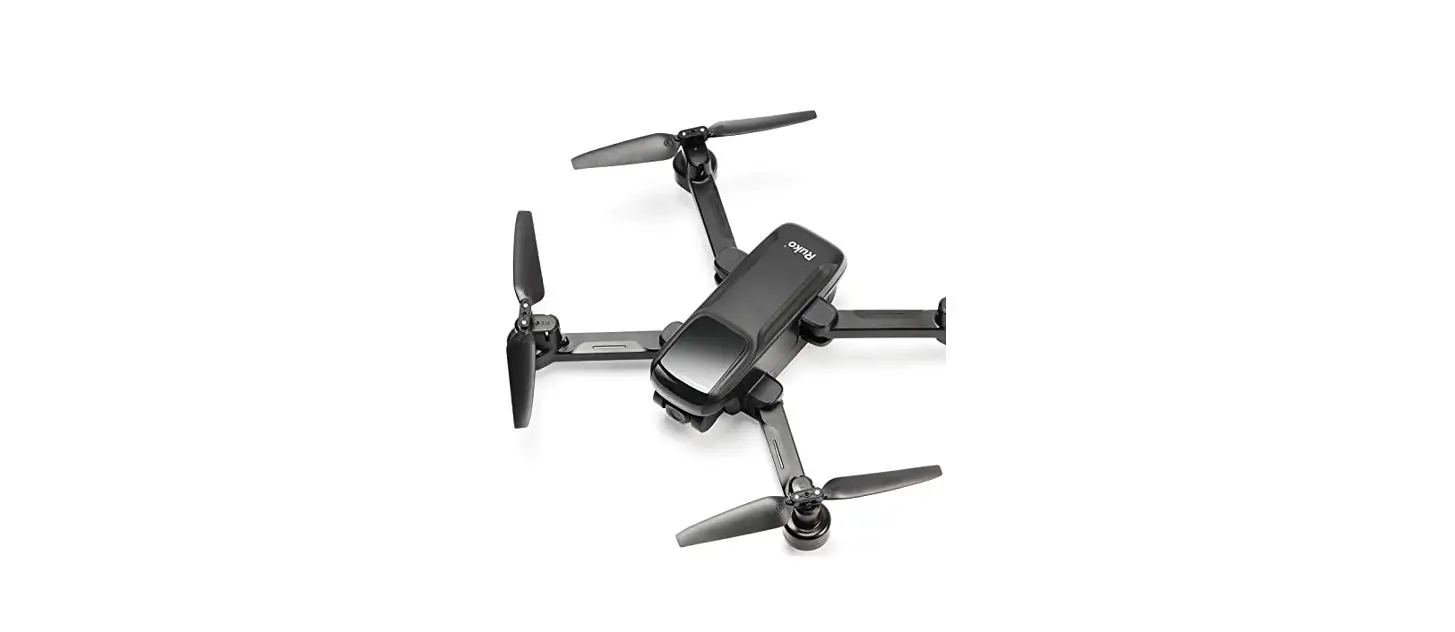
 U11 4K UHD FPV Quadcopter GPS Drone with Camera
User Guide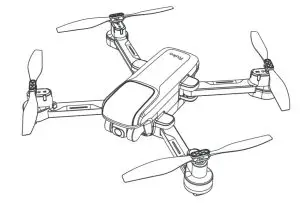 U11
U11
Download App
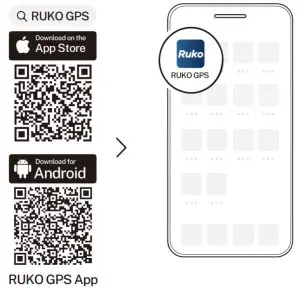
https://apps.apple.com/app/id1530148430
https://play.google.com/store/apps/details?id=com.ruko.gps
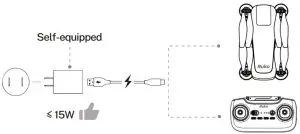
Charge the Batteries
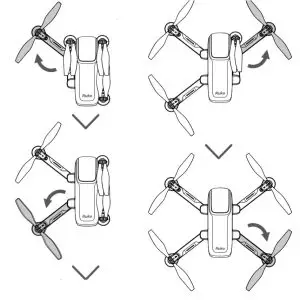
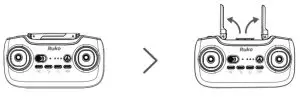
Unfold the Antenna
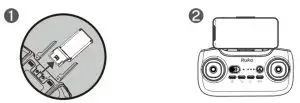
Install the Phone Holder
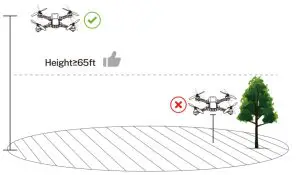
Select an Open Area

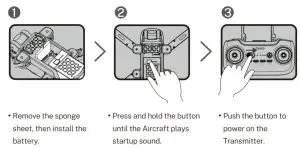
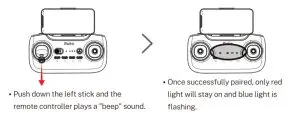
Pair the Transmitter with the Aircraft
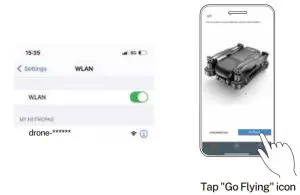
Connect to Wi-Fi
- Connect the mobile device to the Aircraft’s Wi-Fi and enter the App operation page.

Calibrate the Compass
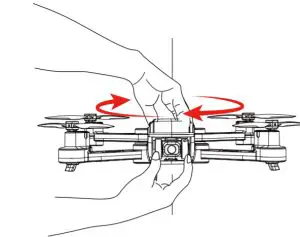
- Rotate the aircraft horizontally 360° until the controller plays a “beep” sound. ( About 3 turns)
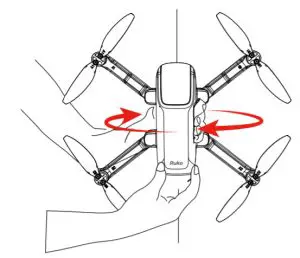
- Rotate the aircraft vertically 360° the controller plays a “beep” sound.
( About 3 turns)
Calibrate the Gyroscope
- Push the right stick to the 5 o’clock position until the controller plays a “beep” sound.
( About 2 seconds )
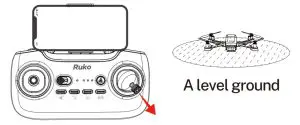
Start the Motors
Push joysticks to 5 & 7 o’clock position.
( About 2 seconds )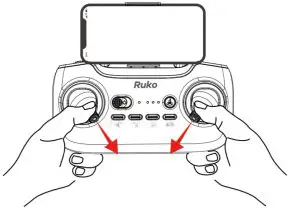 Take off
Push up the left joysticks.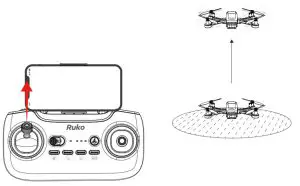
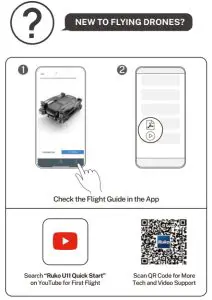
CONTACT US FOR MORE TECH SUPPORT [email protected]
 +1 ( 949 ) 394 – 4635 ( Available from 6pm to 3am PDT)
Printed in China.
Question | Reason | Solutions |
| The motors cannot be started | Weak GPS signal | Turn on the Aircraft in an open area with a strong GPS signal |
| The red light stays on | The Aircraft has a low battery. Please charge the battery in time | |
| The left and right joystick are not in place | Push the left and right joysticks simultaneously to 5 6 clocks and 7 o’clock for 2 seconds | |
| Unstable flight | Flying too low. affected by airflow | Please fly the Aircraft above 9.84ft(3 meters) |
| The gyroscope is not calibrated | Place the Aircraft on a horizontal surface and conduct gyroscope/horizontal calibration. Please refer to the -Calibration Before Flight” section of the user manual | |
| The propellers become deformed and incomplete | Replace the propellers with new ones | |
| GPS signal is unstable. Flying near buildings and in obstructed places | Please fly the Aircraft in an open area free of obstacles within the circle of radius 32.81 f t(10 meters) | |
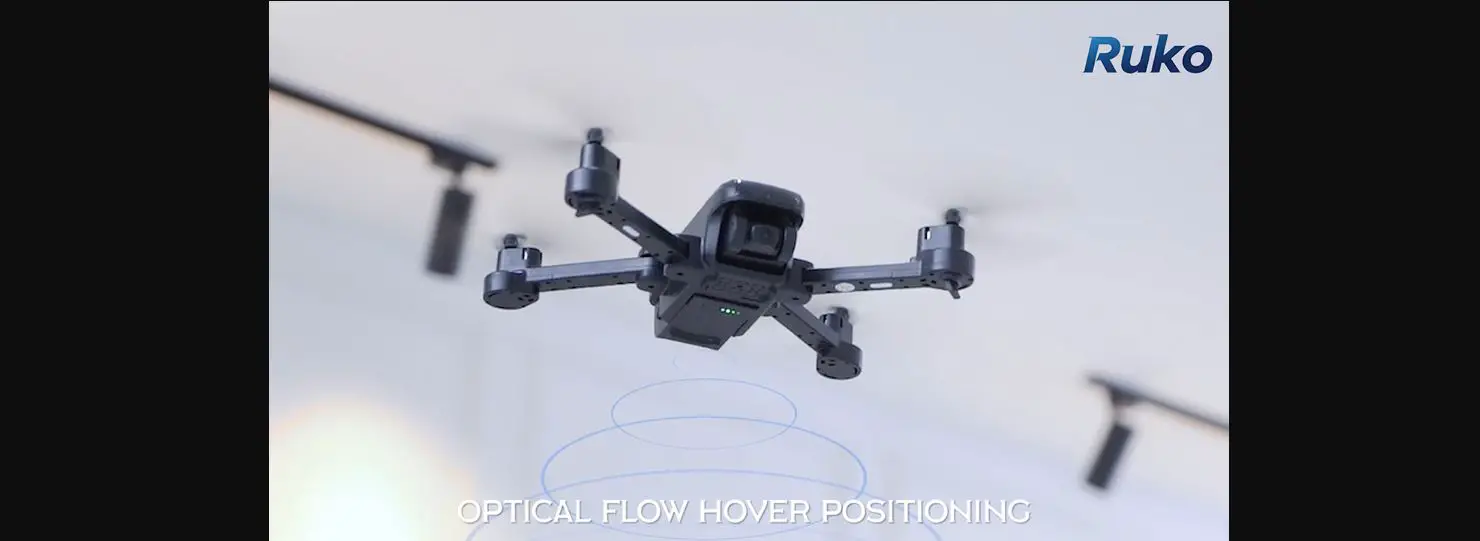
| Can’t fly high after flying to 4 meters | It can only fly 4 meters high in optical flow mode | Walt until GPS signal is found before taking off |
| The GPS signal is not found when flying outdoors | ||
| Can’t take off after replacing the blades | 4 blades are installed reversely or 1 blade is installed wrong | Follow the correct corresponding markings to install blades |
| Out of control, spinning around on its own. abnormal sound | The Transmitter signal interferes or the Aircraft exceeds the range of remote control | Please fly the Aircraft outdoors without interference, and ensure that it is within a controllable range |
| Compass interference | Please manually land the drone in time and calibrate the compass. Please make sure to fly away from the buildings. trees, power lines. and signal towers | |
| The propellers become deformed and incomplete | Replace the propellers with new ones | |
| Pictures and videos can’t be saved on an SD card | The SD card is full | Delete the contents of the SD card |
| The storage file format is not set correctly | Select the FAT32 file format when formatting | |
| The problem of SD card | Try to format or replace the SD card | |
| Only photos and no videos are saved on the mobile phone | This is the unique design of the camera. not a malfunction | i After the SD card is installed, the mobile phone does not store video. which is stored on the card |
| Video freezes. image transmission distance is short | The Aircraft is out of Wi-Fi range | Fly the Aircraft within the range of the Wi-Fi |
| WiFi image transmission signal interference | Fly the Aircraft in an unobstructed open area free of buildings. high-voltage wires and signal towers | |
| The transmitter and the mobile phone are not pointed in the direction of the drone | Point the Transmitter and the mobile device at the flying direction of the Aircraft to maintain the strongest signal connection | |
| Phone performance freezes | Close unused apps running in the background to maintain the best performance of the phone | |
| App does not display the interface | The phone is not connected to Wi-Fi | Connect your mobile device to the Wi-Fi: drone- |
| The phone version is too low above | Android 6.0 and above. IOS 10.02 and | |
| When connecting to the drone’s WiFi. the network is not set or set incorrectly | Set the Wi-Fi correctly | |
| Turn the phone to airplane mode | ||
| VPN switch is turned on | Turn off the VPN switch | |
| The phone cannot connect to Wi-Fi | It is the first time to connect your phone to the Wi-Fi | Try connecting a few more times or restart the phone |
| The WiFi name is not displayed in the list | The phone is a single band phone | Use the dual-band devices that support both 2.4 GHz and 5 GHz/5.8 GHz |
| WiFi has not been activated | Wait for about 30 seconds after turning on the Aircraft and keep refreshing the Wi-Fi list while the Wi-Fi is activated | |
| GPS signal is weak | Turning on the drone indoors | GPS signals cannot be found indoors. please search for GPS signals in an open place outdoors |
| Under the tree, next to the building, in an obstructed place | Please stay away from obstacles for more than 32.81 feet110 meters), and search for GPS signals in an open area | |
| Unable to return home, drifting and flying away | GPS signal was turned off during the flight | Please don’t turn off GPS suddenly during outdoor flights. Switch back to GPS mode in time |
| The Transmitter does not charge / App always says the Transmitter has low battery | The phone cannot connect to the Transmitter due to the wrong sequence for turning equipment on | The correct sequence is: Turn the Aircraft on first. then turn on the Transmitter. Next push the left stick down to pair the Transmitter with the Aircraft. Connect your mobile device to Wi-Fi at the end |
| The Aircraft cannot be paired with the Transmitter | Pairing the Transmitter with the Aircraft without unlocking the Transmitter | Correct pairing steps:1. Turn on the Aircraft. 2. Turn on the Transmitter: push the left Joystick down to the 6 o’clock position to unlock the Transmitter and pair it with the Aircraft. |
| Cannot charge battery/Cannot fully charge the battery | Using an inferior charger or charging on the computer with unstable voltage output | Use a mobile USB charger that ensures constant stable voltage output(SV) and amperage output12-3A1 |
| Using inferior charging cables | Please use the original factory charging cable to charge | |
| Short battery life | Flying in windy weather | Flying in windy weather will accelerate power loss |
| Flying in cold weather | In low temperatures. the chemical reaction of the lithium battery is slowed down and the energy cannot be fully released | |
| The battery is not fully charged | Please use the correct charger to fully charge | |
| The product has slight marks | We tested all Aircraft before shipping | In order to give you the best experience, we tested the functions of all Aircraft before shipping. Therefore, it is inevitable that there will be slight traces. However, it can be guaranteed that all Aircraft are 100% brand new |