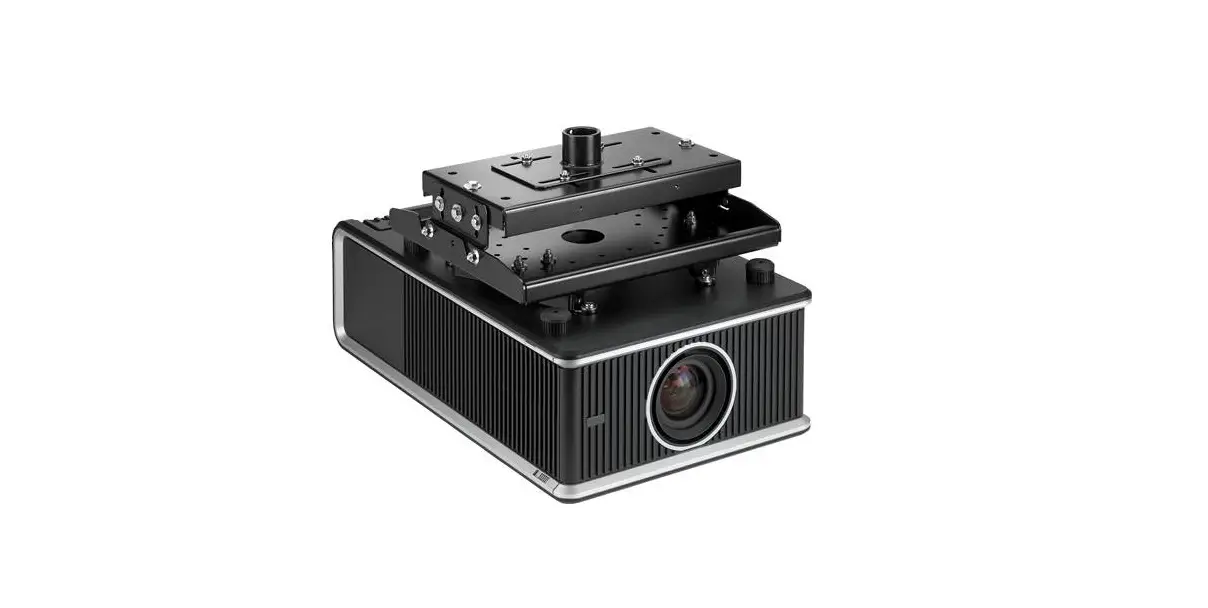
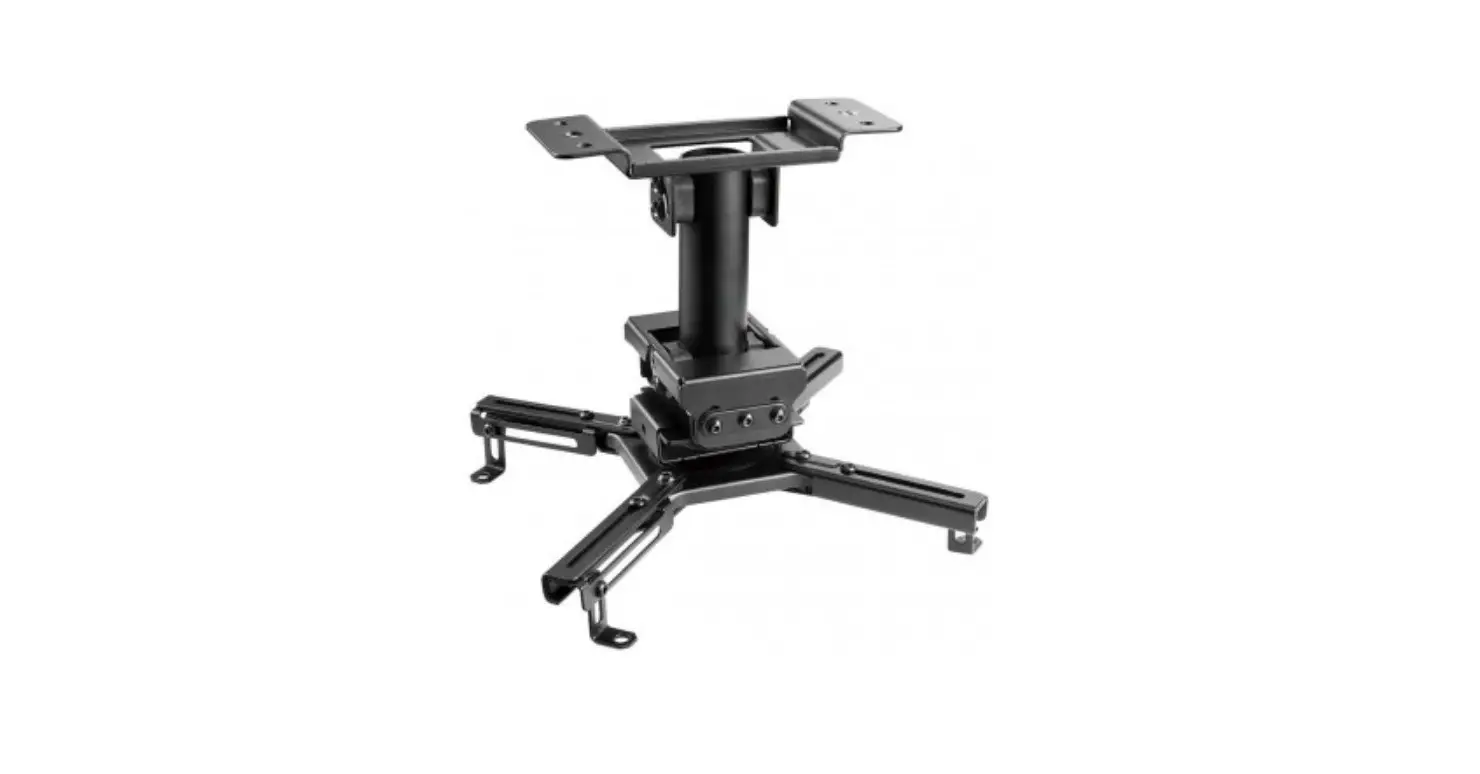
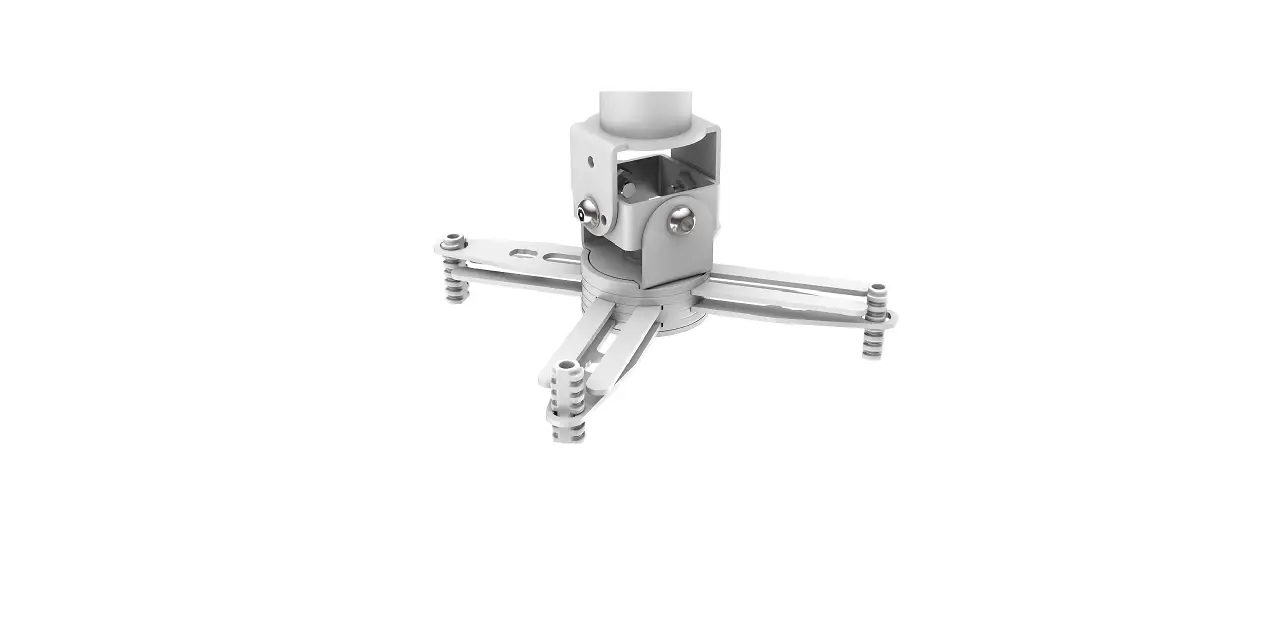
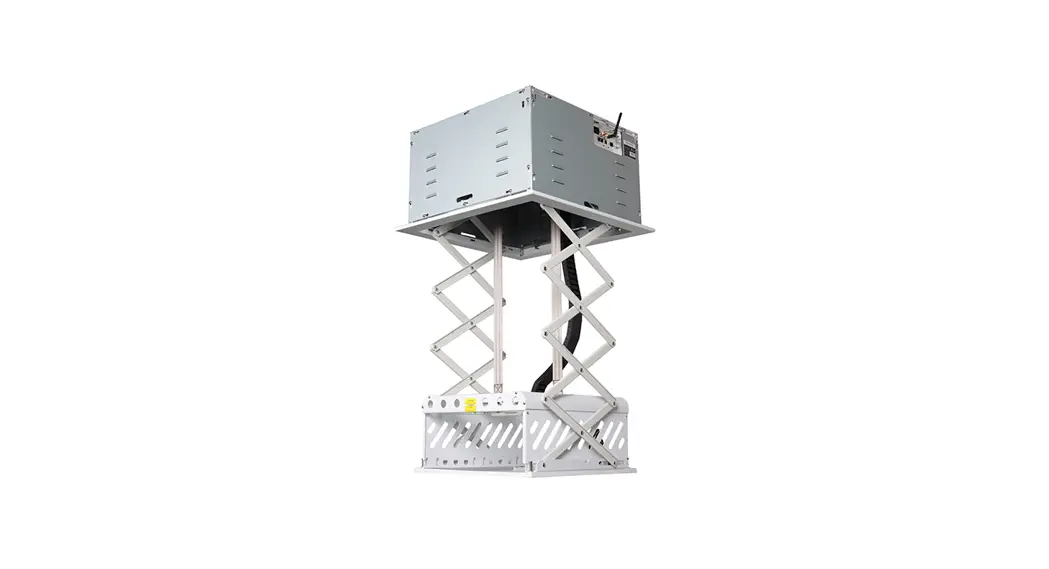
Phantom Lift Powered Projector Mount
Product Information: Phantom Projector Lift
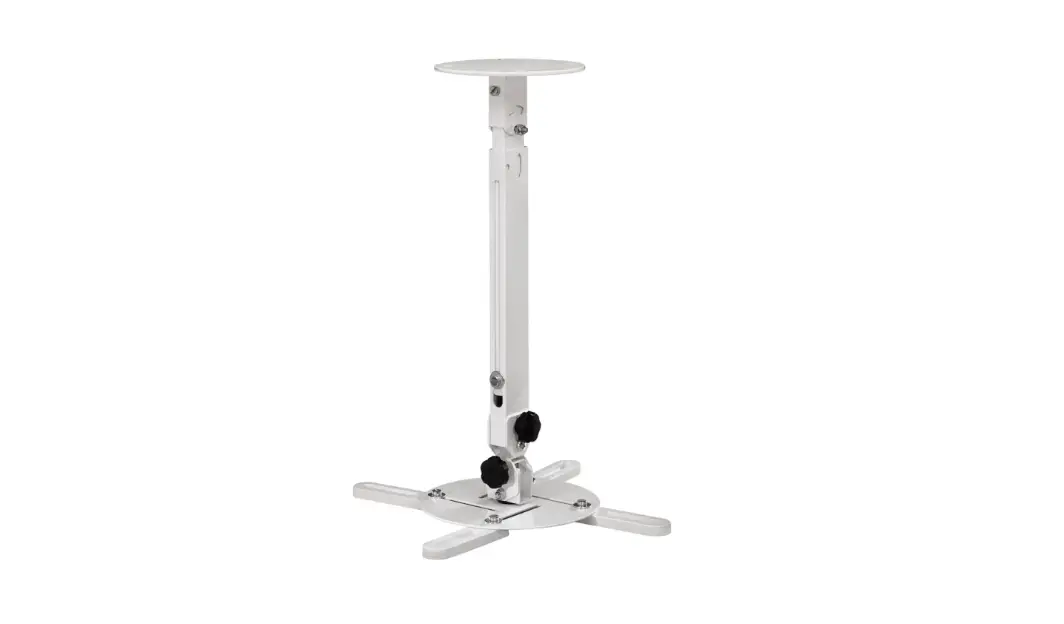
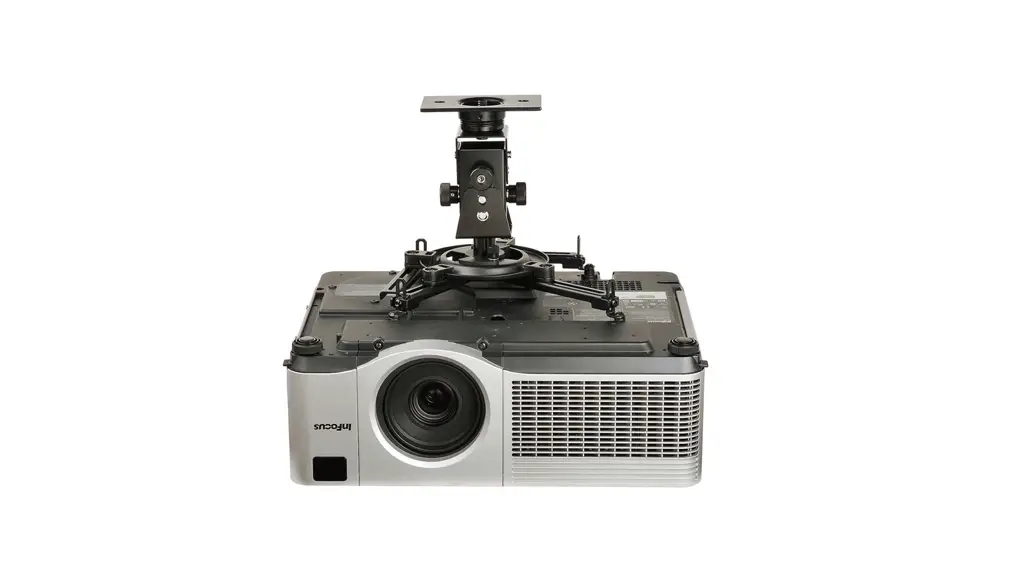
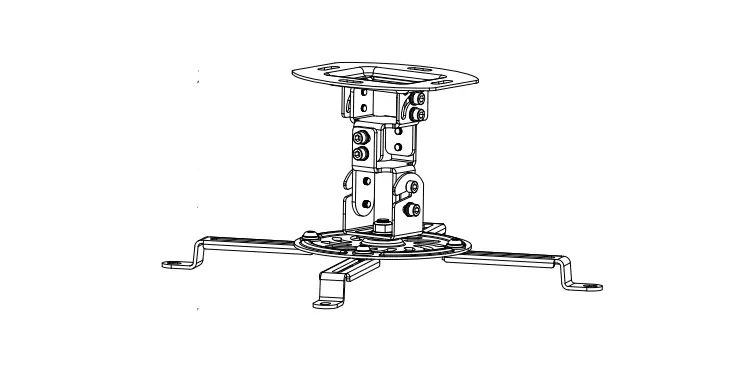
The Phantom Projector Lift is a motorized projector mount
designed to securely and conveniently position a projector in a
ceiling installation. It comes with various components to ensure
proper installation and usage.
Components:
- Projector mount body (1pc)
- Top base plate (1pc)
- Ceiling installation plate (1 pc)
- 600*600mm ceiling cover plate (1pc)
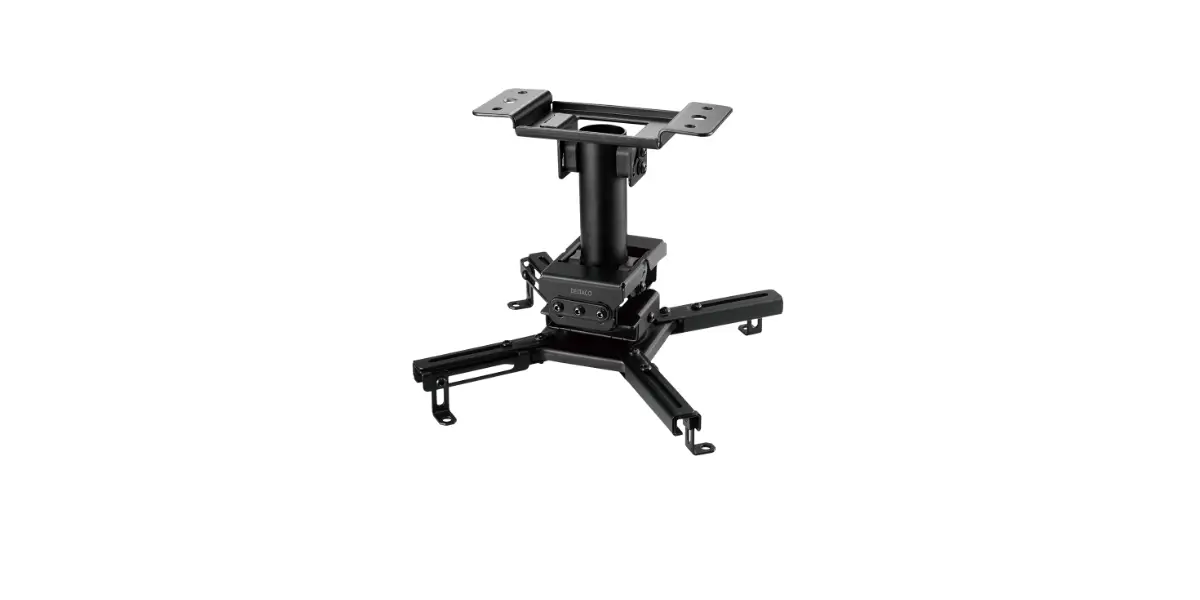
- Projector mount U shape hanger part (1pc)
- 6*25 hexagon socket round flat head screws (4pcs)
- 6*20 hexagon socket round flat head screws (4pcs)
- 4*20 hexagon socket round flat head screws (4pcs)
- M8 screws (4pcs)
- Motor Stroke adjusting Rod (1pc)
- Cross screwdriver (1pc)
- Hexagon socket screwdriver (1pc)
- Compression Springs (4pcs)
- M10*20 cross recessed large flat head screws (4pcs)
- Expansion belt (4pcs)
- Hexagon nut (16pcs)
- Flat mat (16pcs)
- M3*10 cross recessed large flat head screws (3pcs)
- PA gaskets (4pcs)
- M6*10 hexagon socket flat head screws (4pcs)
Note: The items listed above are subject to change without prior
notice. The company reserves the right to all of the listed
items.
Important Safety Tips:
WARNING: Incorrect installation and improper use may lead to
mechanical failure or personal injury. Please follow these safety
tips:
- Handle with care to avoid damage.
- Do not expose the product to rainwater or any other form of
moisture. - Keep away from heat sources, such as radiators and other items
that may emit heat. - Check whether the voltage is consistent with the required
voltage.
The company will not be liable for any damages or injuries
caused by a faulty installation or operation.
Product Usage Instructions:
Installation:
1. Use a 10mm diameter drill bit to drill holes in marked
positions on the ceiling.
2. Insert the 8*80 expansion bolts into the drilled holes and
tighten them to install the top base plate.

3. Slide the main body of the motorized projector mount into the
top base plate.
4. Secure the projector mount body to the top base plate using
M10*20 cross recessed large flat head screws.

5. Use the appropriate screws to attach the projector and
U-shaped hanger together.
6. Press the ‘down’ button on the remote control to lower the
projector mount.
7. Install the projector on the projector mount and tighten the
screws to secure it. The projector installation is now
complete.
Ceiling Installation Plate:
1. Attach the compression springs and flat mats to the ceiling
installation plate using hexagon nuts.
2. Use M8 screws to fix the ceiling installation plate to the
bottom plate.

Ceiling Cover Plate:
1. Adjust the connecting bolts to ensure a proper fit of the
cover plate into the ceiling.
2. Mount the 600*600mm ceiling cover plate along the guide rail
direction of the ceiling installation plate.
3. Secure the cover plate using M3*10 cross recessed large flat
head screws.

Note: The direction of projection should be considered when
installing the ceiling installation plate and cover plate.
By following these instructions, you can properly install and
use the Phantom Projector Lift for your projection needs.
Phantom Projector Lift
Instruction manual for Phantom projector lift
Please read this manual before installing and using the projection screen. Retain this manual for future reference.
1
2
3
4
5
6
7
8
9
10
11
12
13
14
15
16
17
18
1. Projector mount body (1pc) 2. Top base plate (1pc) 3. Ceiling installation plate (1 pcs) 4. 600*600mm ceiling cover plate (1pcs) 5. Projector mount U shape hanger part (1pcs) 6. 6*25 hexagon socket round flat head
screws (4pcs) 6*20 hexagon socket round flat head screws (4pcs) 4*20 hexagon socket round flat head screws (4pcs) 7. M8 screws (4pcs) 8. Motor Stroke adjusting Rod (1pcs) 9. Cross screwdriver (1pcs)
10. Hexagon socket scewdriver (1pcs) 11. Compression Springs (4pc) 12. M10*20 cross recessed large flat head screws (4pcs) 13. Expansion belt (4pcs) 14. Hexagon nut (16 pcs) 15. flat mat (16pcs) 16. M3*10 cross recessed large flat head
screws (3pcs) 17. PA gaskets (4pcs) 18. M6*10 hexagon socket flat head screws
(4pcs)
Items listed here may change without prior notice. The company reserves the right to all of the listed items.
Important Safety Tips
WARNING: Incorrect installation and improper use may lead to mechanical failure or personal injury.
Considerations for installing / using this product 1. Handle with care to avoid damage. 2. Do not expose the product to rainwater or any other form of moisture. 3. Keep away from heat sources, such as radiators and other items that may
emit heat 4. Check whether the voltage is consistent with the required voltage.
The company will not be liable for any damages or injuries caused by a faulty installation or operation.
Installation
Use a 10mm diameter drill bit to drill holes in marked positions on the ceiling, then use the 8*80 in those holes expansion bolts to install the base plate.
Picture 1
Picture 2
8*80expansion bolt
The wall
Top base plate
Picture 3
Slide the main body of the motorized projector mount into the top base plate, tighten and fix it with M10*20 cross recessed large flat head screw.
Picture 4
Top base plate
M10*20 cross recessed large flat head screws
projector mount body
Picture 5
Cross screwdriver
Pick the correct screw according to your projector model to install the projector and U – shaped hanger together.
Press the `down’ button on the remote to lower the projector mount. Install the projector on the projector mount. Tighten the screws. Projector installation complete.
Follow the instruction below to install ceiling installation plate.
hexagonal nut Compression Springs
flat mat hexagonal nut
M8 screws
Ceiling installation plate flat mat
hexagonal nut
bottom plate
Follow the instruction below to install ceiling cover plate.
Adjust the connecting bolts so that the cover plate fits into the ceiling better Ceiling decorative board frame
600*600mm ceiling cover plate M3*10 cross recessed large flat head screws
Adjust the tilt Angle of the projector. Mount the 600*600 ceiling cover plate, along the guide rail direction of the ceiling installation plate. Screw fixing.
Ceiling installation plate
600*600mm ceiling cover plate
The projection direction
Ceiling installation plate
The projection direction
The projection direction screw
Use the motor stroke adjusting rod to adjust `’up limit size” and `’down limit size” whenever necessary.
For `up limit’ adjustment, turn Red knob: Anti-clockwise to reduce `up limit’ Clockwise to add `up limit’
For `down limit’ adjustment, turn White knob: Anti-clockwise to add `down limit’ Clockwise to reduce `down limit’
White knob
Red knob
Down limit Up Limit
Motor Stroke adjusting Rod
[email protected] carsonscreens.com.au
 Carson Screens – Home Theatre Screens and Accessories