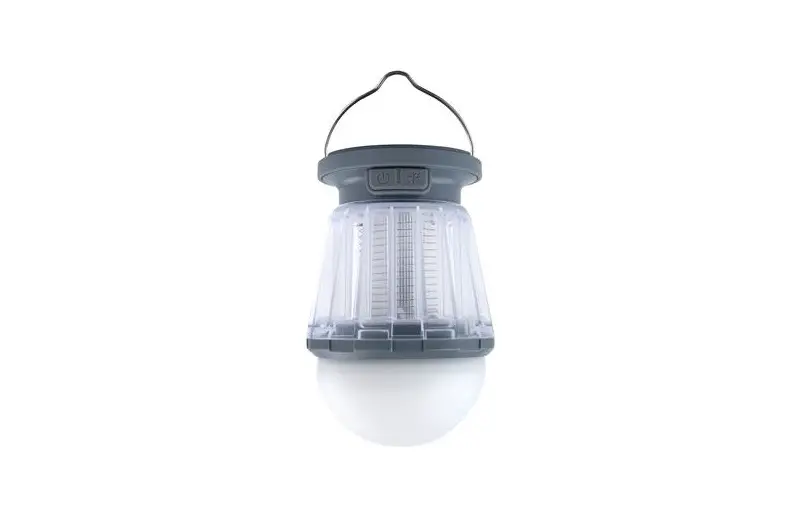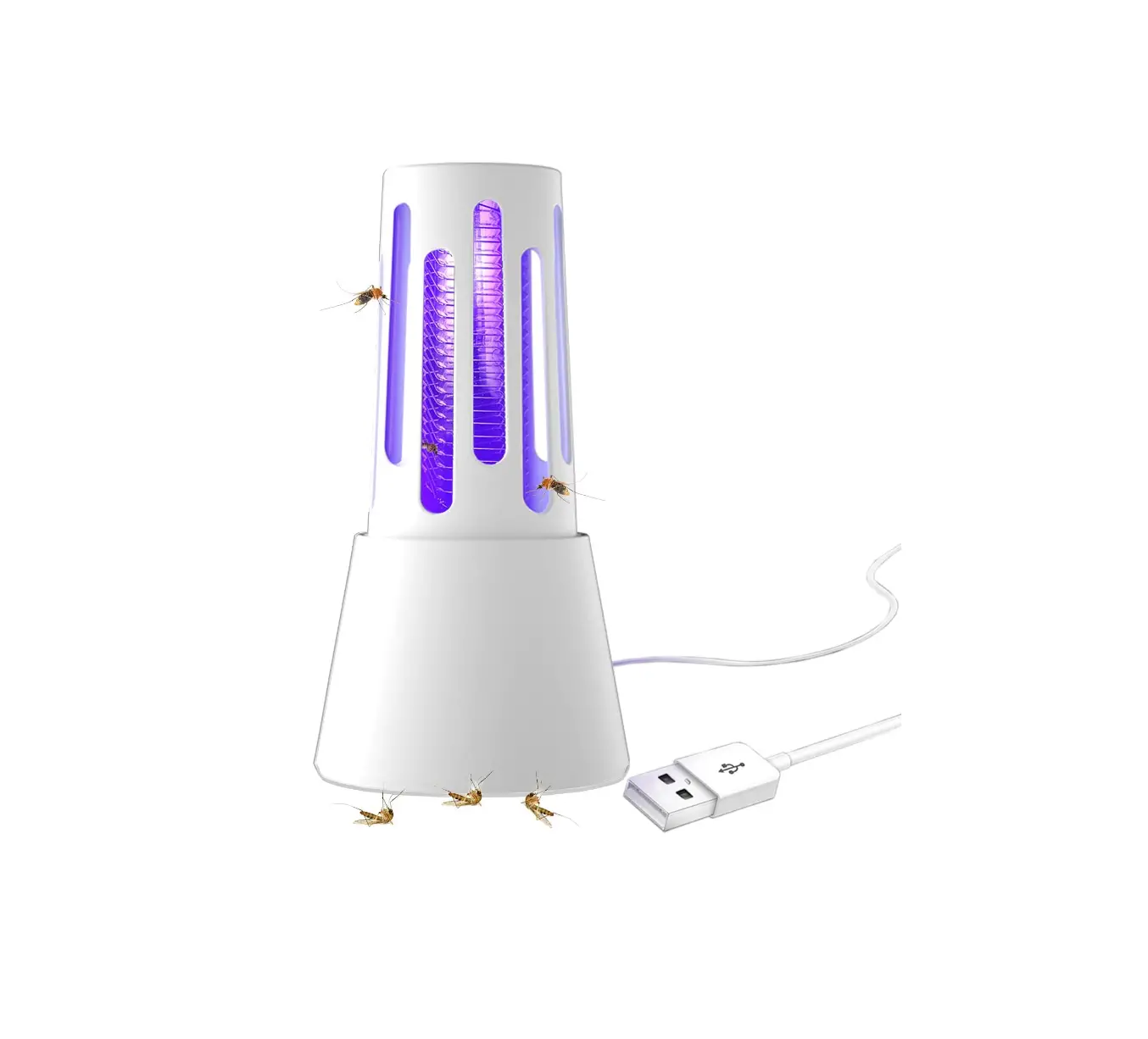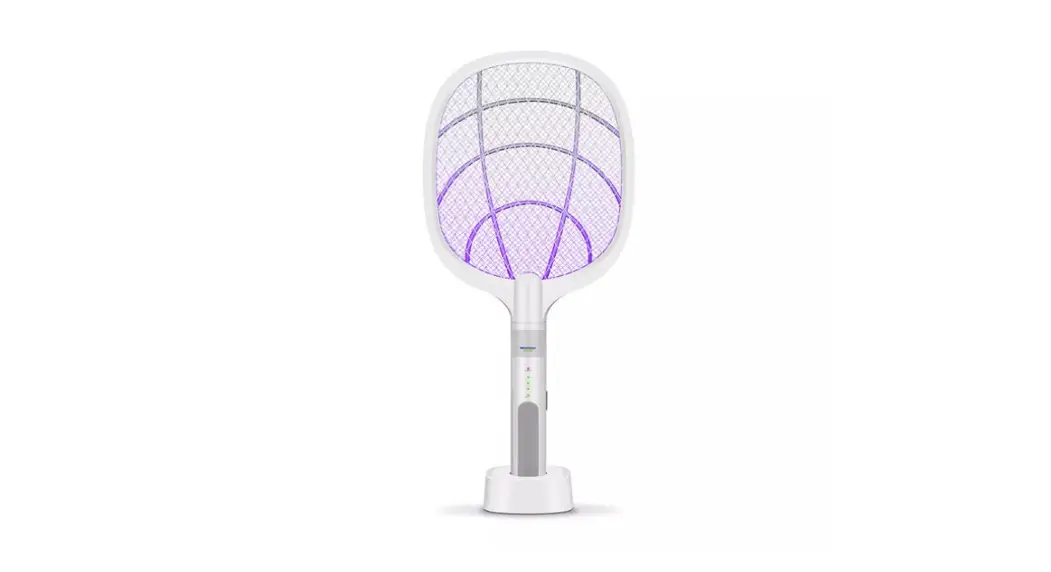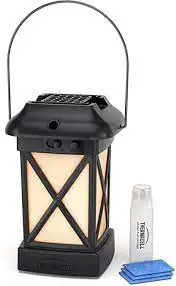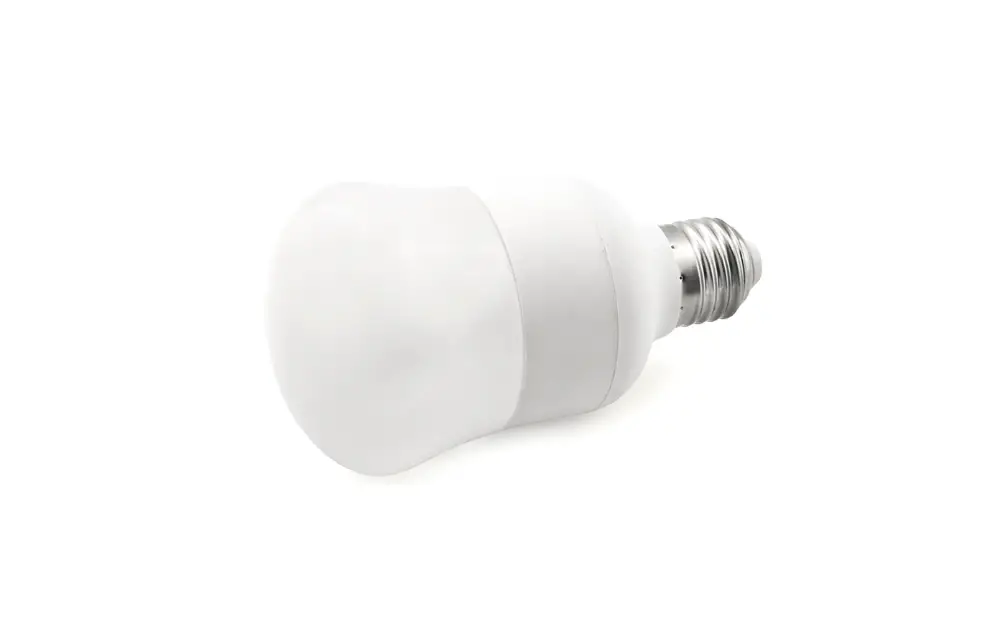
triLED Technology Mosquito Repellent Light Bulb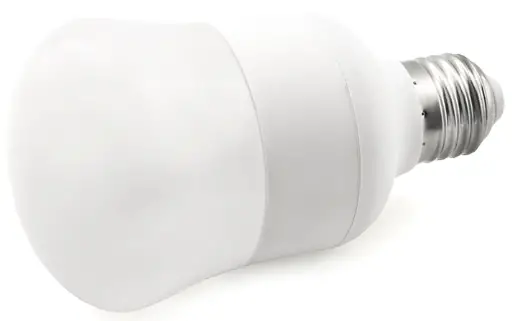
Overview
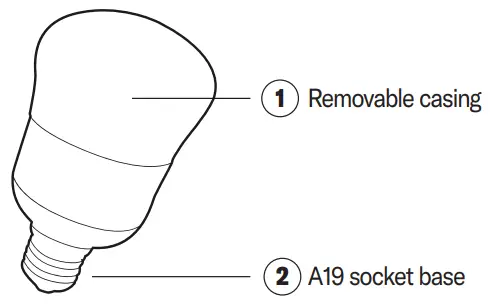
INSTRUCTIONS
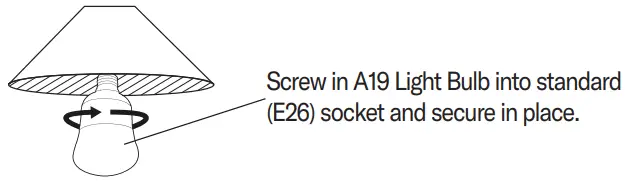
- Step 1
Screwing in the triLED Technology Light Bulb
- Step 2
The triLED Technology light bulb provides you with 3 different ambiances:
• Mosquito Repellent (1850k)
• Cool (5000k)
• Warm (3100k)
You can select your ambiance by turning light switch ON-OFF until preferred ambiance is selected.
Activating Memory Function
Once ambiance is selected, leave light on for 10 seconds. Memory function will save this setting and this will become the default ambiance.
How to Reset Light Bulb
Simply turn light bulb On-Off-On and repeat Step 2.