 Quick Start Reference Guide
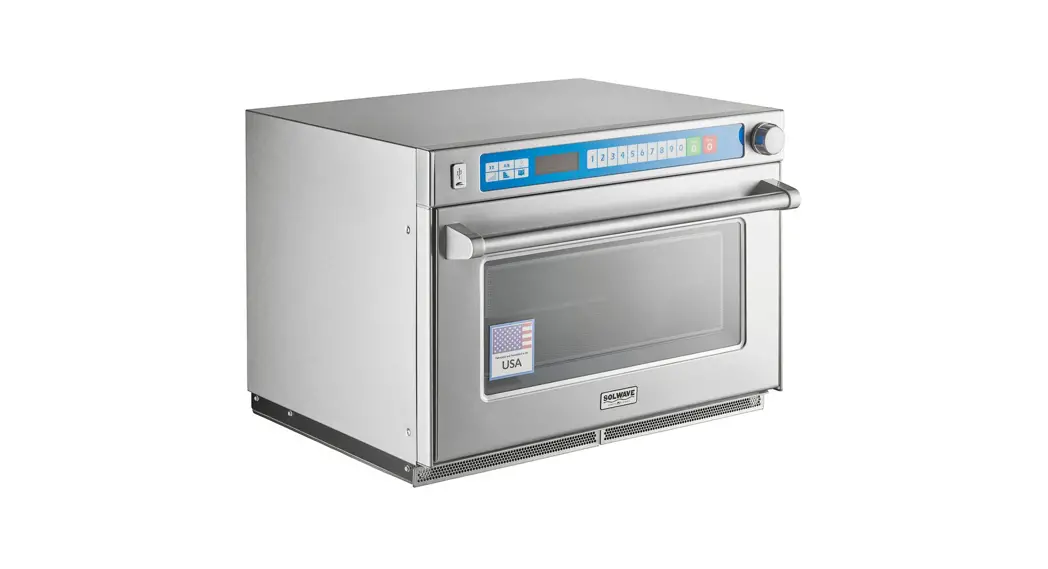
This guide covers model: MSO* and AMSO*
Refer to Product Safety Manual for Safety Statements
Complete Owner’s Manual available online
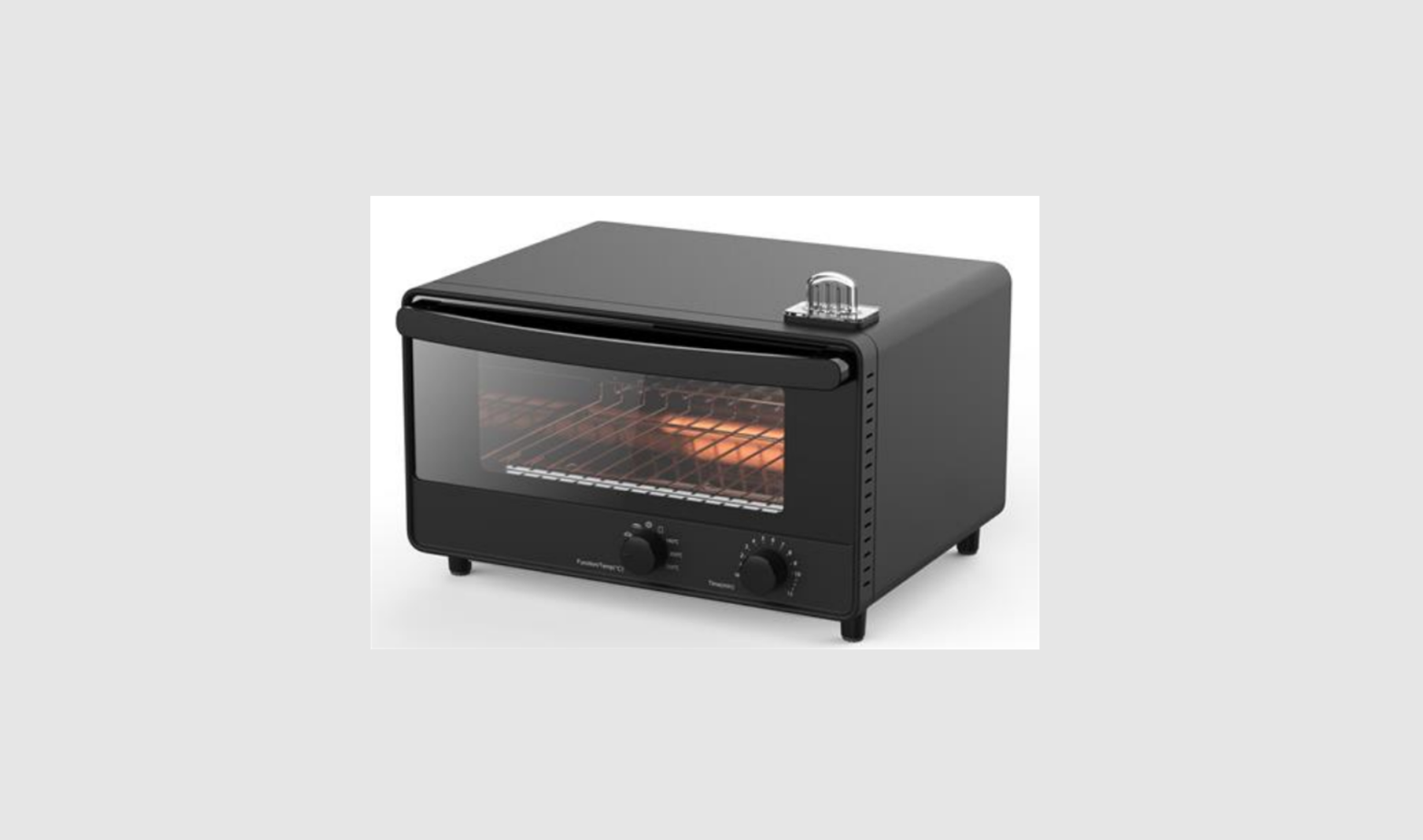
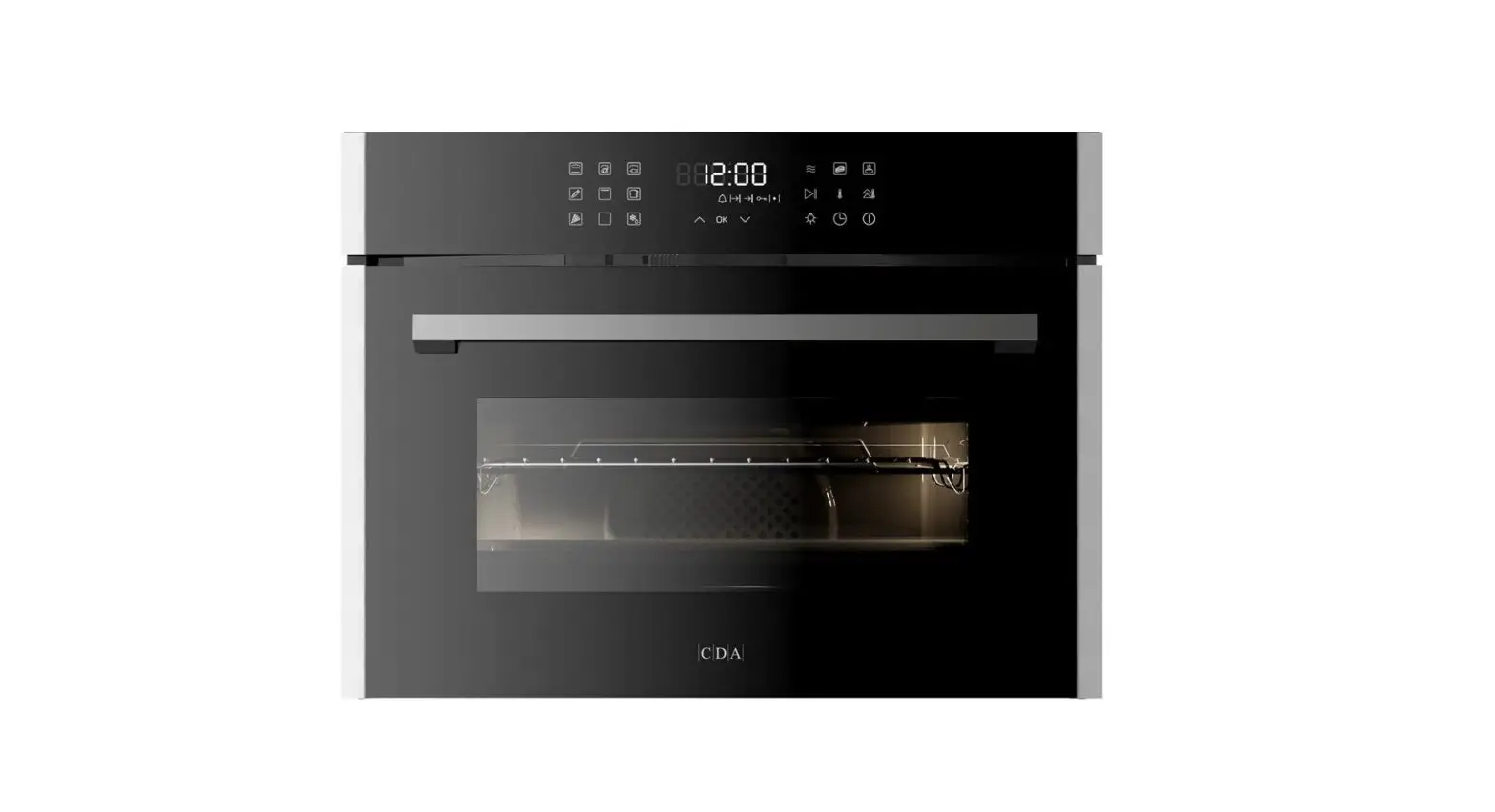
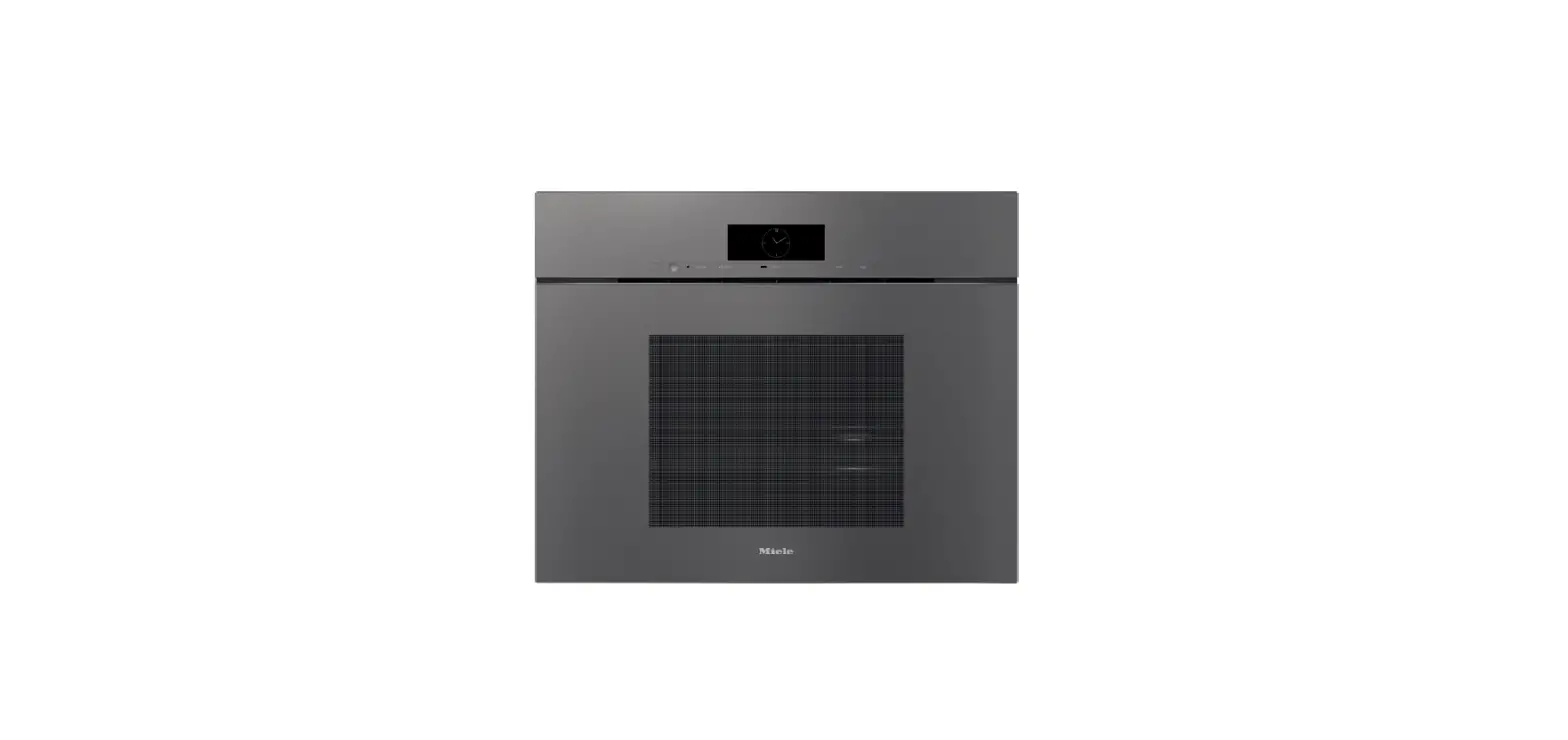
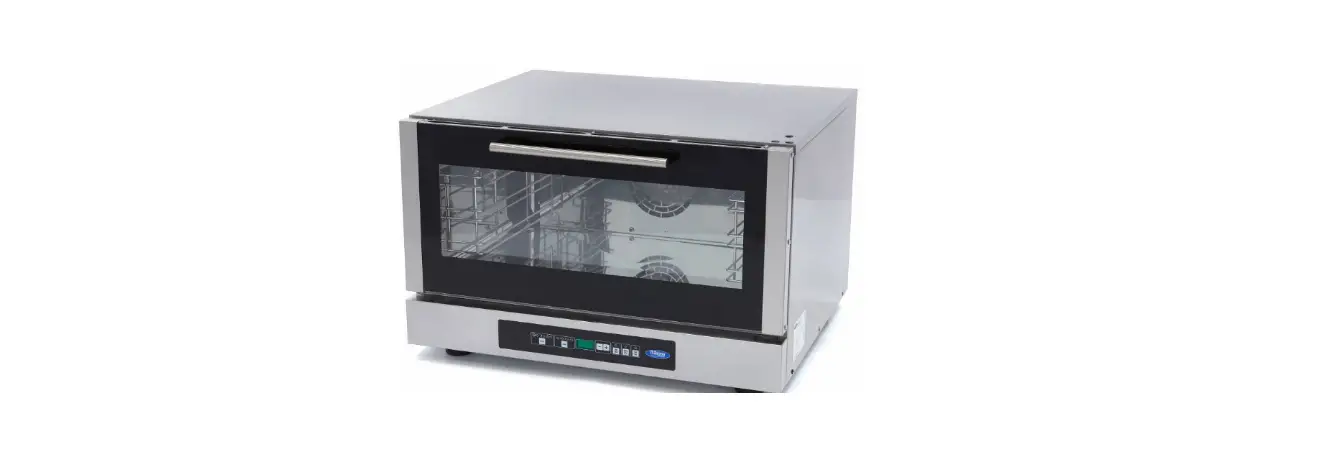
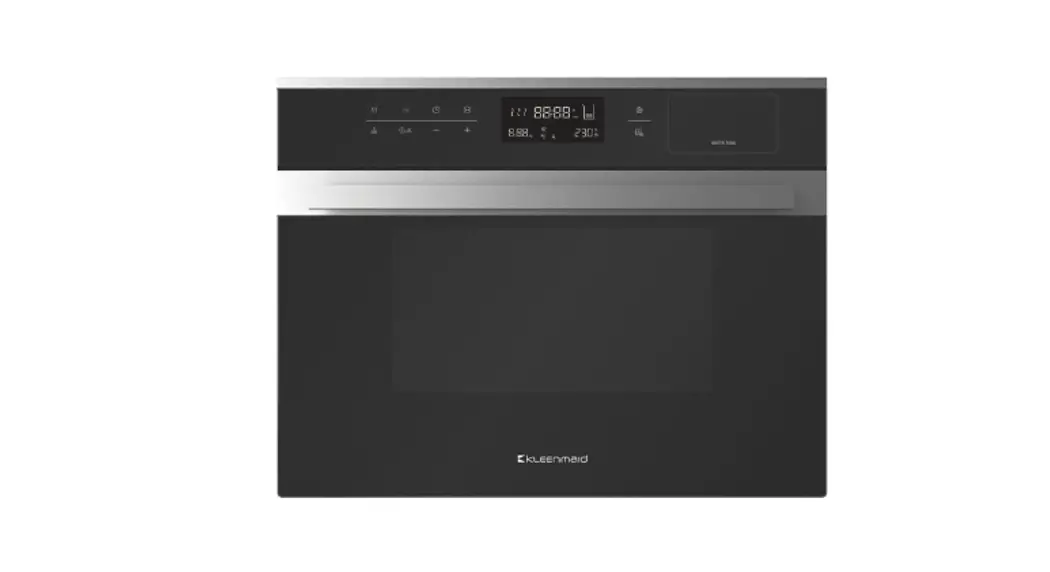
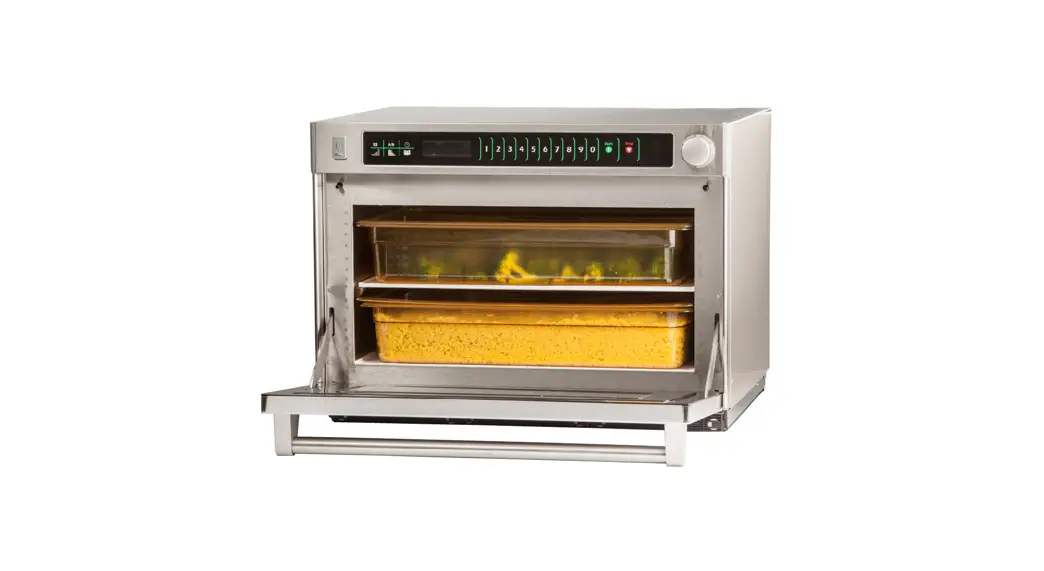
MSO Steamer Oven
 | Quantity Automatically adjusts preprogrammed cook cycle for cooking two of the same food item. |
 | A/B Pad Toggles selection between two sets of reprogrammed menu settings. |
 | Time Entry Cooking time can be changed for either manual entry or programming. |
 | Power Level Changes microwave power level for different stages of a cook cycle. |
 | Stage User can program up to four different stages per keypad to combine power levels and time changes. |
 | Program Save Programs or settings can be changed and saved based on a user’s preference. |
USB Compatibility
A standard USB flash drive is compatible with the microwave oven, allowing the user to save preprogrammed settings to the flash drive rather than the oven.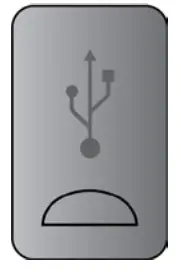
- Oven must be in READY mode. If not, open and close the door.
- Open the oven door completely.
- Insert USB flash drive.
- Press and hold the 5 keypad until “USB” appears on the display.
- To transfer FROM the USB flash drive TO the oven, press the 1 pad.
• Or to transfer programs TO the USB flash drive FROM the oven, press the 2 pad. - Push the START pad to begin transfer.
• Display will read, “Contacting USB card.”
• Display will then read, “Transferring data from USB to oven,” r vice versa - Once programming has been successfully transfered, display will read, “Done – Loaded __ Programs.”
• Shut the door to clear the display and begin a cooking cycle.
Oven Clearances
A — Allow at least 7” (18 cm) of clearance around top of oven.
Proper air flow around oven cools electrical components. With restricted air flow, oven may not operate properly and life of electrical parts is reduced.
B —There are no clearance restrictions between air discharge on back of oven and back wall.
C —Allow at least 1” (2.54 cm) around sides of oven.
Manual Operation
To cook food using a specific entered time and power level.
- Open oven door and place food in oven. Close door.
- Press TIME ENTRY pad and enter cooking time.
- Press POWER LEVEL pad to change power level if desired.
• For a lower microwave power, press pads 1 (for 10%) through 9 (for 90%)
• Press same number keypad again to change power level to 100% - If stage cooking is desired, press STAGE pad and repeat steps 2 through 4.
- Press START pad.
- At end of cooking cycle oven beeps and shuts off. DONE displays.
Preprogrammed Pads
To cook food using preprogrammed cooking sequences.
- Open oven door and place food in oven. Close door.
• To add an additional serving press QUANTITY pad.
• Display will read, “DOUBLE.” - Press desired pad.
- Oven begins to cook.
- At end of cooking cycle oven beeps and shuts off DONE displays.
CLEAN FILTER
This oven displays CLEAN FILTER at user defined intervals. When the message displays, ACP recommends cleaning the air filters thoroughly. Cleaning the air filter will not shut off the message. The message will stop displaying automatically after 24 hours. Depending on microwave use and environmental conditions, the filter may need to be cleaned more frequently.
Changing User Options
Options such as single or double pad programming and beep volume can be changed to suit individual preferences. To change options: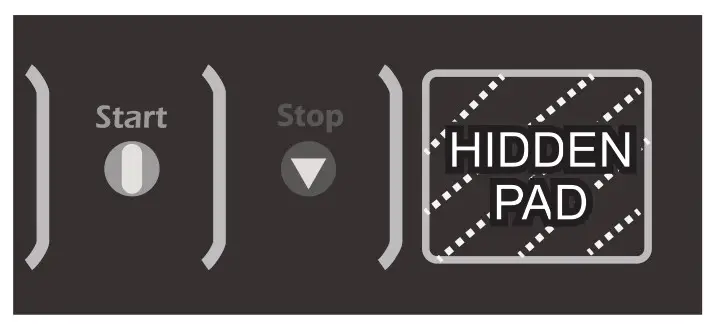
- Press firmly on hidden pad located to the right of the STOP keypad
• Pad is unmarked
• The display remains blank when hidden pad is pressed. - Press PROGRAM SAVE pad.
• The first user option will display. Oven is now in options mode - Press desired number pad to control changes in options.
• See table on next page for options.
• Current option will display - Press the same number pad again to disable or enable the setting.
• Each time pad is pressed, option will change
• Changes take effect immediately
• To change additional options, repeat steps 3 and 4 - Press PROGRAM SAVE to return to READY mode, or open and close oven door.
Programming Multiple Stages
Stage cooking allows consecutive cooking cycles without interruption. Up to four different cooking cycles can be programmed into a memory pad.
- Follow steps 1-5 in the Programming Pads portion above.
- Press the STAGE keypad.
• This will begin programming for the next cooking stage
• Display indicates stage to be programmed
• Enter cook time and power level as in steps 4 and 5
• To enter another cooking stage for that pad, press STAGE again
• Total cooking time limit is 60 minutes - When cooking two of the same food item, press the QUANTITY pad before a preprogrammed cook cycle. The oven will automatically adjust the program.
• Display will read, “DOUBLE.”
• To clear, open and close the door or press the STOP pad - Press PROGRAM SAVE to save programming and changes.
- To discard changes, press STOP/RESET before pressing
Programming Pads
- READY must be in the display. If not, open and close the door.
- Press PROGRAM SAVE pad.
• Programming mode begins
• “Enter Program to Add/Review” is displayed - Press desired number pad to be programmed.
• Display will show all settings for the pad
• The pad number that is being programmed displays beside the word ITEM - Press TIME ENTRY to program amount of cooking time.
• Enter desired cooking time by using numeric key pads
• Maximum cooking time is 60 minutes - Press POWER LEVEL to program level of microwavepower.
• For a lower microwave power, press pads 1 (for 10%) through 9 (for 90%)
• Press numeric key pad for desired level. Press same keypad again to set power level to 100% - When cooking two of the same food item, press the QUANTITY pad before a preprogrammed cook cycle. The oven will automatically adjust the program.
• Display will read, “DOUBLE.”
• To clear, open and close the door or press the STOP pad - Press PROGRAM SAVE to save the program changes.
- To discard changes, press STOP/RESET.
Top or Bottom Only Cooking
- Push the POWER LEVEL pad.
• Select and program the preferred microwave power. - If POWER LEVEL pad is pushed a second time, “Top Only” heating option will be selected and displayed.
- If the POWER LEVEL pad is pushed a third time, “Bottom Only” heating is selected and displayed.
- If the POWER LEVEL button is pushed a fourth time, the oven resets and both top and bottom will heat.
Options utilisateur
| Numbered Pads | Displays | Options |
| 1 Double Digit Entry | Disabled Enabled | Allows 10 (0-9) preprogrammed pads Allows 100 (00-99) preprogrammed pads |
| 2 Manual Programming | Disabled Enabled | Manual time entry/cooking not allowed Manual time entry/cooking allowed |
| 3 Reset on Door Open | Disabled Enabled | Opening oven door does not reset oven back to READY mode Opening oven door resets the oven back to READY mode |
| 4 Key Beep | OFF ON | Keys do not beep when pressed Keys beep when pressed |
| 5 Speaker Volume | OFF LOW MEDIUM HIGH | Key beep volume OFF Key beep volume LOW Key beep volume MEDIUM Key beep volume HIGH |
| 6 End of Cook Signal | Solid Beep 3 Second Beep 4 Beeps Once 4 Beeps Repeating | Done signal Is a continuous beep until reset by user Done signal is a three second beep Done signal is four beeps continously Done signal is four beeps, four times |
| 7 Keyboard Active | 15 seconds 30 seconds 60 seconds 120 seconds Always | Keypad time entry window is 15 seconds Keypad time entry window is 30 seconds Keypad time entry window is one minute Keypad time entry window is two minutes Keypad time entry window is always active |
| 0 Top or Bottom Cooking | Disabled Enabled | Disables the use of top or bottom only cooking Enables the use of top or bottom only cooking |
| Time Entry Pad On-The-Fly Cook | Disabled Enabled | Disables pushing any additional keypads during a cook cycle Allows pushing additional keypads to add or change time in the middle of a cook cycle without stopping |
| X2 Pad X2 Prompt | Disabled Enabled | Disables X2 prompt Enables X2 prompt |
| A/B Pad NB Menus | Disabled Enabled | Disables A/B Menus Enables A/B Menus |
| Power Level Pad Return to Menu | A B Last Selected | Return to Menu A Return to Menu B Return to last selected menu |
| Stage Pad Clean Filter Message (Frequency) | Disabled Weekly Monthly Quarterly | Oven will not display CLEAN FILTER Oven will display CLEAN FILTER every seven days Oven will display CLEAN FILTER every 30 days Oven will display CLEAN FILTER every 90 days |
| 8• On-The-Fly Knob | Disabled Enabled | Disables turning the knob to enter manual mode Allows turning the knob to enter manual time entry mode, allows pressing knob to start oven and allows tuming the knob to add time before starting a cook cycle |
| 9• Manual Knob | Disabled Enabled | Disables knob completely Enables knob according to Option 8 |
2023 ACP, Inc.
225 49th Avenue Drive
Part No. 20151903
Printed in U.S.A.
Original Instructions
For full product documentation visit:
www.acpsolutions.com
Cedar Rapids, Iowa 52404 U.S.A.
 Home | ACP Solutions Inc.