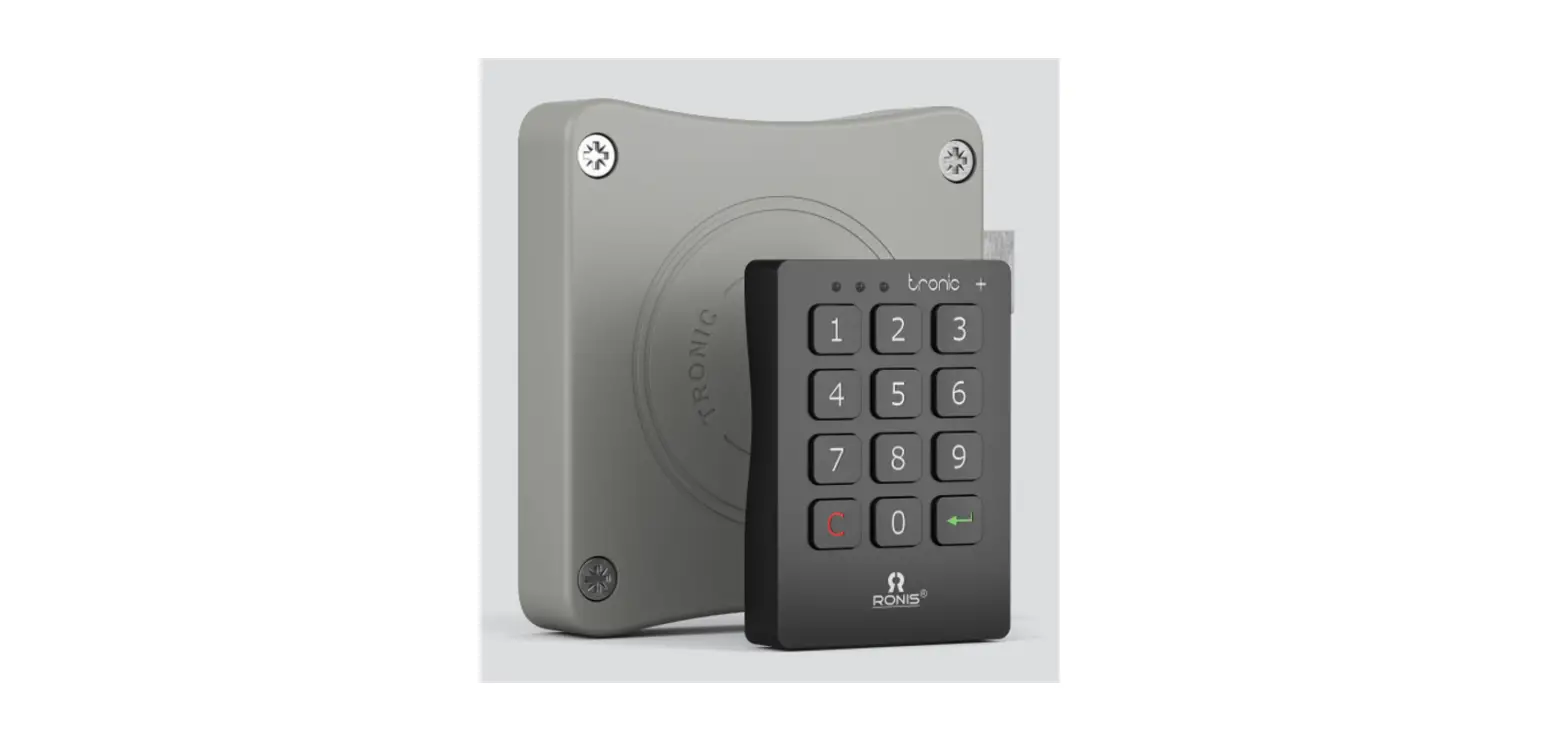
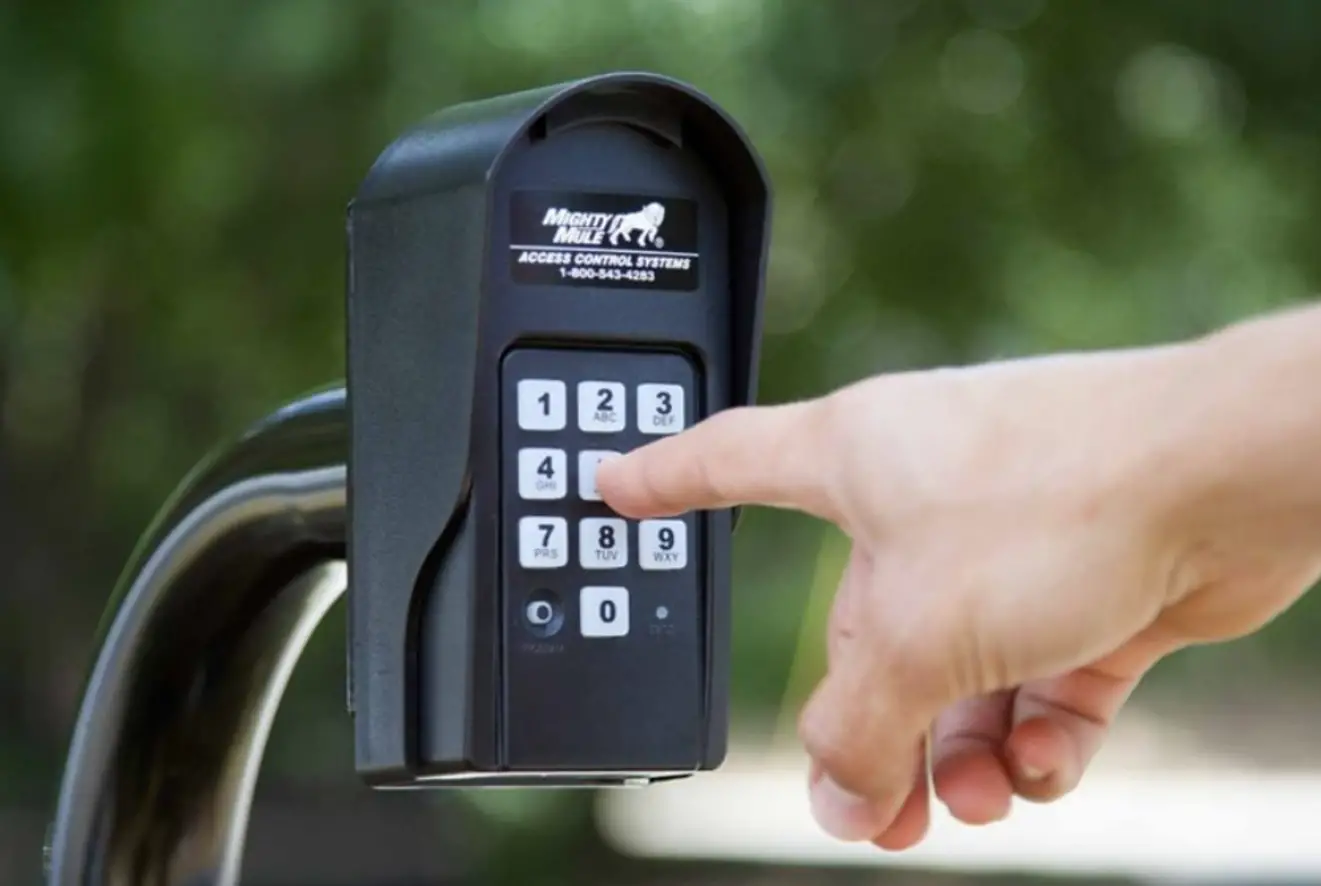
Tronic Plus DOM Keypads
Product Information:
The Tronic Plus is a product that comes with a right hand door
and a left hand door assembly. It includes a drilling template and
accessories for assembly. The product has a warning to connect the
blue part to the side of the legde. It also has an internal clock
that must remain connected during the release of batteries to avoid
losing time configuration.
Product Usage Instructions:
- Verify that the cable is properly connected (straight and until
the bottom). Do not push any key during the wire assembly
process. - Release the batteries using the T20 Torx Security screw located
on the opposite of the battery case. Verify that the batteries are
in the right polarity as indicated in the battery box. The battery
pack must remain connected during the release of the batteries to
avoid losing time configuration. - Verify that the screws are not fastened too tight during
assembly. - Use the drilling template provided for assembly.
- For the right hand door assembly, use TRONIC+ Drilling template
and drill at 2.5mm. Connect the blue part to the side of the
legde. - For the left hand door assembly, use TRONIC+ Drilling template
and drill at 2.5mm. Connect the blue part to the side of the
legde.
Tronic Plus
Assembly
Drilling template
ASSEMBLY
Right hand door
TRONIC+ : Drilling t
2,5
ø8,1
ø4,5 For housing the screw head
TRONIC+ : Drilling template
Left hand door
2,5
ø8,1
ø4,5 For housing the screw head
Accessories
ASSEMBLY
C ø5×29.5 E ø3.5×9.5 F Strike plate D M3x18
Right door assembly
ASSEMBLY
A
A
A
18 mm
x mm
1
2
18 + x mm
Section A-A
ø3.5 ø22
Right door assembly
ASSEMBLY
3
4
Right door
! Warning: Connect blue part to the side of the legde
5
6
Right door
Left door assembly
ASSEMBLY
A
A
B
Section A-A
1
2
18 mm x mm
B
ø3.5 ø22
Left door assembly
ASSEMBLY
3
Left door 5
4
! Warning: Connect blue part to the side of the legde
6
Left door
1
Verify that the cable is properly
Don’t push any key during the wire
connected (straight and untill
assembly process.
the bottom).
2
Relase the batteries thanks to
T20 Torx Security screw located
on the opposite of the battery case
Verify that the batteries are in the right polarity (as indicated in the battery box).
IMPORTANT The battery pack must remain connected during the release of the batteries. Otherwise, the internal clock will lose the time configuration.
Important notes
ASSEMBLY 3
Verify that the screws are not fastened too tight (<20kgf/cm2). 4
Verify that the latch works smoothly in and out, without any frinction with the door frame.
LED lights
ASSEMBLY
After introducing the correct code and pressing ENTER, the three LEDs blink at the same time (green-yellow-red) and the lock does not work.
Dead batteries: replace batteries.
After pressing any button the yellow LED blinks.
Dead or almost dead batteries: replace batteries.
Batteries
ASSEMBLY
1. Make sure the battery pack contains full powered batteries (don’t screw the battery pack too tight to avoid breaking the mechanism)
2. If the lock is closed, introduce the user code (or the master one) to open it.
3. Replace the old batteries for new ones and disconnect the battery pack.
Important
We suggest to change once every three years the batteries for ensure their good condition. After a long time, the batteries can deteriorate
and damage the lock, especially in hot environments
Do not clean the locks with cleaning
products with hydrochloric acid, lye or corrosive components, especially on the metallic parts.