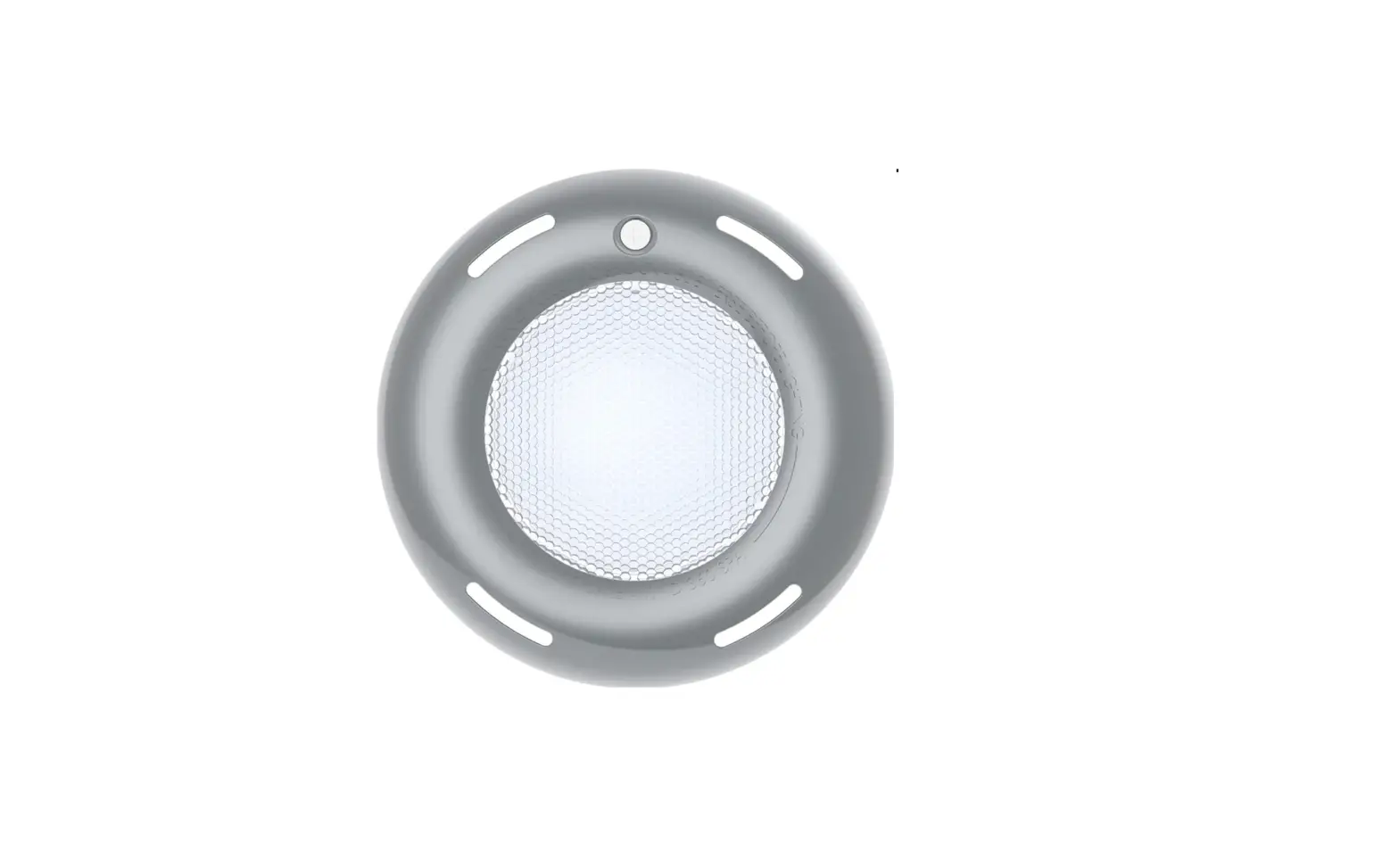
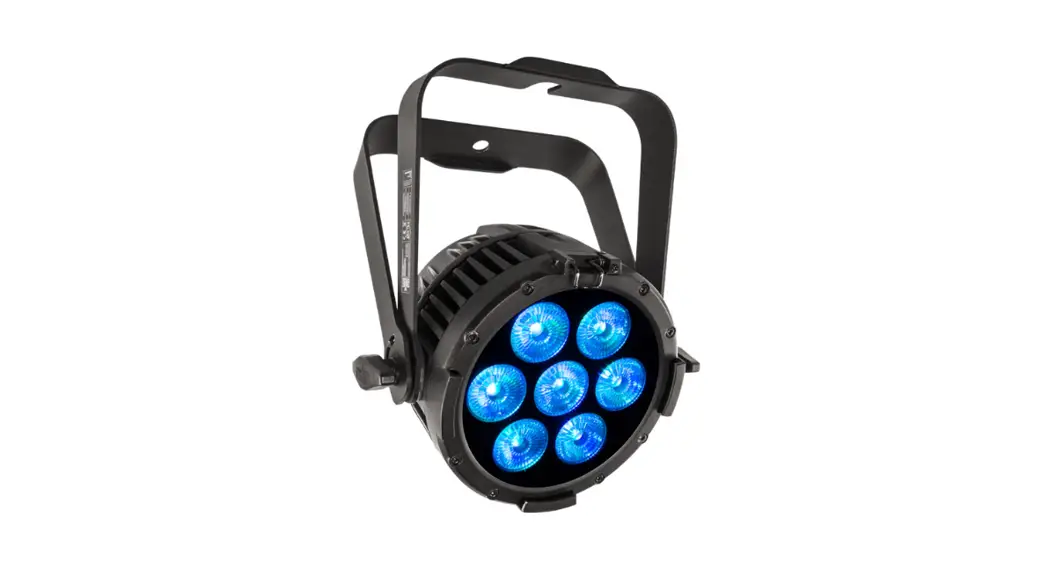
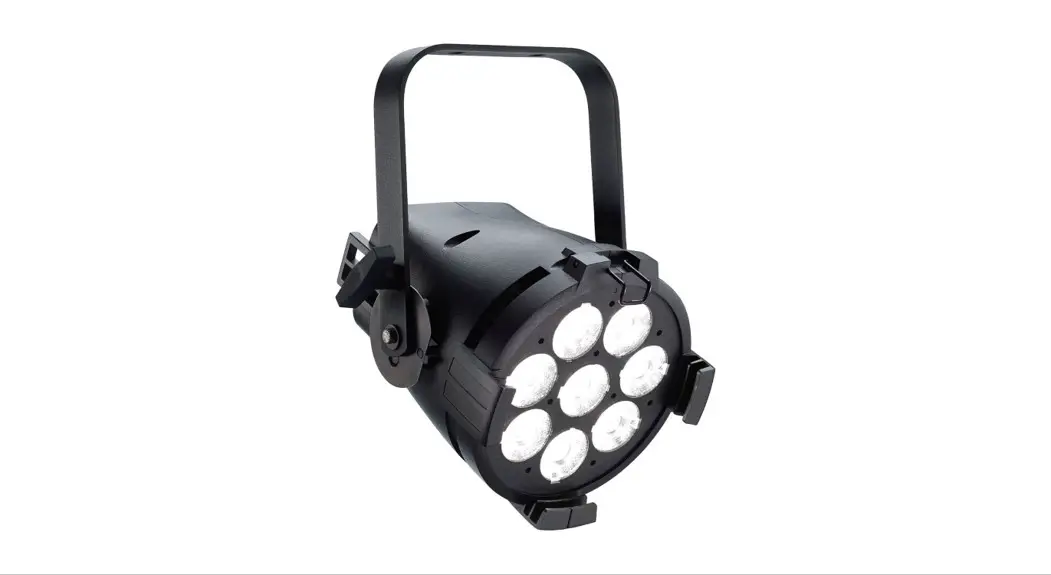
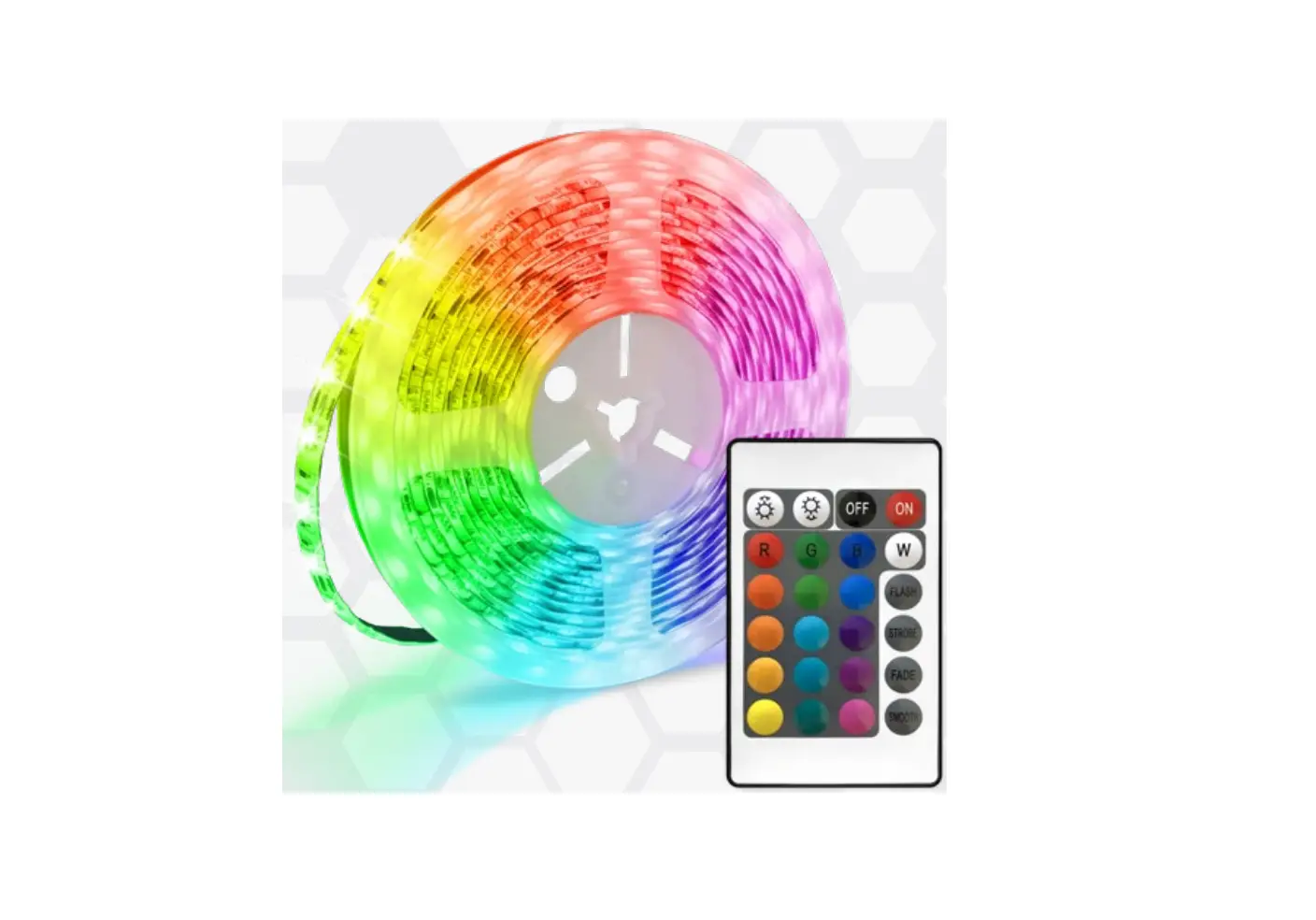
Spectrum 360 LED Multi-Color Lights
Product Information: JANDY CONTROLLER COMPATIBLE MULTI-COLOR
LED
This product is a multi-color LED light that is compatible with
JANDY controllers. It is specifically designed for use with Blue
Square SpectrumTM 360 LED Multi-Color Lights.
Product Usage Instructions:
- When connected to a wall switch, manually switching the light
on and off a specific number of times activates the fixed color
modes and color shows. - To turn on the light, simply switch it on using the wall
switch. - The first time the light is turned on, it will start with the
color “Alpine White”. - To change the color, turn the light off and then on again
within three (3) seconds. - Continue turning the light off and on until you reach the
desired color mode. Refer to the table below for the color mode
sequence. - If the light is turned off for more than seven (7) seconds, it
will remain in the currently active color set. - When the light is turned back on, it will be on the same color
set as before.
Color Mode Sequence:
| Cycles | Mode |
|---|---|
| 2 | Alpine White |
| 3 | Sky Blue |
| 4 | Cobalt Blue |
| 5 | Caribbean Blue |
| 6 | Spring Green |
| 7 | Emerald Green |
| 8 | Emerald Rose |
| 9 | Magenta |
| 10 | Violet |
| 11 | Slow Color Splash |
| 12 | Fast Color Splash |
| 13 | America the Beautiful |
| 14 | Fat Tuesday |
| 15 | Disco Tech |
Note: For supply connection, only use an
isolating low voltage power supply with an ungrounded output that
is evaluated for swimming pool use.
WARNING: NEVER STARE DIRECTLY AT LED POOL
LIGHTS. PROLONGED DIRECT EXPOSURE CAN CAUSE EYE DAMAGE.
If you have any further questions or need assistance, please
contact our toll-free number: 800.277.4150 or visit our website:
BlueSquaremfg.com
JANDY CONTROLLER COMPATIBLE
MULTI-COLOR LED OPERATING MANUAL
These instructions are applicable to Blue Square SpectrumTM 360 LED Multi-Color Lights
programmed to be compatible with Jandy® Controllers. Our LED Pool Lights (J-Series) can be operated from either a wall switch or connected to a Jandy® Controller.
When connected to the Jandy® Controller, the fixed colors and color-shows can be easily selected using the controller.
When connected to a Wall Switch, manually switching on and off a specific number of times activates the fixed color modes and color-shows.
Turn the light on. The first time the light is turned on, the color sequence begins withAlpine White. To change the color, turn the light off and on within three (3) seconds. Continue turning off and on until the desired color mode is reached. See below table for the color mode sequence. When the light is turned off for more than seven (7) seconds, it will remain in the color set that is currently active. When the light is turned back on, the light will be on the same color set.
PROGRAMMING MODES
Cyles
Mode
2
3
…….
Q)
4 5
0a.
6
Q)
>u ,
7
.0..,
8
Vl
Q)
E
9
·…;:.:.;
0
70
Q)
E
77
z
72
73
74
Alpine White Sky Blue Cobalt Blue Caribbean Blue Spring Green Emerald Green Emerald Rose Magenta Violet Slow Color Splash Fast Color Splash America the Beautiful Fat T uesday Disco Tech
Resetting to the Beginning of the Color Sequence: · Turn the light OFF · Wait four (4) to six (6) seconds · Then turn ON · Light will return to the beginning of the color cycle
(Alpine White)
For supply connection, use only an isolating low voltage power supply with ungrounded output, evaluated for swimming pool use.
Toll Free: 800.277.4150 I BlueSquaremfg.com
Jandy® is a registered trademark of Zodiac International S.A.S.U.
lJ:i.WARNING
NEVER STARE DIRECTLY AT LED POOL LIGHTS. PROLONGED DIRECT EXPOSURE CAN CAUSE EYE DAMAGE.