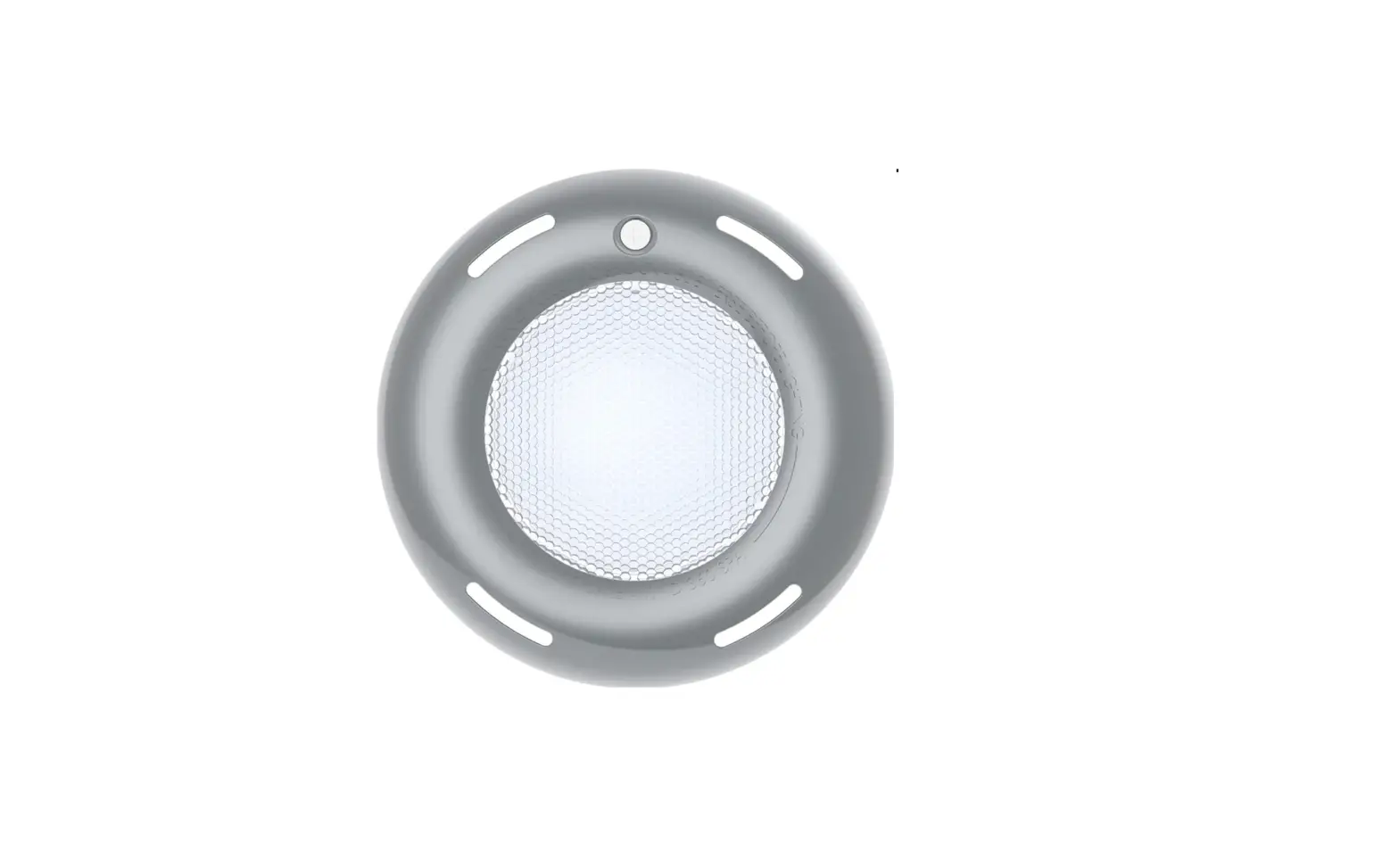
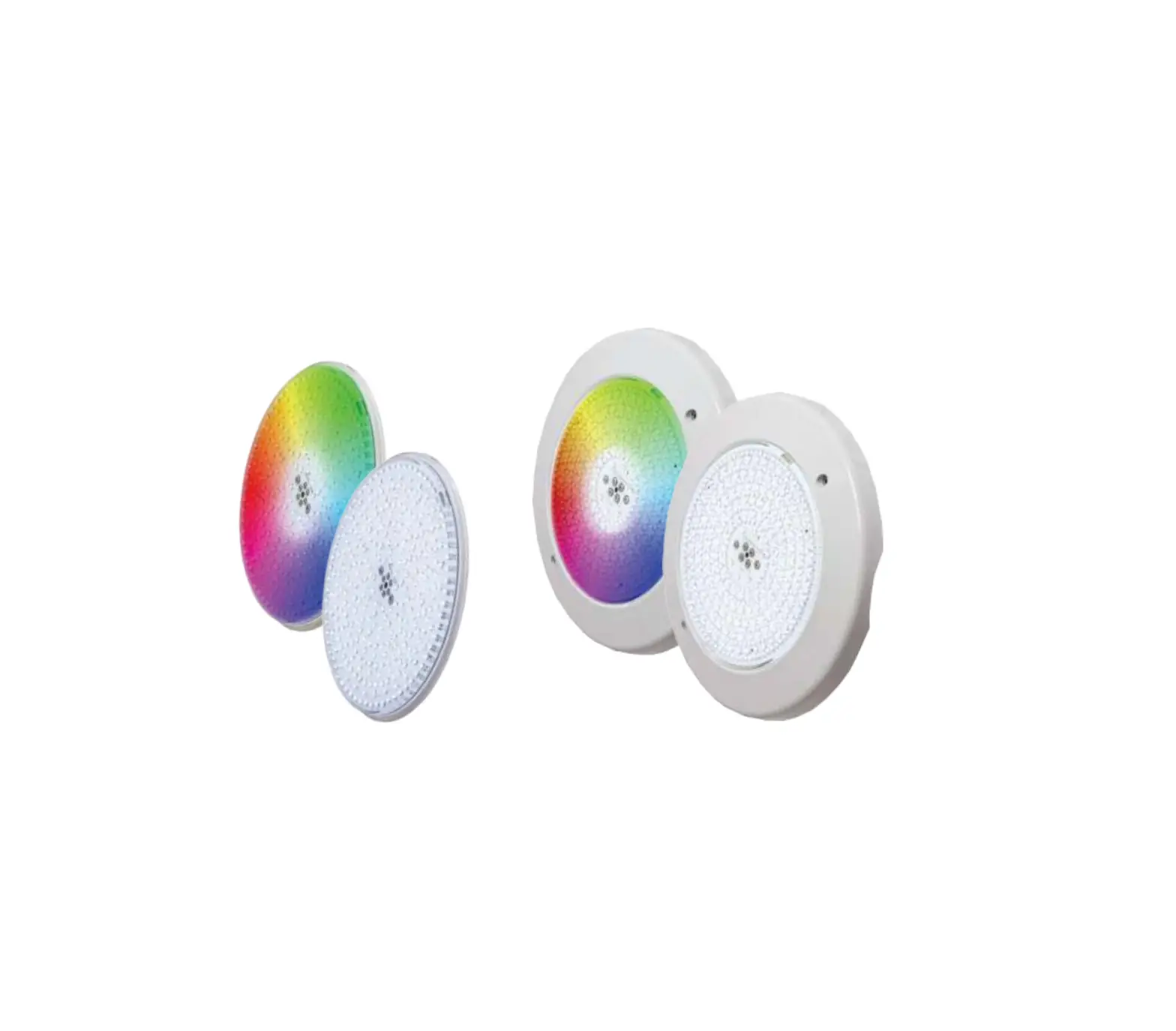
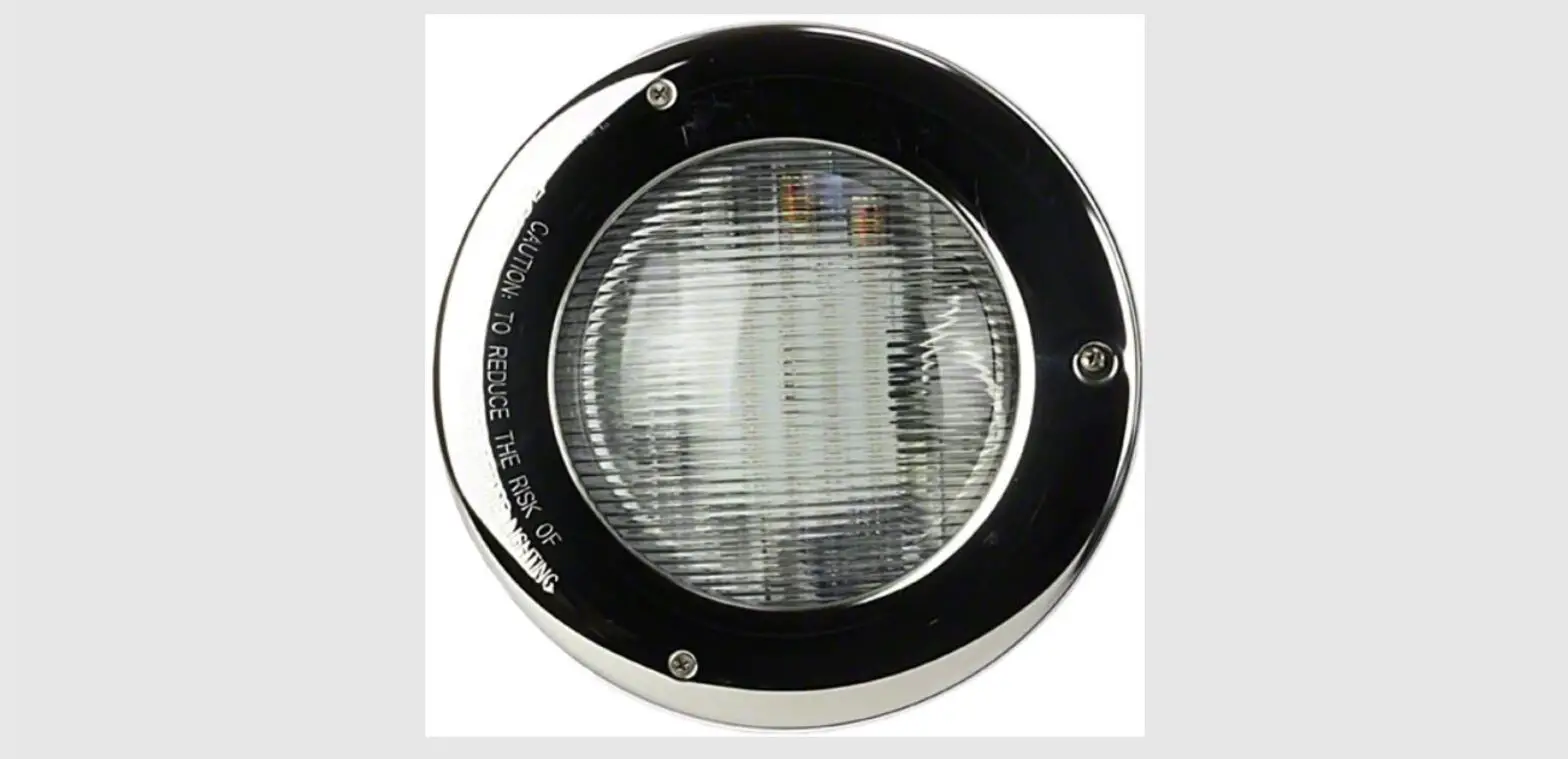
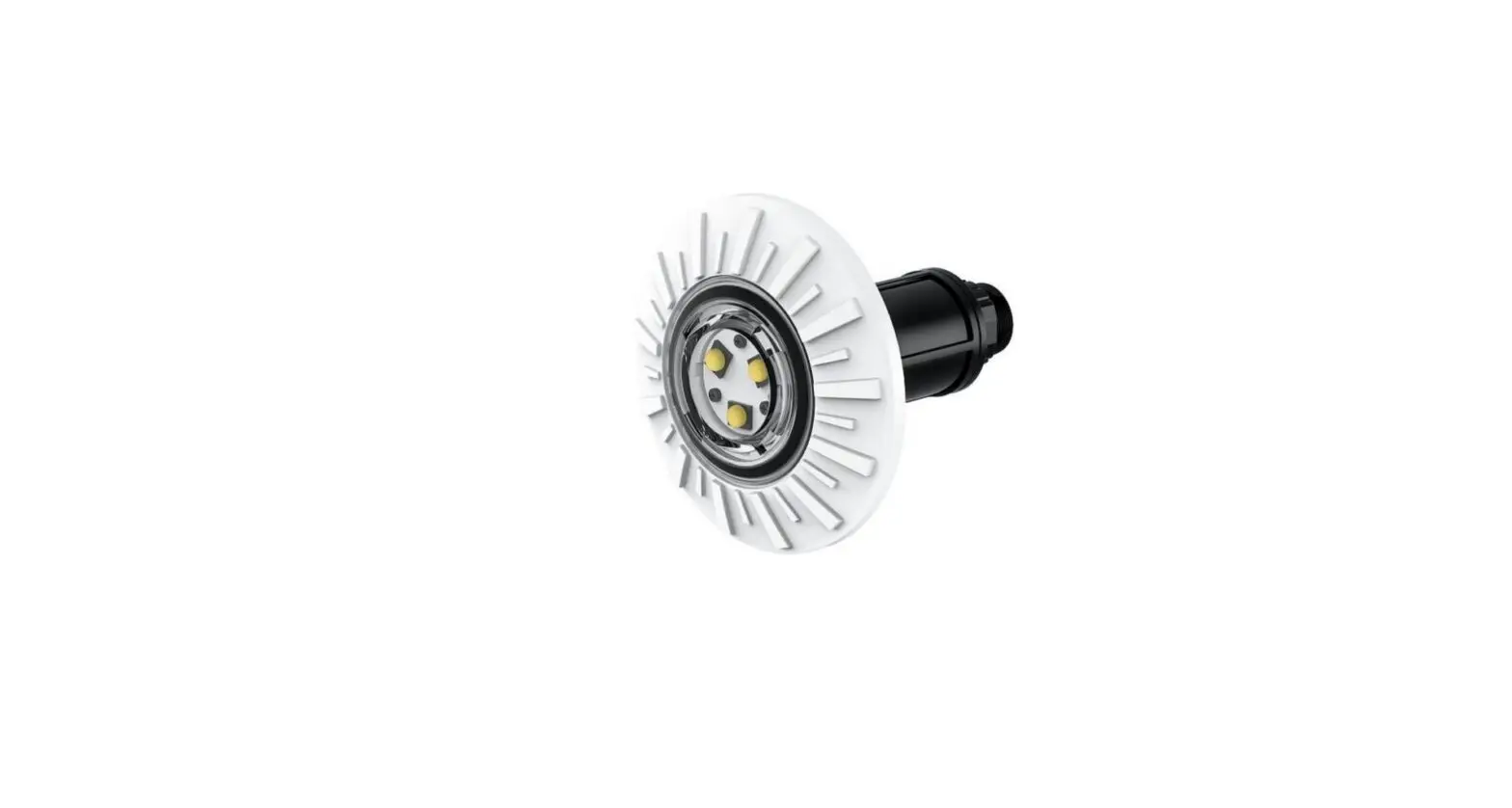
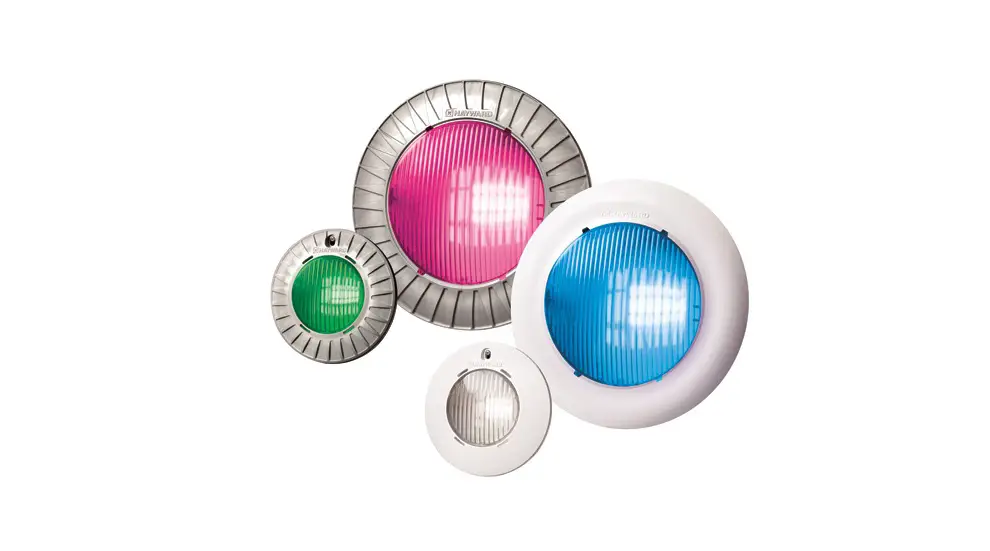
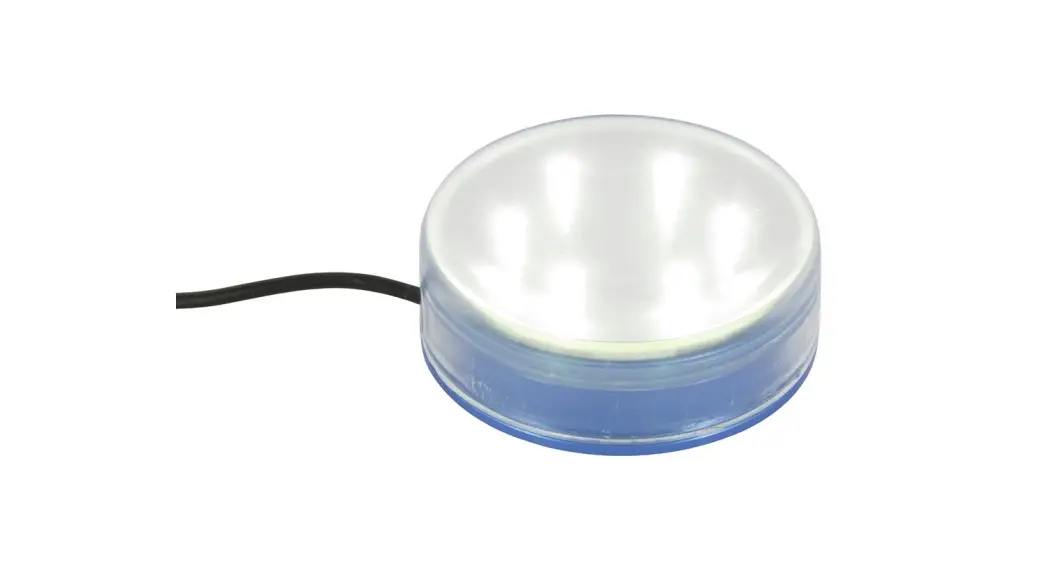
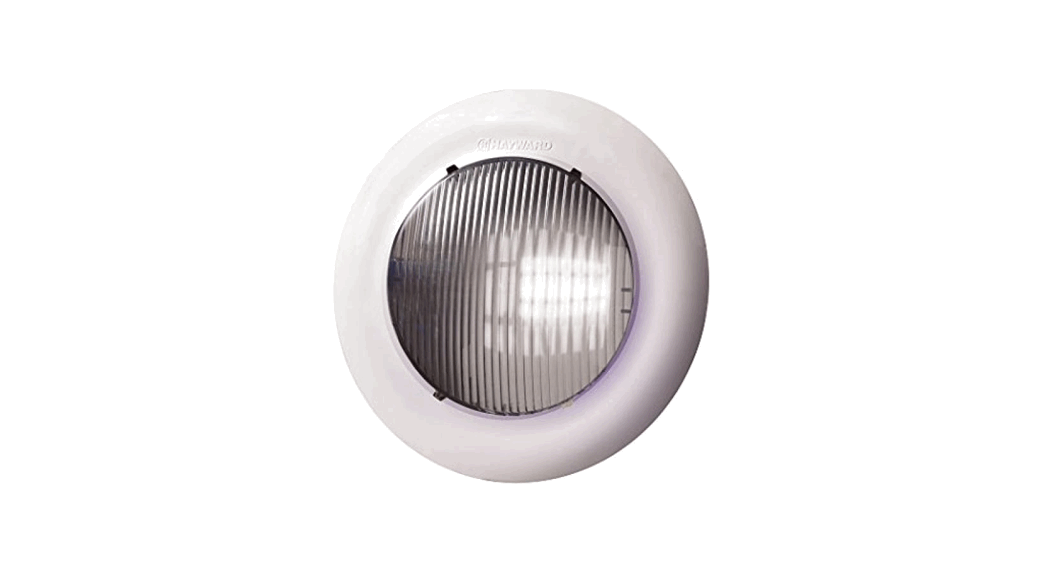
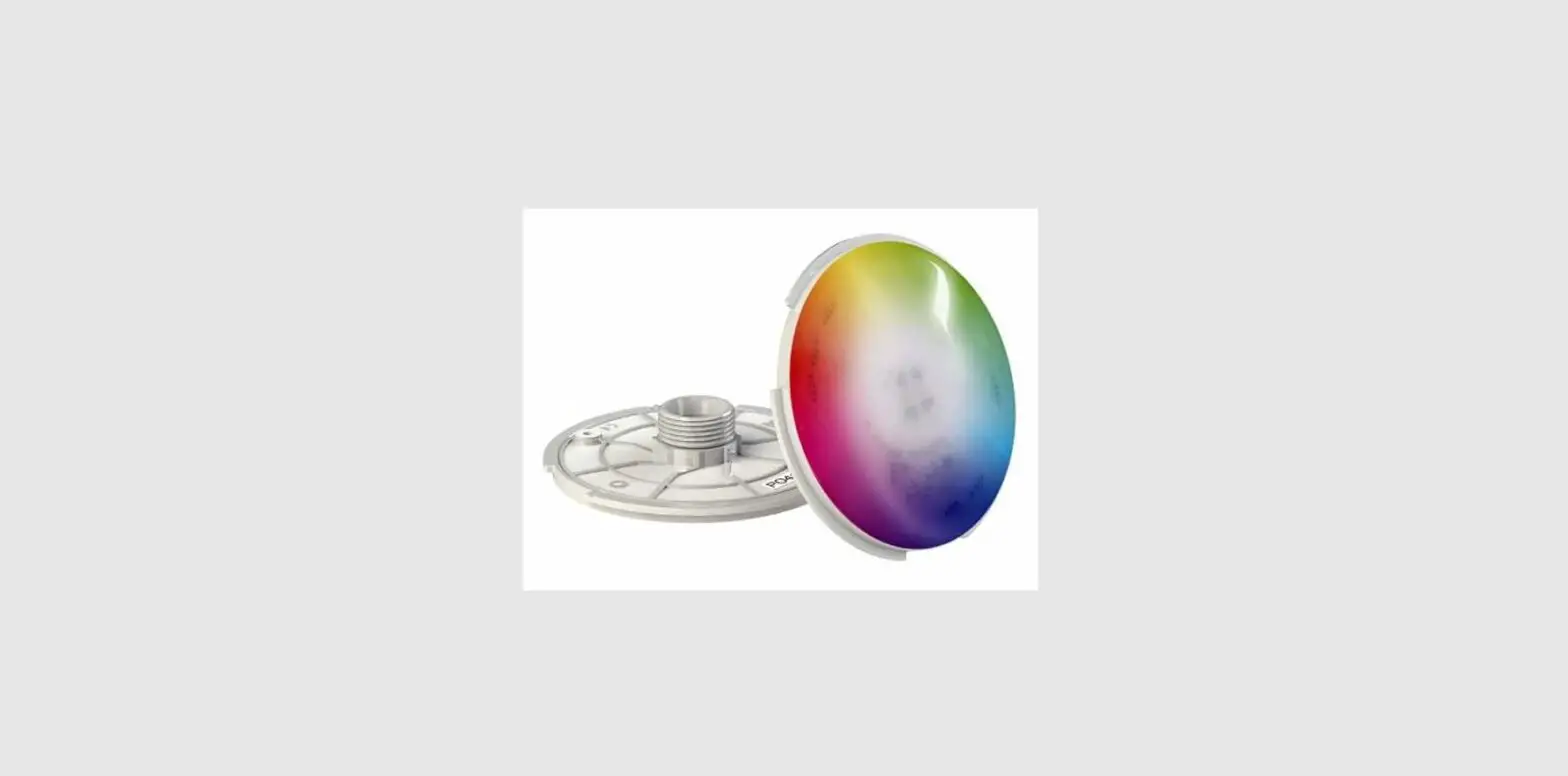
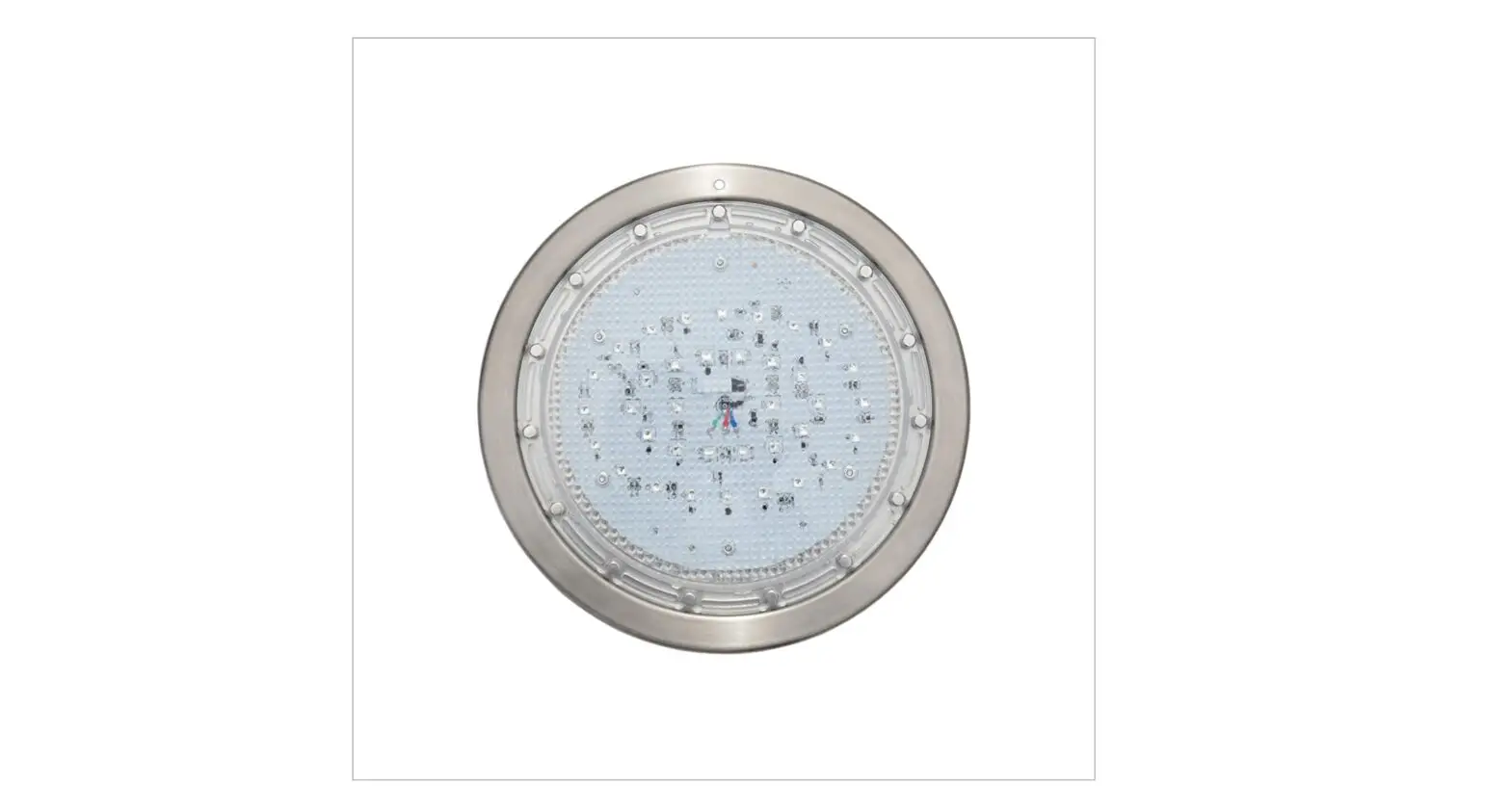
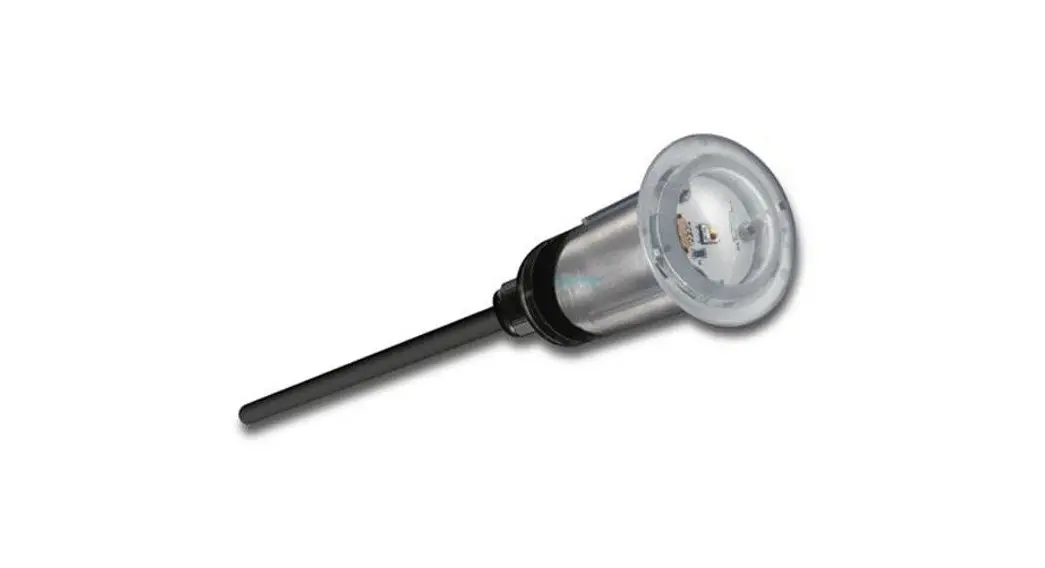
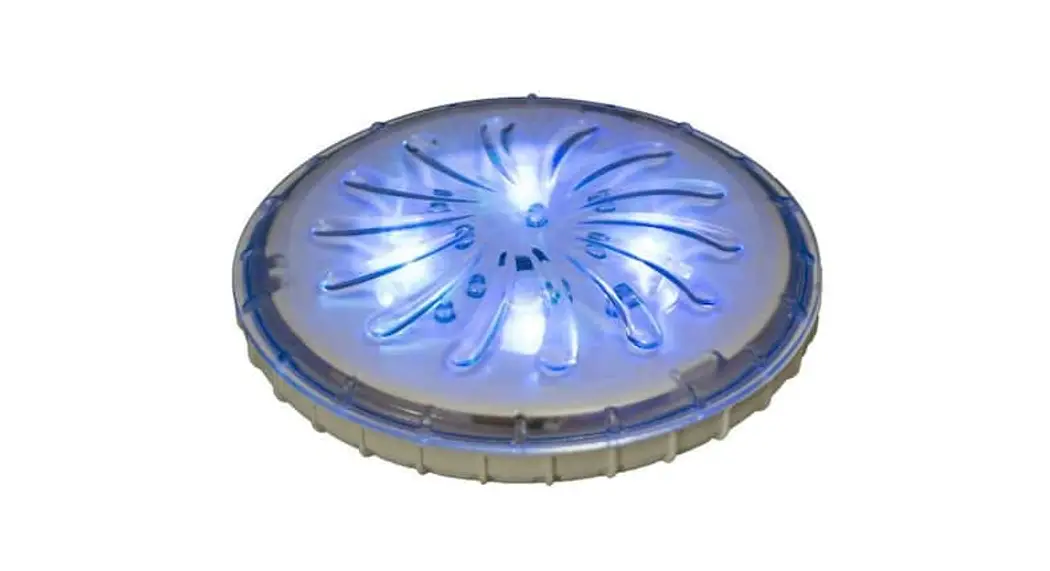
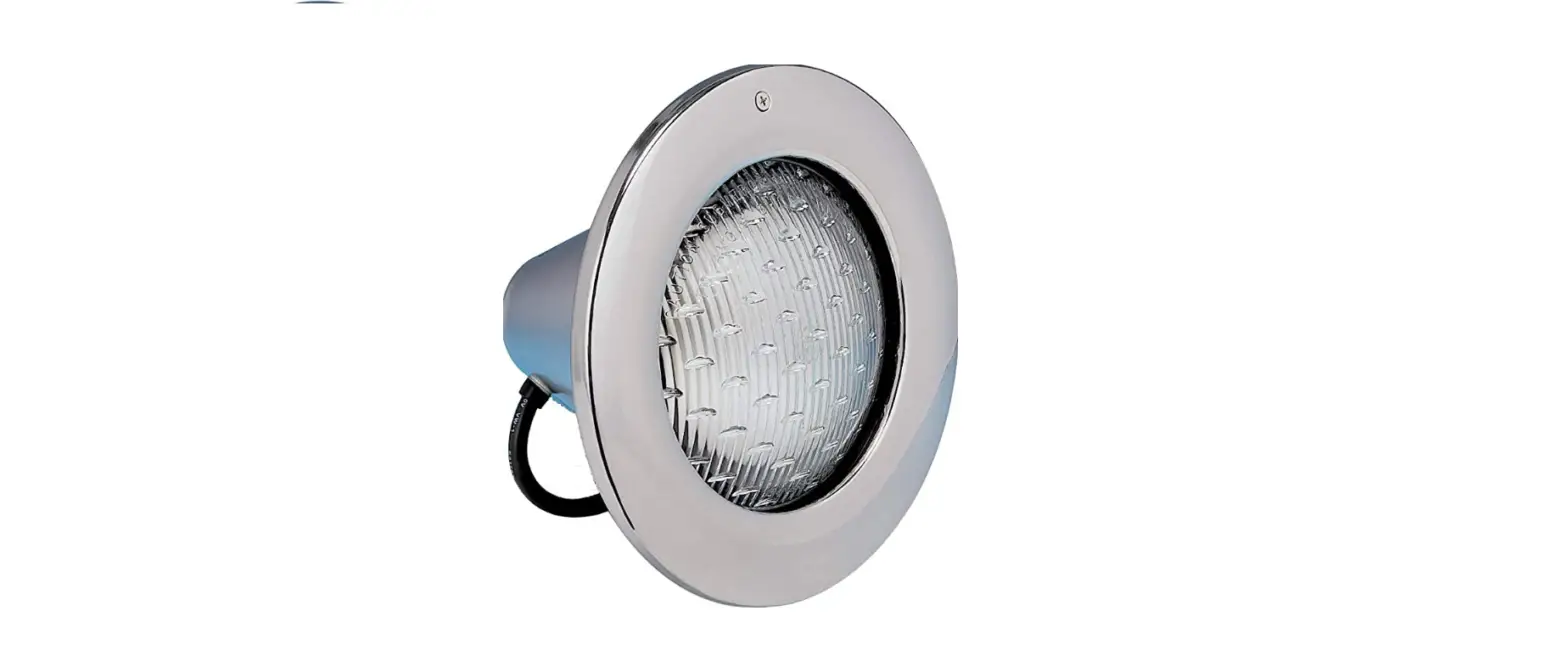
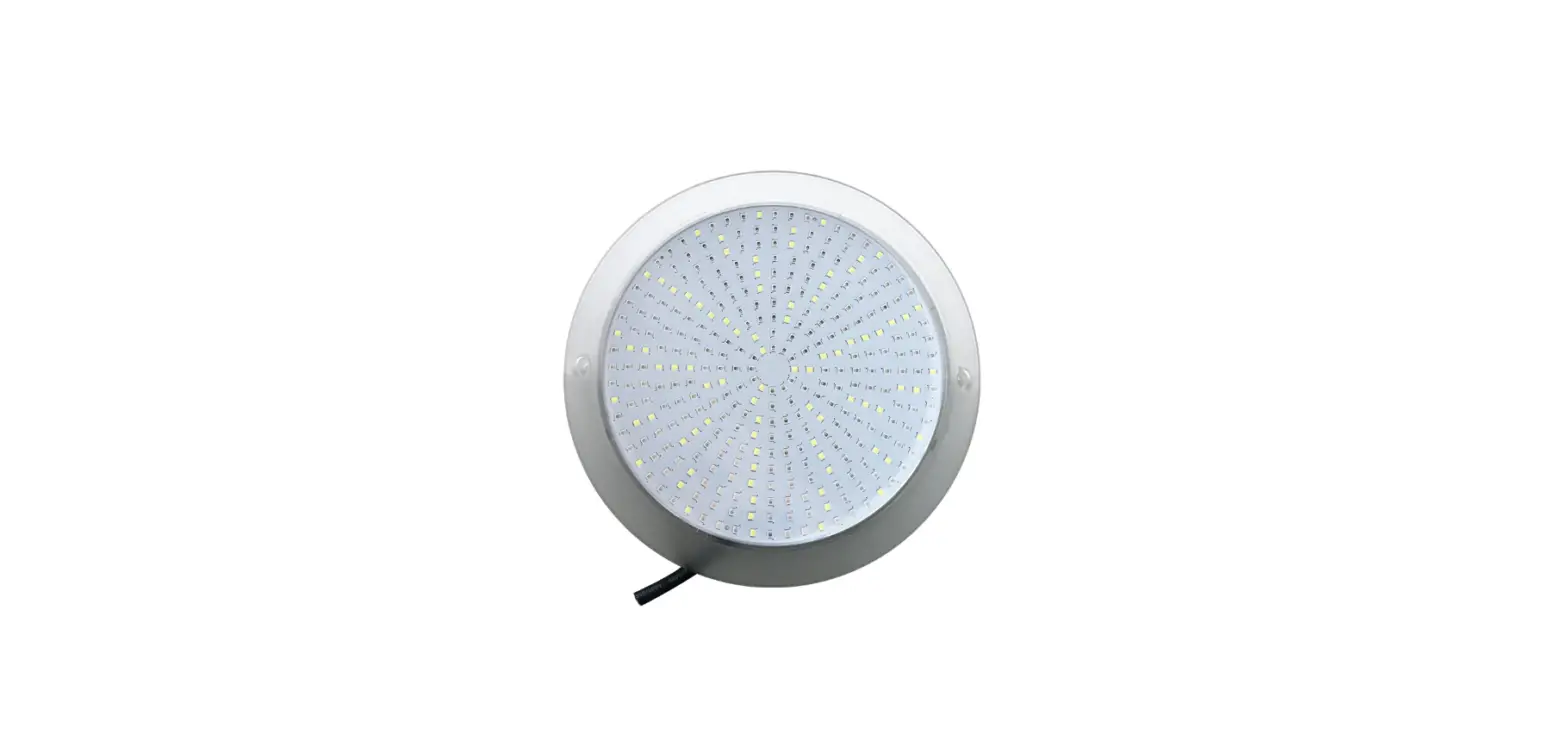
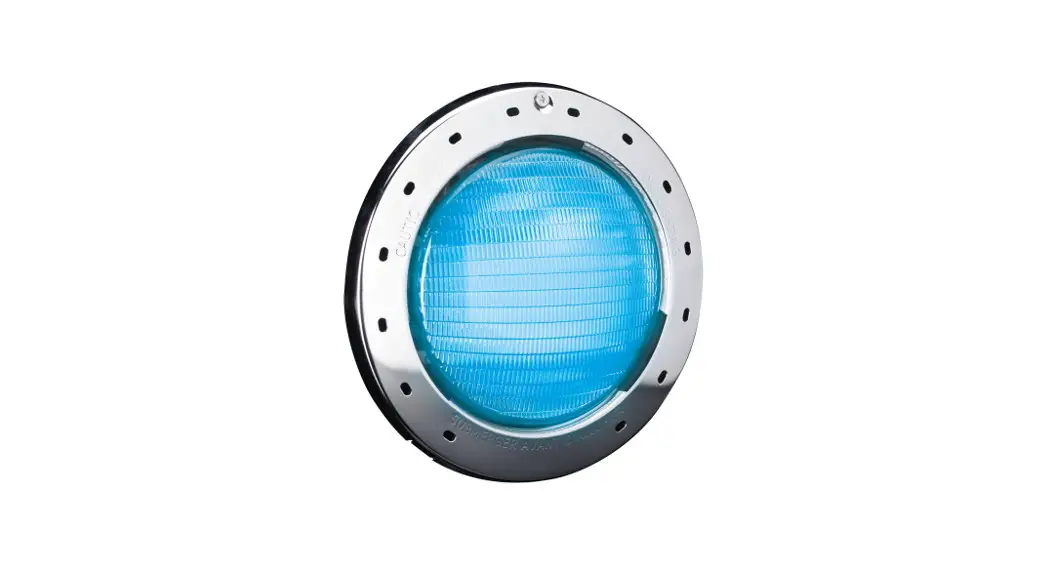
Spectrum-360 Nicheless LED Pool and Spa Lights
Product Information: Spectrum LED 360 Nicheless Light
- Operating Voltage: 12v AC
- Power Consumption:
- White or Blue: 12 watts
- Multi-color: 13 watts max.
- For supply connection, use only an isolating low voltage power
supply with ungrounded output, evaluated for swimming pool
use. - WARNING: Never stare directly at LED Pool Lights. Prolonged
direct exposure can cause eye damage. - Manufacturer website: www.bluesquaremfg.com
Product Usage Instructions: Spectrum LED 360 Nicheless Light
Installation
- Confirm that power has been turned off to the existing
underwater light that is being replaced. If you cannot be sure that
power has been disconnected, then DO NOT CONTINUE WITH THE
INSTALLATION. - If you are not pulling a new cable through, and instead are
using the Blue Square patented Plug Kit to attach to the existing
cable, then follow the instructions contained with the Plug
Kit. - Locate the connection point of the existing pool light cable,
which is likely to be at a Junction Box or at a Transformer.
Disconnect the existing pool light cable from the Junction Box or
Transformer and attach a draw wire to the existing cable. - Unscrew the existing underwater light and disengage it from the
pool wall. Float the light to the pool deck and cut the existing
pool light cable close to the rear of the existing pool light. - You will need to use the existing pool light cable as a draw
wire to pull through the cable on the Spectrum LED 360 Nicheless
Light. Refer to Diagrams 2-4. Remove 3 of outer cable sheath on
both the existing and new pool light cables. Expose a 2 length of
copper conductor, and twist together tightly. Form loops in the
copper conductors and join and twist together with loops on the new
cable. It is important to then twist firmly to create a firm join.
Cover the join with duct tape. - Pull the existing cable from the Junction Box or Transformer
end, so that the Spectrum LED 360 Nicheless Light Cable is pulled
through. Leave sufficient cable up on the pool deck. Do not
re-connect the cable to the junction box or transformer just
yet. - Place the pool light in the pool. Go back to where the new
cable has been pulled through, cut excess cable and connect up to
the transformer or junction box in the same manner as the old light
was previously wired. - Back at the pool, using the orange tool provided, screw the new
Spectrum 360 Nicheless Pool Light into the female thread until
secure. See Diag. 6. Installation is now complete. Finished
installation is shown in Diag. 7.
NICHELESS
RETRO INSTALLATION INSTRUCTIONS
LIGHT INSTALLATION WITH NEW CABLE
Step 1: Confirm that power has been turned off to the existing underwater light that is being replaced. If you cannot be sure that power has been disconnected, then DO NOT CONTINUE WITH THE INSTALLATION.
If you are not pulling a new cable through, and instead are using the Blue Square patented Plug Kit to attach to the existing cable, then follow the instructions contained with the Plug Kit.
Step 2: Locate the connection point of the existing pool light cable, which is likely to be at a Junction Box or at a Transformer. Disconnect the existing pool light cable from the Junction Box or Transformer and attach a draw wire to the existing cable.
Step 3: Unscrew the existing underwater light and disengage it from the pool wall. Float the light to pool deck and cut the
existing pool light cable close to the rear of the existing pool light.
Diag 1. Existing 1½” female thread in pool wall, cable extended to deck.
Step 4: You will need to use the existing pool light cable as a draw wire to pull through the cable on the Spectrum LED 360 Nicheless Light. Refer to Diagrams 2-4. Remove 3″ of outer
cable sheath on both the existing and new pool light cables. Expose a 2″ length of copper conductor, and twist together tightly. Form loops in the copper conductors and join and twist together with loops on the new cable. It is important to then twist firmly to create a firm join. Cover the join with duct tape.
Diagram 2
Diagram 3
Diagram 4
18AWG Cable is
supplied with the
patented Plug Kit
factory-fitted to
the end, with a
Protective Cap also fitted.
Protective Cap
Cable Nut
Clamp
WARNING www.bluesquaremfg.com
Cable Nut and Clamp have been factory tensioned to comply with UL requirements. Do not adjust.
NICHELESS
Diag 5. Plug Kit is pushed into rear of light and secured by tightening the Connector Nut.
Diag. 6
Diag. 7
Step 5: Pull the existing cable from the Junction Box or Transformer end, so that the Spectrum LED 360 Nicheless Light Cable is pulled through. Leave sufficient cable up on the pool deck. Do not re-connect the cable to the junction box or transformer just yet.
Step 6: Unscrew the Protective Cap from the end of the cable (do not discard keep for possible future use). The two Orings on the Plug Kit are factory-lubricated, ensure they are free from dust and grit. If needed, wipe clean and re-apply a small amount of silicone-based o-ring lubricant. Align the Plug Kit with the exposed silver connector pins on the rear of the new light and push into place. Whilst holding the plug kit in place, tighten the Connector Nut by hand until firmly tight, see Diag. 5.
Step 7: Place the pool light in the pool. Go back to where the new cable has been pulled through, cut excess cable and connect up to the transformer or junction box in the same manner as the old light was previously wired.
(Note: If conditions suit, leave a service loop of cable 6ft long which will aid any future servicing.) Pull the cable tight so that the pool light is drawn in close to the 1 ” female thread in pool wall.
Step 8: Back at the pool, using the orange tool provided, screw the new Spectrum 360 Nicheless Pool Light into the female thread until secure. See Diag. 6. Installation is now complete. Finished installation is shown in Diag. 7.
Spectrum 360 Nicheless Operating Voltage:
12v AC
Spectrum 360 Nicheless Power Consumption:
White or Blue 12 watts Multi-color 13 watts max.
For supply connection, use only an isolating low voltage power supply with ungrounded output, evaluated for swimming pool use.
WARNING
Never stare directly at LED Pool Lights. Prolonged direct exposure can cause eye damage.
www.bluesquaremfg.com
222604_INI_BS_V NICHELESS
 Pool Cleaning Equipment and Lighting | Blue Square Manufacturing