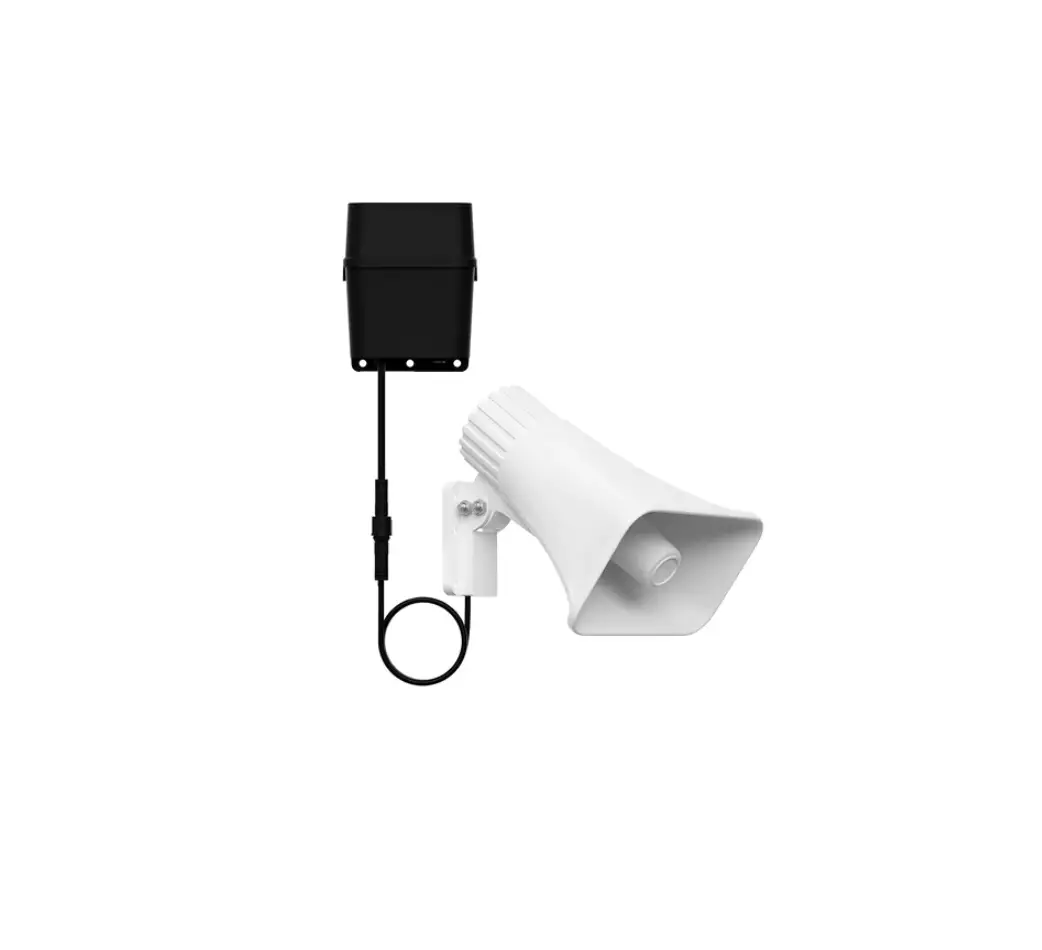
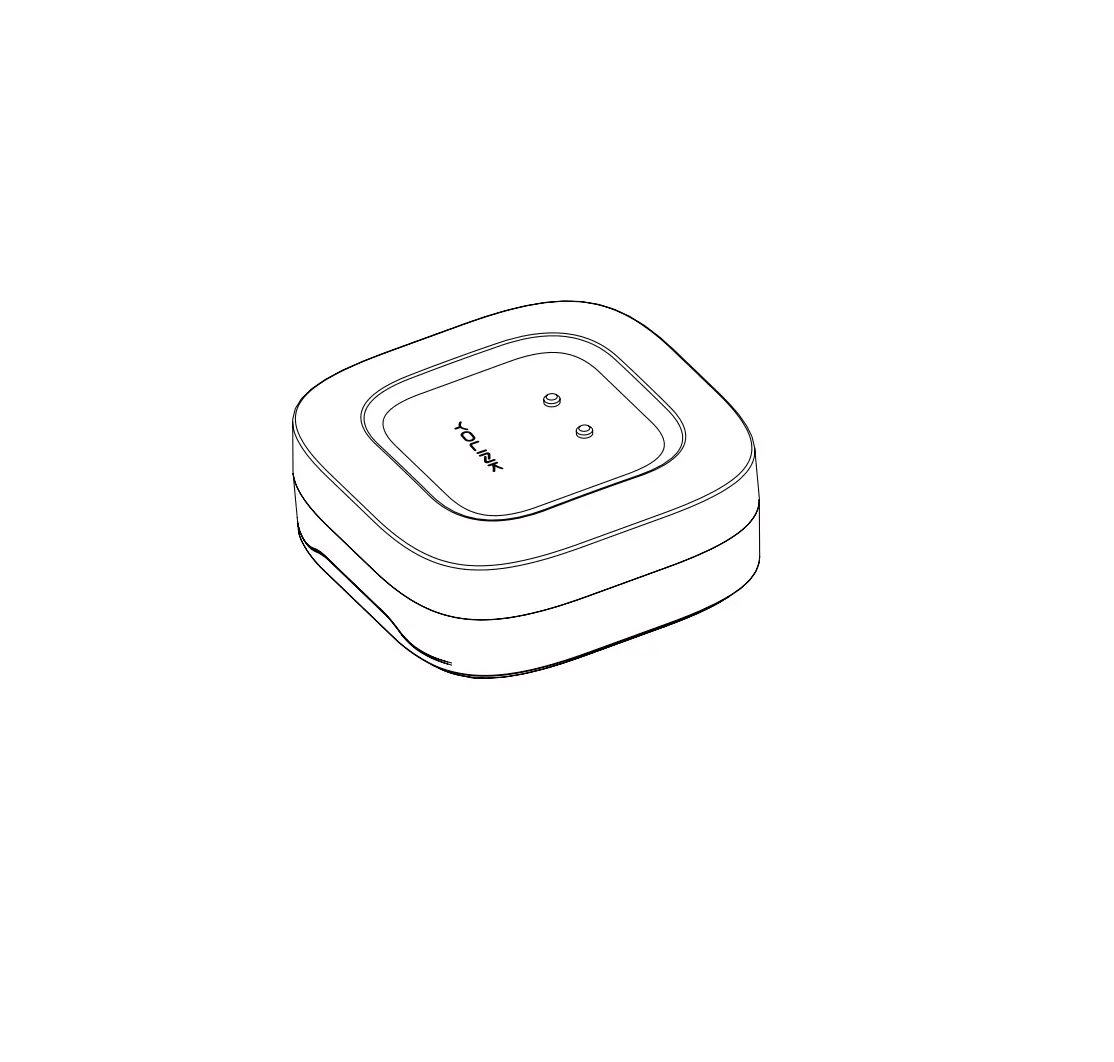
YS7105-UC X3 Alarm Controller
Product Information
Product Name: X3 Outdoor Alarm Controller
Model: YS7105-UC & Siren Horn
Quick Start Guide Revision: Apr. 17, 2023
Welcome Message: Thank you for purchasing
YoLink products! We appreciate you trusting YoLink for your smart
home & automation needs. Your 100% satisfaction is our goal. If
you experience any problems with your installation, with our
products or if you have any questions that this manual does not
answer, please contact us right away. See the Contact Us section
for more info.
Contact Person: Eric Vanzo (Customer Experience
Manager)
Icons Used in the Guide
- Very important information (can save you time!)
- Pour des instructions en Fr
- QR dans la section suivante.
- Para obtener instrucciones en Es
Product Usage Instructions
Before You Begin
Please note: this is a quick start guide, intended to get you
started on the installation of your X3 Alarm Controller. Download
the full Installation & User Guide by scanning this QR
code:
Installation & User Guide
You can also find all current guides and additional resources, such
as videos and troubleshooting instructions, on the X3 Alarm
Controller Product Support Page by scanning the QR code below or by
visiting:
https://shop.yosmart.com/pages/x3alarm-controller-product-support
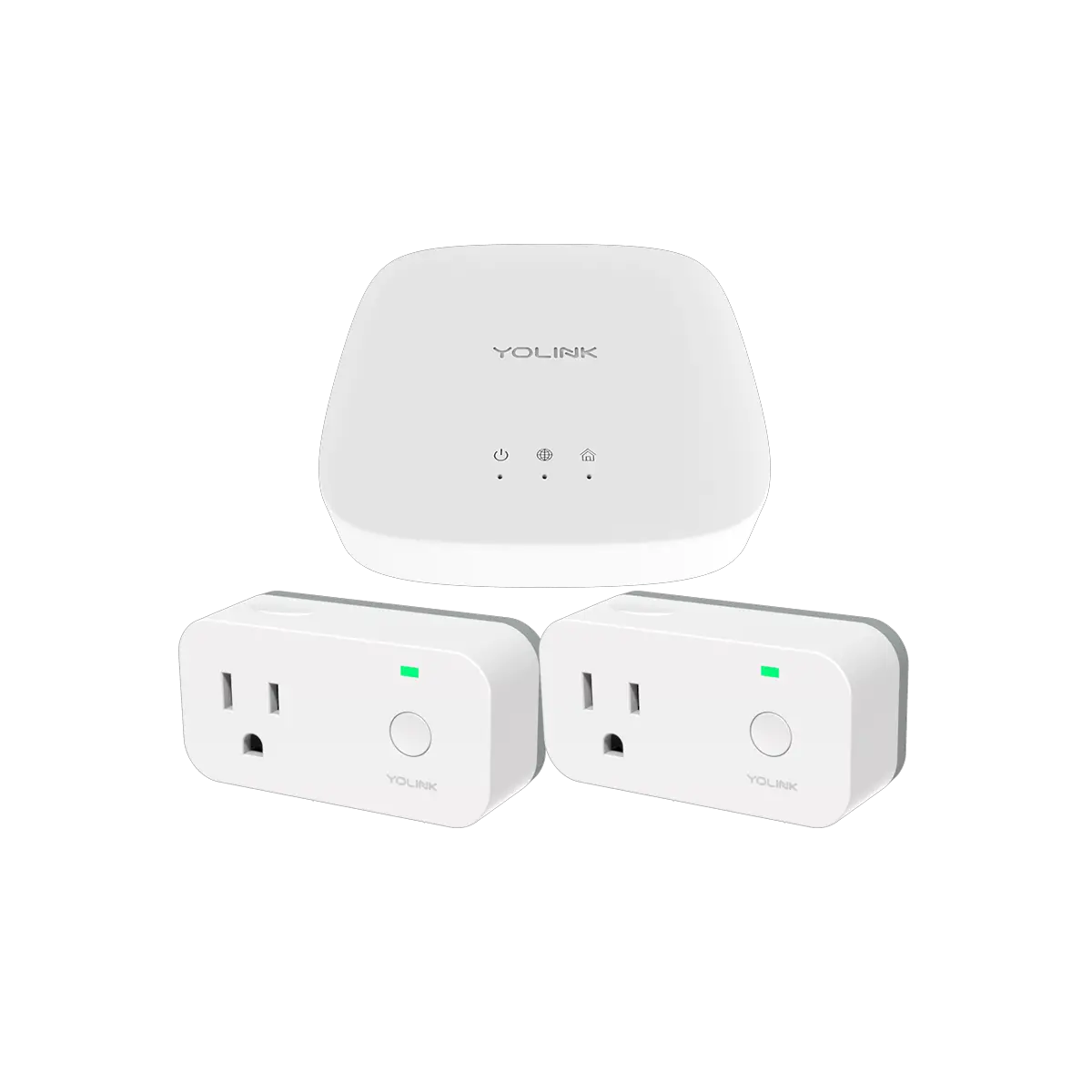
Your X3 Alarm Controller connects to the internet via one of our
hubs (original YoLink Hub or the SpeakerHub), and it does not
connect directly to your WiFi or local network. In order for remote
access to the device from the app, and for full-functionality, a
hub is required. This guide assumes the YoLink app has been
installed on your phone, and a YoLink Hub or SpeakerHub is
installed and online.
If installing the X3 Alarm Controller and Siren Horn outdoors,
please refer to the environmental range information in the
specifications found on the X3 Alarm Controller product support
page. While this product can be installed outdoors, to ensure years
of trouble-free operation, it should be protected from rain and
direct sunlight by an enclosure or overhead cover.
In the Kit
- X3 Alarm Controller
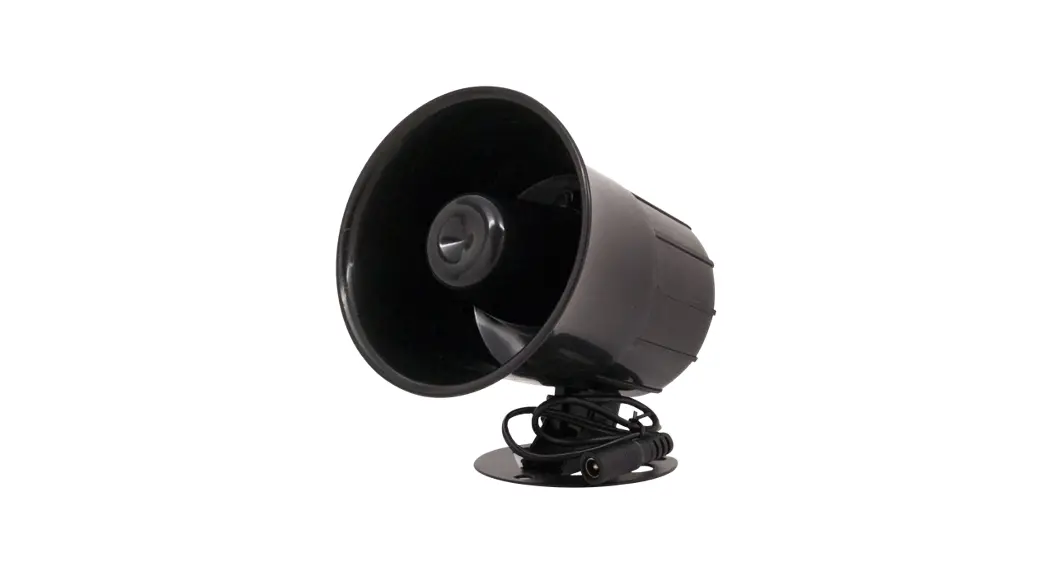
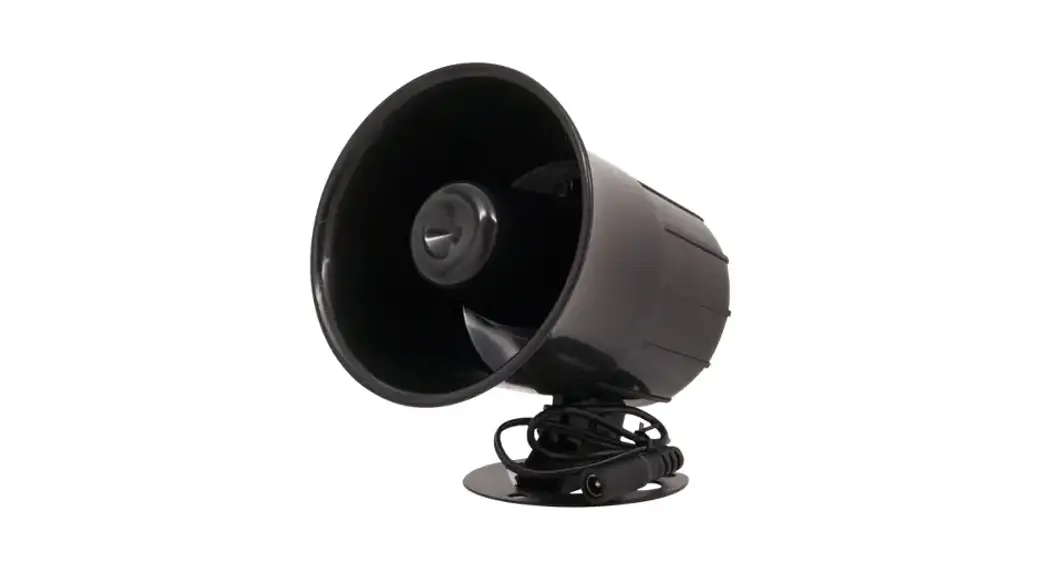
- Siren Horn ES-626
- Quick Start Guide
Required Items
The following items will be required:
- 1 x ER34615 Battery (Pre-Installed)
- Wall Anchors
The following items may be required:
- Drill with Drill Bits
- Medium Phillips Screwdriver
Get to Know Your X3 Alarm Controller
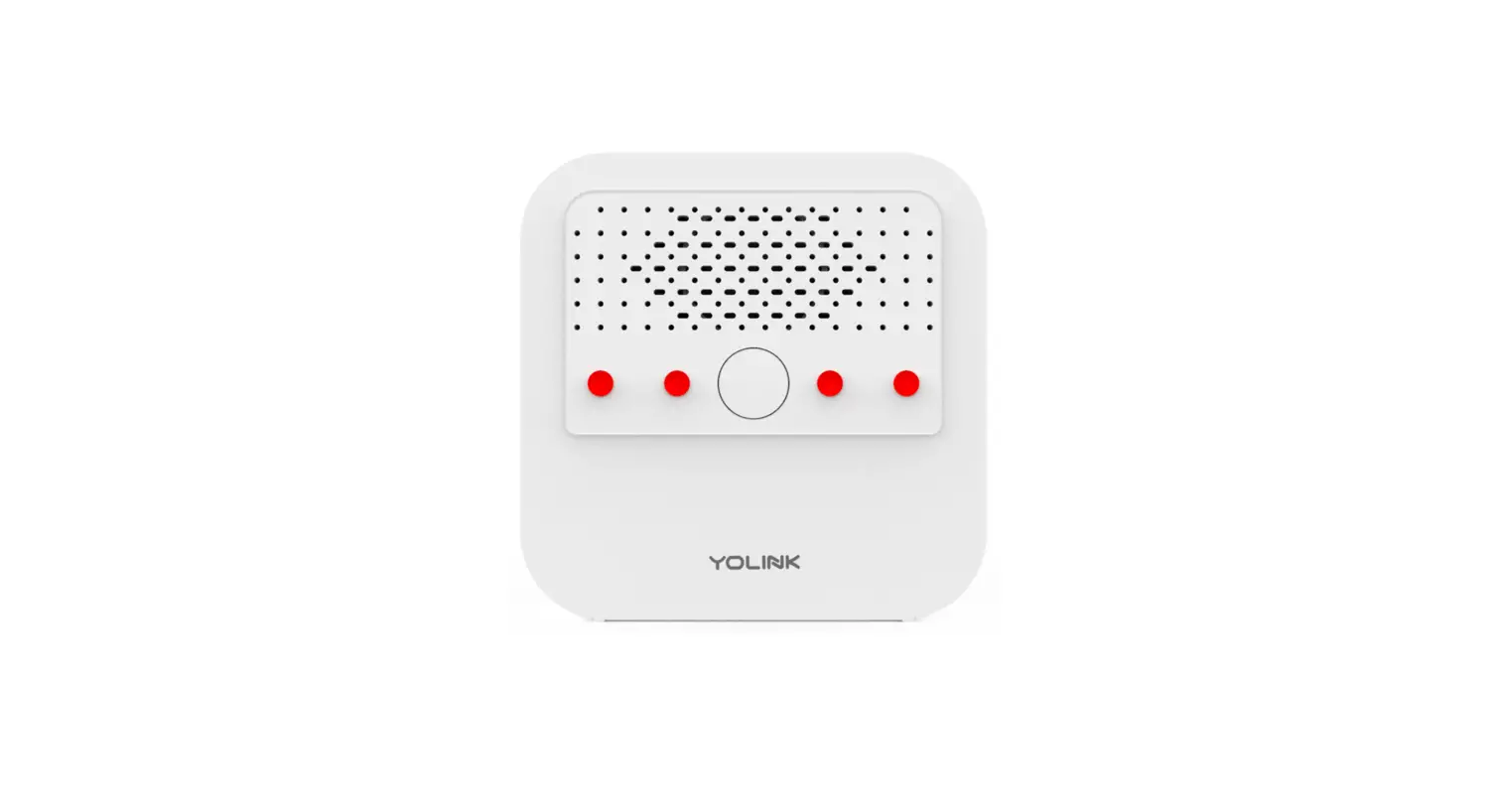
Status LED
Mounting Holes (2)
SET Button
12VDC Output
LED Behaviors
- Blinking Red Once, Then Green Once – Device Start-Up
- Blinking Red And Green Alternately – Restoring to Factory
Defaults - Slow Blinking Green – Updating
- Fast Blinking Green – Control-D2D Pairing in Progress
- Blinking Red Once – Siren (or Output) Activated
- Fast Blinking Red – Control-D2D Unpairing in Progress
- Fast Blinking Red Once Every 30 Seconds – Low Battery, Replace
Battery Soon
Get to Know Your Siren
Mounting Holes (3)
Tilt Adjustment Mounting Base
Power Up
To power up the alarm controller for the first time, press SET
button briefly, unless the LED flashes red then green.
Add Your X3 Alarm Controller to the App
- Tap Add Device (if shown) or tap the scanner icon:
X3 Outdoor Alarm Controller
YS7105-UC & Siren Horn
Quick Start Guide Revision Apr. 17, 2023
A Welcome!
Thank you for purchasing YoLink products! We appreciate you trusting YoLink for your smart home & automation needs. Your 100% satisfaction is our goal. If you experience any problems with your installation, with our products or if you have any questions that this manual does not answer, please contact us right away. See the Contact Us section for more info.
Thank you!
Eric Vanzo Customer Experience Manager
The following icons are used in this guide to convey specific types of information:
Very important information (can save you time!)
Pour des instructions en
Fr
français, scannez les codes
QR dans la section suivante.
Para obtener instrucciones en
Es
español, escanee los códigos
QR en la siguiente sección.
B Before You Begin
Please note: this is a quick start guide, intended to get you started on the installation of your X3 Alarm Controller. Download the full Installation & User Guide by scanning this QR code:
Installation & User Guide
You can also find all current guides and additional resources, such as videos and troubleshooting instructions, on the X3 Alarm Controller Product Support Page by scanning the QR code below or by visiting:
https://shop.yosmart.com/pages/x3alarm-controller-product-support
Product Support Support produit Soporte de producto
Your X3 Alarm Controller connects to the internet via one of our hubs (original YoLink Hub or the SpeakerHub), and it does not connect directly to your WiFi or local network. In order for remote access to the device from the app, and for full-functionality, a hub is required. This guide assumes the YoLink app has been installed on your phone, and a YoLink Hub or SpeakerHub is installed and online.
If installing the X3 Alarm Controller and Siren Horn outdoors, please refer to the environmental range information in the specifications found on the X3 Alarm Controller product support page. While this product can be installed outdoors, to ensure years of trouble-free operation, it should be protected from rain and direct sunlight by an enclosure or overhead cover.
C In the Kit
X3 Alarm Controller
Siren Horn ES-626
Quick Start Guide
D Required Items
The following items will be required:
1 x ER34615 Battery
Pre-Installed
Wall Anchors
The following items may be required:
Drill with Drill Bits
Medium Phillips Screwdriver
E
Get to Know Your X3 Alarm Controller
Status LED
Mounting Holes (2)
SET Button
12VDC Output
E
Get to Know Your X3 Alarm Controller, Cont.
LED Behaviors
Blinking Red Once, Then Green Once Device Start-Up
Blinking Red And Green Alternately Restoring to Factory Defaults
Slow Blinking Green Updating
Fast Blinking Green Control-D2D Pairing in Progress
Blinking Red Once Siren (or Output) Activated
Fast Blinking Red Control-D2D Unpairing in Progress
Fast Blinking Red Once Every 30 Seconds Low Battery, Replace Battery Soon
F Get to Know Your Siren
Mounting Holes (3) Tilt Adjustment Mounting Base
G Power Up
To power up the alarm controller for the first time, press SET button briefly, unless the LED flashes red then green.
Add Your X3 Alarm H Controller to the App
1. Tap Add Device (if shown) or tap the scanner icon:
Scanner icon
2. Approve access to your phone’s camera, if requested. A viewfinder will be shown on the app.
3. Hold the phone over the QR code so that the code appears in the viewfinder. If successful, the Add Device screen will be displayed. You can change the device name and assign it to a room later. Tap Bind device. If successful, the message “You have successfully added this product!” will be displayed. Tap Done. 4. Confirm the Outdoor Alarm Controller is noted as being online before proceeding to the next section. If not, double-check the steps in the Power Up section.
I Installation
Preparing for Installation
Determine where you will install your X3 Alarm Controller and Siren. Typically, they will be mounted together, no farther apart from each other than the cables allow. (Extension cables are available, allowing for locating the siren remotely from the controller).
Determine how you will mount the controller and siren, and have appropriate mounting hardware (screws, anchors, etc.) and a means of installing them in the wall or mounting surface on hand.
It is important to securely mount the Outdoor Alarm Controller and the Siren to the wall or mounting surface, to ensure they do not later fall down. Physical damage to the device is not covered by the warranty.
Consider if the controller or siren will be subjected to tampering or vandalism. Mounting them higher on the wall may deter tampering.
Also, consider minimum mounting heights. As the siren is very loud, you should avoid locating it near head height or at locations where people may be present when it activates. Hearing can be damaged by high decibel sounds, such as the siren produces.
While the controller and siren are designed for outdoor use, as with any electronic or similar device, protecting it from direct intense sunlight and from rain or snow with overhead cover, can extend its life and protect it from issues like fading colors or dry and brittle cables or plastic. Just under the eaves of a roof or under an overhanging structure is an ideal location for this product.
Pro tip: like the professional installers may do, you can consider installing your siren in the attic, if applicable. A location in the attic may allow for sound to be carried both inside the home as well as outside (depending on siren proximity to eaves or gable vents and the construction characteristics of your home).
You may consider testing the siren at the proposed location before permanently installing it, checking that the sound carries as far as desired.
Additional X3 Alarm Controller and Sirens can be added to your system, and may be required for larger homes or buildings, and larger yards or locations with sound obstructions and/or high ambient sound levels.
If you are using the X3 Alarm Controller with a 12V DC device other than the included siren, such as a strobe or relay, please note the following:
The device must be 12V DC, not AC, not less or more than 12 volts.
The device current draw and inrush current must be under 400 milliamps.
Correct polarity must be observed.
Do not attempt to power the device for extended periods, as this will quickly drain the battery.
Consider using the controller to power a low-current 12VDC relay or mechanically-latching relay, with the load being powered by a separate power source.
If splicing the cable to another cable or device, use care to not damage the antenna wire, which is attached to the controller cable!
Install the Siren
1. Holding the siren at the desired location, transfer the location of the three mounting holes to the wall or mounting surface, using a marker or similar means.
2. If you are using wall anchors, install them per the manufacturer instructions (this may require a drill and appropriate drill bit).
3. Secure the siren base to the wall or mounting surface, with three screws. Check that it is securely-mounted, by gently tugging on it.
4. You can adjust the desired up/down tilt of the siren at this time or during testing.
Install the X3 Alarm Controller
1. At the desired location for the controller, confirm the cables of the two devices will reach each other. Holding the controller at the desired location, mark the location of the mounting holes to the wall or mounting surface, using a marker or similar means.
2. If you are using wall anchors, install per the manufacturer instructions.
3. Secure the X3 Alarm Controller to the wall or mounting surface with a screw, as shown.
J
Final Connections & Testing
1. Connect the cable of the controller to the cable of the siren. Ensure the arrow of the cable connector aligns with the arrow of the other cable connector. Twist the collar of the connector tight.
K Contact Us
We are here for you, if you ever need any assistance installing, setting up or using a YoLink app or product!
Need help? For fastest service, please email us 24/7 at [email protected]
Or call us at 831-292-4831 (US phone support hours: Monday – Friday, 9AM to 5PM Pacific)
You can also find additional support and ways to contact us at: www.yosmart.com/support-and-service
Or scan the QR code:
2. Test the siren by pressing the SET button on the controller. The siren should activate. Press the SET button again to silence the siren.
Support Home Page
Protect your ears and those of others that may be close to the siren during testing. Consider warning your neighbors you will be testing your siren, to avoid a surprise visit from the police department!
Refer to the full installation and user guide to complete the setup of your X3 Alarm Controller and Siren.
Finally, if you have any feedback or suggestions for us, please email us at [email protected]
Thank you for trusting YoLink!
Eric Vanzo Customer Experience Manager
15375 Barranca Parkway Ste. J-107 | Irvine, California 92618
© 2023 YOSMART, INC IRVINE, CALIFORNIA
 Facebook icon