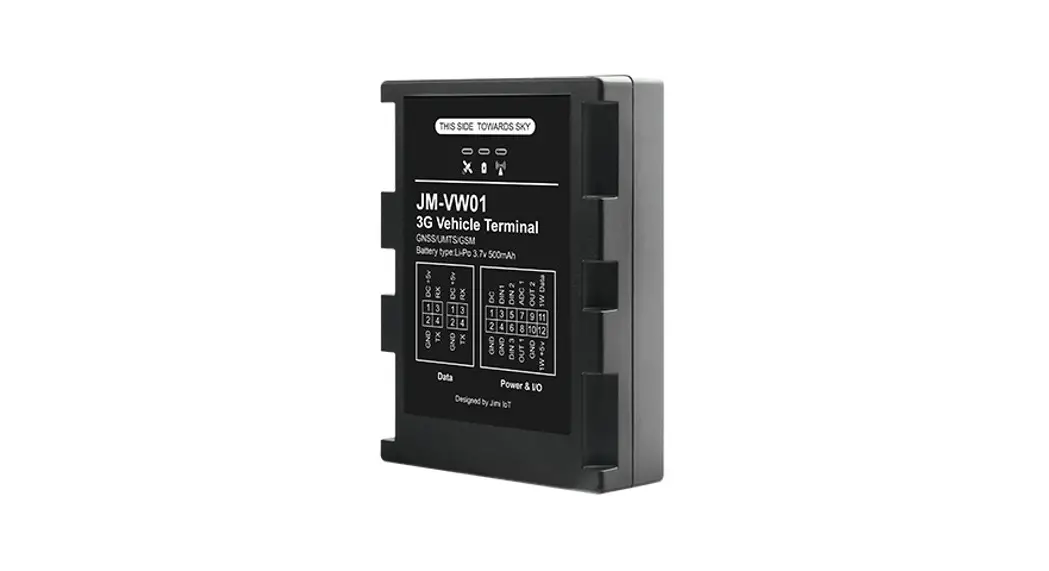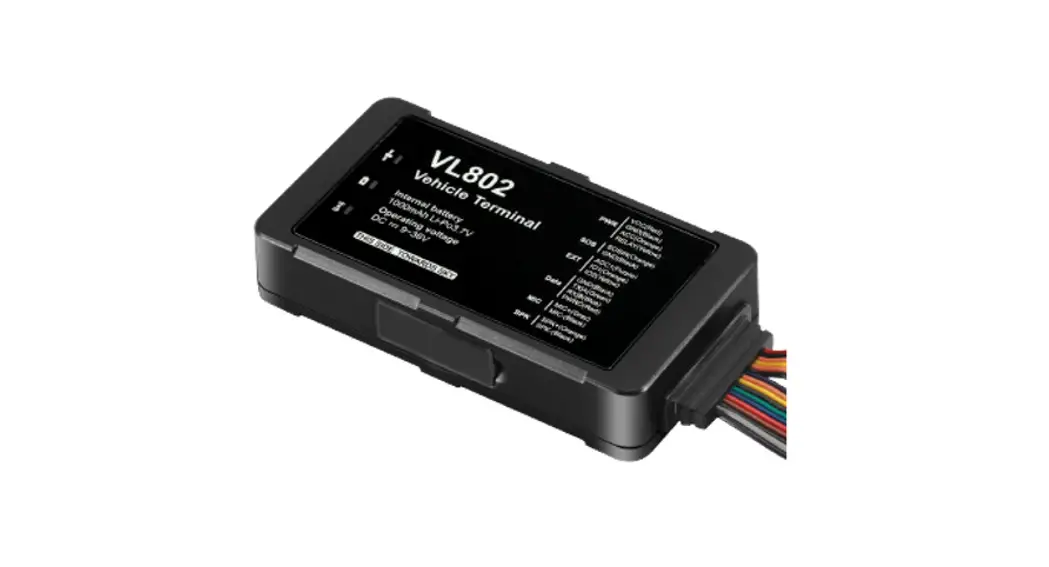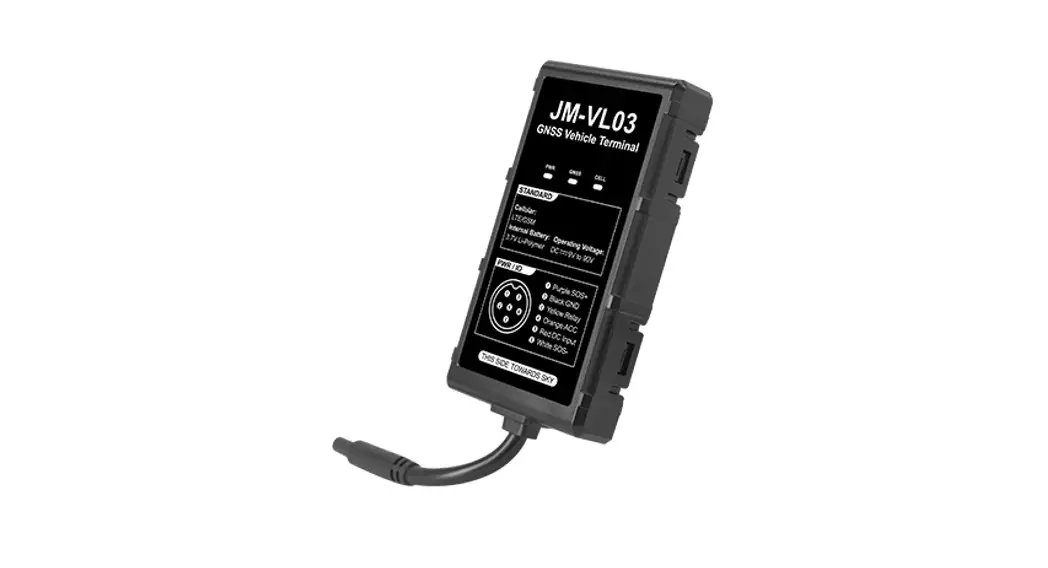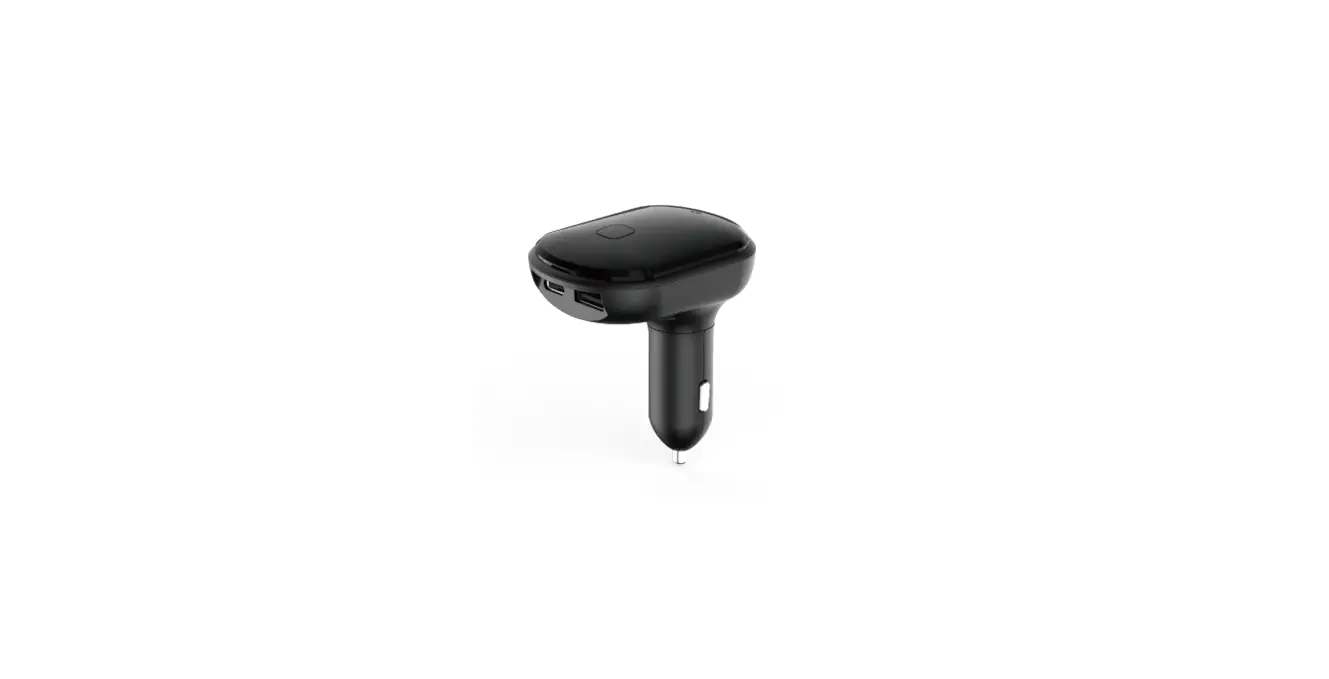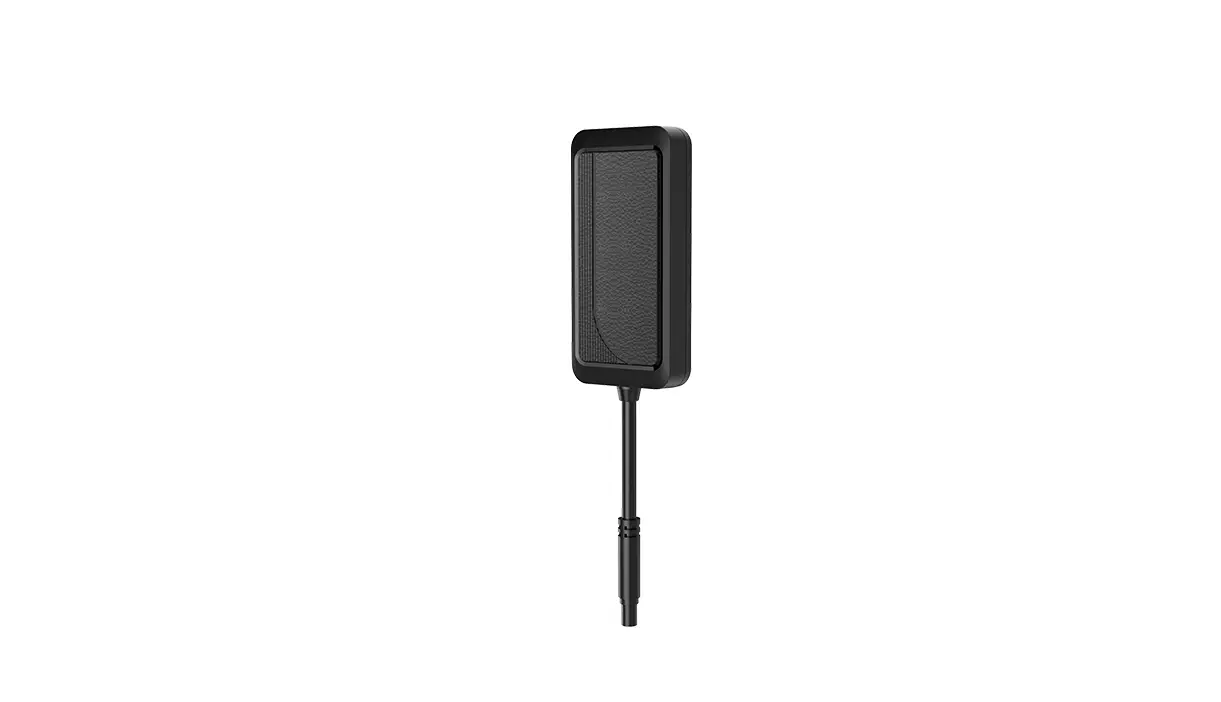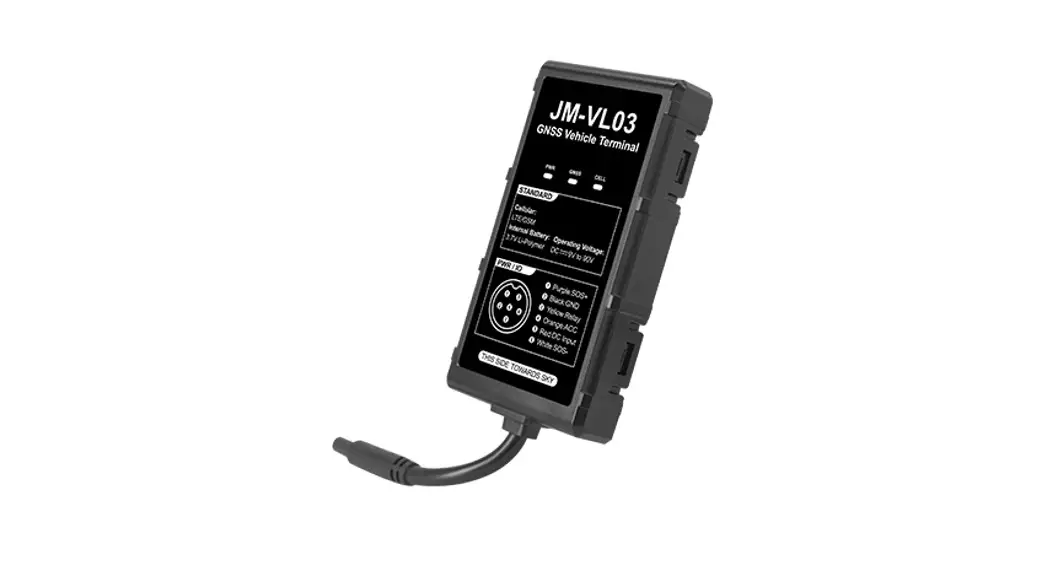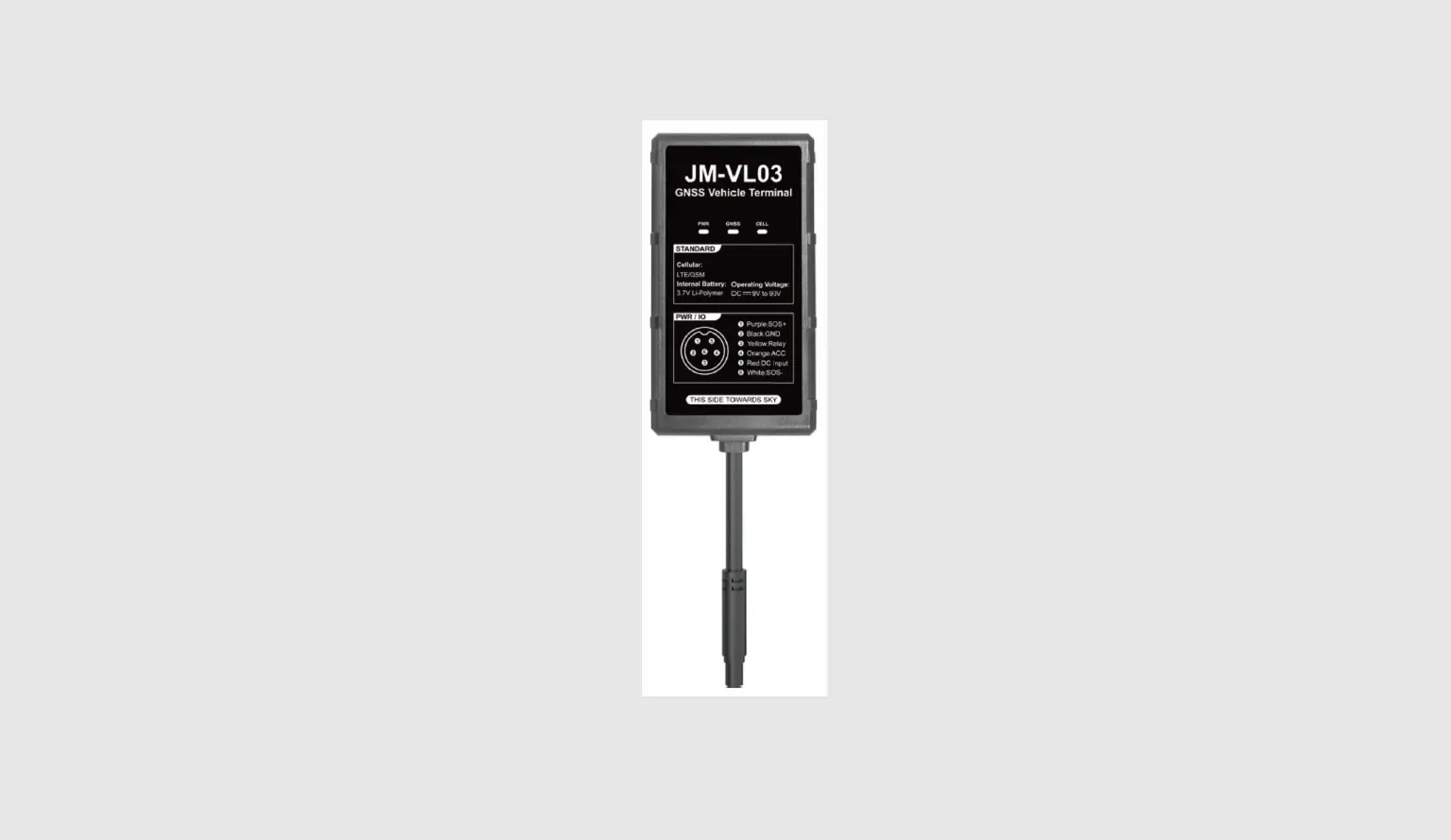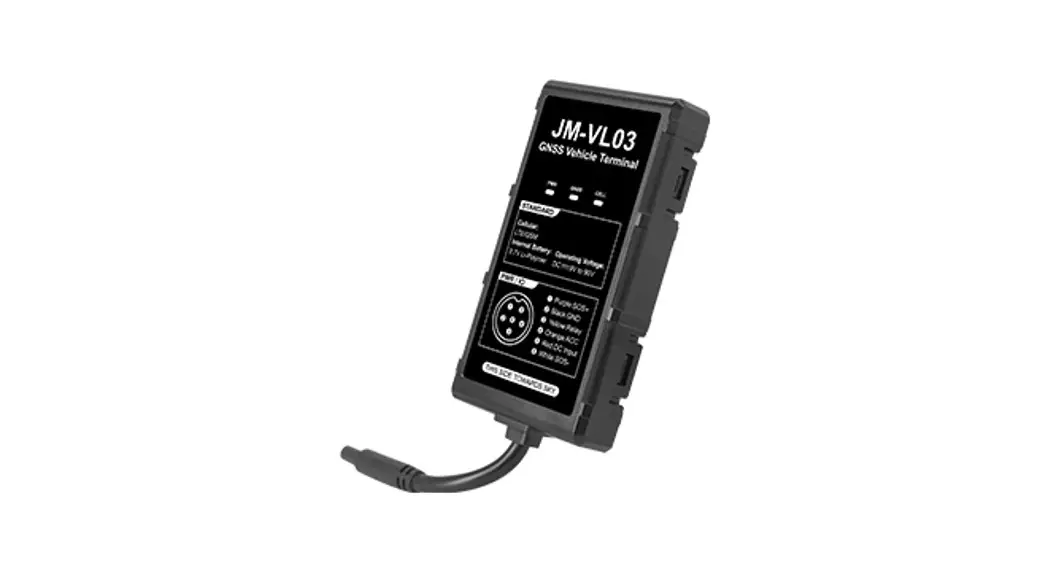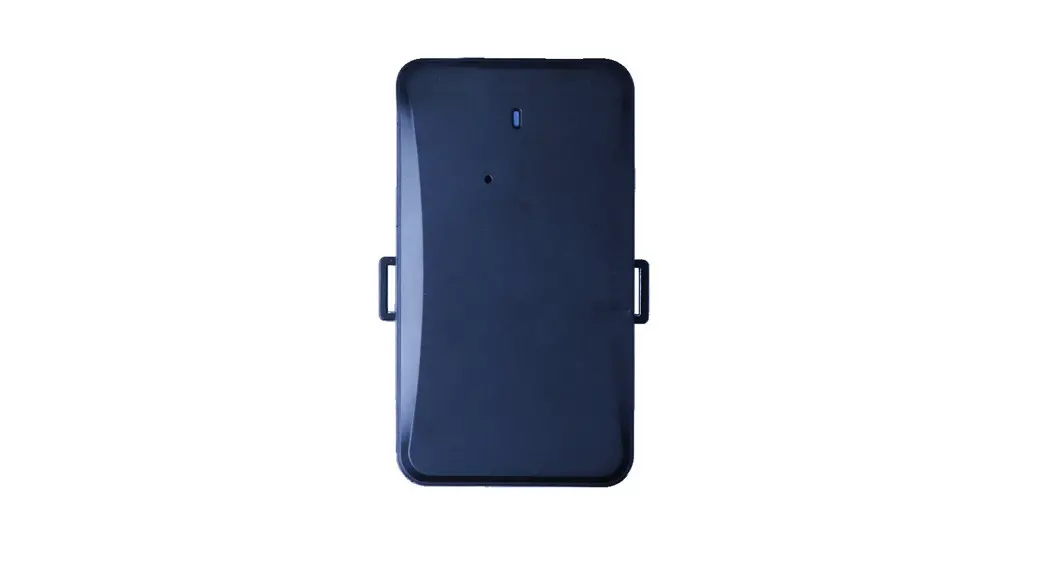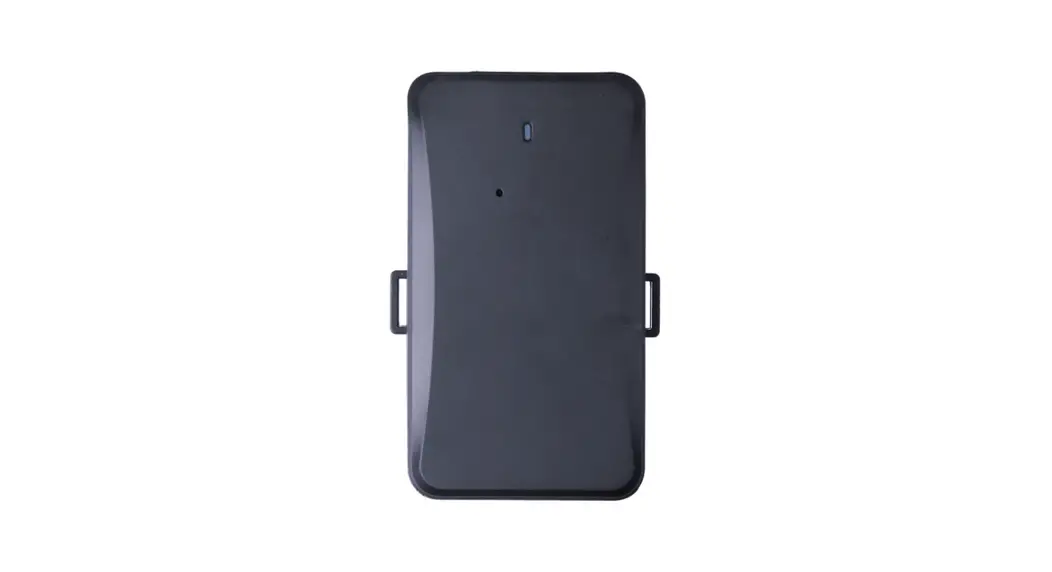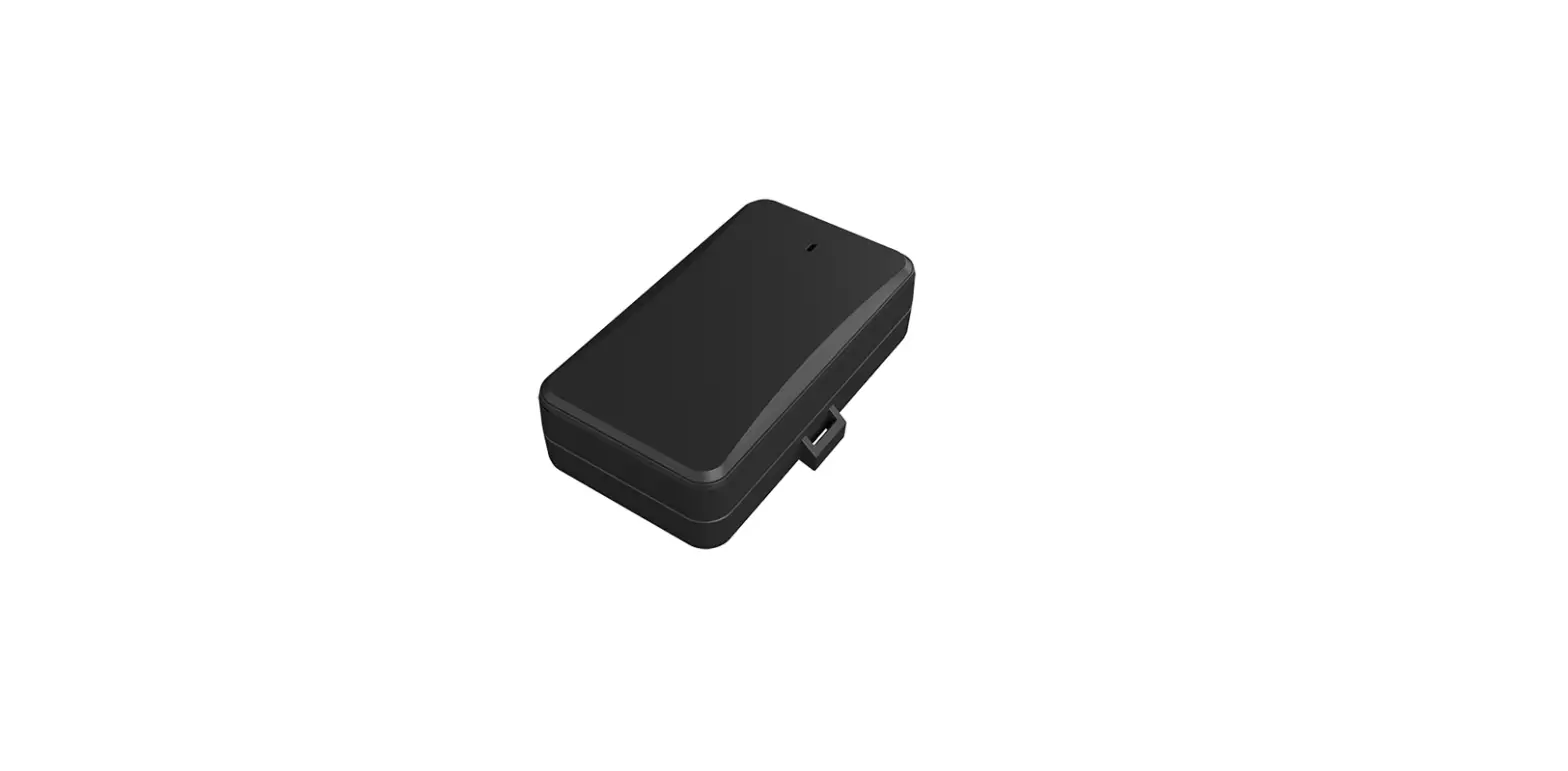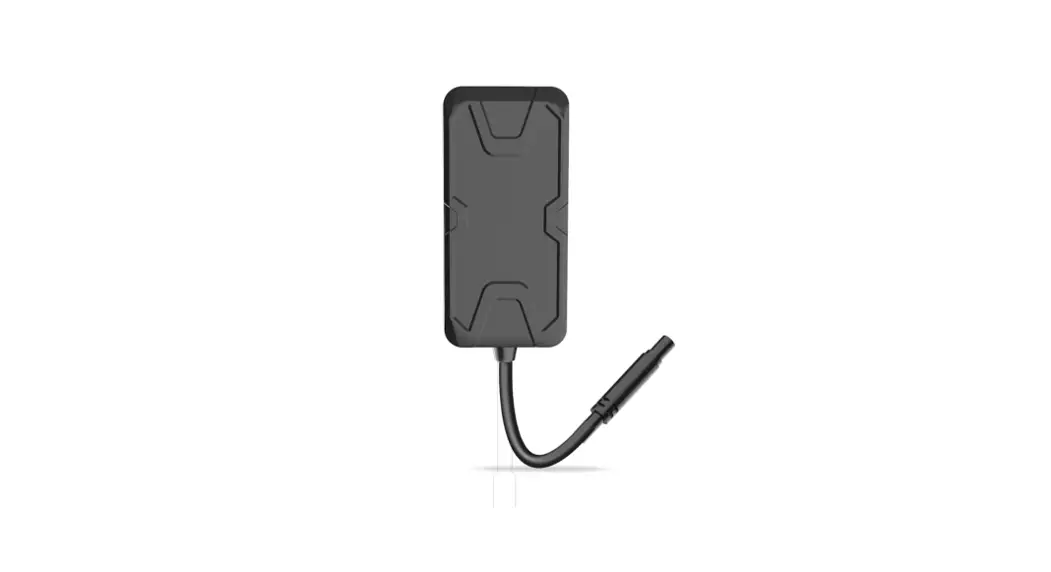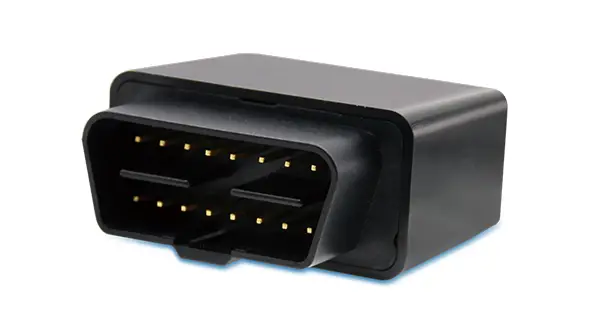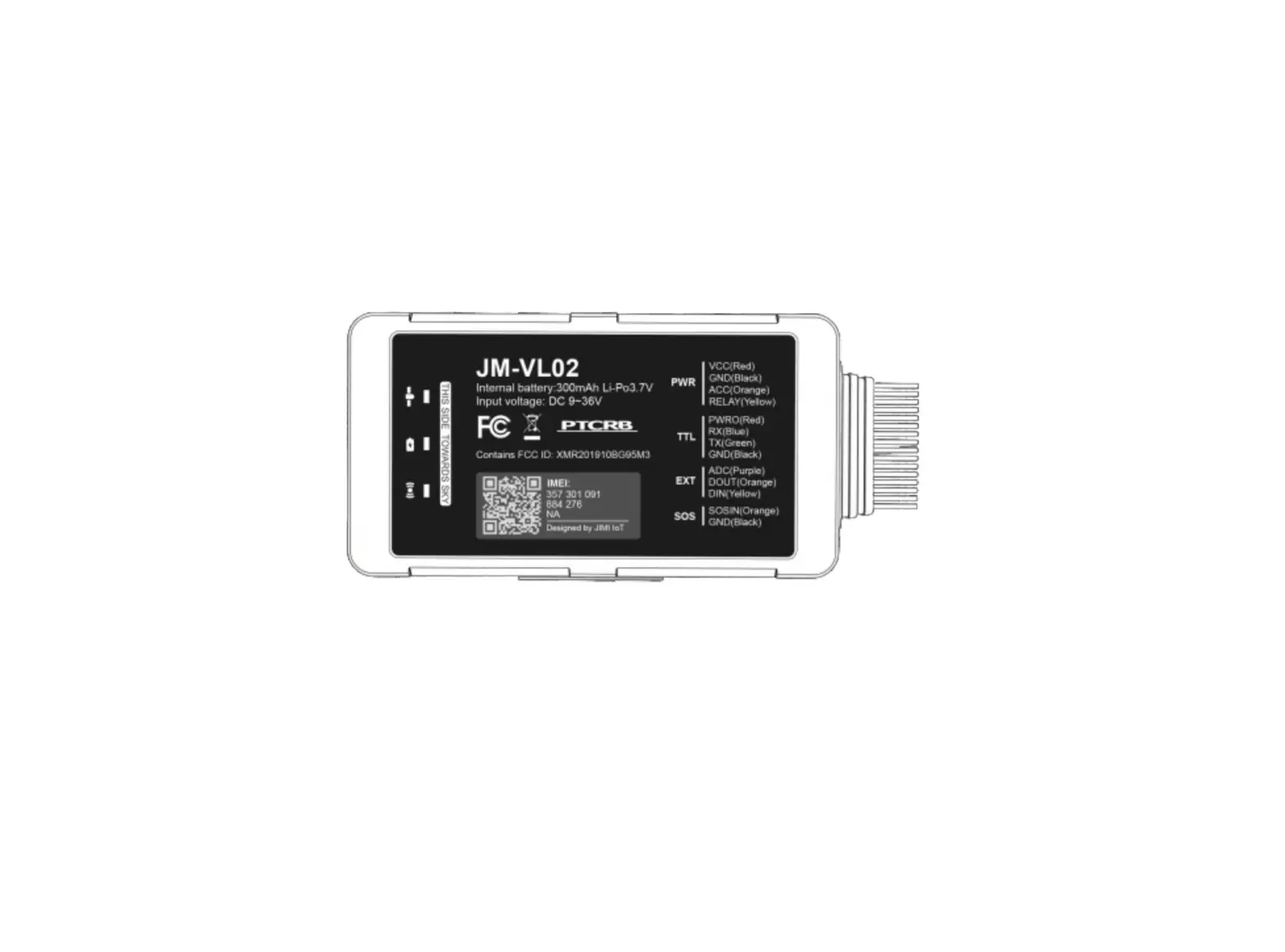
JimiIot JM-VL02 LTE CAT M1 & NB2 Vehicle Terminal
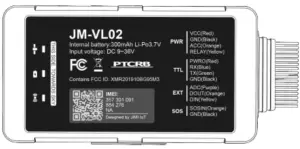
Product Overview
Position tracking
- GPS & LBS positioning
- Real-time location query
Anti-theft
- Ignition detection
- Power/Fuel cut-off
- SOS emergency call
- Power supply disconnection alert
- Geo-fence alert
- Towing alert
- Vibration alert
Configurable peripherals
- Vehicle door status alert
- Turn light/buzzer triggering
- Fuel level monitoring
- Temperature monitoring
- Driver behavior monitoring
Specification
| Module | Quectel |
| GSM Band | B5(850MHz)/B2(1900 MHz) B8(900MHz)/B3(1800MHz) |
| LTE Band | B2/B4/B5/B12/B13/B13/B66 (JM-VL02A) B 1 /B3/B5/B8/B20( J M-VL02 E) |
| GNSS Type | MTK all-In-one multi-GNSS SOC |
| Sensitivity | Cold start: <32s Hot start: <1s |
| Autonomous: <10m | |
| Position Accuracy (CEP50) | 106mm x 56.8mm x 22mm |
| Dimensions | 04g |
| Weight | Li-Polymer, 300 mAh |
| Backup Battery | 9V to 36V DC |
| Operating Voltage | -30°C to + 70°C |
| Operating Temperature | -30°C to +85°C for storage |
| Transmit Protocol | TCP, SMS |
Product setup
Insert SIM
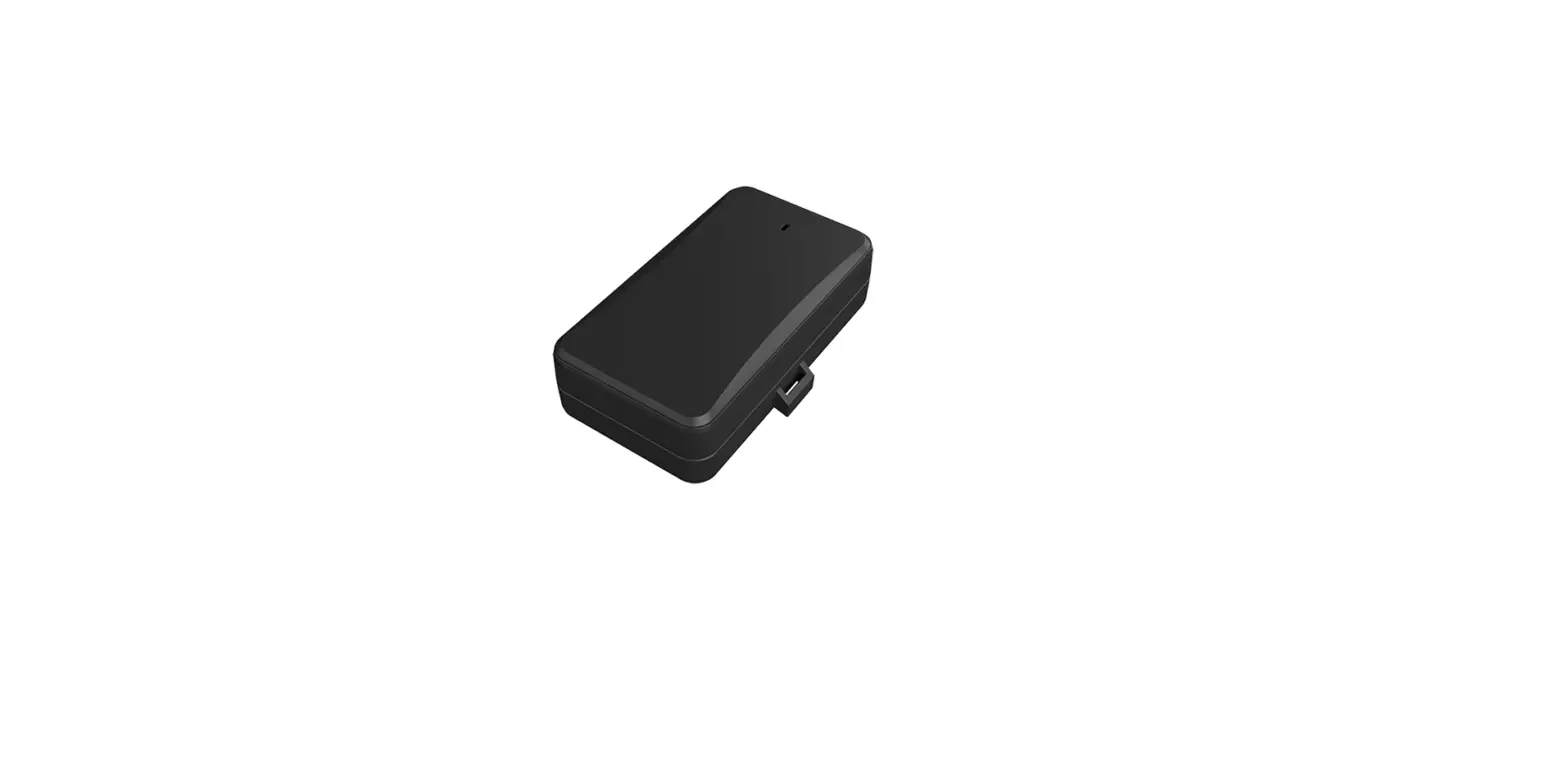
Remove the soft plug on one side of the device and insert the SIM card into the card slot.
Power on & off
Toggle the power switch besides the SIM slot to power on or off the device.
LED indications
Power Status (Red)
| Behavior | Meaning |
| On for 0.1 s and off for 1s | 0% ∼ 20% remaining battery |
| On for 0.1 s and off for 4s | 20% ∼ 100% remaining battery |
| Solid on | Power supply connected |
GNSS Status (Blue)
| Behavior | Meaning |
| On for 0.5s and off for 0.5s | GNSS synchronizing |
| On for 2s and off for 4s | Positioning |
| On for 0.1 sand off for 4s | Positioned |
| Off | GNSS module is in sleep mode or not working |
Wireless Network & SIM Card Status (Green)
| Behavior | Meaning |
| On for 0.5s and off for 0.5s | SIM card not recognized |
| On for 2s and off for 4s | Registered but no inbound acknowledgement |
| On for 0.1 s and off for 4s | Network connected |
| Off | No signal received or no SIM card detected |
Interfaces
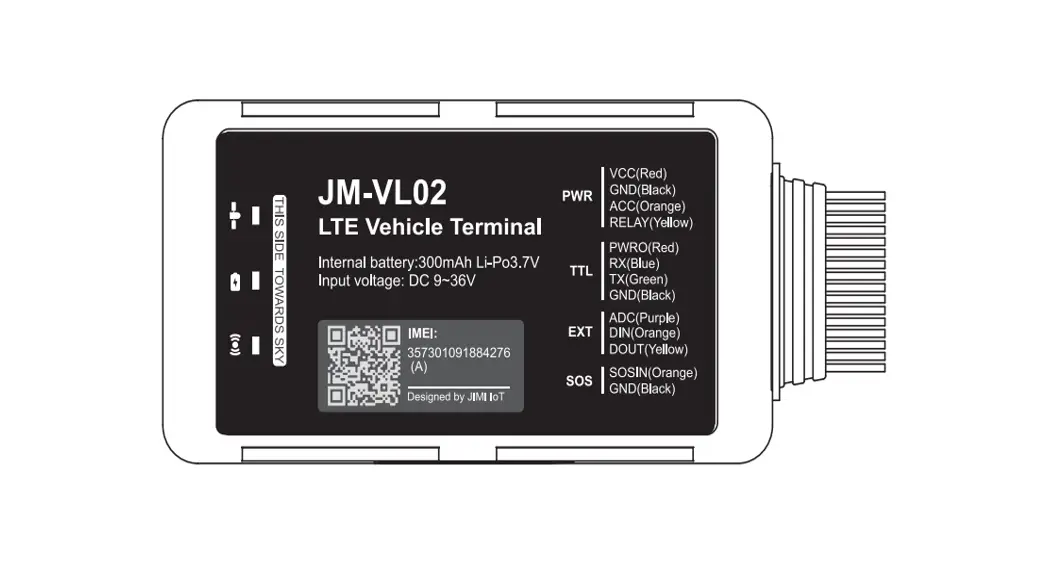
| PWR | Red | DC 9 to 36v input |
| Black | GND | |
| Yellow | Relay control to cut vehicle fuel support | |
| Orange | Vehicle ignite 12v/24v detection | |
| TTL | Blue | TTL TX |
| Green | TTL RX | |
| Red | DV 5v output max.500mah | |
| Black | GND | |
| EXT | Purple | Analog detect 0v to 30v |
| Orange | GND trigger digital input | |
| Yellow | Extend relay control | |
| SOS | Orange | GND trigger digital input for SOS function |
| Black | GND |
Wiring Indication
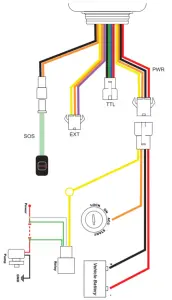
Power connection
The standard power supply ranges from 11V to 36VDC.
During installation, negative side should connect to the ground.
Do not connect with other ground wires simultaneously.
Ignition wire
ACC line (orange) connects to vehicle’s ACC, detecting ignition.
Be sure to check if it’s a real ignition wire i.e. power does not disappear after starting the engine.
Relay wiring
Relay’s white line (85) connects to the positive side of battery (12V) while the yellow line (86) connects to the device relay control (yellow line on the power cord).
Find the fuel pump in the vehicle and cut off its positive power line. The positive side of fuel pump connects to the green line (87a) while the side closing to starter motor connects to green line (30) , as the below chart. Switch of the two green lines have the same effect.
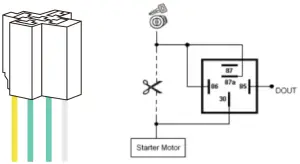
12V relay is standard. The device is suitable for vehicles with 12V supply. If the vehicle power supply is 24V, use 24V relay.
Configuration
The device is in factory setting upon delivery. If you want to change the setting, you can do it through tracking platform or PC configurator.
Package & Standard accessories
Standard package
- JM-VL02 device
- Power cable
- 1/0 cable
- Relay ( 12V /24 V)
- SOS button cable
Installation recommendation
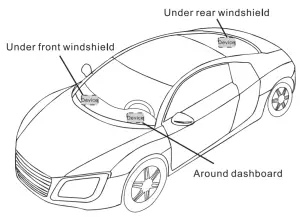
1) The device should face up to the sky.
2) Metal thermal barrier or heating layer of the windshield affects the signal.
Troubleshooting
| Type | Use |
| Unable to connect to tracking platform | Check the APN and IP settings. Check whether the data service of SIM card is enabled. Check the balance of SIM card. |
| Tracker shows offline | Check whether external power is still connected. Check if the vehicle entered network blind area. Check the balance of SIM card. |
| Unable to locate | Make sure the top side facing upward without metallic things shielded. Make sure it’s not in area with no satellite coverage. |
| Location drift | In area with poor GNSS signal (tall building around or basement) , drifting may happen. Check whether vibration happens around to trigger the accelerator. |
| No command reply | Make sure command format is correct. Vehicle may be in network blind area. Make sure SIM card is well inserted and has SMS service. |
Warranty instructions
- The warranty is valid only when the warranty card is properly completed, and upon presentation of the proof of purchase consisting of original invoice indicating the date of purchase, model and serial No. of the product. We reserve the right to refuse warranty if this information has been removed or changed after the original purchase of the product from the dealer.
- Our obligations are limited to repair of the defect or replacement the defective part or at its discretion replacement of the product itself.
- Warranty repairs must be carried out by our Authorized Service Centre. Warranty cover will be void, even if a repair has been attempted by any unauthorized service centre.
- Repair or replacement under the terms of this warranty does not provide right to extension or renewal of the warranty period.
- The warranty is not applicable to cases other than defects in material, design and workmanship.
Maintenance Record
Date | Serviced by | ||
Product Model | |||
IMEI Number | |||
Fault Descriptions | |||
Comments | |||