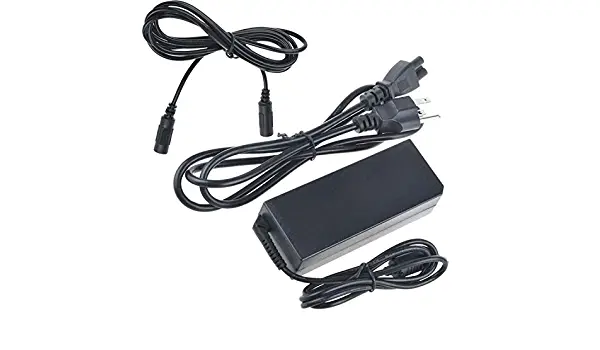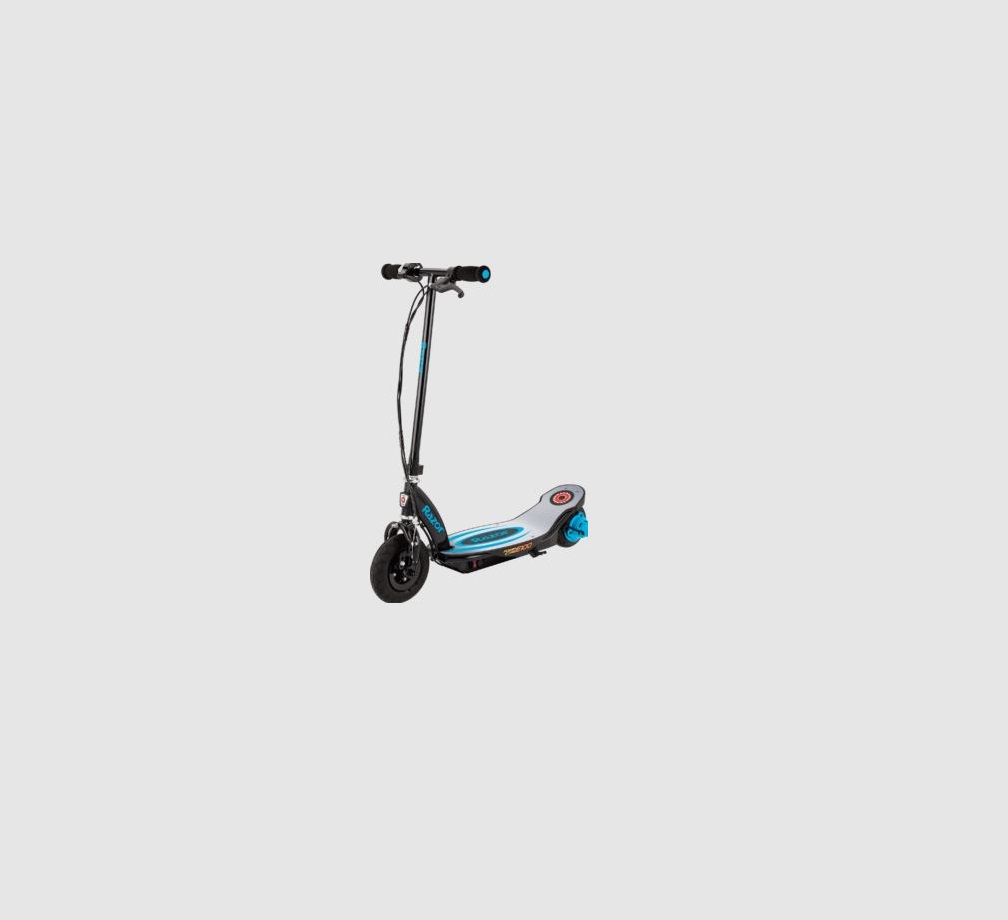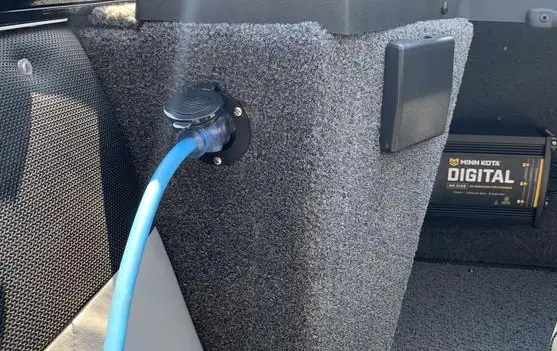
 MX125
MX125
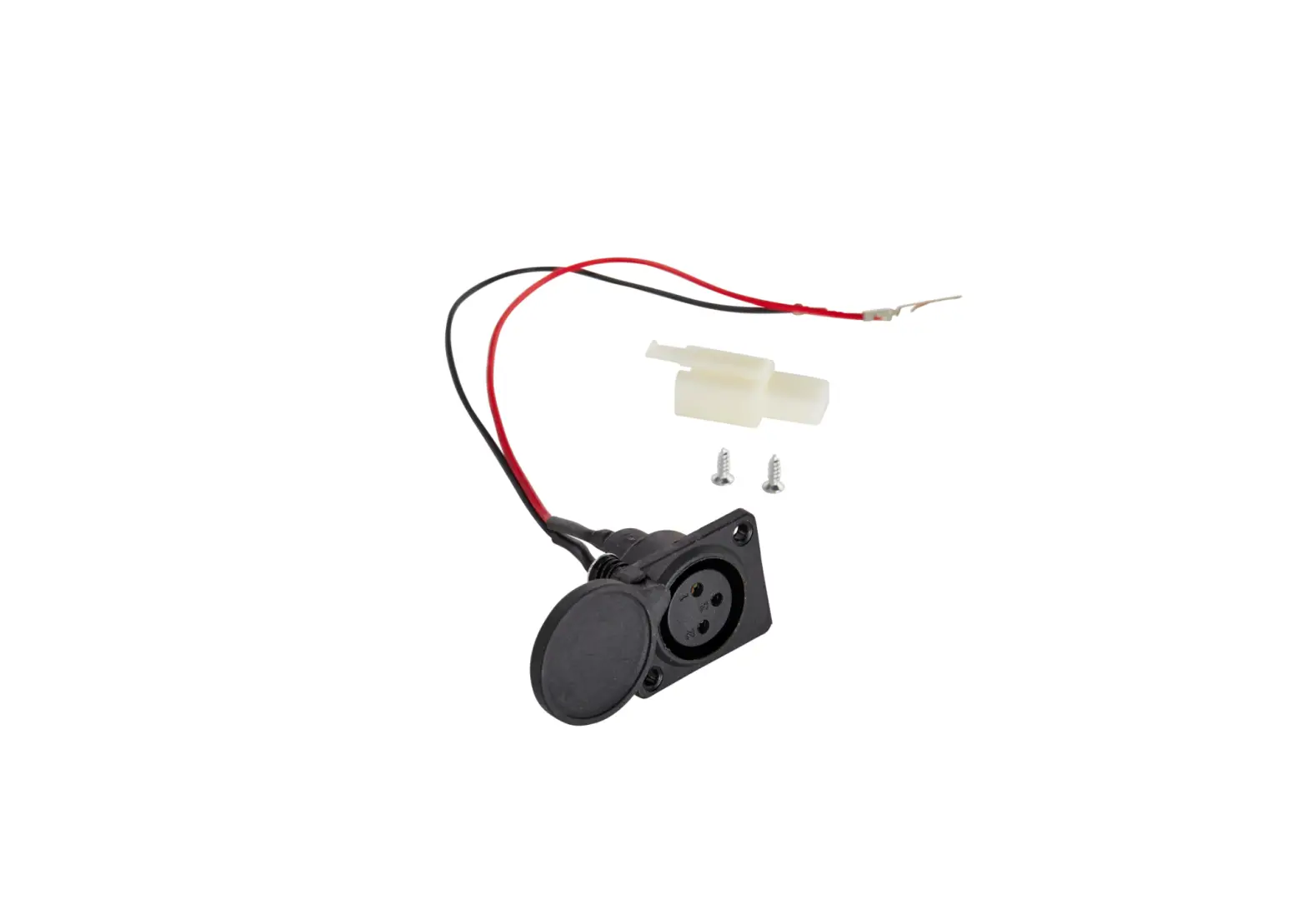
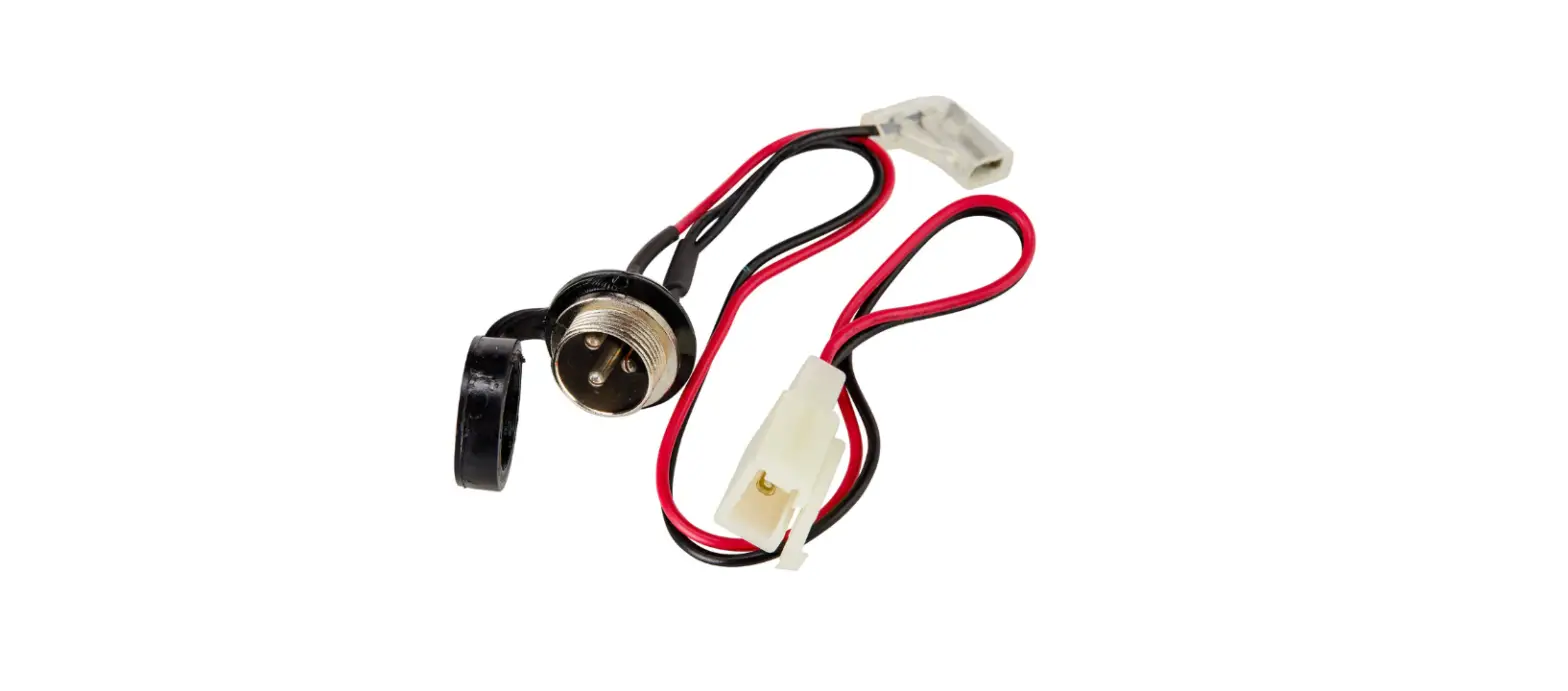
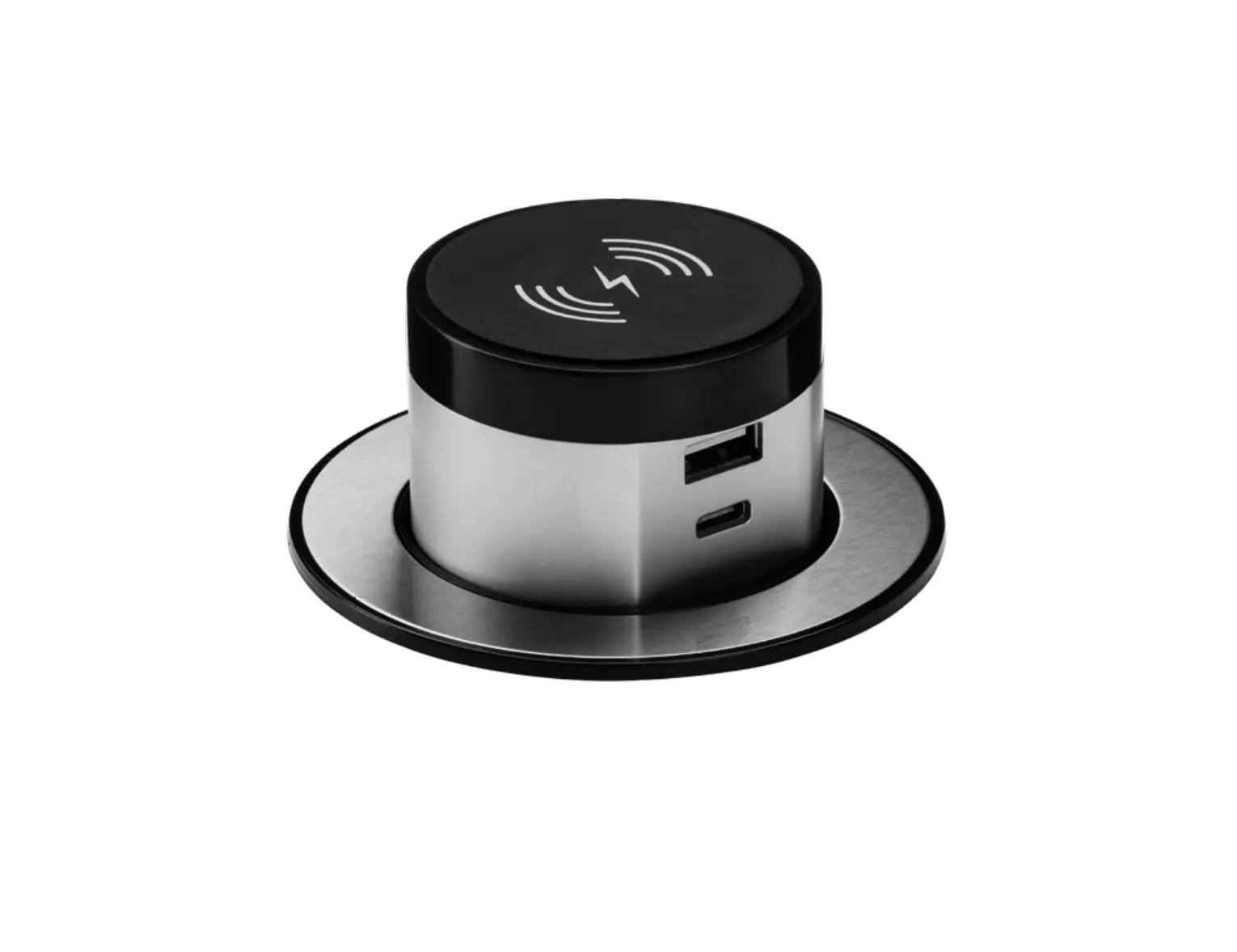
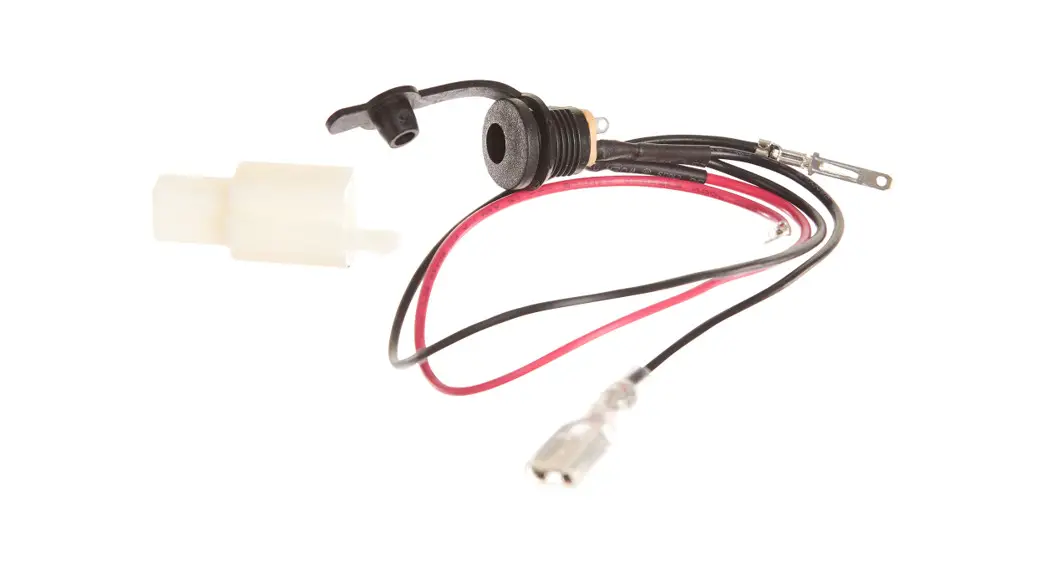
CHARGER PORT INSTALLATION
PART # W15118260106
Required Tools: (Not included)
A. Phillips screwdriver
B. Flathead screwdriver
C. Cutting pliers
D. Long nose needle pliers
 WARNING
 CAUTION: To avoid potential shock or another injury, turn the power switch OFF and disconnect the charger before conducting any assembly or maintenance procedures. Failure to follow these steps in the correct order may cause irreparable damage.
Step 1
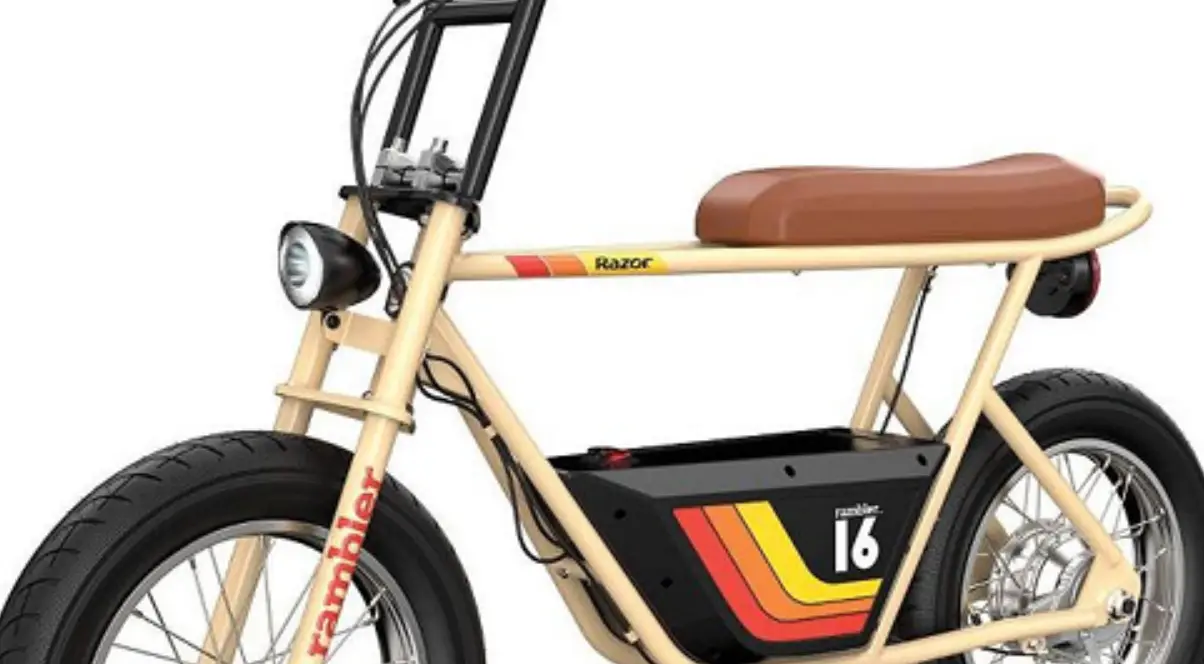
Using a Phillips screwdriver, remove the four (4) screws that hold the seat fairing onto the frame. Step 2
Lift the seat cover being careful not to pull the wires from the power switch and set the seat cover aside .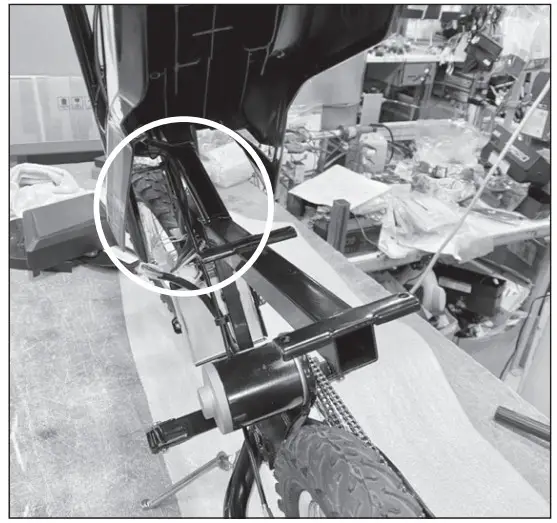
Step 3
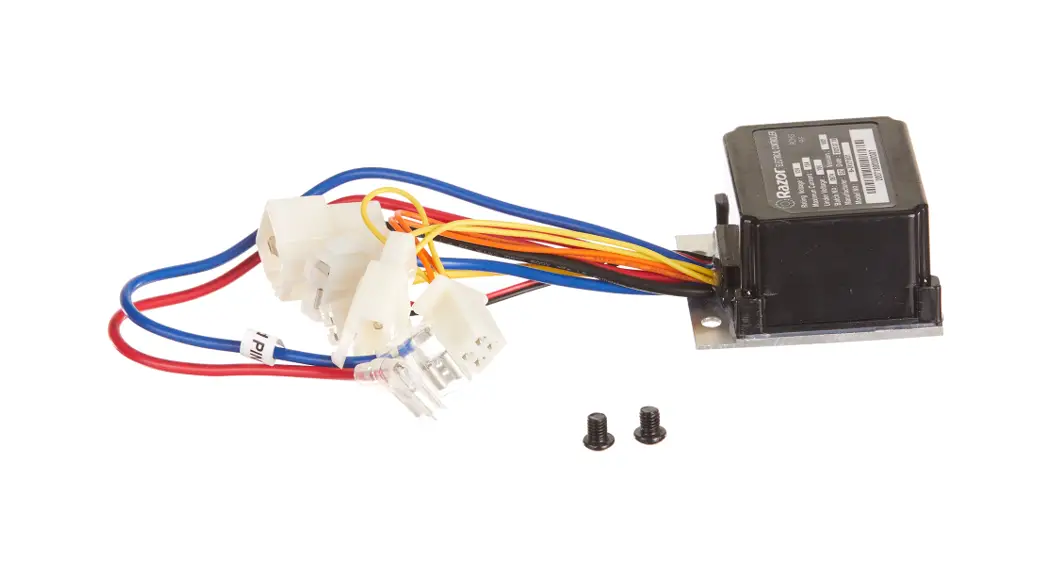
Cut the zip tie that holds the wires onto the frame. Locate and disconnect the charger port from the controller.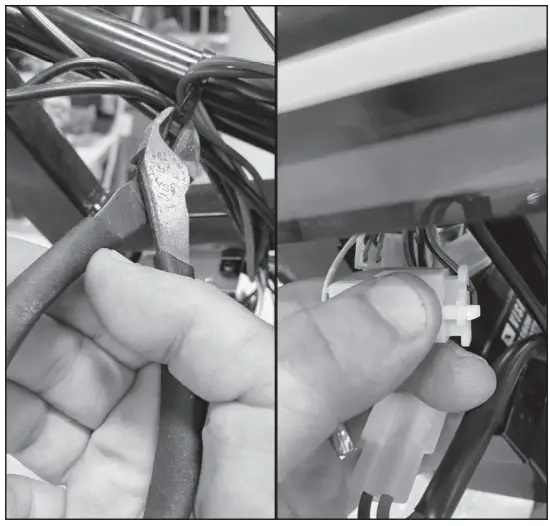
Step 4
Disconnect the black wire from the charger port that connects to the power switch.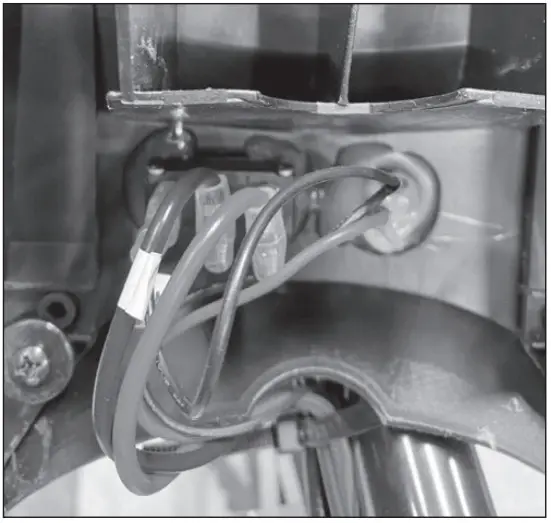 Step 5
Using a flathead screwdriver, remove the plastic glue from the back of the charger port and using long nose needle pliers, remove the ring at the back of the charger port and push it out from the seat fairing.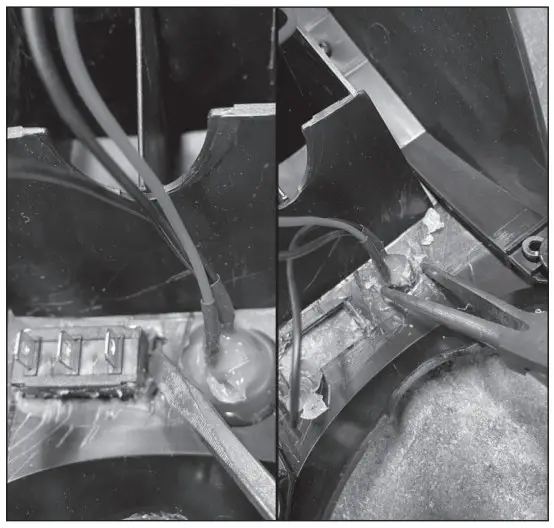
Step 6
Using a small pointy object depress the tabs from the prongs and remove prongs from the white connector.
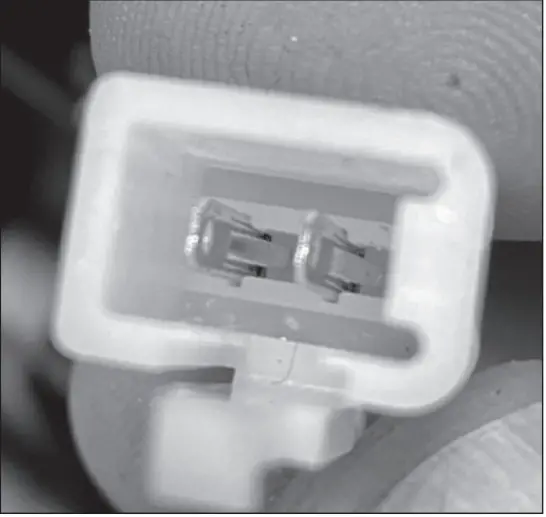 Step 7
Reverse the steps to install the new charger port.
ATTENTION: Charge battery 12 hours before using.
Need Help? Visit our website at www.razor.com or call toll-free at 866-467-2967 Monday – Friday 8:00 am – 5:00 pm Pacific Time.
 Razor | Scooters and Ride-ons for the whole family