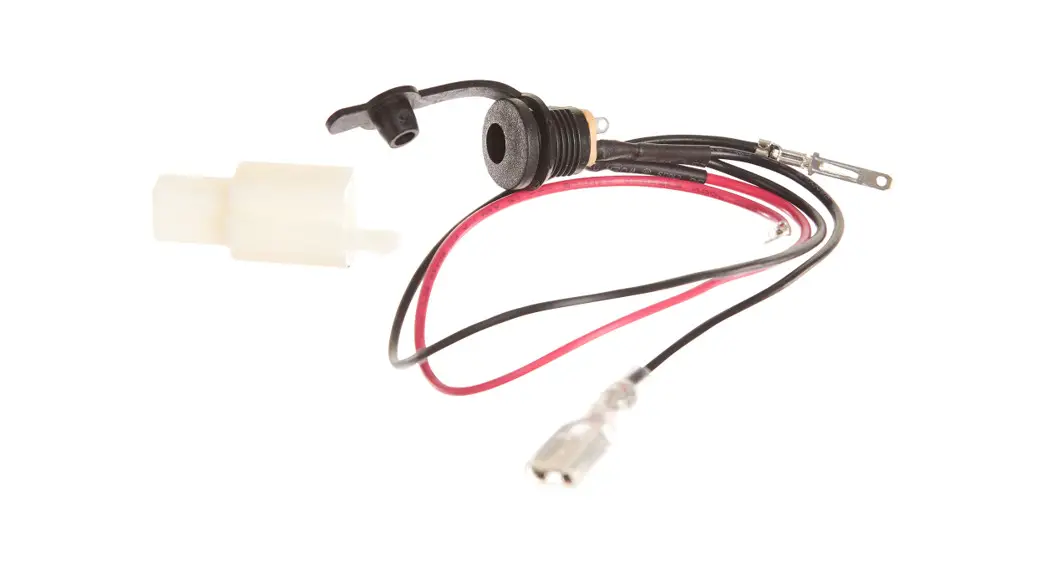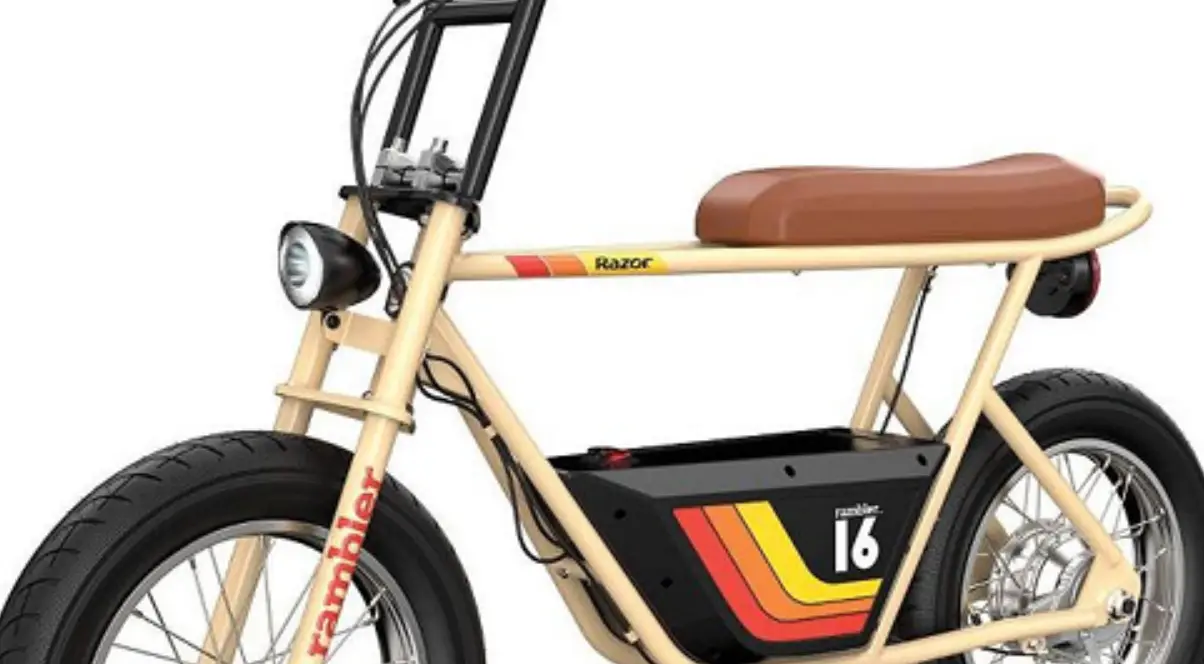

Razor Rambler 16 Charger Port Replacement
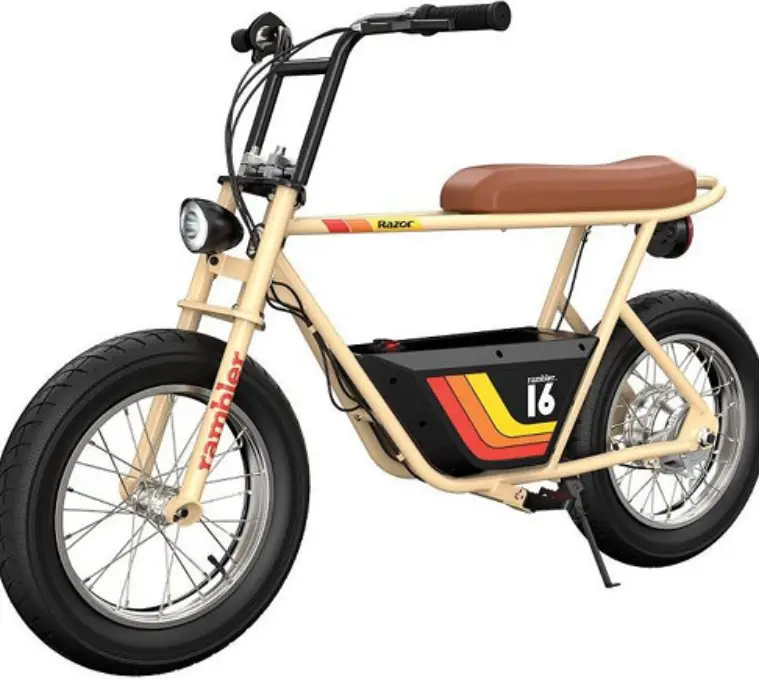
Required Tools: (Not included)
- A. Phillips screwdriver
- B. Small Phillips screwdriver
WARNING
CAUTION:
To avoid potential shock or other injury, turn power switch OFF and disconnect charger before conducting any assembly or maintenance procedures. Failure to follow these steps in the correct order may cause irreparable damage.
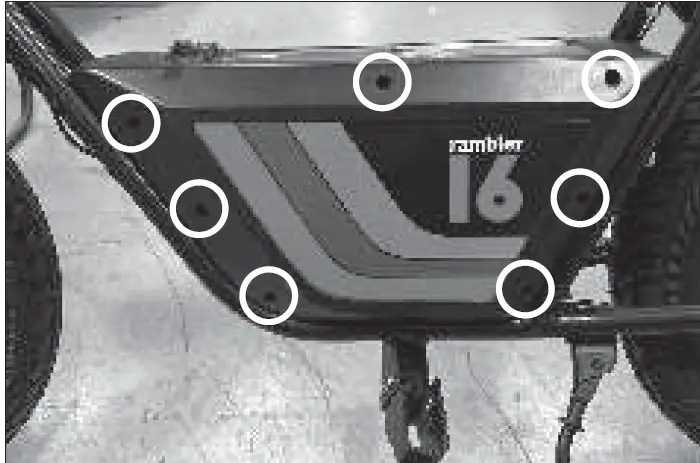
- Using a Phillips screwdriver, remove seven (7) screws from the side of the battery cover with the power switch.

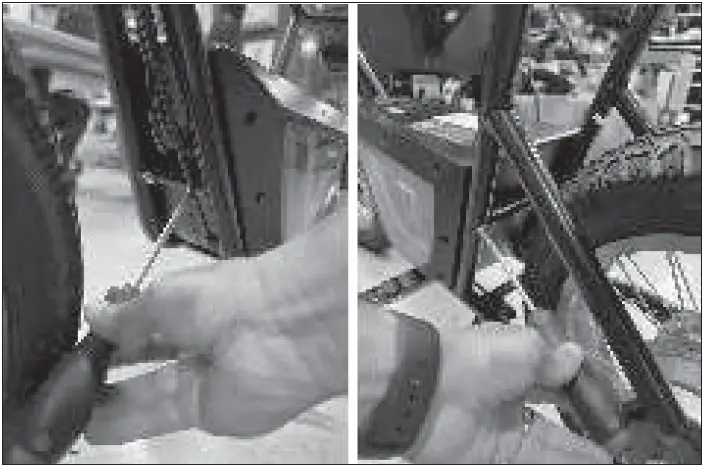
- Remove four (4) screws, two (2) at the front and two (2) at the back of the battery cover. Pull the cover out. Be careful not to damage the wires.

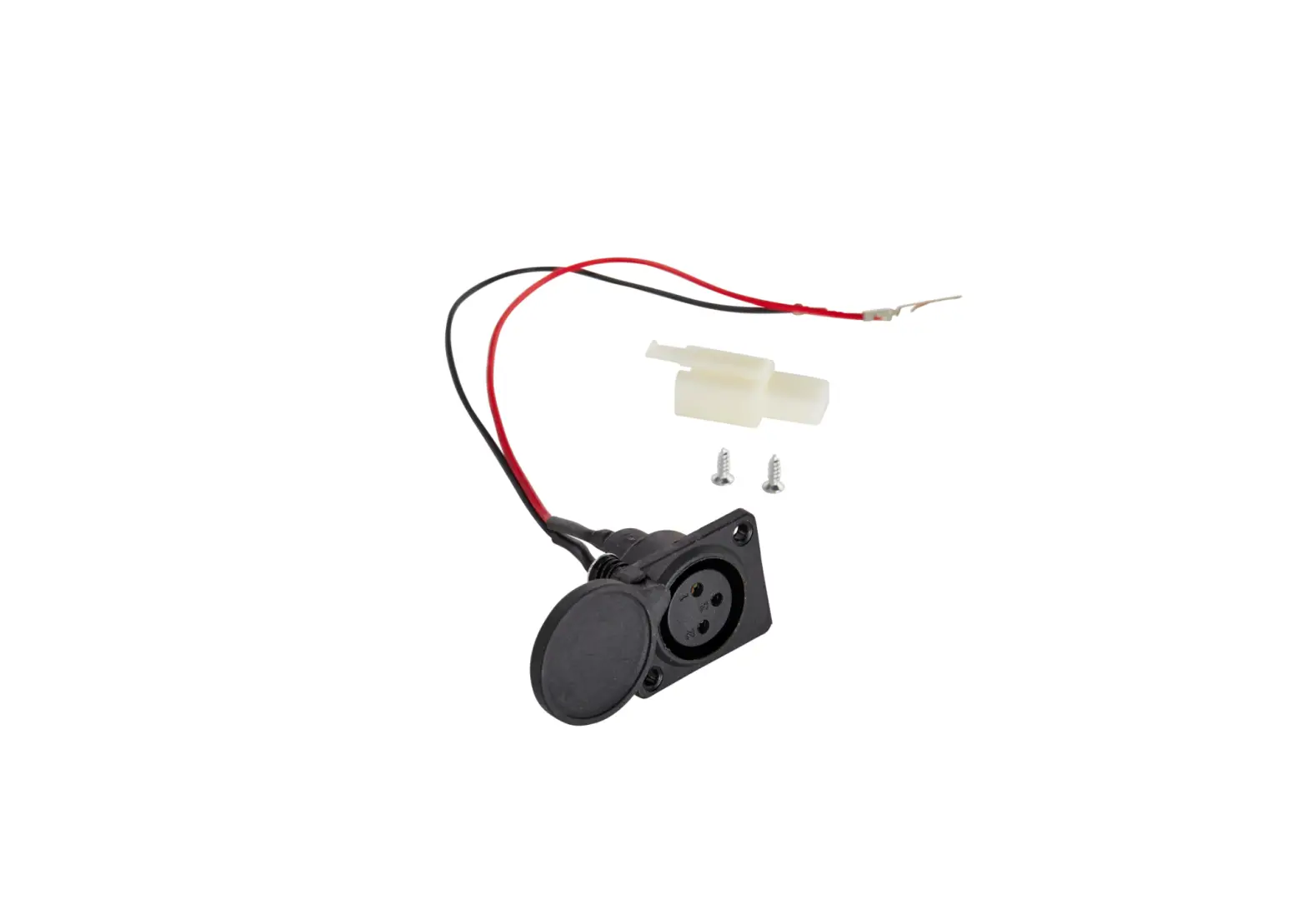
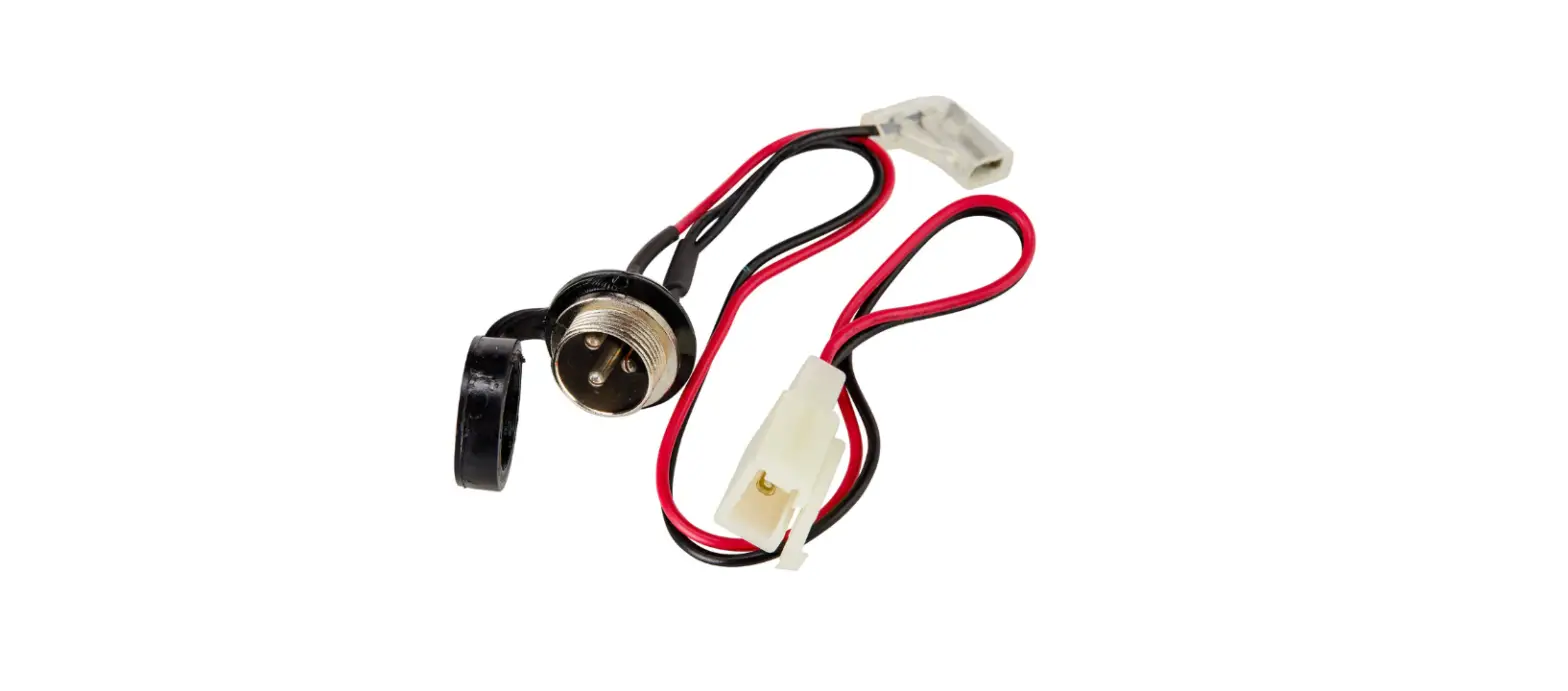
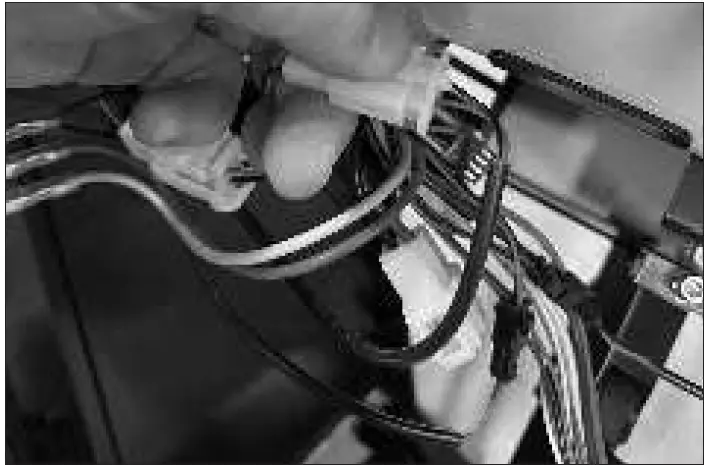
- Locate and disconnect the charger port from the controller.

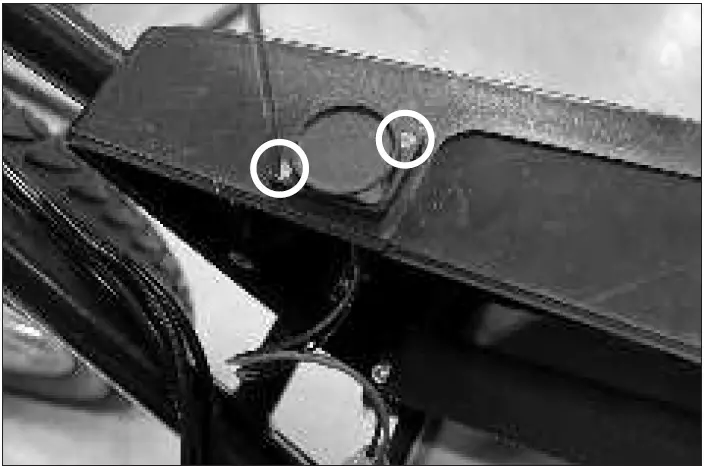
- Using a small Phillips screwdriver, remove the two (2) screws that hold the charger port onto the battery cover. Pull the charger port out from the battery cover.

- Reverse the steps.
ATTENTION:
Charge battery 12 hours before using.
 Razor | Scooters and Ride-ons for the whole family