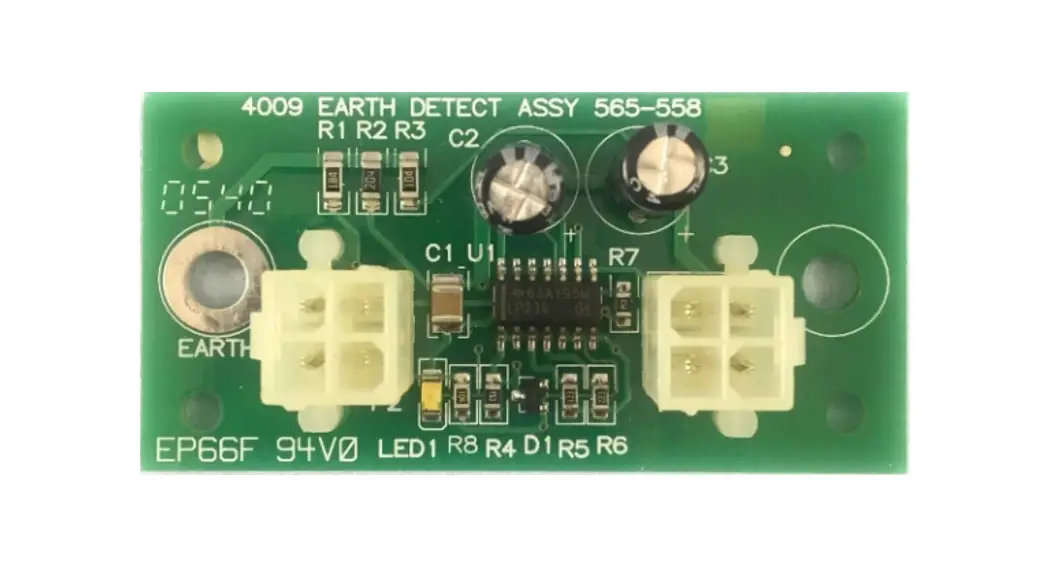
 4009-9806 Earth Detect Module
Instruction Manual
4009-9806 Earth Detect Module
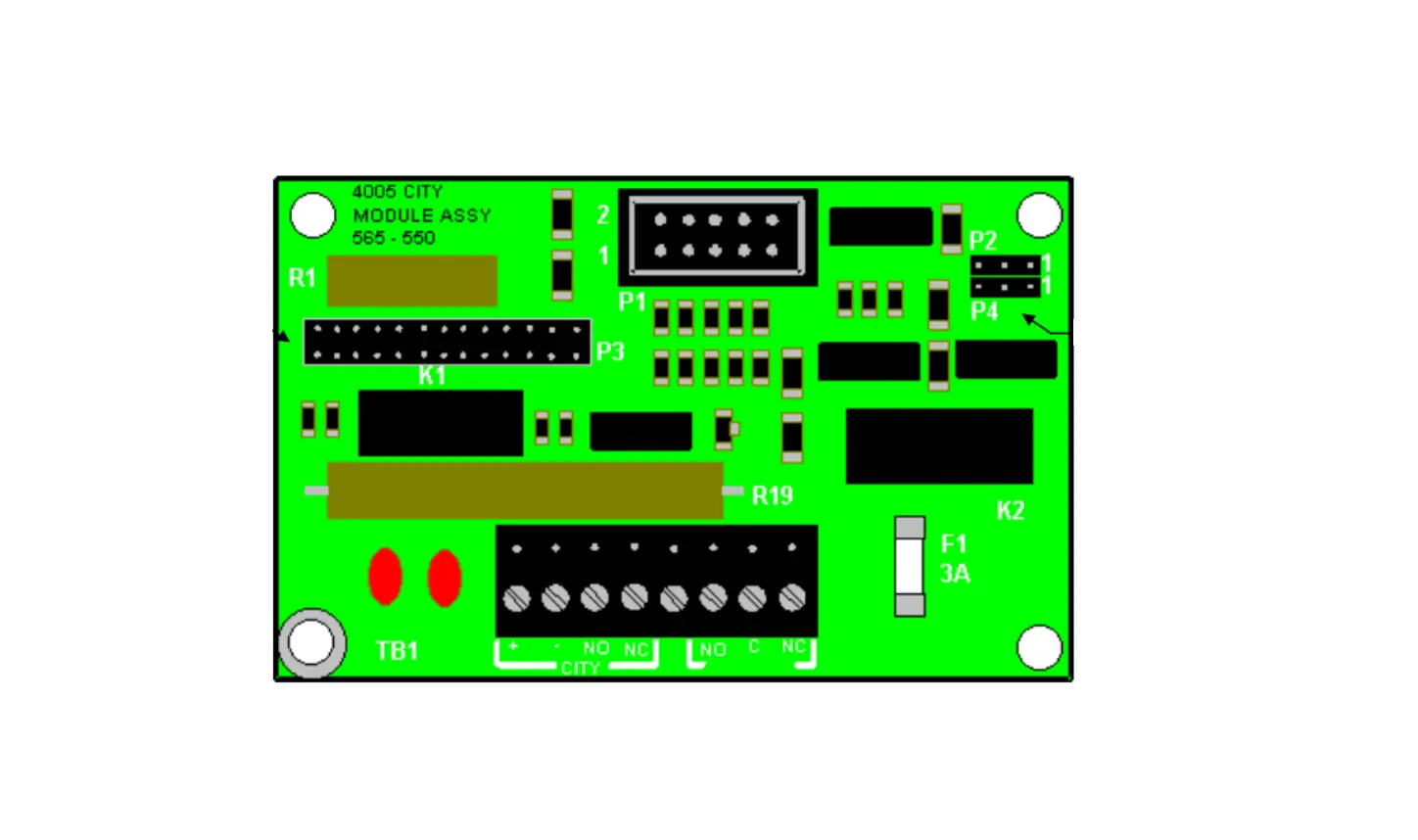
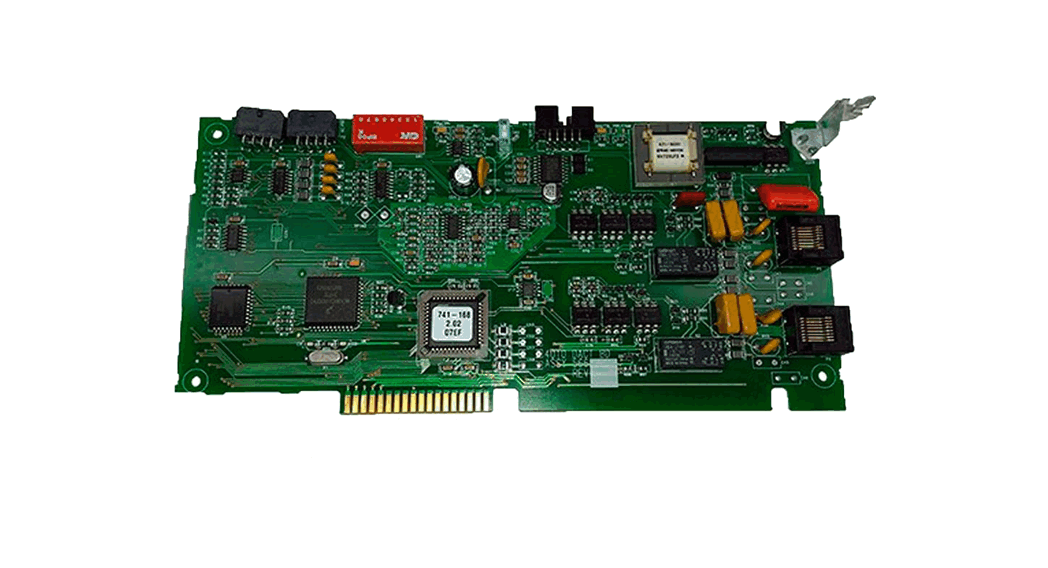
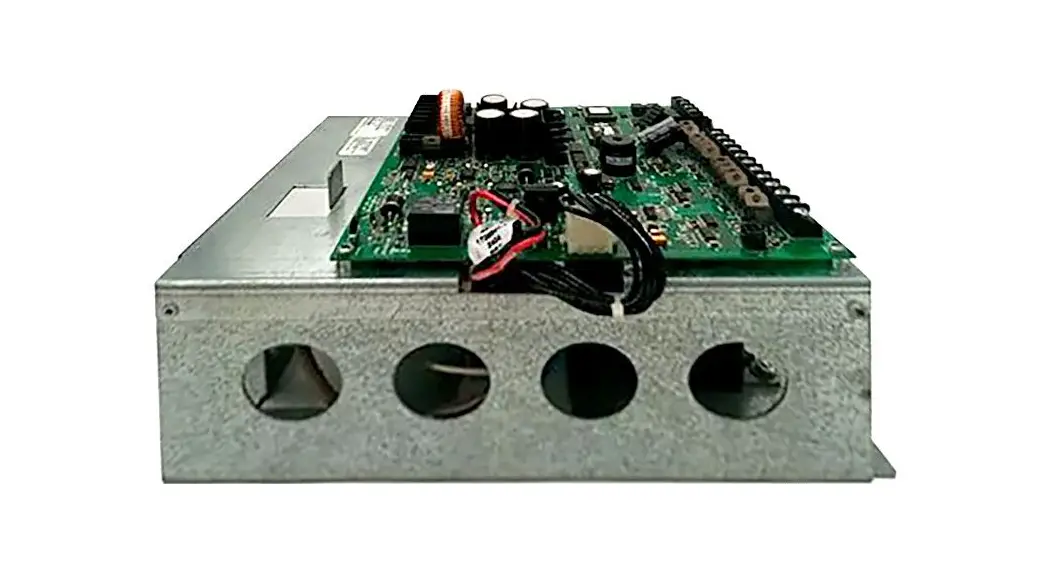
The 4009-9806 Earth Detect Module (Part No. 565-558) shipping group (748-394) consists of the items shown in the following table. Make certain that you have all of the parts you’ll need before you begin.
| Nomenclature | Engineering Number | Quantity |
| PC Assembly | 565-558 | 1 |
| Standoff | 524-264 | 2 |
| Screw (#8) | 412-073 | 2 |
| Washer (#8) | 268-010 | 2 |
| Harness | 733-901 | 1 |
| Installation Instructions | 574-833 | 1 |
| Envelope | 570-017 | 1 |
Install the 4009-9806 Earth Detect Module using the following procedure.
- Power down the 4009.
Disconnect the batteries and the AC. - Locate two studs, two inches apart, above the transformer (See Figure 1.)
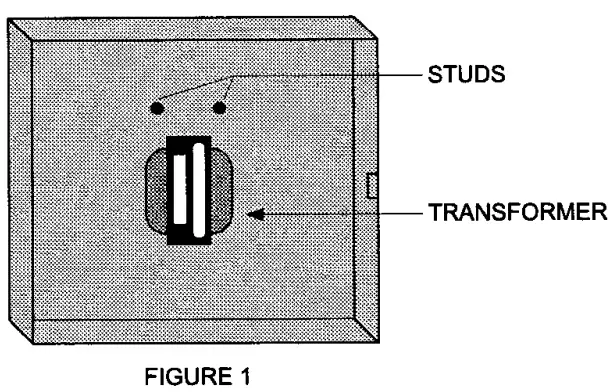
- Screw the two 524-264 standoffs to these studs. (See Figure 2.)
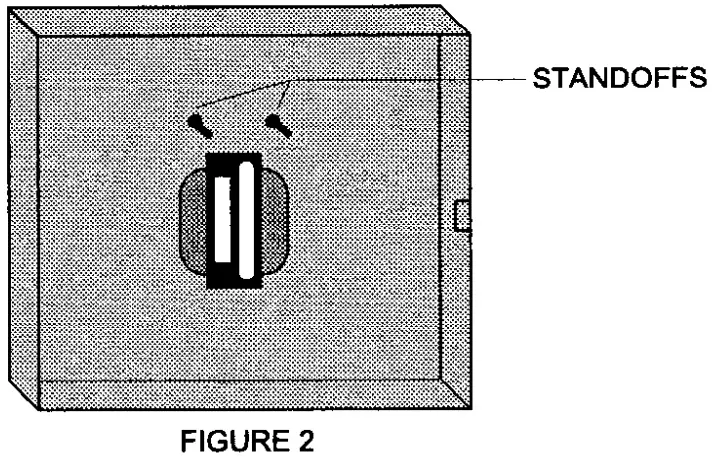
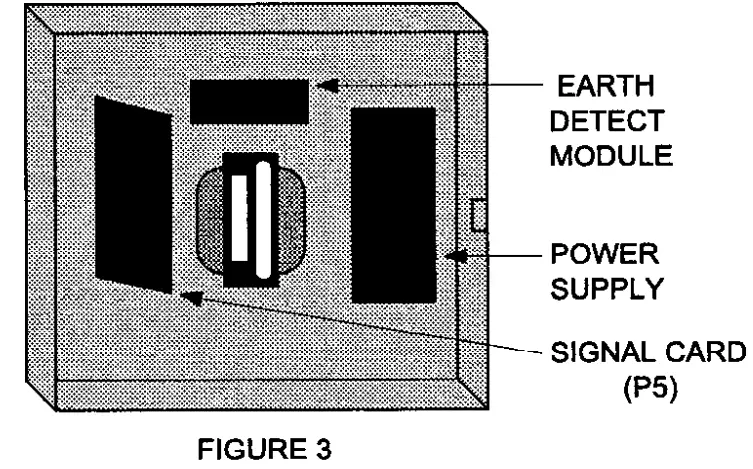
- Assemble the 565-558 Earth Detect Module to these standoffs using the two 412-073 screws and 268-010 washers. (See Figure 3.)
- Remove the existing 733-804 wiring harness from the Power Supply four-position connector P2.
- Reconnect this wiring harness to Connector P2 on the Earth Detect Module.
- Connect the 733-901 wiring harness from Earth Detect Module Connector PI to Power Supply Connector P2.
- Go to the signal card (see note) that is now connected to the Earth Detect Module by the 733-804 wiring harness and place Signal Card Jumper P5 in the l-2 position.
Note: The Earth Detect Module can only be used with Signal Card(s) that have 565-569 and 565-545 Part Numbers.
©1996 Simplex Time Recorder Co, Gardner
MA 01441-0001 USA
All specifications and other InformatIon shown were current as of publication.
and are subject to change wIthout notice
firealarmresources.com
574-833 Rev. B
 Fire Alarm Resources | Download fire alarm documents