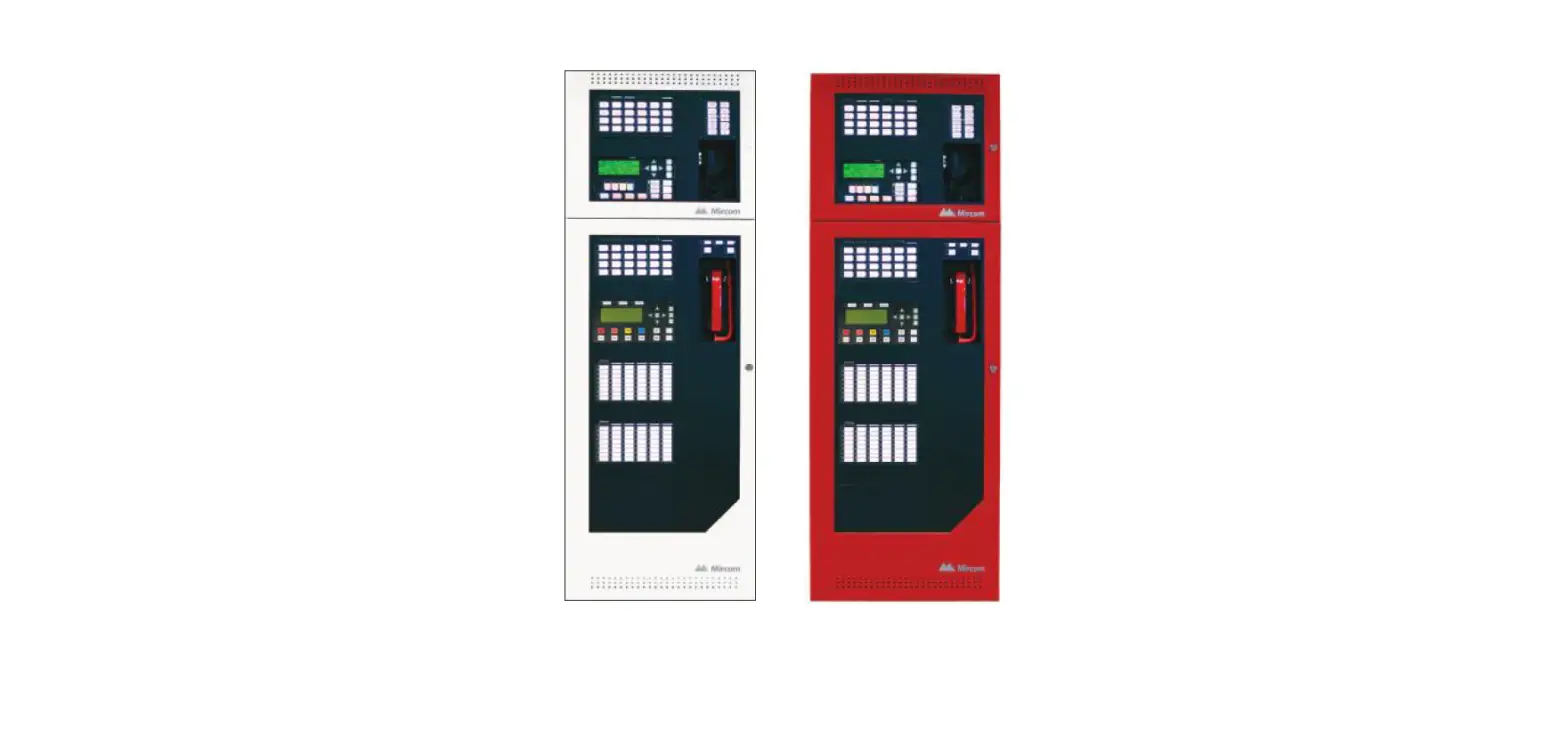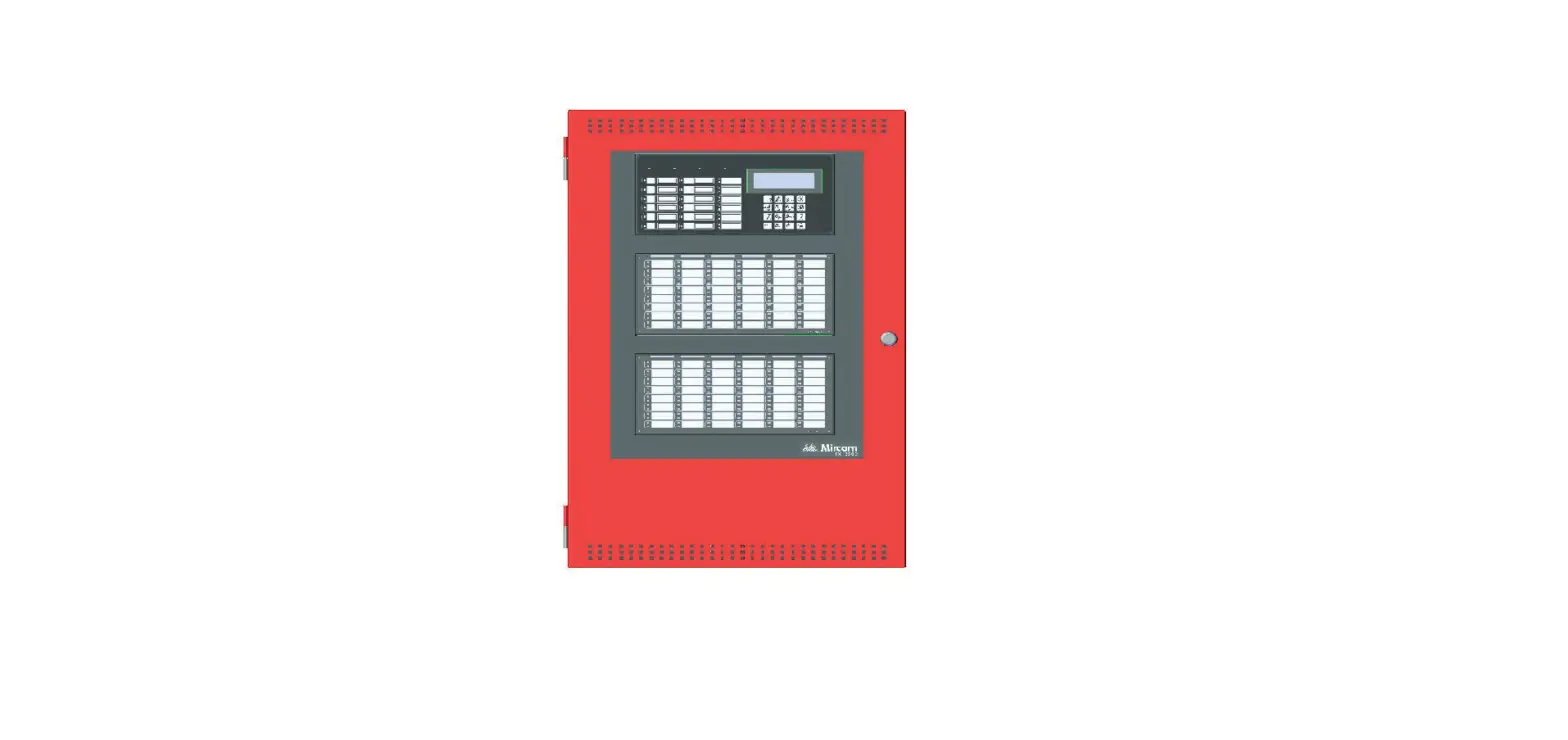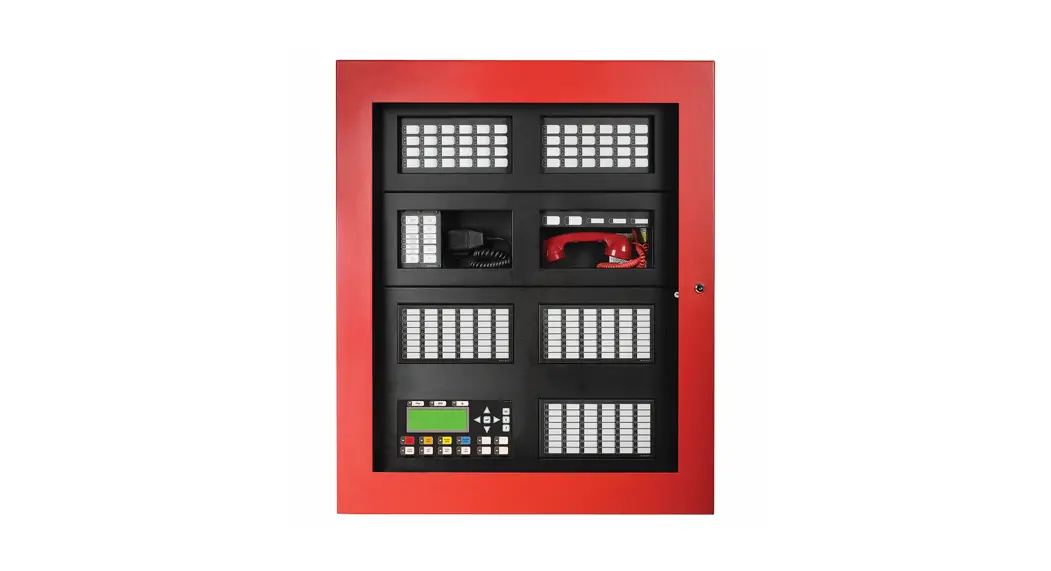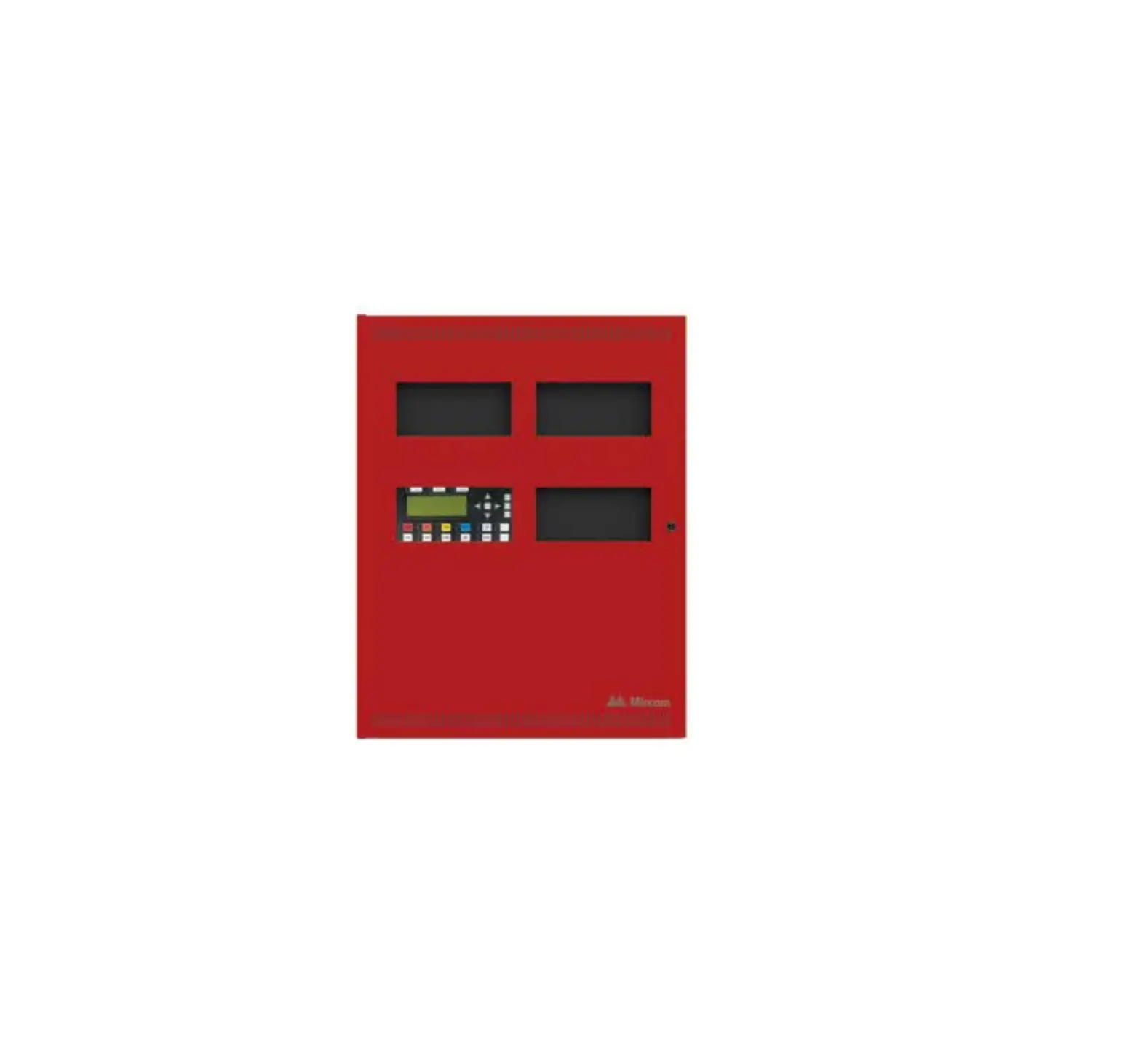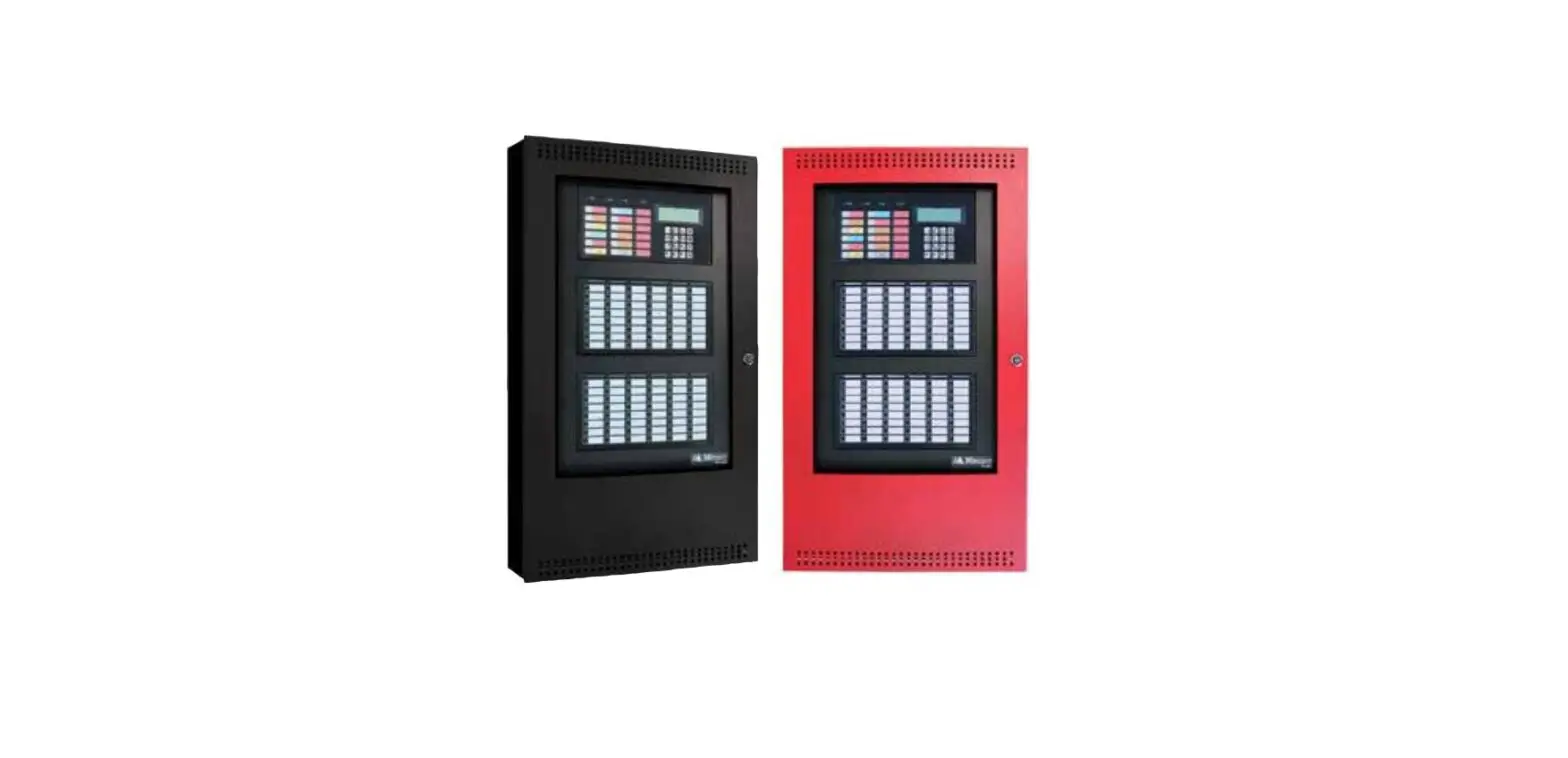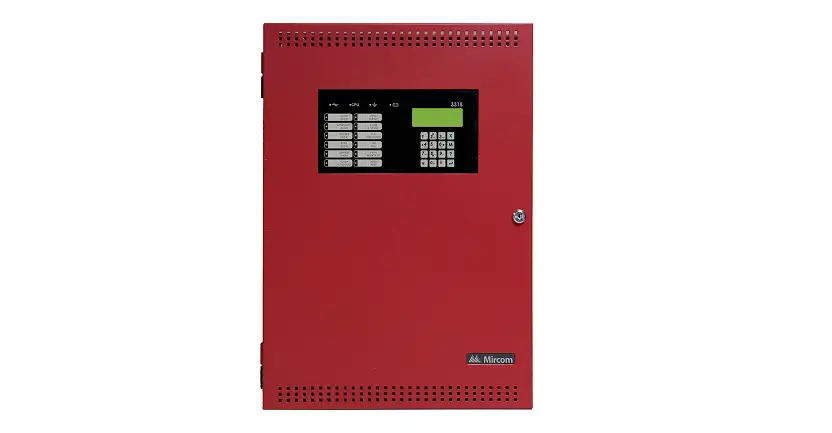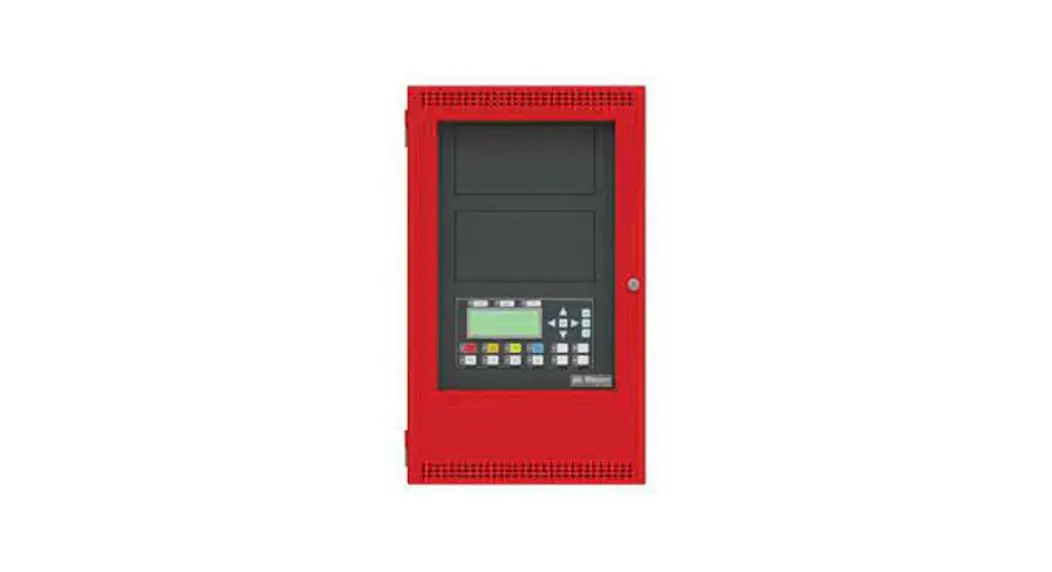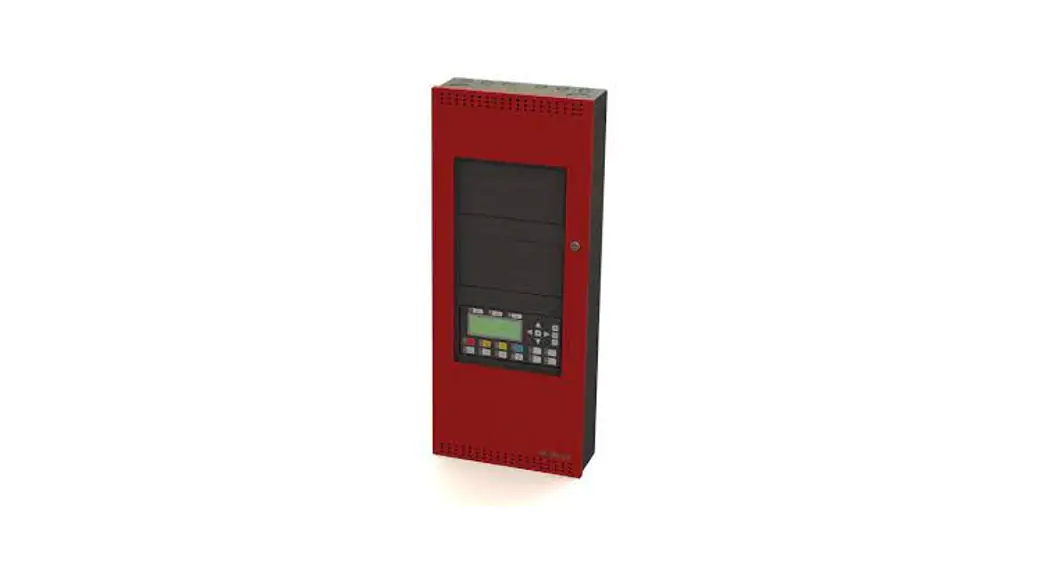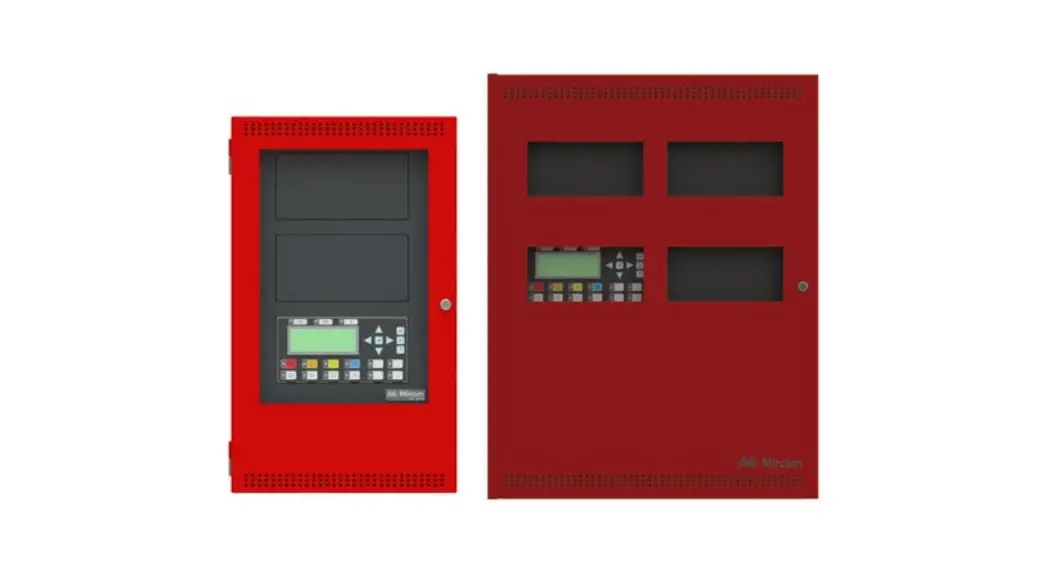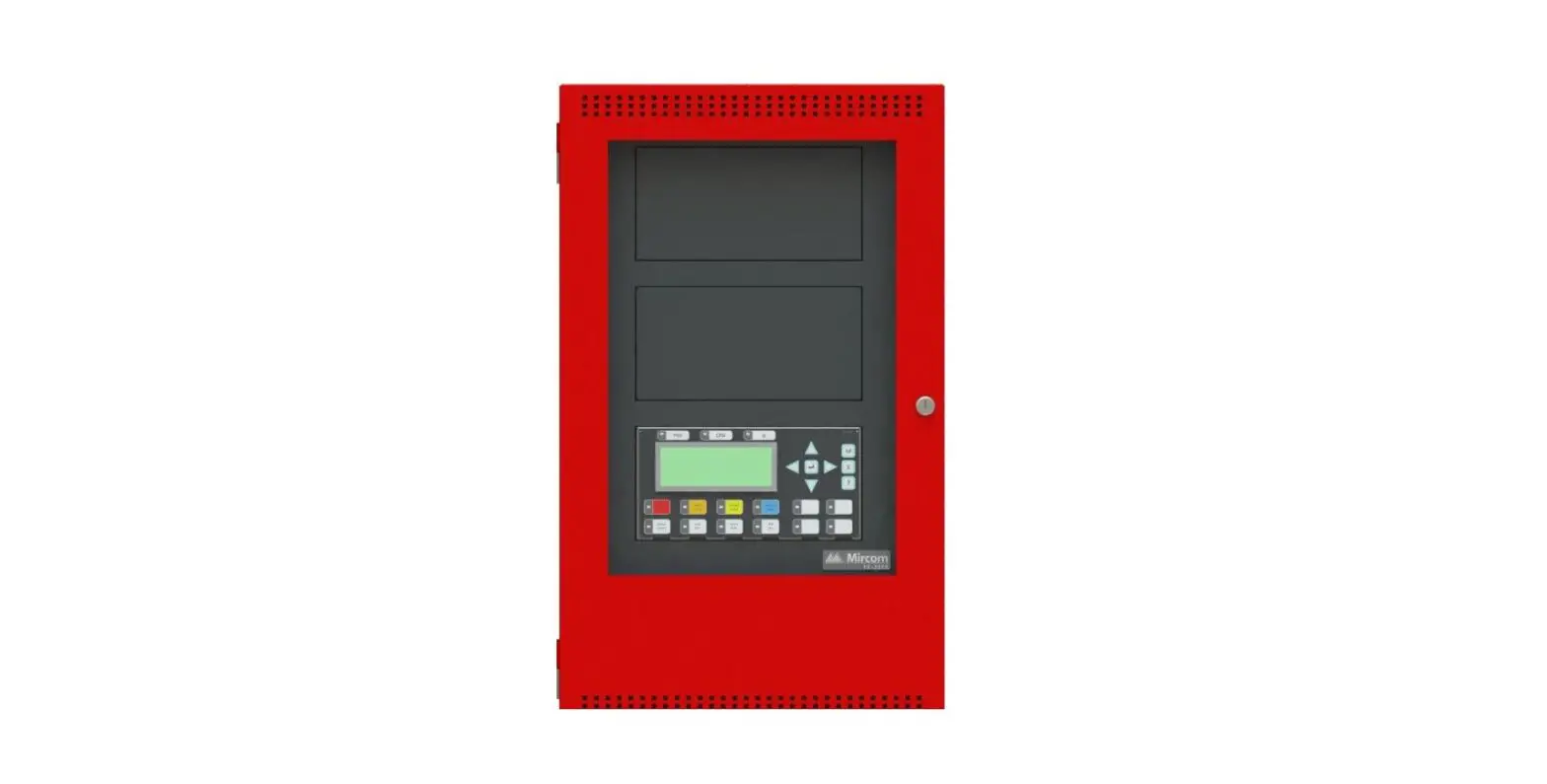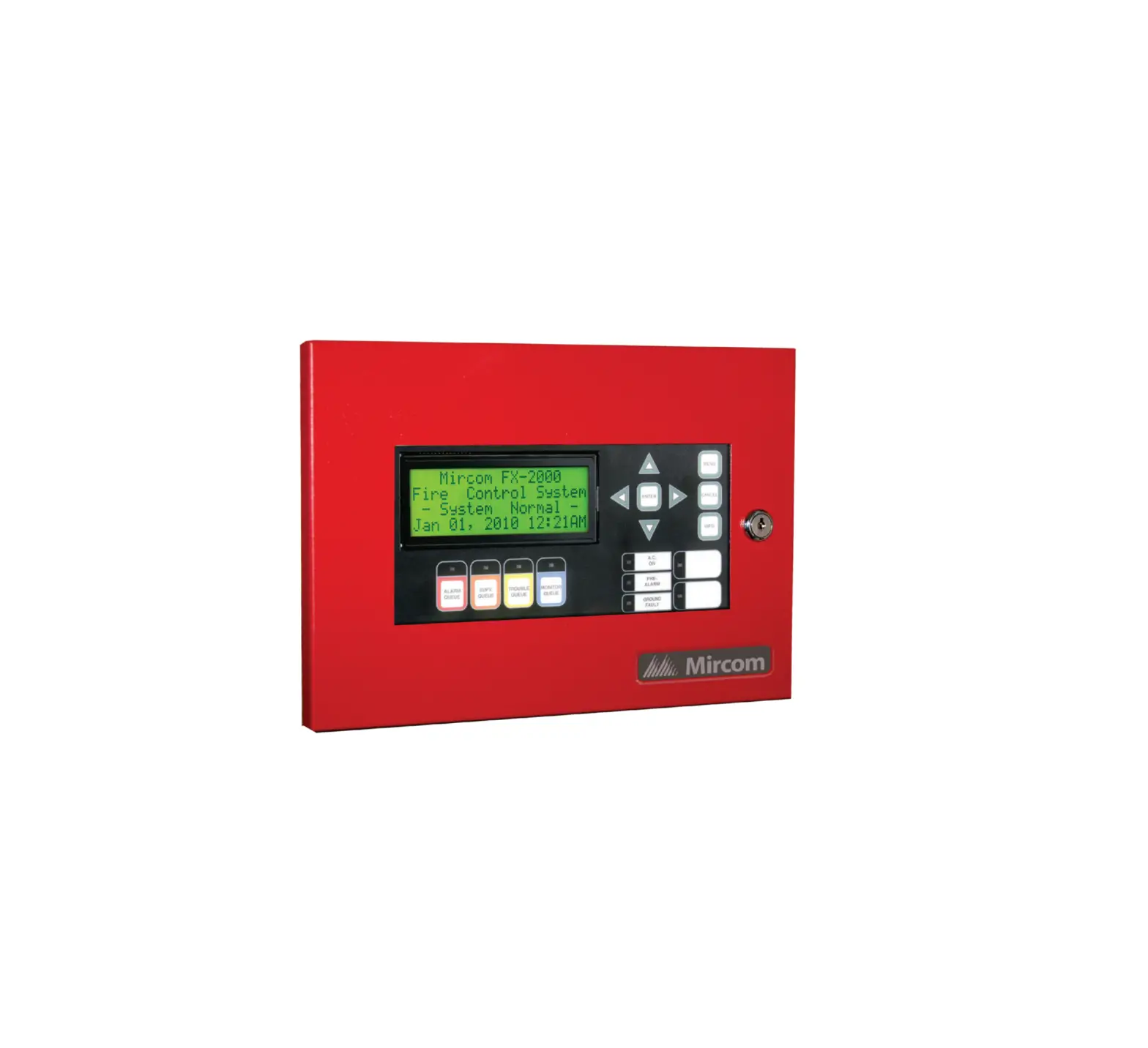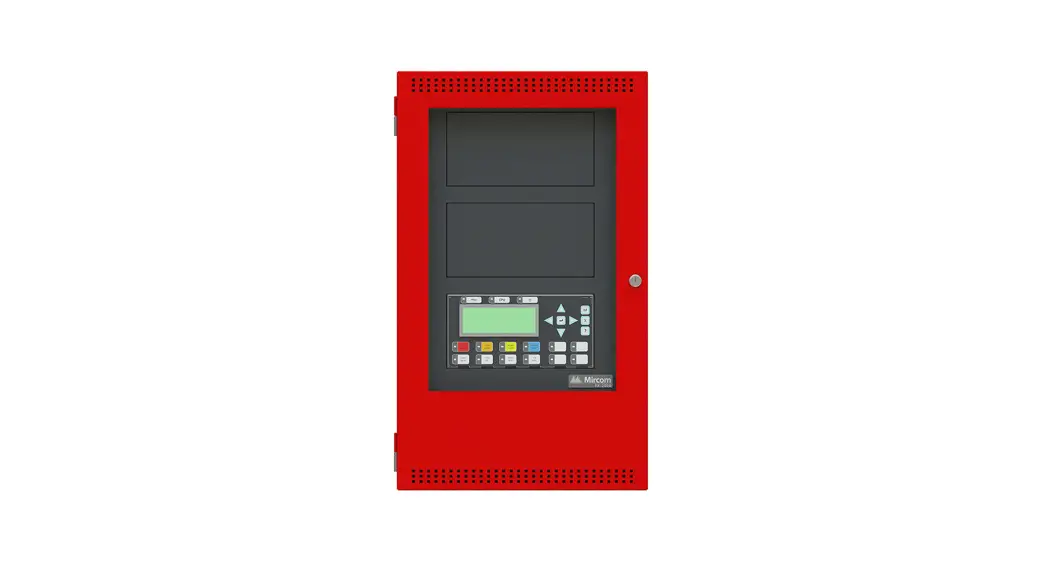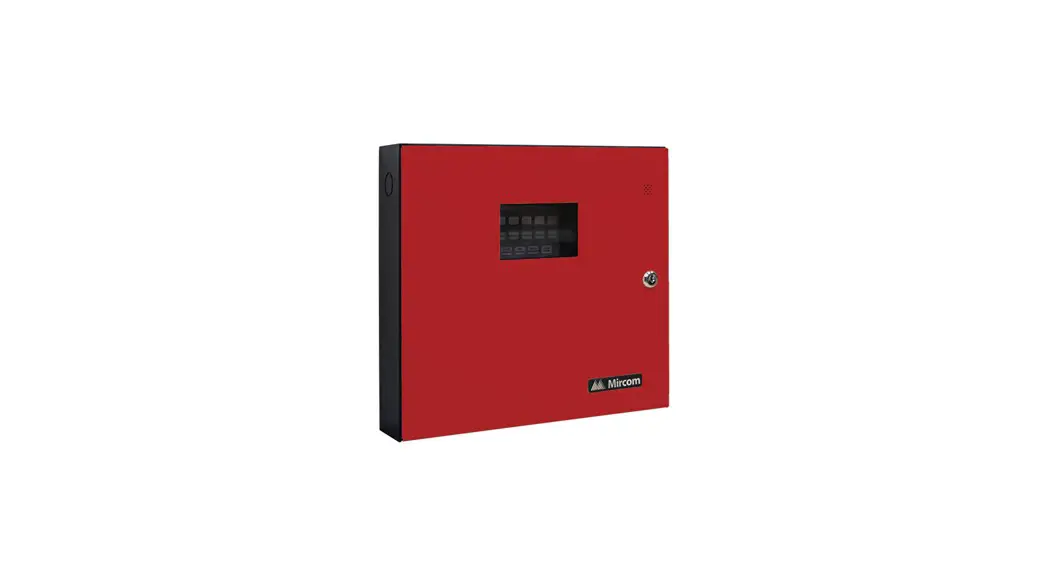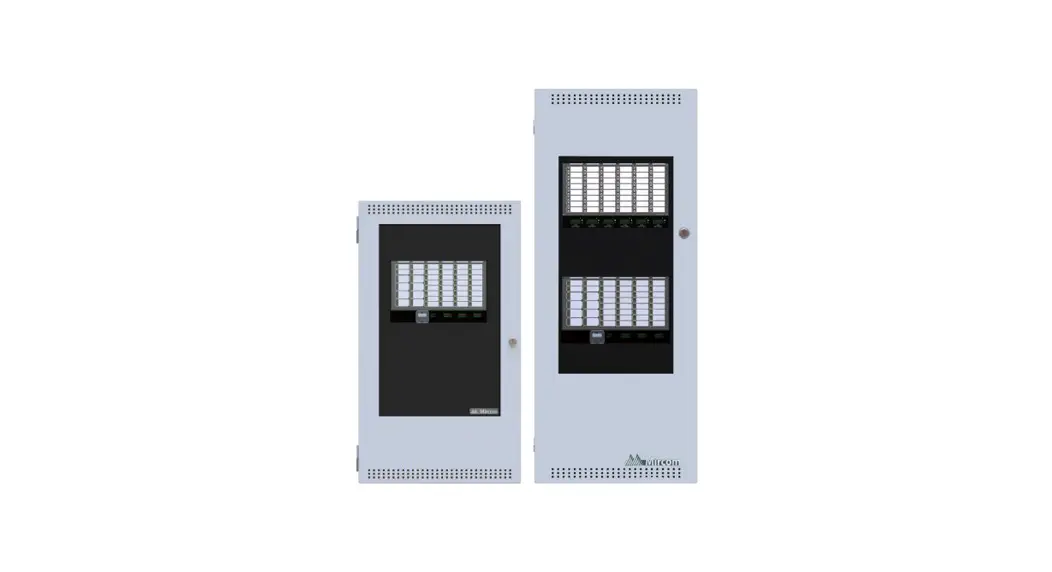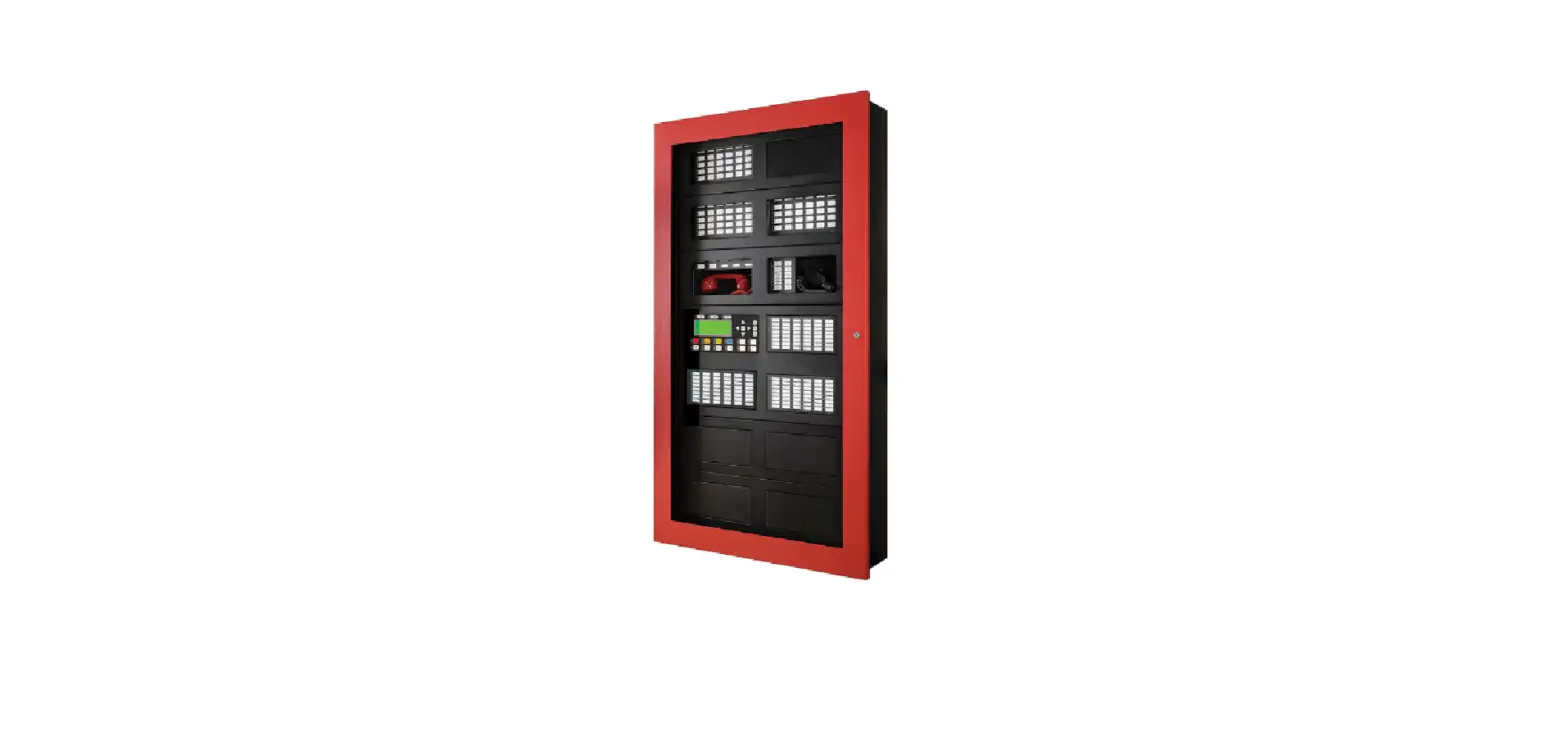

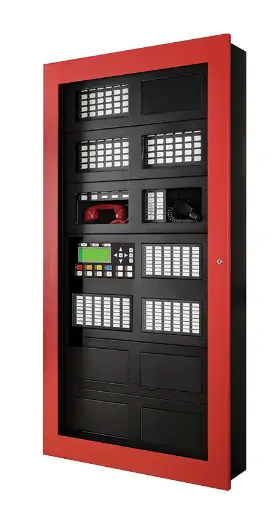
Mircom FleX-Net FX-4000 Network Fire Alarm Control Panel
Factory Default Jumper Settings
To ensure the correct operation of the Fire Alarm Control Panel, check that the jumpers on the main board are set correctly.
| Jumper | Factory Default | Notes |
| JW1 | Closed | Open this jumper if a PR-300 or UDACT-300 is installed |
| JW2 | Open | Do not change |
| JW3 | Closed on pins 1 and 2 (2 leftmost pins) | Do not change |
| JW4 | Closed | Do not change |
| JW5 | Open | Close this jumper to silence the on-board buzzer |
| P12 | Closed on pins 1 and 2 (2 rightmost pins) | Do not change |
| Terminal | Factory Default | Notes |
| TS2 | There is a wire connecting positions E+ and I+ (the 2 top pins) | Do not remove |
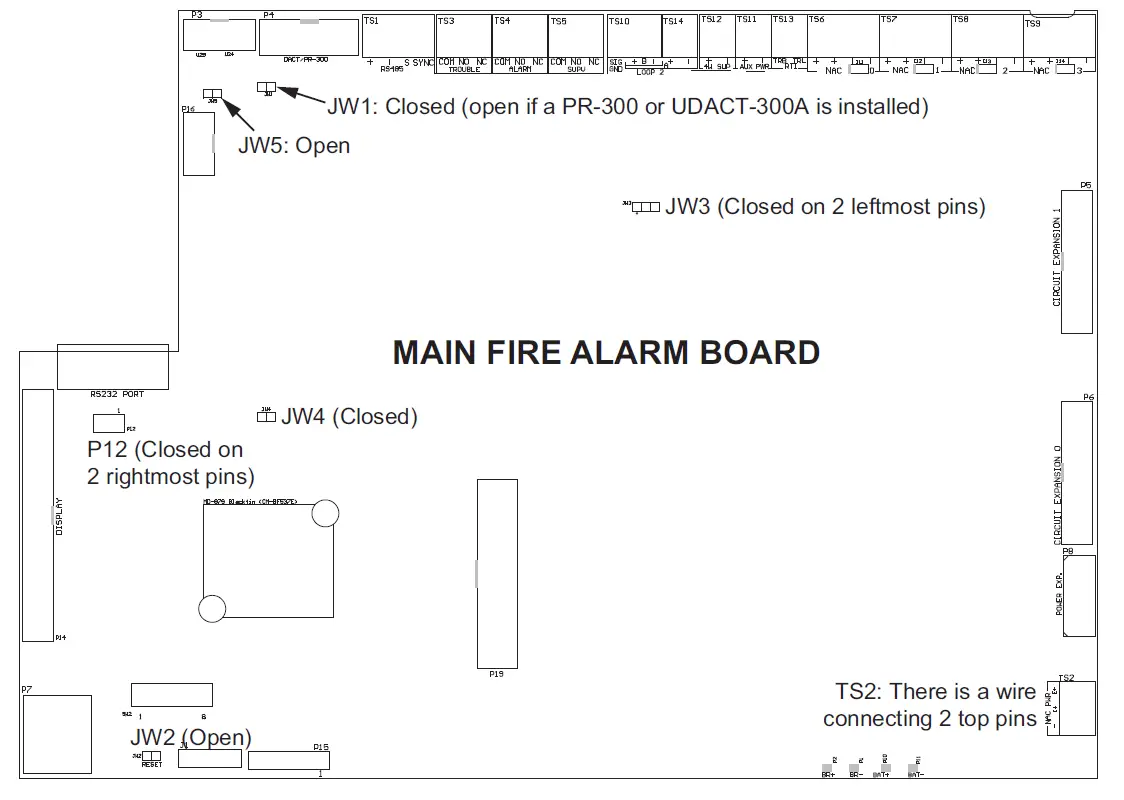
For more details, see LT-894MP the FleX-Net™ FX-4000 Installation Manual.
 Home - Fire Alarm Resources - Free fire alarm PDF manuals, documents, installation instructions, and technical specifications